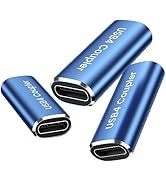
• $19.99
  • Free 30-day Returns
  • Sold by HR Selects

    Shipped by HR Selects

    Price alert
    Shop it at NeweggBusiness.

    Meet Your Seller

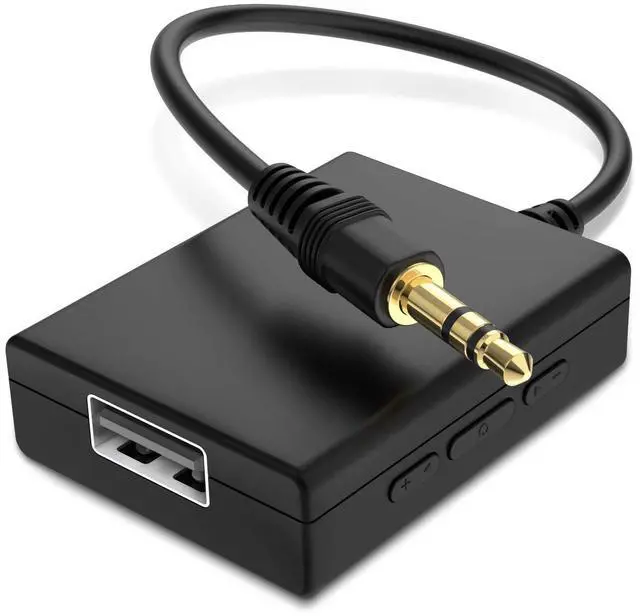
    USB to Aux Audio Adapter, 3.5mm Male to USB Female Adapter for Playing Music with Flash Drive in Car

    • IMPORTANT NOTES: The device must be connected to a power source during use (use the supplied USB-C cable); Not Compatible with USB Headphones; Does Not support reverse operation; It Does Not charge external devices; Is Not a signal converter; Not Compatible with Bluetooth speakers; Cannot be connected to mobile phones; Cannot be connected to laptops/PCs; Does Not allow connecting USB speakers to the TV; Does Not support iPods or devices requiring decoding
    • NOTE: Only compatible with car audio systems (AUX connector) and with 3.5 mm connectors on older speaker systems. (Audio only, unidirectional use, does not support reverse operation)
    • HOW TO USE IT: 1. Insert your USB flash drive containing MP3 music files into the USB port. 2. Connect the adapter to a USB power source. 3. Plug the AUX plug into the AUX input of your car
    • ONLY SUPPORTS MP3 MUSIC FORMAT: This device only supports the MP3 music format. (No additional decoding by the car is required). USB MEMORY FORMAT: NTFS formatted USB drives are not supported. FAT32 and exFAT formats are supported (Recommended small capacity USB flash drive: 8G)
    • ONLY SUPPORTS MP3 MUSIC FORMAT: This device only supports the MP3 music format. (No additional decoding by the car is required). PRODUCT SPECIFICATIONS: Length: 10.8 inch, Width: 1.65 inch (Not compatible with microphones, headphones, monitors)
    +
    +
    Overview
    Specs
    Reviews
    avatar

    Any questions? Our AI beta will help you find out quickly.

    USB to Aux Audio Adapter
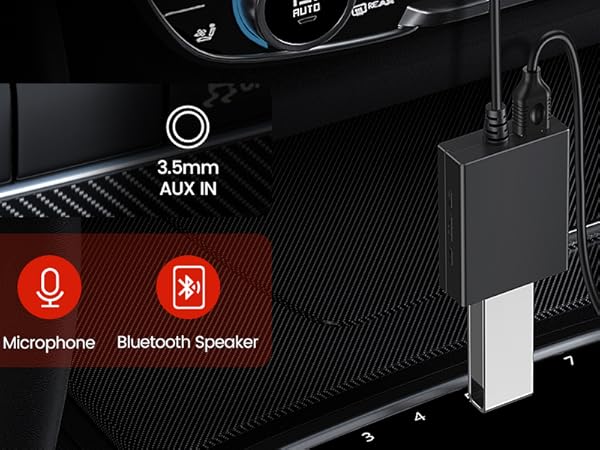
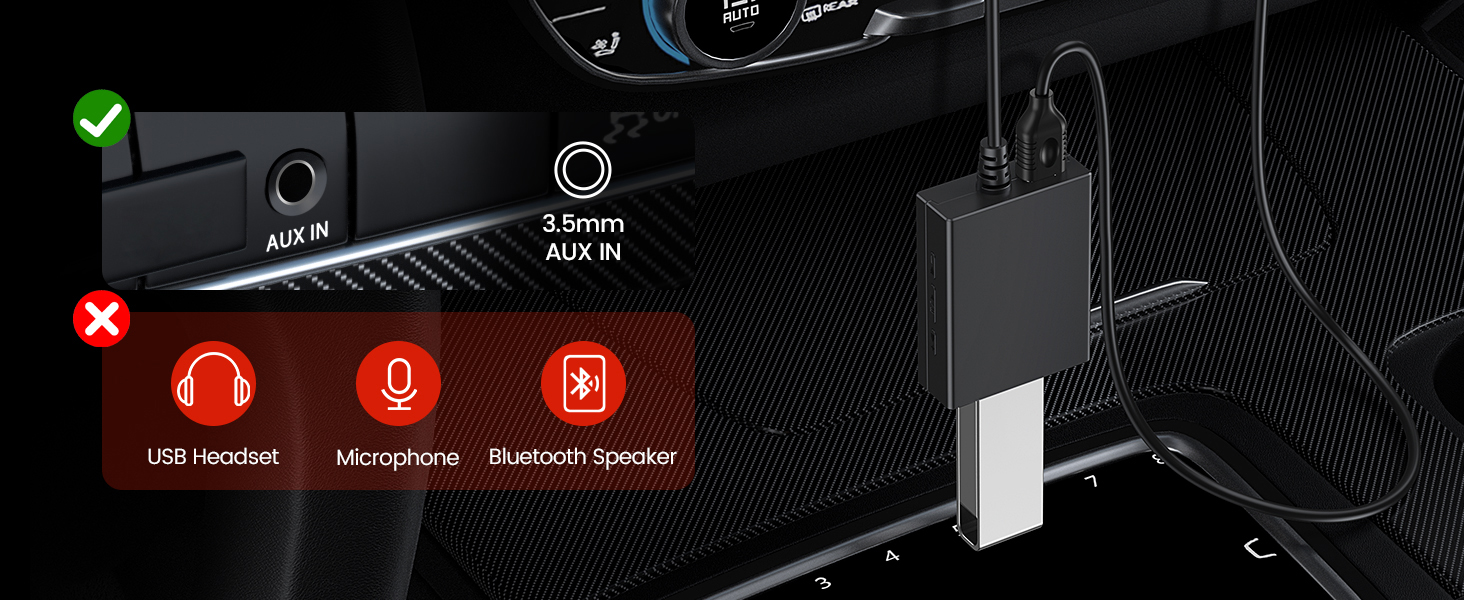
    Car audio interface panel showing AUX input and USB ports. Red icons indicate disabled functions for USB, microphone, and Bluetooth speaker.

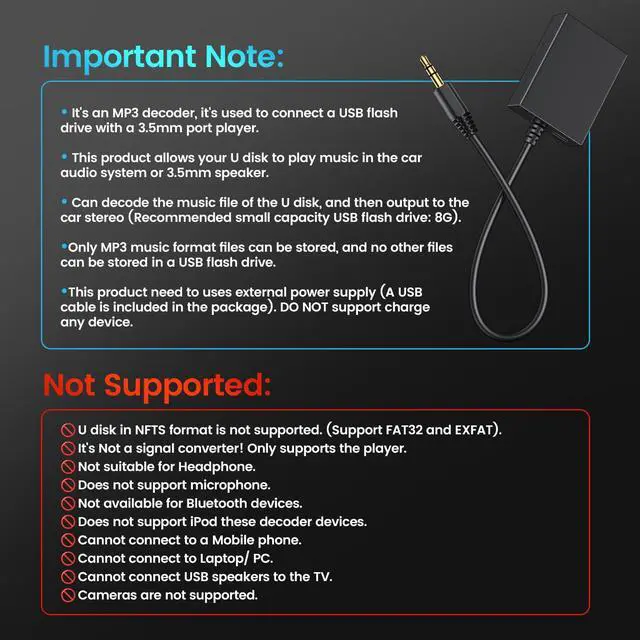
    NOT SUPPORTED:

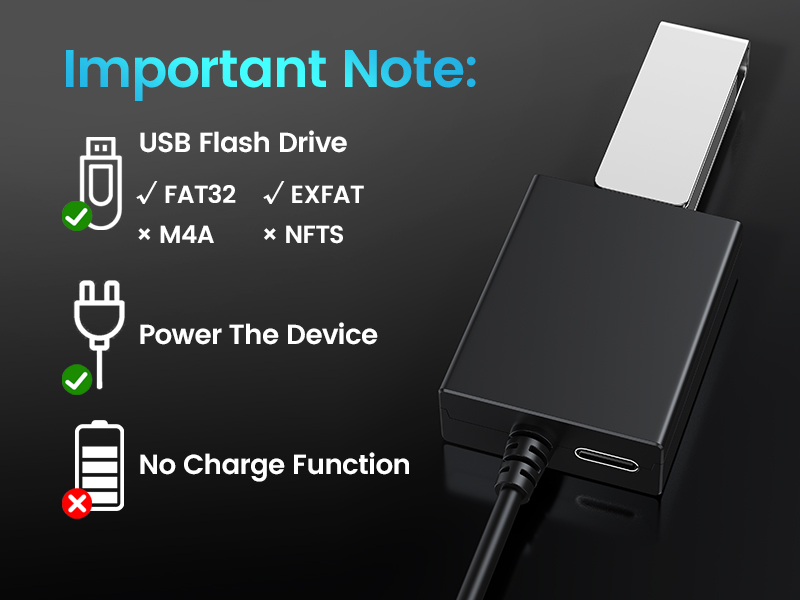
    • U disk in NFTS format is not supported (Support FAT32 and EXFAT).
    • It's Not a signal converter! Only supports the player.
    • Not Compatible with USB Headphones.
    • Does Not support microphone.
    • Not available for Bluetooth devices.
    • Does Not support iPod these decoder devices.
    • Cannot connect to a Mobile phone.
    • Cannot connect to Laptop/ PC.
    • Cannot connect USB speakers to the TV.
    • Cameras are not supported.

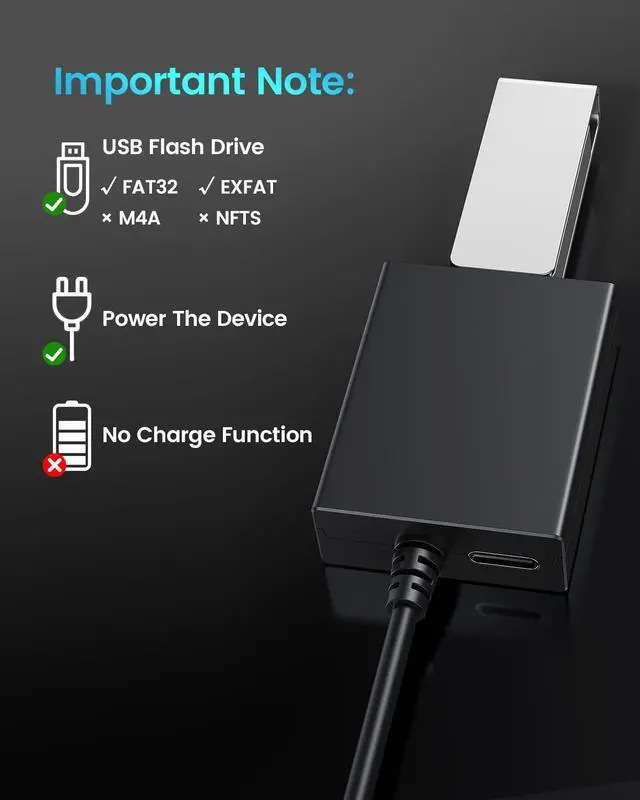
    Technical specifications diagram showing USB flash drive compatibility (FAT32, exFAT) and power functionality details with icons on black background.

    IMPORTANT REMINDER:

    COMPATIBILITY: U disk in NFTS format is not supported. Support FAT32 and EXFAT. (DO NOT support charge any device).

    • It's Not a signal converter!
    • Only supports the player. Not suitable for USB headphone.
    • Cannot connect to Laptop/ PC. Cannot connect USB speakers to the TV.
    • Does not support iPod these decoder devices.
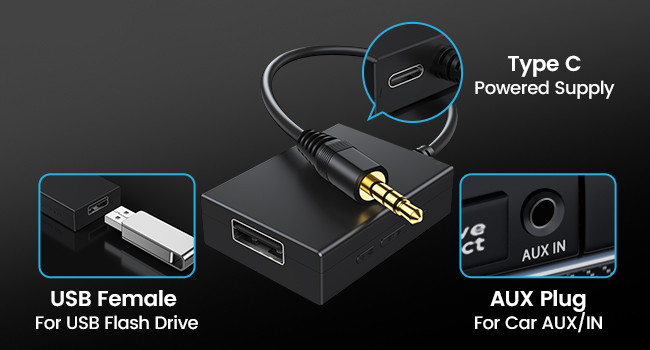
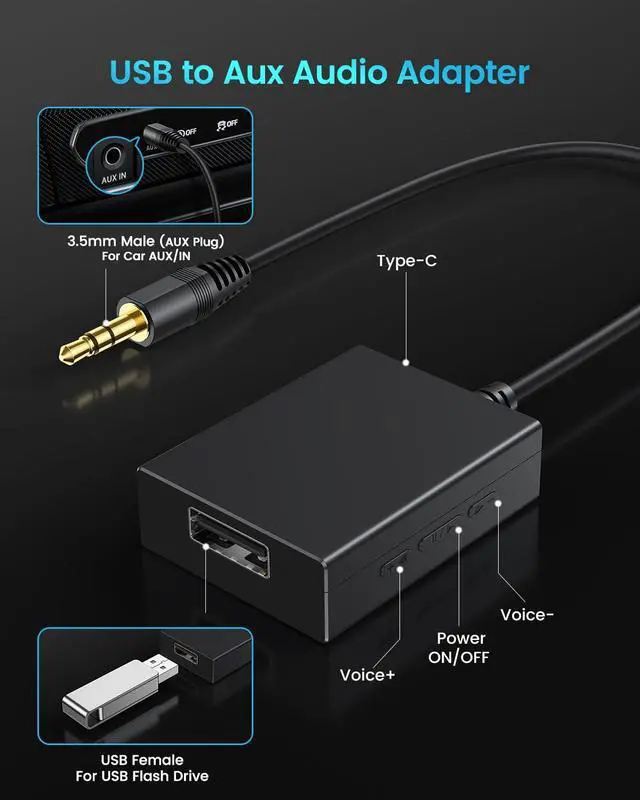
    Audio adapter interface diagram showing USB female port, Type C power supply, and AUX plug connections with labeled indicators.

    CONNECTOR FEATURES

    • Color: black
    • Size : 10*1.7*1.2 inch
    • 3.5mm Male: Plug in AUX port
    • USB Female : connect the U-Disk, can read the mp3 form U flash
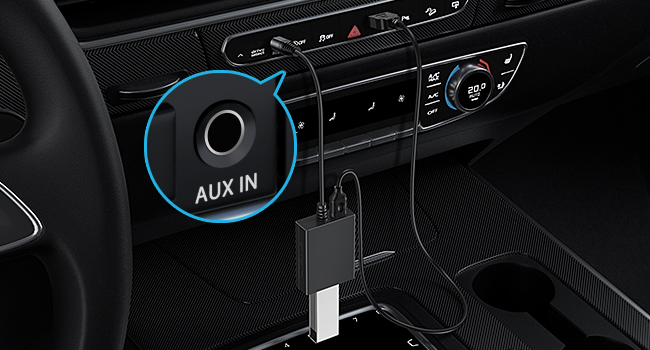
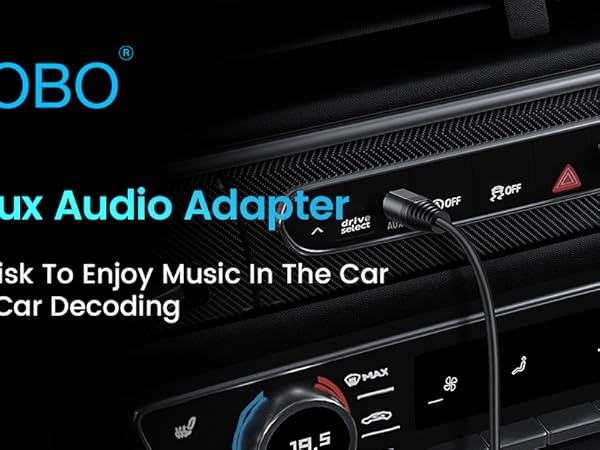
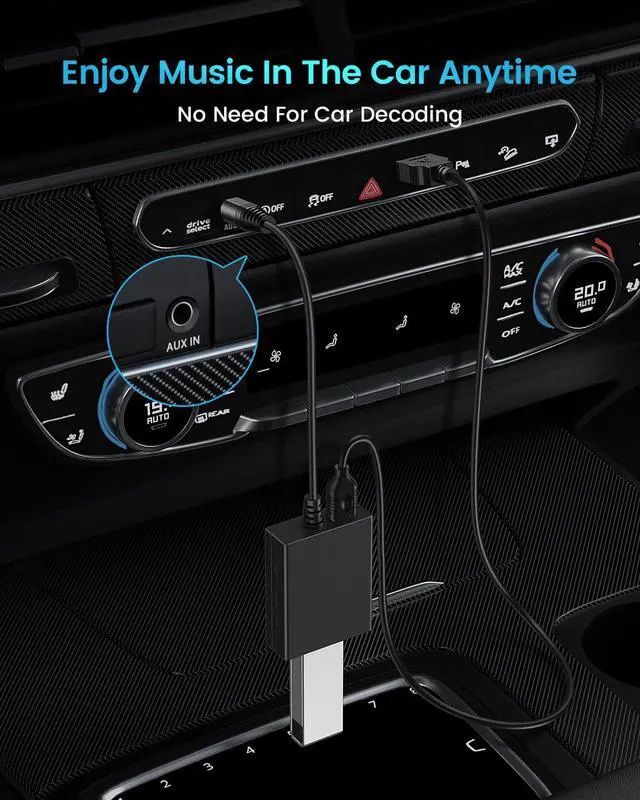
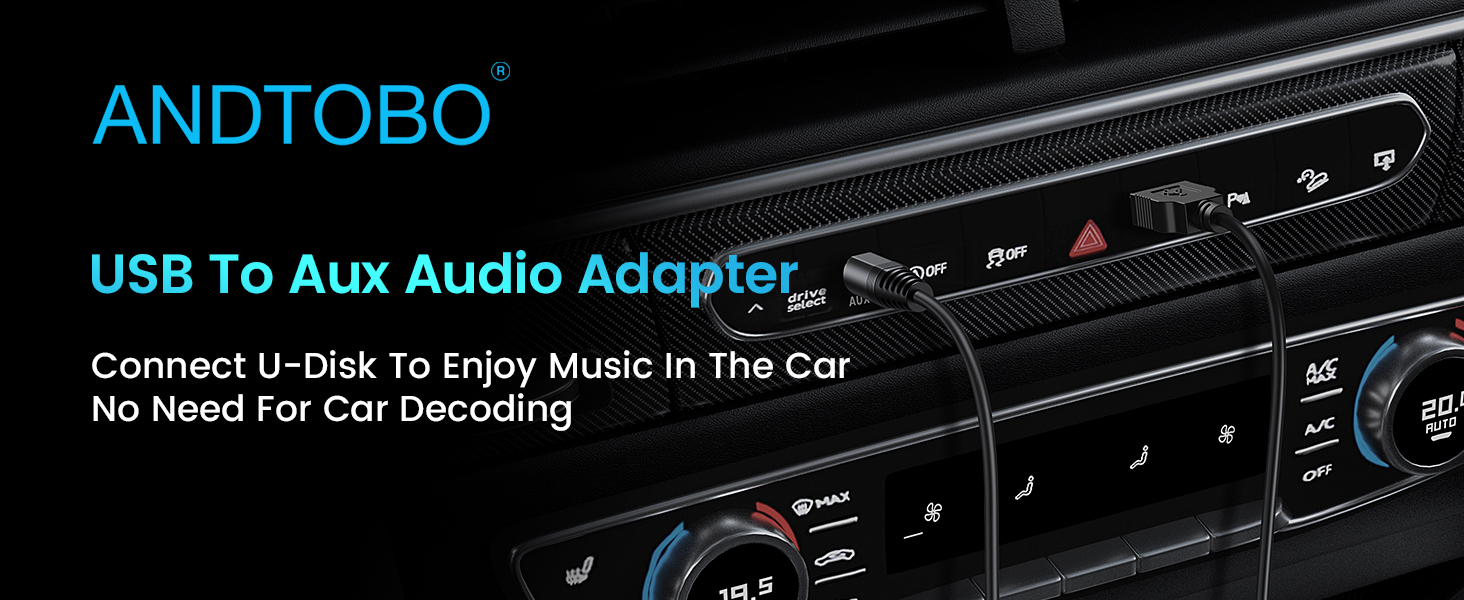
    Car interior showing dashboard controls and AUX IN port. Black cable plugged into AUX port, likely for audio connection.

    HOW TO USE IT?

    1. Plug in your USB flash drive that has mp3 music files.
    2. Connect the adapter to a USB power source.
    3. Plug the aux plug into your car's AUX port.
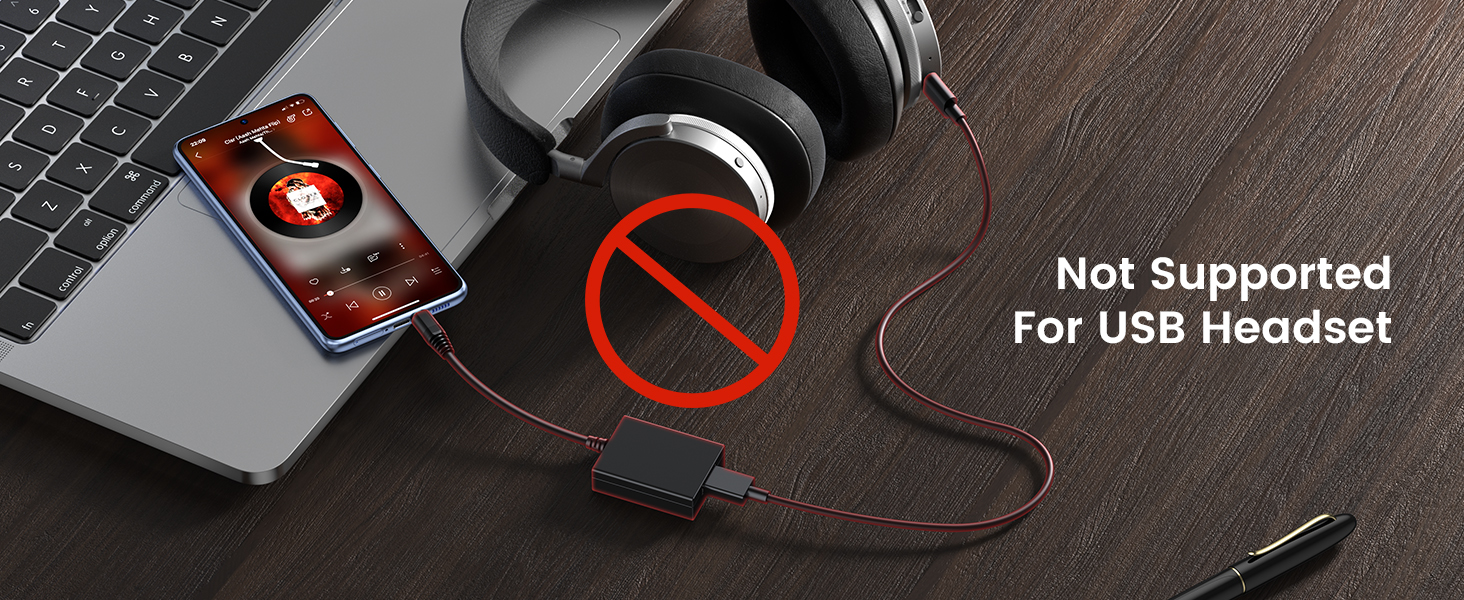
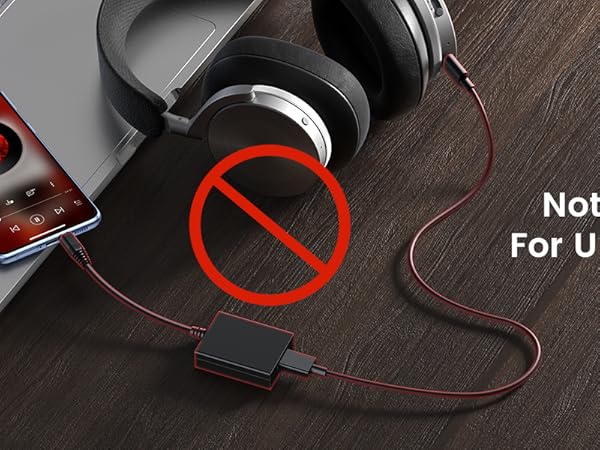
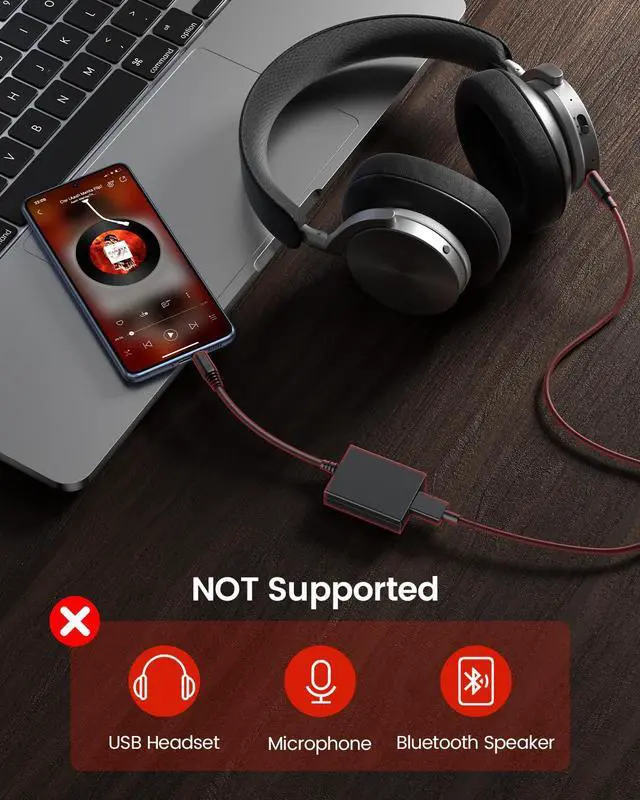
    Product compatibility warning showing laptop, headphones, and phone with 'Not Supported For USB Headset' message and red prohibition symbol.
    USB to Aux Audio Adapter
    Car audio interface panel showing AUX input and USB ports. Red icons indicate disabled functions for USB, microphone, and Bluetooth speaker.

    NOT SUPPORTED:

    • U disk in NFTS format is not supported (Support FAT32 and EXFAT).
    • It's Not a signal converter! Only supports the player.
    • Not Compatible with USB Headphones.
    • Does Not support microphone.
    • Not available for Bluetooth devices.
    • Does Not support iPod these decoder devices.
    • Cannot connect to a Mobile phone.
    • Cannot connect to Laptop/ PC.
    • Cannot connect USB speakers to the TV.
    • Cameras are not supported.

    Technical specifications diagram showing USB flash drive compatibility (FAT32, exFAT) and power functionality details with icons on black background.

    IMPORTANT REMINDER:

    COMPATIBILITY: U disk in NFTS format is not supported. Support FAT32 and EXFAT. (DO NOT support charge any device).

    • It's Not a signal converter!
    • Only supports the player. Not suitable for USB headphone.
    • Cannot connect to Laptop/ PC. Cannot connect USB speakers to the TV.
    • Does not support iPod these decoder devices.

    Audio adapter interface diagram showing USB female port, Type C power supply, and AUX plug connections with labeled indicators.

    CONNECTOR FEATURES

    • Color: black
    • Size : 10*1.7*1.2 inch
    • 3.5mm Male: Plug in AUX port
    • USB Female : connect the U-Disk, can read the mp3 form U flash

    Car interior showing dashboard controls and AUX IN port. Black cable plugged into AUX port, likely for audio connection.

    HOW TO USE IT?

    1. Plug in your USB flash drive that has mp3 music files.
    2. Connect the adapter to a USB power source.
    3. Plug the aux plug into your car's AUX port.

    Product compatibility warning showing laptop, headphones, and phone with 'Not Supported For USB Headset' message and red prohibition symbol.
    USB to Aux Audio Adapter, 3.5 mm Male to USB Female Adapter for Playing Music with Flash Drive in Car

    Warranty & Returns

    Warranty, Returns, And Additional Information

    Warranty

    • Please contact the Seller directly for warranty information. Warranty information may also be found on the Manufacturer's website.
    • CONTACT

    Return Policies

    • Return for refund within: 30 days
    • Return for replacement within: 30 days
    • This item is covered by HR Selects Return Policy

    Manufacturer Contact Info

    LOADING...