




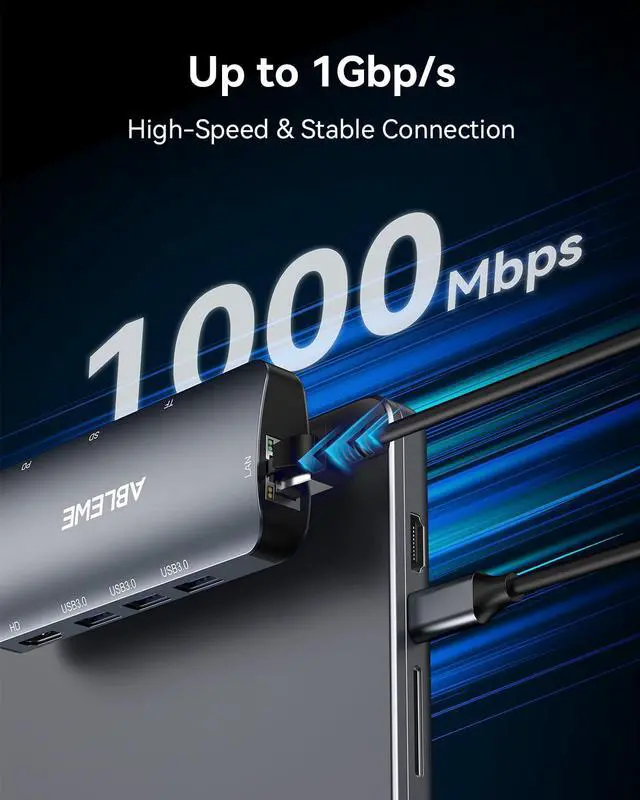


A router with a 1 Gbps LAN port, CAT5e cable, and high-speed broadband are required to get 1 Gbps.

It's NOT suggested to use the USB 3.0 ports for charging which are mainly intended for data transmission
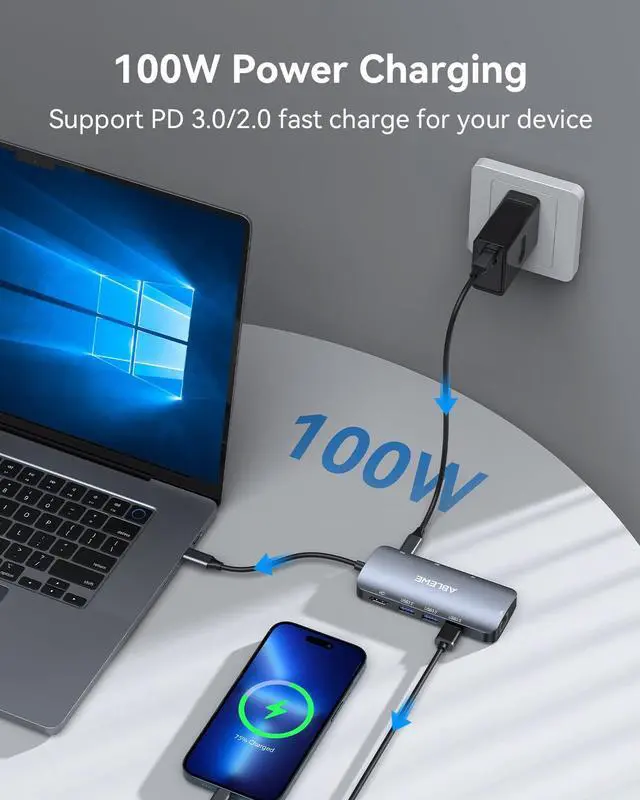
100W PD Fast Charging
The 100W PD port on this usb c hub multiport adapter? offers a continuous charging speed for your laptop of up to 95W (as connecting other devices may consume about 5W). Please note that the USB-C port is dedicated to charging and does not support data transmission or video outpu
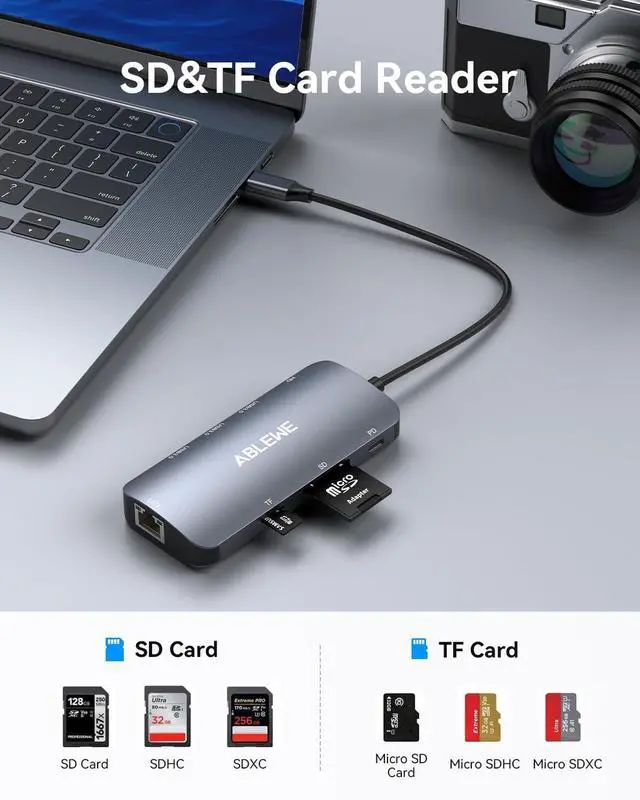
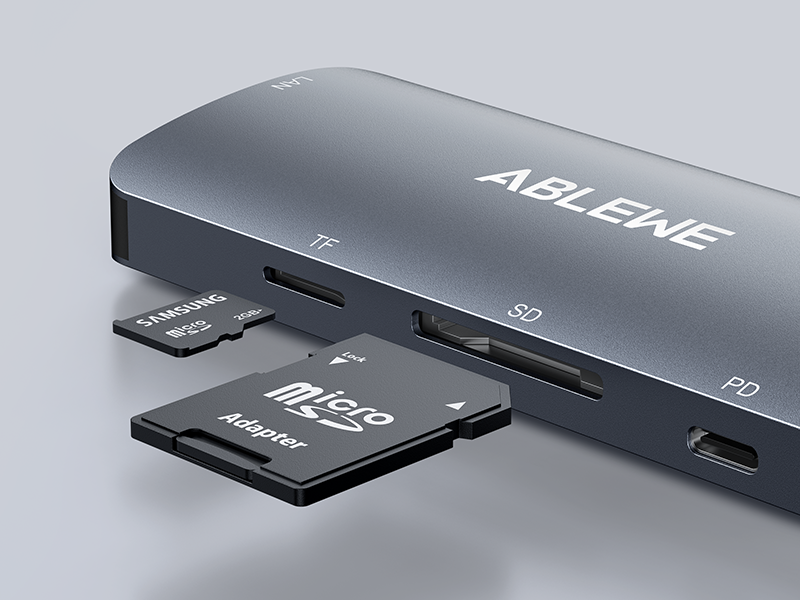
SD/TF Card Reader
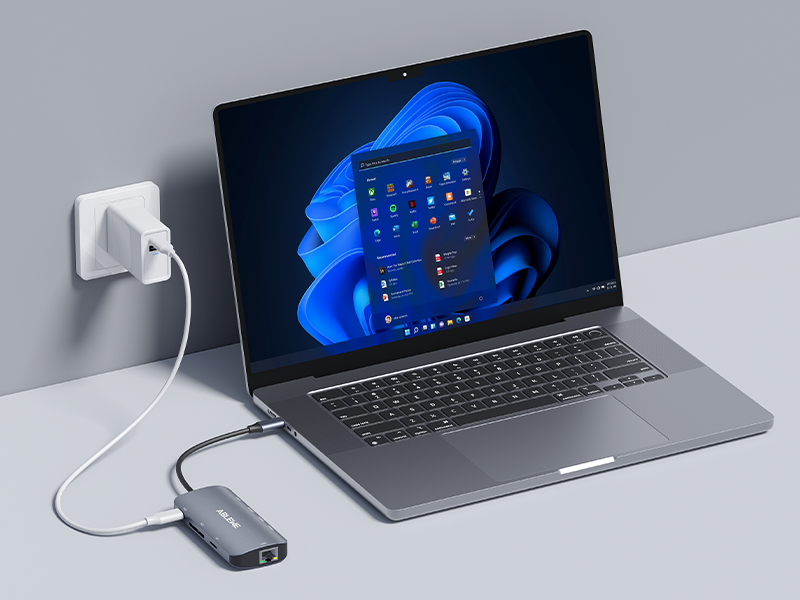
Built-in SD and TF card slots allow for easy file access, and this versatile usb c hub with ethernet? not only supports simultaneous reading of both cards but also provides stable wired internet connectivity.
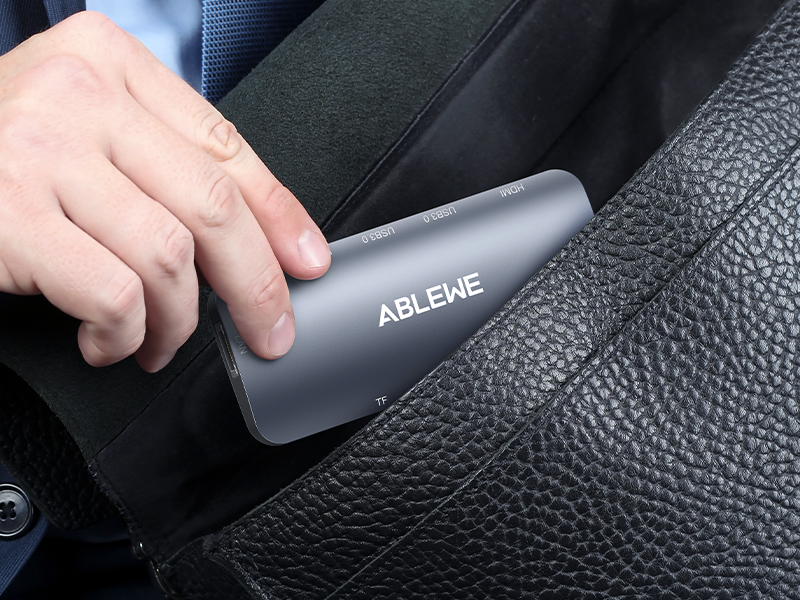
Easy to Carry Around
This compact and lightweight usb c hub? allows you to easily expand your laptop's capabilities while on the go.
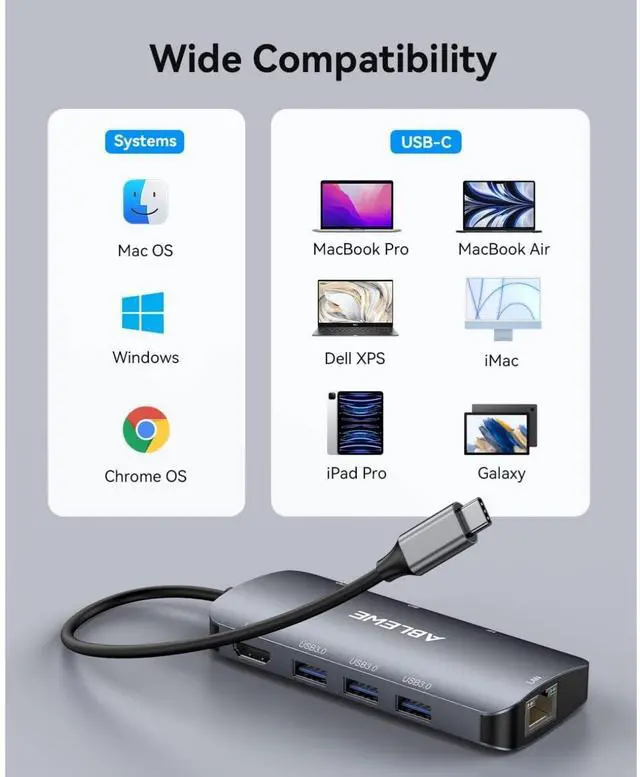
Compatible Devices ( AN INCOMPLETE LIST )
Why can't my device display properly when using the HDMI port?
1. The laptop must support the video transmission function (DisplayPort Alternate Mode), in order to use this docking station to convert video images.
2. Please make sure your HDMI cable works well.
Can it connect to multiple devices?
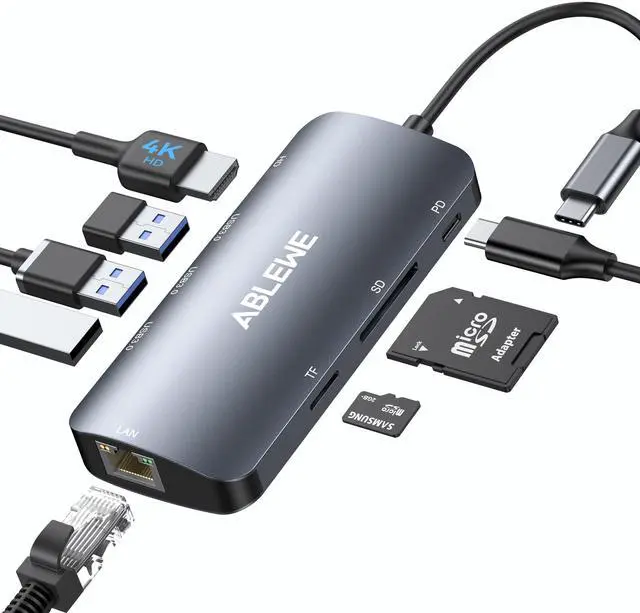
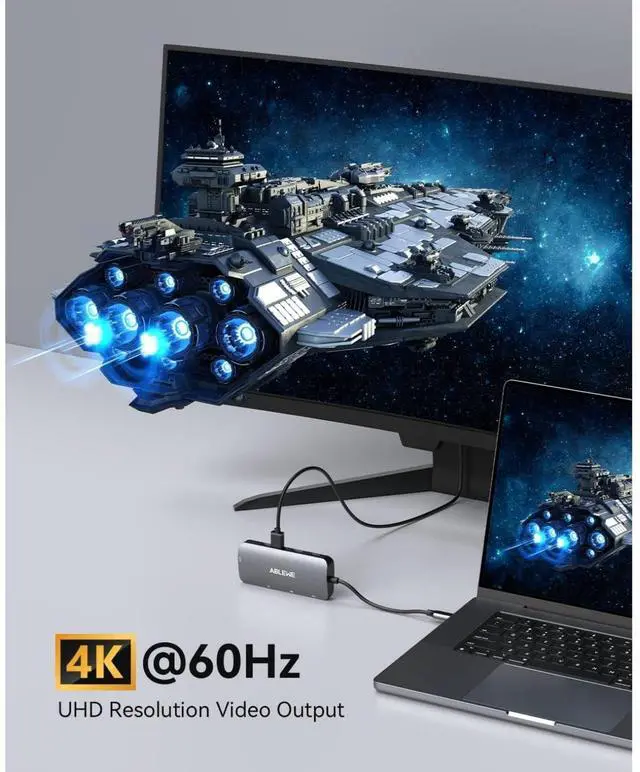
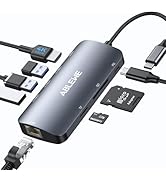
Yes. This 8-port USB-C hub includes 3x USB 3.0, HDMI, Ethernet, SD/TF card readers, and a 100W PD port for multi-device connectivity.—Simultaneously connect peripherals, an external monitor, wired internet, memory cards, and charge your laptop.
Does it support fast data transfer?
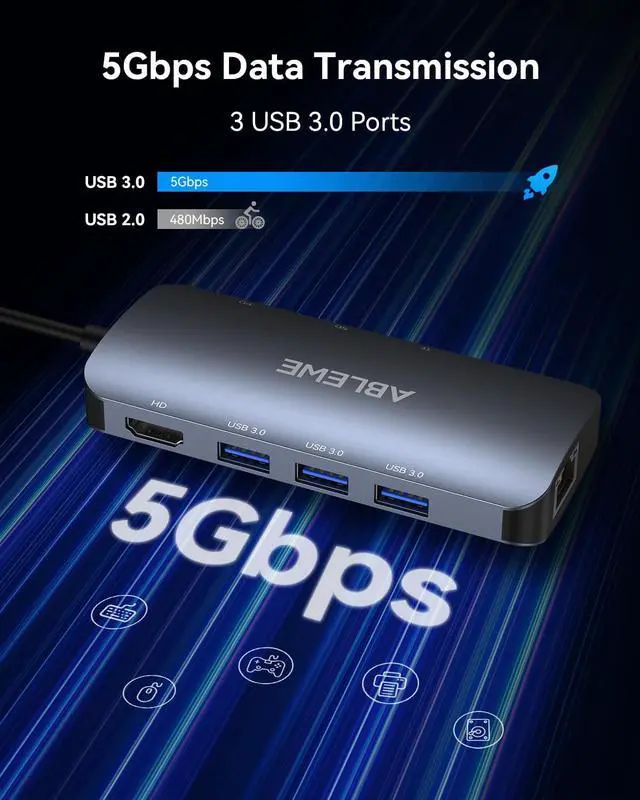
Yes, the usb c multiport adapter delivers excellent fast data transfer with 5 Gbps speeds through its USB 3.0 ports.
Why can't my device use the PD interface?
1. The USB-C interface of the device must support PD charging function.
2. In order to avoid the identification problem of the PD protocol, we suggest using the original charger of the notebook to charge.
Does this multiport hub get hot?
Compared to the plastic case, the aluminum case is better for heat dissipation. When the hub is fully loaded, it may reach a surface temperature of around 120°F, and this is normal for products of the USB-C multiport.

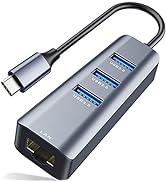
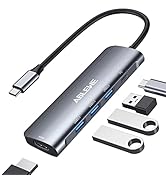
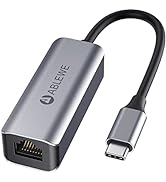
Ethernet Adapter & USB Hubs
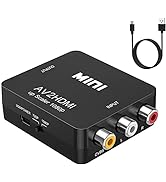
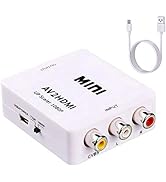
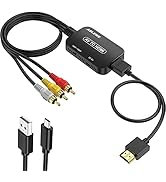
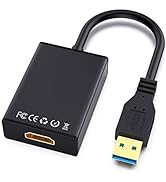
Video Converters
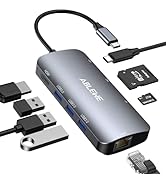
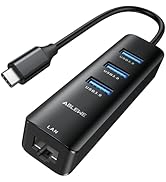
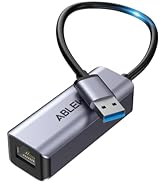
Upgraded USB Hubs
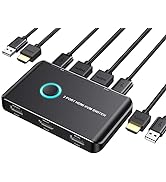
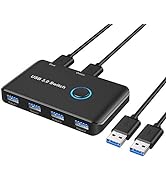
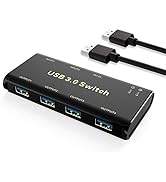
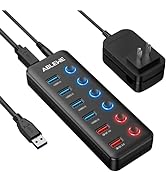
KVM Switch/USB Swtich

ABLEWE
More fun with better technology
We start from once residents home&office life questionnaire survey, we learn that people have great demand for audio& video uses both at home and office. We see people all have much fun in these activities and we want to preserve this fun with all customers by producing ethernet cable adapter, hdmi switch, hub and audio&video cable with better quality. We want to let all of you enjoy the fun of technology!


A router with a 1 Gbps LAN port, CAT5e cable, and high-speed broadband are required to get 1 Gbps.

It's NOT suggested to use the USB 3.0 ports for charging which are mainly intended for data transmission


100W PD Fast Charging
The 100W PD port on this usb c hub multiport adapter? offers a continuous charging speed for your laptop of up to 95W (as connecting other devices may consume about 5W). Please note that the USB-C port is dedicated to charging and does not support data transmission or video outpu
SD/TF Card Reader
Built-in SD and TF card slots allow for easy file access, and this versatile usb c hub with ethernet? not only supports simultaneous reading of both cards but also provides stable wired internet connectivity.
Easy to Carry Around
This compact and lightweight usb c hub? allows you to easily expand your laptop's capabilities while on the go.
Compatible Devices ( AN INCOMPLETE LIST )
| For 4K@60Hz Devices | Compatible with MacBook Pro 2022/ M1 2021/ M1 2020/ 2019/ 2018, MacBook Air 2020/ M2 2022/ M1 2020, iPad Pro 2021/ 2020/ 2018, HP Pavilion Gaming 6, ASUS ZenBOOK Flip, DELL XPS 13 BOOK |
|---|---|
| For 4K@30Hz Devices | Compatible with Steam Deck,Lenovo X1 BOOK, Lenovo T490 BOOK, Lenovo YOGA BOOK, DELL XPS 15 BOOK, HUAWEI MATEBOOK X Pro, MacBook Pro 2019/ 2020, MacBook Air 2018, Surface GO, Surface Pro 7 |
| For 1080P@60Hz Devices | Compatible with Nintendo Switch, IPAD Air, HUAWEI MatePad, HUAWEI P20/ P30/ P40 PRO, HUAWEI MATE 20/ 30/ 40 Pro, Samsung S22/ S21/ S20, Samsung Note 10/ 9 ( PC Mode) |
| Tips | Please make sure the USB C port on the HOST device supports video transmission and DisplayPort 1.4 to reach 4K@60Hz. For mobile phones, the HDMI port outputs 1080p@60Hz in PC mode and 4K@30Hz in phone mode at max. For more specific models or systems, please confirm with us. |
| Connectivity Tip | To ensure proper installation and avoid potential driver conflicts, it is critical to confirm that the hub is recognized by the system before use. After connecting the hub to your PC , first open your System Settings or Device Manager and look for it within the "USB" or "Universal Serial Bus controllers" section. Only after this verification should you proceed to plug in your keyboards, mice, or other peripherals. |
| ??Important Note | Should the hub stop functioning, please perform the following two basic checks in order. First, double-check your device's compatibility with the hub's features to rule out any software or hardware limitations. Second, simply unplug and firmly reconnect the hub at both ends, as a loose plug is often the common cause. |
Why can't my device display properly when using the HDMI port?
1. The laptop must support the video transmission function (DisplayPort Alternate Mode), in order to use this docking station to convert video images.
2. Please make sure your HDMI cable works well.
Can it connect to multiple devices?
Yes. This 8-port USB-C hub includes 3x USB 3.0, HDMI, Ethernet, SD/TF card readers, and a 100W PD port for multi-device connectivity.—Simultaneously connect peripherals, an external monitor, wired internet, memory cards, and charge your laptop.
Does it support fast data transfer?
Yes, the usb c multiport adapter delivers excellent fast data transfer with 5 Gbps speeds through its USB 3.0 ports.
Why can't my device use the PD interface?
1. The USB-C interface of the device must support PD charging function.
2. In order to avoid the identification problem of the PD protocol, we suggest using the original charger of the notebook to charge.
Does this multiport hub get hot?
Compared to the plastic case, the aluminum case is better for heat dissipation. When the hub is fully loaded, it may reach a surface temperature of around 120°F, and this is normal for products of the USB-C multiport.
Ethernet Adapter & USB Hubs
Video Converters
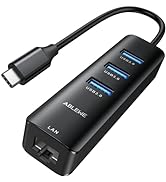
Upgraded USB Hubs
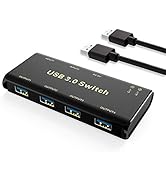
KVM Switch/USB Swtich
ABLEWE
More fun with better technology
We start from once residents home&office life questionnaire survey, we learn that people have great demand for audio& video uses both at home and office. We see people all have much fun in these activities and we want to preserve this fun with all customers by producing ethernet cable adapter, hdmi switch, hub and audio&video cable with better quality. We want to let all of you enjoy the fun of technology!
