

















More Ways to Connect
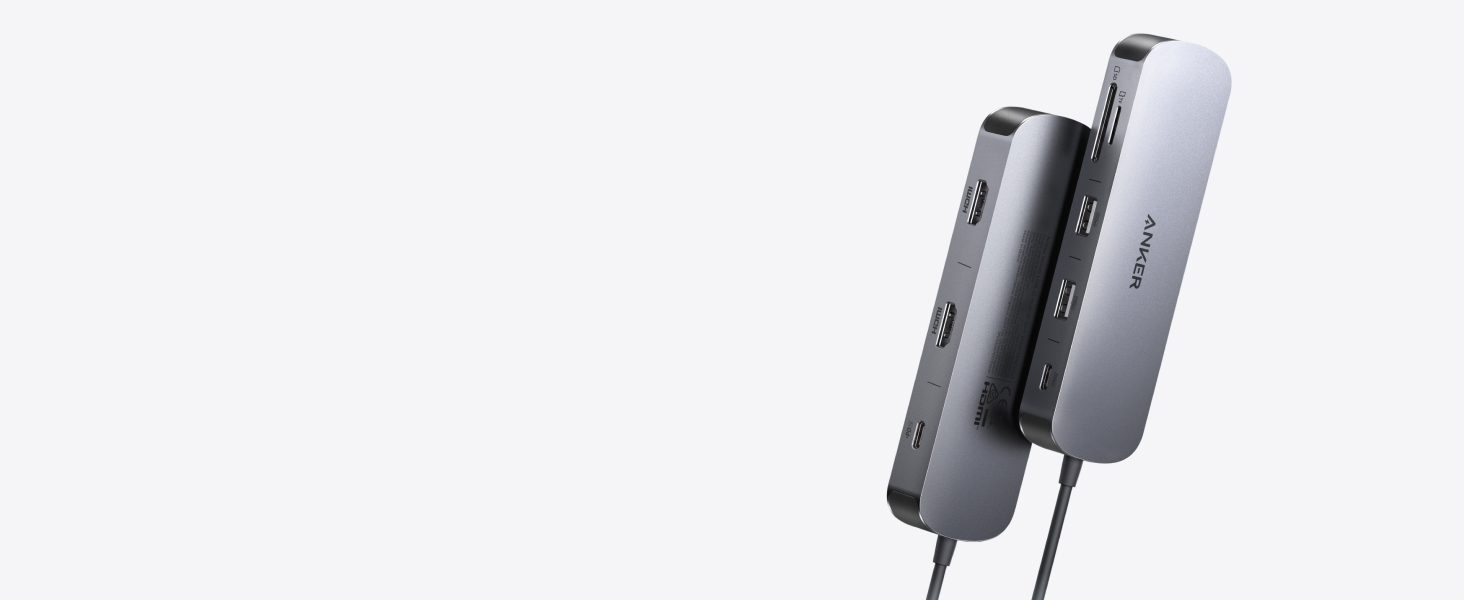
New: Anker Nano 8-in-1 USB-C Hub with Dual Display
Power two external monitors at up to 4K@60 Hz for seamless multitasking, transfer files at 10Gbps across every USB port, and deliver up to 85W of pass-through charging
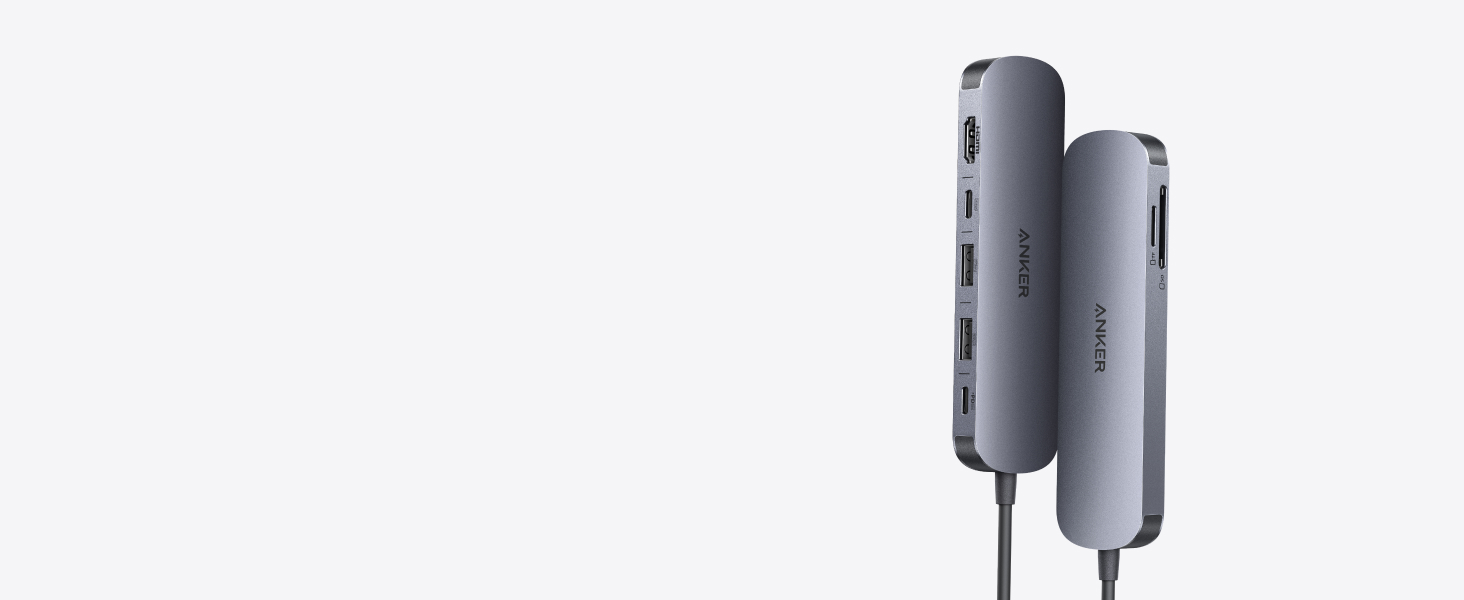
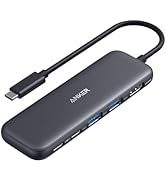
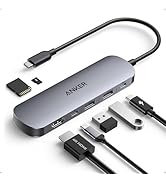
Anker 7-in-1 USB-C Hub with 4K@60Hz HDMI
Experience cinematic 4K@60Hz output on an external display, transfer data at 5Gbps across three USB ports, and deliver up to 85W of pass-through charging—all in a sleek hub with SD/TF card slots.
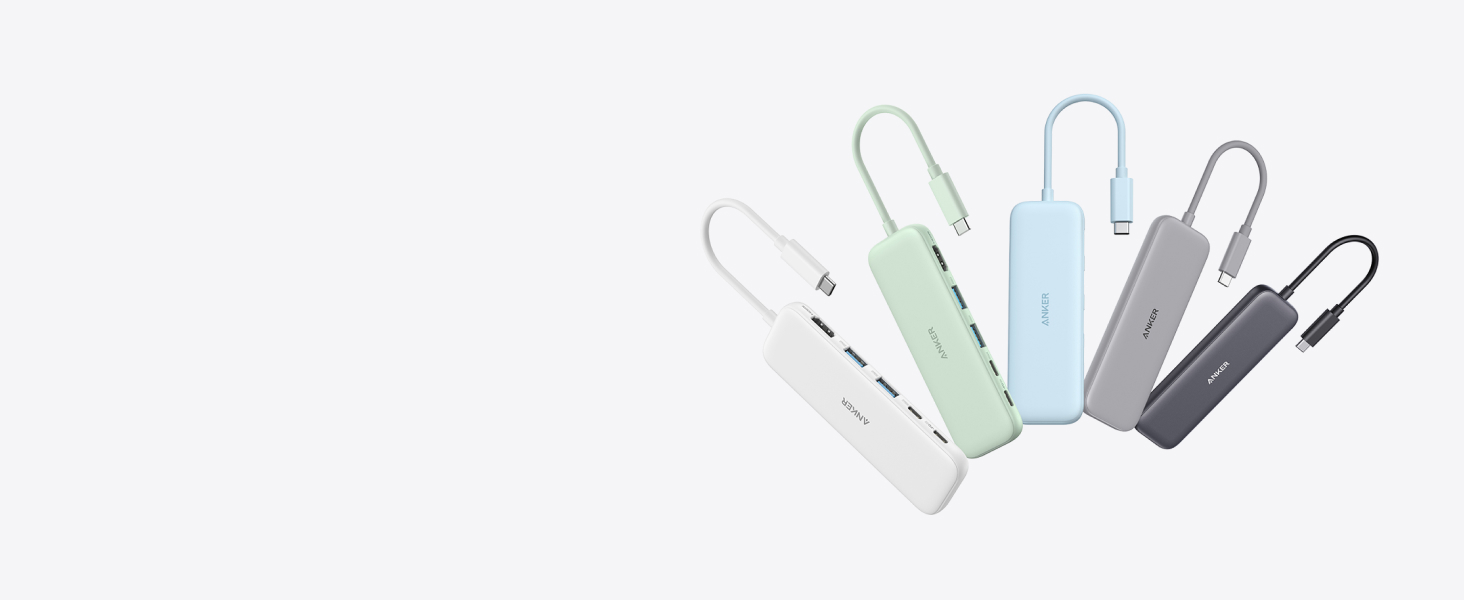
Anker 5-in-1 USB-C Hub
Turn one USB-C port into five—stream to an external monitor at 4K, transfer files at 5Gbps, and pass through up to 85W of power, all in a compact, plug-and-play design.
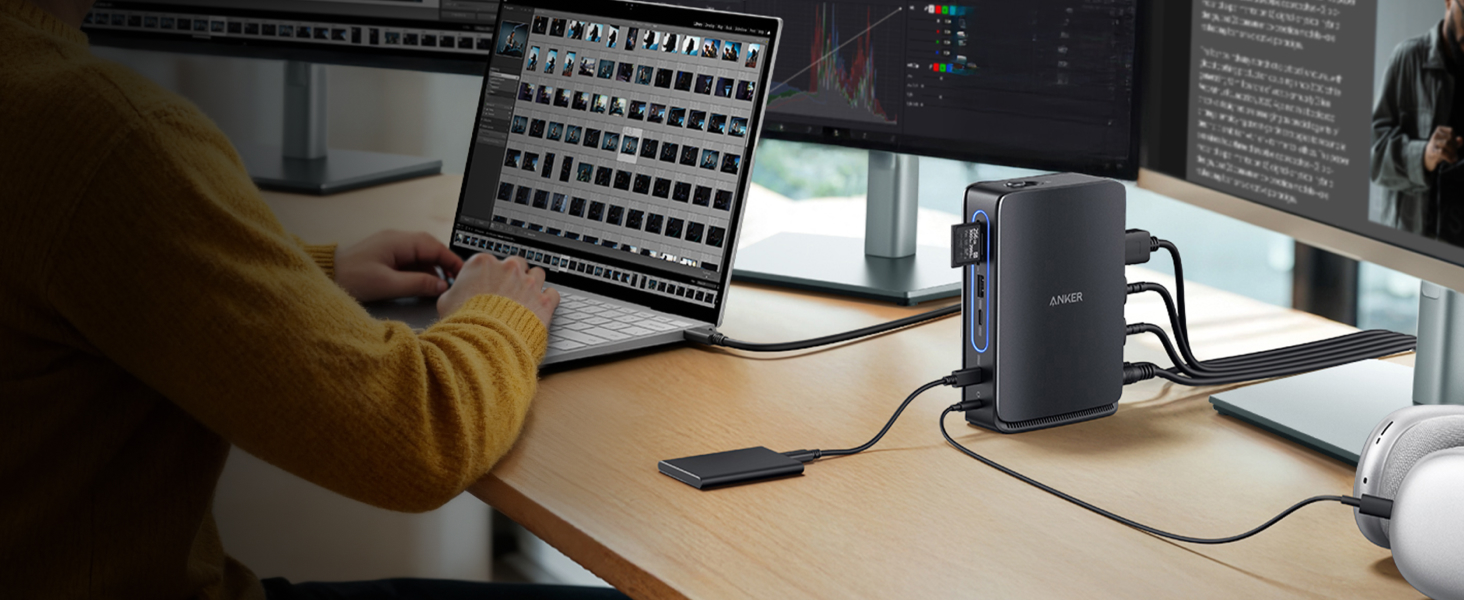
Anker 13-in-1 Docking Station with Detachable Hub
Switch effortlessly between full desktop setups and mobile work with a 13-in-1 dock for every connection, plus a detachable 6-in-1 hub for quick, on-the-go access.
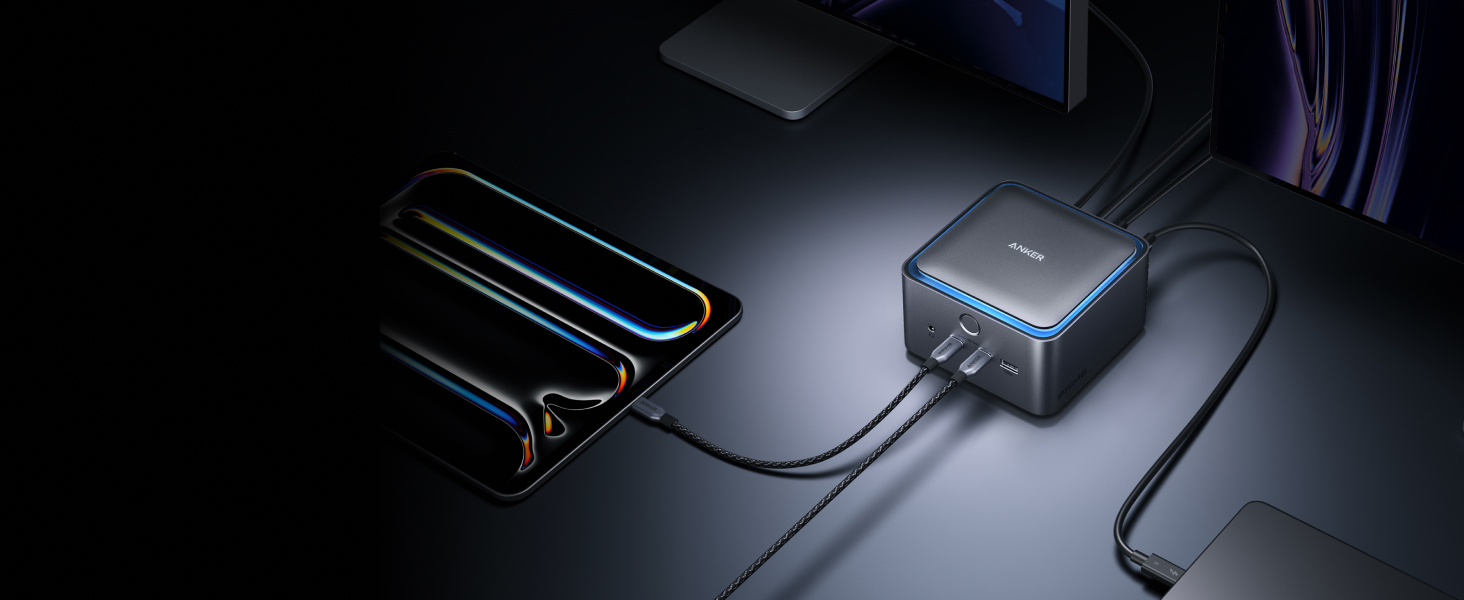
Anker Prime 14-in-1 Thunderbolt 5 Docking Station
Transfer a 150GB file in just 25 seconds with TB5 speeds, power your devices with up to 140W charging, and drive dual 8K displays—all with advanced active cooling for sustained peak performance.
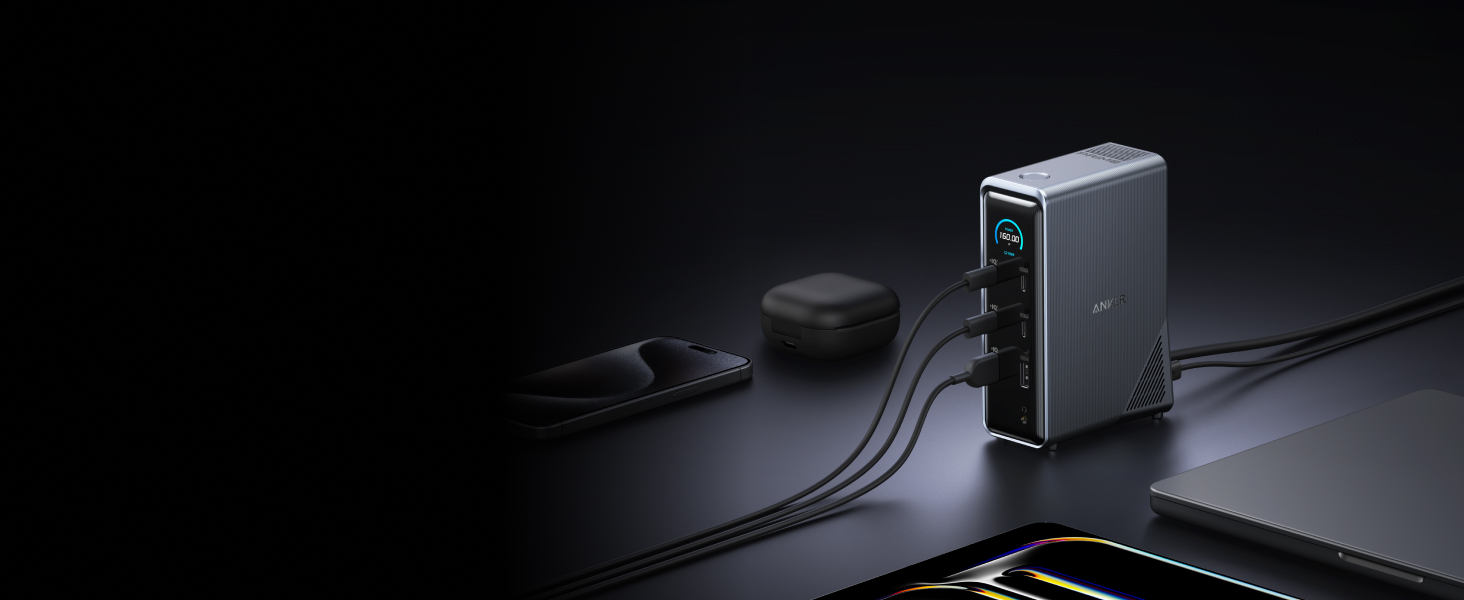
Anker Prime 14-in-1 Docking Station
Bring together all your devices with a 14-in-1 solution—160W total output powers and charges up to four devices, while 11 data ports at up to 10Gbps keep everything running at peak speed.
FAQ
- I can't get the HDMI port to work. What should I do?
Try some of the following steps:
1) Confirm if the connected USB-C port of your device supports DP Alt Mode. To do this, please consult your device's user manual. 2) Try a different computer and HDMI cable to see if the issue still persists. 3) Plug your HDMI cable directly into your device and see if you get a stable connection. If you can't get a stable connection, then the problem is with your HDMI cable. 4) Verify that your monitor is configured to the correct input (HDMI).
- What resolution does this device support?
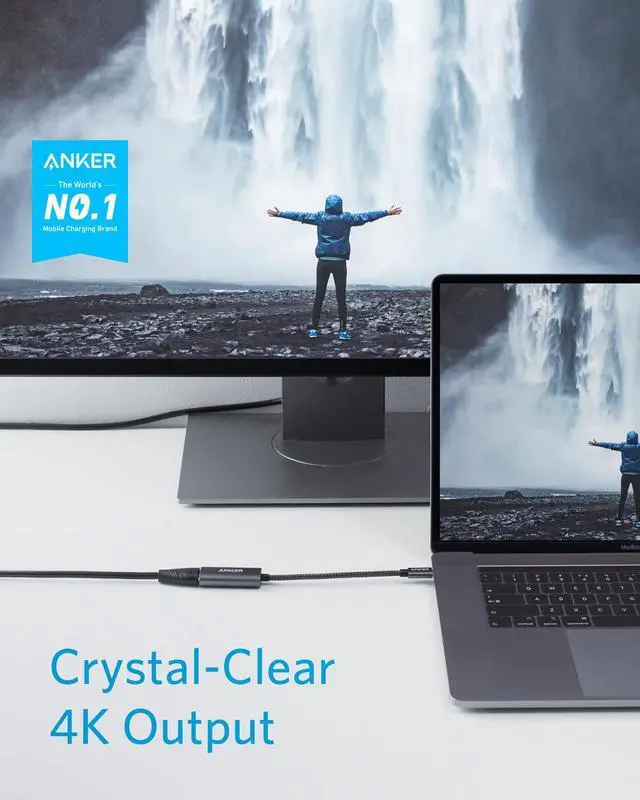
The HDMI port supports a variety of resolutions up to 4K@60Hz, including 4K@30Hz, 2K@60Hz, 1080p@60Hz (1080p, 1080i, 720p, and 480p), and more.
- Can this adapter work with my phone or tablet?
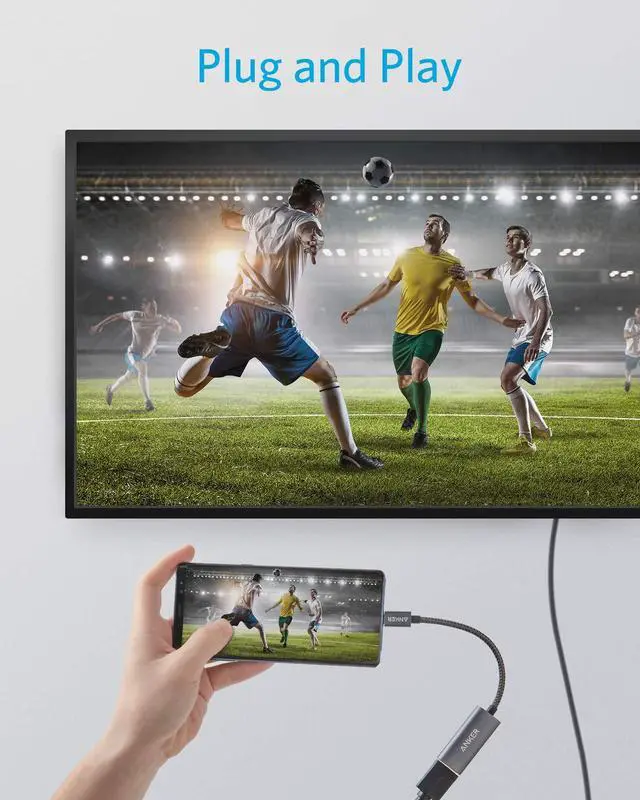
1) This adapter supports a maximum resolution of 2K@60Hz when connected to an iPad Pro. 2) Verify that your device features a full-function USB-C port capable of supporting display output through USB-C.
- Does this hub support charging?
No, it doesn't support charging.
Model Number: A8312
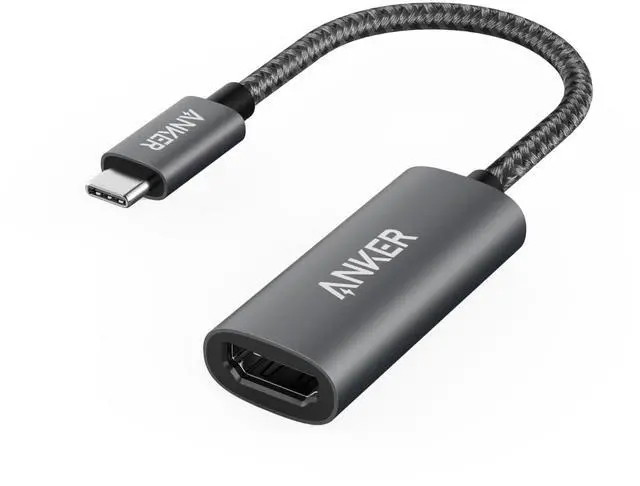
Anker 310 USB-C Adapter (4K HDMI)
The Premium 4K HDMI Adapter
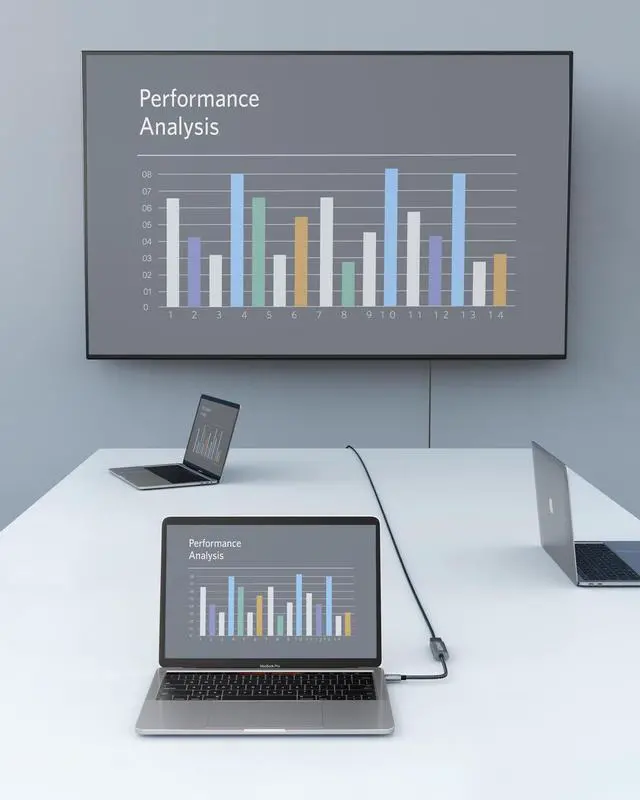
- High-Definition Video: With support for resolutions up to 4K, you can easily mirror or extend your screen without losing clarity.
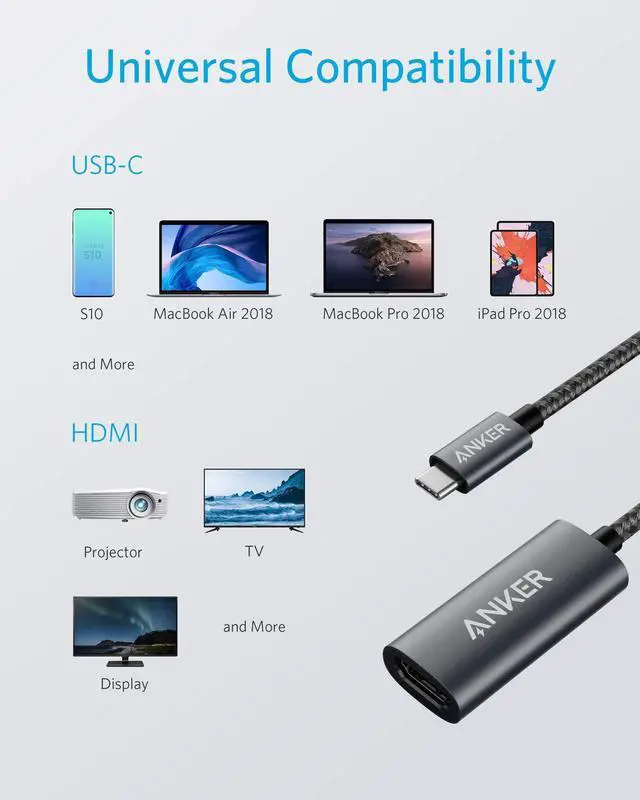
- Universal Compatibility: Whether connecting to a projector at the office, gaming with a multi-monitor setup, or watching a movie at home, this HDMI adapter ensures stable and convenient performance.
Note: The Adopted Trademarks HDMI, HDMI High-Definition Multimedia Interface, and the HDMI Logo are trademarks or registered trademarks of HDMI Licensing Administrator, Inc. in the United States and other countries.
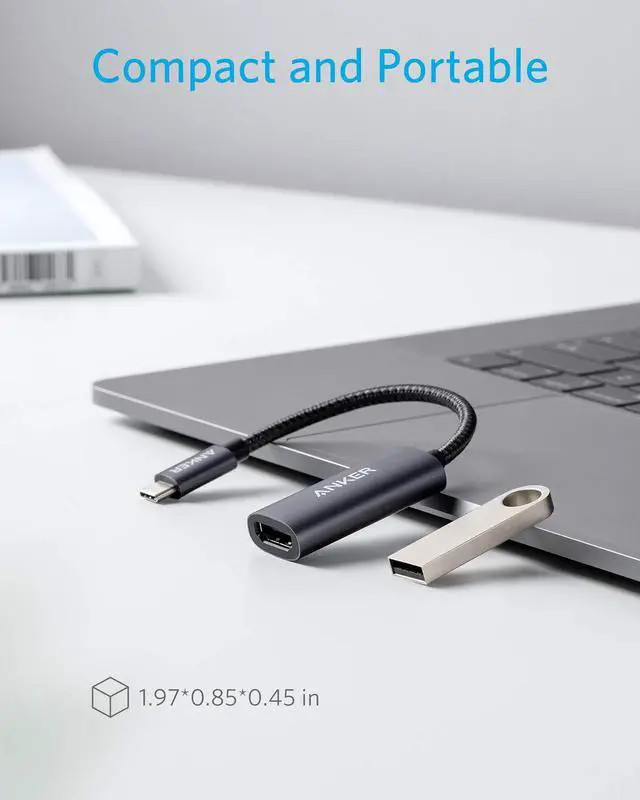
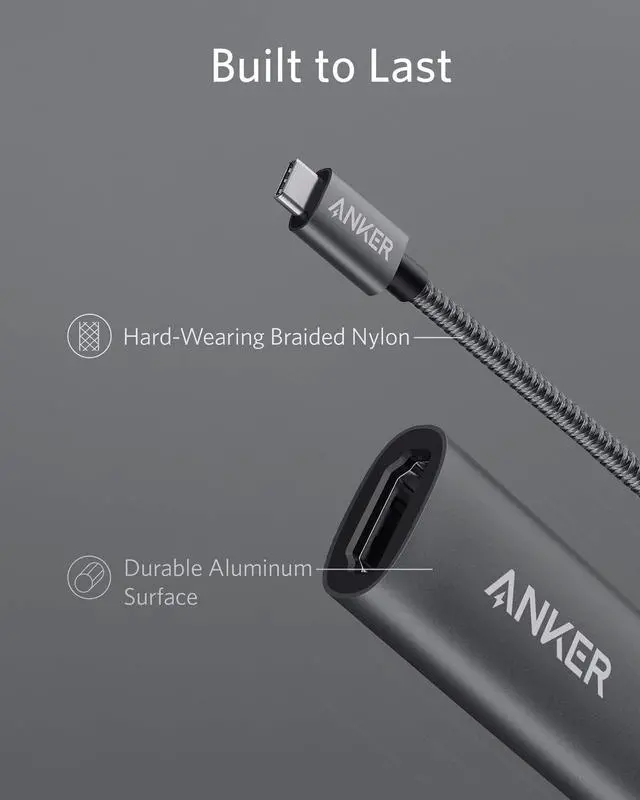
- Portable: A slimline and lightweight design provides greater portability and convenience, while the matte, aluminum exterior perfectly complements high-end laptops.
- Compatible Devices Include
MacBook Pro (2017 / 2018 / 2019 / 2020)?MacBook Air (2018 / 2019 / 2020)?iPad Pro (2018 / 2019 / 2020)?XPS (13 inch / 15 inch)?Pixelbook (2017 / 2018 / 2019)?Galaxy (S10 / S9 / S8)?Chromebook C340 Laptop, Chromebook C423, Chromebook 4 11.6”?Surface Laptop 3?ENVY 13.3 Inch Thin Laptop
- Incompatible Devices Include
Nintendo Switch?VivoBook L203MA Thin, VivoBook 15 Thin and Light Laptop?ZenBook 13 Slim Laptop?100e Chromebook 2nd Gen?Ideapad L340 Gaming Laptop?2-in-1 11.6" Convertible Chromebook Touchscreen Laptop (2020)?15.6" HD Touchscreen Laptop, 15” FHD Laptop, 14" Touchscreen Home and Business Laptop?Aspire 5 Slim Laptop
Comparison
 USB C to HDMI Adapter |  USB C to DisplayPort |  USB C to Ethernet Adapter |  USB A Card Reader Adapter |  7-in-1 USB-C Hub |  USB-C to Dual HDMI |  USB-C&USB 3.0 Card Reader | |
|---|---|---|---|---|---|---|---|
Customer Reviews | — | — | — | — | — | — | — |
Price | — | — | — | — | — | — | — |
Specifications | 4K @ 60Hz | 4K@60Hz | 1 Gigabit | 5Gbps 2-in-1 SD Card Reade | 4K@30Hz | Dual 4K @ 60Hz | Dual SD 3.0 |
Dimensions | 1.97 * 0.85 * 0.45 in | 1.97 * 0.85 * 0.45 in | 2.05 * 0.95 * 0.55 in | 2.09 * 1.06 * 0.43 in | 4.61 * 2.1 * 0.57 in | 2.48 * 1.97 * 0.45 in | 2.35 * 0.8 * 0.44 in |
Body Material | Aluminum | Aluminum | Aluminum | durable, high-grade plastics | Aluminum & Polycarbonate | Polycarbonate | Aluminum & Polycarbonate |
Cable Material | Braided Nylon | Hard-Wearing Nylon Cable | Braided Nylon | / | Braided Nylon | Braided Nylon | / |
Cable Length | 0.5 ft | 0.5 ft | 0.5 ft | / | 0.6 ft | 0.5 ft | / |


More Ways to Connect
New: Anker Nano 8-in-1 USB-C Hub with Dual Display
Anker 7-in-1 USB-C Hub with 4K@60Hz HDMI
Anker 5-in-1 USB-C Hub
Anker 13-in-1 Docking Station with Detachable Hub
Anker Prime 14-in-1 Thunderbolt 5 Docking Station
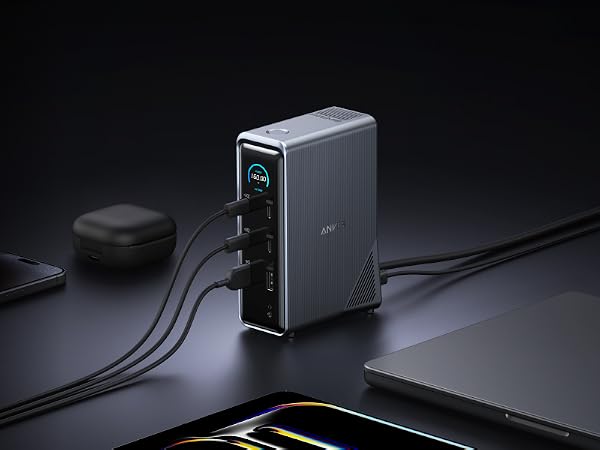
Anker Prime 14-in-1 Docking Station

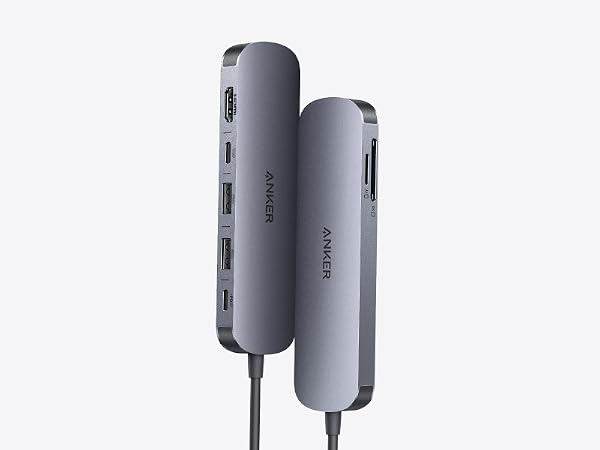


Power two external monitors at up to 4K@60 Hz for seamless multitasking, transfer files at 10Gbps across every USB port, and deliver up to 85W of pass-through charging
Experience cinematic 4K@60Hz output on an external display, transfer data at 5Gbps across three USB ports, and deliver up to 85W of pass-through charging—all in a sleek hub with SD/TF card slots.
Turn one USB-C port into five—stream to an external monitor at 4K, transfer files at 5Gbps, and pass through up to 85W of power, all in a compact, plug-and-play design.
Switch effortlessly between full desktop setups and mobile work with a 13-in-1 dock for every connection, plus a detachable 6-in-1 hub for quick, on-the-go access.
Transfer a 150GB file in just 25 seconds with TB5 speeds, power your devices with up to 140W charging, and drive dual 8K displays—all with advanced active cooling for sustained peak performance.
Bring together all your devices with a 14-in-1 solution—160W total output powers and charges up to four devices, while 11 data ports at up to 10Gbps keep everything running at peak speed.
FAQ
- I can't get the HDMI port to work. What should I do?
Try some of the following steps:
1) Confirm if the connected USB-C port of your device supports DP Alt Mode. To do this, please consult your device's user manual. 2) Try a different computer and HDMI cable to see if the issue still persists. 3) Plug your HDMI cable directly into your device and see if you get a stable connection. If you can't get a stable connection, then the problem is with your HDMI cable. 4) Verify that your monitor is configured to the correct input (HDMI).
- What resolution does this device support?
The HDMI port supports a variety of resolutions up to 4K@60Hz, including 4K@30Hz, 2K@60Hz, 1080p@60Hz (1080p, 1080i, 720p, and 480p), and more.
- Can this adapter work with my phone or tablet?
1) This adapter supports a maximum resolution of 2K@60Hz when connected to an iPad Pro. 2) Verify that your device features a full-function USB-C port capable of supporting display output through USB-C.
- Does this hub support charging?
No, it doesn't support charging.
Model Number: A8312
Anker 310 USB-C Adapter (4K HDMI)
The Premium 4K HDMI Adapter
- High-Definition Video: With support for resolutions up to 4K, you can easily mirror or extend your screen without losing clarity.
- Universal Compatibility: Whether connecting to a projector at the office, gaming with a multi-monitor setup, or watching a movie at home, this HDMI adapter ensures stable and convenient performance.
Note: The Adopted Trademarks HDMI, HDMI High-Definition Multimedia Interface, and the HDMI Logo are trademarks or registered trademarks of HDMI Licensing Administrator, Inc. in the United States and other countries.
- Portable: A slimline and lightweight design provides greater portability and convenience, while the matte, aluminum exterior perfectly complements high-end laptops.
- Compatible Devices Include
MacBook Pro (2017 / 2018 / 2019 / 2020)?MacBook Air (2018 / 2019 / 2020)?iPad Pro (2018 / 2019 / 2020)?XPS (13 inch / 15 inch)?Pixelbook (2017 / 2018 / 2019)?Galaxy (S10 / S9 / S8)?Chromebook C340 Laptop, Chromebook C423, Chromebook 4 11.6”?Surface Laptop 3?ENVY 13.3 Inch Thin Laptop
- Incompatible Devices Include
Nintendo Switch?VivoBook L203MA Thin, VivoBook 15 Thin and Light Laptop?ZenBook 13 Slim Laptop?100e Chromebook 2nd Gen?Ideapad L340 Gaming Laptop?2-in-1 11.6" Convertible Chromebook Touchscreen Laptop (2020)?15.6" HD Touchscreen Laptop, 15” FHD Laptop, 14" Touchscreen Home and Business Laptop?Aspire 5 Slim Laptop
Comparison
USB C to HDMI Adapter | USB C to DisplayPort | USB C to Ethernet Adapter | USB A Card Reader Adapter | 7-in-1 USB-C Hub | USB-C to Dual HDMI | USB-C&USB 3.0 Card Reader |
|---|---|---|---|---|---|---|
| Customer Reviews | ||||||
| — | — | — | — | — | — | — |
| Price | ||||||
| — | — | — | — | — | — | — |
| Specifications | ||||||
| 4K @ 60Hz | 4K@60Hz | 1 Gigabit | 5Gbps 2-in-1 SD Card Reade | 4K@30Hz | Dual 4K @ 60Hz | Dual SD 3.0 |
| Dimensions | ||||||
| 1.97 * 0.85 * 0.45 in | 1.97 * 0.85 * 0.45 in | 2.05 * 0.95 * 0.55 in | 2.09 * 1.06 * 0.43 in | 4.61 * 2.1 * 0.57 in | 2.48 * 1.97 * 0.45 in | 2.35 * 0.8 * 0.44 in |
| Body Material | ||||||
| Aluminum | Aluminum | Aluminum | durable, high-grade plastics | Aluminum & Polycarbonate | Polycarbonate | Aluminum & Polycarbonate |
| Cable Material | ||||||
| Braided Nylon | Hard-Wearing Nylon Cable | Braided Nylon | / | Braided Nylon | Braided Nylon | / |
| Cable Length | ||||||
| 0.5 ft | 0.5 ft | 0.5 ft | / | 0.6 ft | 0.5 ft | / |
TOP Finds for Every Moment
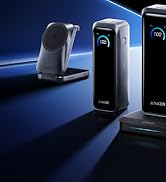
Anker Smart Display Charger
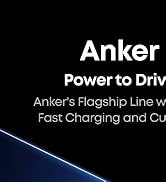
Power to Drive Your Prime
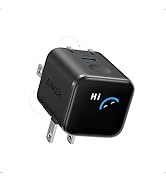
Pro Fast Charging in a Nano
Best Sellers
Highly Rated
Get Powered Up Now
