










Model Number: A8346
FAQ
- 1. Do the USB-C ports support media display?
Media display is only supported via the HDMI port. This hub does not support media display via the USB-C ports, including when using a USB-C to HDMI cable, or USB-C to DisplayPort cable.
- 2. Does the USB-C PD port support charging tablets (including iPad Pro) or phones?
Due to the power input limitations of mobile devices, this hub is not suitable for pass-through charging tablets including iPad Pro) or phones when using the original wall charger that came with iPad Pros or phones. To support full-speed charging for iPad Pro, please check your adapter supports 15V (45W). Also, only the USB-C PD port supports charging. The USB-A ports and USB-C data port do not support charging.
- 3. What charging speed does this hub support?
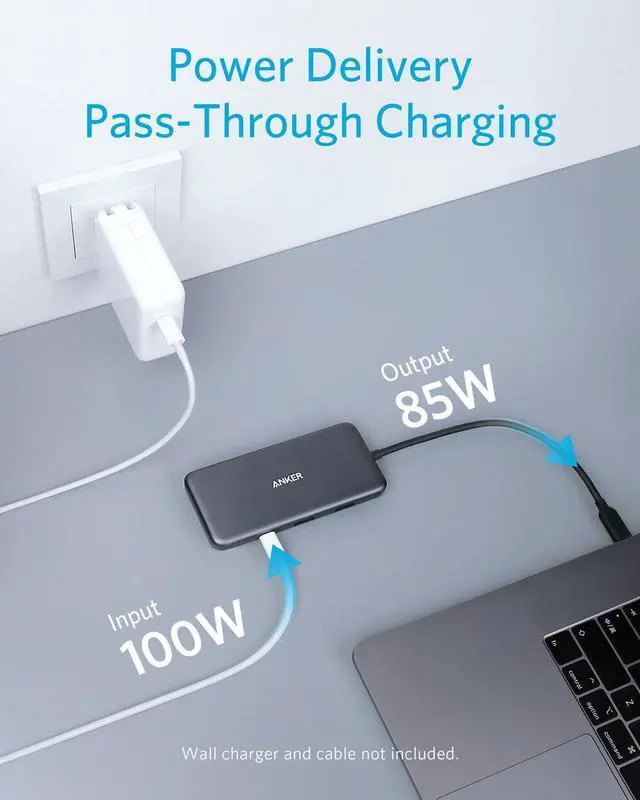
The USB-C PD port supports up to 85W for charging the connected laptop and 15W for powering the hub. A 100W Power Delivery charger and cable are required to support 85W charging.
- 4. Does this hub work with iPad Pro?
Yes, but you must update to iPadOS.
Comparison
 321 USB-C Hub (7-in-1) |  7-in-1 USB C Hub |  6-in-1 USB-C Hub |  8-in-1 USB-C Hub |  11-in-1 USB C Hub |  11-in-1 USB C Hub |  321 USB-C Hub (7-in-1)*10 | |
|---|---|---|---|---|---|---|---|
Customer Reviews | — | — | — | — | — | — | — |
Price | — | — | — | — | — | — | — |
USB-A Data Port | 2 | 2 | 2 | 2 | 3 | 3 | 2 |
USB-C Data Port | 1 | 1 | 1 | 1 | 1 | 1 | 1 |
USB-C PD Input | 85W | 85W | 53W | 85W | 85W | 85W | 85W |
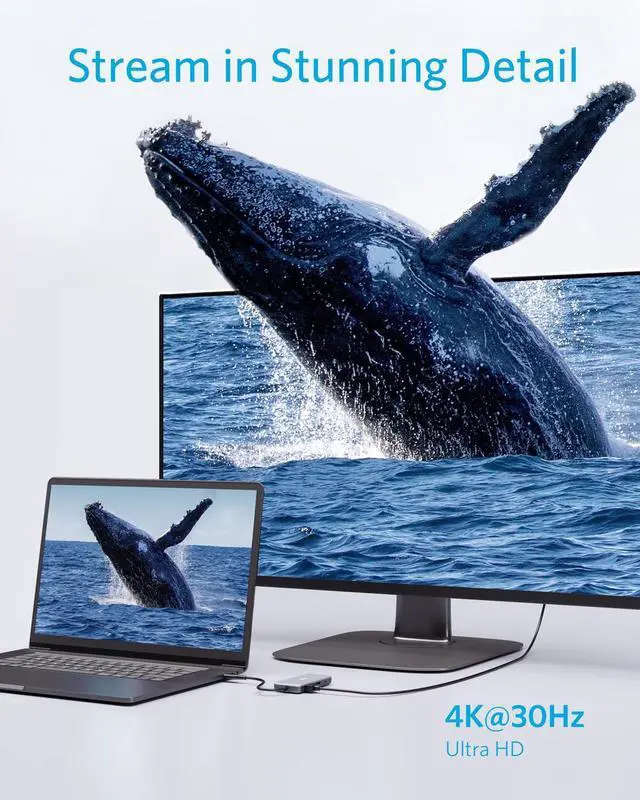
HDMI Port | 4K@30Hz | 4K@60Hz | 4K@30Hz | 4K@60Hz | 4K@60Hz | 4K@60Hz | 4K@30Hz |
Audio Port | / | / | / | / | 1 | 1 | / |
SD / TF Slot | 2 | 2 | / | 2 | 2 | 2 | 2 |
Ethernet Port | / | / | 1 | 1 | 1 | 1 | / |
Material | Aluminum & Polycarbonate | Aluminum | Aluminum | Polycarbonate | Polycarbonate | Aluminum | Aluminum & Polycarbonate |
Product Dimension (inches) | 4.61 * 2.1 * 0.57 | 5.17 × 1.46 × 0.47 | 5.2 * 0.9 * 0.72 | 4.76 * 2.17 * 0.6 | 5.39 * 2.24 * 0.55 | 5.39 * 2.24 * 0.55 | 4.61 * 2.1 * 0.57 |


Model Number: A8346
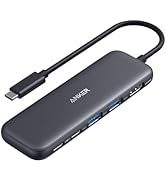
| Anker 341 USB-C Hub (7-in-1) | The USB, HDMI, SD Card, and Power Delivery Charging Station |
|---|---|
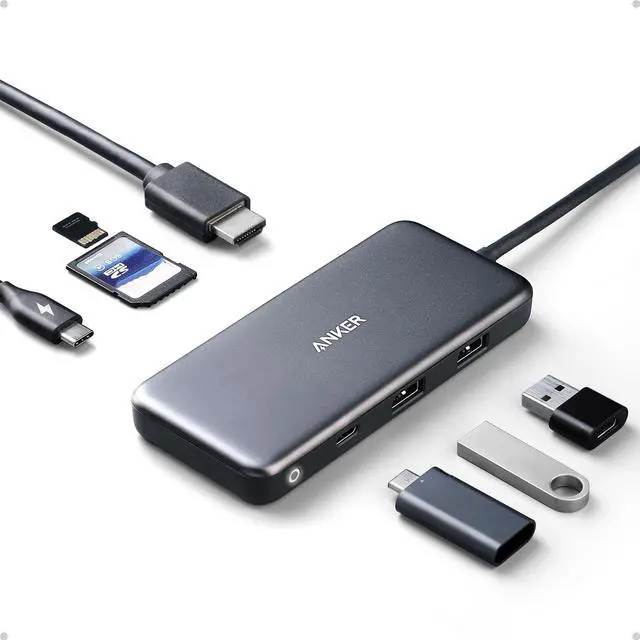
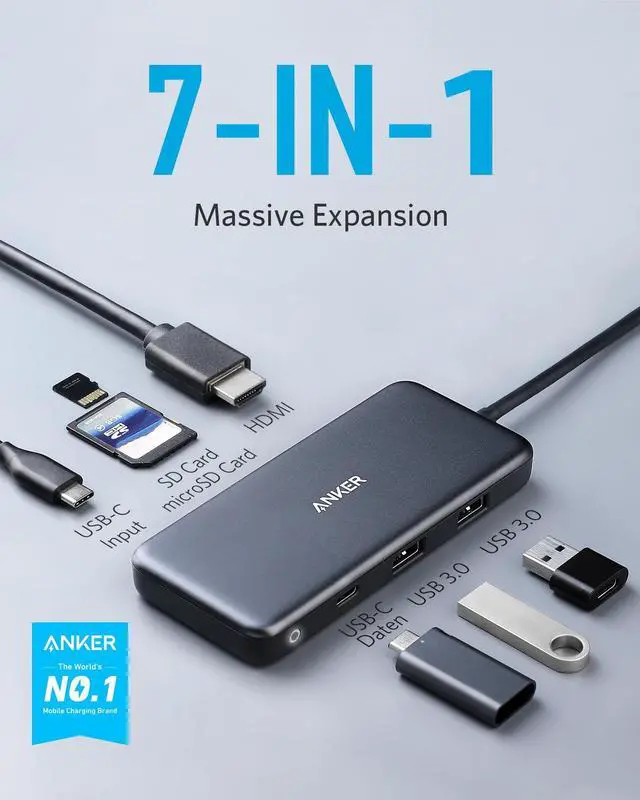
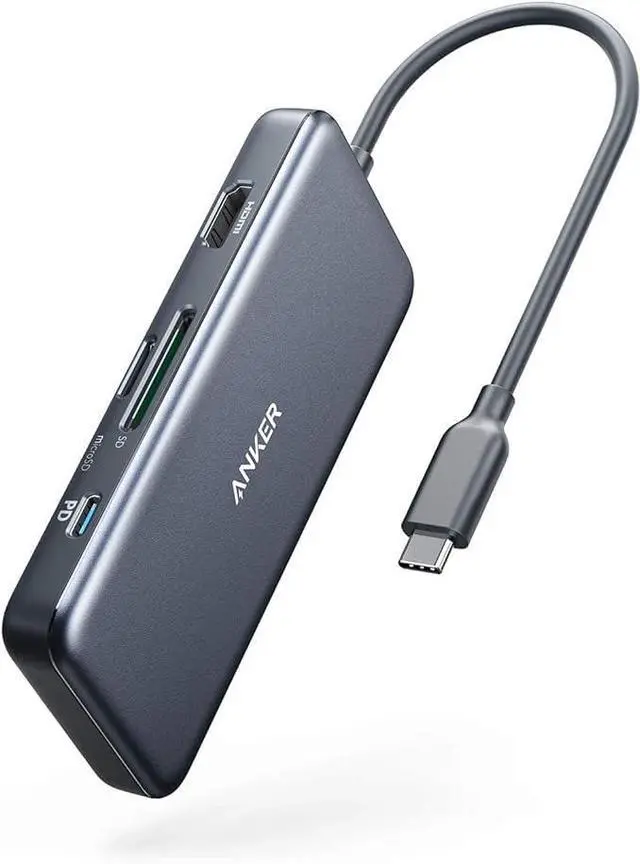
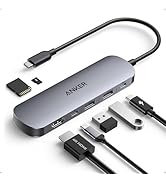
| All The Ports You Need | Get 2 USB-A data ports, 1 USB-C Power Delivery charging port, 1 USB-C data port, 1 HDMI port, 1 microSD card slot, and 1 standard SD slot—all in one hub |
| Power Delivery Compatible | Supports up to 100W (minus 15W for operation) pass-through charging so you can power up a 15” MacBook Pro at full speed—all while accessing the hub’s other functions. (Charger not included). |
| Crystal-Clear Display | Don’t waste time switching back and forth between programs or documents. Simply connect to an external monitor via the 4K HDMI port for an easier and more productive experience. |
| Note | The Adopted Trademarks HDMI, HDMI High-Definition Multimedia Interface, and the HDMI Logo are trademarks or registered trademarks of HDMI Licensing Administrator, Inc. in the United States and other countries. |
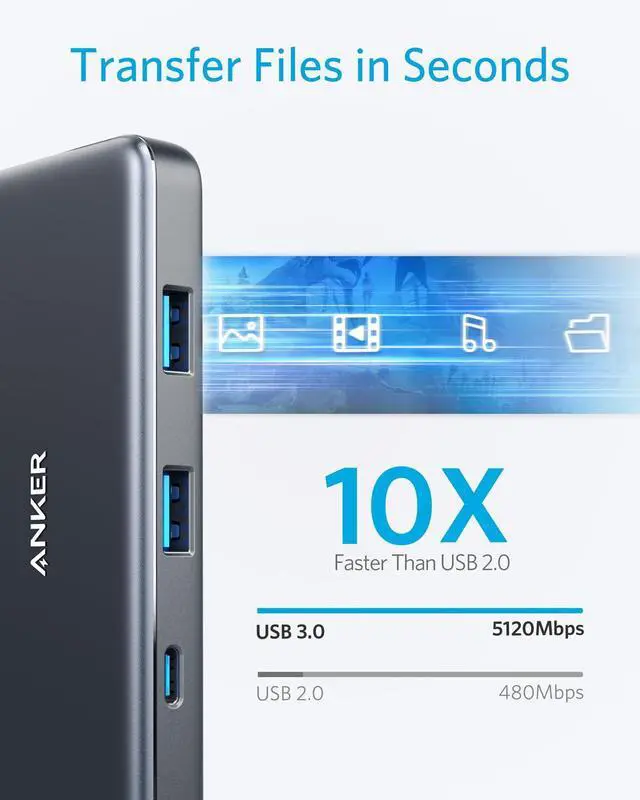
| Transfer Files in Seconds | Transfer movies, photos, and music at speeds up to 5 Gbps via the USB-C data port and dual USB-A ports. |
| SD Card Compatibility | The SD and microSD card slots support virtually all SD card formats for seamless access to photos and other media files. Note: The USB-C port on this hub does not support video output. |
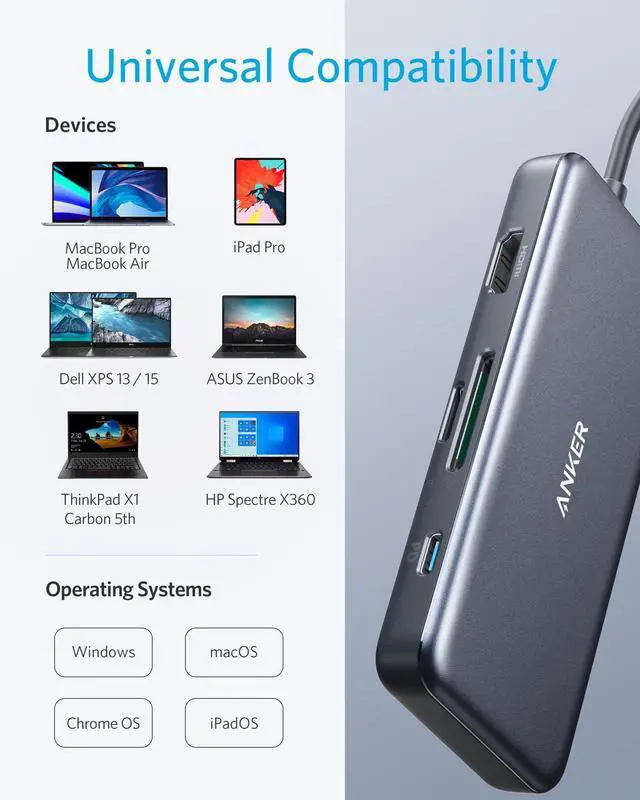
| Compatible Devices Include: | MacBook Pro (2020 / 2019 / 2018 / 2017 / 2016) ?MacBook Air (2020 / 2019 / 2018) ? Pixelbook (2017) |
| Incompatible Devices: | Nintendo Switch, USB SuperDrive, Original XPS 13 stock adapter |
| Not Support USBC Media Display | VivoBook L203MA Ultra-Thin, VivoBook 15 Thin and Light Laptop?ZenBook 13 Ultra-Slim Laptop?100e Chromebook 2nd Gen?Ideapad L340 Gaming Laptop?2-in-1 11.6" Convertible Chromebook Touchscreen Laptop (2020)?15.6" HD Touchscreen Laptop, 15”?FHD Laptop, 14" Touchscreen Home and Business Laptop?Aspire 5 Slim Laptop |
| Supported Systems | Windows 10, 8, 7, Vista, XP, Mac OS X 10.6 or later, Linux 2.6.14 or later, iPad OS |
FAQ
- 1. Do the USB-C ports support media display?
Media display is only supported via the HDMI port. This hub does not support media display via the USB-C ports, including when using a USB-C to HDMI cable, or USB-C to DisplayPort cable.
- 2. Does the USB-C PD port support charging tablets (including iPad Pro) or phones?
Due to the power input limitations of mobile devices, this hub is not suitable for pass-through charging tablets including iPad Pro) or phones when using the original wall charger that came with iPad Pros or phones. To support full-speed charging for iPad Pro, please check your adapter supports 15V (45W). Also, only the USB-C PD port supports charging. The USB-A ports and USB-C data port do not support charging.
- 3. What charging speed does this hub support?
The USB-C PD port supports up to 85W for charging the connected laptop and 15W for powering the hub. A 100W Power Delivery charger and cable are required to support 85W charging.
- 4. Does this hub work with iPad Pro?
Yes, but you must update to iPadOS.
Comparison
321 USB-C Hub (7-in-1) | 7-in-1 USB C Hub | 6-in-1 USB-C Hub | 8-in-1 USB-C Hub | 11-in-1 USB C Hub | 11-in-1 USB C Hub | 321 USB-C Hub (7-in-1)*10 |
|---|---|---|---|---|---|---|
| Customer Reviews | ||||||
| — | — | — | — | — | — | — |
| Price | ||||||
| — | — | — | — | — | — | — |
| USB-A Data Port | ||||||
| 2 | 2 | 2 | 2 | 3 | 3 | 2 |
| USB-C Data Port | ||||||
| 1 | 1 | 1 | 1 | 1 | 1 | 1 |
| USB-C PD Input | ||||||
| 85W | 85W | 53W | 85W | 85W | 85W | 85W |
| HDMI Port | ||||||
| 4K@30Hz | 4K@60Hz | 4K@30Hz | 4K@60Hz | 4K@60Hz | 4K@60Hz | 4K@30Hz |
| Audio Port | ||||||
| / | / | / | / | 1 | 1 | / |
| SD / TF Slot | ||||||
| 2 | 2 | / | 2 | 2 | 2 | 2 |
| Ethernet Port | ||||||
| / | / | 1 | 1 | 1 | 1 | / |
| Material | ||||||
| Aluminum & Polycarbonate | Aluminum | Aluminum | Polycarbonate | Polycarbonate | Aluminum | Aluminum & Polycarbonate |
| Product Dimension (inches) | ||||||
| 4.61 * 2.1 * 0.57 | 5.17 × 1.46 × 0.47 | 5.2 * 0.9 * 0.72 | 4.76 * 2.17 * 0.6 | 5.39 * 2.24 * 0.55 | 5.39 * 2.24 * 0.55 | 4.61 * 2.1 * 0.57 |
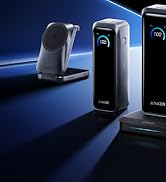
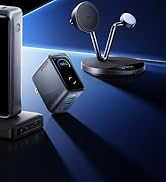
Anker Smart Display Charger
Power to Drive Your Prime
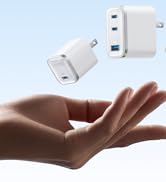
Pro Fast Charging in a Nano
Get Powered Up Now
Best Sellers
Highly Rated
