




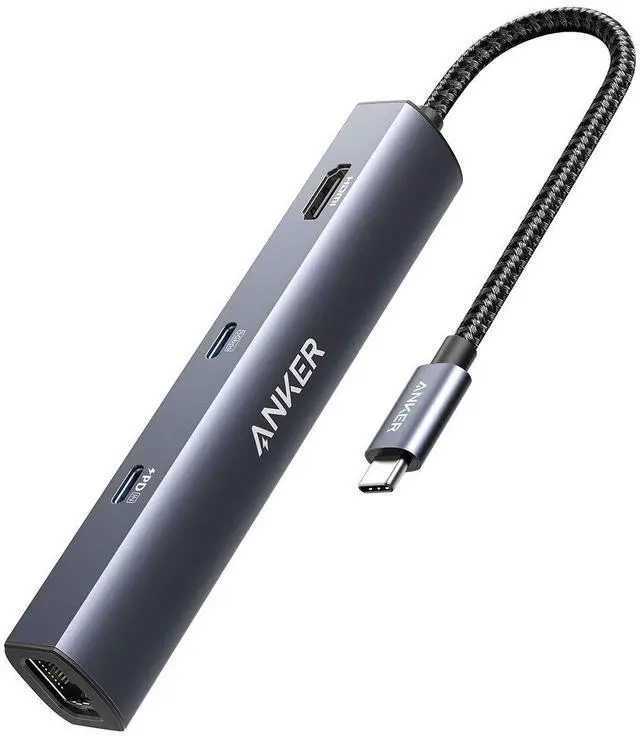

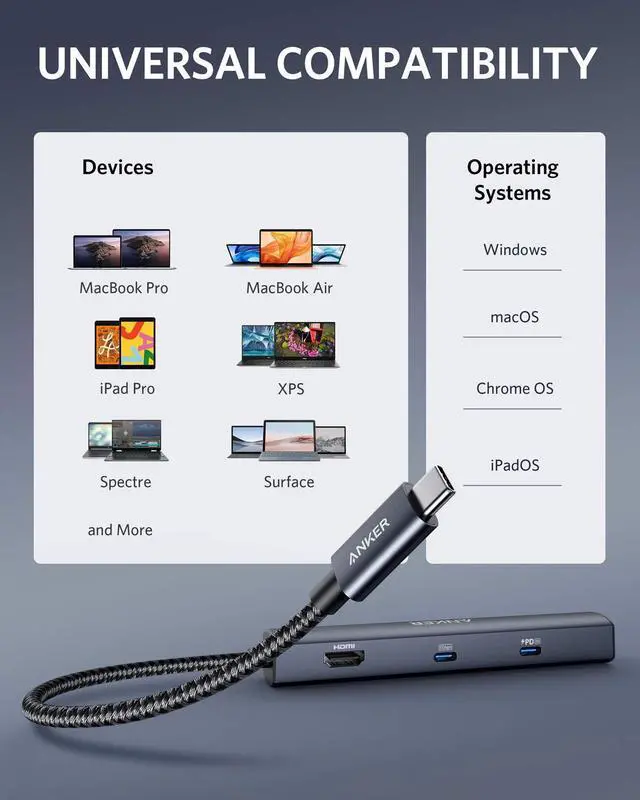


Model Number: A8365 6-in-1 USB-C PD Ethernet Hub
Frequently Asked Questions:
Comparison
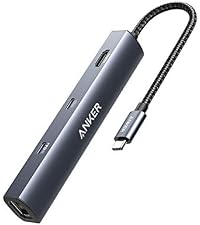 6-in-1 USB-C Hub | 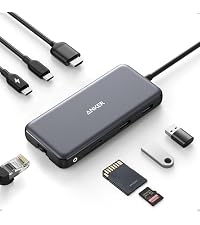 8-in-1 USB-C Hub |  7-in-1 USB-C Hub |  7-in-1 USB-C Hub |  6-in-1 USB-C Hub |  11-in-1 USB-C Hub | |
|---|---|---|---|---|---|---|
Customer Reviews | — | — | — | — | — | — |
Price | — | — | — | — | — | — |
USB-A Data Port | 2 | 2 | 2 | 2 | 2 | 3 |
USB-C Data Port | 1 | 1 | 1 | 1 | / | 1 |
USB-C PD Input | 53W | 85W | 85W | 85W | 85W | 85W |
HDMI Port | 4K @ 30Hz | — | 4K @ 60Hz | 4K @ 30Hz | 4K @ 60Hz | 4K @ 60Hz |
Audio | / | — | / | / | 1 | 1 |
SD / TF Slot | / | 2 | 2 | 2 | 1 | 2 |
Ethernet | 1 | 1 | / | / | / | 1 |
Product Dimension (inches) | 5.2 * 0.9 * 0.72 | 4.76 x 2.17 x 0.6 | 5.17 × 1.46 × 0.47 | 4.61 * 2.1 * 0.57 | 4.25 * 2.17 * 0.55 | 5.39 * 2.24 * 0.55 |
More Ways to Connect
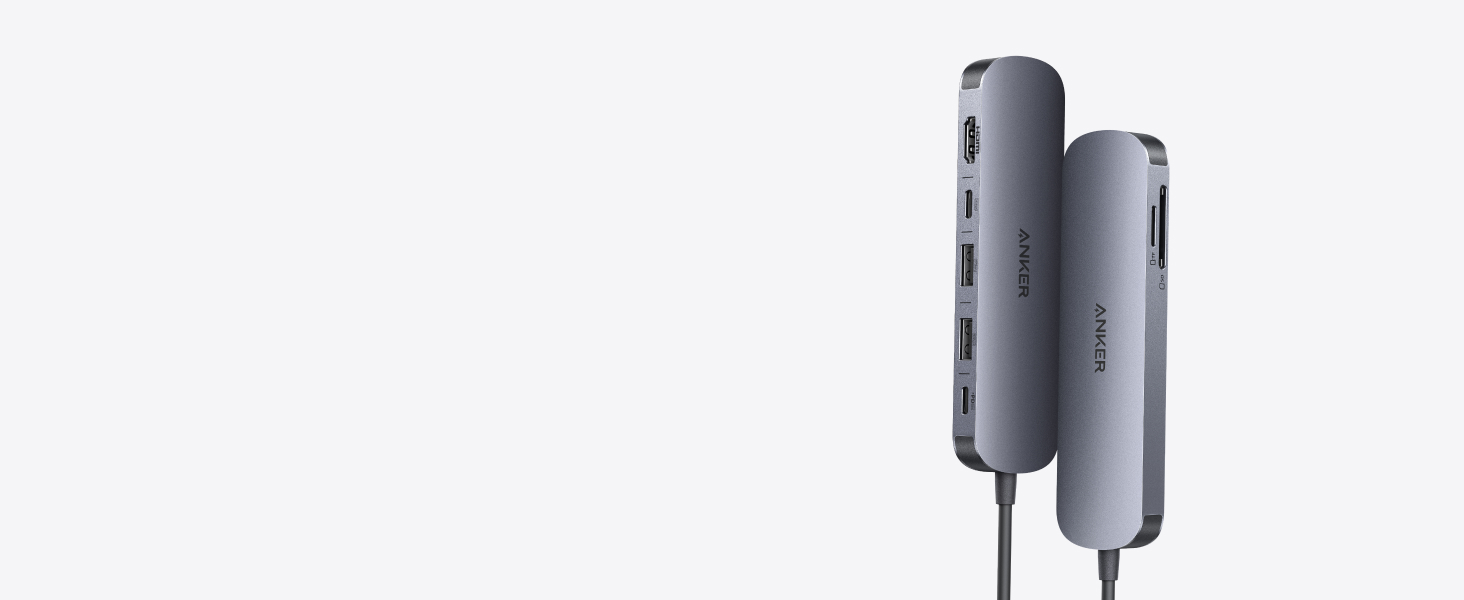
Anker 7-in-1 USB-C Hub with 4K@60Hz HDMI
Experience cinematic 4K@60Hz output on an external display, transfer data at 5Gbps across three USB ports, and deliver up to 85W of pass-through charging—all in a sleek hub with SD/TF card slots.
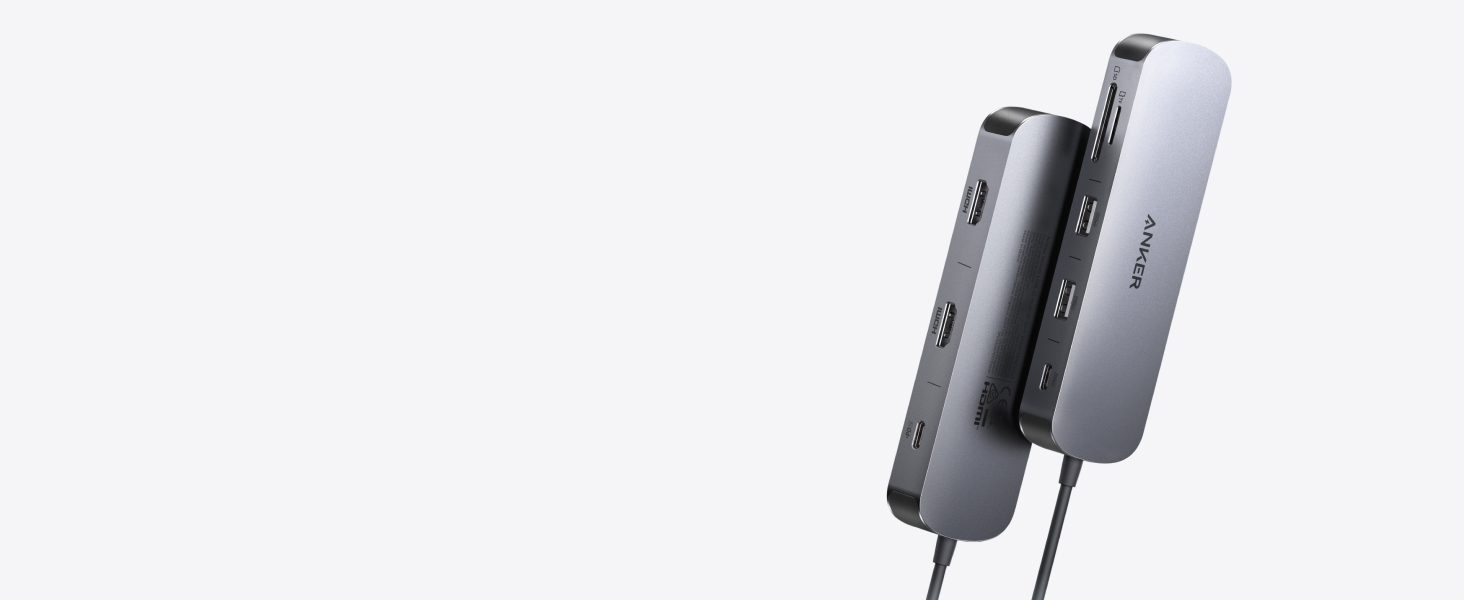
New: Anker Nano 8-in-1 USB-C Hub with Dual Display
Power two external monitors at up to 4K@60 Hz for seamless multitasking, transfer files at 10Gbps across every USB port, and deliver up to 85W of pass-through charging.
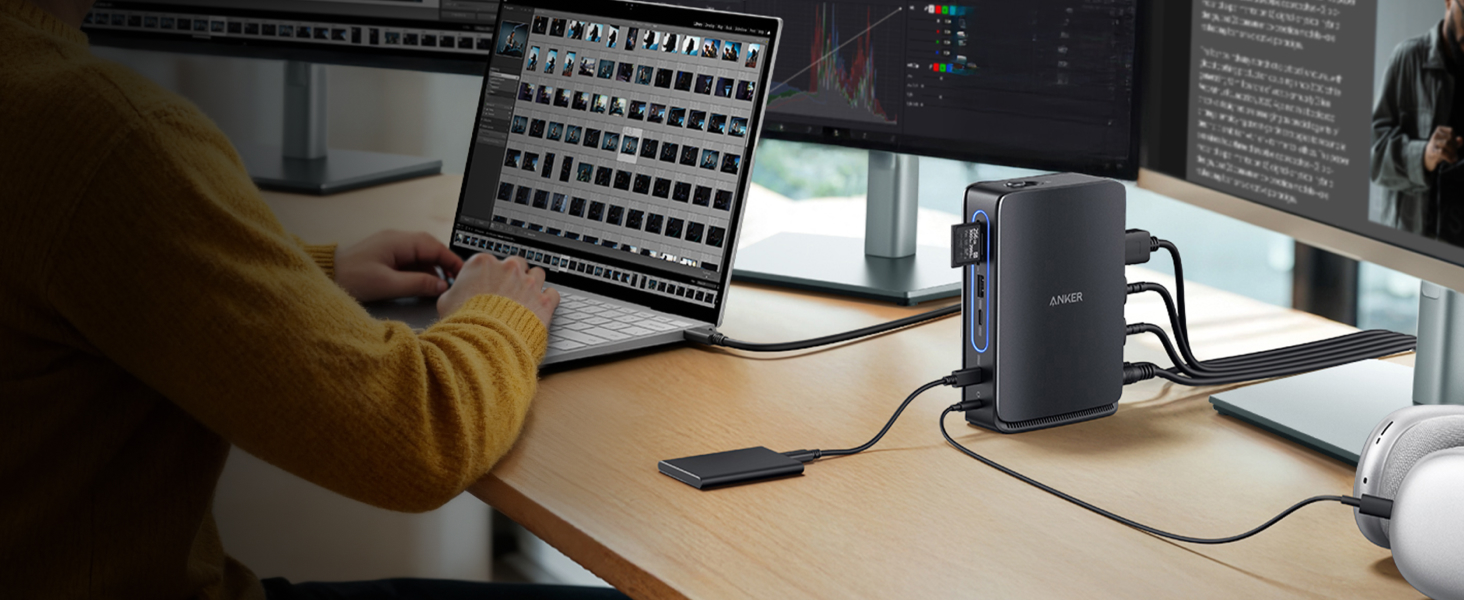
Anker 13-in-1 Docking Station with Detachable Hub
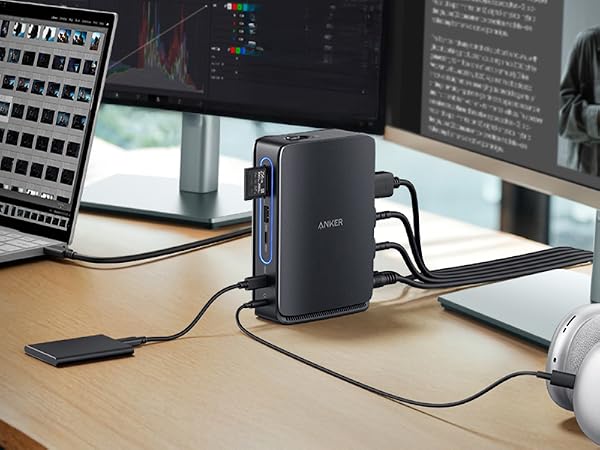
Switch effortlessly between full desktop setups and mobile work with a 13-in-1 dock for every connection, plus a detachable 6-in-1 hub for quick, on-the-go access.
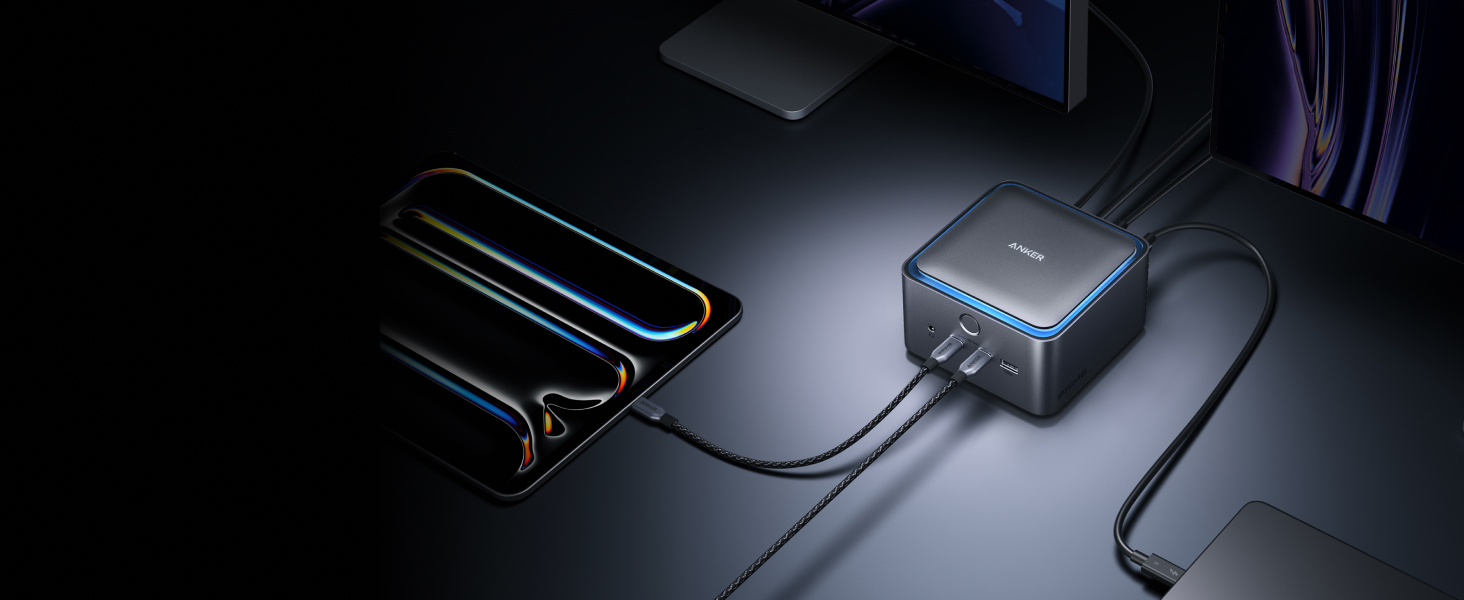
Anker Prime 14-in-1 Thunderbolt 5 Docking Station
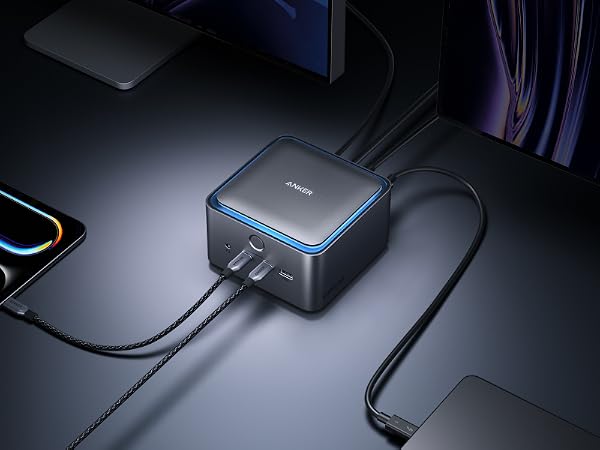
Transfer a 150GB file in just 25 seconds with TB5 speeds, power your devices with up to 140W charging, and drive dual 8K displays—all with advanced active cooling for sustained peak performance.
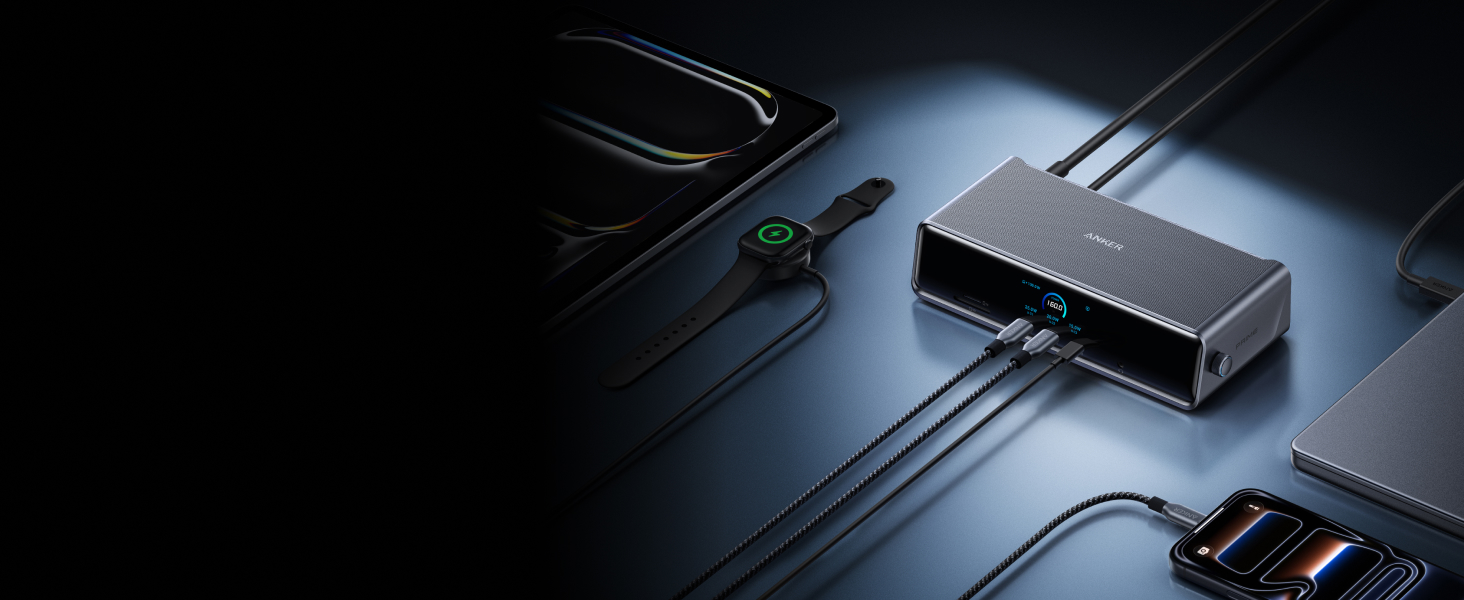
Anker Prime 14-in-1 DisplayLink Docking Station
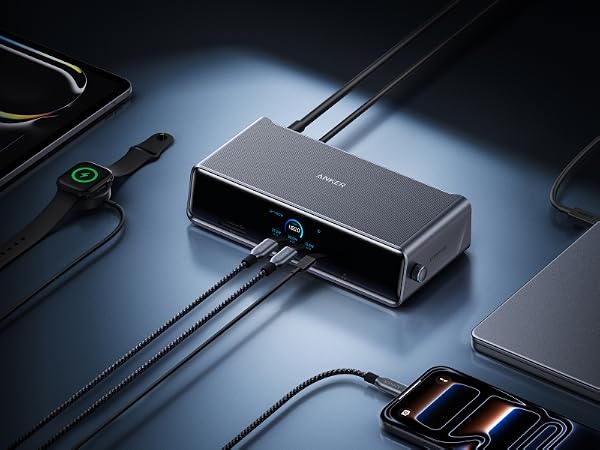
Power up three external monitors at once—Triple 4K—with real-time charging and performance updates on the smart display, all kept cool by ActiveShield 3.0 and a built-in fan.
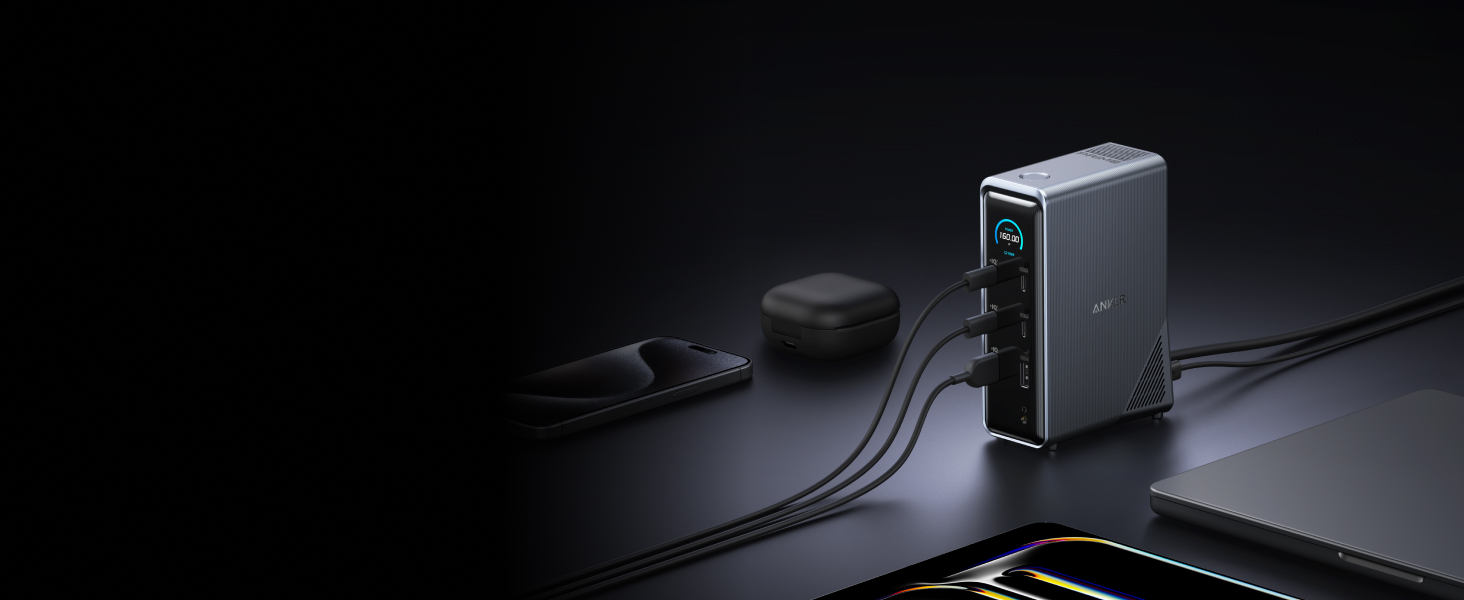
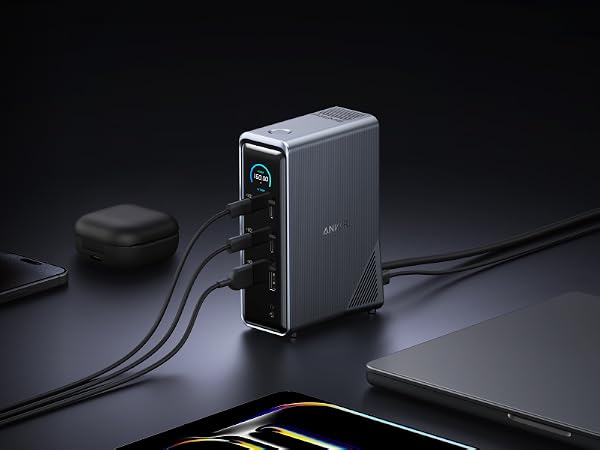
Anker Prime 14-in-1 Docking Station
Bring together all your devices with a 14-in-1 solution—160W total output powers and charges up to four devices, while 11 data ports at up to 10Gbps keep everything running at peak speed.












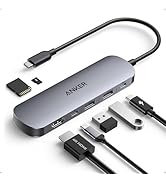



Model Number: A8365 6-in-1 USB-C PD Ethernet Hub
| PowerExpand | Use Minimal Space to Connect More Devices |
|---|---|
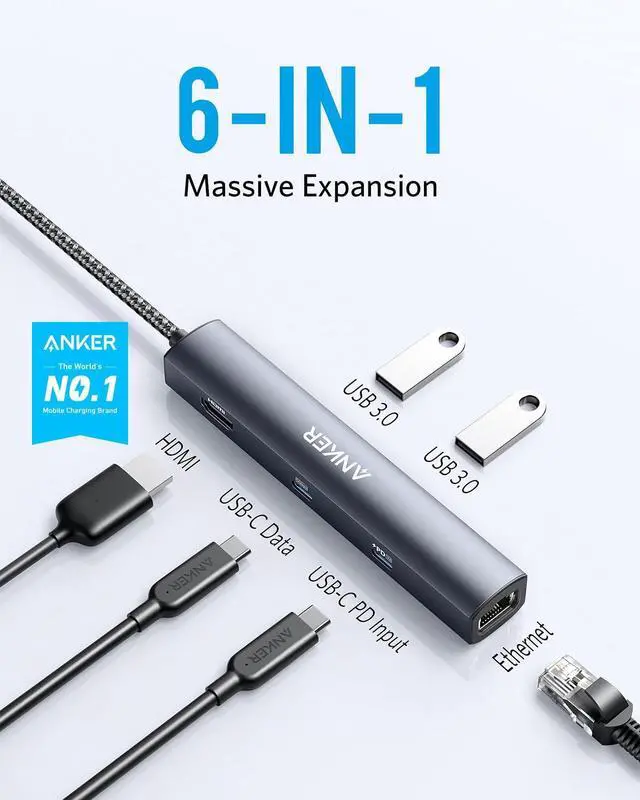
| More Ports More Options | With a total of 6 ports, you can expand the functionality of your laptop’s single USB-C port to include Power Delivery pass-through charging, media display, ethernet connectivity, and data transfer. |
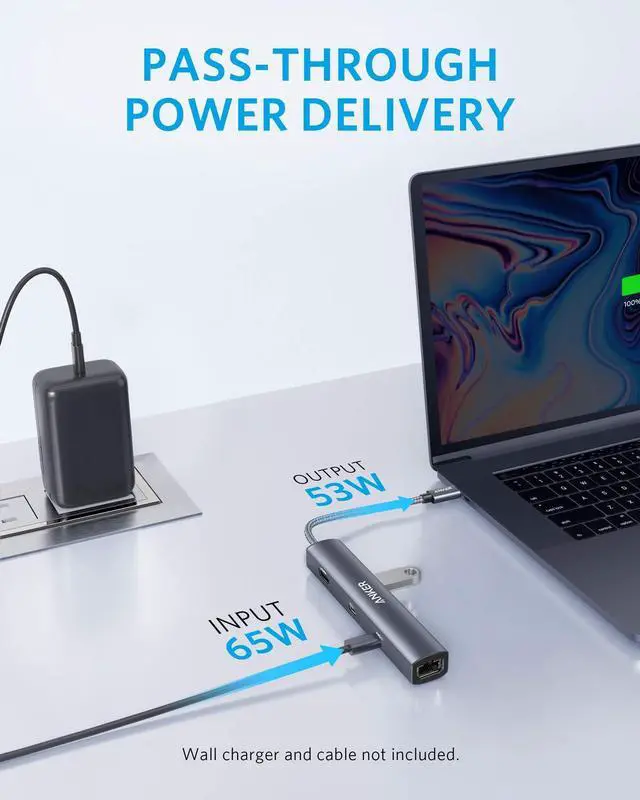
| Supports High-Speed Charging | The USB-C Power Delivery input port supports up to 53W pass-through charging to your connected laptop when used with a 65W charger (not included). This means you can fully refuel a 2020 MacBook Air 13" in just 2 hours. |
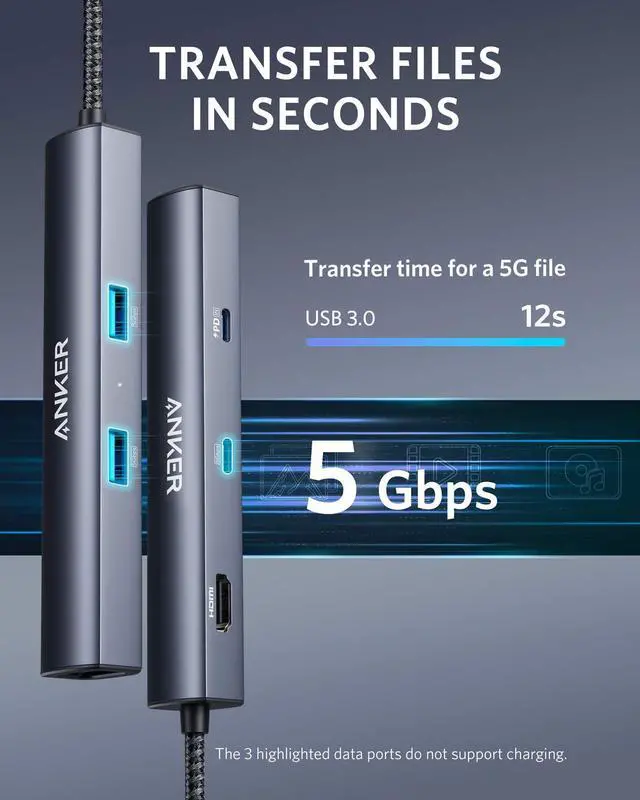
| High-Speed High-Def | USB-C and USB-A data ports provide file transfer at speeds up to 5 Gbps, while an HDMI port supports media display at resolutions up to 4K@30Hz. Note: The Adopted Trademarks HDMI, HDMI High-Definition Multimedia Interface, and the HDMI Logo are trademarks or registered trademarks of HDMI Licensing Administrator, Inc. in the United States and other countries. |
| Fast and Reliable Connection | Connect your Wi-Fi router to the Ethernet port for a more stable online connection at speeds up to 1 Gbps. |
| Compatible Devices: | MacBook / MacBook Pro ( 2021/ 2020 / 2019 / 2018 / 2017) ?MacBook Air (2022/ 2021 / 2020 / 2019 / 2018) ?iPad Pro (2022/ 2021 /2020 / 2019 / 2018) ?XPS (13 inch / 15 inch) ?YOGA 720 ? ThinkPad X1 ?Spectre Folio ? SF314 ?Pixelbook (2019 / 2018 / 2017) |
| Incompatible Devices: | Nintendo Switch ? USB SuperDrive |
| Supported Systems: | Windows 10, 8, 7, Vista, XP, macOS X 10.6 or later, iPadOS, Linux 2.6.14 or later. |
| Notes | The USB-A and USB-C data ports do not support media display or charging. Charger and cable not included. |
Frequently Asked Questions:
| Question 1: | How can I use this hub to get 53W pass-through charging? |
|---|---|
| Answer 1: | Make sure your laptop supports a 65W input and that your charger and cable both support 65W charging. |
| Question 2: | I can't get the Ethernet port to work. What should I do? |
| Answer 2: | 1) Reinstall the Ethernet driver. 2) Try this device with a different computer or different ethernet cable and see if the issue persists. |
| Question 3: | I can't get the HDMI port to work. What should I do? |
| Answer 3: | 1) Confirm if the connected USB-C port of your device supports DP Alt Mode. To do this, please consult your device's user manual, or check the manufacturer's website. 2) Try a different computer and HDMI cable to see if the issue still persists. 3) Plug your HDMI cable directly into your device and see if you get a stable connection. If you can't get a stable connection, then the problem is with your HDMI cable. 4) Verify that your monitor is configured to the correct input (HDMI). |
| Question 4: | What resolution does this device support? |
| Answer 4: | The HDMI port supports a variety of resolutions up to 4K@30Hz and 1080p@60Hz, including 1080p, 1080i, 720p, and 480p. |
| Question 5: | Does this hub work with iPad Pro? |
| Answer 5: | Yes, but you must update to the latest version of the iPadOS. And due to the power input limit of iPad Pro, the maximum pass-through charging speed is 30W for an 11-inch iPad Pro and 35W for a 12.9-inch iPad Pro. |
| Question 6: | Does this hub get hot? |
| Answer 6: | When the hub is fully loaded, it may reach a surface temperature of around 122?. However, this is normal for products of this kind. |
Comparison
 6-in-1 USB-C Hub | 8-in-1 USB-C Hub | 7-in-1 USB-C Hub | 7-in-1 USB-C Hub | 6-in-1 USB-C Hub | 11-in-1 USB-C Hub |
|---|---|---|---|---|---|
| Customer Reviews | |||||
| — | — | — | — | — | — |
| Price | |||||
| — | — | — | — | — | — |
| USB-A Data Port | |||||
| 2 | 2 | 2 | 2 | 2 | 3 |
| USB-C Data Port | |||||
| 1 | 1 | 1 | 1 | / | 1 |
| USB-C PD Input | |||||
| 53W | 85W | 85W | 85W | 85W | 85W |
| HDMI Port | |||||
| 4K @ 30Hz | — | 4K @ 60Hz | 4K @ 30Hz | 4K @ 60Hz | 4K @ 60Hz |
| Audio | |||||
| / | — | / | / | 1 | 1 |
| SD / TF Slot | |||||
| / | 2 | 2 | 2 | 1 | 2 |
| Ethernet | |||||
| 1 | 1 | / | / | / | 1 |
| Product Dimension (inches) | |||||
| 5.2 * 0.9 * 0.72 | 4.76 x 2.17 x 0.6 | 5.17 × 1.46 × 0.47 | 4.61 * 2.1 * 0.57 | 4.25 * 2.17 * 0.55 | 5.39 * 2.24 * 0.55 |
More Ways to Connect
Anker 7-in-1 USB-C Hub with 4K@60Hz HDMI
New: Anker Nano 8-in-1 USB-C Hub with Dual Display
Anker 13-in-1 Docking Station with Detachable Hub
Anker Prime 14-in-1 Thunderbolt 5 Docking Station
Anker Prime 14-in-1 DisplayLink Docking Station
Anker Prime 14-in-1 Docking Station
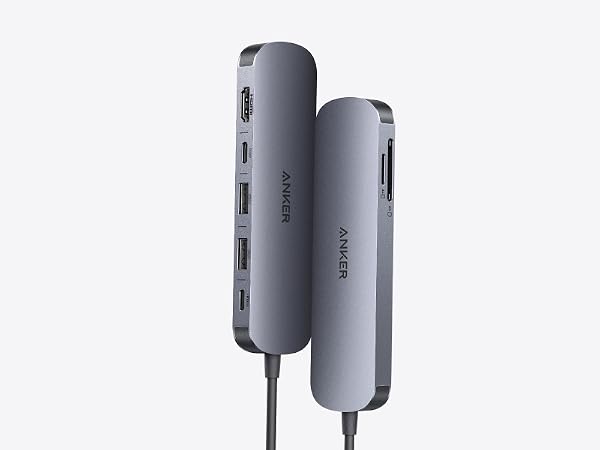
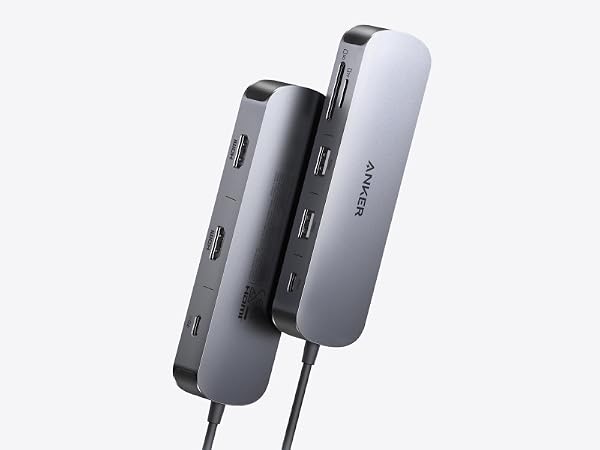
Experience cinematic 4K@60Hz output on an external display, transfer data at 5Gbps across three USB ports, and deliver up to 85W of pass-through charging—all in a sleek hub with SD/TF card slots.
Power two external monitors at up to 4K@60 Hz for seamless multitasking, transfer files at 10Gbps across every USB port, and deliver up to 85W of pass-through charging.
Switch effortlessly between full desktop setups and mobile work with a 13-in-1 dock for every connection, plus a detachable 6-in-1 hub for quick, on-the-go access.
Transfer a 150GB file in just 25 seconds with TB5 speeds, power your devices with up to 140W charging, and drive dual 8K displays—all with advanced active cooling for sustained peak performance.
Power up three external monitors at once—Triple 4K—with real-time charging and performance updates on the smart display, all kept cool by ActiveShield 3.0 and a built-in fan.
Bring together all your devices with a 14-in-1 solution—160W total output powers and charges up to four devices, while 11 data ports at up to 10Gbps keep everything running at peak speed.
TOP Finds for Every Moment
Anker Smart Display Charger
Power to Drive Your Prime
Pro Fast Charging in a Nano
Best Sellers
Highly Rated
Get Powered Up Now
