




USB C Video HUB
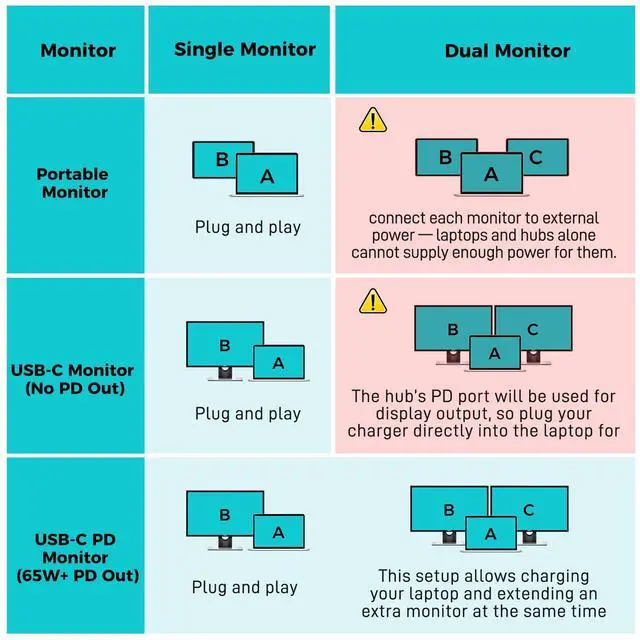
Merchant VideoNote: Since dual display occupies the PD port, please connect your charger to the laptop for charging if both monitors lack 65W or higher reverse power delivery.
Precautions For Dual Displays

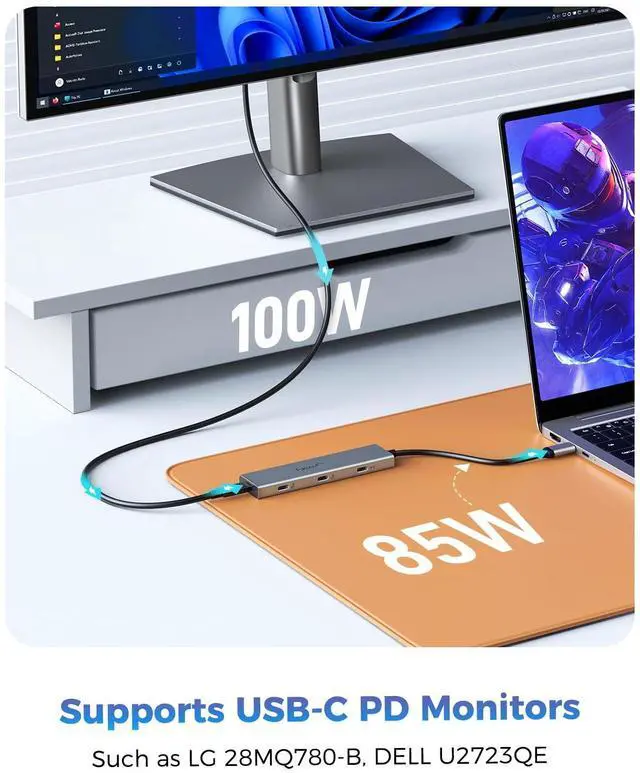
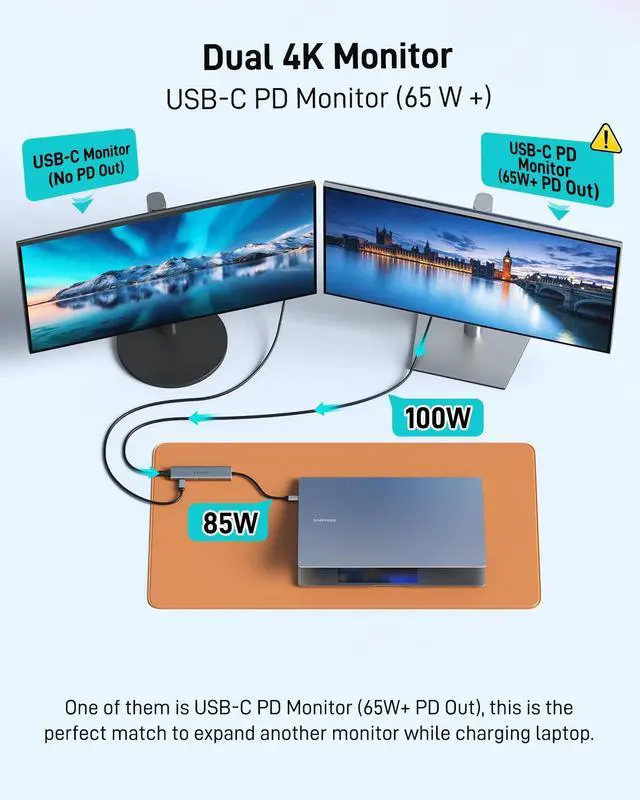
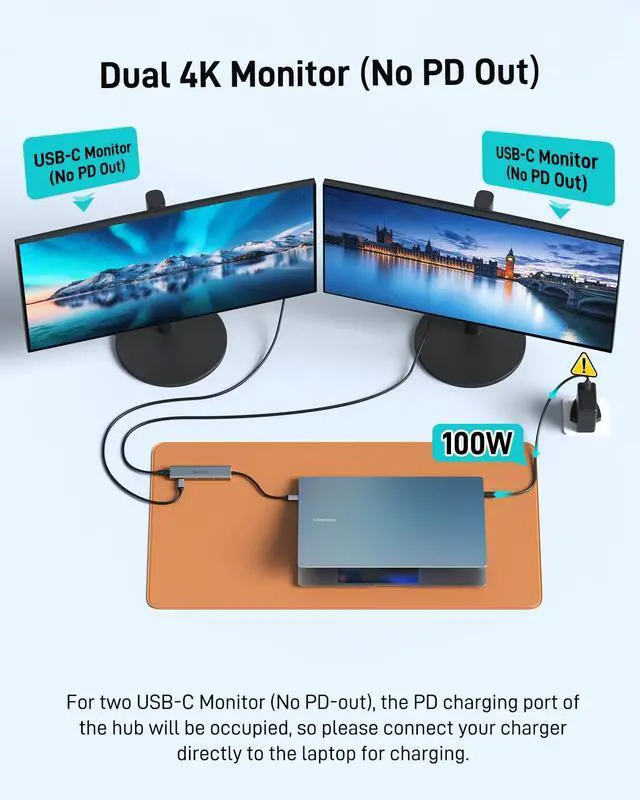
Desktop Monitor and Charging Diagram

1)For two USB-C Monitor (No PD-out), the PD charging port of the hub will be occupied, please connect charger directly to the laptop for charging.
2)For USB-C PD Monitor (65W+ PD Out), this is the perfect match to expand another monitor while charging laptop.
For Portable Screen


Must-Read
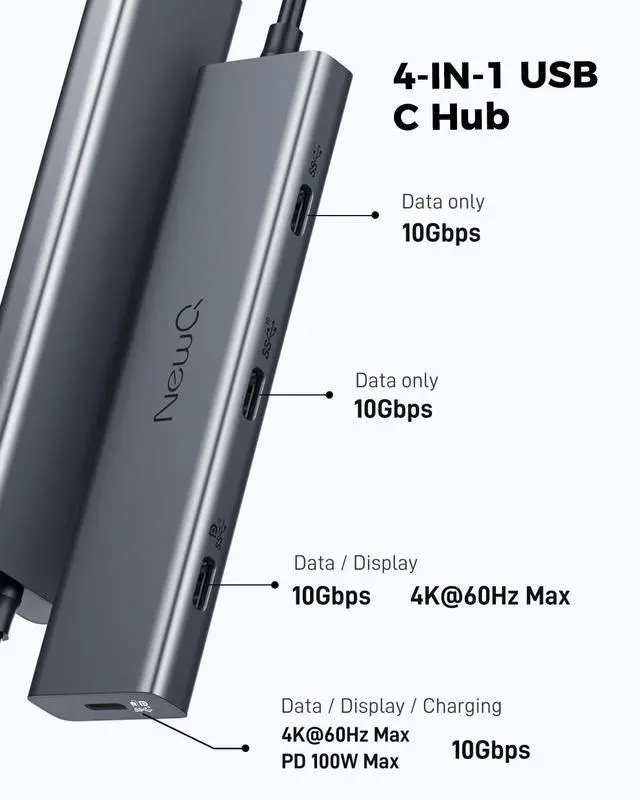
The hub uses 8W, so with a 65W PD adapter, your laptop gets about 57W. 4* Type-C share 8W and the third port is limited to 1.5A (no PD) or 1.8A (with PD).
If your portable monitor can't reach full resolution or brightness on the third port, switch to the fourth or use an external monitor power supply to fix it.
1) About MacBook Compatibility:
Does not support MacBook to extend to two monitors, only one monitor can be extended due to MacBook chip limitations.
2) About Type-C Monitor Support Reverse Power:
If you want to power your laptop via USB-C monitor, use the fourth port and make sure your monitor have reverse power feature and is at least 45W, Such as Dell UltraSharp U2720Q(90W), LG 27UK850-W(60W), BenQ PD3220U(85W), ASUS ProArt PA278CV(65W).
3) About Portable Monitor:
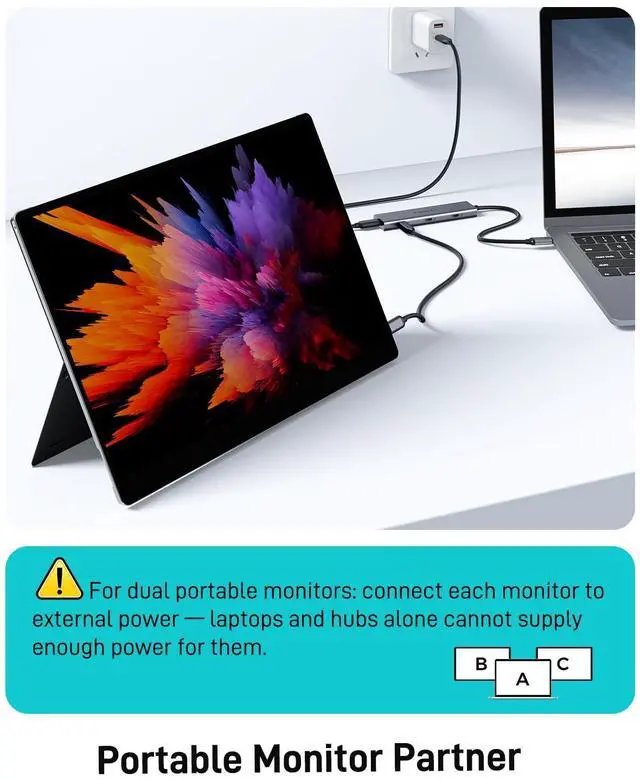
Using a portable monitor with a hard disk without an external power supply may cause problems such as delays or brightness limitations connected because the USBC output of the laptop is not powerful enough.
Laptop's USB-C output is around 5W, Portable Monitor needs 3-5W, SSD needs 1.5-2.5W, HDD needs 3-5W.



Choosing NEWQ means choosing innovation, reliability, and a seamless integration of technology into your life.
Trustworthy After-Sales:
If you experience any quality issues, we offer a direct replacement with a brand new product. Please mail us to explore alternative satisfactory solutions before considering a return.
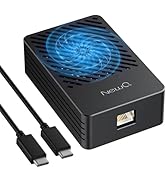
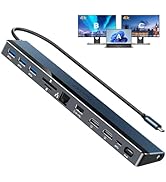
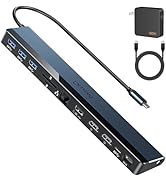
Docking Station & HUB
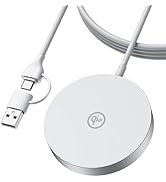
NewQ Wireless Charger
USB C Video HUB
Merchant VideoNote: Since dual display occupies the PD port, please connect your charger to the laptop for charging if both monitors lack 65W or higher reverse power delivery.
Precautions For Dual Displays

Desktop Monitor and Charging Diagram

1)For two USB-C Monitor (No PD-out), the PD charging port of the hub will be occupied, please connect charger directly to the laptop for charging.
2)For USB-C PD Monitor (65W+ PD Out), this is the perfect match to expand another monitor while charging laptop.
For Portable Screen


Must-Read
The hub uses 8W, so with a 65W PD adapter, your laptop gets about 57W. 4* Type-C share 8W and the third port is limited to 1.5A (no PD) or 1.8A (with PD).
If your portable monitor can't reach full resolution or brightness on the third port, switch to the fourth or use an external monitor power supply to fix it.
1) About MacBook Compatibility:
Does not support MacBook to extend to two monitors, only one monitor can be extended due to MacBook chip limitations.
2) About Type-C Monitor Support Reverse Power:
If you want to power your laptop via USB-C monitor, use the fourth port and make sure your monitor have reverse power feature and is at least 45W, Such as Dell UltraSharp U2720Q(90W), LG 27UK850-W(60W), BenQ PD3220U(85W), ASUS ProArt PA278CV(65W).
3) About Portable Monitor:
Using a portable monitor with a hard disk without an external power supply may cause problems such as delays or brightness limitations connected because the USBC output of the laptop is not powerful enough.
Laptop's USB-C output is around 5W, Portable Monitor needs 3-5W, SSD needs 1.5-2.5W, HDD needs 3-5W.
With full-featured Cable


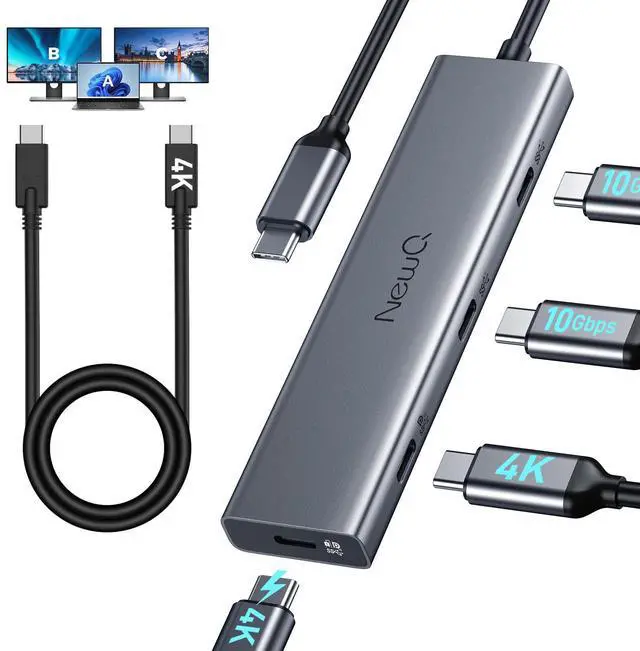
Comes with a full-featured cable that supports display and GEN2 10gbps, allowing you to use it flexibly.
Choosing NEWQ means choosing innovation, reliability, and a seamless integration of technology into your life.
Trustworthy After-Sales:
If you experience any quality issues, we offer a direct replacement with a brand new product. Please mail us to explore alternative satisfactory solutions before considering a return.
Docking Station & HUB
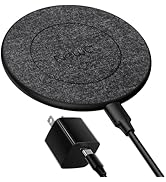
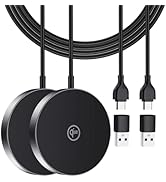
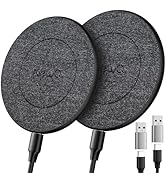
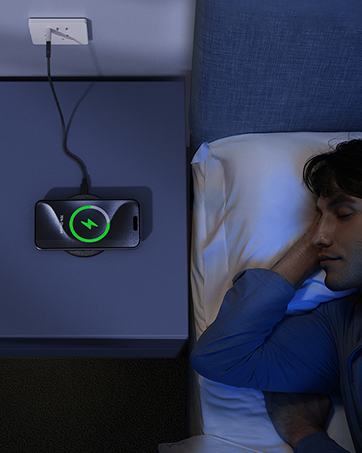
NewQ Wireless Charger