
Out of stock
This item is currently out of stock and it may or may not be restocked.
Most customers receive within 5-9 days.
Shop it at NeweggBusiness.

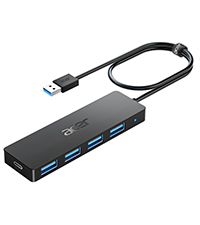
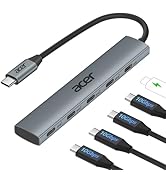
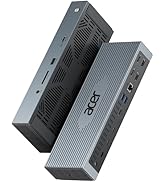
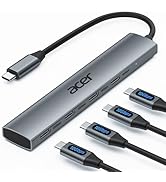
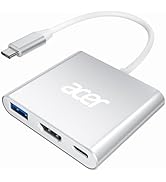
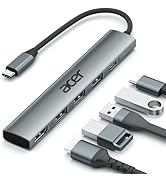
USB Hub 4 Ports, Multiple USB 3.0 Hub, USBA Splitter for Laptop with Type C Power Port, Extender for A Port Laptop, PC, Desktop and More (4ft)

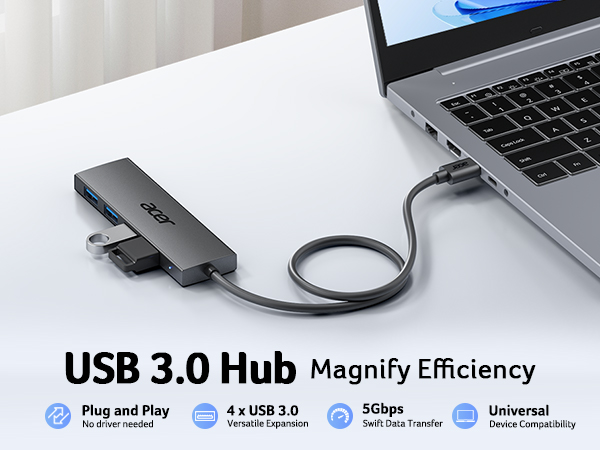
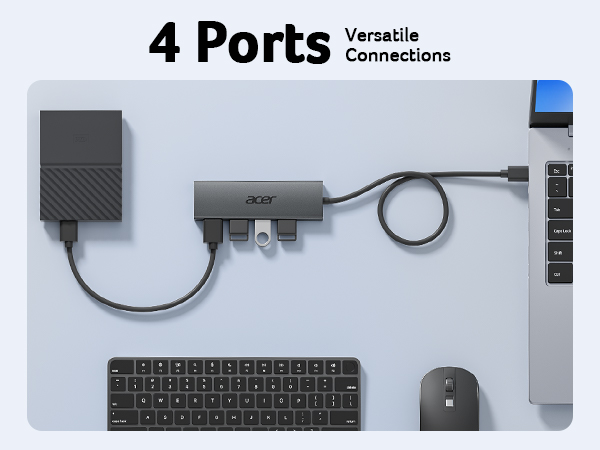
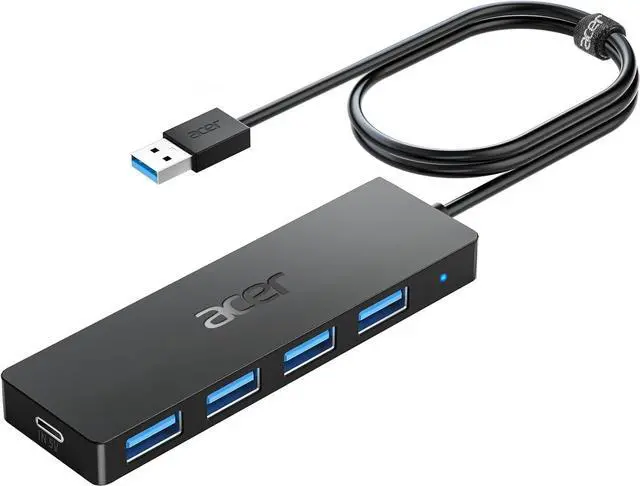
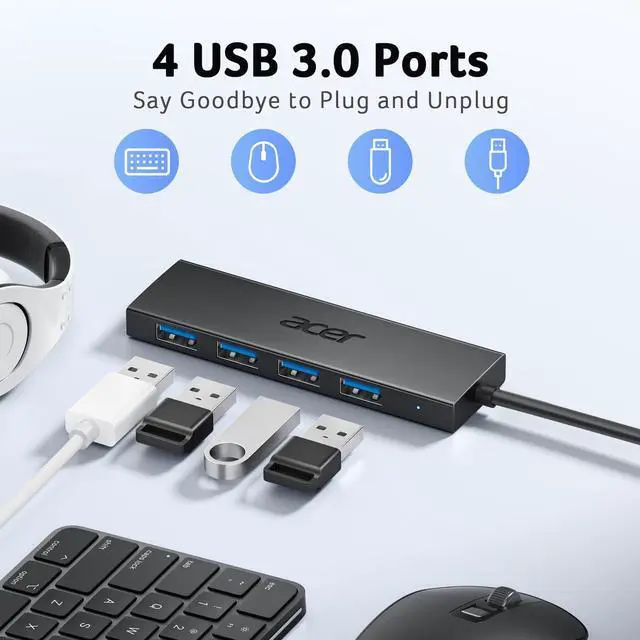
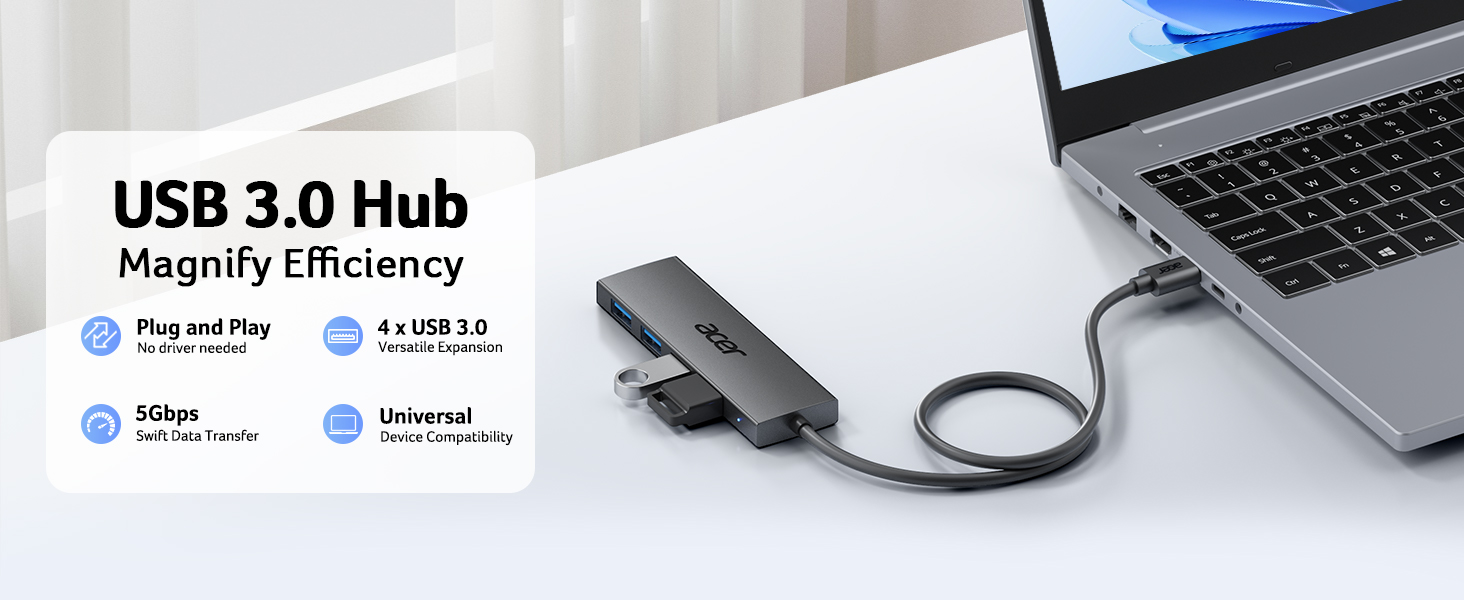
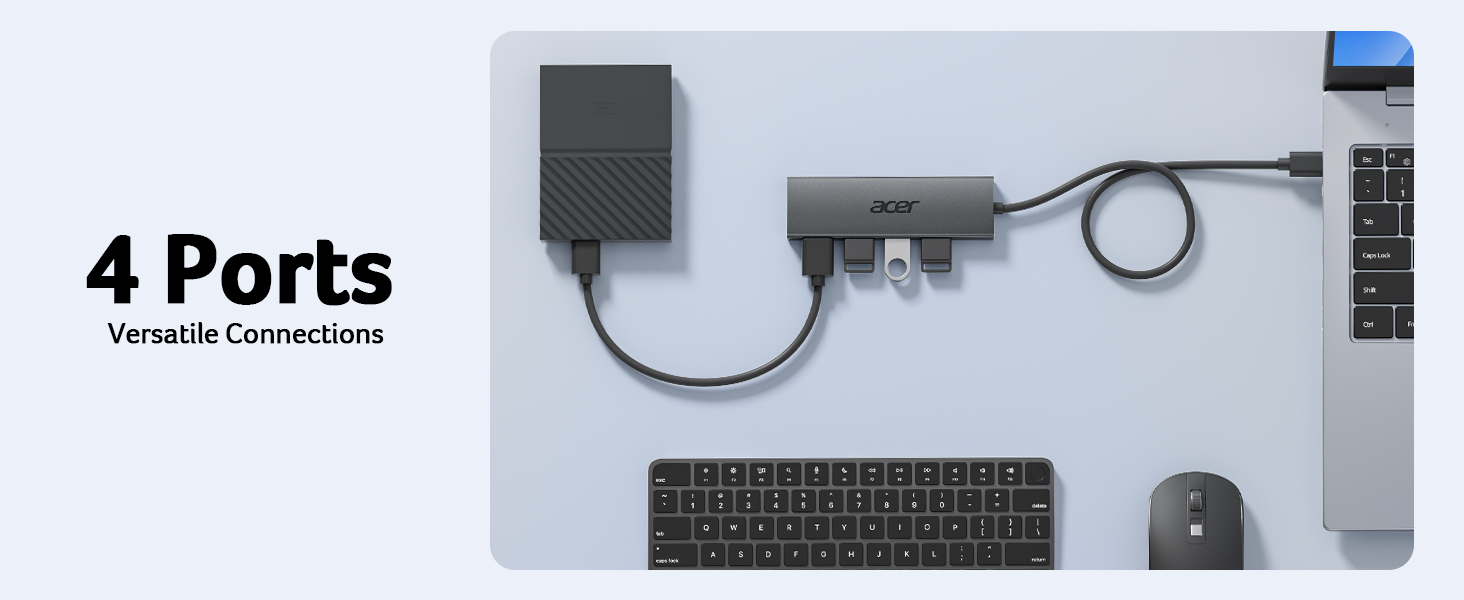
  • 4 Ports USB 3.0 HubAcer USB Hub extends your device with 4 additional USB 3.0 ports, ideal for connecting USB peripherals such as flash drive, mouse, keyboard, printer
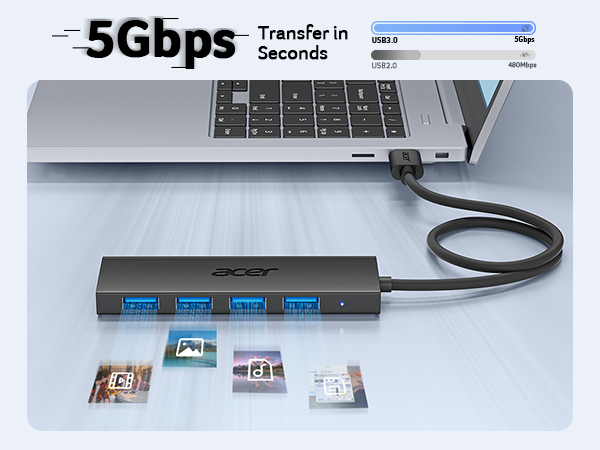
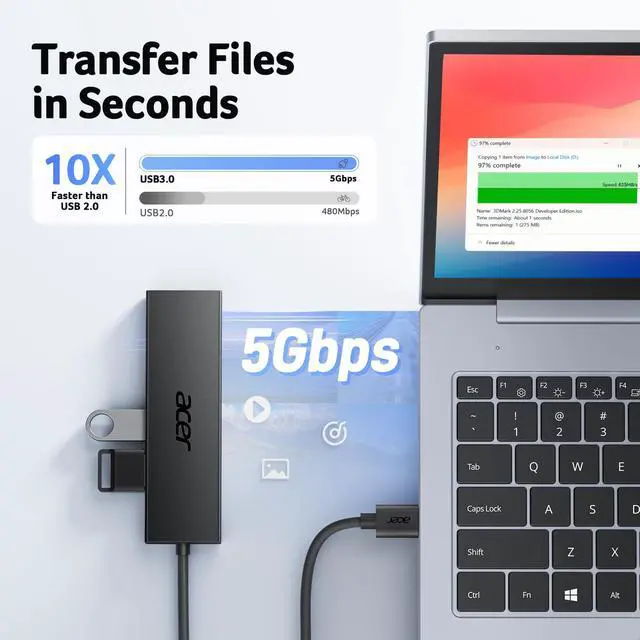
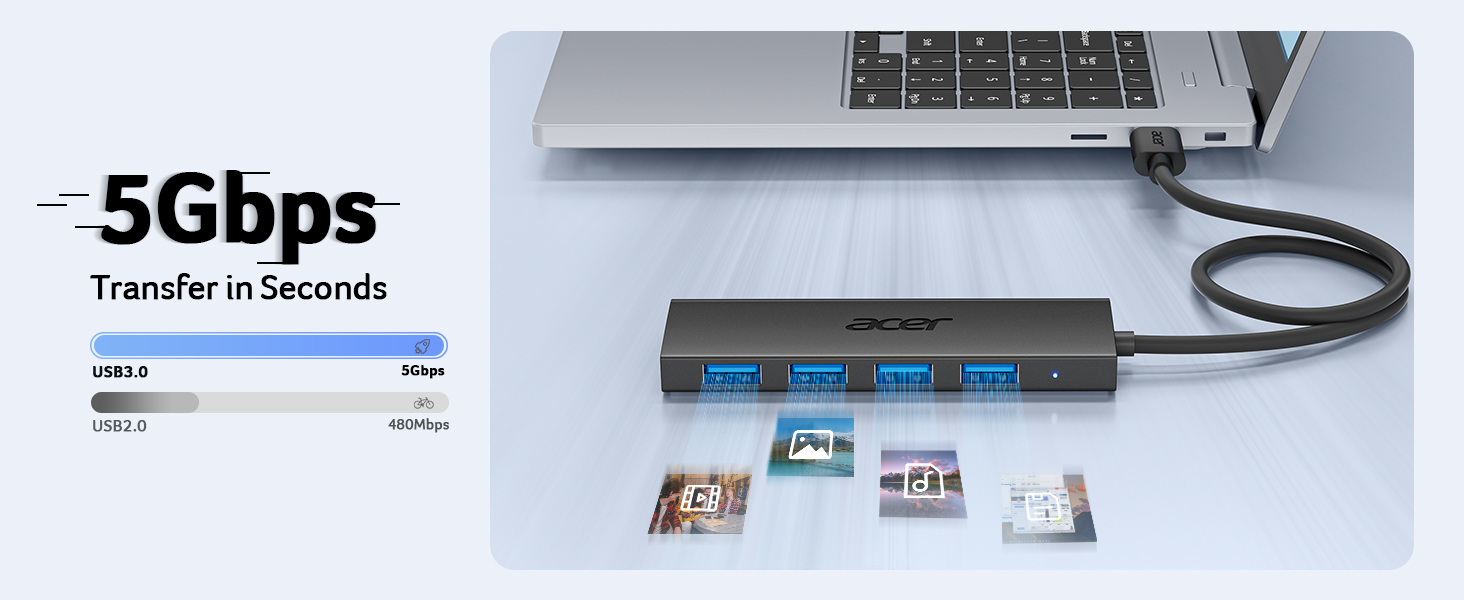
  • 5Gbps Data TransferThe USB splitter is designed with 4 USB 3.0 data ports, you can transfer movies, photos, and files in seconds at speed up to 5Gbps. When connecting hard drives to transfer files, you need to power the hub through the 5V USB C port to ensure stable and fast data transmission
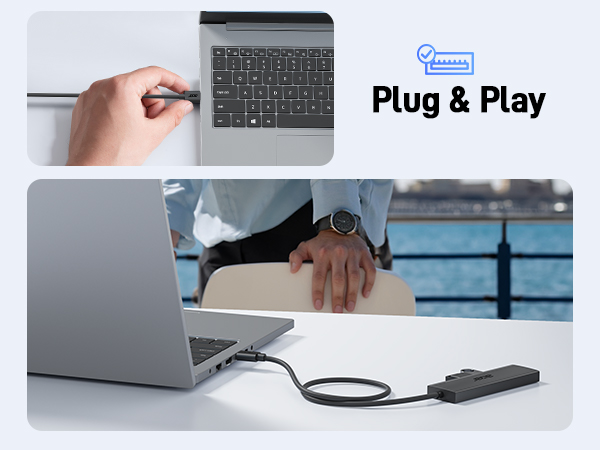
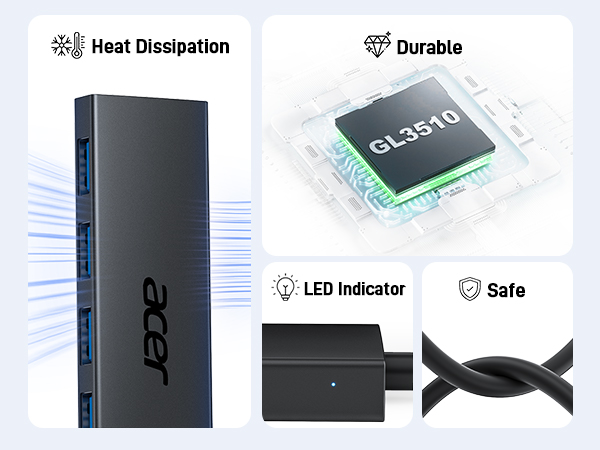
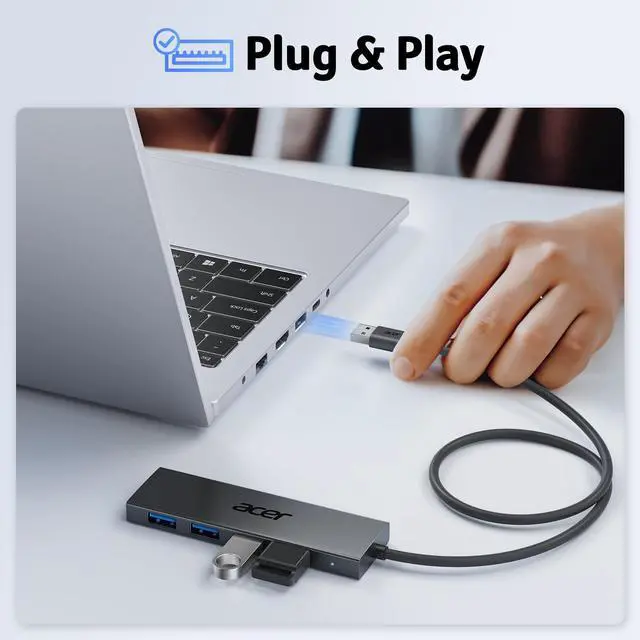
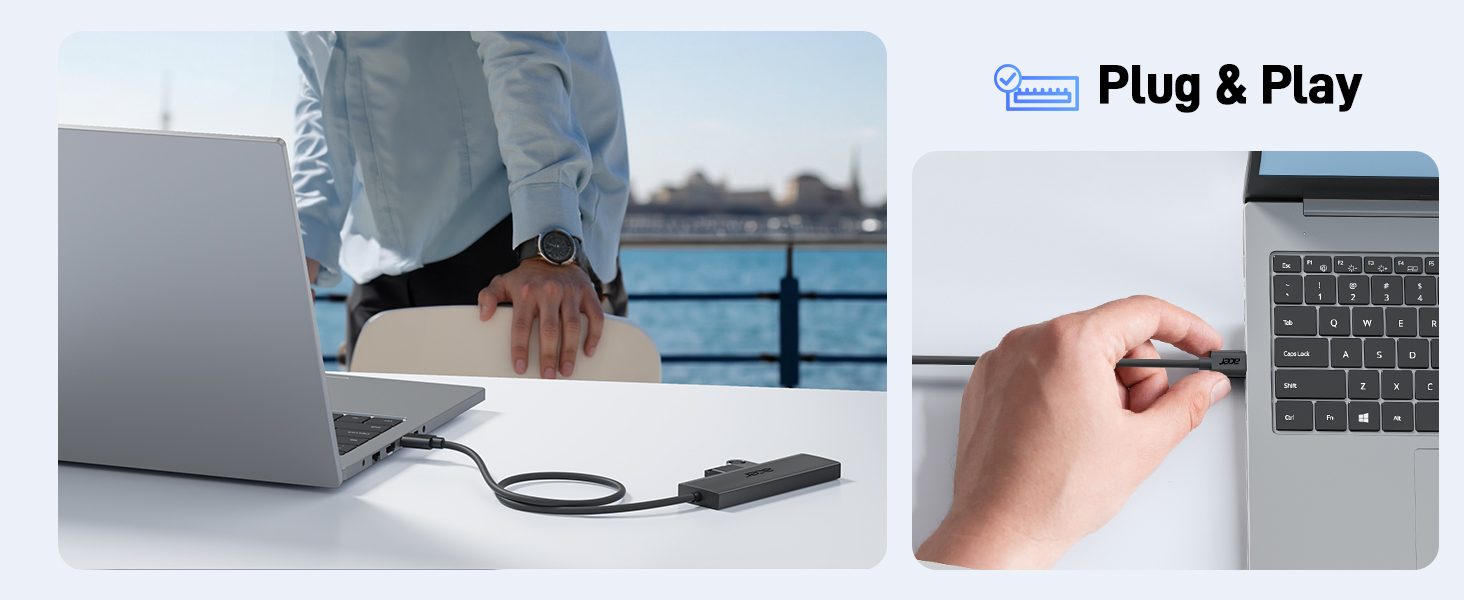
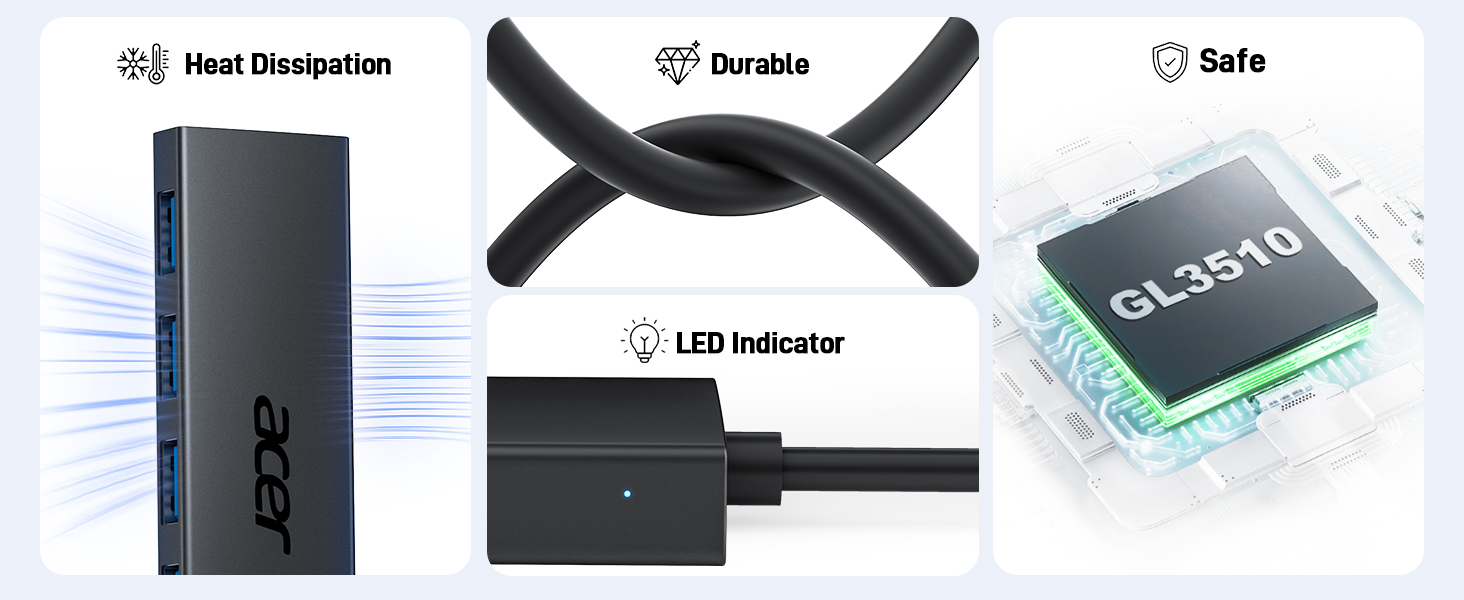
  • Excellent Technical DesignBuild-in advanced GL3510 chip with good thermal design, keeping your devices and data safe. Plug and play, no driver needed, supporting 4 ports to work simultaneously to improve your work efficiency
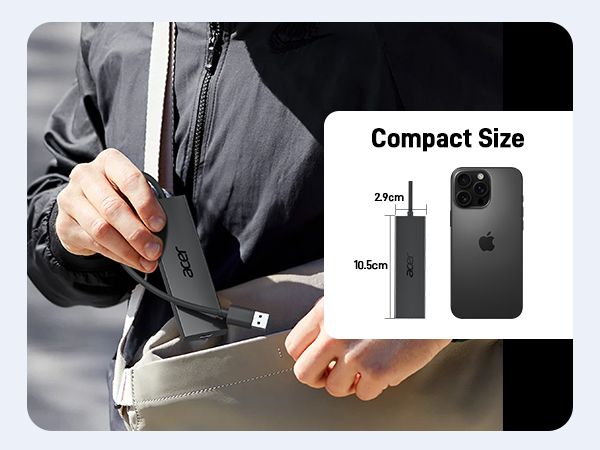
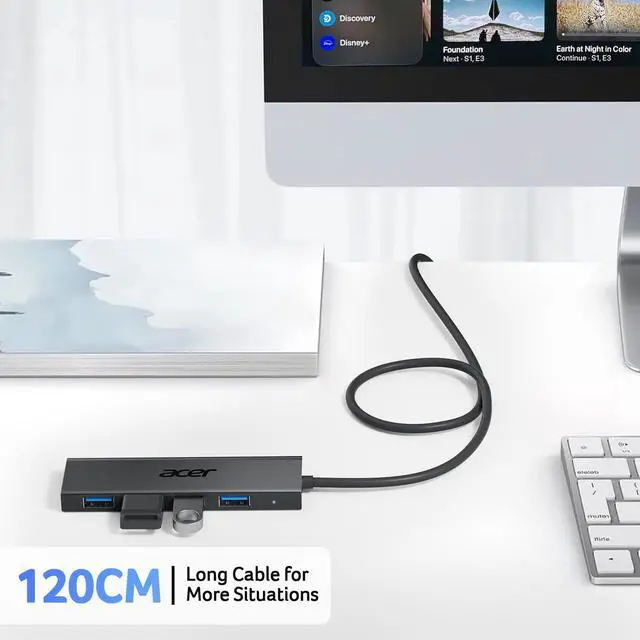
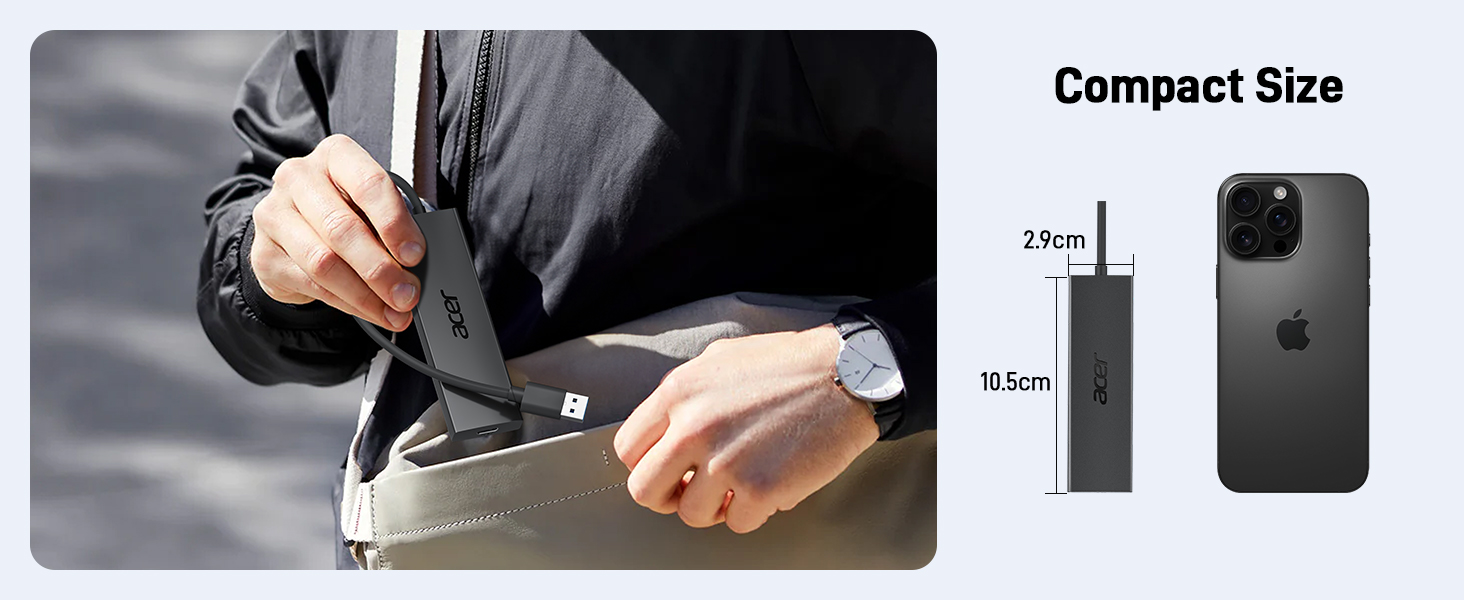
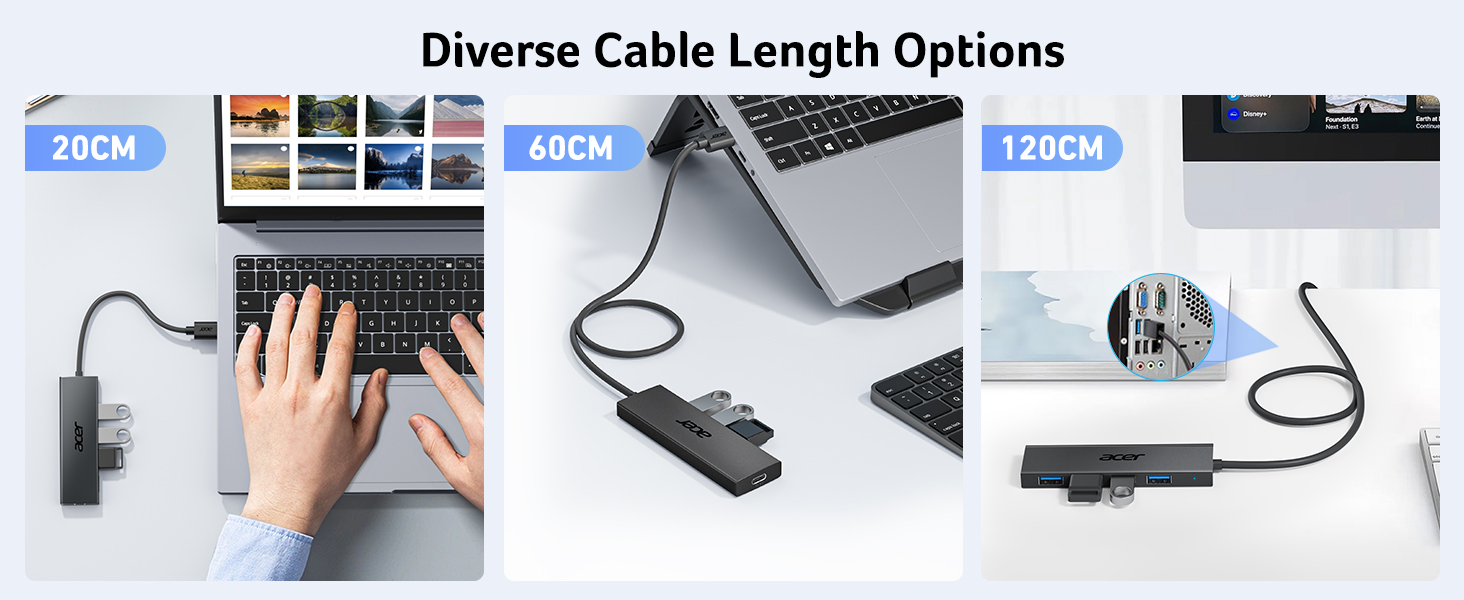
  • Portable DesignAcer multiport USB adapter is slim and lightweight with a 4ft cable, making it easy to put into bag or briefcase with your laptop while traveling and business trips. LED light can clearly tell you whether it works or not
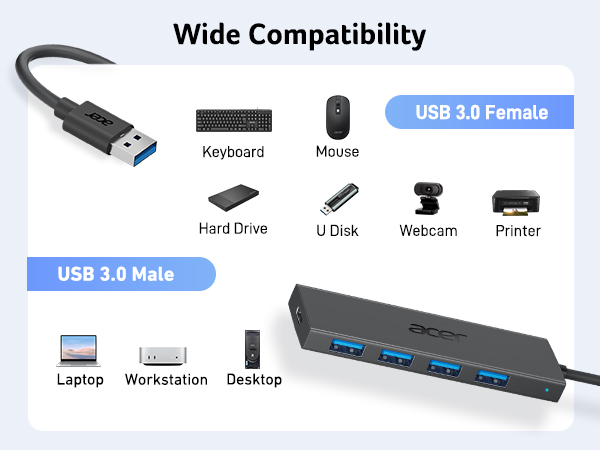
  • Wide CompatibilityCrafted with a high-quality housing for enhanced durability and heat dissipation, this USB-A expansion is compatible with Acer, XPS, PS4, Xbox, Laptops, and works on macOS, Windows, ChromeOS, Linux
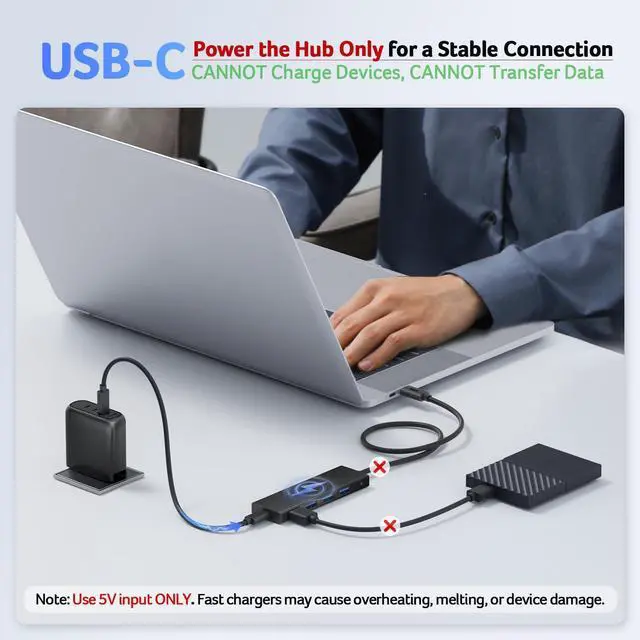
  • NOTE: This USB C port (with IN 5V printed) CANNOT be used for transferring data and charging other devices. It can only supply power for the other 4 USB A ports, which can make data transfer more stable
Overview
Specs
Reviews
avatar

Any questions? Our AI beta will help you find out quickly.

USB 3.0 HUB
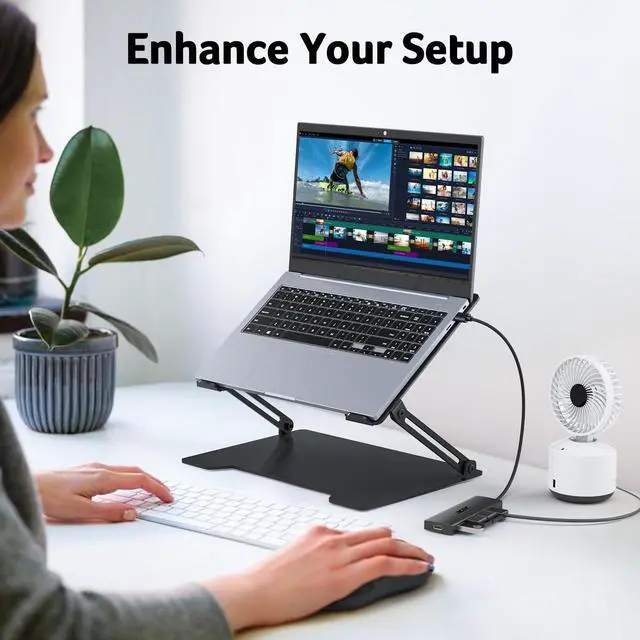
USB HUB for Laptop
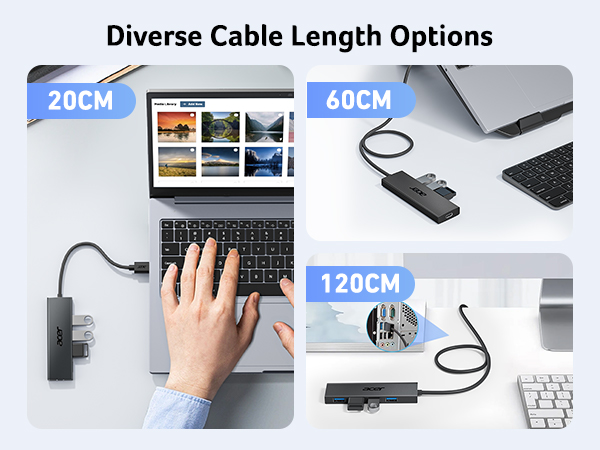
USB hub options in various lengths: 20cm, 60cm, and 120cm. Shows hub connected to laptops in different scenarios.

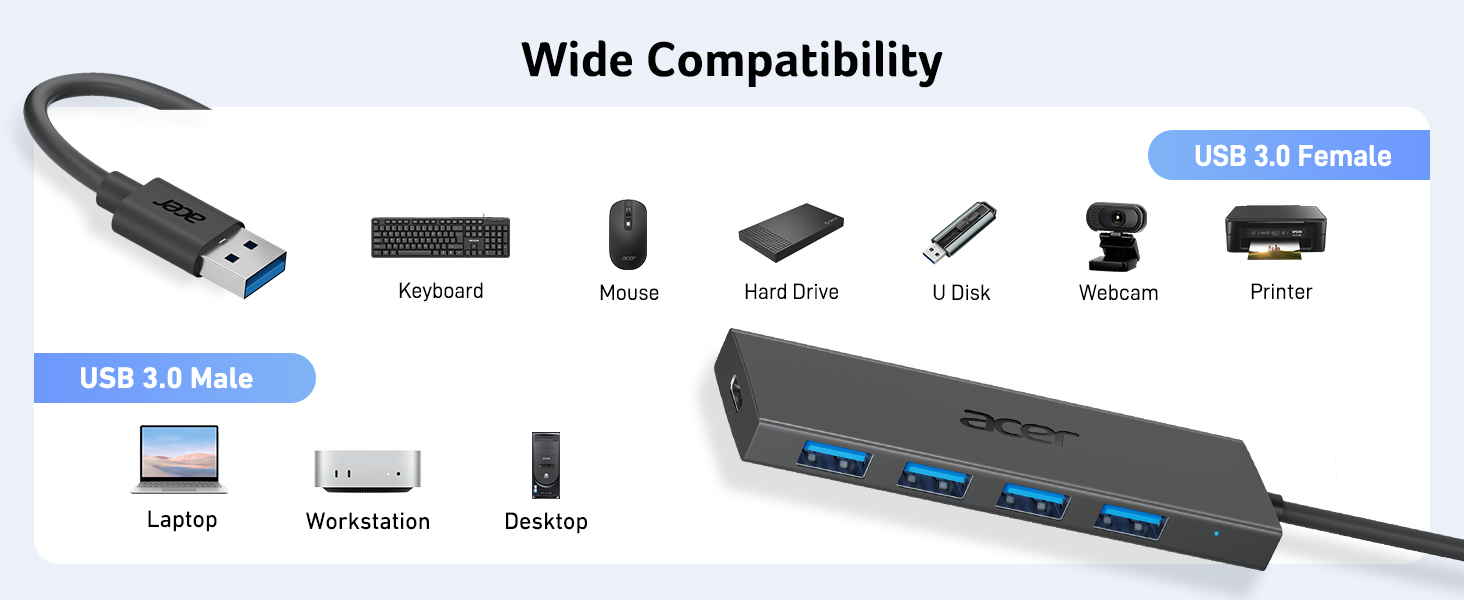
Wide Compatibility ( Not a full list )

Kindly Reminder: 1. When connecting devices that require power, you can charge through the 5v USB C power port to ensure stable and fast data transmission.
2. When connected to a USB 2.0 Port, it transfers data at a rate of 480Mbps only.
3. NOT suitable for connecting 2 hard drives simutaneously, the power consumption is too high and will lead to disconnection.
4. This USB C port (with IN 5V printed) can not be used for data transfer and charge other devices. It can only supply power for the other 4 USB A ports, which can make data transfer more stable.
USB 3.0 (Male) Port: Macbook Air 2017 and earlier, MacBook Pro 2015 and earlier, iMac 2020 and earlier, Mac mini
Acer Swift X 16, Swift Go, PREDATOR TRITON 17 X, Aspire 5 Intel and other Acer models
Microsoft Surface, Surface Pro 7, 7+ and earlier, Surface Laptop 1-5 / SE / GO / GO2 /GO3
Lenovo Thinkpad, Lenovo ChromeBook/Yoga 900
Dell Latitude, Inspiron, Vostro
Desktop Computer PC
USB 3.0 (Female) Port: Keyboard, Mouse, USB Bluetooth Adapter, USB flash drive, Hard Drive, U Disk, HDD
Camera, Webcam, Printer, game controller, USB fan
Other USB 3.0 connection devices
Systems: Windows 11/10/8/8.1/7, Vista, XP, Mac Osx 10.6-10.12 or later, Linux 2.6.14 or later

Acer Computer Accessories

https://m.media-amazon.com/images/S/aplus-media-library-service-media/6a4ad670-dd77-4a68-8dcc-01ea9d257399.__CR0,0,200,225_PT0_SX200_V1___.jpg

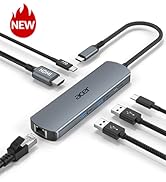
Acer 5 in 1 USB Hub

https://m.media-amazon.com/images/S/aplus-media-library-service-media/7763e7bc-905c-43ff-9079-46393034c46e.__CR0,0,400,450_PT0_SX200_V1___.jpg

Acer 5 in 1 USB C Hub

https://m.media-amazon.com/images/S/aplus-media-library-service-media/6d27a096-ef0f-47cf-82bb-71a0f752ea36.__CR0,0,400,450_PT0_SX200_V1___.jpg

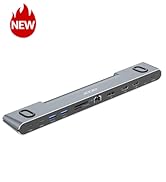
Acer 6 in 1 USB C Hub

https://m.media-amazon.com/images/S/aplus-media-library-service-media/ee1f0818-240d-4d0d-b6ee-2ea035b423fe.__CR0,0,400,450_PT0_SX200_V1___.jpg

Acer 6 in 1 USB C Hub

https://m.media-amazon.com/images/S/aplus-media-library-service-media/ed98ed05-4585-476c-8f65-c639d332b162.__CR0,0,400,450_PT0_SX200_V1___.jpg

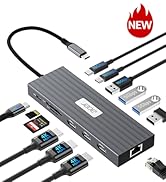
Acer 11 in 1 USB C HUB

https://m.media-amazon.com/images/S/aplus-media-library-service-media/c1b76605-4a79-4f88-9c65-5e2bdd9a8fae.__CR0,0,400,450_PT0_SX200_V1___.jpg

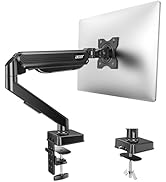
Acer Docking Station

Customer Reviews
Price
Interface
USB A USB C USB C USB C USB C USB C
USB-A Data Port
4 × USB-A 5Gbps 1 × 5Gbps + 1 × 480Mbps 1 × 10Gbps + 1 × 480Mbps 2 × USB-A 5Gbps 2 × 5Gbps + 1 × 480Mbps 2 × USB-A 5Gbps
USB-C Data Port
? 1 × USB-C 5Gbps 2 × USB-C 10Gbps 1 × USB-C 5Gbps 2 × USB-C 10Gbps 2 × USB-C 10Gbps
SD / micro SD Slot
? ? ? ? 104Mbps 104Mbps
HDMI Port
? 1 × 4K@60Hz 1 × 4K@60Hz 1 × 4K@60Hz 1 × 4K@60Hz 2 × 4K@60Hz
Charging Port
5V/2.5A USB-C USB-C PD 100W USB-C PD 100W USB-C PD 100W USB-C PD 100W USB-C PD 100W
Ethernet Port
? ? ? 1 × 1000Mbps 1 × 1000Mbps 1 × 1000Mbps
VGA Port
? ? ? ? 1 × 1080P ?
Cable Length
2FT 0.66FT 0.66FT 0.49FT 0.67FT 1.3FT
USB 3.0 hub connected to a laptop. The hub offers 4 USB 3.0 ports, promising high-speed data transfer and plug-and-play functionality.
USB HUB for Laptop
USB HUB for Laptop

Wide Compatibility ( Not a full list )

Kindly Reminder: 1. When connecting devices that require power, you can charge through the 5v USB C power port to ensure stable and fast data transmission.
2. When connected to a USB 2.0 Port, it transfers data at a rate of 480Mbps only.
3. NOT suitable for connecting 2 hard drives simutaneously, the power consumption is too high and will lead to disconnection.
4. This USB C port (with IN 5V printed) can not be used for data transfer and charge other devices. It can only supply power for the other 4 USB A ports, which can make data transfer more stable.
USB 3.0 (Male) Port: Macbook Air 2017 and earlier, MacBook Pro 2015 and earlier, iMac 2020 and earlier, Mac mini
Acer Swift X 16, Swift Go, PREDATOR TRITON 17 X, Aspire 5 Intel and other Acer models
Microsoft Surface, Surface Pro 7, 7+ and earlier, Surface Laptop 1-5 / SE / GO / GO2 /GO3
Lenovo Thinkpad, Lenovo ChromeBook/Yoga 900
Dell Latitude, Inspiron, Vostro
Desktop Computer PC
USB 3.0 (Female) Port: Keyboard, Mouse, USB Bluetooth Adapter, USB flash drive, Hard Drive, U Disk, HDD
Camera, Webcam, Printer, game controller, USB fan
Other USB 3.0 connection devices
Systems: Windows 11/10/8/8.1/7, Vista, XP, Mac Osx 10.6-10.12 or later, Linux 2.6.14 or later

Acer Computer Accessories

https://m.media-amazon.com/images/S/aplus-media-library-service-media/6a4ad670-dd77-4a68-8dcc-01ea9d257399.__CR0,0,200,225_PT0_SX200_V1___.jpg

Acer 5 in 1 USB Hub

https://m.media-amazon.com/images/S/aplus-media-library-service-media/7763e7bc-905c-43ff-9079-46393034c46e.__CR0,0,400,450_PT0_SX200_V1___.jpg

Acer 5 in 1 USB C Hub

https://m.media-amazon.com/images/S/aplus-media-library-service-media/6d27a096-ef0f-47cf-82bb-71a0f752ea36.__CR0,0,400,450_PT0_SX200_V1___.jpg

Acer 6 in 1 USB C Hub

https://m.media-amazon.com/images/S/aplus-media-library-service-media/ee1f0818-240d-4d0d-b6ee-2ea035b423fe.__CR0,0,400,450_PT0_SX200_V1___.jpg

Acer 6 in 1 USB C Hub

https://m.media-amazon.com/images/S/aplus-media-library-service-media/ed98ed05-4585-476c-8f65-c639d332b162.__CR0,0,400,450_PT0_SX200_V1___.jpg

Acer 11 in 1 USB C HUB

https://m.media-amazon.com/images/S/aplus-media-library-service-media/c1b76605-4a79-4f88-9c65-5e2bdd9a8fae.__CR0,0,400,450_PT0_SX200_V1___.jpg

Acer Docking Station

Customer Reviews
Price
Interface
USB A USB C USB C USB C USB C USB C
USB-A Data Port
4 × USB-A 5Gbps 1 × 5Gbps + 1 × 480Mbps 1 × 10Gbps + 1 × 480Mbps 2 × USB-A 5Gbps 2 × 5Gbps + 1 × 480Mbps 2 × USB-A 5Gbps
USB-C Data Port
? 1 × USB-C 5Gbps 2 × USB-C 10Gbps 1 × USB-C 5Gbps 2 × USB-C 10Gbps 2 × USB-C 10Gbps
SD / micro SD Slot
? ? ? ? 104Mbps 104Mbps
HDMI Port
? 1 × 4K@60Hz 1 × 4K@60Hz 1 × 4K@60Hz 1 × 4K@60Hz 2 × 4K@60Hz
Charging Port
5V/2.5A USB-C USB-C PD 100W USB-C PD 100W USB-C PD 100W USB-C PD 100W USB-C PD 100W
Ethernet Port
? ? ? 1 × 1000Mbps 1 × 1000Mbps 1 × 1000Mbps
VGA Port
? ? ? ? 1 × 1080P ?
Cable Length
2FT 0.66FT 0.66FT 0.49FT 0.67FT 1.3FT
USB Hub 4 Ports, Multiple USB 3.0 Hub, USBA Splitter for Laptop with Type C Power Port, Extender for A Port Laptop, PC, Desktop and More (4ft)

Warranty & Returns

Warranty, Returns, And Additional Information

Warranty

  • Please contact the Seller directly for warranty information. Warranty information may also be found on the Manufacturer's website.
  • CONTACT

Return Policies

Manufacturer Contact Info

LOADING...