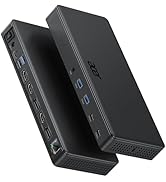
5 in 1 USB C Hub with 4K HDMI, 100W Power Delivery, 3 USB A Data Ports, USB C to HDMI Multiport Adapter for Laptop, PC, Tablet, MacBook Neo/Pro/Air, iPad Pro/Air, iMac, iPhone 17/16/15
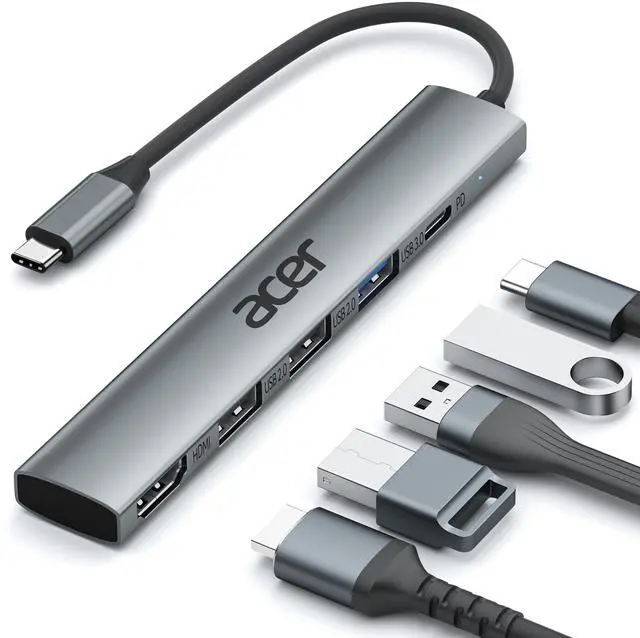
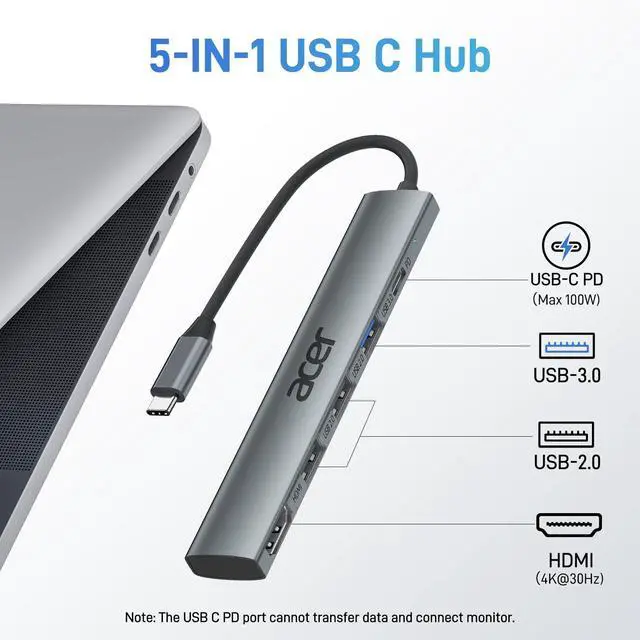
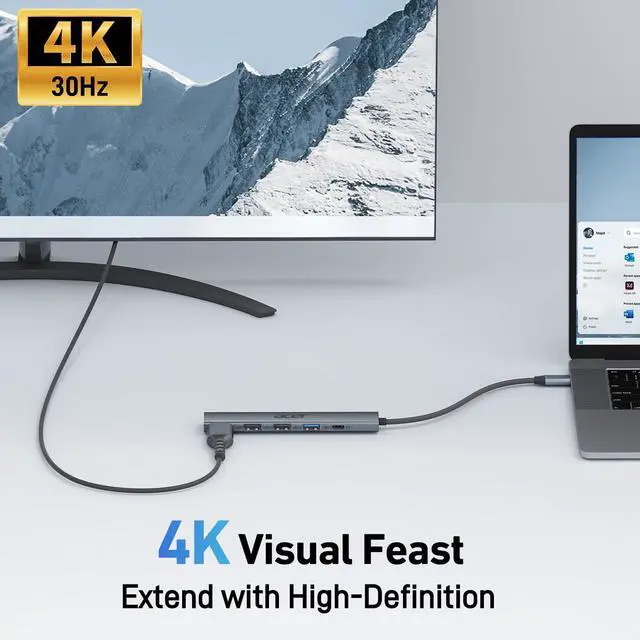
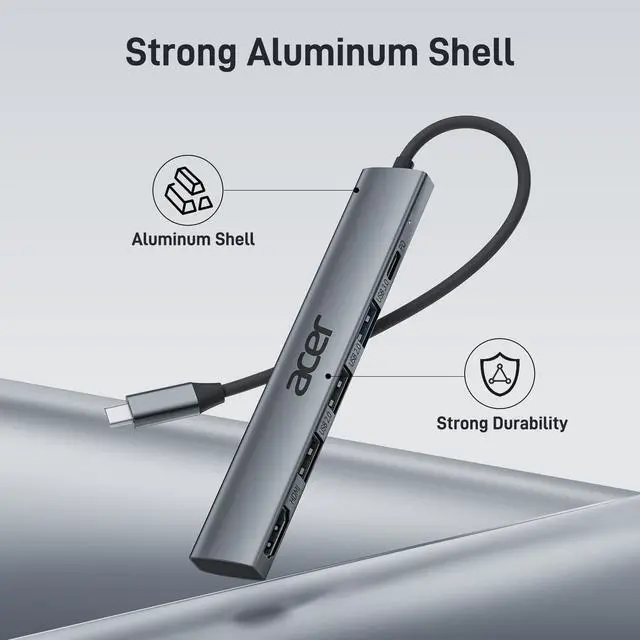
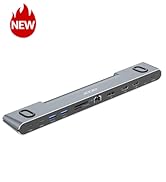
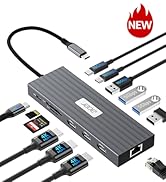
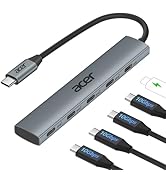
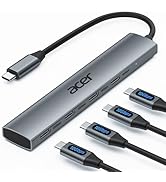
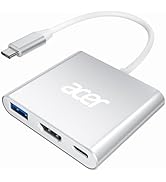
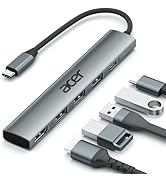
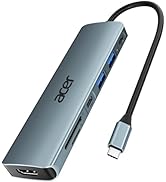
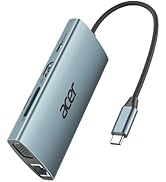
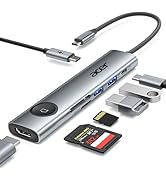
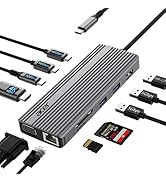
Versatile 5-in-1 USB C HubElevate your connectivity with the Acer 5-in-1 USB C adapter, featuring a 4K 30Hz HDMI port, a 100W PD charging port, a USB 3.0 port and 2 USB 2.0 ports. Perfect for connecting and charging multiple devices effortlessly, whether at home, in the office, or on the go
Clear 4K USB C to HDMI AdapterThe 4K HDMI port allows you to enjoy crystal-clear images and smooth videos. Mirror mode and extend mode can meet your different needs. Ideal for professional presentations, streaming movies, or gaming, our USB C to HDMI hub ensures vibrant colors and stunning detail on 4K screen.Note: the USB C port should support DP Alt mode
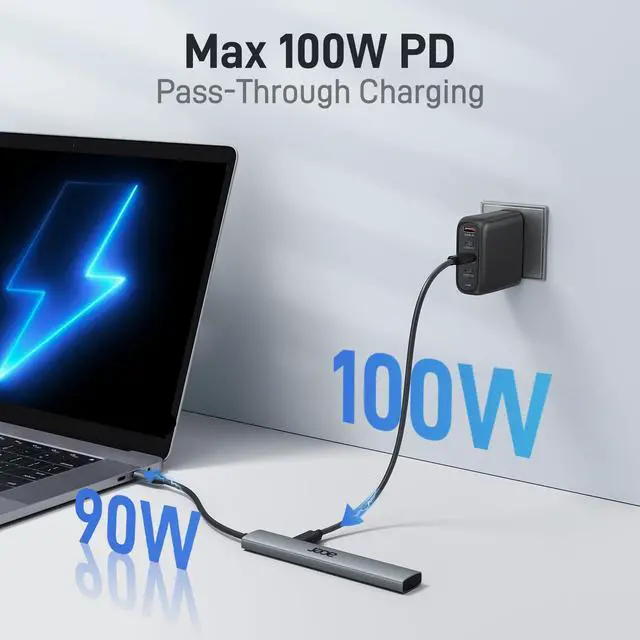
Powerful 100W PD ChargingStay Powered up with 100W PD charging-Say goodbye to low battery anxiety. The powerful 100W PD charging port ensures your laptop, tablet, and other USB C devices stay charged while you work, play, or travel. This HDMI to USB C is designed to keep you powered up and ready for anything.Note: The USB C PD can only charge the host device, does Not support data transfer & video output.
Super-Fast Data TransferExperience blazing speeds with the USB 3.0 port, offering data transfer rates up to 5Gbps. Quickly move large files, HD videos, and backups with unparalleled efficiency using our high-speed Type C to HDMI adapter
+
+
Overview
Specs
Reviews
Any questions? Our AI mode will help you find out quickly.
Try me now
Effortlessly expand your device with this USB-C hub featuring 4K HDMI, 100W PD charging, USB 3.0, and dual USB 2.0
Effortlessly expand your device with this USB-C hub featuring 4K HDMI, 100W PD charging, USB 3.0, and dual USB 2.0
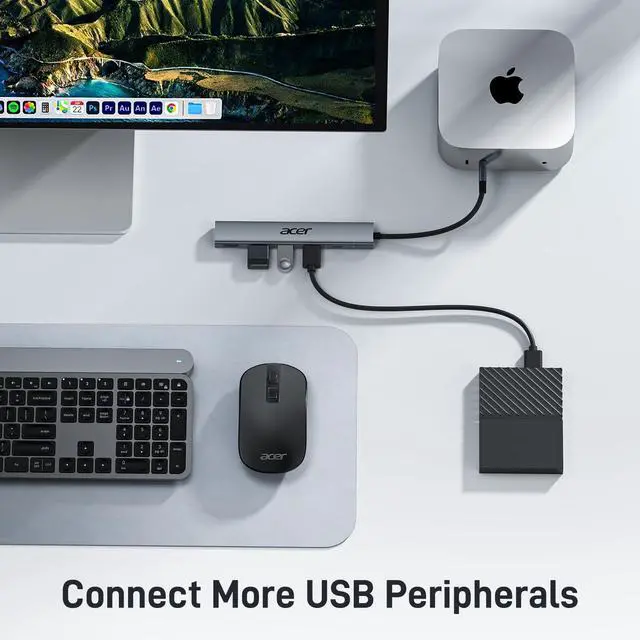
Connect multiple peripherals while 100W PD keep you powered up
Q1
What should I do if the PD charging port isn't working?
-
1. Check if the hub is plugged into the correct charging USB-C port.
-
2. Make sure the USB-C port of your laptop complies with the PD protocol and recommend using a 65W or higher charger for optimal charging performance.
-
3. It can only power the host device connected through the male USB-C interface.
Q2
How can I check if this USB-C hub is compatible with my device?
-
Make sure the USB-C port of the device has the function of data transmission and video output.
Q3
Can the male USB-C port support data transfer?
-
No, the USB-C Female port is only a charging port and cannot transfer data.
Q4
What ports does this USB-C hub have?
-
This USB-C hub has 5 ports: HDMI (4K@30Hz), USB-C PD (100W), USB-A 3.0, and 2 USB-A 2.0 ports.
Q5
What should I do if the HDMI output isn't working?
-
Check if the USB-C port of your device supports DP Alt mode, if not, HDMI function will not work.
New Product Display
USB Hub--High Parameters
USB C Multiport HUB
USB Hubs
5 in 1 USB C Hub with 4K HDMI, 100W Power Delivery, 3 USB A Data Ports, USB C to HDMI Multiport Adapter for Laptop, PC, Tablet, MacBook Neo/Pro/Air, iPad Pro/Air, iMac, iPhone 17/16/15
Learn more about the Generic Brand ODK4C0
Model
Brand
Anker
Series
ODK4C0 acer
Model
ODK4C0
Part Number
ODK4C0
Details
Color
Black
Type
USB
Standards
USB 3.0
Max Devices Supported
127
Ports
1 x USB 3.0, 3 x USB 2.0
Video Ports
1 x HDMI
Supported Cards
SD Card / MicroSD Card
Dimensions
14.33in W x 12.83in H x 9.06in D
Weight
0.06 kilograms
Packaging
Package Contents
15cm
Additional Information
First Listed on Newegg
April 08, 2026
Customer Reviews of the Generic Brand ODK4C0
There are no reviews yet.
Do you own this product?
Warranty & Returns
Warranty, Returns, And Additional Information
Warranty
Please contact the Seller directly for warranty information. Warranty information may also be found on the Manufacturer's website.