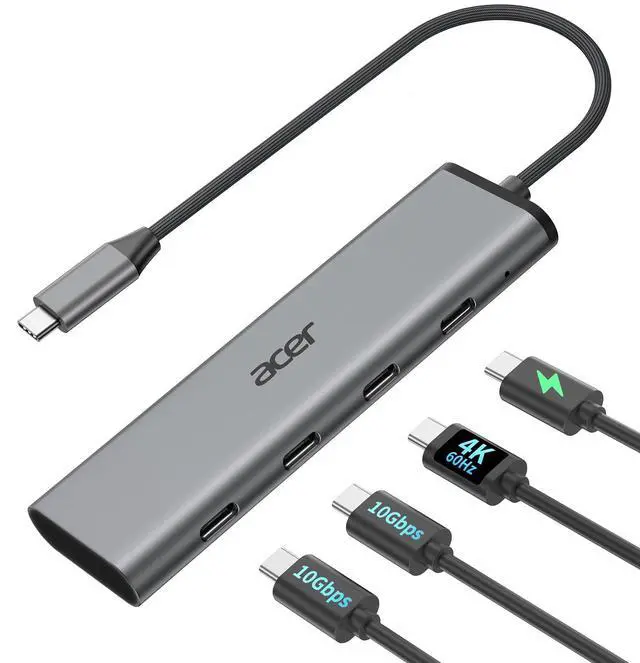
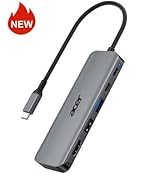
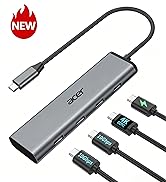
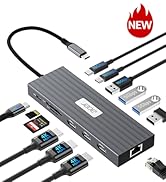
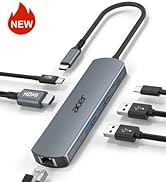
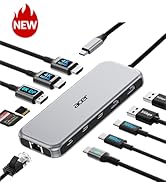
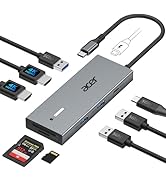
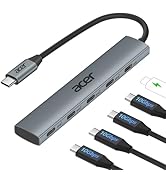
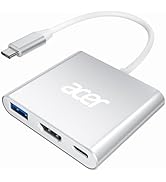
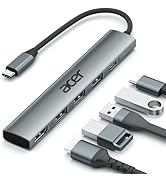
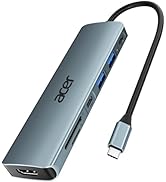
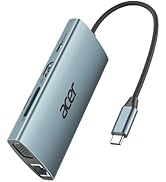
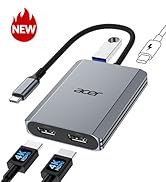
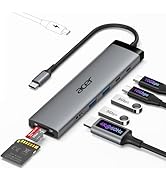
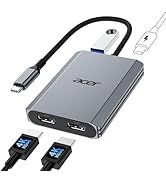
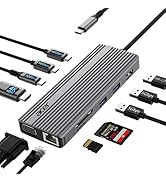
10Gbps USB C Hub with 4K@60Hz USB-C Display Output, 4-Port USBC Splitter with 100W PD, 2*USB-C 3.2 Data Transfer, USB C Dongle for Laptop, MacBook Neo/Pro/Air, iPad Pro and Type-C Devices
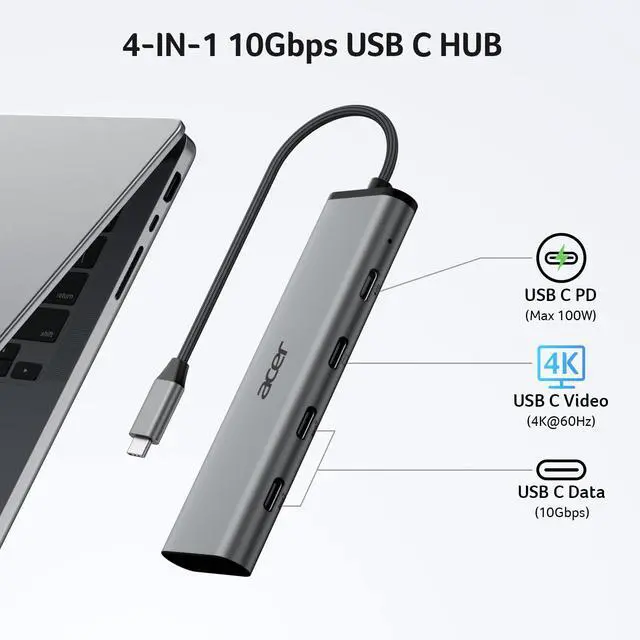
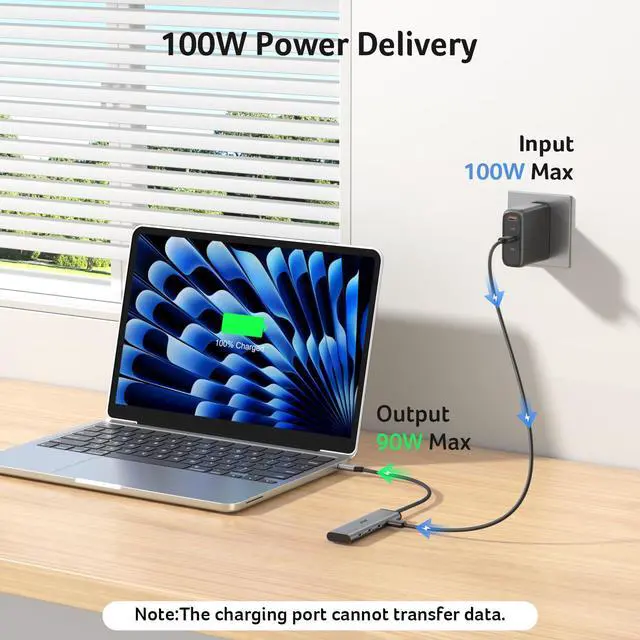
Pre-Use NoticeVideo output requires a full-featured USB-C port with DP Alt Mode, or USB4, or Thunderbolt support. The PD USB-C port supports charging onlyno data or video. 10Gbps speed requires compatible host ports, cables, and devices. For stable performance with high-power devices, external PD charging is recommended.
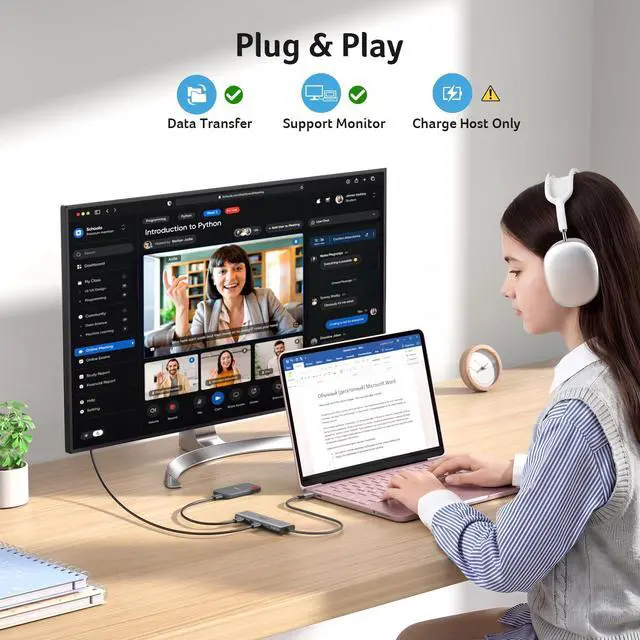
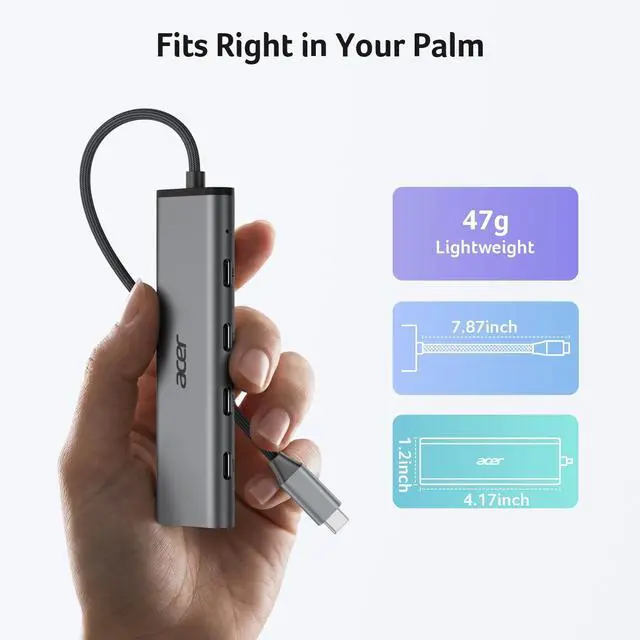
All-USB-C 4-in-1 ConnectivityThis USB C hub multiport adapter features a USB C 4K@60Hz video output, dual USB-C 10Gbps data ports, 100W PD charging for seamless multitasking. Enjoy crisp 4K@60Hz visuals, and transfer files at ultra-fast speedsall through a single USB-C port.
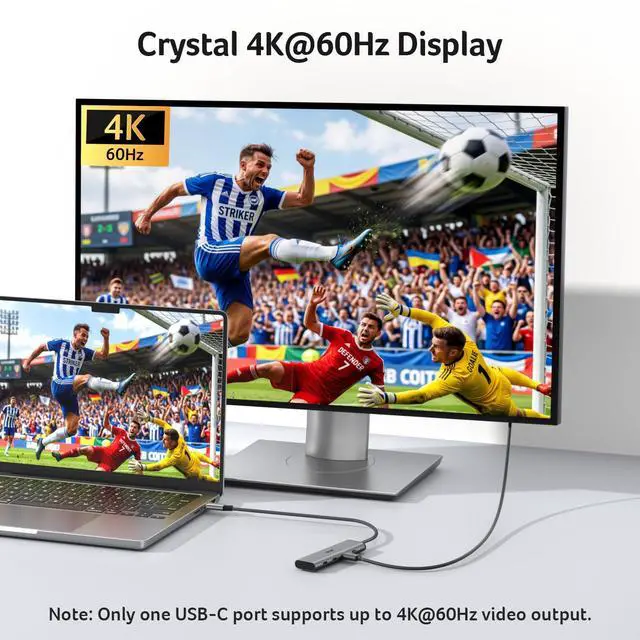
Immersive 4K SpectacleGet sharp 4K@60Hz output via this type-c splitter, delivering clear visuals for streaming and presentations with vivid detail and accurate color. Note: Requires a full-featured USB-C port (Thunderbolt 3/4 or USB4) with DP Alt Mode. Device and monitor must support the same resolution.
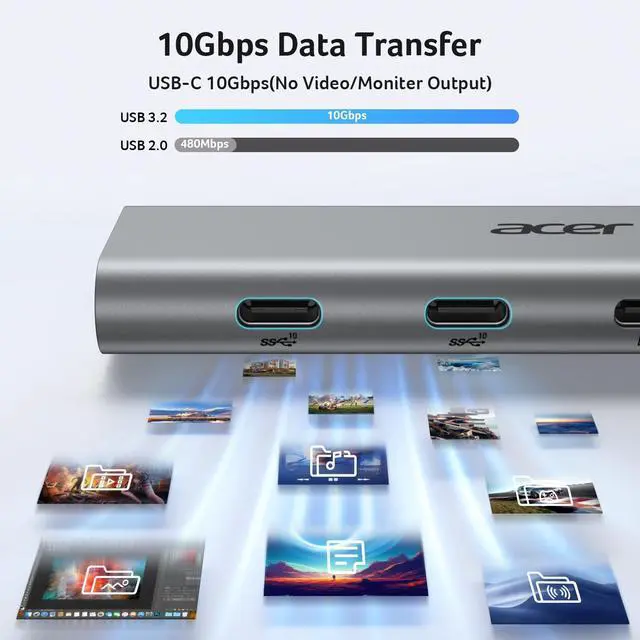
Hyper-Speed TransferThe two bottom USB-C ports on this USBC dongle both delivers up to 10Gbps2× faster than USB 3.0for fast, stable file transfers and backups, even under heavy workloads. Ideal for creating, streaming, gaming, and working without slowdowns. Note: For full 10Gbps speed, use a 10Gbps-capable port and high-speed device.
+
+
Overview
Specs
Reviews
Any questions? Our AI mode will help you find out quickly.
Will this USB-C hub work for video output on any laptop or phone?
A1
Not all USB-C ports carry video signals. The 4K@60Hz video output requires a host device with a full-featured USB-C port that supports DisplayPort Alt Mode, USB4, or Thunderbolt 3/4. If your USB-C port is data-only (common on some Android phones and entry-level laptops), video output will not work. Please check your device specs for “DP Alt Mode” or “Thunderbolt” first.
Q2
I’m not seeing full 10Gbps speeds on the data ports. What could be the issue?
A2
To reach the full 10Gbps speed, each device in the chain must support 10Gbps: 1) Host port – Your laptop’s USB-C port must support 10Gbps (USB 3.1 Gen 2 / USB 3.2 Gen 2 or higher). 2) Cable & device – Both the cable and the device you connect (e.g., external SSD) must also be 10Gbps-rated. 3) Power – Connect your laptop/phone to the hub’s PD port to power the host device. This ensures the hub has enough power to maintain full 10Gbps speeds.
Q3
I’m only getting 4K@30Hz instead of 60Hz. How do I fix this?
A3
1) Your laptop’s USB-C port must support 4K@60Hz via DP Alt Mode. 2) Your monitor and the video cable (HDMI or DisplayPort, depending on your adapter version) must also support 4K@60Hz. 3) Some systems default to 30Hz; you may need to manually set the refresh rate to 60Hz in your display settings. If any part of the setup is limited to 4K@30Hz, the output will not exceed that.
Q4
Why isn’t my laptop charging through the PD port?
A4
1) Connect the power adapter to the hub before connecting your laptop 2) Confirm your laptop USB-C port supports PD charging 3) Use a 65W or higher power adapter for best performance 4) Reconnect the hub if charging does not start immediately
New Product Display
USB Hub--High Parameters
USB C Multiport HUB
USB Hubs
Q1
Will this USB-C hub work for video output on any laptop or phone?
A1
Not all USB-C ports carry video signals. The 4K@60Hz video output requires a host device with a full-featured USB-C port that supports DisplayPort Alt Mode, USB4, or Thunderbolt 3/4. If your USB-C port is data-only (common on some Android phones and entry-level laptops), video output will not work. Please check your device specs for “DP Alt Mode” or “Thunderbolt” first.
Q2
I’m not seeing full 10Gbps speeds on the data ports. What could be the issue?
A2
To reach the full 10Gbps speed, each device in the chain must support 10Gbps: 1) Host port – Your laptop’s USB-C port must support 10Gbps (USB 3.1 Gen 2 / USB 3.2 Gen 2 or higher). 2) Cable & device – Both the cable and the device you connect (e.g., external SSD) must also be 10Gbps-rated. 3) Power – Connect your laptop/phone to the hub’s PD port to power the host device. This ensures the hub has enough power to maintain full 10Gbps speeds.
Q3
I’m only getting 4K@30Hz instead of 60Hz. How do I fix this?
A3
1) Your laptop’s USB-C port must support 4K@60Hz via DP Alt Mode. 2) Your monitor and the video cable (HDMI or DisplayPort, depending on your adapter version) must also support 4K@60Hz. 3) Some systems default to 30Hz; you may need to manually set the refresh rate to 60Hz in your display settings. If any part of the setup is limited to 4K@30Hz, the output will not exceed that.
Q4
Why isn’t my laptop charging through the PD port?
A4
1) Connect the power adapter to the hub before connecting your laptop 2) Confirm your laptop USB-C port supports PD charging 3) Use a 65W or higher power adapter for best performance 4) Reconnect the hub if charging does not start immediately
New Product Display
USB Hub--High Parameters
USB C Multiport HUB
USB Hubs
10Gbps USB C Hub with 4K@60Hz USB-C Display Output, 4-Port USBC Splitter with 100W PD, 2*USB-C 3.2 Data Transfer, USB C Dongle for Laptop, MacBook Neo/Pro/Air, iPad Pro and Type-C Devices
Learn more about the Generic Brand ODK5S0
Model
Brand
Anker
Series
ODK5S0 Acer
Model
ODK5S0
Details
Max Devices Supported
127
Ports
1 x USB 3.0, 3 x USB 2.0
Video Ports
1 x HDMI
Network Connector
1 x RJ-45
LEDs
Power/Activity
Additional Information
First Listed on Newegg
June 08, 2026
Customer Reviews of the Generic Brand ODK5S0
There are no reviews yet.
Do you own this product?
Warranty & Returns
Warranty, Returns, And Additional Information
Warranty
Please contact the Seller directly for warranty information. Warranty information may also be found on the Manufacturer's website.