





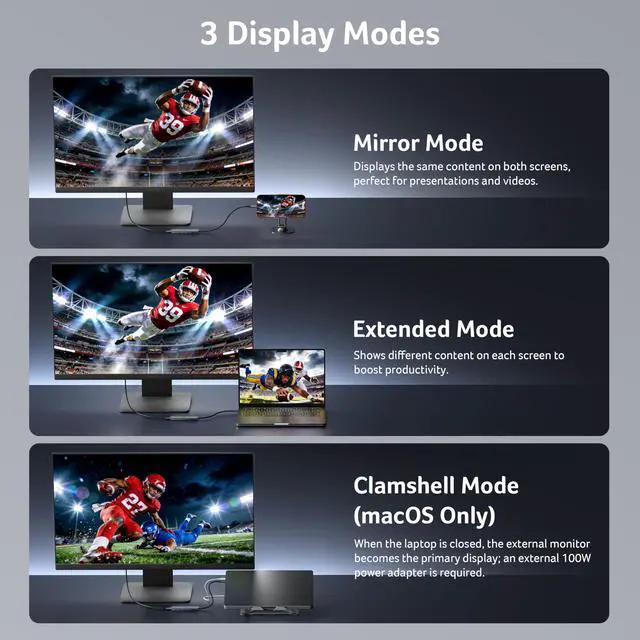
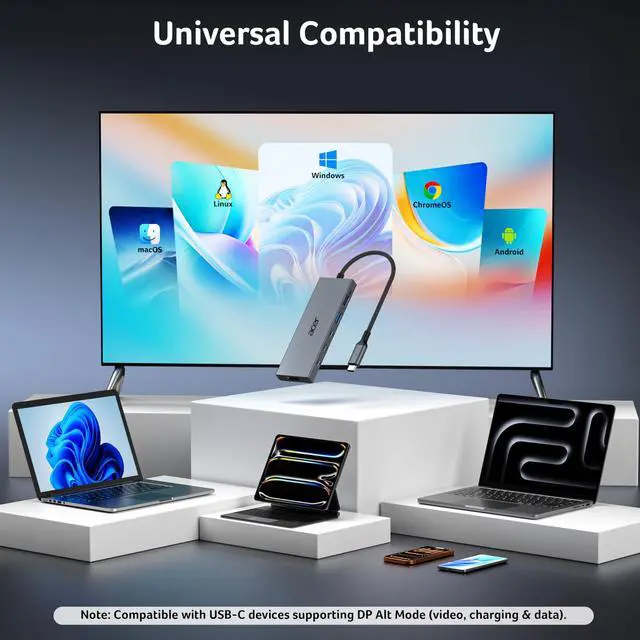


Please Review Before Purchase for the Best Experience
Find Your Perfect Acer USB C Multiport Hubs
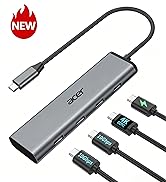
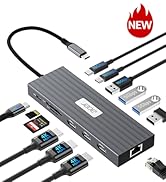
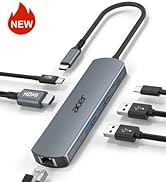
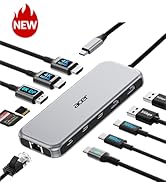
 6-in-1 USB C Hub |  4-in-1 USB C Hub |  13-in-1 Docking Station | 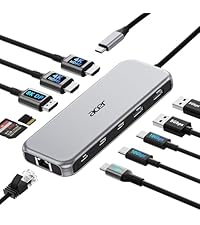 11-in-1 Docking Station | 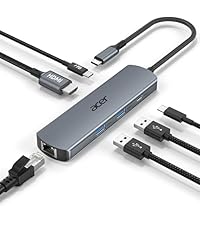 6-in-1 USB C Hub | |
|---|---|---|---|---|---|
Customer Reviews | — | — | — | — | — |
Price | — | — | — | — | — |
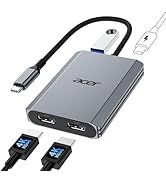
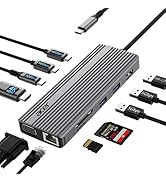
Display Ports | 1*HDMI | 1*USB-C Video Output | 3*HDMI | 2*HDMI+1*DP | 1*HDMI |
Max Connected Displays | Single | Single | Triple | Triple | Single |
Max Display Resolution(Single) | 4K@60Hz | 4K@60Hz | 4K@60Hz | 8K@30Hz | 4K@60Hz |
RJ45/Ethenet | / | / | 1000Mbps | 1000Mbps | 1000Mbps |
USB Ports | 2*USBA+2*USBC | 2*USBC | 4*USBA+2*USBC | 2*USBA+2*USBC | 2*USBA+1*USBC |
Max Transfer Speed | 10Gbps | 10Gbps | 10Gbps | 10Gbps | 5Gbps |
SD/TF | / | / | 104Mbps | 104Mbps | / |


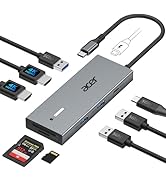
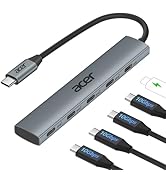
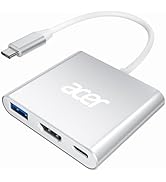
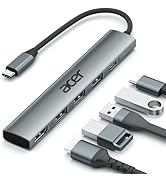
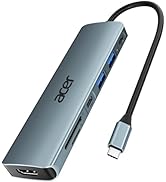
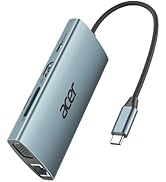
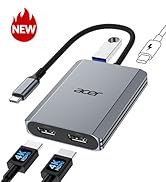
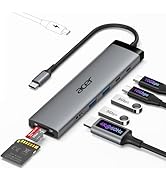


Please Review Before Purchase for the Best Experience
| ??Check Before Buy | ???????????? ???????? ???????? ???????? ????????????’?? ??????-?? ???????? ???????????????? ?????????????? ???????????????? (?????????????????????? ?????????????????? ????????). This means your USB-C port should support video output, data transfer, and Power Delivery (PD). So please check your device specs before purchasing. |
|---|---|
| HDMI Port | When connecting for the first time, HDMI display recognition may take a few seconds. If your monitor has multiple input options, please select the correct HDMI source manually. |
| - | 4K@60Hz resolution depends on the combined performance of your computer, monitor, and cable. For the best experience, ensure all components support HDMI 2.0 or above. |
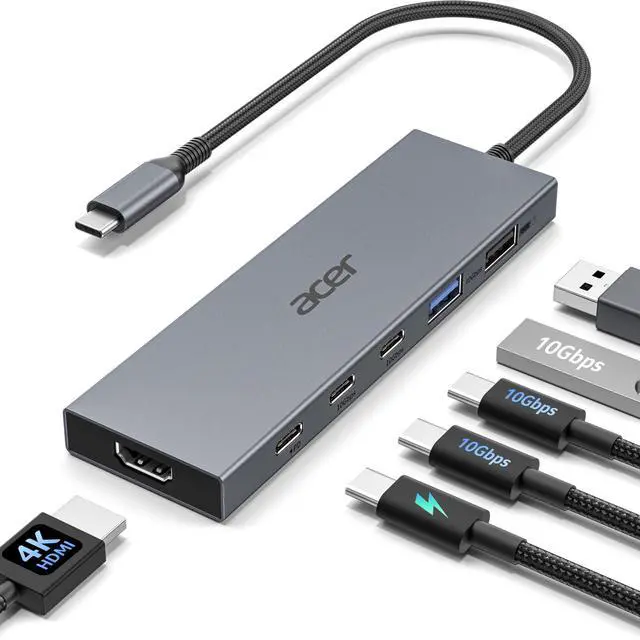
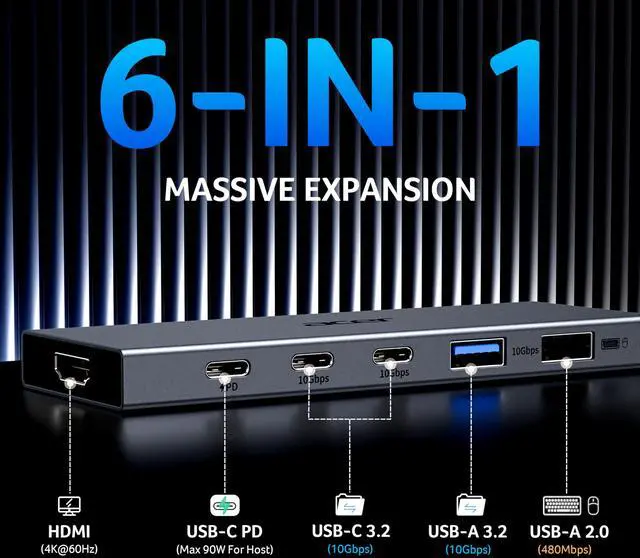
| USB A&C Port | Includes 2 USB-C 3.2 ports and 1 USB-A 3.2 port (up to 10Gbps) for high-speed data transfer, along with 1 USB-A 2.0 port ideal for peripherals such as a mouse or keyboard. |
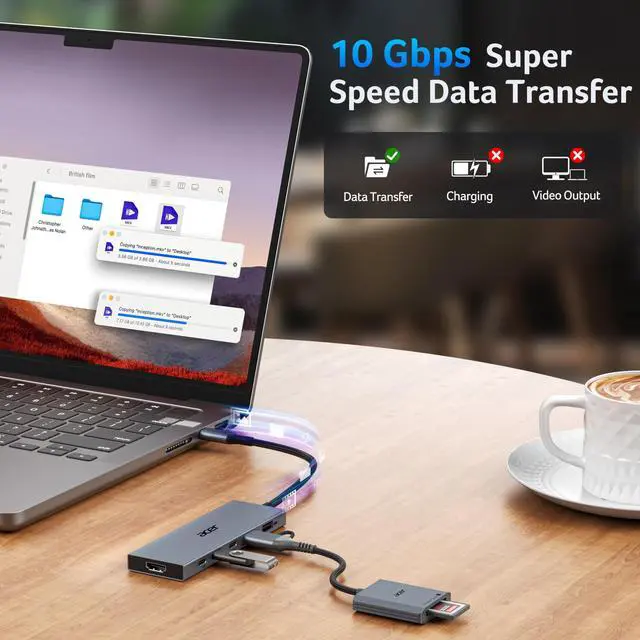
| - | Please note: all USB ports support data transfer only and do not support video output or charging. |
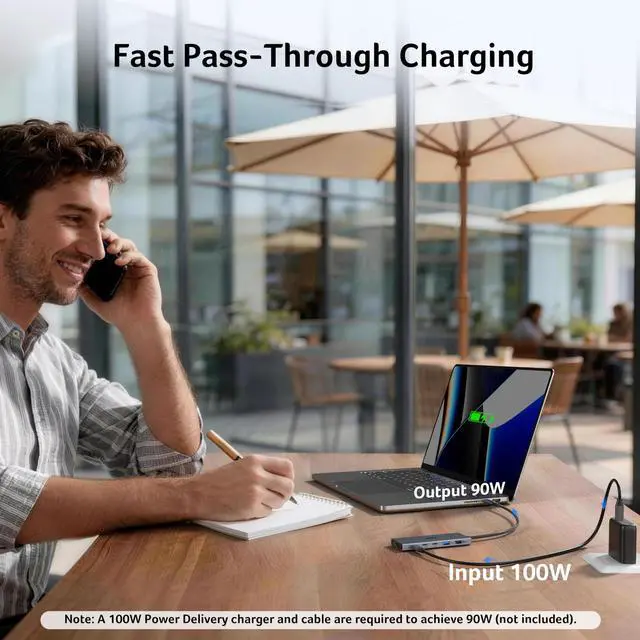
| PD Port | The PD port is used to charge your host device. Due to power consumption of the dock, a 100W or higher charger and cable (not included) is recommended |
| - | For stable performance, connect power before use and avoid unplugging during operation, as this may cause the hub to reconnect and lead to temporary display loss. |
| ??Compatible Devices | ?????????????? ?????? ?????????? ?????????????? ???????? ?????????????????????? ?????????????????? ???????? (???? ?????? ????????)—???????????????????? ??????????????, ????????????????, ?????? ???????? ???????????????? |
| ×Not Compatible Devices | Not compatible with Lightning devices or gaming consoles, including iPhone/iPad (Lightning), Xbox, PS5/PS4, or similar devices. |
| About Audio Output | Audio may not automatically switch to an external monitor. If no sound is detected, please go to system settings and manually select your TV or monitor as the audio output device. |
| !!Note!! | **????????: ???? ?????? ?????? ?????? ????????, ???????????? ???????? ???????? ???? ?????? ???? ????????, ???? ?????? ???????? ???????? ???? ??????????. |
Find Your Perfect Acer USB C Multiport Hubs
6-in-1 USB C Hub | 4-in-1 USB C Hub | 13-in-1 Docking Station | 11-in-1 Docking Station | 6-in-1 USB C Hub |
|---|---|---|---|---|
| Customer Reviews | ||||
| — | — | — | — | — |
| Price | ||||
| — | — | — | — | — |
| Display Ports | ||||
| 1*HDMI | 1*USB-C Video Output | 3*HDMI | 2*HDMI+1*DP | 1*HDMI |
| Max Connected Displays | ||||
| Single | Single | Triple | Triple | Single |
| Max Display Resolution(Single) | ||||
| 4K@60Hz | 4K@60Hz | 4K@60Hz | 8K@30Hz | 4K@60Hz |
| RJ45/Ethenet | ||||
| / | / | 1000Mbps | 1000Mbps | 1000Mbps |
| USB Ports | ||||
| 2*USBA+2*USBC | 2*USBC | 4*USBA+2*USBC | 2*USBA+2*USBC | 2*USBA+1*USBC |
| Max Transfer Speed | ||||
| 10Gbps | 10Gbps | 10Gbps | 10Gbps | 5Gbps |
| SD/TF | ||||
| / | / | 104Mbps | 104Mbps | / |
New Product Display
USB Hub--High Parameters
USB C Multiport HUB
USB Hubs