




Can you plug in USB-C devices to the USB-C port or is it only for charging?
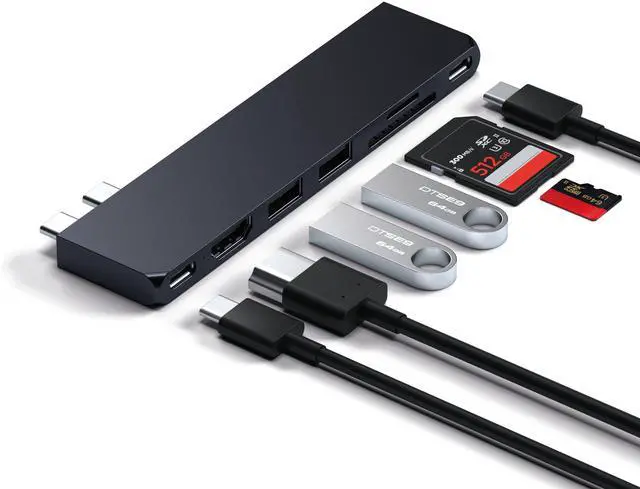
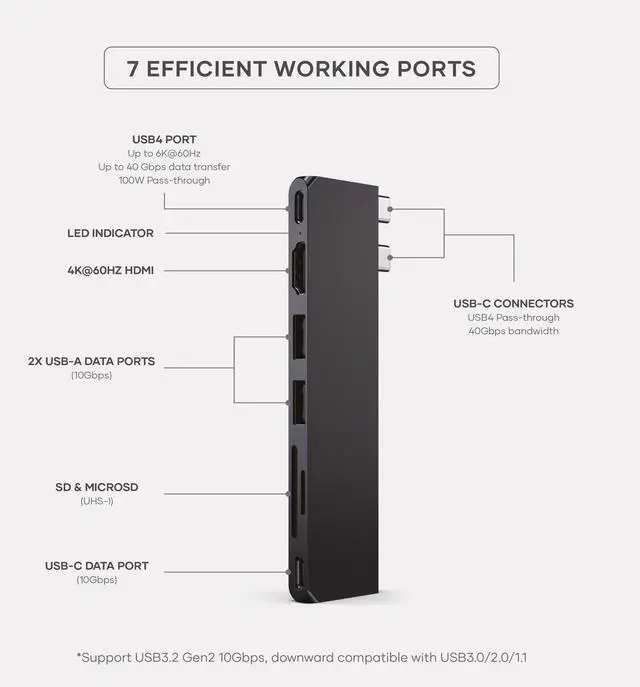
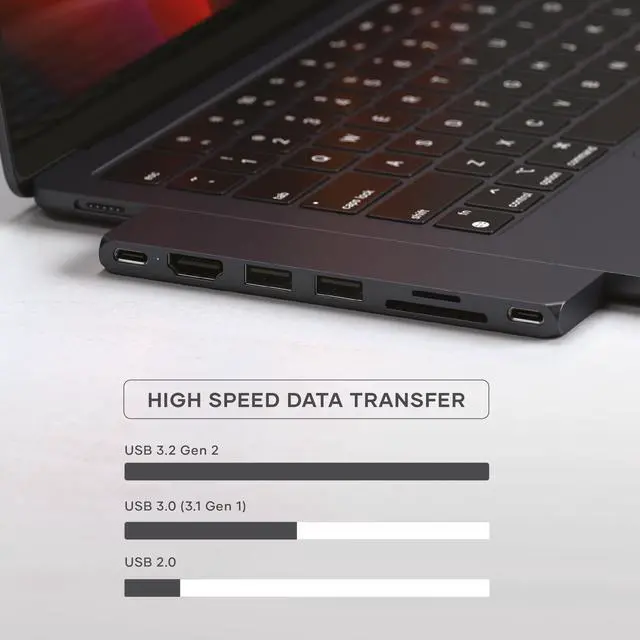
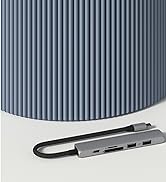
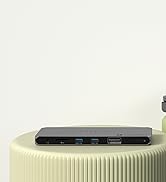
The USB-C port to the left of the HDMI port can charge the host device up to 100W, transfer data up to 40Gbps, and support display up to 6k@60Hz. The USB-C port to the right of the SD card readers is a 10Gbps data port that doesn't support charging.
Does this adapter heat up while operating? What is the normal operating temperature?
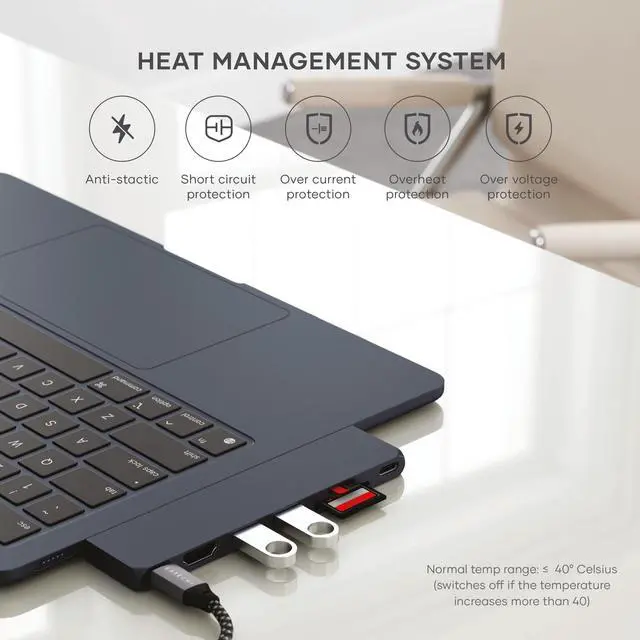
Yes, as the Pro Hub Slim Adapter is made of Aluminum- a conductive metal, it gets heated while in use. The normal temperature range of the device is <40 degrees. In case of a temperature rise above 40 degrees, the device would be disconnected.
Does it have a built-in safety mechanism that will shut off power to a given object if it is drawing too much current?
Our USB4 Hub comes with FCC and UKCA, CE, and ROHS certifications which makes it safe to use. It has a built-in safety mechanism that would disconnect the device if it is not providing enough power or if the power requirements are too high.
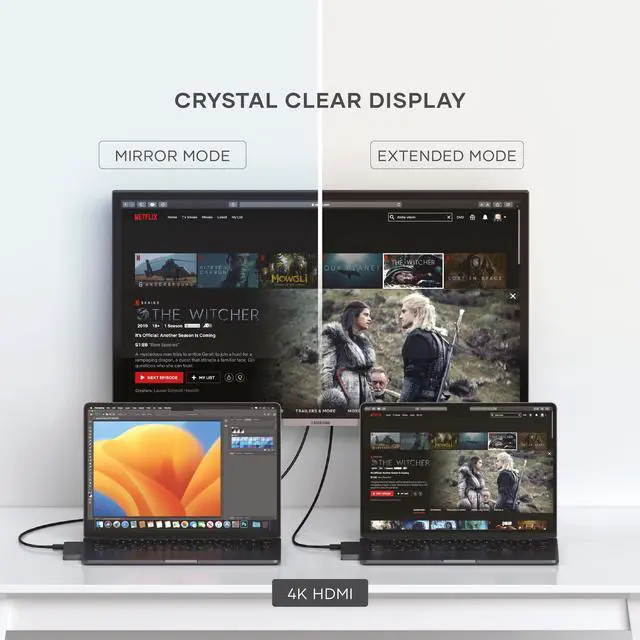
Can the HDMI duplicate or extend the screen?
Yes, the HDMI port to the right of the USB-C port supports display resolution up to 4k@60Hz extended and mirrored.
Does it work with iPad Pro?
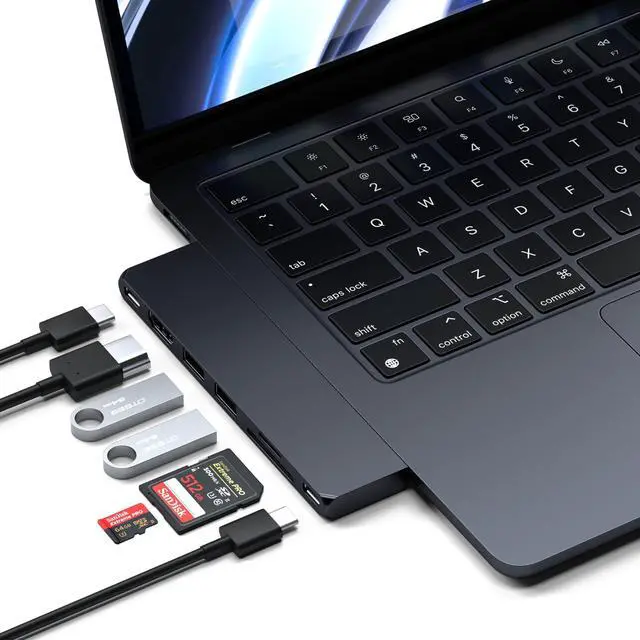
This hub is specifically made for the MacBook’s dual USB-C ports with two USB-C connectors and because of that design, the hub wouldn’t fit on to the iPad Pro’s single USB-C port.
Similar Products
 Pro Hub Slim Adapter |  Pro Hub Max Adapter |  Pro Hub Mini Adapter |  Pro Hub Adapter | |
|---|---|---|---|---|
Customer Reviews | — | — | — | — |
Price | — | — | — | — |
Number of ports | 7 | 8 | 6 | 7 |
USB4 Port | ? | ? | ? | ? |
HDMI Port | 4K HDMI 60Hz | 4K HDMI 60Hz | - | 4K HDMI 60Hz |
USB-C PD Charging | Up to 100W | Up to 100W | Up to 100W | Up to 87W |
USB-C Data Port | (1 x 40 Gbps) + (1 x 10 Gbps) | (1 x 40 Gbps) + (1 x 5 Gbps) | (1 x 40 Gbps) + (1 x 5 Gbps) | (1 x 40 Gbps) + (1 x 5 Gbps) |
USB-A Data Ports | (2x) Up to 10 Gbps | (1x) Up to 5 Gbps | (2x) Up to 5 Gbps | (2x) Up to 5 Gbps |
SD Card Readers | UHS-I Speed | UHS-I Speed | N/A | UHS-I Speed |

Just Dropped
OntheGo Foldable Stand Hub
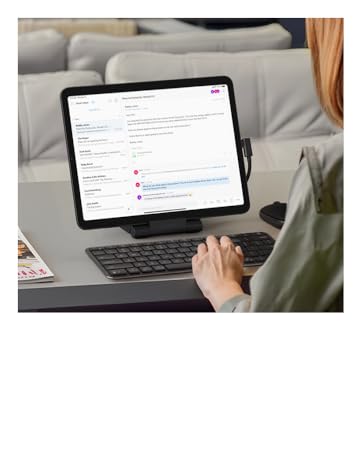
OntheGo Foldable Stand Hub
Desktop-grade performance in a slim, travel-ready form.

OntheGo Collection


FindAll Collection

Qi2 Charging Collection
Connectivity & Expansion
Docking Stations

Power & Charging



Productivity Essentials

About Satechi
We’re more than just another tech brand; we’re innovators committed to bringing you faster, more efficient solutions.
Our USB Type-C hubs, adapters, and accessories are designed to seamlessly combine performance and style. No matter what your goals are, our gear is here to make your life a little easier.


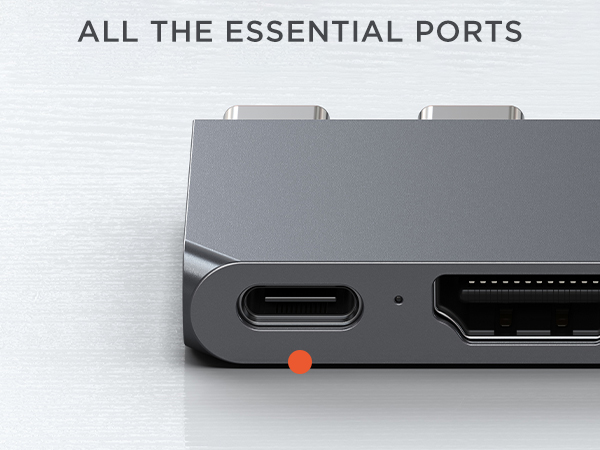
USB4
Up to 100W charging, up to 6K 60Hz display output, up to 40 Gbps data transfer
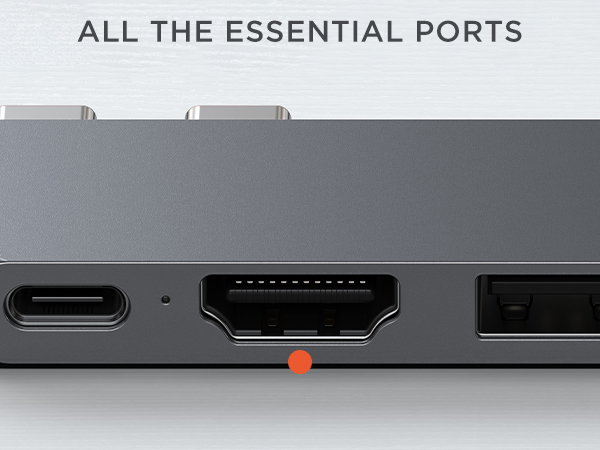
HDMI port
Up to 4K 60Hz
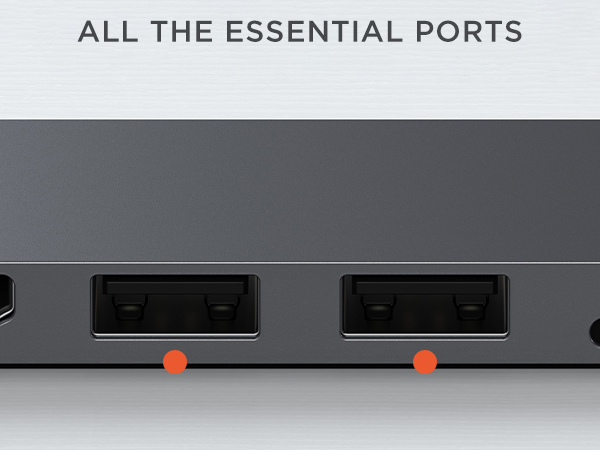
2 x USB-A Data Ports
Up to 10Gbps
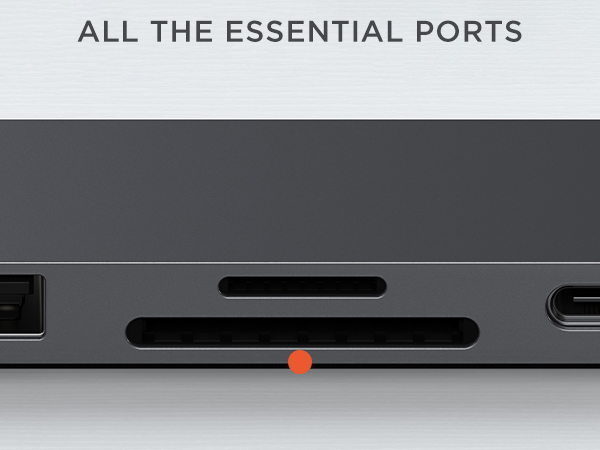
SD/MicroSD Card Slots
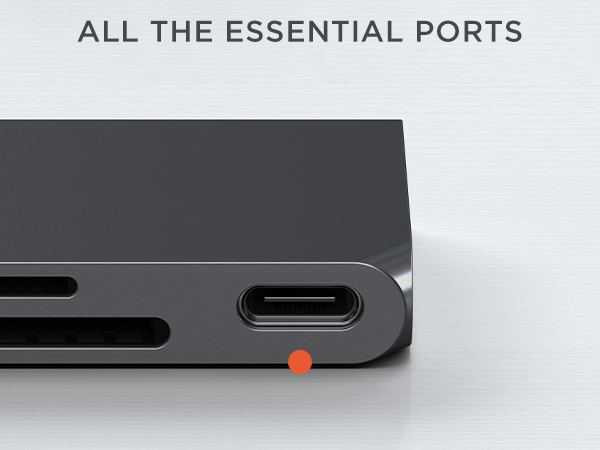
USB-C data port
Up to 10Gbps


Can you plug in USB-C devices to the USB-C port or is it only for charging?
The USB-C port to the left of the HDMI port can charge the host device up to 100W, transfer data up to 40Gbps, and support display up to 6k@60Hz. The USB-C port to the right of the SD card readers is a 10Gbps data port that doesn't support charging.
Does this adapter heat up while operating? What is the normal operating temperature?
Yes, as the Pro Hub Slim Adapter is made of Aluminum- a conductive metal, it gets heated while in use. The normal temperature range of the device is <40 degrees. In case of a temperature rise above 40 degrees, the device would be disconnected.
Does it have a built-in safety mechanism that will shut off power to a given object if it is drawing too much current?
Our USB4 Hub comes with FCC and UKCA, CE, and ROHS certifications which makes it safe to use. It has a built-in safety mechanism that would disconnect the device if it is not providing enough power or if the power requirements are too high.
Can the HDMI duplicate or extend the screen?
Yes, the HDMI port to the right of the USB-C port supports display resolution up to 4k@60Hz extended and mirrored.
Does it work with iPad Pro?
This hub is specifically made for the MacBook’s dual USB-C ports with two USB-C connectors and because of that design, the hub wouldn’t fit on to the iPad Pro’s single USB-C port.
Similar Products
Pro Hub Slim Adapter | Pro Hub Max Adapter | Pro Hub Mini Adapter | Pro Hub Adapter |
|---|---|---|---|
| Customer Reviews | |||
| — | — | — | — |
| Price | |||
| — | — | — | — |
| Number of ports | |||
| 7 | 8 | 6 | 7 |
| USB4 Port | |||
| ? | ? | ? | ? |
| HDMI Port | |||
| 4K HDMI 60Hz | 4K HDMI 60Hz | - | 4K HDMI 60Hz |
| USB-C PD Charging | |||
| Up to 100W | Up to 100W | Up to 100W | Up to 87W |
| USB-C Data Port | |||
| (1 x 40 Gbps) + (1 x 10 Gbps) | (1 x 40 Gbps) + (1 x 5 Gbps) | (1 x 40 Gbps) + (1 x 5 Gbps) | (1 x 40 Gbps) + (1 x 5 Gbps) |
| USB-A Data Ports | |||
| (2x) Up to 10 Gbps | (1x) Up to 5 Gbps | (2x) Up to 5 Gbps | (2x) Up to 5 Gbps |
| SD Card Readers | |||
| UHS-I Speed | UHS-I Speed | N/A | UHS-I Speed |
Just Dropped
OntheGo Foldable Stand Hub
OntheGo Foldable Stand Hub
Desktop-grade performance in a slim, travel-ready form.
OntheGo Collection
FindAll Collection
Qi2 Charging Collection
Connectivity & Expansion
Docking Stations
Power & Charging
Productivity Essentials
About Satechi
We’re more than just another tech brand; we’re innovators committed to bringing you faster, more efficient solutions.
Our USB Type-C hubs, adapters, and accessories are designed to seamlessly combine performance and style. No matter what your goals are, our gear is here to make your life a little easier.