









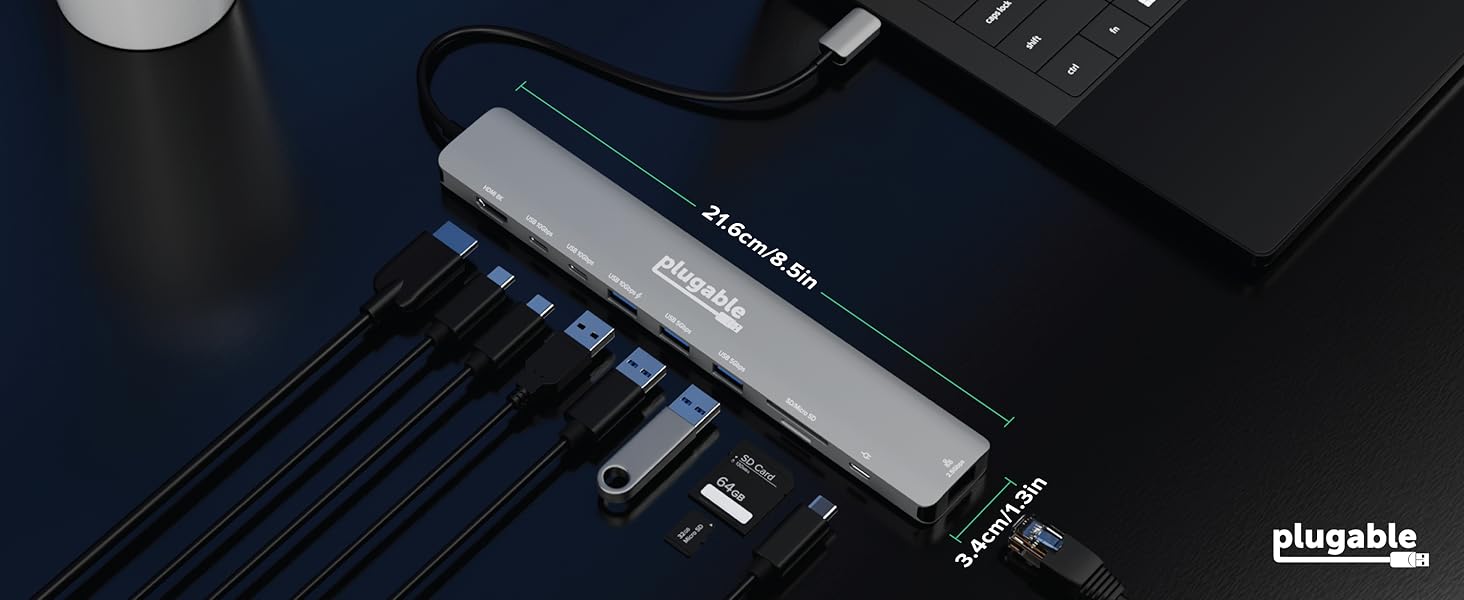
Technical Specifications
What is the maximum resolution/refresh rate on Windows computers?
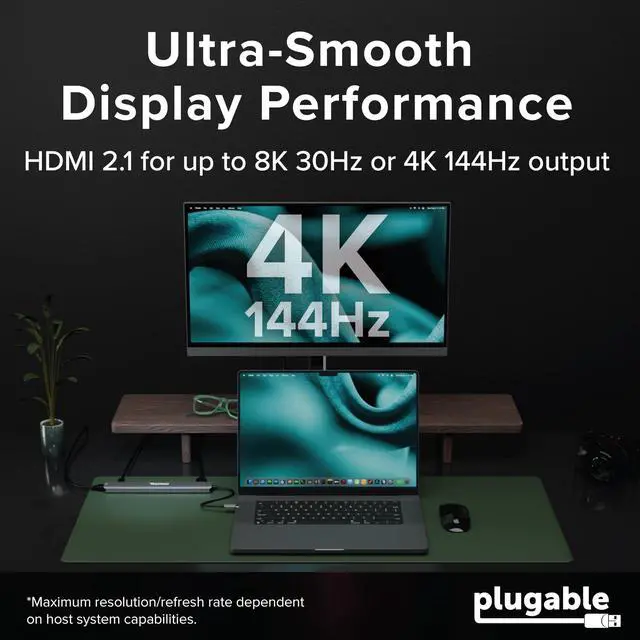
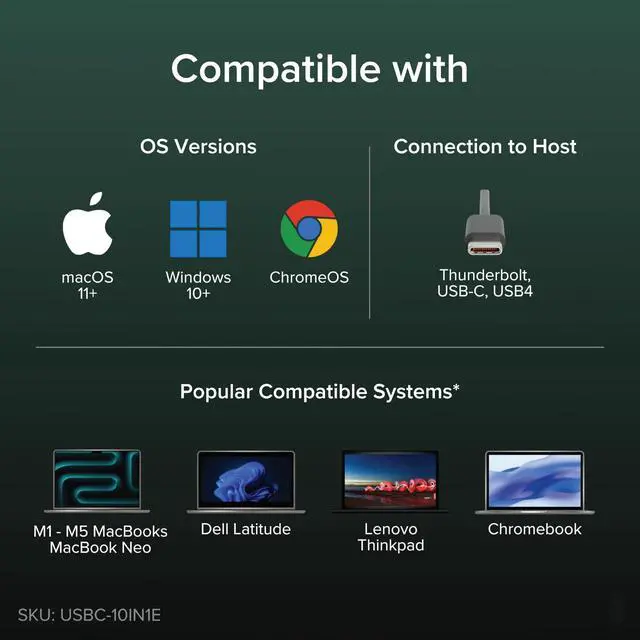
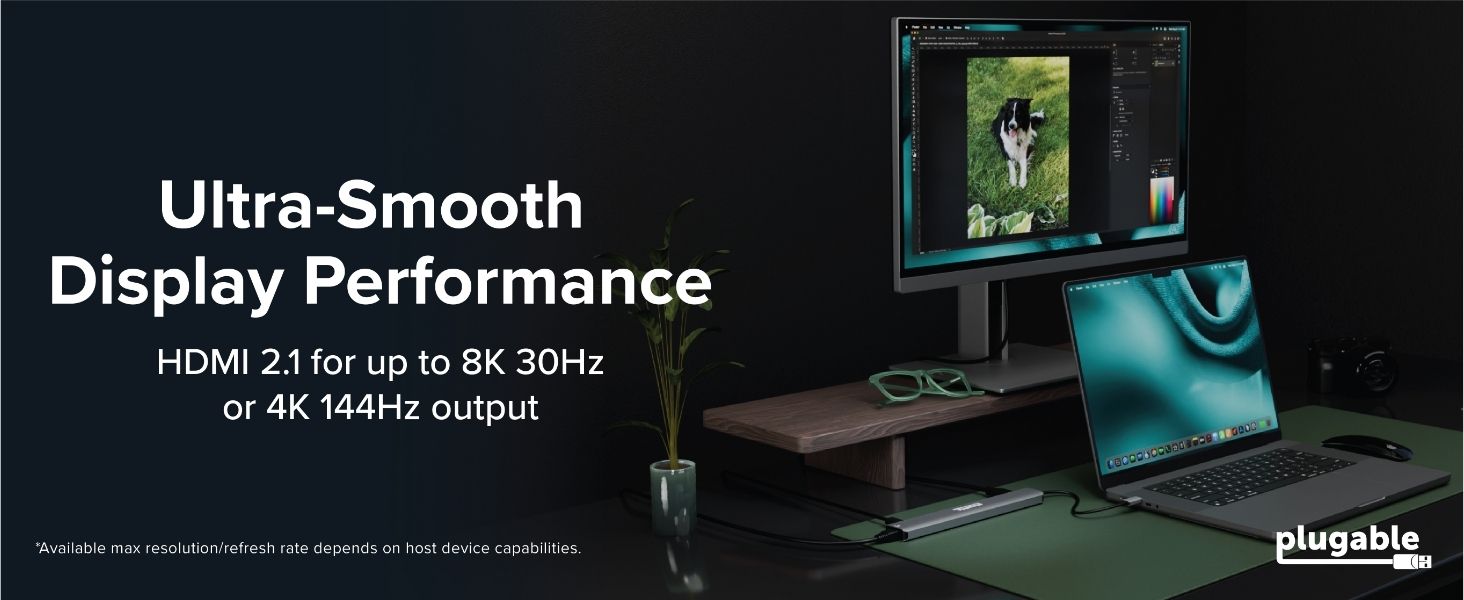
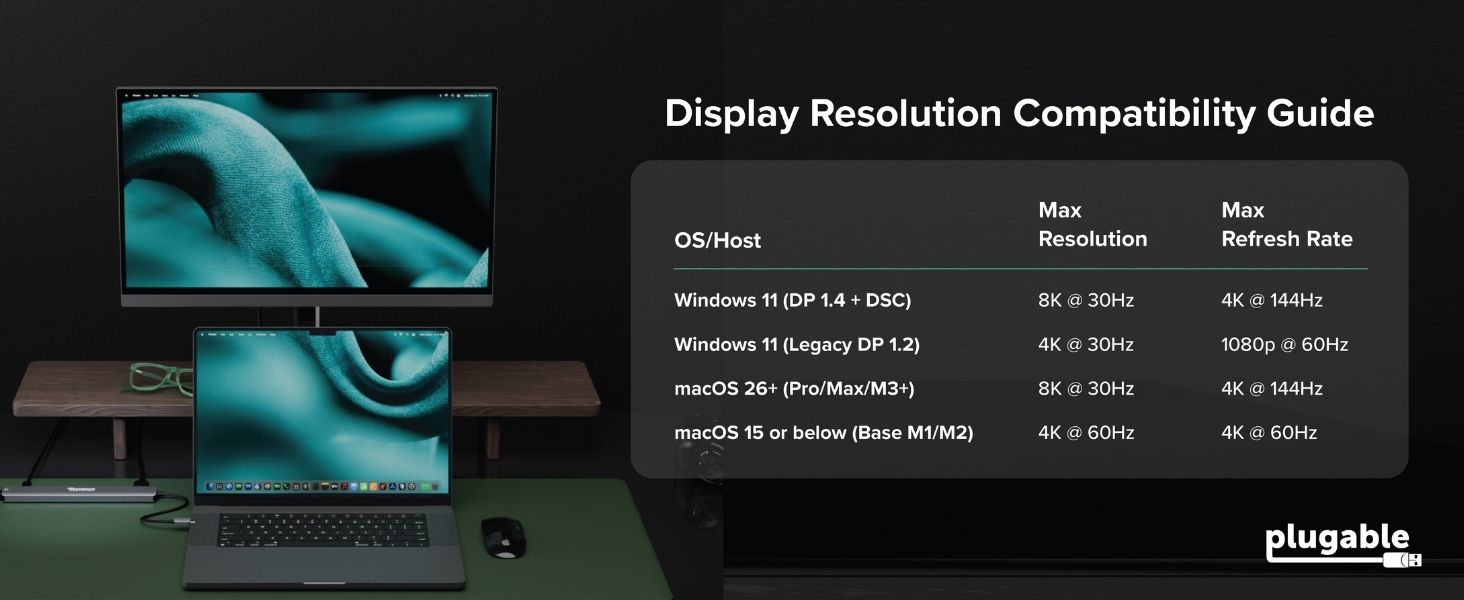
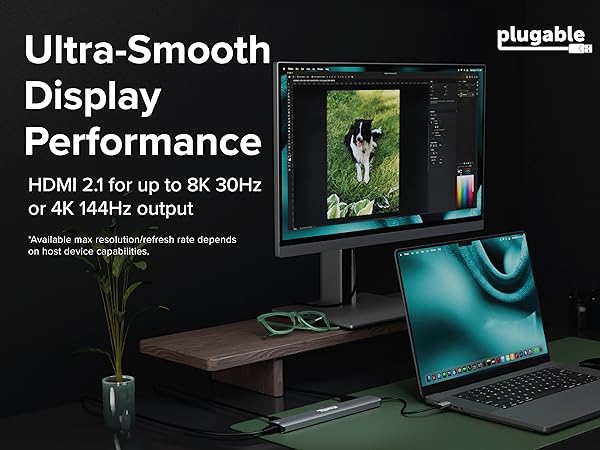
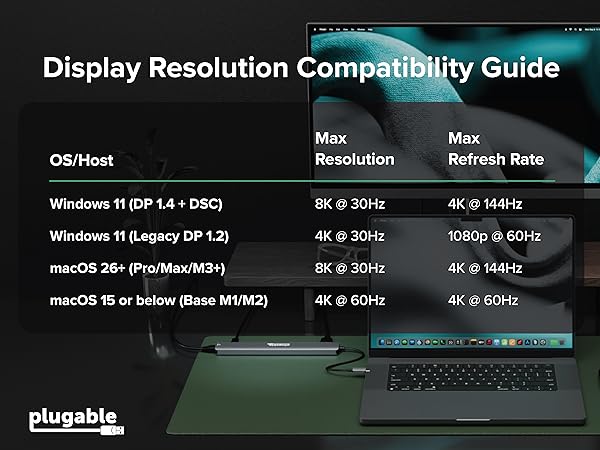
On systems with DP 1.4 + DSC (e.g., 12th Gen Intel CPUs and later), you can reach up to 8K 30Hz or 4K 144Hz. Legacy DP 1.2 systems are limited to 4K 30Hz or 1080p 60Hz. For best results, use a certified HDMI 2.1 cable.
What is the maximum resolution/refresh rate on Macs?
With macOS 26+ and a Pro, Max, or M3+ chip (including M5, M5 Pro, M5 Max), you can reach 8K 30Hz or 4K 144Hz. Base M1/M2 and MacBook Neo models can achieve up to 4K 60Hz. For best results, use a certified HDMI 2.1 cable.
Can I plug a monitor into the 10Gbps USB-C ports?
No. The two 10G USB-C ports are dedicated to high-speed data (SSDs, drives). Video output is only supported via the HDMI port. For charging, please use the separate PD 140W port.
Does the 140W PD port charge my laptop, or is it for powering the hub?
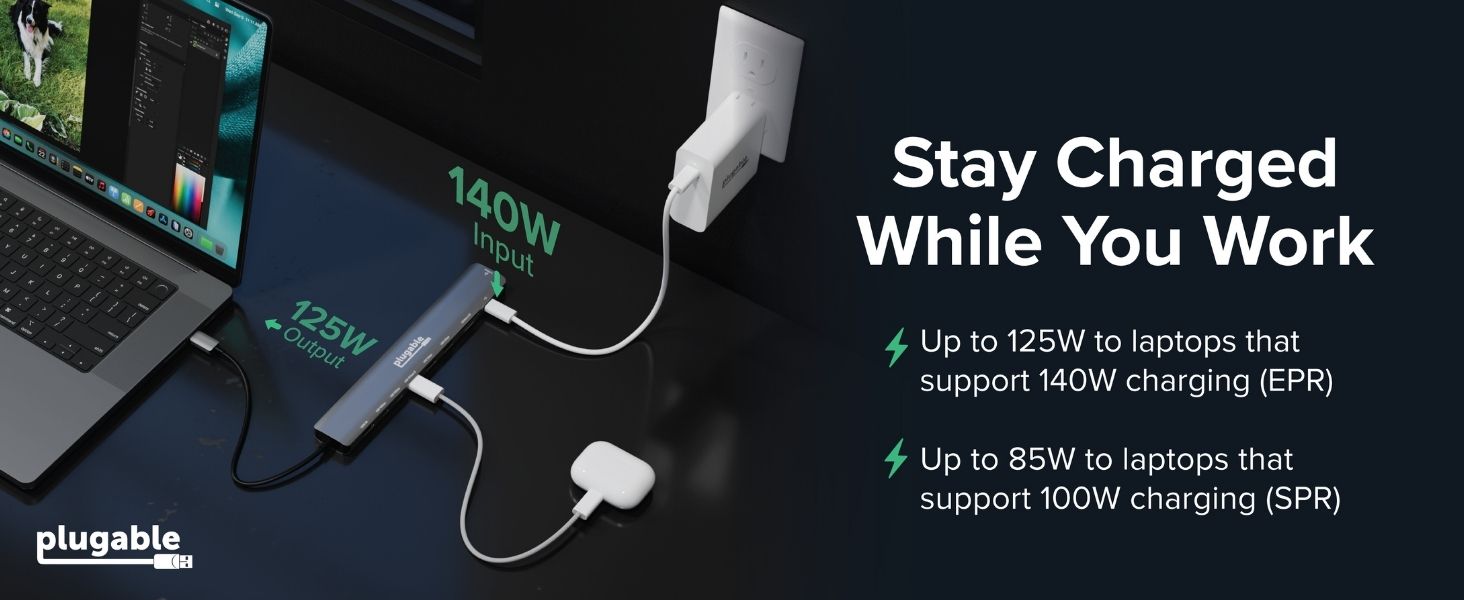
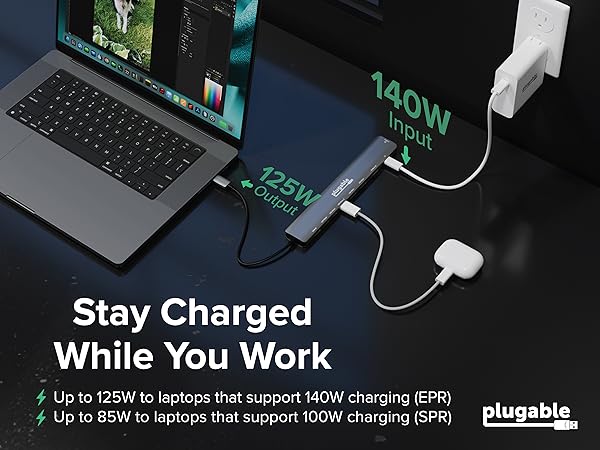
Both! The PD 140W port is designed to take power from your wall adapter and pass it through to your laptop. The hub itself uses 15W for its own operation, so if you use a 140W charger, your laptop will receive up to 125W of high-speed charging.
I’m using a 140W power adapter, but my laptop says it’s only receiving 100W (or less). Why?
For >100W, your laptop/cable/charger must support PD 3.1 EPR. Many laptops use proprietary tech to exceed 100W. The hub also reserves ~15W for its own ports, passing ~125W to EPR devices (like MacBook Pro 16") when using a 140W power adapter.
Plugable USB Hubs
 USBC-10IN1E |  USBC-9IN1E |  USBC-7IN1E | 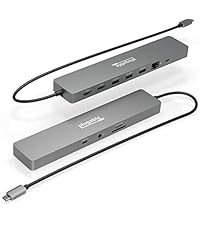 USBC-11IN1E | |
|---|---|---|---|---|
Customer Reviews | — | — | — | — |
Price | — | — | — | — |
Video Ports | 1x HDMI 2.1 | 1x HDMI 2.0 | 1x HDMI 2.0 | 2x HDMI 2.0 |
Max Resolution | 1x 4K 144Hz / 8K 30Hz | 1x 4K 60Hz | 1x 4K 60Hz | 2x 4K 60Hz |
Power Delivery Pass-Through | Up to 140W (125W charging) | Up to 140W (125W charging) | Up to 100W (92W charging) | Up to 100W (92W charging) |
USB-C Hub Ports | 2x 10Gbps | 1x 10Gbps | None | 1x 5Gbps |
USB-A Hub Ports | 1x 10Gbps 2x 5Gbps | 2x 10Gbps 1x USB 2.0 | 2x 5Gbps | 3x 5Gbps |
Ethernet | 2.5Gbps | 1Gbps | 1Gbps | 1Gbps |
SD Card Reader | 1x SD UHS-I 1x microSD UHS-I | 1x SD UHS-II 1x microSD UHS-II | 1x SD UHS-I 1x microSD UHS-I | 1x SD UHS-II 1x microSD UHS-I |






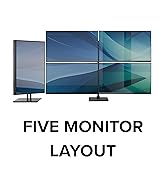









Technical Specifications
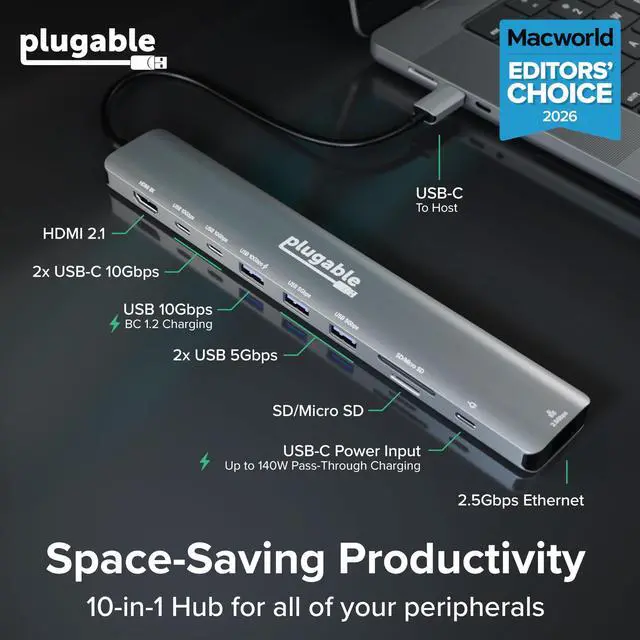
| HDMI 2.1 Video | Features an HDMI 2.1 port, supporting up to 4K (3840x2160) @ 144Hz or 8K (7680x4320) @ 30Hz |
|---|---|
| Power Delivery | The USBC-10IN1E supports USB-C PD 3.1 EPR with a maximum input of 140W and 125W charging output to a compatible host. Requires a PD 3.1 host and EPR charger for 140W input (125W to host) PD 3.0 hosts are limited to 100W input (85W to host) |
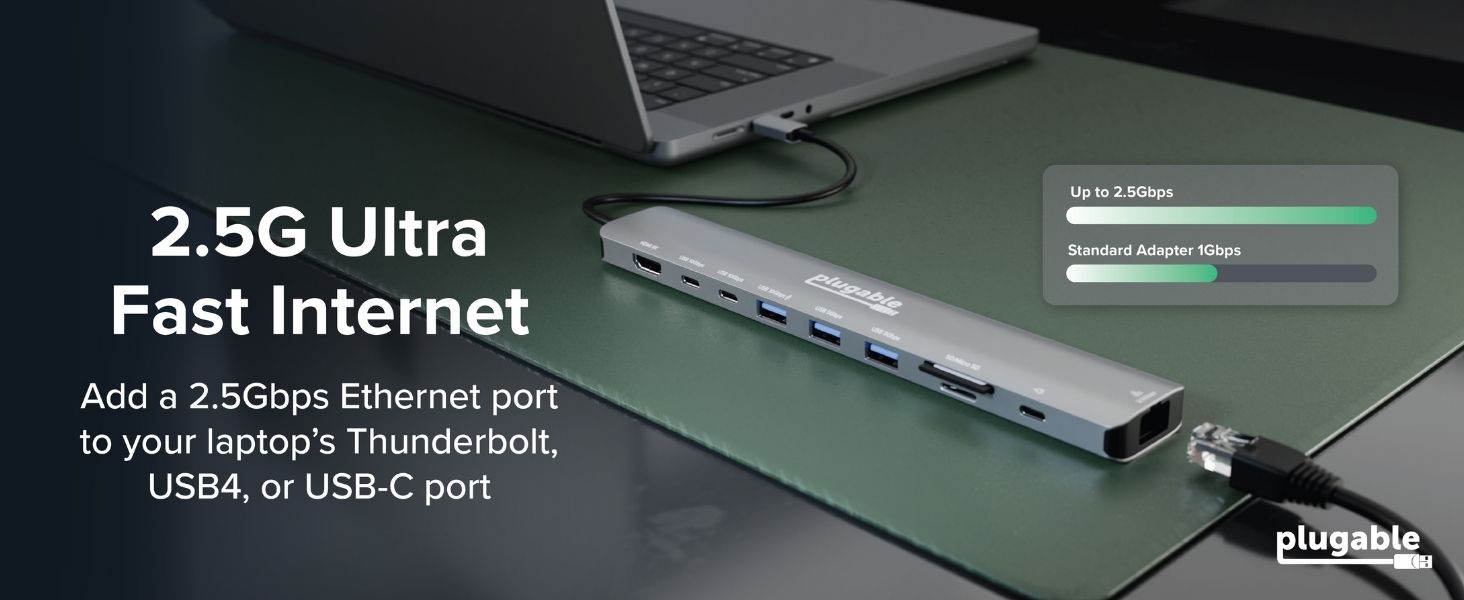
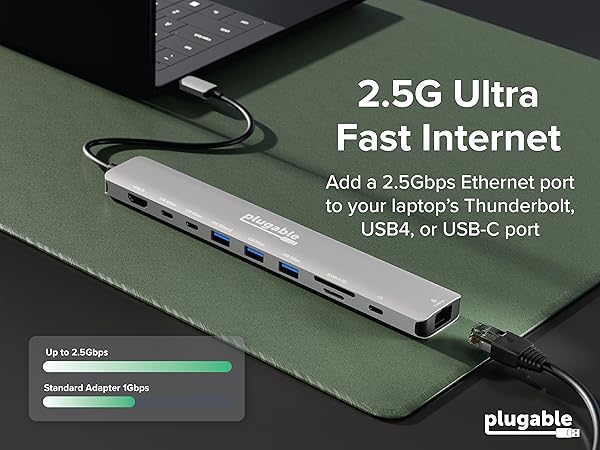
| 2.5Gbps Ethernet | Includes a 2.5Gbps Ethernet port for ultra-fast, stable, and secure network connectivity. Lower speeds, like 1Gbps, are also supported. |
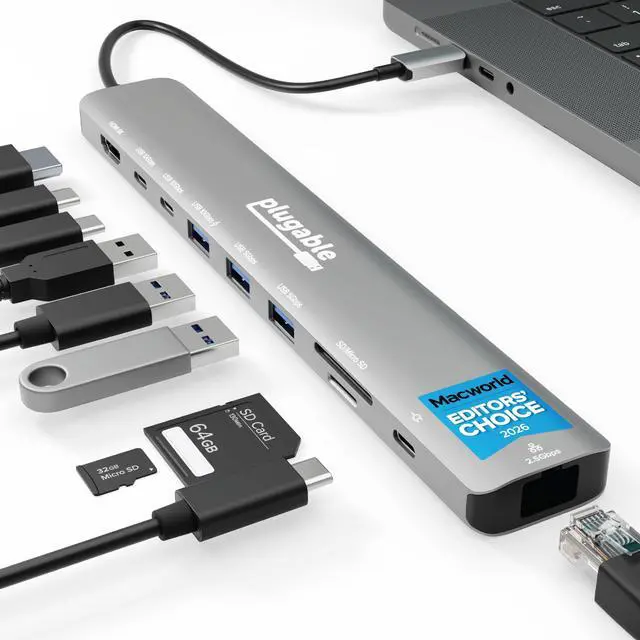
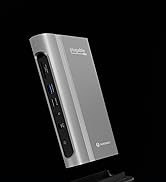
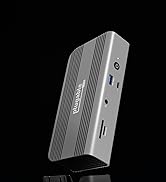
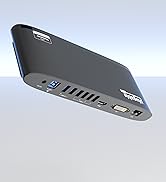
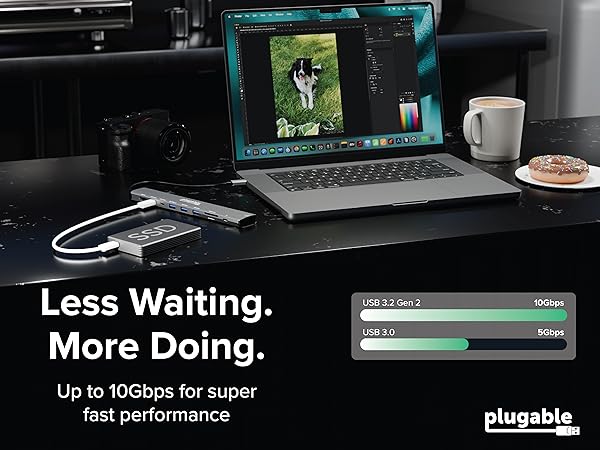
| Connectivity | Maximize peripheral connectivity with 2x 10Gbps USB-C ports, 1x 10Gbps USB-A port with BC 1.2 charging, and 2x 5Gbps USB-A ports. |
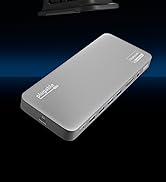
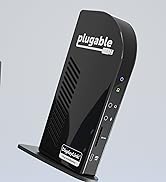
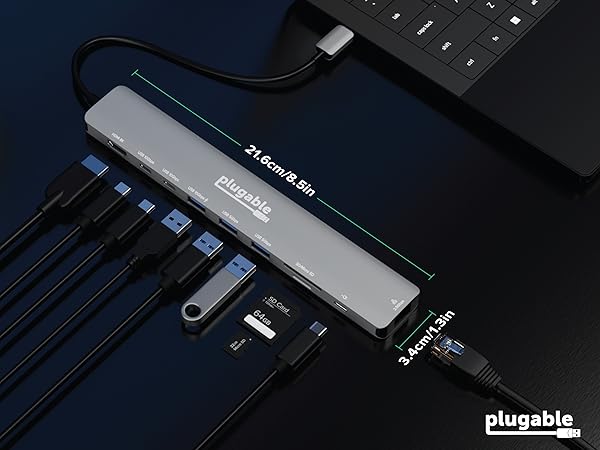
| Portability | Slim and lightweight, this hub USB C easily fits in your laptop bag. Ideal for offices, home workspaces, or travel Measuring only 8.5 × 1.3 × 0.6 inches, the USBC-9IN1E is slim, lightweight, and travel-ready—perfect for laptop bags, remote work setups, and mobile productivity |
What is the maximum resolution/refresh rate on Windows computers?
On systems with DP 1.4 + DSC (e.g., 12th Gen Intel CPUs and later), you can reach up to 8K 30Hz or 4K 144Hz. Legacy DP 1.2 systems are limited to 4K 30Hz or 1080p 60Hz. For best results, use a certified HDMI 2.1 cable.
What is the maximum resolution/refresh rate on Macs?
With macOS 26+ and a Pro, Max, or M3+ chip (including M5, M5 Pro, M5 Max), you can reach 8K 30Hz or 4K 144Hz. Base M1/M2 and MacBook Neo models can achieve up to 4K 60Hz. For best results, use a certified HDMI 2.1 cable.
Can I plug a monitor into the 10Gbps USB-C ports?
No. The two 10G USB-C ports are dedicated to high-speed data (SSDs, drives). Video output is only supported via the HDMI port. For charging, please use the separate PD 140W port.
Does the 140W PD port charge my laptop, or is it for powering the hub?
Both! The PD 140W port is designed to take power from your wall adapter and pass it through to your laptop. The hub itself uses 15W for its own operation, so if you use a 140W charger, your laptop will receive up to 125W of high-speed charging.
I’m using a 140W power adapter, but my laptop says it’s only receiving 100W (or less). Why?
For >100W, your laptop/cable/charger must support PD 3.1 EPR. Many laptops use proprietary tech to exceed 100W. The hub also reserves ~15W for its own ports, passing ~125W to EPR devices (like MacBook Pro 16") when using a 140W power adapter.
Plugable USB Hubs
USBC-10IN1E | USBC-9IN1E | USBC-7IN1E | USBC-11IN1E |
|---|---|---|---|
| Customer Reviews | |||
| — | — | — | — |
| Price | |||
| — | — | — | — |
| Video Ports | |||
| 1x HDMI 2.1 | 1x HDMI 2.0 | 1x HDMI 2.0 | 2x HDMI 2.0 |
| Max Resolution | |||
| 1x 4K 144Hz / 8K 30Hz | 1x 4K 60Hz | 1x 4K 60Hz | 2x 4K 60Hz |
| Power Delivery Pass-Through | |||
| Up to 140W (125W charging) | Up to 140W (125W charging) | Up to 100W (92W charging) | Up to 100W (92W charging) |
| USB-C Hub Ports | |||
| 2x 10Gbps | 1x 10Gbps | None | 1x 5Gbps |
| USB-A Hub Ports | |||
| 1x 10Gbps 2x 5Gbps | 2x 10Gbps 1x USB 2.0 | 2x 5Gbps | 3x 5Gbps |
| Ethernet | |||
| 2.5Gbps | 1Gbps | 1Gbps | 1Gbps |
| SD Card Reader | |||
| 1x SD UHS-I 1x microSD UHS-I | 1x SD UHS-II 1x microSD UHS-II | 1x SD UHS-I 1x microSD UHS-I | 1x SD UHS-II 1x microSD UHS-I |


Find Your Docking Station

Shop for Mac

Shop for Windows


Shop Universal Compatability


Shop for Business