








9 port hub
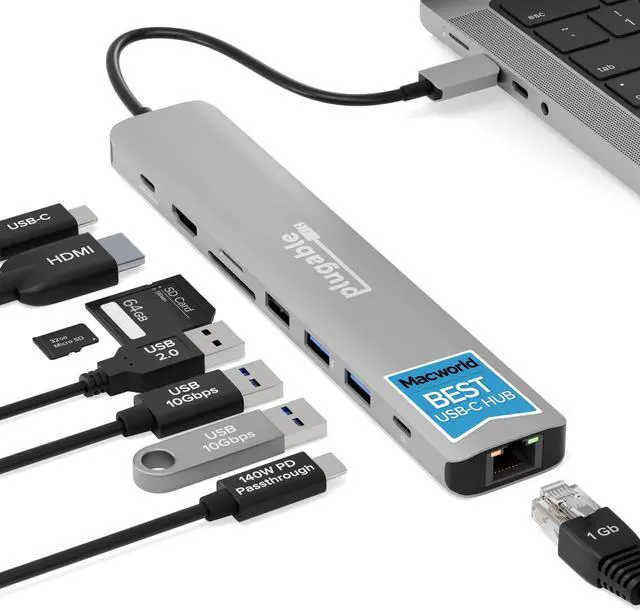
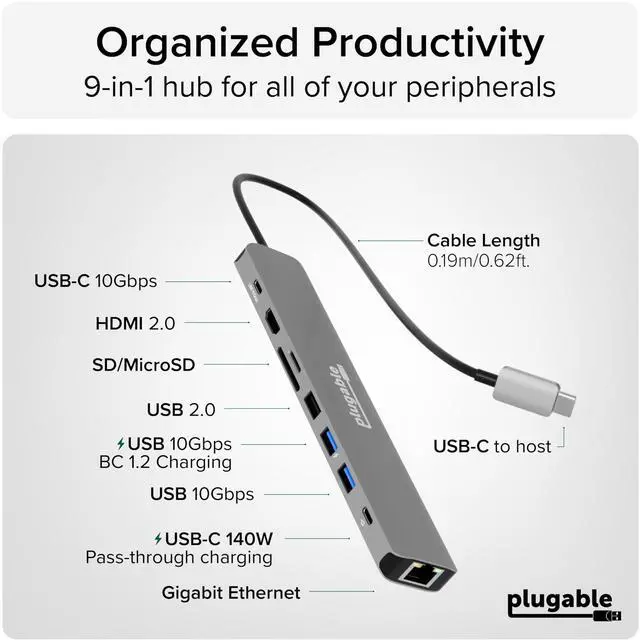
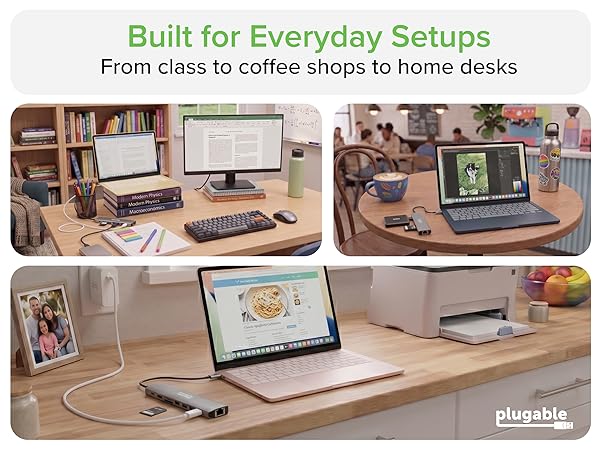
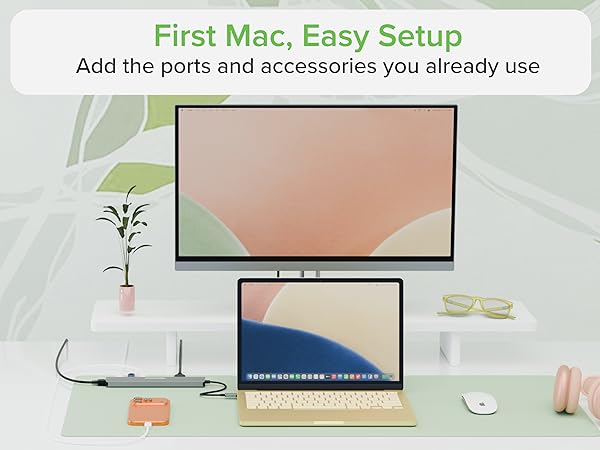
Merchant VideoPlugable USBC-9IN1E is a 9-in-1 USB-C hub for school, home office, travel, and everyday productivity, with up to 140W PD 3.1 input / 125W to host and support for 1x 4K 60Hz HDMI display. It’s a strong fit for students, first-time Mac users, families, and other everyday productivity users.
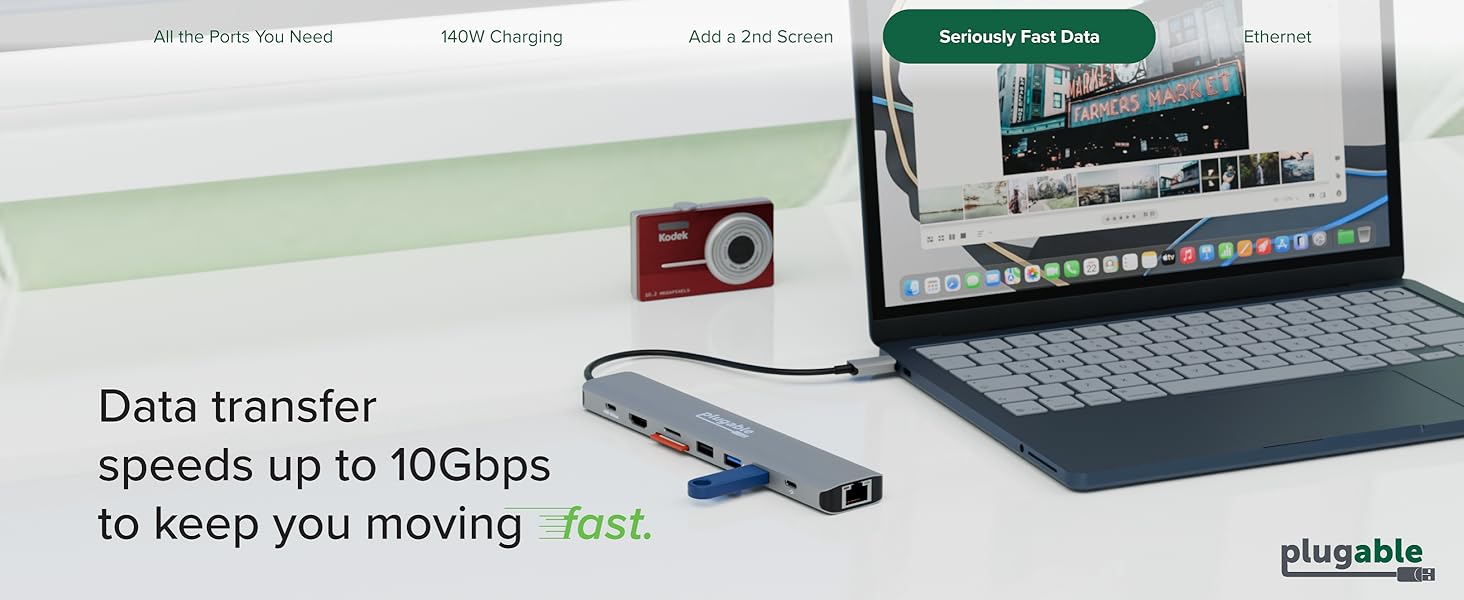
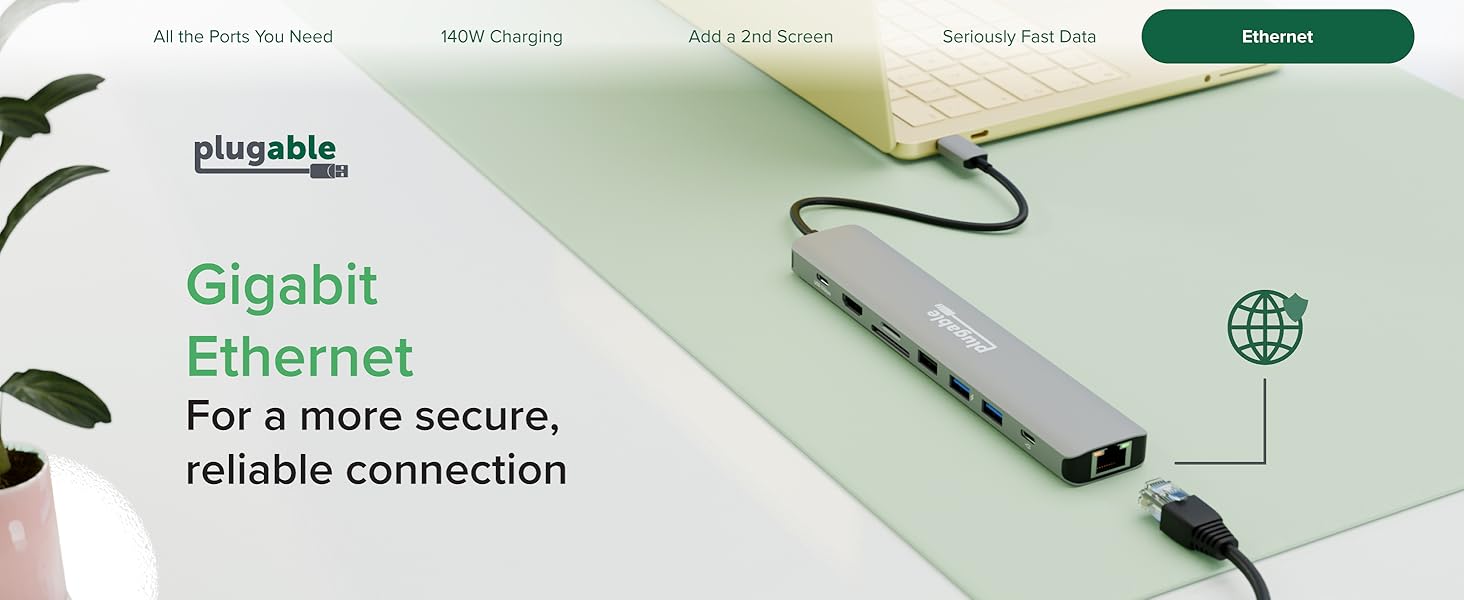
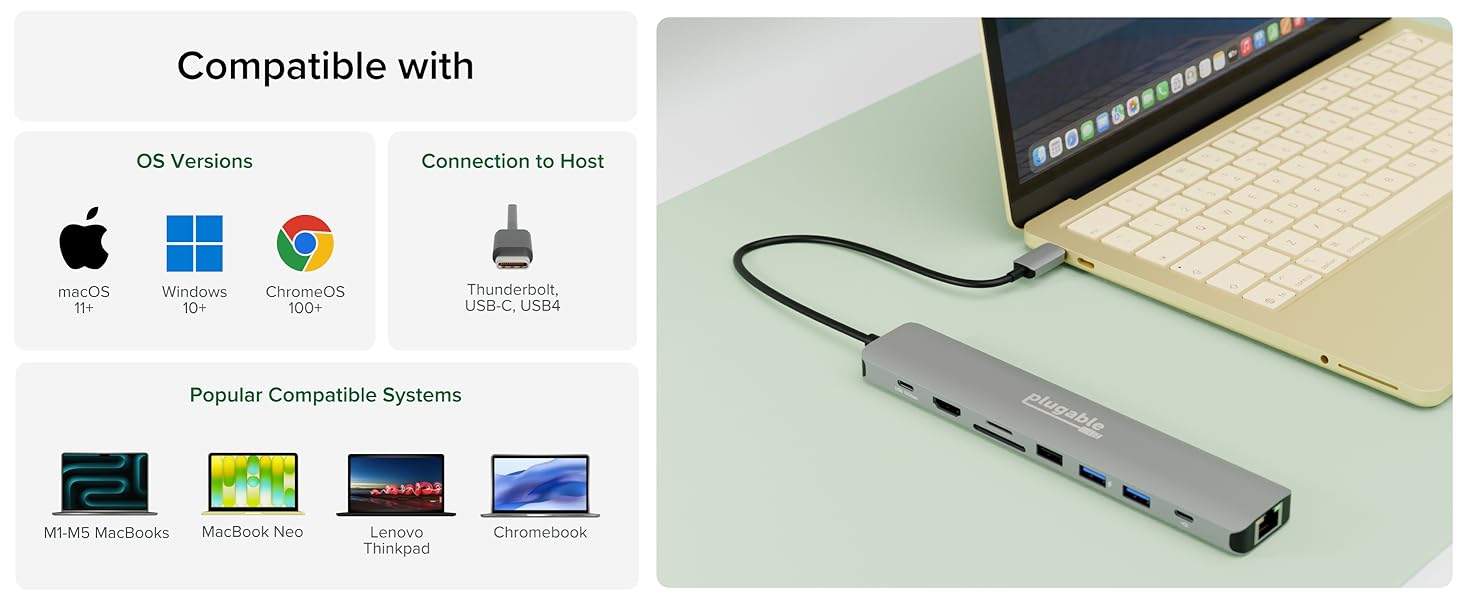
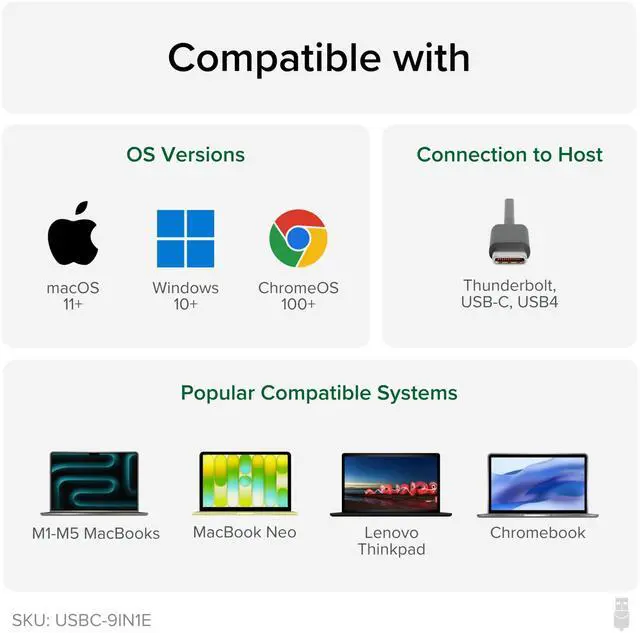
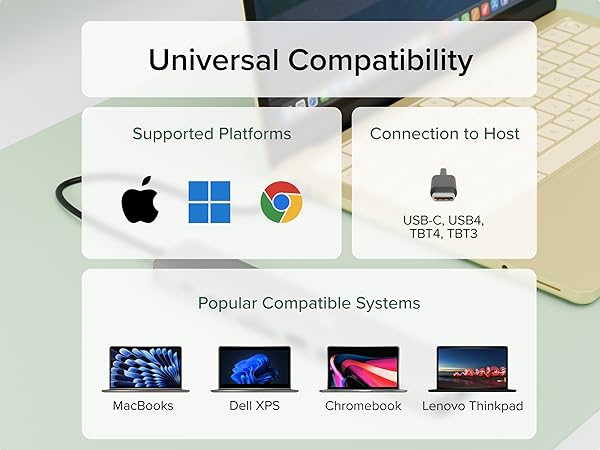
OS: Windows 10/11, macOS 11+, ChromeOS 100+, Linux
Host Port: Full-featured USB-C with PD + DP Alt Mode, or USB4 / Thunderbolt 3 / 4 / 5
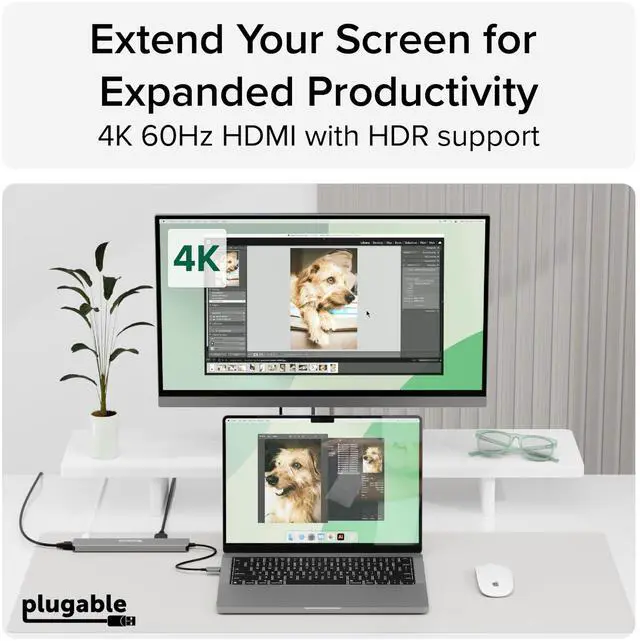
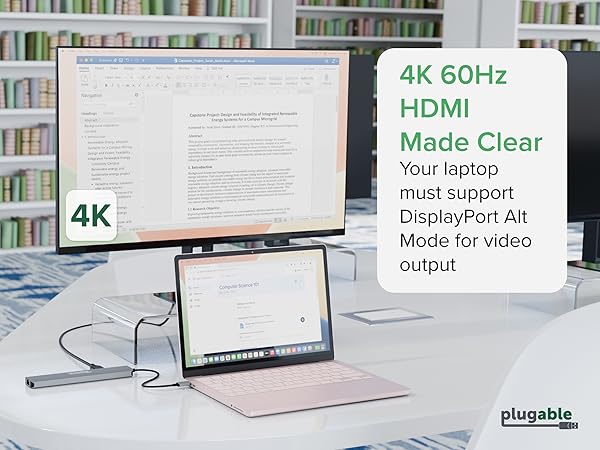
Display: 1x 4K 60Hz HDMI
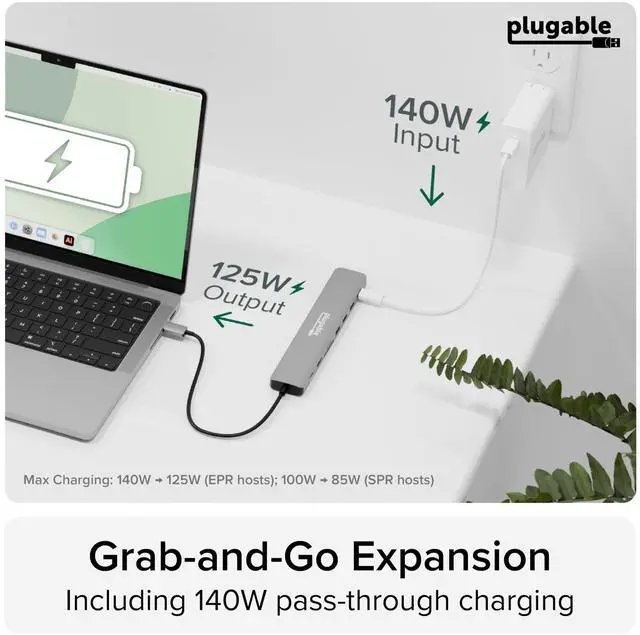
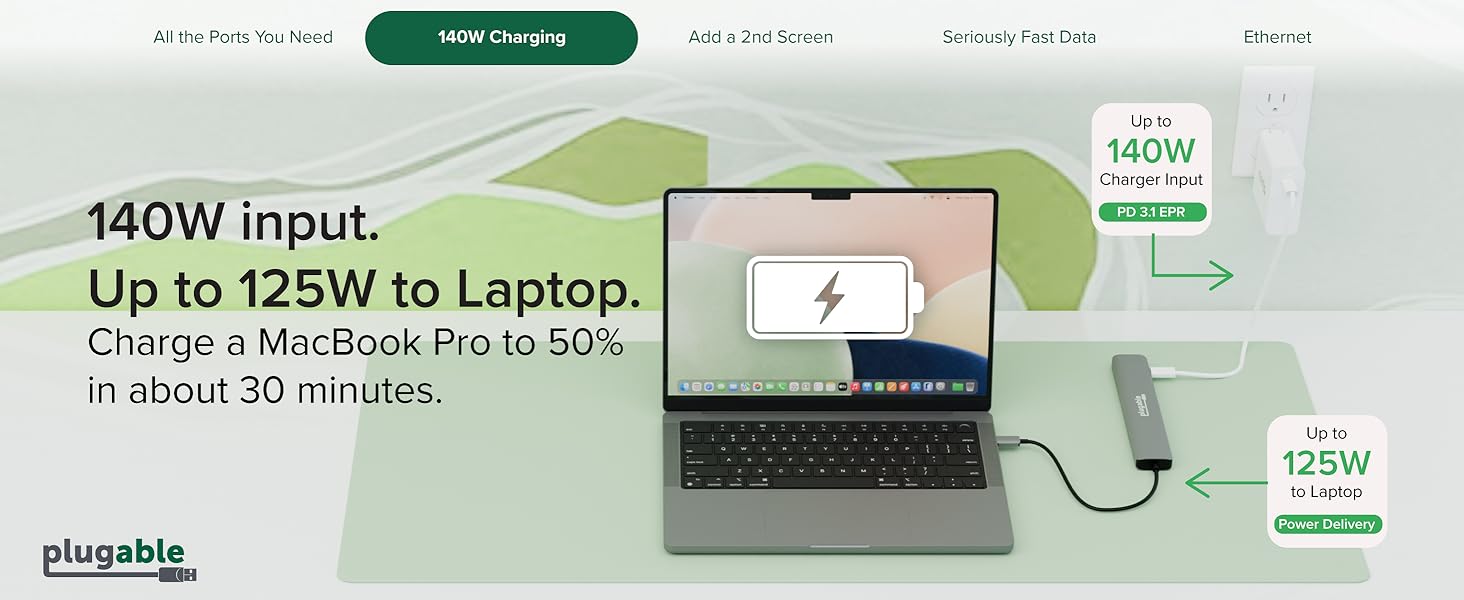
Power: Up to 140W input / 125W to host on EPR; 100W input / 85W on SPR

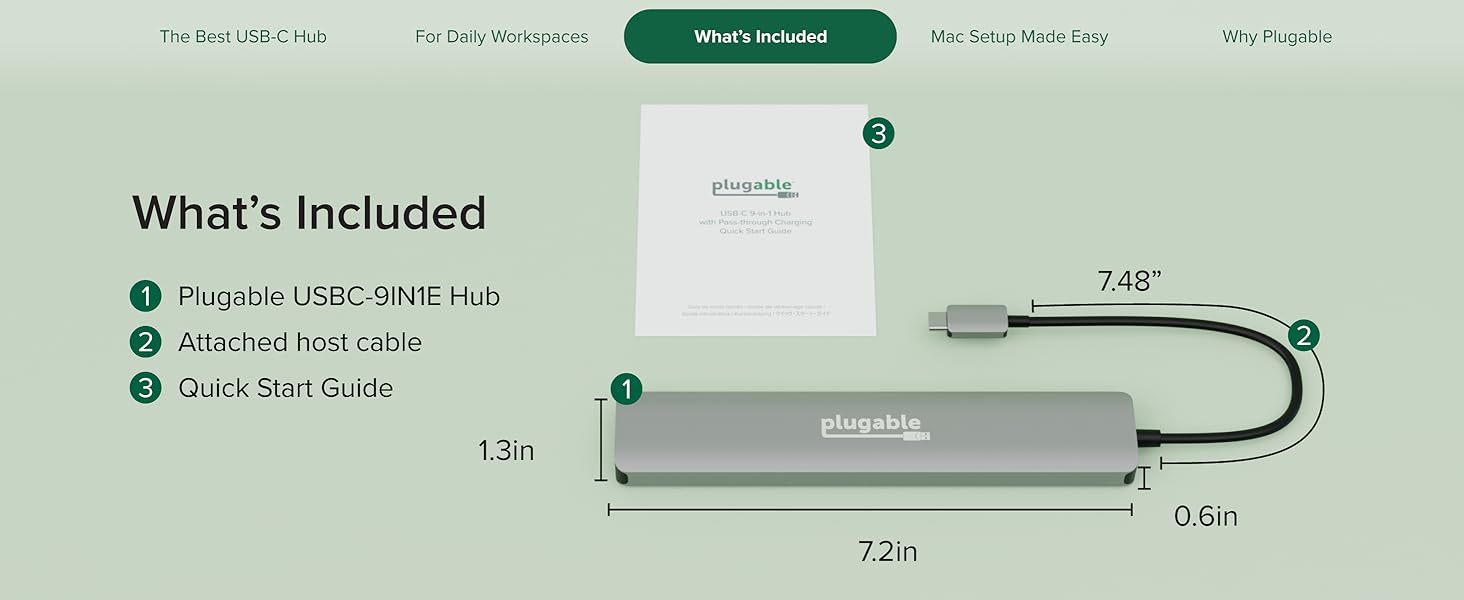


Tech Specs
How much power can the USBC-9IN1E provide to charge my device?
The hub accepts up to 140W input, with 125W available to charge your laptop (using a PD 3.1 host and EPR charger). Most laptops and chargers support up to 100W input (85W to laptop). Charging speeds depend on your device and charger.
Why doesn’t the HDMI port work with my laptop?
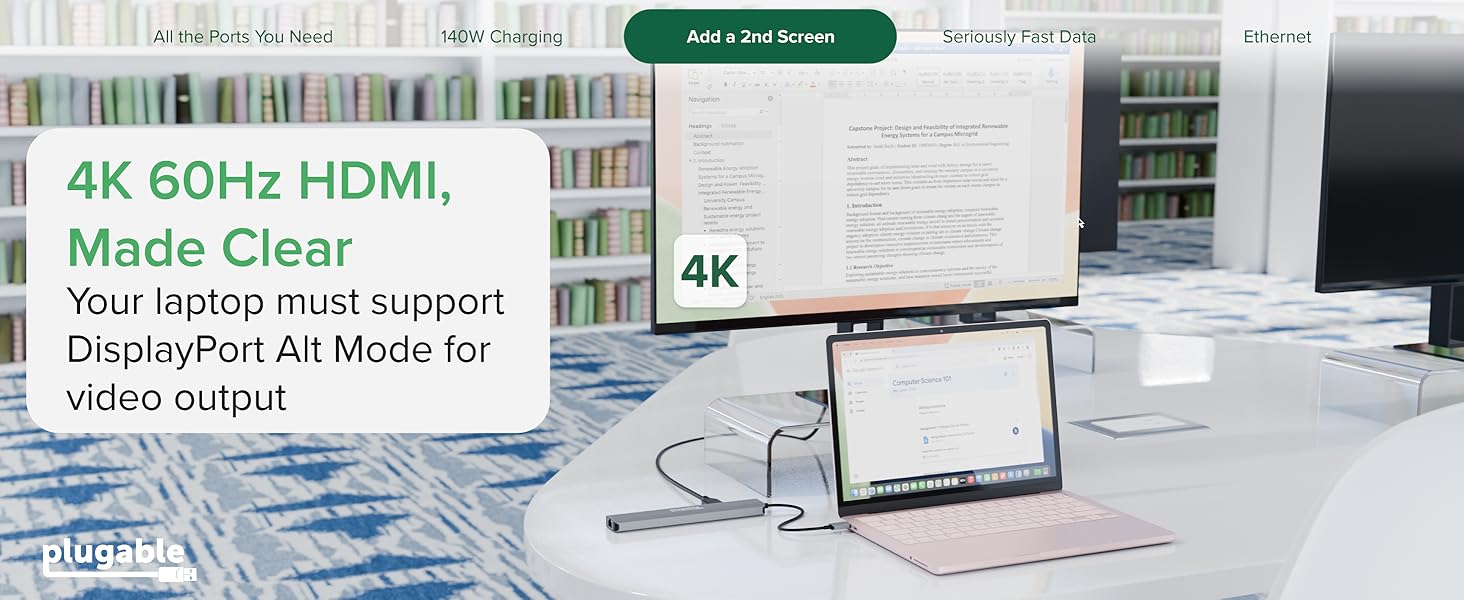
Your laptop’s USB-C port must support DisplayPort Alt Mode for HDMI video output. If it does not, the hub’s HDMI port will not work. When supported, it can drive one external display up to 4K at 60Hz
Can I use this with my MacBook/iMac, Windows, or ChromeOS host?
USBC-9IN1E is compatible with any macOS, Windows, or ChromeOS device that supports USB Type-C (with USB Alt Mode and Power Delivery), USB4, Thunderbolt 3, Thunderbolt 4, or Thunderbolt 5. For HDMI, your system must support DisplayPort Alt Mode.
Do I need to install software in order to use the device?
No, the USBC-9IN1E does not require any drivers to download or install, but we do recommend updating all system drivers to avoid any compatibility issues.
Can I connect a USB-C monitor to this hub?
No, the two USB-C ports are for passthrough USB-C Power Delivery charging and 10Gbps USB data only. Video output from the USB-C PD input and 10Gbps USB-C ports is not supported.
Compare Plugable Multiport Adapters
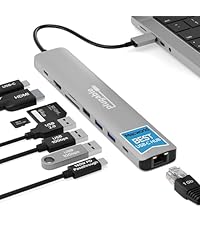 USBC-9IN1E | 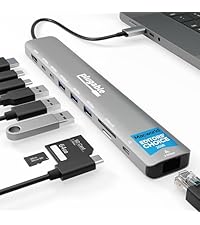 USBC-10IN1E | 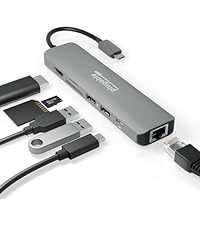 USBC-7IN1E | 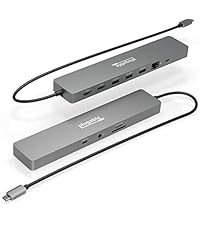 USBC-11IN1E | 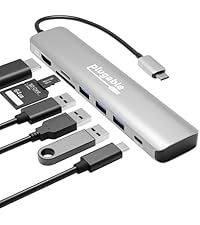 USBC-7IN1 | |
|---|---|---|---|---|---|
Customer Reviews | — | — | — | — | — |
Price | — | — | — | — | — |
Video Ports | 1x HDMI 2.0 | 1x HDMI 2.1 | 1x HDMI 2.0 | 2x HDMI 2.0 | 1x HDMI 1.4 |
Max Resolution | 4K 60Hz | 1x 4K 144Hz / 8K 30Hz | 4K 60Hz | 4K 60Hz | 4K 30Hz |
Power Delivery Pass-Through | Up to 140W (125W charging) | Up to 140W (125W charging) | Up to 100W (92W charging) | Up to 100W (92W charging) | Up to 100W (87W charging) |
USB-C Hub Ports | 1x 10Gbps | 2x 10Gbps | No | 1x 5Gbps | No |
USB-A Hub Ports | 2x 10Gbps, 1x USB 2.0 | 1x 10Gbps, 2x 5Gbps | 2x 5Gbps | 3x 5Gbps | 3x 5Gbps |
SD/microSD Card Reader | Yes | Yes | Yes | Yes | Yes |
Ethernet Port | 1Gbps | 2.5Gbps | 1Gbps | 1Gbps | No |




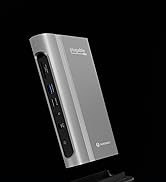
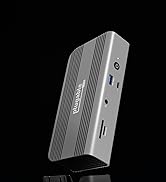

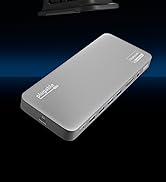






9 port hub
Merchant VideoPlugable USBC-9IN1E is a 9-in-1 USB-C hub for school, home office, travel, and everyday productivity, with up to 140W PD 3.1 input / 125W to host and support for 1x 4K 60Hz HDMI display. It’s a strong fit for students, first-time Mac users, families, and other everyday productivity users.
OS: Windows 10/11, macOS 11+, ChromeOS 100+, Linux
Host Port: Full-featured USB-C with PD + DP Alt Mode, or USB4 / Thunderbolt 3 / 4 / 5
Display: 1x 4K 60Hz HDMI
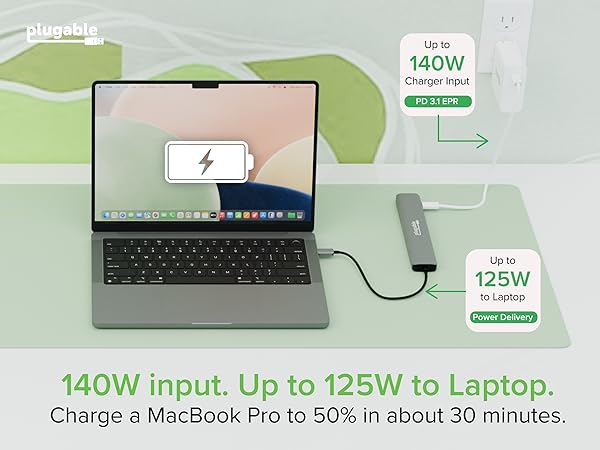
Power: Up to 140W input / 125W to host on EPR; 100W input / 85W on SPR


Tech Specs
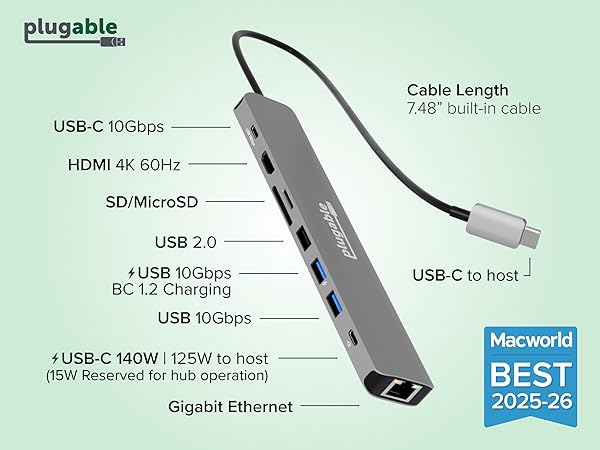
| Power Delivery | The USBC-9IN1E supports USB-C PD 3.1 EPR with a maximum input of 140W and 125W charging output to a compatible host. Requires a PD 3.1 host and EPR charger for 140W input (125W to host) PD 3.0 hosts are limited to 100W input (85W to host). |
|---|---|
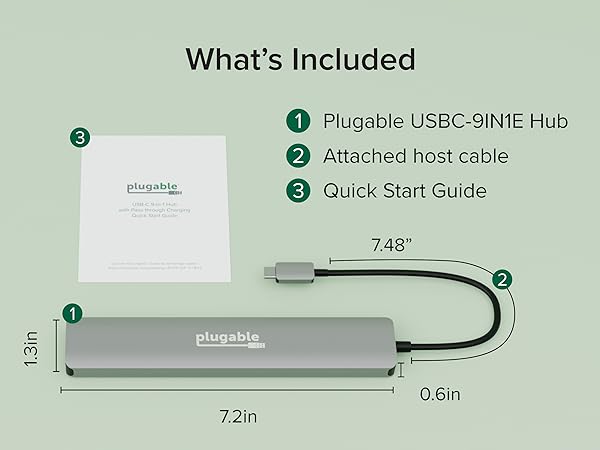
| Portability | Measuring just 2.2 x 1.3 x 0.6 inches, the USBC-9IN1E is slim, lightweight, and easy to pack for school, home, office, or travel. |
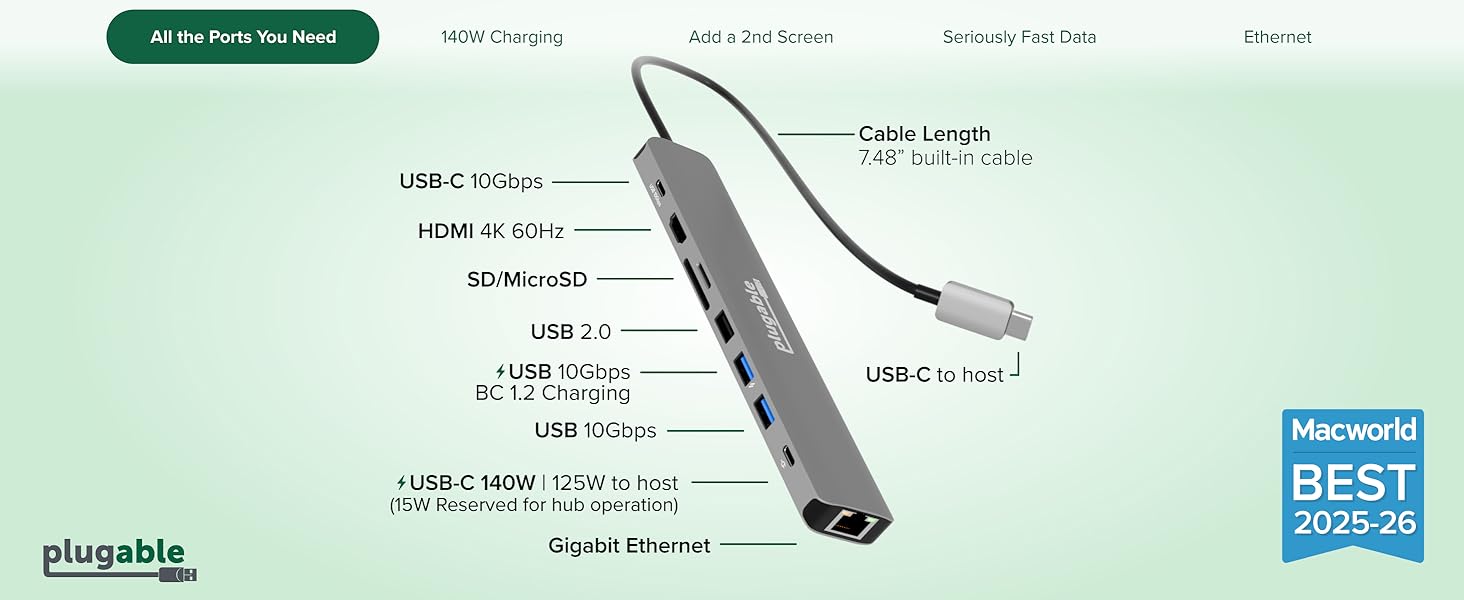
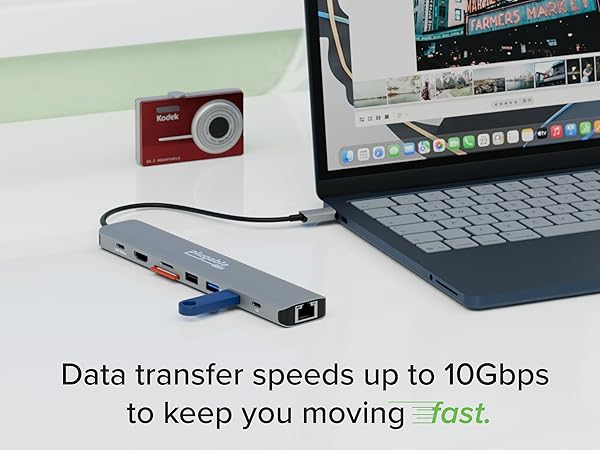
| Connectivity | Includes 1x USB-C 10Gbps data port, 2x USB-A 10Gbps ports (one with BC 1.2, 7.5W charging), and 1x USB 2.0 port for everyday accessories like keyboards and mice. |
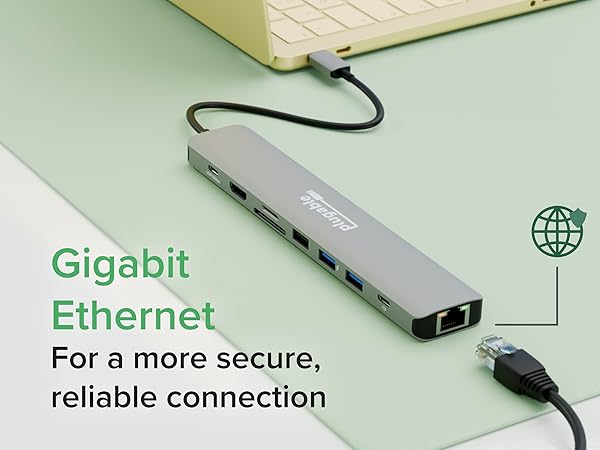
| Security | Includes a 1Gbps Ethernet port for fast, reliable wired internet at home, at work, or in classroom setups. |
| Media Card Readers | Includes 1x microSD slot and 1x SD slot both supporting up to 312Mbps |
How much power can the USBC-9IN1E provide to charge my device?
The hub accepts up to 140W input, with 125W available to charge your laptop (using a PD 3.1 host and EPR charger). Most laptops and chargers support up to 100W input (85W to laptop). Charging speeds depend on your device and charger.
Why doesn’t the HDMI port work with my laptop?
Your laptop’s USB-C port must support DisplayPort Alt Mode for HDMI video output. If it does not, the hub’s HDMI port will not work. When supported, it can drive one external display up to 4K at 60Hz
Can I use this with my MacBook/iMac, Windows, or ChromeOS host?
USBC-9IN1E is compatible with any macOS, Windows, or ChromeOS device that supports USB Type-C (with USB Alt Mode and Power Delivery), USB4, Thunderbolt 3, Thunderbolt 4, or Thunderbolt 5. For HDMI, your system must support DisplayPort Alt Mode.
Do I need to install software in order to use the device?
No, the USBC-9IN1E does not require any drivers to download or install, but we do recommend updating all system drivers to avoid any compatibility issues.
Can I connect a USB-C monitor to this hub?
No, the two USB-C ports are for passthrough USB-C Power Delivery charging and 10Gbps USB data only. Video output from the USB-C PD input and 10Gbps USB-C ports is not supported.
Compare Plugable Multiport Adapters
USBC-9IN1E | USBC-10IN1E | USBC-7IN1E | USBC-11IN1E | USBC-7IN1 |
|---|---|---|---|---|
| Customer Reviews | ||||
| — | — | — | — | — |
| Price | ||||
| — | — | — | — | — |
| Video Ports | ||||
| 1x HDMI 2.0 | 1x HDMI 2.1 | 1x HDMI 2.0 | 2x HDMI 2.0 | 1x HDMI 1.4 |
| Max Resolution | ||||
| 4K 60Hz | 1x 4K 144Hz / 8K 30Hz | 4K 60Hz | 4K 60Hz | 4K 30Hz |
| Power Delivery Pass-Through | ||||
| Up to 140W (125W charging) | Up to 140W (125W charging) | Up to 100W (92W charging) | Up to 100W (92W charging) | Up to 100W (87W charging) |
| USB-C Hub Ports | ||||
| 1x 10Gbps | 2x 10Gbps | No | 1x 5Gbps | No |
| USB-A Hub Ports | ||||
| 2x 10Gbps, 1x USB 2.0 | 1x 10Gbps, 2x 5Gbps | 2x 5Gbps | 3x 5Gbps | 3x 5Gbps |
| SD/microSD Card Reader | ||||
| Yes | Yes | Yes | Yes | Yes |
| Ethernet Port | ||||
| 1Gbps | 2.5Gbps | 1Gbps | 1Gbps | No |


Find Your Docking Station

Shop for Mac

Shop for Windows


Shop Universal Compatability


Shop for Business