


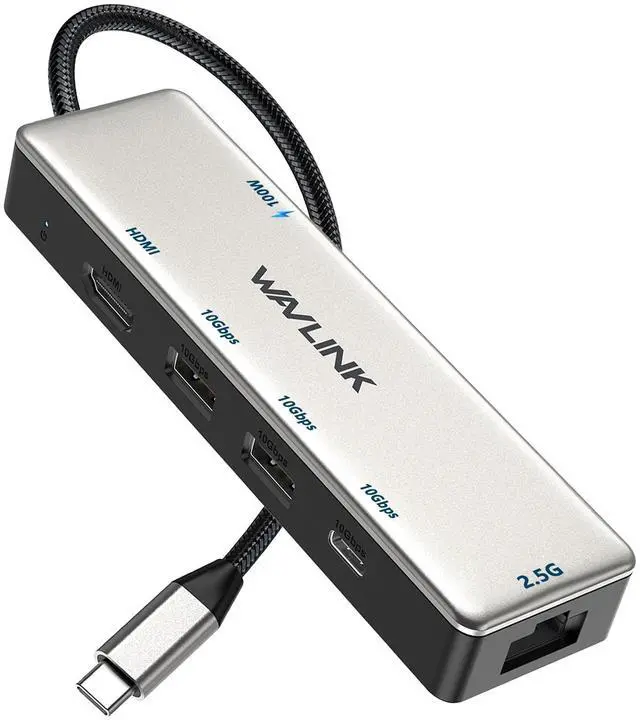
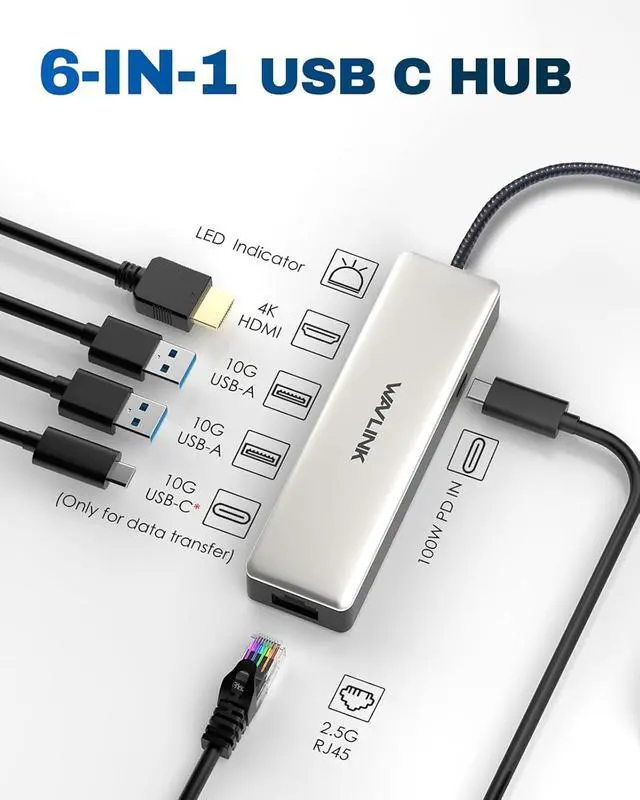


WAVLINK 10Gbps USB C 3.2 Hub 2.5G Ethernet
Merchant Video


Can I get the full 2.5Gbps Ethernet speed? What do I need?
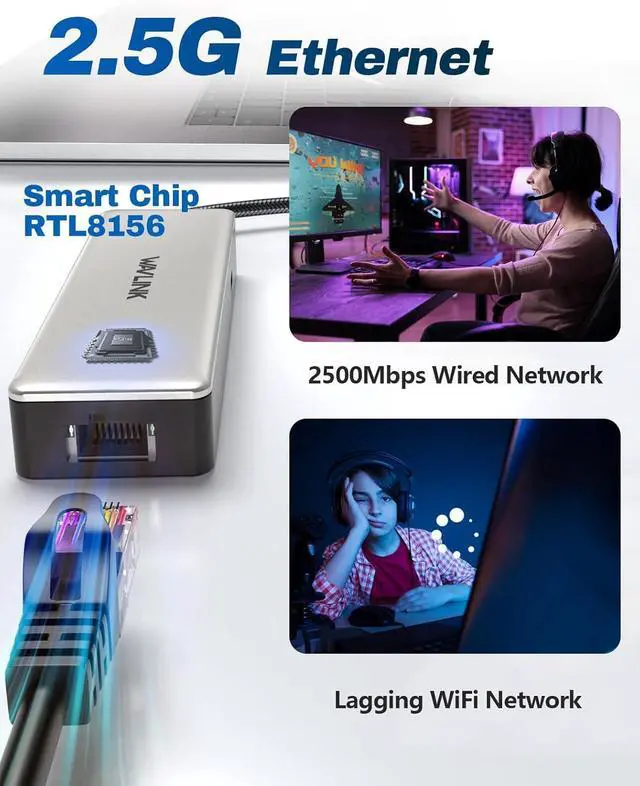
For full 2.5Gbps speed with this USB C Hub 2.5gb ethernet, ensure:
1. Broadband >2.5G
2. A 2.5G modem/router
3. Cat6A+ cable
4. Laptop USB 3.1 Gen2 (10Gbps) or higher
My Ethernet port isn't working. What should I do?
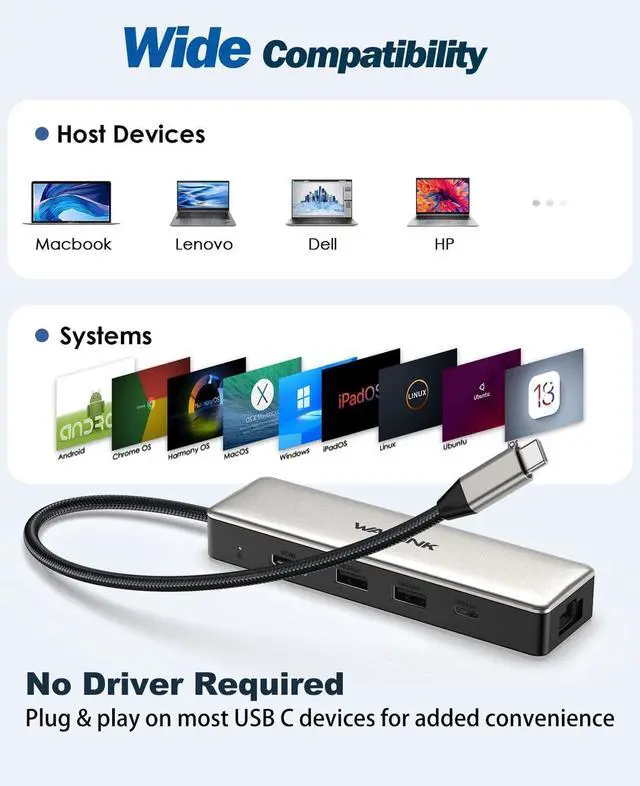
For older systems, ensure compatibility with this 2.5gb ethernet USB C Hub by downloading and installing the latest Realtek RTL8156 driver from Realtek's official website under "Communications Network ICs > USB Ethernet Family Controller Software".
Why won't my monitor display video through the Hub?
Your laptop's USB-C port must support video output (DisplayPort Alt Mode). Confirm this capability in your device manual.
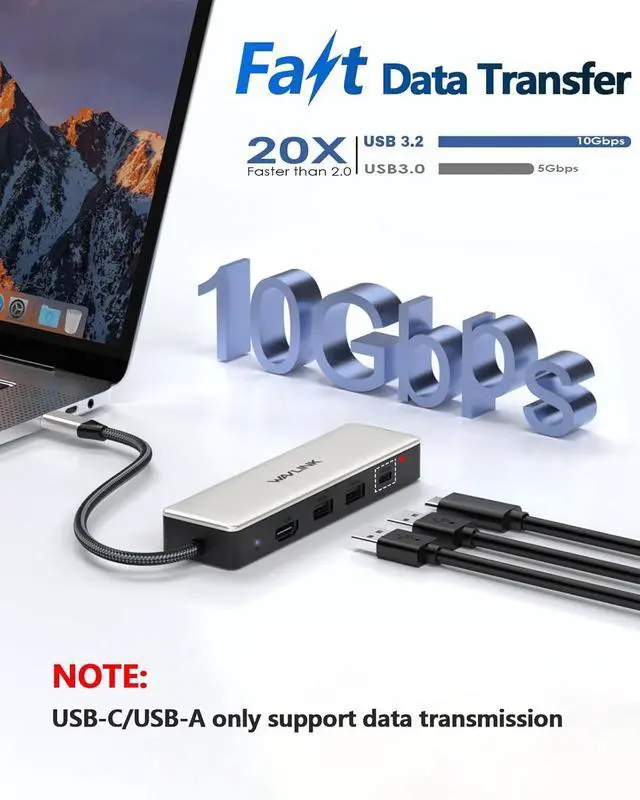
Note: This USB C Ethernet Hub HDMI delivers video only via the HDMI port, not through its USB-C ports (data/charging only).
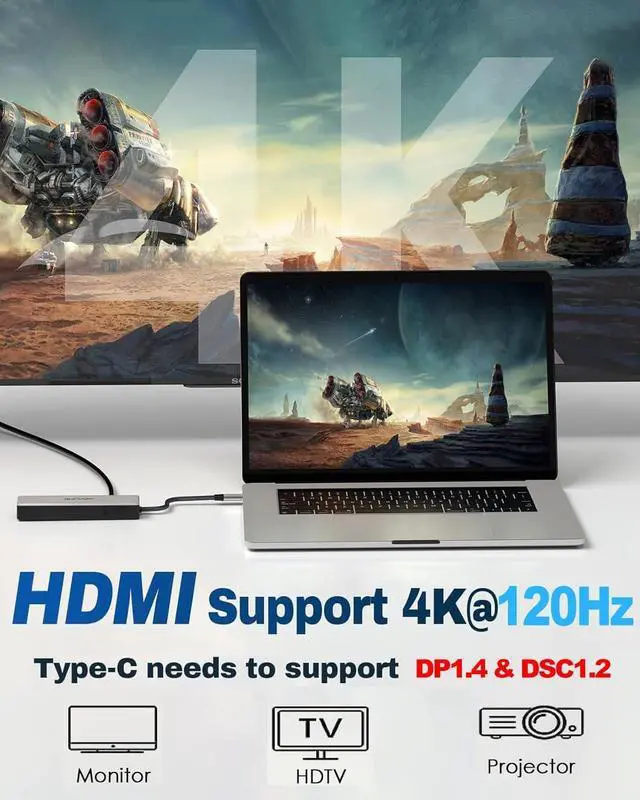
What's the maximum video resolution and refresh rate?
This USB C Hub with 4k HDMI supports up to 4K@120Hz (with DP1.4 & DSC1.2), 4K@60Hz (DP1.4), or 4K@30Hz (DP1.2). Actual performance depends on your device's video output capability.
Is the charger included?
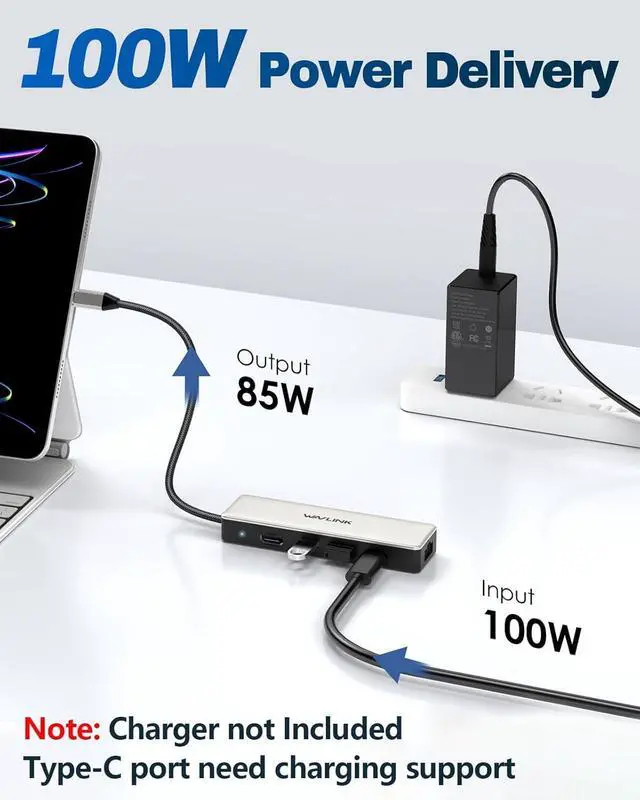
No, a compatible USB-C PD charger (100W recommended) and charging cable are required but not included with this USB C Hub. Please use the dedicated PD IN port for charging.
Similar Products
 USB C Hub 2.5G Ethernet |  USB to Dual HDMI Adapter |  USB C Ethernet 10G | 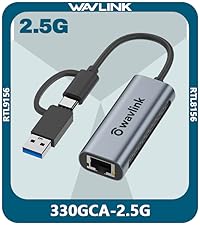 2in1 USB to 2.5G Ethernet | 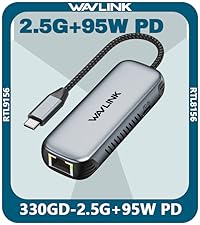 2.5G Ethernet?95W PD | 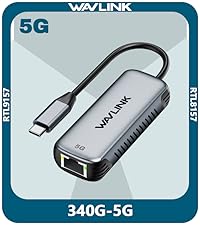 USB C to 5G Ethernet | 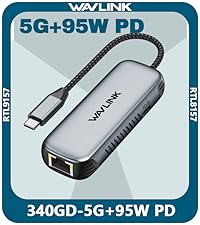 5G Ethernet?95W PD | |
|---|---|---|---|---|---|---|---|
Customer Reviews | — | — | — | — | — | — | — |
Price | — | — | — | — | — | — | — |
Monitors Output Port | HDMI 4K@120Hz | Dual 4K@60Hz HDMI Adapter | — | — | — | — | — |
Ethernet | 2.5Gbps RJ45 | — | 10Gbps RJ45 | 2.5Gbps RJ45 | 2.5Gbps RJ45 | 5Gbps RJ45 | 5Gbps RJ45 |
Power Delivery | 85W PD | — | — | — | 95W PD | — | 95W PD |
10Gbps Data Transfer | 3* USB 3.2 Gen 2 | — | — | — | — | — | — |
USB Ports | Type-C +2*USB-A | — | — | — | — | — | — |


Enterprise-class Manageability
WAVLINK's DL-chip docks enhance corporate productivity with advanced management features. They provide enterprise-level control capabilities, ensuring smooth operations in demanding work environments. Designed specifically for business needs these docking stations streamline essential tasks, allowing IT teams to efficiently manage connected devices while maintaining performance standards across the organization.




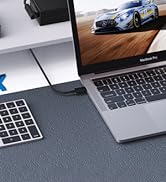
Docking Station 5K 2 Monitors


Docking Station 3 Monitors
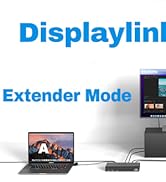
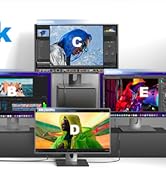
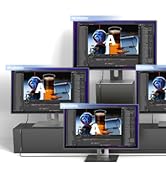
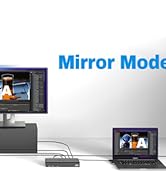
Docking Station 4 Monitors
Universal Docking Station
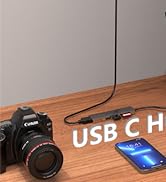
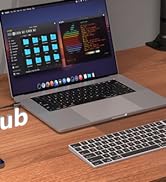
USB C 3.2 HUB
Wifi Router


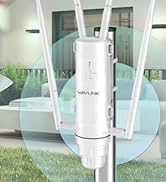
Outdoor WiFi Extender

Let Technology into Your Life!
WAVLINK is a team that inherits the gene of technology and wisdom, will integrate the attitude of human text into the development and design of each product to bring the charm of technological life to users!
The predecessor of wavlink can be traced back to the technology studio founded in California, USA in 1992, which has made remarkable achievements in board products,etc

WAVLINK 10Gbps USB C 3.2 Hub 2.5G Ethernet
Merchant Video


Can I get the full 2.5Gbps Ethernet speed? What do I need?
For full 2.5Gbps speed with this USB C Hub 2.5gb ethernet, ensure:
1. Broadband >2.5G
2. A 2.5G modem/router
3. Cat6A+ cable
4. Laptop USB 3.1 Gen2 (10Gbps) or higher
My Ethernet port isn't working. What should I do?
For older systems, ensure compatibility with this 2.5gb ethernet USB C Hub by downloading and installing the latest Realtek RTL8156 driver from Realtek's official website under "Communications Network ICs > USB Ethernet Family Controller Software".
Why won't my monitor display video through the Hub?
Your laptop's USB-C port must support video output (DisplayPort Alt Mode). Confirm this capability in your device manual.
Note: This USB C Ethernet Hub HDMI delivers video only via the HDMI port, not through its USB-C ports (data/charging only).
What's the maximum video resolution and refresh rate?
This USB C Hub with 4k HDMI supports up to 4K@120Hz (with DP1.4 & DSC1.2), 4K@60Hz (DP1.4), or 4K@30Hz (DP1.2). Actual performance depends on your device's video output capability.
Is the charger included?
No, a compatible USB-C PD charger (100W recommended) and charging cable are required but not included with this USB C Hub. Please use the dedicated PD IN port for charging.
Similar Products
USB C Hub 2.5G Ethernet | USB to Dual HDMI Adapter | USB C Ethernet 10G | 2in1 USB to 2.5G Ethernet | 2.5G Ethernet?95W PD | USB C to 5G Ethernet | 5G Ethernet?95W PD |
|---|---|---|---|---|---|---|
| Customer Reviews | ||||||
| — | — | — | — | — | — | — |
| Price | ||||||
| — | — | — | — | — | — | — |
| Monitors Output Port | ||||||
| HDMI 4K@120Hz | Dual 4K@60Hz HDMI Adapter | — | — | — | — | — |
| Ethernet | ||||||
| 2.5Gbps RJ45 | — | 10Gbps RJ45 | 2.5Gbps RJ45 | 2.5Gbps RJ45 | 5Gbps RJ45 | 5Gbps RJ45 |
| Power Delivery | ||||||
| 85W PD | — | — | — | 95W PD | — | 95W PD |
| 10Gbps Data Transfer | ||||||
| 3* USB 3.2 Gen 2 | — | — | — | — | — | — |
| USB Ports | ||||||
| Type-C +2*USB-A | — | — | — | — | — | — |
Enterprise-class Manageability
WAVLINK's DL-chip docks enhance corporate productivity with advanced management features. They provide enterprise-level control capabilities, ensuring smooth operations in demanding work environments. Designed specifically for business needs these docking stations streamline essential tasks, allowing IT teams to efficiently manage connected devices while maintaining performance standards across the organization.
Docking Station 5K 2 Monitors

Docking Station 3 Monitors
Docking Station 4 Monitors
Universal Docking Station

USB C 3.2 HUB
Wifi Router

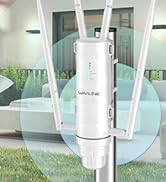
Outdoor WiFi Extender
Let Technology into Your Life!
WAVLINK is a team that inherits the gene of technology and wisdom, will integrate the attitude of human text into the development and design of each product to bring the charm of technological life to users!
The predecessor of wavlink can be traced back to the technology studio founded in California, USA in 1992, which has made remarkable achievements in board products,etc

