




 here!
here!
I’m your shopping assistant for PC builds, upgrades, and everything tech.
Got questions? Ask away!
Start a conversation
here!
I’m your shopping assistant for PC builds, upgrades, and everything tech.
Got questions? Ask away!
Start a conversation
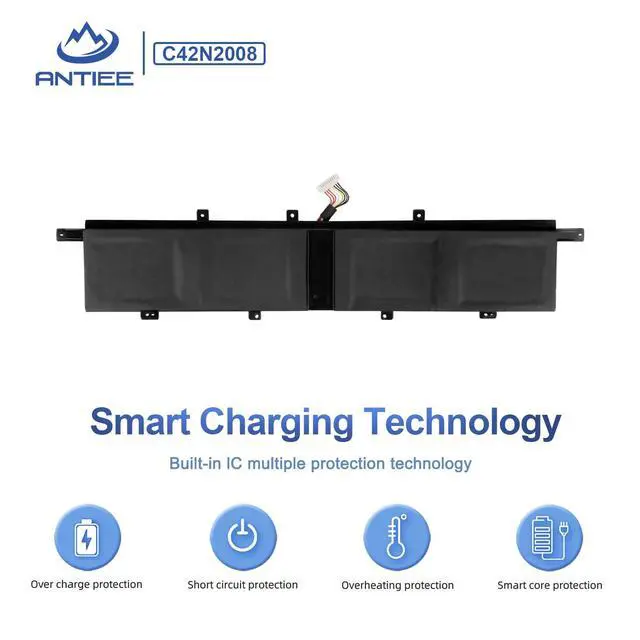
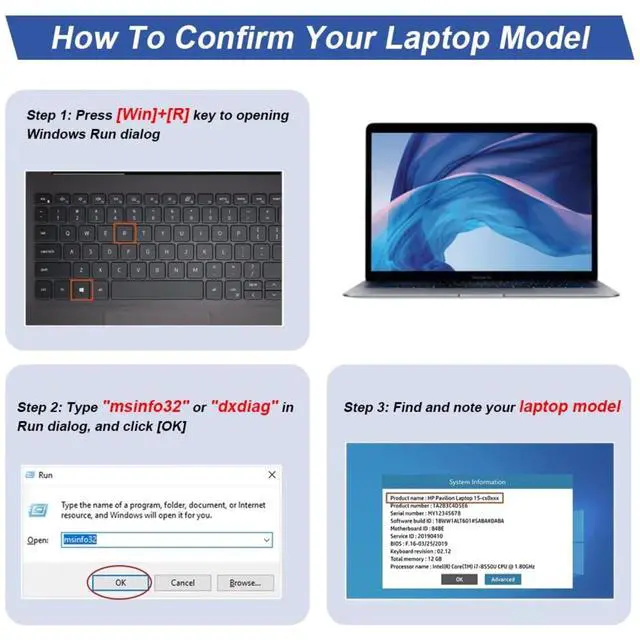
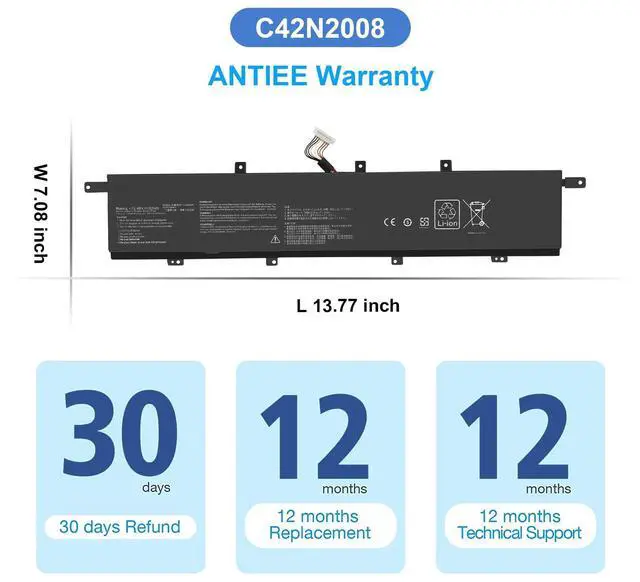





Any questions? Ask CelesteSM will help you find out quickly.
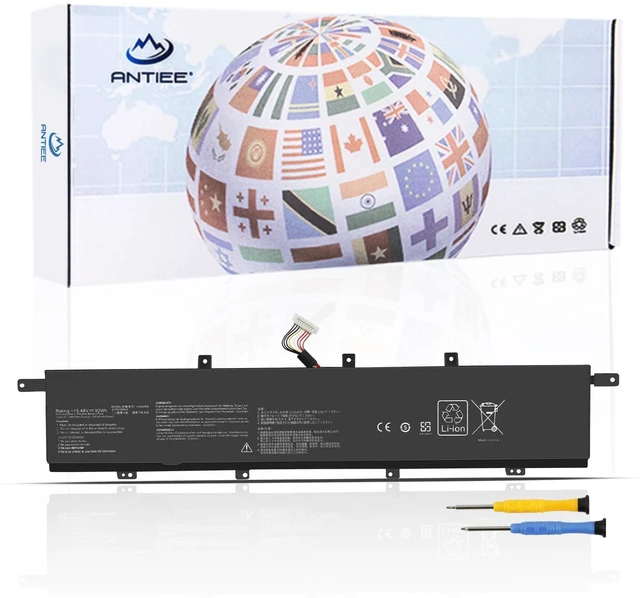
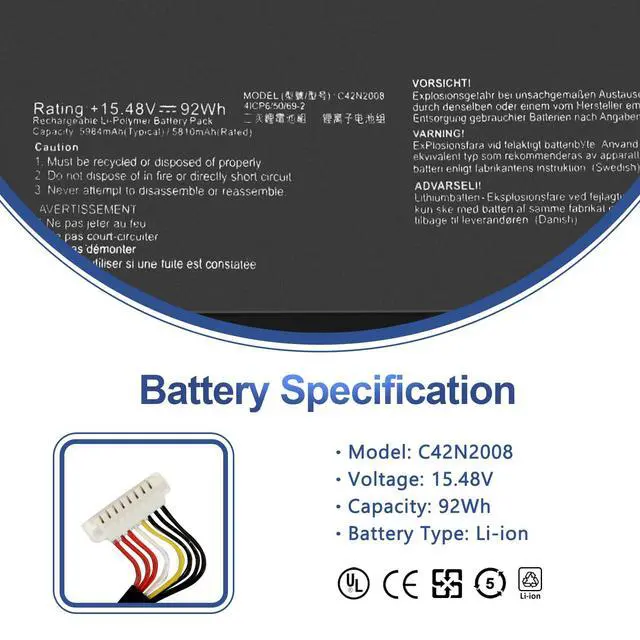
Specifications:
Battery Voltage:15.48V
Battery Capacity: 92Wh/5810mAh
Battery Type:Li-ion
Condition: 100% New from Manufacturer
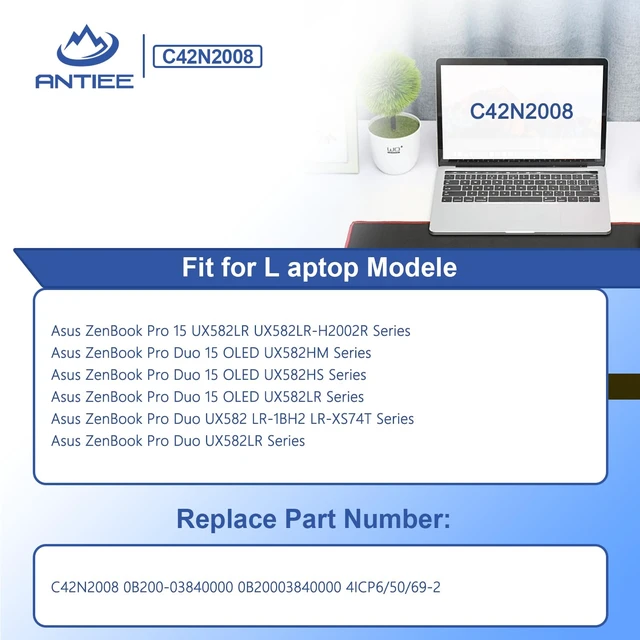
Compatible Part Numbers
C42N2008 0B200-03840000 0B20003840000 4ICP6/50/69-2
Compatible With Laptop Models (Use "Ctrl+F to find your model quickly)
Fit for Asus ZenBook Pro 15 UX582LR UX582LR-H2002R Series
Fit for Asus ZenBook Pro Duo 15 OLED UX582HM Series
Fit for Asus ZenBook Pro Duo 15 OLED UX582HS Series
Fit for Asus ZenBook Pro Duo 15 OLED UX582LR Series:
UX582LR-BP1979R , UX582LR-H0701TS , UX582LR-H2002R , UX582LR-H2002TS , UX582LR-H2003R , UX582LR-H2013T , UX582LR-H2014R , UX582LR-H2014T , UX582LR-H2017T , UX582LR-H2025R , UX582LR-XS94T
Fit for Asus ZenBook Pro Duo UX582 LR-1BH2 LR-XS74T Series
Fit for Asus ZenBook Pro Duo UX582LR Series
Why the laptop does not recognize the battery
Could be caused by battery loose. Please re-install the battery and make sure that the battery cable and the motherboard interface are tightly inserted.
Maybe due to conductive material damaged which the laptop motherboard and battery anode and cathode contact position, you can try to confirm it with your original battery.
Check whether the battery drive is in normal condition, if not, download the corresponding driver software to update.
There is a problem with the computer detection software, which usually just restart the computer.





