


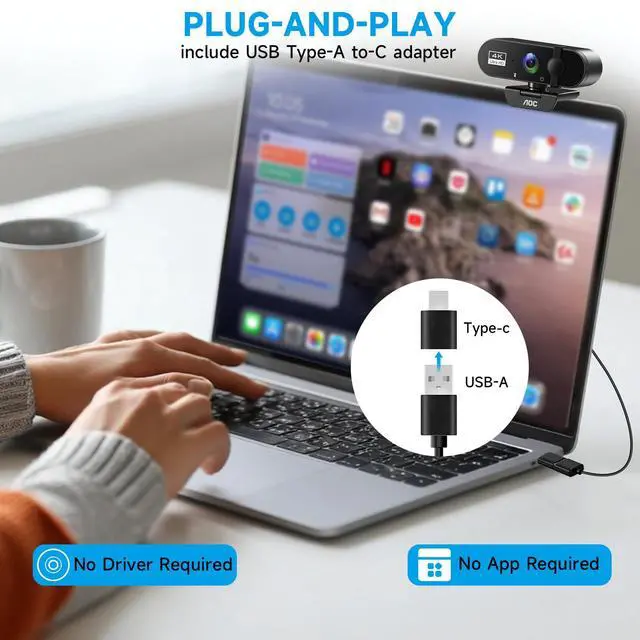









Is this webcam truly plug-and-play for both USB-C and USB-A computers???
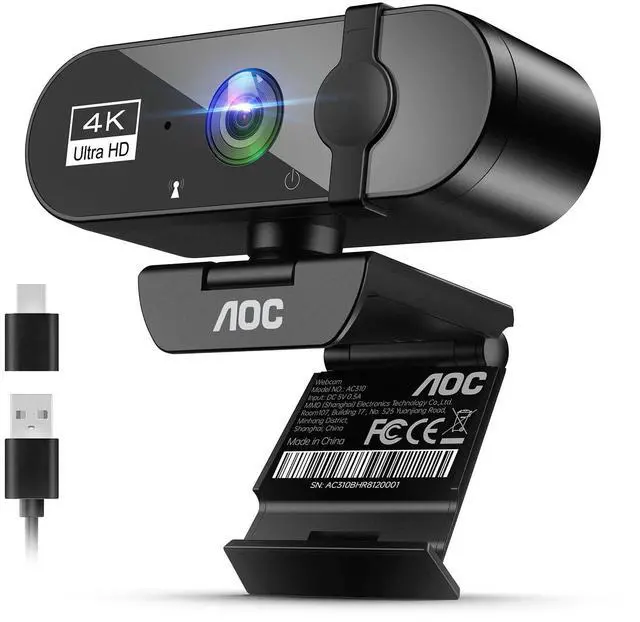
Yes. It's designed for simple plug-and-play setup. The included USB-A to USB-C adapter ensures compatibility with almost any modern or legacy computer, and no extra drivers are needed to start using it
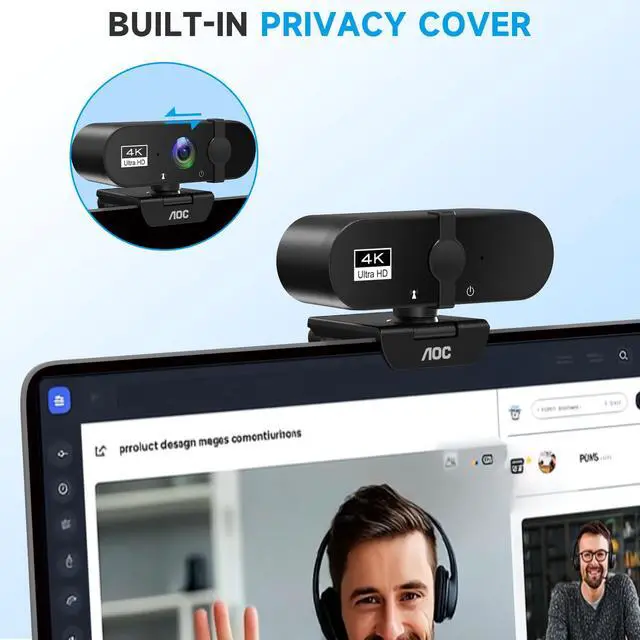
How does the privacy cover and noise-canceling microphone work??
The built-in privacy cover is a ?physical sliding shield? that blocks the camera lens when not in use, providing unhackable security against unauthorized access
Does the 90° wide-angle lens work well for showing more than one person???
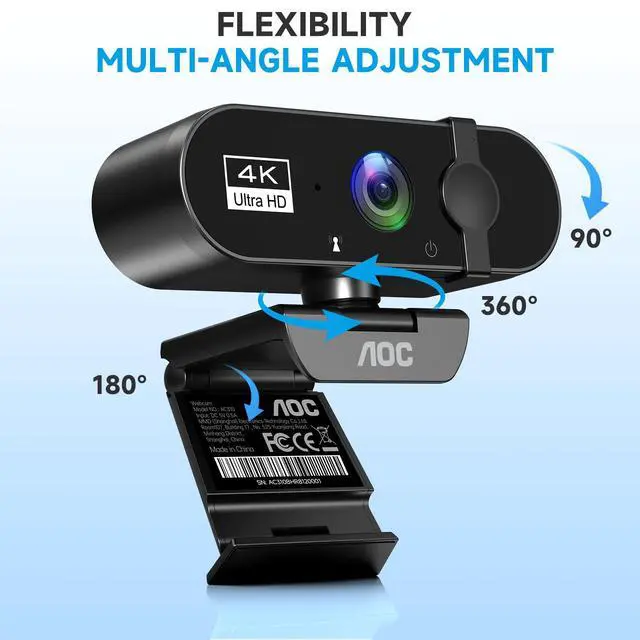
Absolutely. The ?90° wide-angle field of view (FOV)?? allows you to fit more into the frame, making it great for small group calls or showing a bit of your background
The video image is blurry, too dark, or has poor quality. How can I fix it???
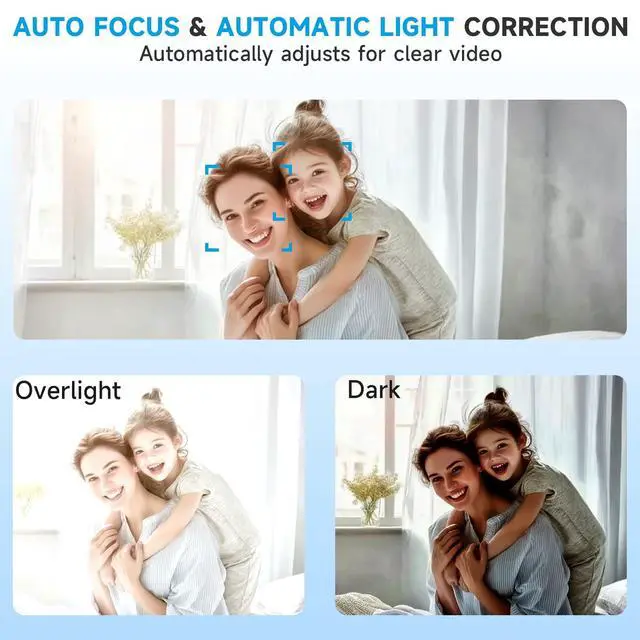
Try these steps for a better picture:Improve Lighting: Ensure your face is evenly lit, avoiding strong backlighting from behind you Clean the Lens: Gently wipe the camera lens with a soft, lint-free cloth
How do I fix echo or background noise from the webcam's microphone???
Check Mic Position: Place the microphone farther from speakers and reflective surfaces to reduce echo Use a Headset: For the clearest audio, try using a headset or a dedicated microphone instead of the webcam's built-in mic


Is this webcam truly plug-and-play for both USB-C and USB-A computers???
Yes. It's designed for simple plug-and-play setup. The included USB-A to USB-C adapter ensures compatibility with almost any modern or legacy computer, and no extra drivers are needed to start using it
How does the privacy cover and noise-canceling microphone work??
The built-in privacy cover is a ?physical sliding shield? that blocks the camera lens when not in use, providing unhackable security against unauthorized access
Does the 90° wide-angle lens work well for showing more than one person???
Absolutely. The ?90° wide-angle field of view (FOV)?? allows you to fit more into the frame, making it great for small group calls or showing a bit of your background
The video image is blurry, too dark, or has poor quality. How can I fix it???
Try these steps for a better picture:Improve Lighting: Ensure your face is evenly lit, avoiding strong backlighting from behind you Clean the Lens: Gently wipe the camera lens with a soft, lint-free cloth
How do I fix echo or background noise from the webcam's microphone???
Check Mic Position: Place the microphone farther from speakers and reflective surfaces to reduce echo Use a Headset: For the clearest audio, try using a headset or a dedicated microphone instead of the webcam's built-in mic
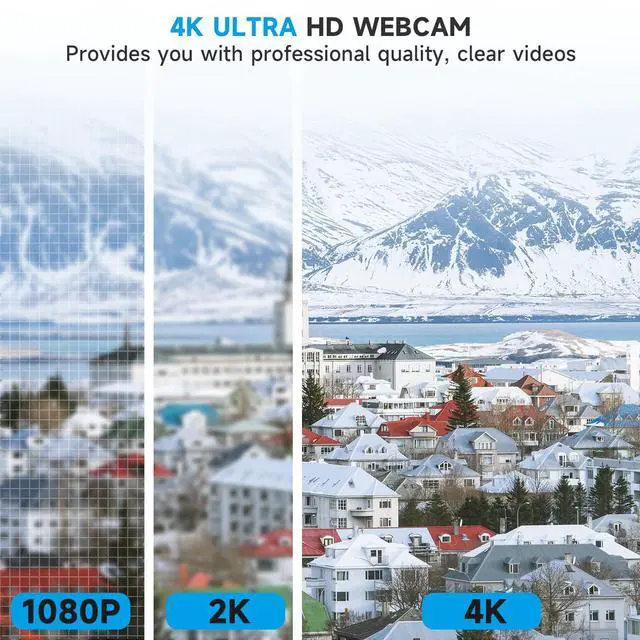
AOC Professional 4K Webcam