here!
I’m your shopping assistant for PC builds, upgrades, and everything tech.
Got questions? Ask away!
Start a conversation
here!
I’m your shopping assistant for PC builds, upgrades, and everything tech.
Got questions? Ask away!
Start a conversation



Any questions? Ask CelesteSM will help you find out quickly.
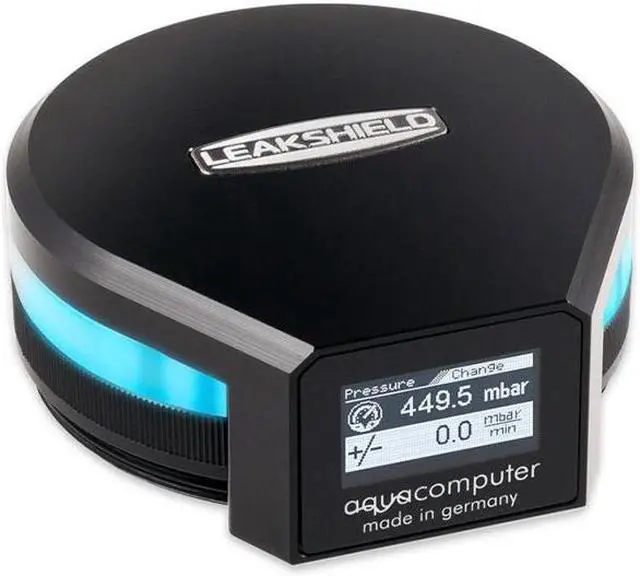
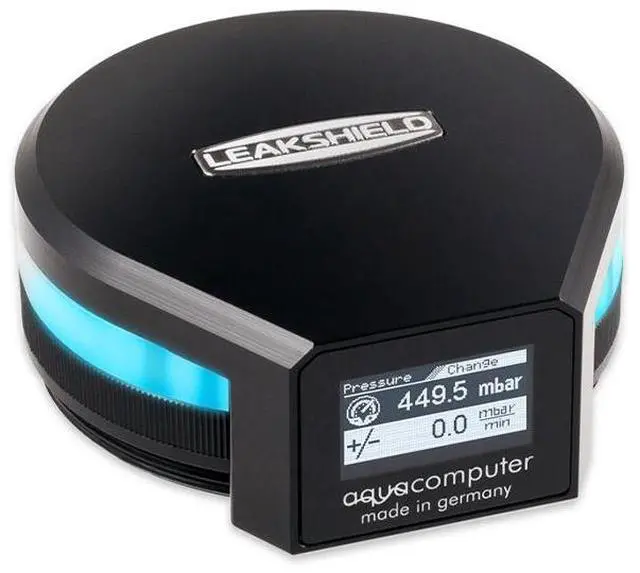
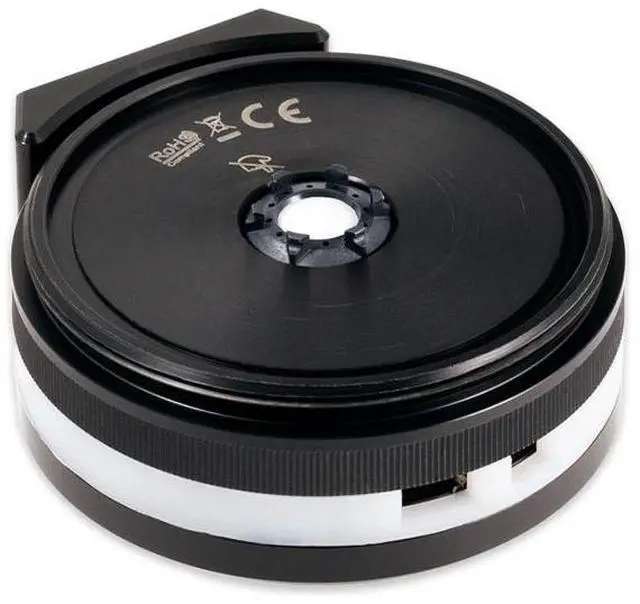
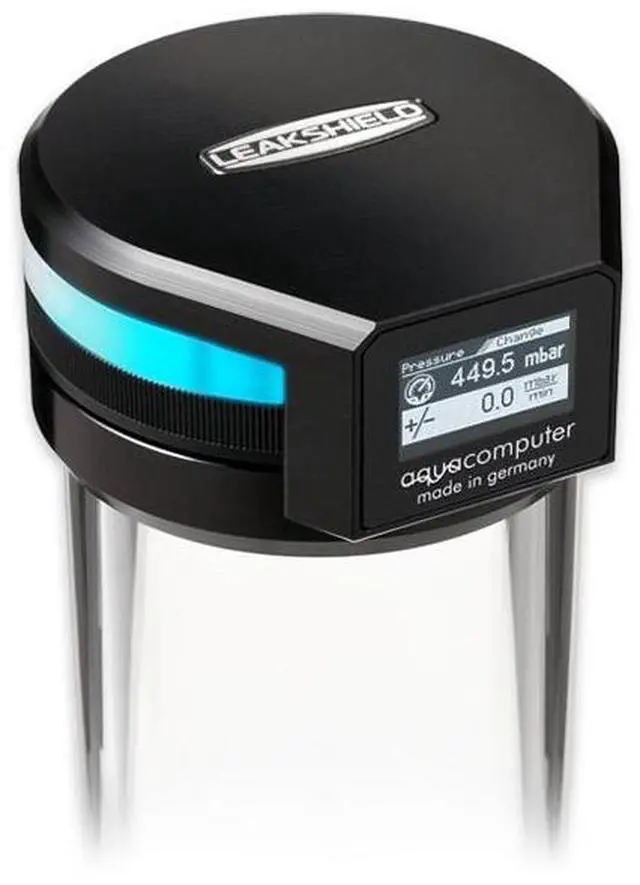
The Aquacomputer LEAKSHIELD Leakage Protection System for ULTITUBE (34137) is a negative pressure leak prevention unit that replaces the top lid of an ULTITUBE series reservoir. It holds the loop at up to 450 mbar of vacuum with an integrated vacuum pump, connects over internal USB, and the ULTITUBE reservoir it needs is not included.
Thanks to its negative pressure, the LEAKSHIELD actively protects against leaks across the whole coolant loop. If a leak opens, ambient air enters instead, which means no more coolant leaks out of the system. The air that gets in is then pumped out of the system by the integrated vacuum pump, which keeps the negative pressure up. Of course, it does not protect against major damage, such as torn tubes: with a massive leak, for example a completely separated tube, coolant may still exit. Aquacomputer's claim is that the user almost no longer needs to worry about the tightness of the water cooling system. To make sure there is negative pressure everywhere in the loop, the amount can be adjusted to suit the installed coolant pump.
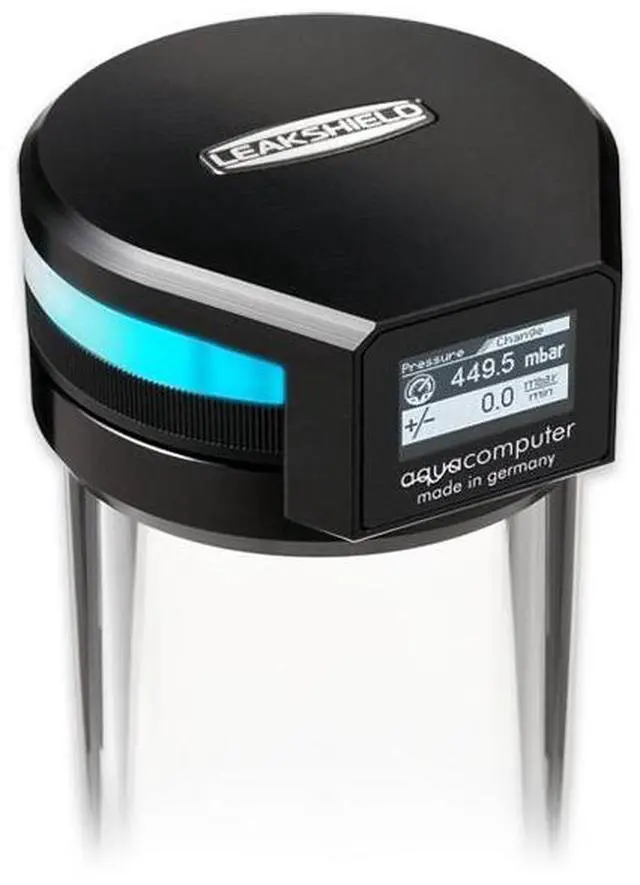
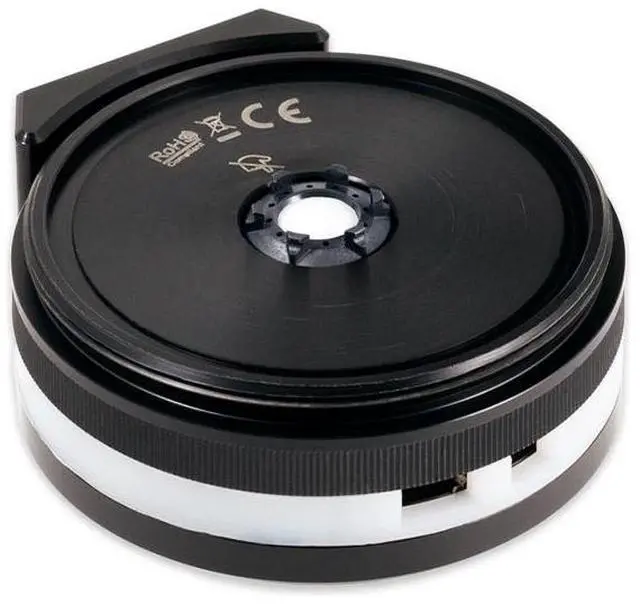
A reservoir of the ULTITUBE series, such as the ULTITUBE D5 150 reservoir, is required and not included. To install, hold the glass tube, unscrew the top lid anti-clockwise and screw the LEAKSHIELD on in its place. The reservoir must be mounted upright/vertically, because operation is not possible with it installed horizontally. ULTITUBE 50 reservoirs should not be used, as their coolant capacity is insufficient; at least 100 ml of air in the reservoir is needed for safe operation.
All components in the cooling system must be qualified for the configured negative pressure permanently. Parts from suppliers other than Aquacomputer must be checked before starting operation. Especially soft, thin walled tubes are not suitable. As a broad rule, the outer diameter of PVC tubing should be at least 1.5 times its inner diameter, while for PUR tubing a factor of 1.2 is usually sufficient. Hardtubes are generally suitable. Aquacomputer approves coolants of its Double Protect Ultra (DP Ultra) series. For systems with more than one pump, Aquacomputer says to check the total pump pressure, for example by measuring it.
For aqualis, aquatube or aquainlet reservoirs, Aquacomputer offers an adapter version, LEAKSHIELD UNIVERSAL.