• $189.19
  • Free 30-day Returns
  • Ships from Hong Kong.
    Price alert
    Shop it at NeweggBusiness.

    Meet Your Seller

    Aquacomputer PowerAdjust 3 USB, Standard Version

    • Versatile single channel fan or pump controller
    • Programmable start burst
    • DC output, no PWM
    • Input for a temperature and flow sensor
    • Two aquabus connectors
    +
    +
    Overview
    Specs
    Reviews

    Any questions? Ask CelesteSM will help you find out quickly.

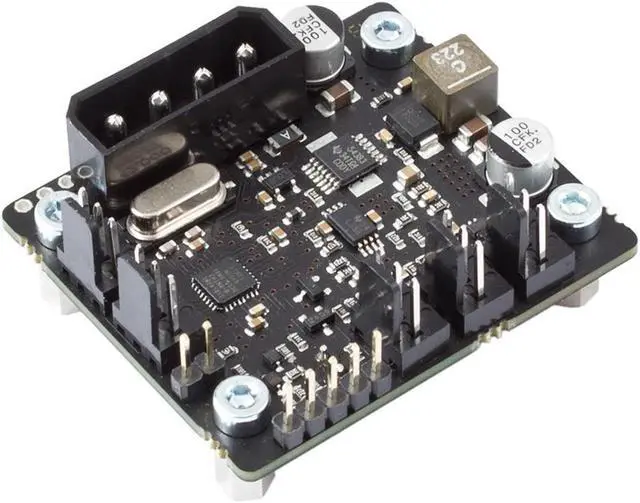
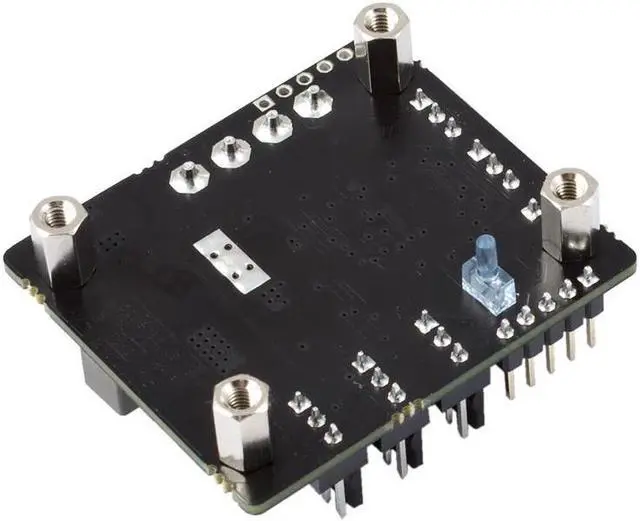
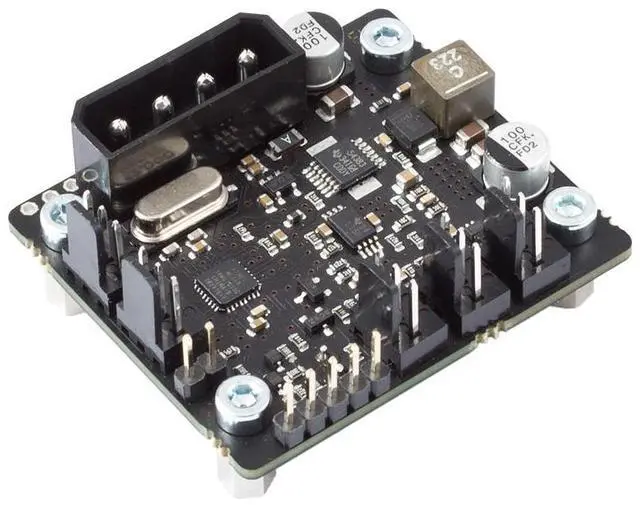
    The Aquacomputer Poweradjust 3 USB | Standard Version is a single channel fan or pump controller with a 12 V DC output of up to 30 Watts, a USB interface and two aquabus connectors. It also works as an aquabus expansion device for an aquaero 5 or aquaero 6 unit, and this standard version sets the output manually or by speed, with no temperature control.

    Properties

    • Channels: 1 power output, 0-12 V DC, no PWM
    • Output power: 30 W continuous, 36 W with optional heat sink, peaks up to 54 W
    • Inputs: speed signal, temperature sensor, flow sensor
    • Interface: USB, 2x aquabus
    • Supply: 12 V DC from a power supply plug
    • Size: 47 x 41 x 36 mm

    One output for a pump or powerful fans

    Aquacomputer calls the poweradjust 3 a versatile controller. It is mainly designed for Laing DDC and D5 pumps as well as powerful fans. Beyond those, it is suited to controlling a variety of devices with up to 30 Watts at 12 Volt DC, or up to 36 Watts with an optional passive heat sink. As Aquacomputer's example, a single poweradjust 3 unit in the ultra version can handle temperature dependent control of nine airstream fans on an airplex evo 1080 radiator.

    Short term peak loads of up to 54 Watts accommodate the high start-up currents caused by pumps and fans. A programmable start burst helps ensure pumps are supplied with enough power during start-up. The controller keeps checking the speed signal continuously, and the start burst may also be triggered when a missing speed or flow signal is detected. Aquacomputer lists this as start burst repetition upon speed signal failure.

    Switching power output

    Its connectivity features are the same as on its predecessor, the poweradjust 2. That means a power output with speed signal input, USB, a temperature sensor input, a flow sensor input and a speed signal output, plus aquabus for connection to an aquaero. The main new feature compared to the poweradjust 2 is a power output design in switching power supply technology. Aquacomputer says it is greatly improving efficiency and thereby reducing the waste heat of the unit.

    Compatibility

    Aquacomputer's manual lists these devices for the aquabus connectors:

    • aquaero 6 XT (53146, 53206, 53250, 53251, 53262, 53263)
    • aquaero 6 PRO (53145, 53253)
    • aquaero 6 LT (53234)
    • aquaero 5 XT (53089, 53125, 53249)
    • aquaero 5 PRO (53090, 53252)
    • aquaero 5 LT (53095)

    These flow sensors fit the flow sensor input:

    • Flow sensor with 5.6 mm nozzle (53061, requires cable 53027)
    • Flow sensor "high flow" (53068, requires cable 53027)
    • Flow sensor high flow LT (53291)
    • Flow sensor high flow 2 (53292)

    These temperature sensors fit the temperature sensor input:

    • Temperature sensor inline G1/4 (53066)
    • Temperature sensor inner/outer thread G1/4 (53067)
    • Temperature sensor G1/4 (53147)
    • Temperature sensor plug&cool (53025)
    • Temperature sensor 70 cm (53026)

    Notes

    • The power output is not short-circuit proof, despite the over temperature protection.
    • Turn off the power supply completely, or disconnect the mains power cord, before connecting or disconnecting any cable.
    • Components may get very hot during operation; let the device cool down for at least 30 minutes after power off before touching it.

    In the box

    • 1x poweradjust 3 USB board
    • 1x Connection cable for Laing DDC pumps
    • 1x 70 cm Internal USB Cable (5pin)
    • 1x Speed signal cable
    • 1x Manual

    Warranty & Returns

    Warranty, Returns, And Additional Information

    Warranty

    • Please contact the Seller directly for warranty information. Warranty information may also be found on the Manufacturer's website.
    • CONTACT

    Return Policies

    • Return for refund within: 30 days
    • Return for replacement within: non-replaceable
    • This item is covered by Nexbyte Return Policy

    Manufacturer Contact Info

    LOADING...