






Ozvavzk rooted in the electronics industry for many years, with rich experience. We have always strived to provide the highest quality audio and video solutions that reflect our sense of innovation, passion and reliability.
We own strong R&D, supply chain and manufacturing capability, which ensure our products are of consistently high-level quality and at competitive prices.
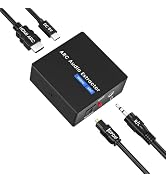
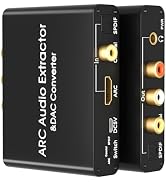
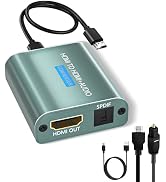
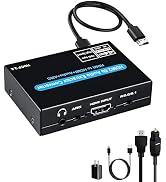
HDMI ARC Audio Converter
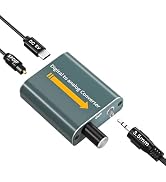
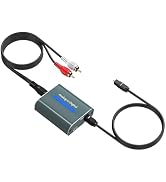
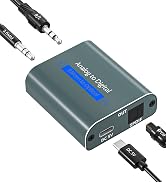
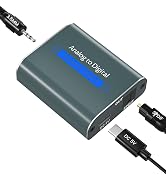
Analog Digital Converter
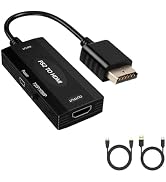
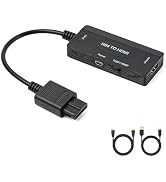
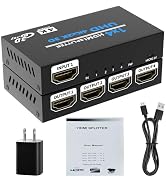
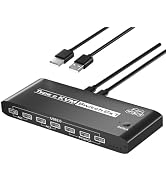
HDMI Adapter
HDMI ARC to Optical Converter
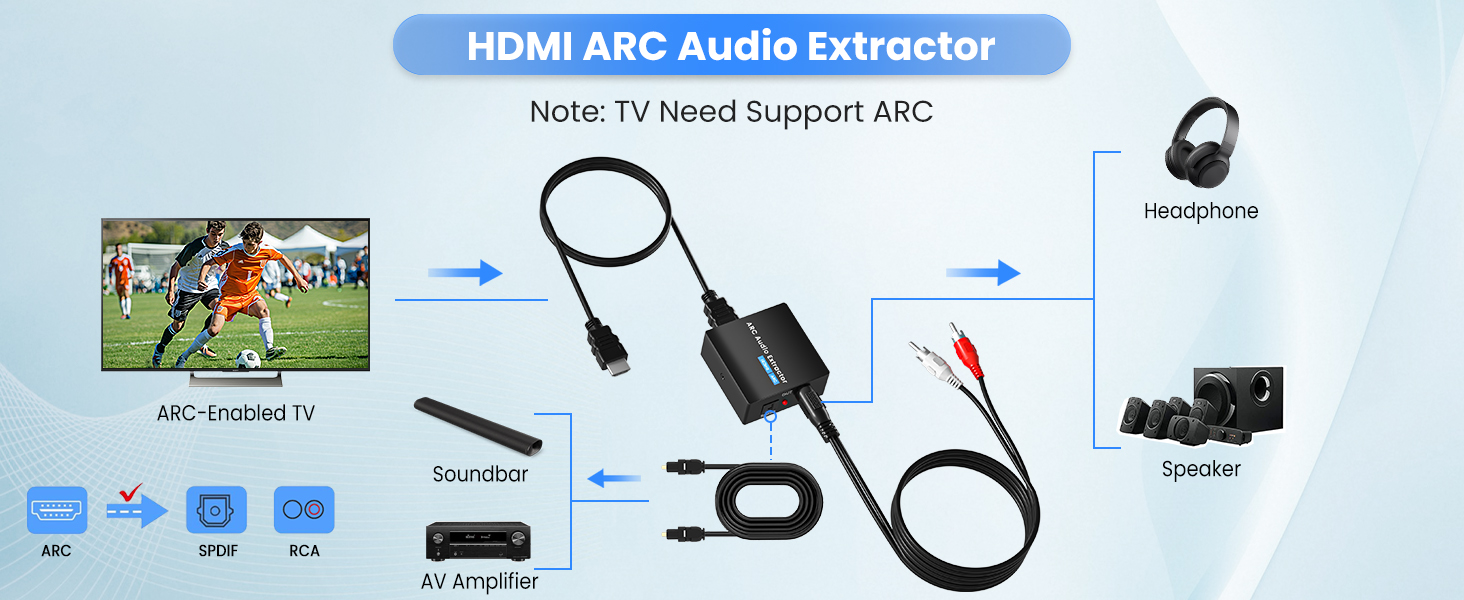
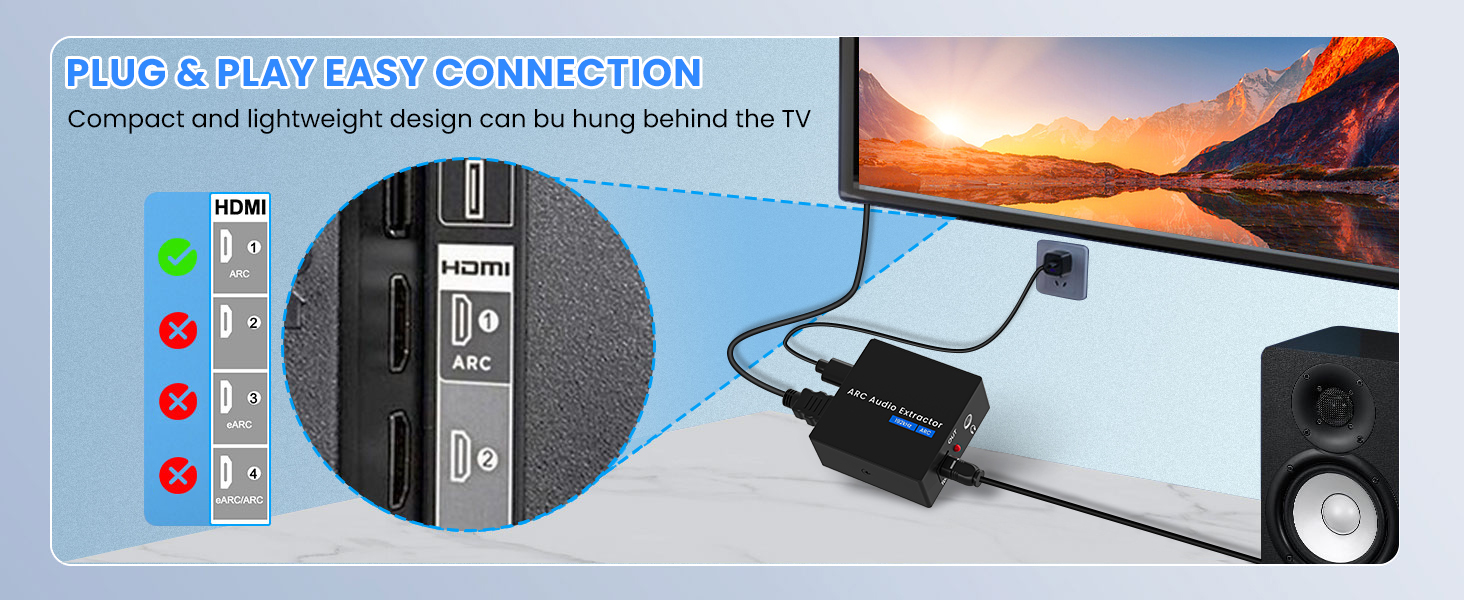
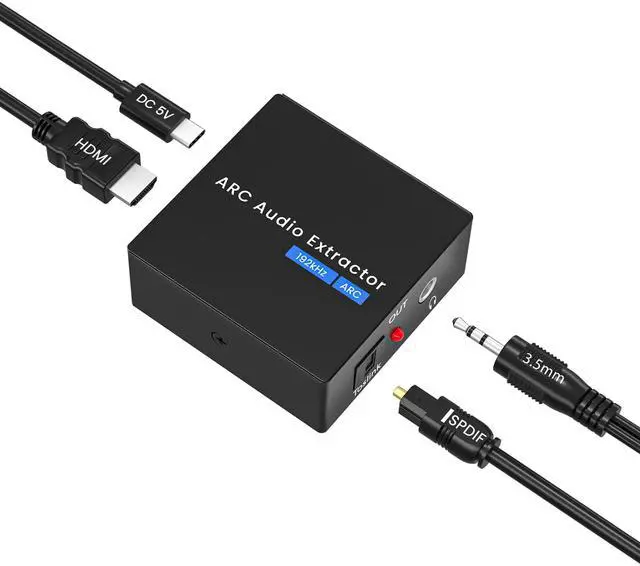
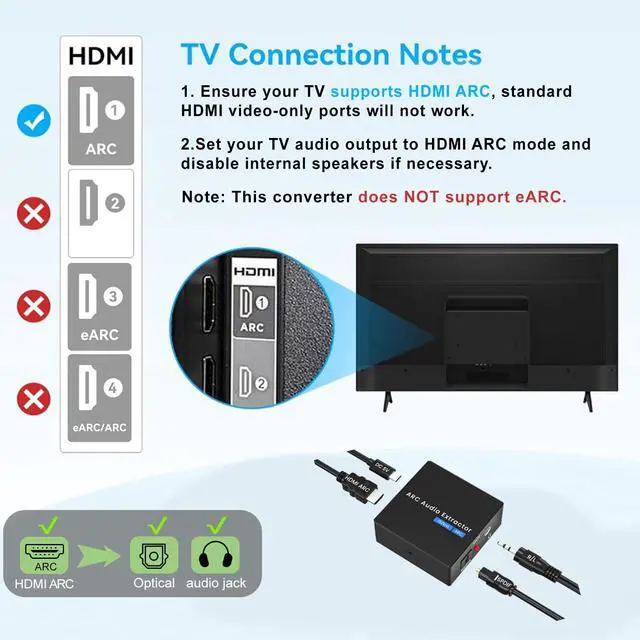
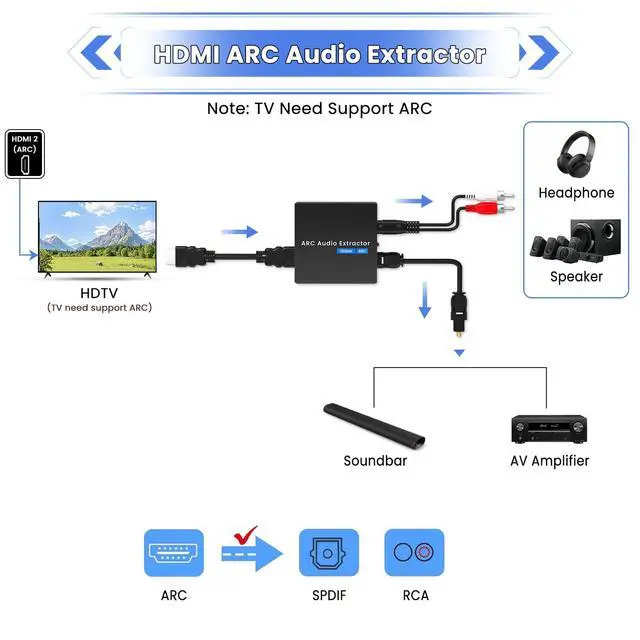
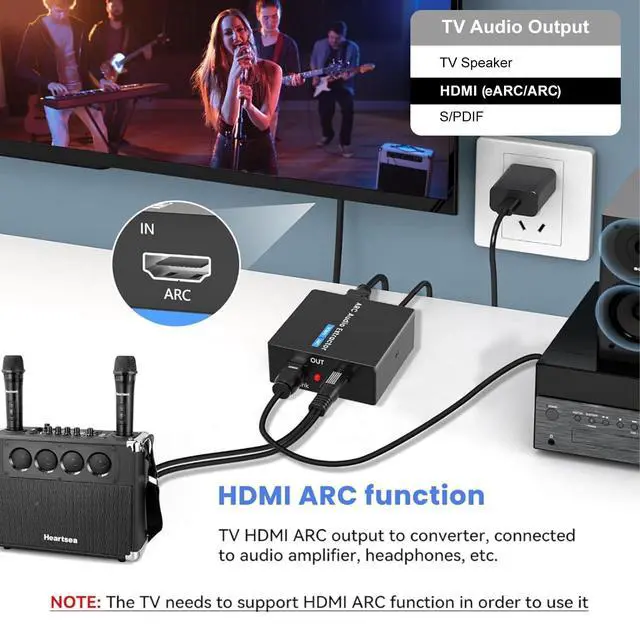
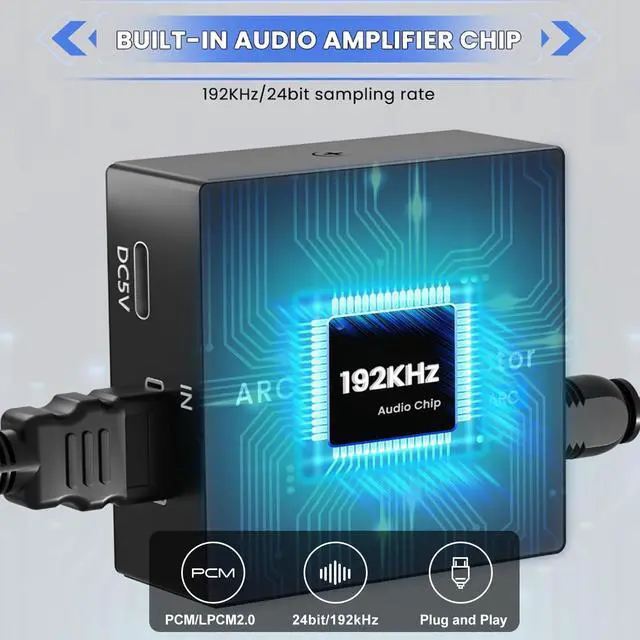
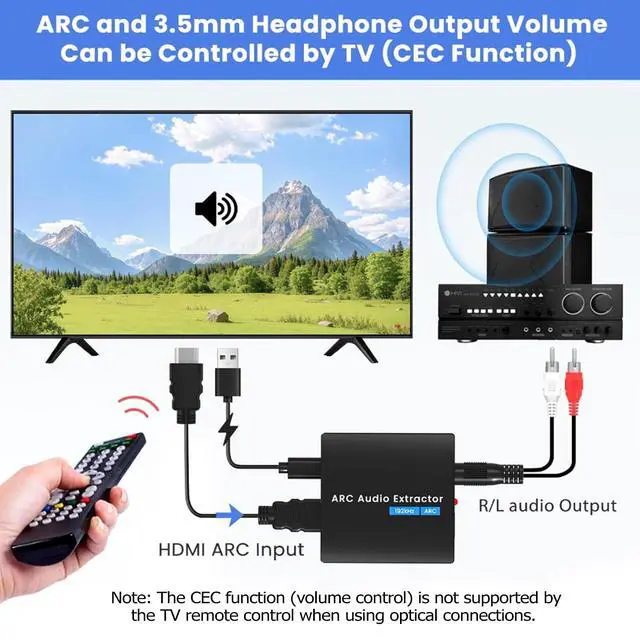
The HDMI ARC Extractor can extractor the audio from TV to Soundbar or Amplifier. Only for TV with “ARC” interface,Not for “HDMI eARC”or "HDMI " interface of new version TVs, and not compatible with 5.1 Audio.
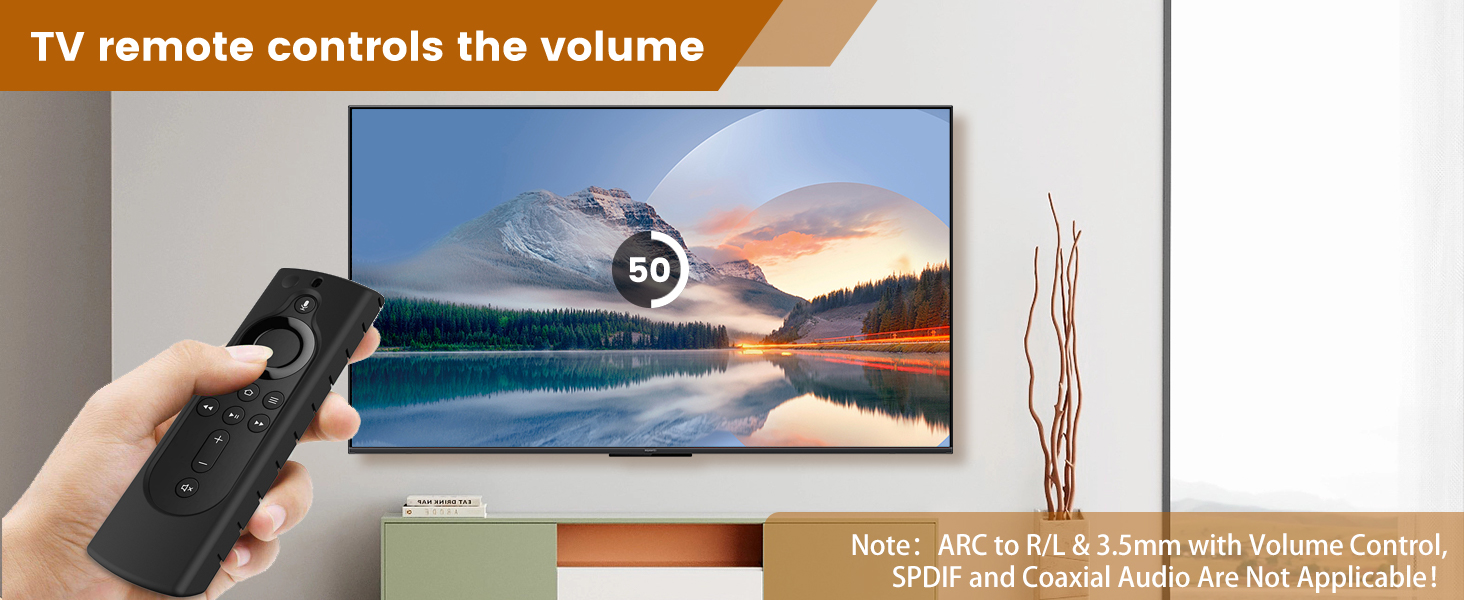
Note: Volume Control(CEC) does not apply to Optical SPDlF audio output!
Not Work? No Audio?
A. Check whether the Adapter power light is on?
B. Check the optic cable protective cover has been removed?
C. Check whether the TV supports ARC function.
D. Please connect to the TV's "HDMI ARC" port, Not for “HDMI eARC”or "HDMI "port.
Not Work? No Audio?
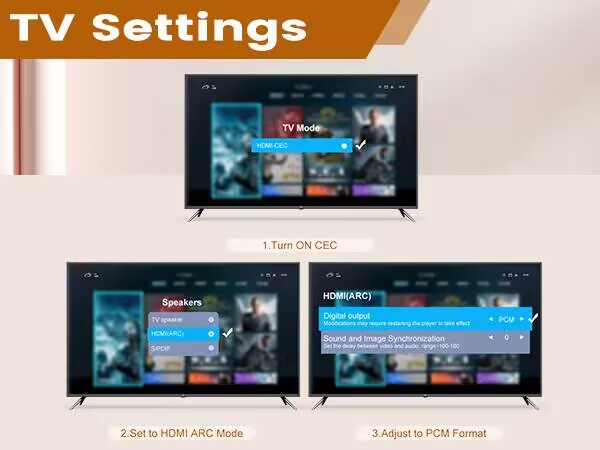
E. Check whether the TV is turned on the ARC function.
F. Whether it is AGW26 standard HDMI 1.4HD cable (19+1)
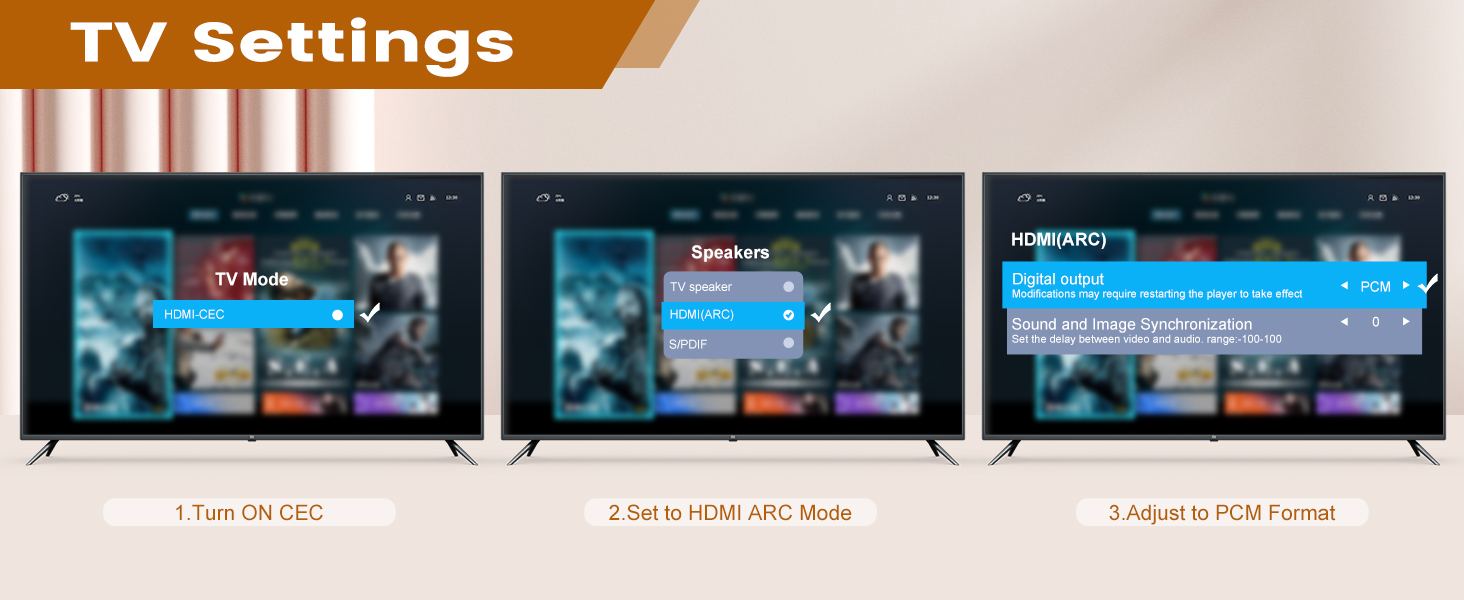
G. This ARC Extractor is incompatible with 5.1 channel signal such as Dolby AC3, please adjust the audio output to PCM/LPCM before use.
TV Settings:
Samsung TV path settings:
External speakers: Settings-Sound -Select Speaker - HDMI ARC
LG TV path settings:
External speakers: Menu-All Settings -Sound - Sound Out - HDMI ARC
Unable to control volume (CEC function)?
Only ARC to 3.5mm Jack headphone output volume can be controlled by TV (CEC).
Note: Volume Control(CEC) does not apply to Optical SPDlF audio output!
Has Noise?
1. Check the audio device and HDMI ARC jacks for looseness?
2. Use a 5V/1A power adapter to power it instead of the TV's USB port.
HDMI ARC to Optical Converter
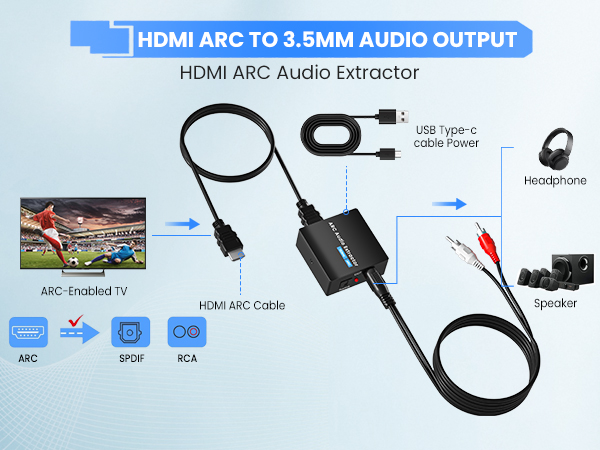
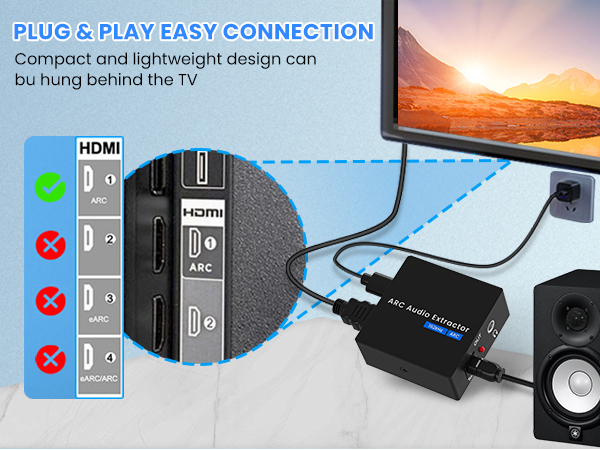
The HDMI ARC Extractor can extractor the audio from TV to Soundbar or Amplifier. Only for TV with “ARC” interface,Not for “HDMI eARC”or "HDMI " interface of new version TVs, and not compatible with 5.1 Audio.
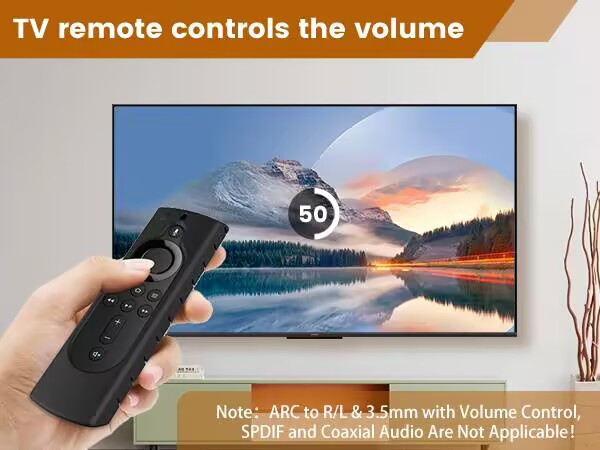
Note: Volume Control(CEC) does not apply to Optical SPDlF audio output!
Not Work? No Audio?
A. Check whether the Adapter power light is on?
B. Check the optic cable protective cover has been removed?
C. Check whether the TV supports ARC function.
D. Please connect to the TV's "HDMI ARC" port, Not for “HDMI eARC”or "HDMI "port.
Not Work? No Audio?
E. Check whether the TV is turned on the ARC function.
F. Whether it is AGW26 standard HDMI 1.4HD cable (19+1)
G. This ARC Extractor is incompatible with 5.1 channel signal such as Dolby AC3, please adjust the audio output to PCM/LPCM before use.
TV Settings:
Samsung TV path settings:
External speakers: Settings-Sound -Select Speaker - HDMI ARC
LG TV path settings:
External speakers: Menu-All Settings -Sound - Sound Out - HDMI ARC
Unable to control volume (CEC function)?
Only ARC to 3.5mm Jack headphone output volume can be controlled by TV (CEC).
Note: Volume Control(CEC) does not apply to Optical SPDlF audio output!
Has Noise?
1. Check the audio device and HDMI ARC jacks for looseness?
2. Use a 5V/1A power adapter to power it instead of the TV's USB port.
Ozvavzk rooted in the electronics industry for many years, with rich experience. We have always strived to provide the highest quality audio and video solutions that reflect our sense of innovation, passion and reliability.
We own strong R&D, supply chain and manufacturing capability, which ensure our products are of consistently high-level quality and at competitive prices.
HDMI ARC Audio Converter
Analog Digital Converter
HDMI Adapter