


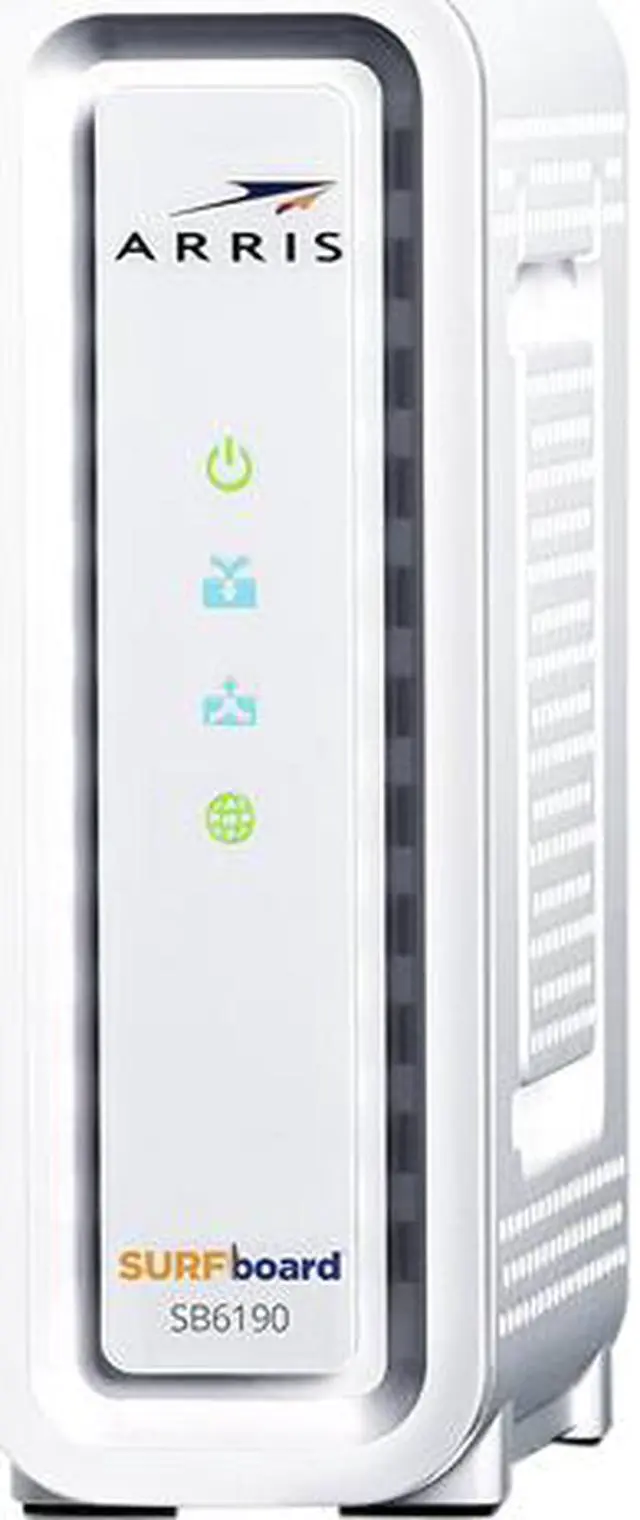



Arris SURFboard SB6190 cable modem
Designed to provide high speed connection to cable Internet from major U.S. cable internet providers including Cox, Spectrum, Xfinity and others. This modem is DOCSIS 3.0 certified, and features 32 downstream and 8 upstream bonded channels, capable of download speeds up to 1.4 Gbps. It works with routers from various manufactures, and comes with a GbE Ethernet port offering fast, reliable connection to a wireless router or other devices. A perfect addition to your home network, the SB6190 enables real-time HD video streaming and online gaming.
- DOCSIS 3.0 cable modem best for cable internet speed plans up to 400 Mbps.
- Compatible with Cox, Spectrum, Xfinity and other major U.S. cable internet providers.
- 32 downstream x 8 upstream DOCSIS 3.0 bonded channels.
- One 1-Gigabit Ethernet Port

Save on monthly modem rental fees
When you purchase your modem, not only are you powering your home network with the latest technology, you save money on modem rental fees. Own your modem and start saving today!

Gigabit Ethernet
The SB6190 has one 1-Gigabit Ethernet port. Connect to a Wi-Fi router or enjoy reliable, high-speeds for things like smart TVs and gaming consoles.

Quick & easy setup
With a few simple cable connections and a quick visit to your ISPs self-activation portal, your network will be up and running in no time.
- Connect the cables: coaxial, power, and Ethernet
- Contact your ISP (via web portal) to activate
- Connect to a Wi-Fi router to setup your devices