








Embrace the power of future tech today with ioGiant!

Since 2018, ioGiant has been committed to providing cutting-edge WiFi products for global users.
Combining our expertise in WiFi technology and our pursuit of excellence, your need for Internet connection is not just met but exceeded with faster speed and better experience.
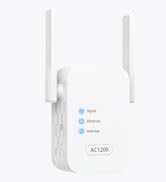

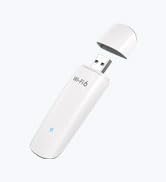
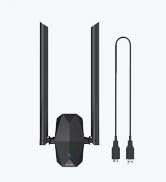
Get Fast Connection Now
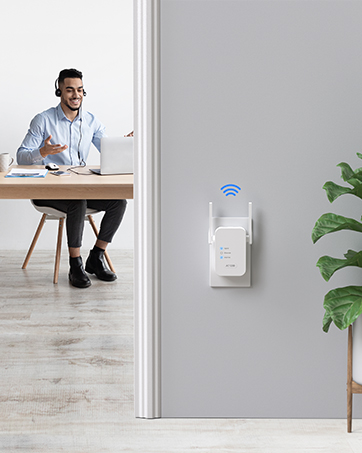
AC1200 WiFi Extender for Home
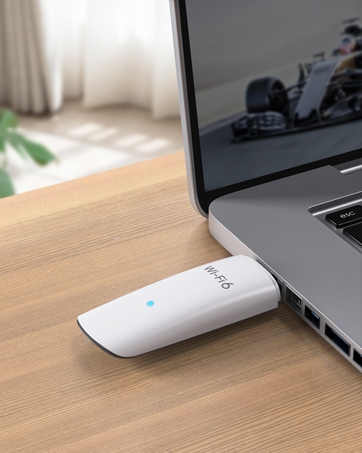
AX1800 WiFi 6 USB Adapter


1200Mbps WiFi to Ethernet Adapter
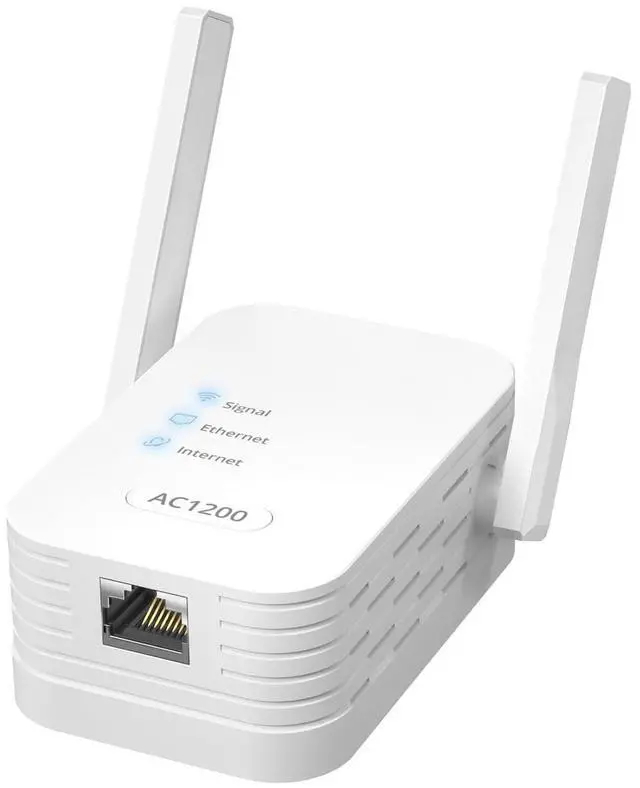
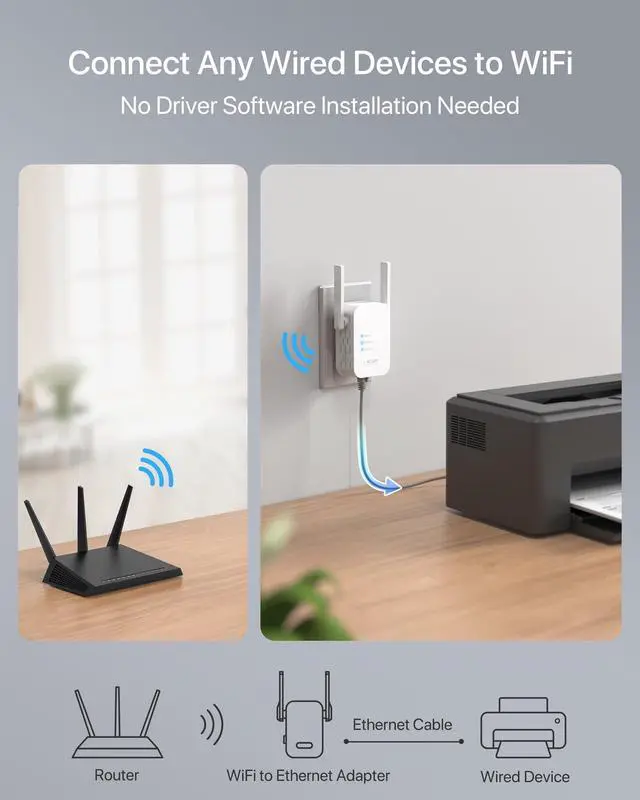
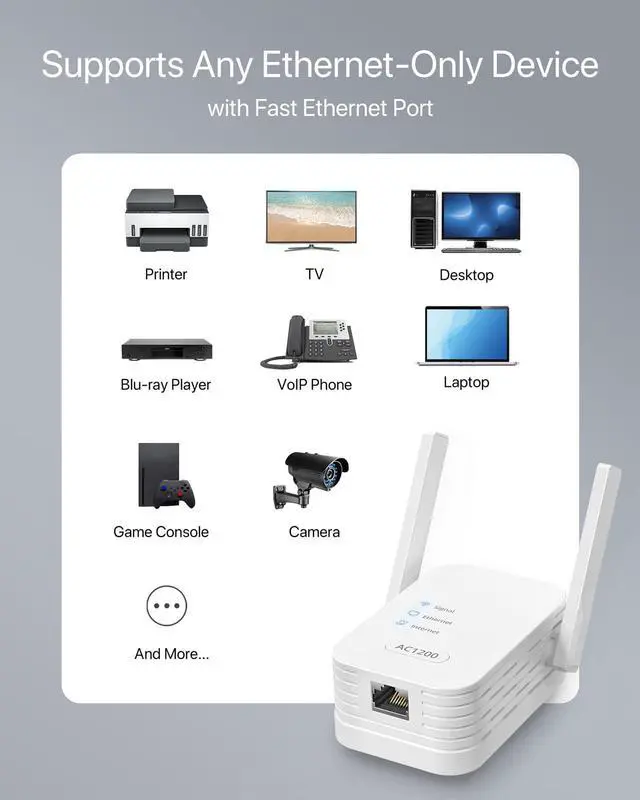
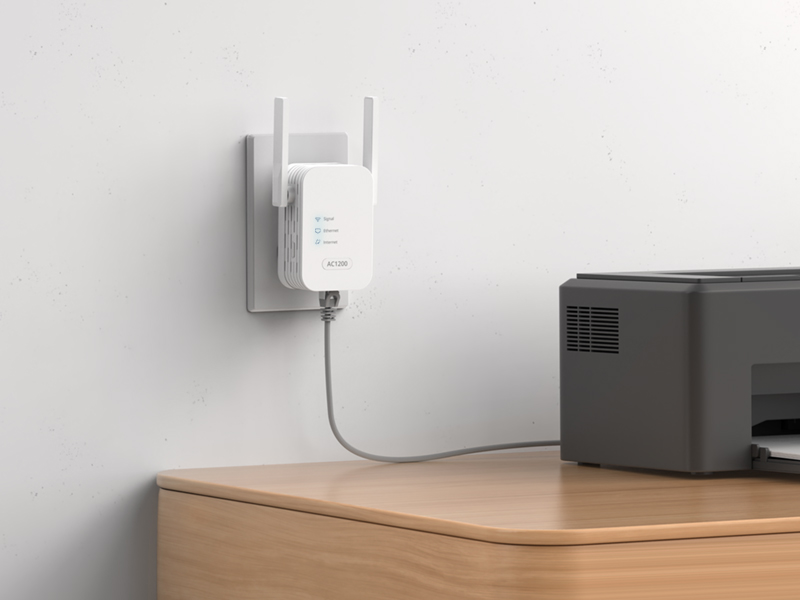
Say goodbye to cable clutters with our WiFi to Ethernet adapter. It connects to your WiFi router wirelessly and delivers a consistent connection to your wired device via its built-in Ethernet port. It requires no driver software installation and works with any wired devices, such as your printer, TV, desktop, laptop, VoIP phone, and streaming player.
video
Merchant Video

Advanced Features

Customize Your Setup
Enhance the stability of your wired connection by disabling extended networks' SSIDs. You can also enable them to connect 1 or 2 low-bandwidth WiFi devices. Customize these settings via the WEB interface to suit your specific needs.

MU-MIMO Boosts Faster Transmission
Experience optimized data transmission and reduced waiting time with this MU-MIMO adapter, which builds speedy and efficient connectivity with an MU-MIMO WiFi router. Enjoy fast streaming and smooth download on your device!

Optimized Location, Best Connection
With just a quick glance at the Signal LED, you can effortlessly identify the optimal position for this adapter. Take advantage of this feature to ensure the best connection for your device.

Supports Any WiFi Routers
It is designed to work with any WiFi routers or gateways supporting the 802.11 ax/ac/n standards. Buy it with great confidence as you know it will integrate with your existing network setup.
WPS Setup Steps
Step 1
Press the WPS button on your wireless router.

Step 2
Press the WPS button on this adapter within 2 minutes. Wait until the Signal LED light turns solid blue or orange, which indicates a successful connection with your existing WiFi router. Note: If the Signal LED light does not turn solid blue or orange, reset it and try WEB UI method to set it up again.
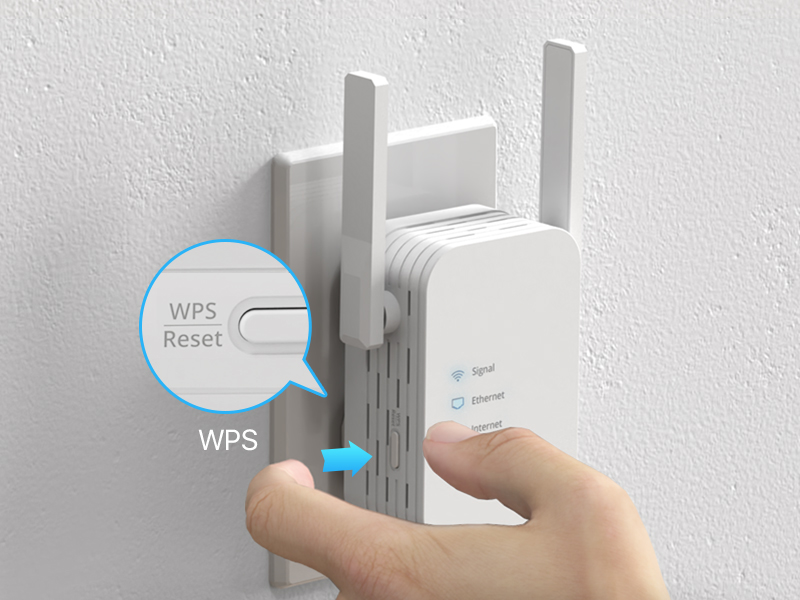
Step 3
Move the adapter to a new location and connect your wired device to it. Setup is done!

Web Interface Setup Steps
Step 1
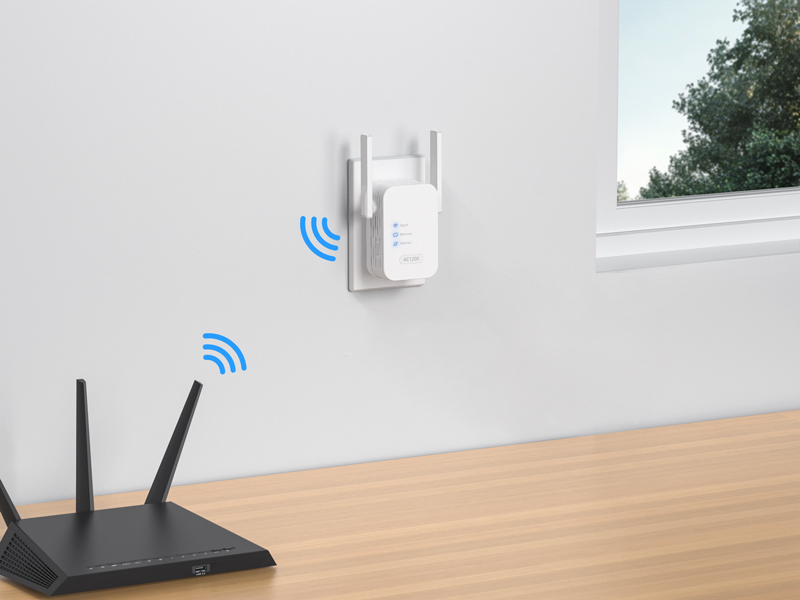
Place the adapter in the same room as your existing WiFi router, then power it on.
Step 2
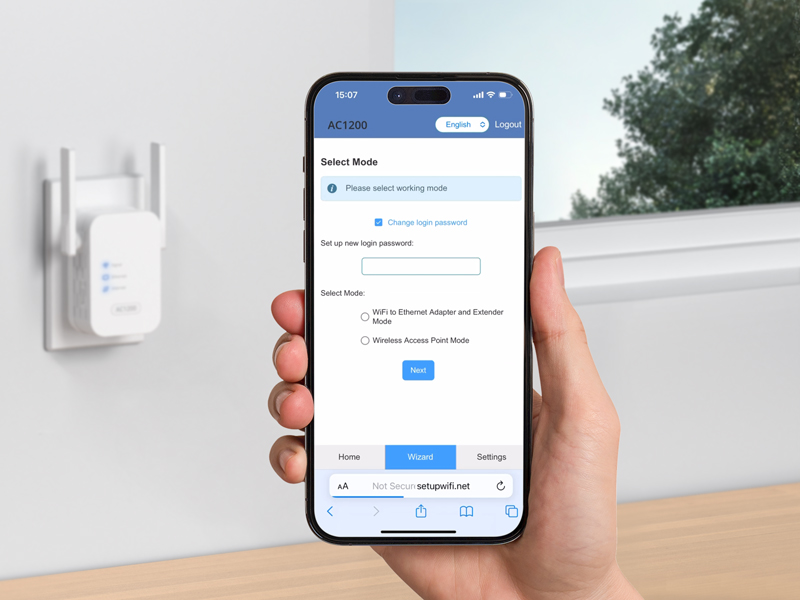
Connect your wireless device to the default WiFi network mywifi_xxxx using the password 12345678. Open a web browser and visit setupwifi.net. Log in with default password admin, set a new password, choose WiFi to Ethernet Adapter and Extender Mode, select your existing network, enter its password, and save. Wait until the Signal LED light turns solid blue or orange, which indicates a successful connection with your existing WiFi router.
Step 3
Move the adapter to a new location and connect your wired device to it. Setup is done!


video
Merchant Video1200Mbps WiFi to Ethernet Adapter
Say goodbye to cable clutters with our WiFi to Ethernet adapter. It connects to your WiFi router wirelessly and delivers a consistent connection to your wired device via its built-in Ethernet port. It requires no driver software installation and works with any wired devices, such as your printer, TV, desktop, laptop, VoIP phone, and streaming player.


Advanced Features
Customize Your Setup
Enhance the stability of your wired connection by disabling extended networks' SSIDs. You can also enable them to connect 1 or 2 low-bandwidth WiFi devices. Customize these settings via the WEB interface to suit your specific needs.
MU-MIMO Boosts Faster Transmission
Experience optimized data transmission and reduced waiting time with this MU-MIMO adapter, which builds speedy and efficient connectivity with an MU-MIMO WiFi router. Enjoy fast streaming and smooth download on your device!
Optimized Location, Best Connection
With just a quick glance at the Signal LED, you can effortlessly identify the optimal position for this adapter. Take advantage of this feature to ensure the best connection for your device.
Supports Any WiFi Routers
It is designed to work with any WiFi routers or gateways supporting the 802.11 ax/ac/n standards. Buy it with great confidence as you know it will integrate with your existing network setup.
WPS Setup Steps


Step 1
Press the WPS button on your wireless router.
Step 2
Press the WPS button on this adapter within 2 minutes. Wait until the Signal LED light turns solid blue or orange, which indicates a successful connection with your existing WiFi router. Note: If the Signal LED light does not turn solid blue or orange, reset it and try WEB UI method to set it up again.
Step 3
Move the adapter to a new location and connect your wired device to it. Setup is done!
Web Interface Setup Steps


Step 1
Place the adapter in the same room as your existing WiFi router, then power it on.
Step 2
Connect your wireless device to the default WiFi network mywifi_xxxx using the password 12345678. Open a web browser and visit setupwifi.net. Log in with default password admin, set a new password, choose WiFi to Ethernet Adapter and Extender Mode, select your existing network, enter its password, and save. Wait until the Signal LED light turns solid blue or orange, which indicates a successful connection with your existing WiFi router.
Step 3
Move the adapter to a new location and connect your wired device to it. Setup is done!
Embrace the power of future tech today with ioGiant!
Since 2018, ioGiant has been committed to providing cutting-edge WiFi products for global users.
Combining our expertise in WiFi technology and our pursuit of excellence, your need for Internet connection is not just met but exceeded with faster speed and better experience.
Get Fast Connection Now
AC1200 WiFi Extender for Home
AX1800 WiFi 6 USB Adapter