




 here!
I’m your shopping assistant for PC builds, upgrades, and everything tech.
Got questions? Ask away!
Start a conversation
here!
I’m your shopping assistant for PC builds, upgrades, and everything tech.
Got questions? Ask away!
Start a conversation

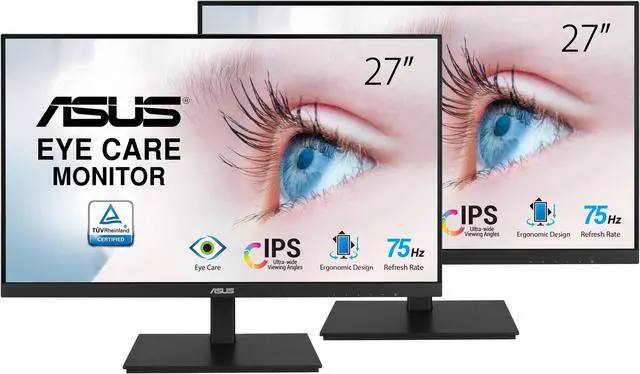
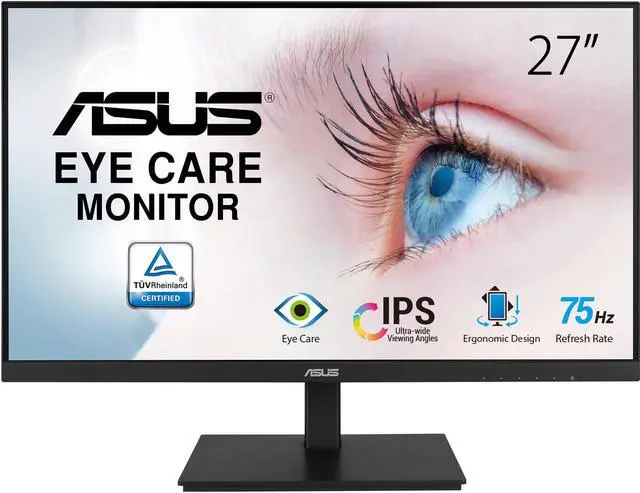
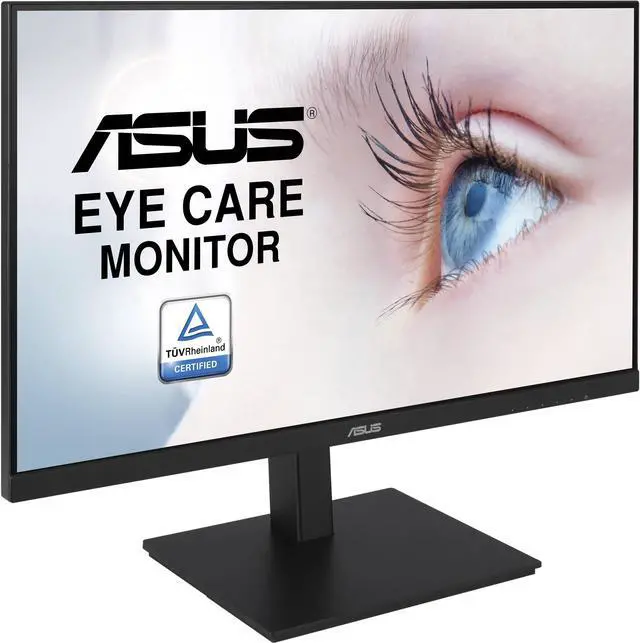
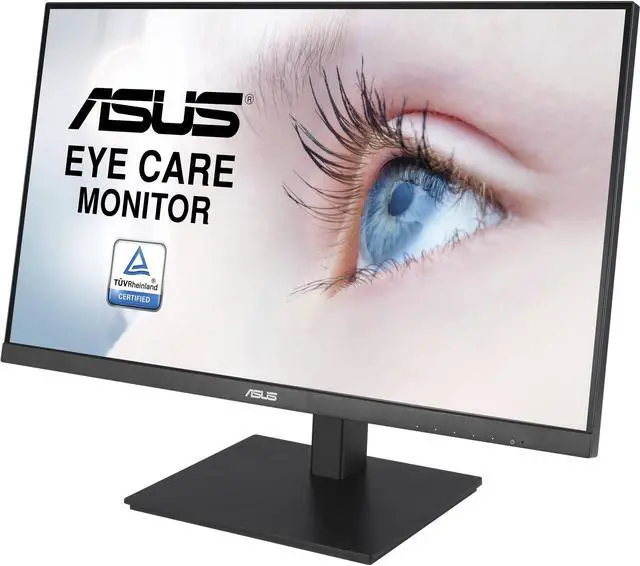



Any questions? Ask CelesteSM will help you find out quickly.
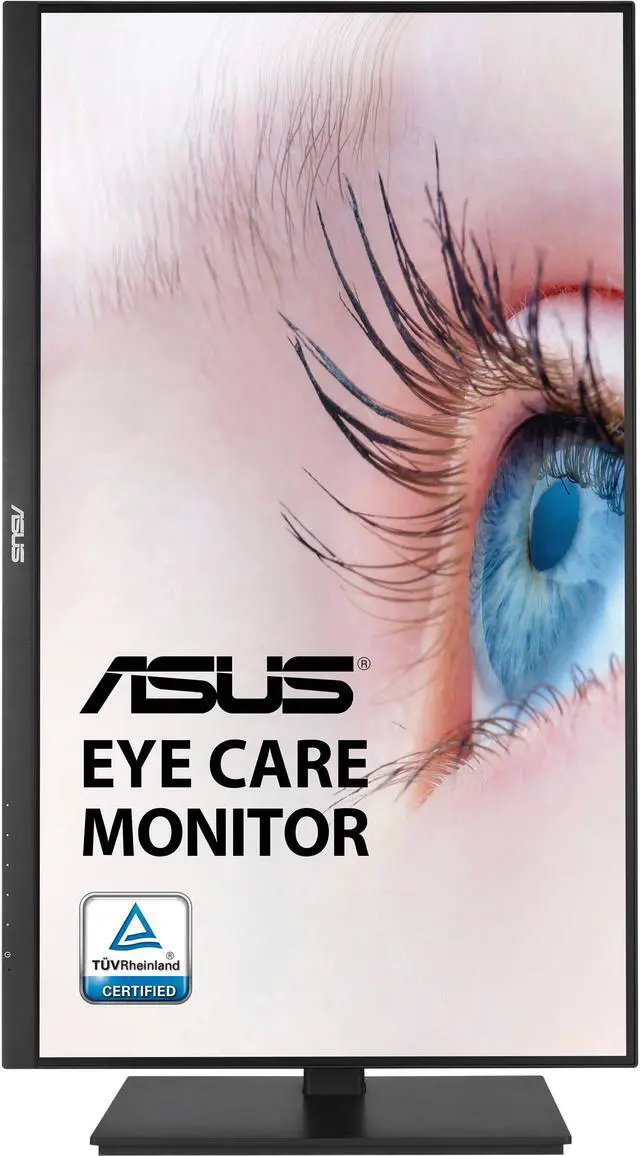
The ASUS VA27DQSB Pack-2 is a pair of 27-inch Full HD monitors with 75Hz refresh rates, 5 ms response times, and non-glare screens, suited to home and business users who want a two-display setup for everyday work, video, and casual gaming.
| Attribute | Value |
|---|---|
| Best For | Home and office use, everyday media, and light gaming on a 27-inch Full HD display |
| Panel And Resolution | 27-inch FHD display with 1920 × 1080 resolution and a 16:9 aspect ratio |
| Refresh Rate And Response | 75 Hz refresh rate and 5 ms response time |
| Image Characteristics | 178° horizontal and vertical viewing angles, 16.7 million colors, and a 1,000:1 contrast ratio |
| Model Identifiers | ASUS |
Q: ASUS VA27DQSB vs VA27EHE: which is better for an office setup?
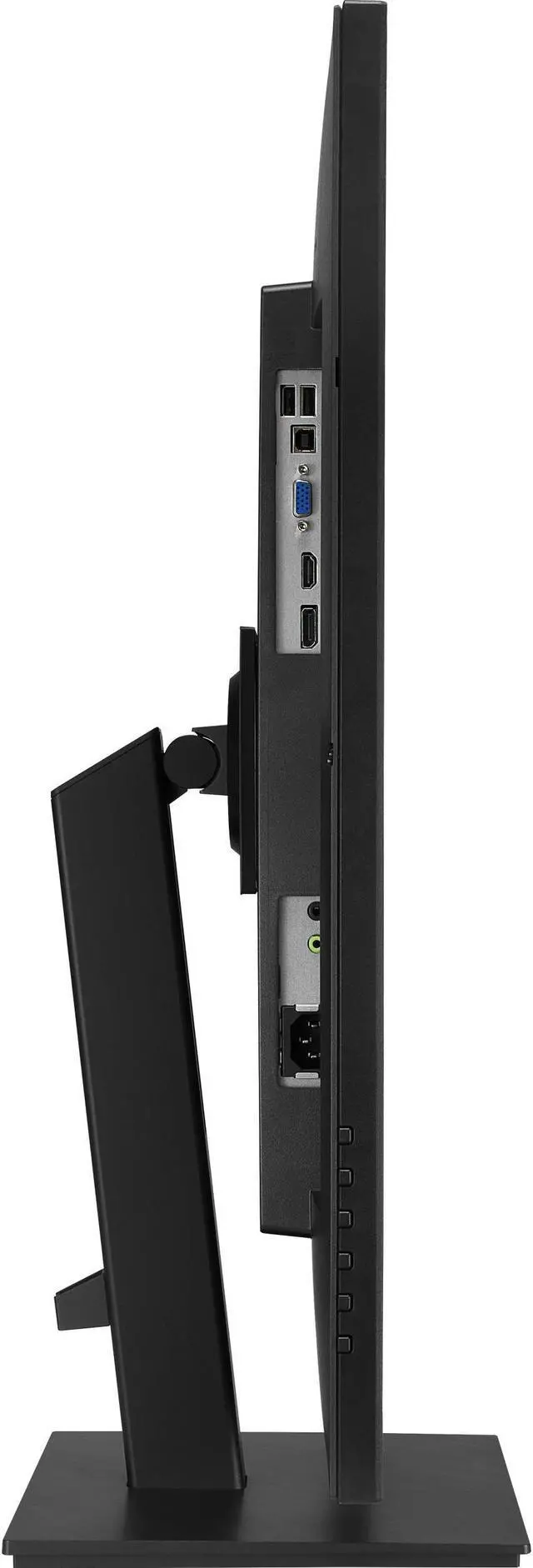
A: Choose the VA27DQSB if you want a 27-inch, 1080p, 75Hz display with a height-adjustable, pivoting, and swiveling stand, plus a USB hub and DisplayPort, HDMI, and VGA inputs. The VA27EHE also has a 27-inch 1080p, 75Hz IPS display, making it a closer fit when those additional setup and connection options are not a priority.
Q: Should I choose the ASUS VA27DQSB or VA27AQ for a 27-inch monitor?
A: Choose the VA27DQSB for Full HD 1920×1080, a four-way adjustable stand, and built-in USB hub connectivity. Choose the VA27AQ if you prefer its higher 2560×1440 resolution for more detailed images and additional desktop workspace; both are 27-inch ASUS monitors with a maximum 75Hz refresh rate.
Q: ASUS VA27DQSB or TUF Gaming VG27AQ3A: which suits work and gaming?
A: Choose the VA27DQSB for office and everyday use when its height, swivel, and pivot adjustments, USB hub, and VGA/HDMI/DisplayPort inputs match your setup. Choose the TUF Gaming VG27AQ3A when gaming-focused specifications are the priority: it has a 2560×1440 resolution and a maximum 180Hz refresh rate, compared with the VA27DQSB’s 1920×1080 resolution and 75Hz maximum.
Q: Is this monitor suitable for everyday office work?
A: Yes. Its 27-inch Full HD screen, non-glare surface, adjustable stand, and Low Blue Light and Flicker-Free features suit documents, browsing, and general office use. Its 75Hz refresh rate is intended for everyday use rather than high-refresh gaming.
Q: Can I adjust the screen for portrait use or mount it on an arm?
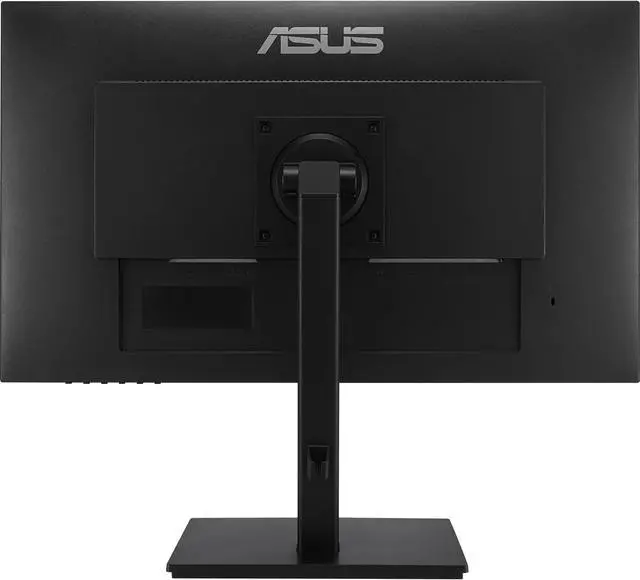
A: Yes. The stand supports height adjustment, swivel, and 90-degree pivot for portrait orientation. The monitor also supports 100 × 100 mm VESA mounting, so it can be attached to a compatible arm or wall mount.
Q: Can I connect it to a laptop as a second screen?
A: Yes, if the laptop has a compatible video output or adapter. The monitor accepts HDMI, DisplayPort, and VGA; it does not list USB-C video input.
Q: Is the VA27DQSB a suitable choice for long hours of coding if eye comfort is a priority?
A: It has Low Blue Light and Flicker-Free features, plus height, swivel, and pivot adjustments that can help tailor the setup. It is 27 inches at 1920×1080, so choose it only if that resolution and text sharpness suit your preference; eye-care features do not guarantee reduced eye strain.
Q: Do the monitor’s USB ports work if I connect my computer by DisplayPort?
A: A Reddit user found that DisplayPort alone did not activate the monitor’s USB hub; connecting the monitor’s USB upstream cable to the computer or dock enabled the ports. Plan on a separate USB connection for hub data.
Q: Can the monitor lose signal when a MacBook wakes from sleep through a USB-C hub?
A: One Reddit user reported intermittent no-signal behavior after waking a MacBook connected through a USB-C hub, sometimes fixed by reconnecting cables. This is an individual report, not evidence that the issue is common; consider testing your own hub and connection before relying on this setup.


