





Founded in 2011, BrosTrend dedicates itself to premium network products which deliver fast and reliable connections.
With more than 10 years of experience in the networking industry, BrosTrend never stops innovating and is ready to bring a smoother online experience for everyone.
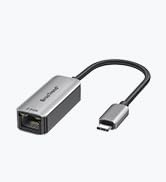
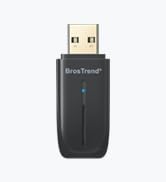
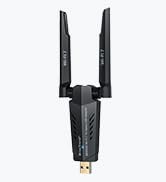
New Release
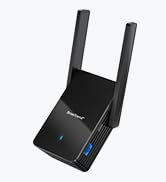
Our Recommendations

BrosTrend AC1200 WiFi to Ethernet Adapter
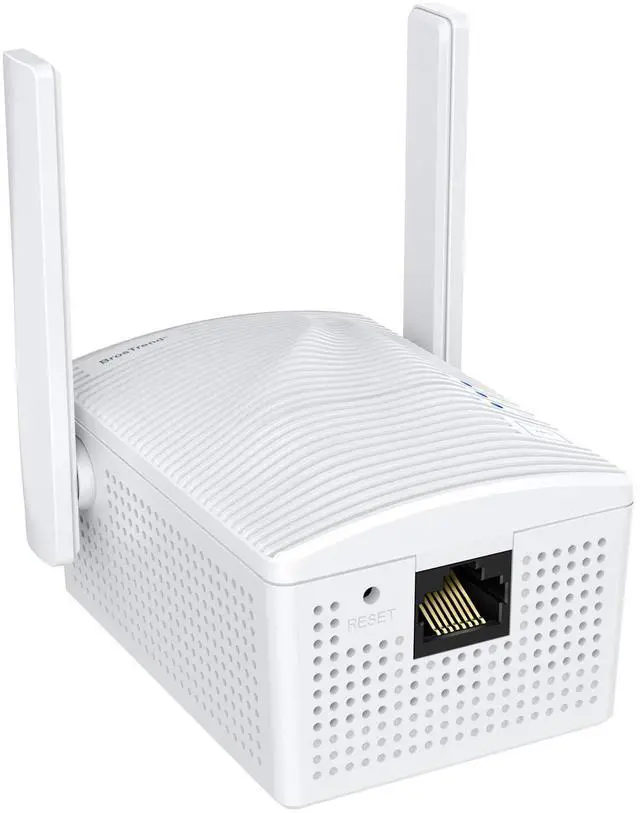
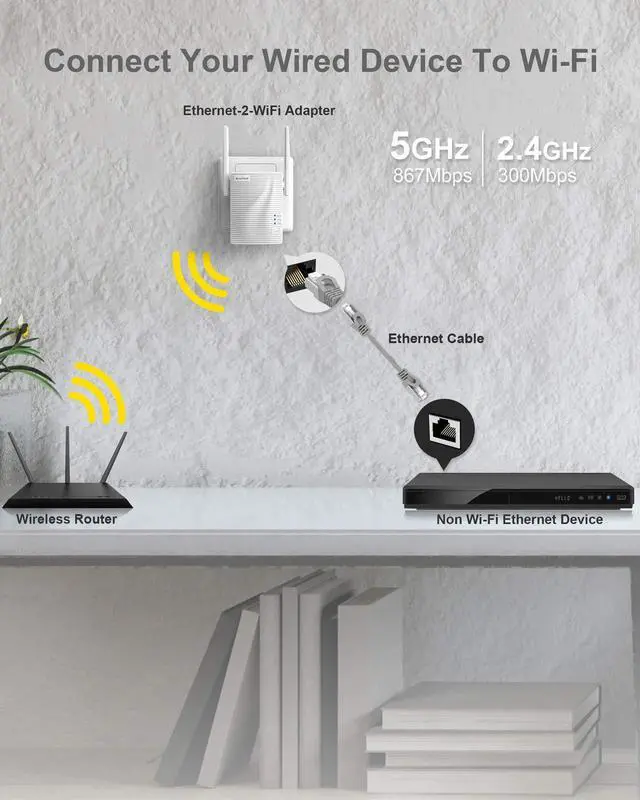
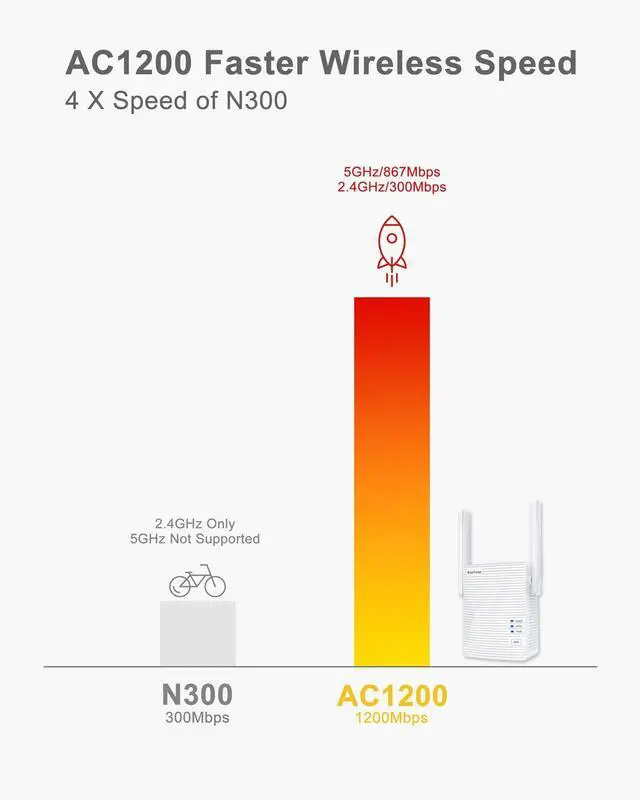
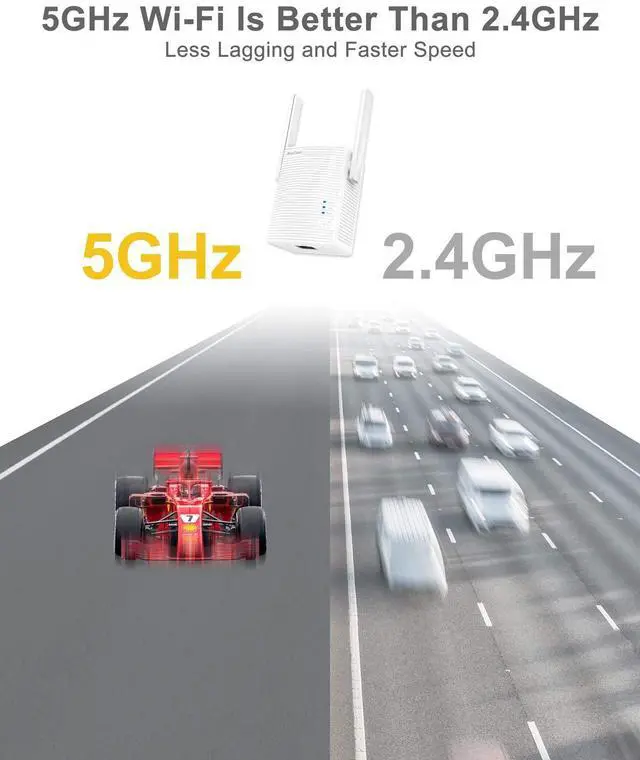
Merchant VideoMake wireless connection possible on your Ethernet-only wired devices. With this WiFi to Ethernet adapter, you can connect your wired device to your WiFi network. It runs up to 867Mbps on 5GHz WiFi or 300Mbps on 2.4GHz WiFi, delivering a solid connection for online working, streaming, gaming, etc.

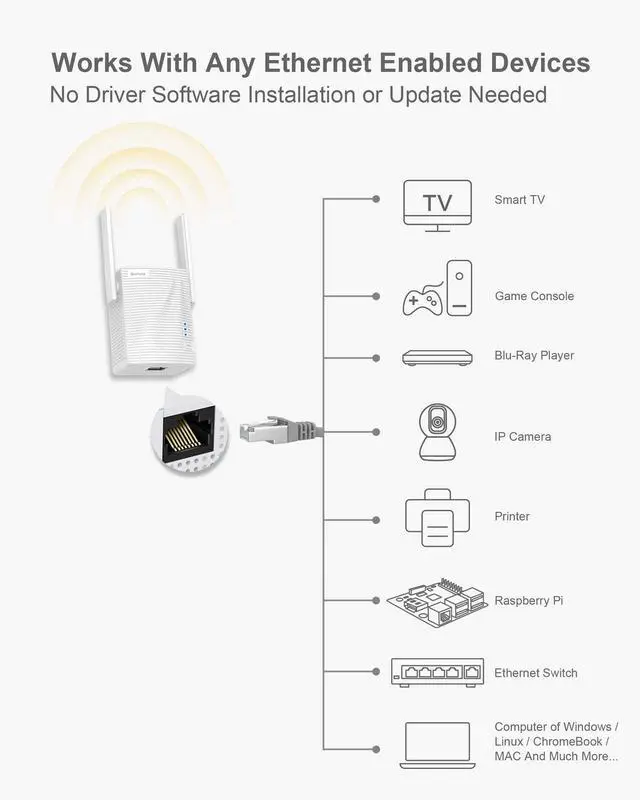
Works with Any Wired Devices
- Smart TV, TV Box, Blu-ray player, streaming media player;
- Laser printer, inkjet printer from brands of HP, Brother, Canon, Epson, Ricoh, Mutoh, etc.;
- VoIP phone;
- Security camera systems, such as DVR;
- Laptop, desktop, or PC which runs on any operating systems, such as Windows, Chrome OS, Linux, Unix, and macOS;
- Game console, PlayStation, and MORE.
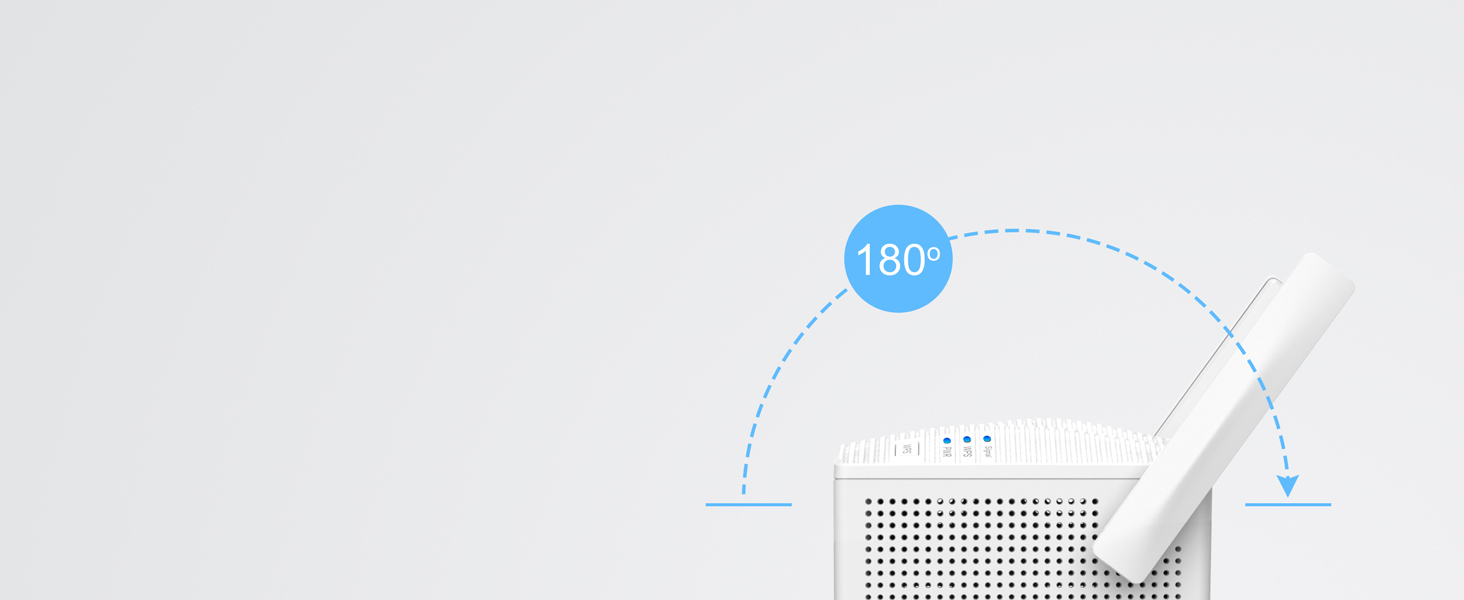
Stronger Signal Reception
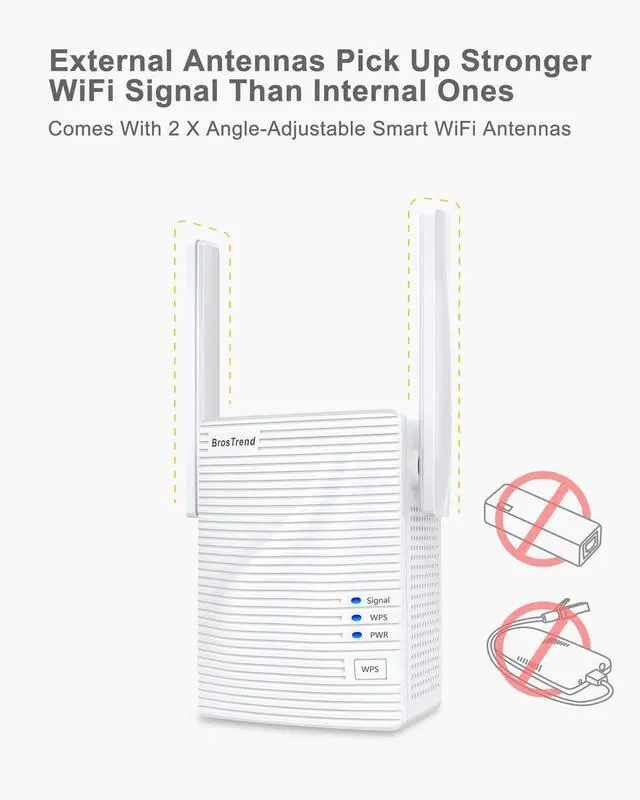
Adjust its 180° rotatable antennas to get optimal WiFi signal for your wired device.
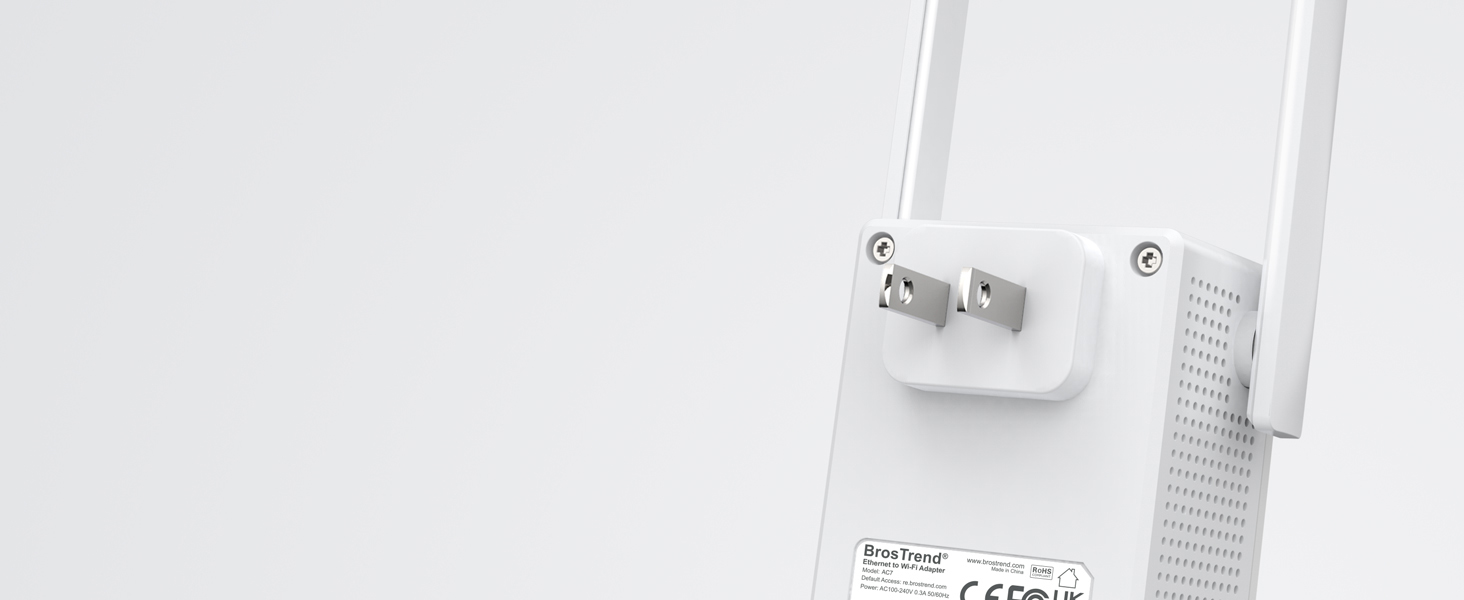
Keep Your Place Neat
No extra charger or charging cable is needed. Plug into a power outlet and it works after setup.
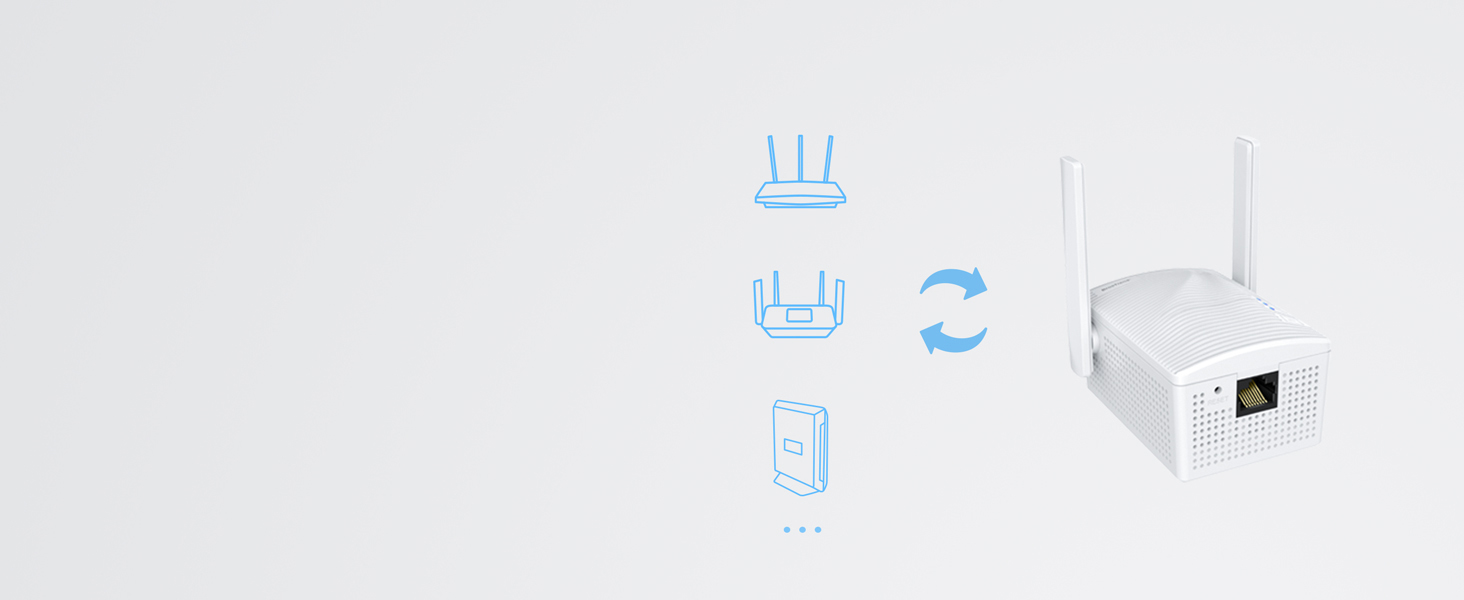
Supports Any WiFi Routers
Works with any IEEE 802.11ax/ac/a/b/g/n WiFi routers or gateways.
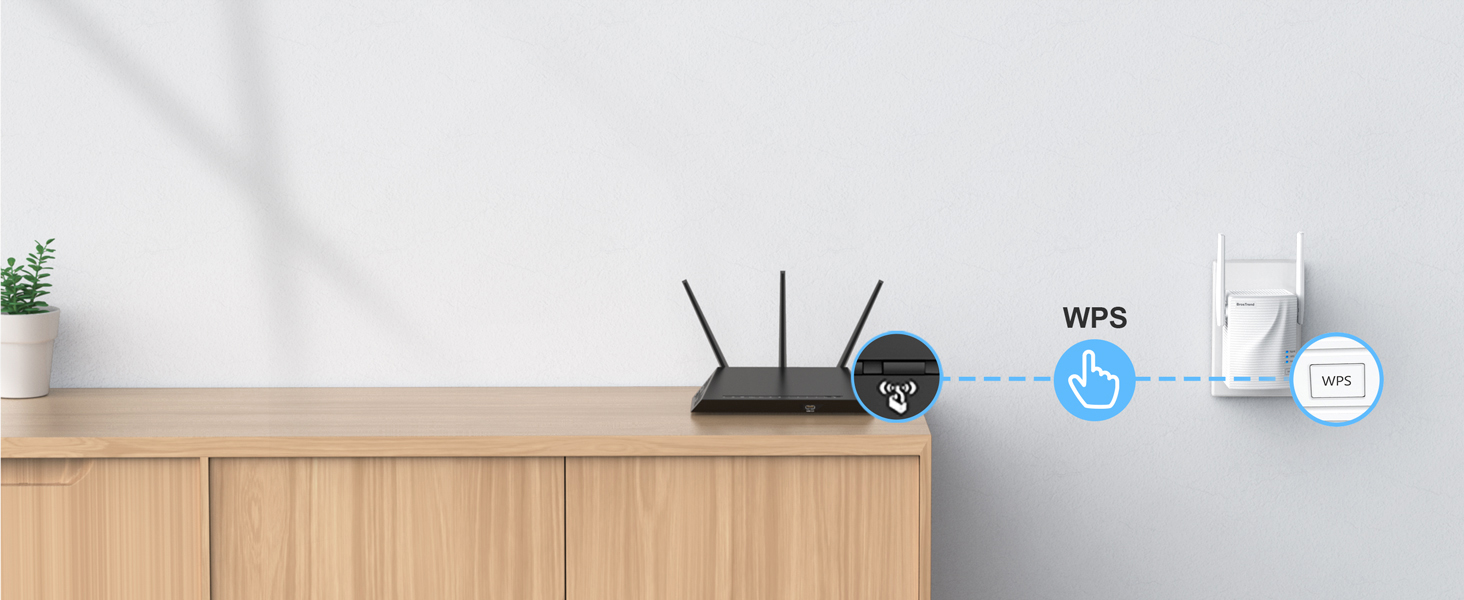
Pair with WiFi Router Easily
Connect your router and the WiFi to Ethernet adapter by pressing the WPS button

Better Manage Your Device
Install it via WEB interface if your router does not support WPS. Also better manage it via WEB UI.

Advanced WiFi Security Encryption
Protects your data and device safe by supporting WPA2-PSK, WPA-PSK and WPA2-PSK/WPA-PSK.
Installation Tips
WPS Setup Method
Set it up in the same room as your existing WiFi router. Press the WPS button on your router and the WPS LED status on the router should change. Then press the WPS button on this WiFi to Ethernet adapter within 2 minutes. Wait until the Signal LED light turns solid blue, which indicates a successful connection with your WiFi router.
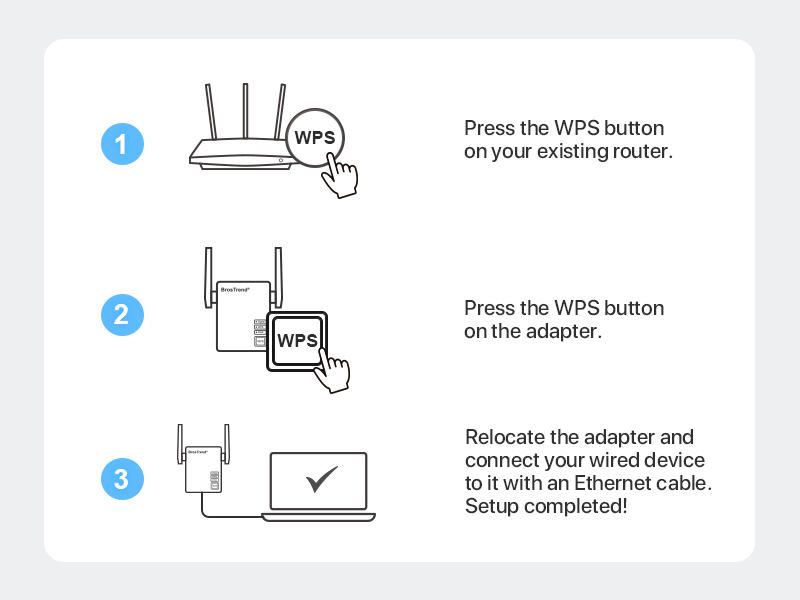
WEB Managament Setup Method
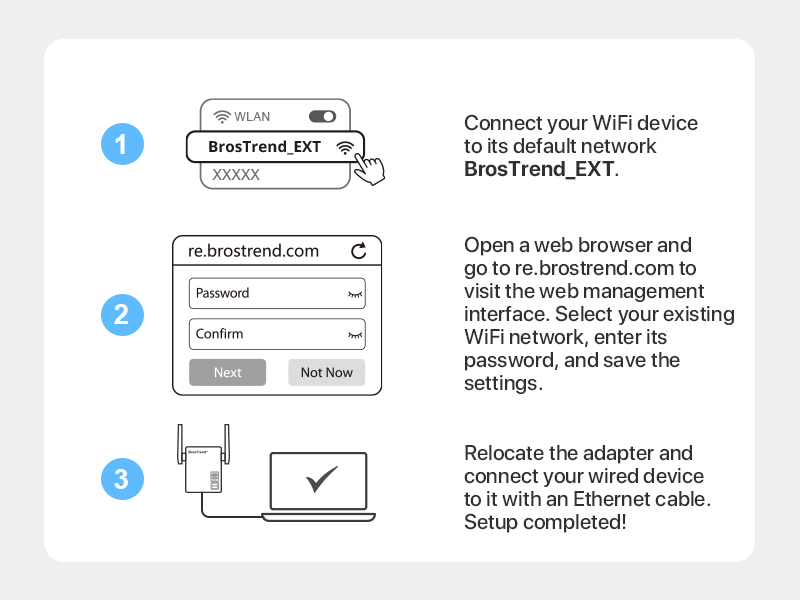
Place it in the same room as your existing WiFi router and power it on. Use a WiFi device to connect to the default WiFi network BrosTrend_EXT. Open a web browser and go to re.brostrend.com to visit the web management interface.
In first log in, set up the administrator login password for future log in. Select your existing WiFi network, enter its password, and save the settings. Wait until the Signal LED light turns solid blue, which indicates a successful connection with your WiFi router.
Positioning Your Adapter
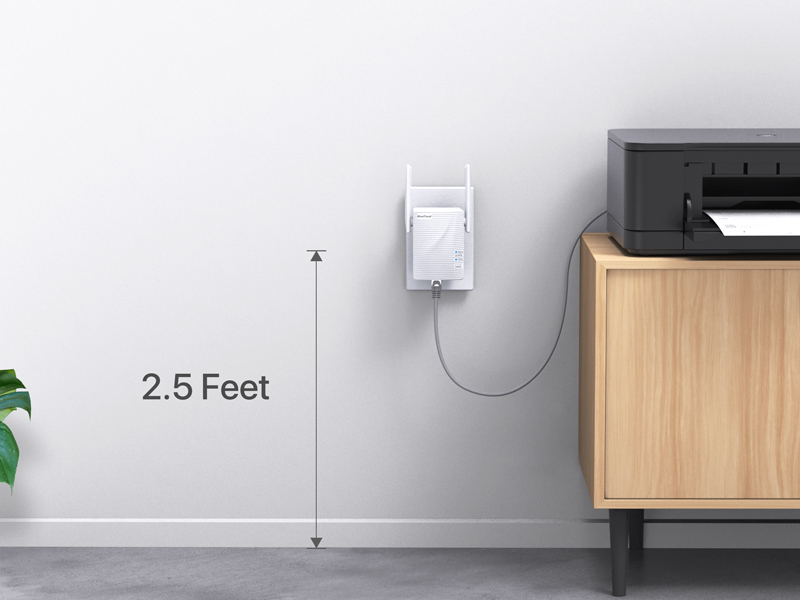
For receiving optimal WiFi signal from your WiFi router, we suggest relocating this WiFi to Ethernet adapter closer to your WiFi router. Also, please plug it into an electrical outlet which is 2.5 feet or more away from the floor.
Important Usage Note for Optimal Speed
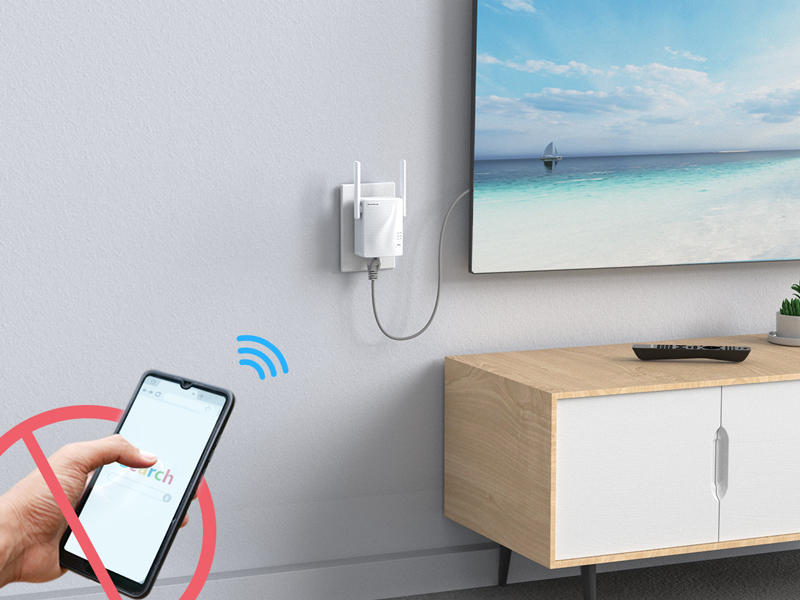
Connect ONLY your wired device to this device. Please do not connect other WiFi devices to the extended networks created by this WiFi to Ethernet adapter. Otherwise, the connection speed of your wired device will be lowered.
Choose Your Right Adapter
 AC1200 Adapter |  AX1500 Adapter |  AX3000 Adapter |  N300 Adapter | |
|---|---|---|---|---|
Customer Reviews | — | — | — | — |
Price | — | — | — | — |
Ethernet Port Speed | 100Mbps | 1Gbps (1000Mbps) | 1Gbps (1000Mbps) | 100Mbps |
WiFi Standard | WiFi 5 | WiFi 6 | WiFi 6 | WiFi 4 |
5GHz Speed | 5GHz 867Mbps | 5GHz 1201Mbps | 5GHz 2402Mbps | - |
2.4GHz Speed | 2.4GHz 300Mbps | 2.4GHz 300Mbps | 2.4GHz 574Mbps | 2.4GHz 300Mbps |
Antenna Type | 3.5dBi | High Gain 5dBi | High Gain 5dBi | 4dBi |
Setup Method | WPS, WEB UI | WPS, WEB UI | WPS, WEB UI | WPS, WEB UI |
Driver Setup Required | No | No | No | No |
BrosTrend AC1200 WiFi to Ethernet Adapter
Merchant VideoMake wireless connection possible on your Ethernet-only wired devices. With this WiFi to Ethernet adapter, you can connect your wired device to your WiFi network. It runs up to 867Mbps on 5GHz WiFi or 300Mbps on 2.4GHz WiFi, delivering a solid connection for online working, streaming, gaming, etc.

Works with Any Wired Devices
- Smart TV, TV Box, Blu-ray player, streaming media player;
- Laser printer, inkjet printer from brands of HP, Brother, Canon, Epson, Ricoh, Mutoh, etc.;
- VoIP phone;
- Security camera systems, such as DVR;
- Laptop, desktop, or PC which runs on any operating systems, such as Windows, Chrome OS, Linux, Unix, and macOS;
- Game console, PlayStation, and MORE.
Stronger Signal Reception
Adjust its 180° rotatable antennas to get optimal WiFi signal for your wired device.
Keep Your Place Neat
No extra charger or charging cable is needed. Plug into a power outlet and it works after setup.
Supports Any WiFi Routers
Works with any IEEE 802.11ax/ac/a/b/g/n WiFi routers or gateways.


Pair with WiFi Router Easily
Connect your router and the WiFi to Ethernet adapter by pressing the WPS button
Better Manage Your Device
Install it via WEB interface if your router does not support WPS. Also better manage it via WEB UI.
Advanced WiFi Security Encryption
Protects your data and device safe by supporting WPA2-PSK, WPA-PSK and WPA2-PSK/WPA-PSK.


Installation Tips


WPS Setup Method
Set it up in the same room as your existing WiFi router. Press the WPS button on your router and the WPS LED status on the router should change. Then press the WPS button on this WiFi to Ethernet adapter within 2 minutes. Wait until the Signal LED light turns solid blue, which indicates a successful connection with your WiFi router.
WEB Managament Setup Method
Place it in the same room as your existing WiFi router and power it on. Use a WiFi device to connect to the default WiFi network BrosTrend_EXT. Open a web browser and go to re.brostrend.com to visit the web management interface.
In first log in, set up the administrator login password for future log in. Select your existing WiFi network, enter its password, and save the settings. Wait until the Signal LED light turns solid blue, which indicates a successful connection with your WiFi router.
Positioning Your Adapter
For receiving optimal WiFi signal from your WiFi router, we suggest relocating this WiFi to Ethernet adapter closer to your WiFi router. Also, please plug it into an electrical outlet which is 2.5 feet or more away from the floor.
Important Usage Note for Optimal Speed
Connect ONLY your wired device to this device. Please do not connect other WiFi devices to the extended networks created by this WiFi to Ethernet adapter. Otherwise, the connection speed of your wired device will be lowered.
Choose Your Right Adapter
AC1200 Adapter | AX1500 Adapter | AX3000 Adapter | N300 Adapter |
|---|---|---|---|
| Customer Reviews | |||
| — | — | — | — |
| Price | |||
| — | — | — | — |
| Ethernet Port Speed | |||
| 100Mbps | 1Gbps (1000Mbps) | 1Gbps (1000Mbps) | 100Mbps |
| WiFi Standard | |||
| WiFi 5 | WiFi 6 | WiFi 6 | WiFi 4 |
| 5GHz Speed | |||
| 5GHz 867Mbps | 5GHz 1201Mbps | 5GHz 2402Mbps | - |
| 2.4GHz Speed | |||
| 2.4GHz 300Mbps | 2.4GHz 300Mbps | 2.4GHz 574Mbps | 2.4GHz 300Mbps |
| Antenna Type | |||
| 3.5dBi | High Gain 5dBi | High Gain 5dBi | 4dBi |
| Setup Method | |||
| WPS, WEB UI | WPS, WEB UI | WPS, WEB UI | WPS, WEB UI |
| Driver Setup Required | |||
| No | No | No | No |
Founded in 2011, BrosTrend dedicates itself to premium network products which deliver fast and reliable connections.
With more than 10 years of experience in the networking industry, BrosTrend never stops innovating and is ready to bring a smoother online experience for everyone.
New Release
Our Recommendations