


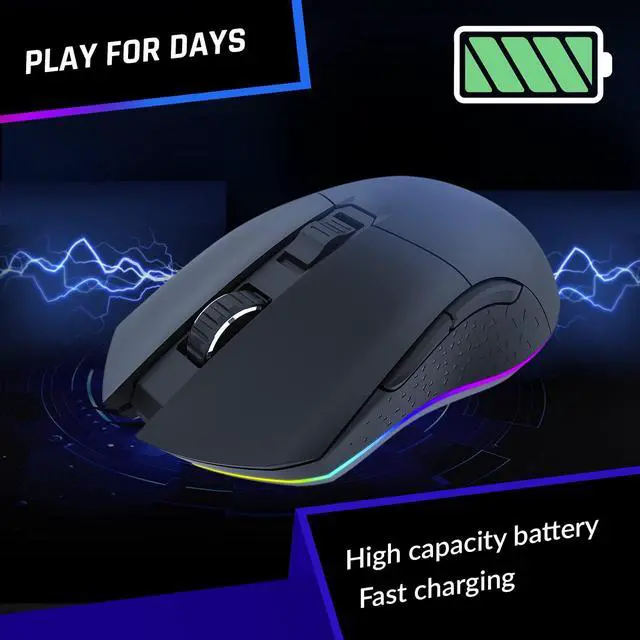



PLAY FOR DAYS
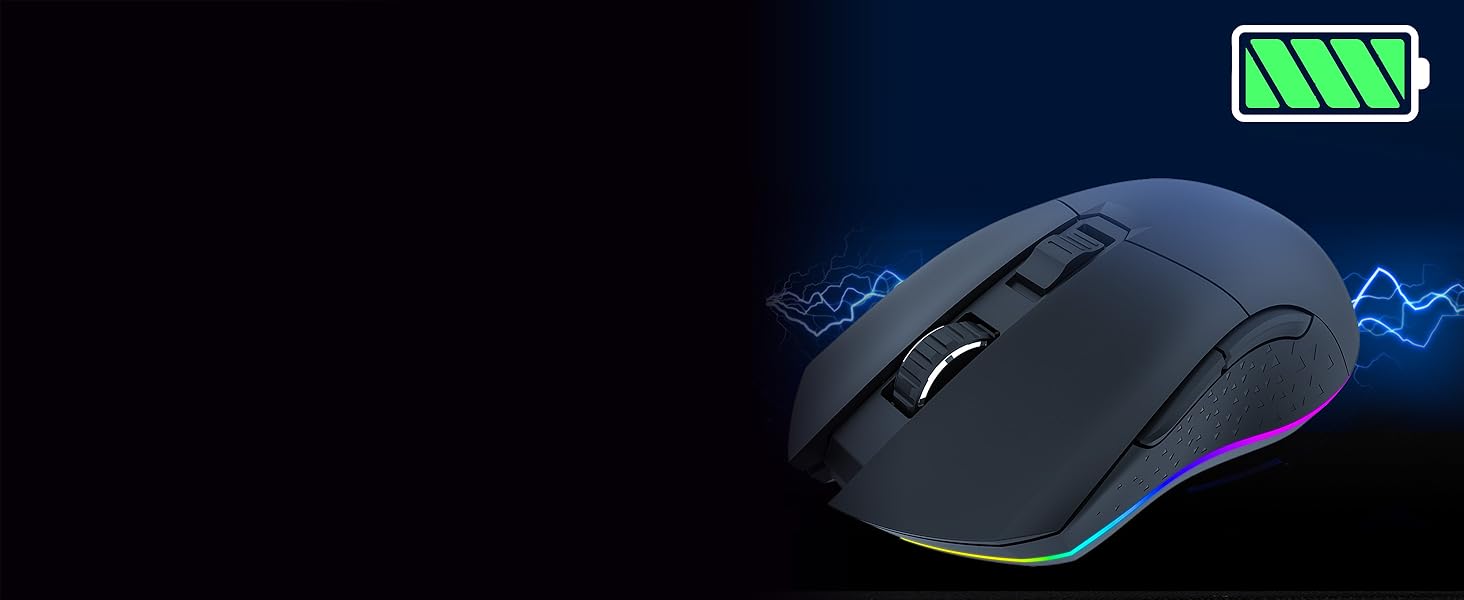
The KLIM Blaze features a high-capacity battery so you can enjoy your gaming sessions from start to finish. Use the mouse many days between charges!

TOTAL CONTROL - UP TO 10000 DPI
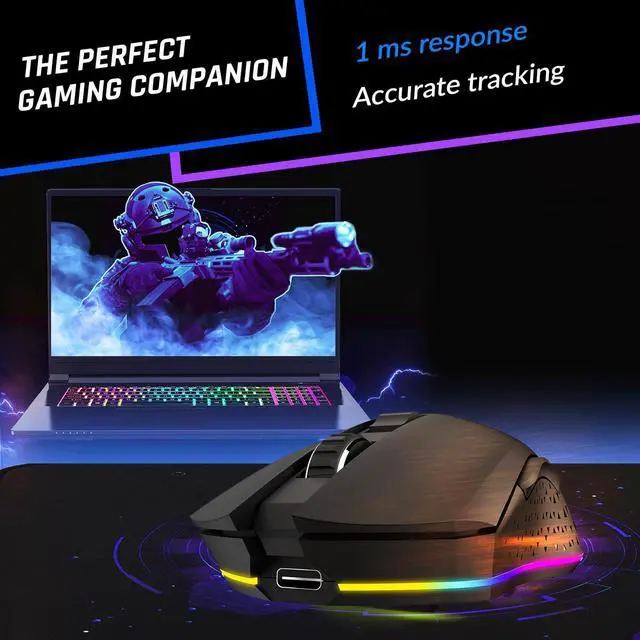
Equipped with a high-precision optical sensor, the KLIM Blaze tracks your every movement with precision so you are always in control.

A JOY TO BEHOLD
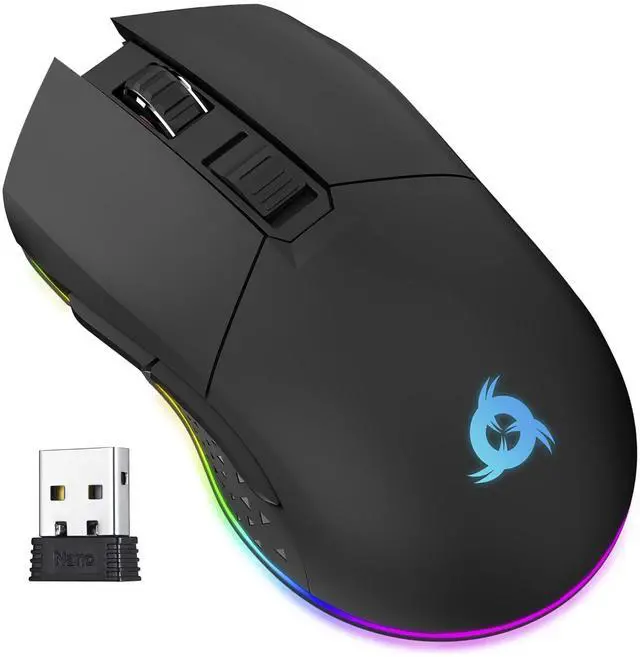
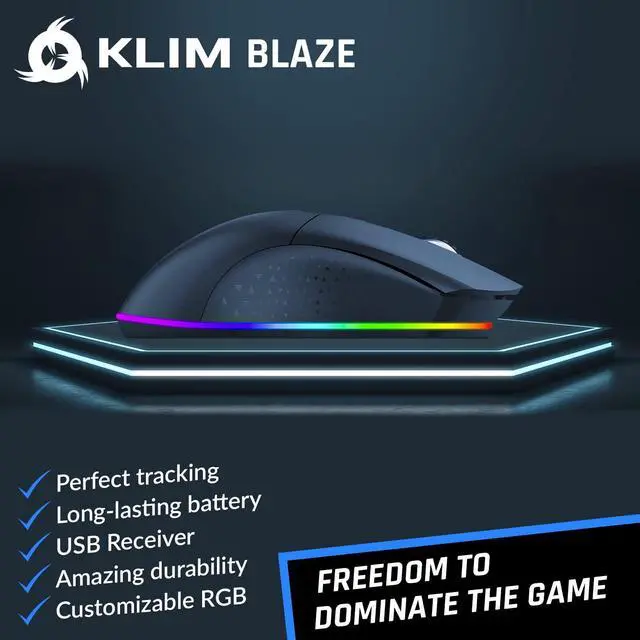
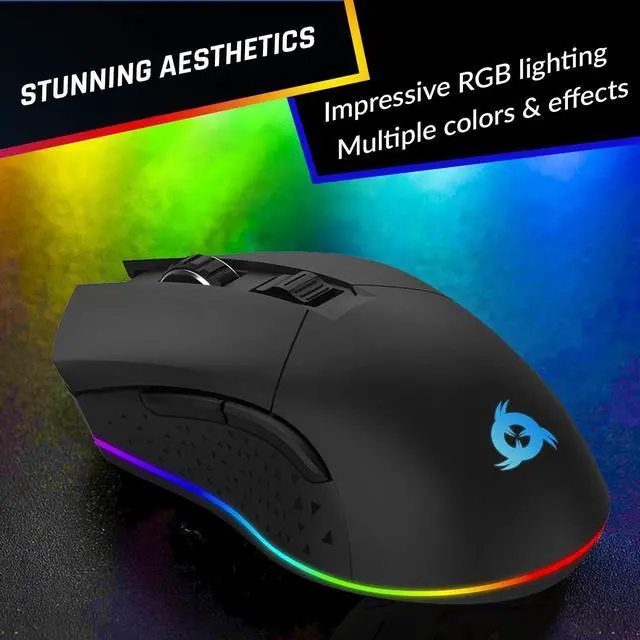
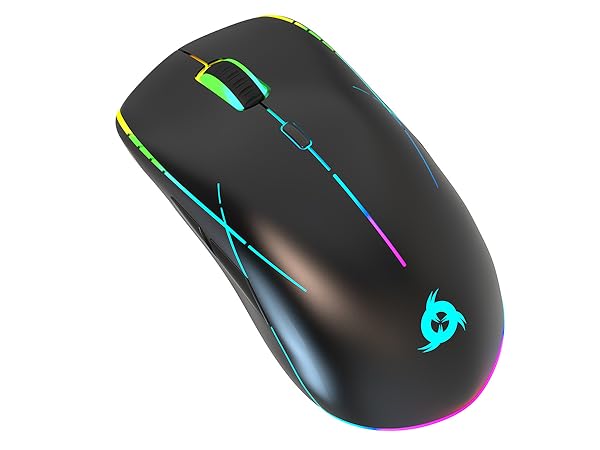
The KLIM Blaze has a sleek design that will match your other gaming equipment. Its lower RGB rim brings a touch of color to your desktop.
FULLY CUSTOMIZABLE
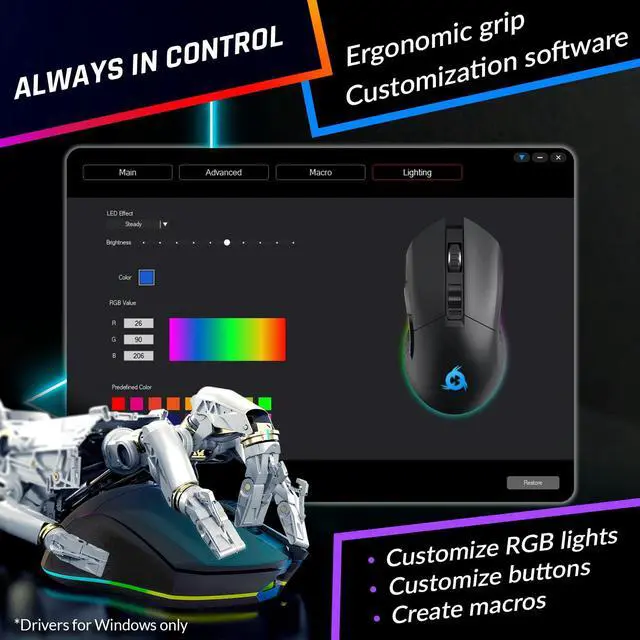
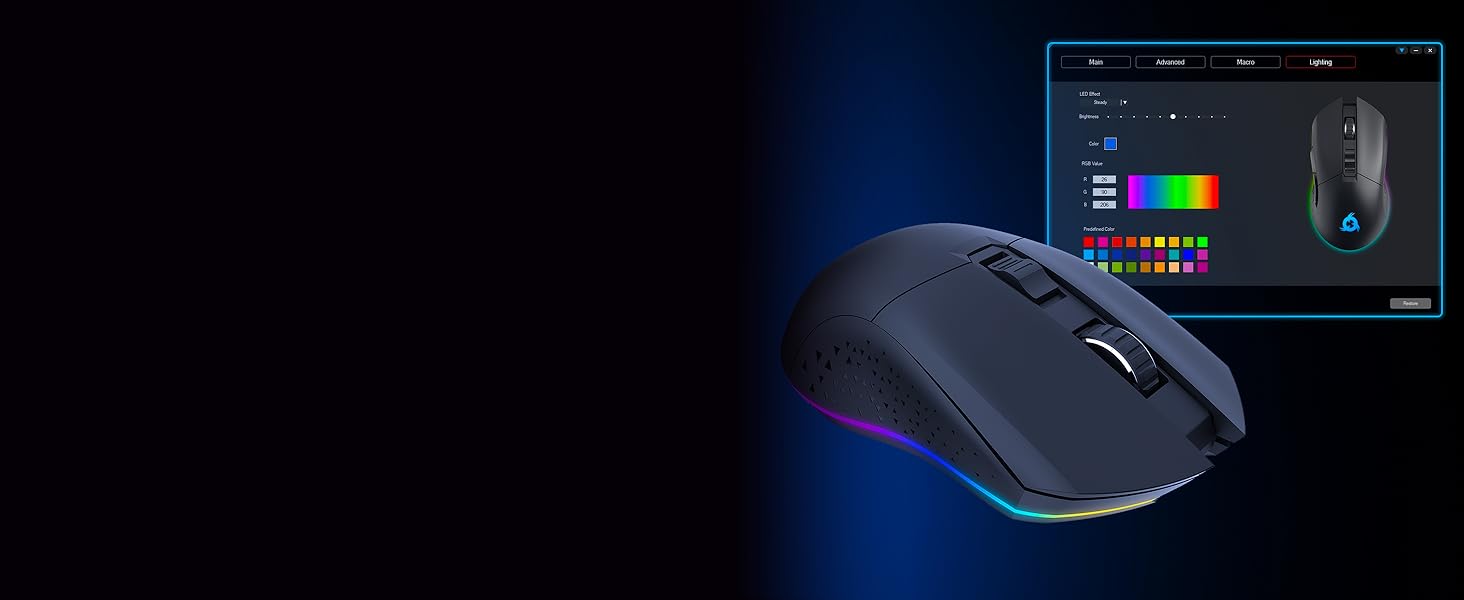
Download our dedicated drivers (for Windows only) and customize button layouts, lighting effects, brightness, set up macros... the possibilities are endless.


Features
Wireless | ||
Charging dock | ||
Customizable RGB | ||
7 | Buttons | 6 |
600-6000 | DPI | 600-6000 |
1 ms | Response time | 1 ms |
Wireless | ||
Charging dock | ||
Customizable RGB | ||
7 | Buttons | 6 |
600-6000 | DPI | 500-7000 |
1 ms | Response time | 1 ms |
Wireless | ||
Charging dock | ||
Customizable RGB | ||
7 | Buttons | 8 |
600-6000 | DPI | 200-10000 |
1 ms | Response time | 1 ms |


How long does the battery last?
It depends on the use intensity and the RGB effect brightness and ranges from 18 hours (about 5 days of normal use) to 150 hours (about 28 days).
Can it be used while charging?
Yes, just connect the charging cable to your computer and continue using the mouse. While on wired mode, you may unplug the wireless USB receiver.
Can the RGB / buttons be customized?
Yes, you can download a customization software (Windows only) to rebind the buttons, change the mouse settings, customize the RGB colors and effects, and set up useful macros.
The mouse switches off automatically, is that normal?
Yes, the mouse enters sleep mode after a short period of inactivity to save battery. To reactivate it, simply press any button.
The cursor does not move smoothly, jumps or works randomly. What's wrong?
Make sure the USB dongle is directly connected to a USB 2.0 port (not 3.0) and that you are not using a HUB or similar device.
Using a mousepad is preferable too, otherwise it can affect the glide of the mouse.
KLIM Blaze Technical Specifications

PLAY FOR DAYS
TOTAL CONTROL - UP TO 10000 DPI
A JOY TO BEHOLD
FULLY CUSTOMIZABLE


The KLIM Blaze features a high-capacity battery so you can enjoy your gaming sessions from start to finish. Use the mouse many days between charges!
Equipped with a high-precision optical sensor, the KLIM Blaze tracks your every movement with precision so you are always in control.
The KLIM Blaze has a sleek design that will match your other gaming equipment. Its lower RGB rim brings a touch of color to your desktop.
Download our dedicated drivers (for Windows only) and customize button layouts, lighting effects, brightness, set up macros... the possibilities are endless.

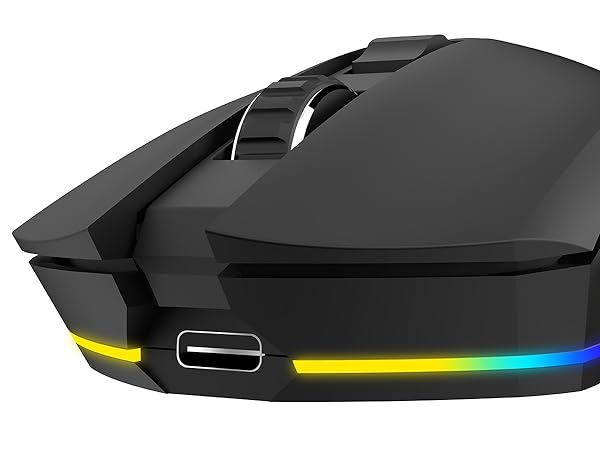
Extended switch lifespan
All buttons on the mouse can safely withstand more than 10 million clicks.
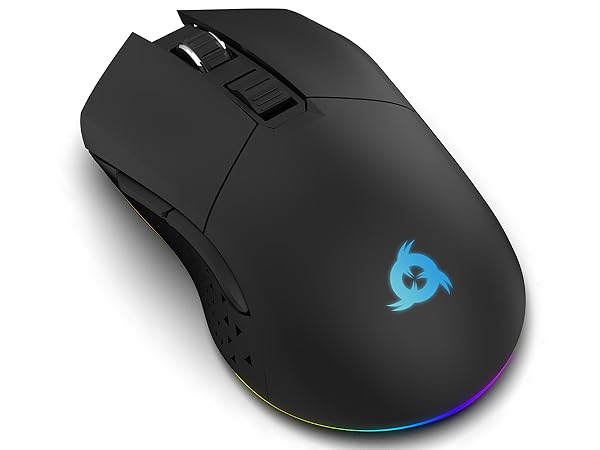
High-durability coating
The KLIM Blaze's improved coating gives it a pleasant feel and makes it extremely resistant.
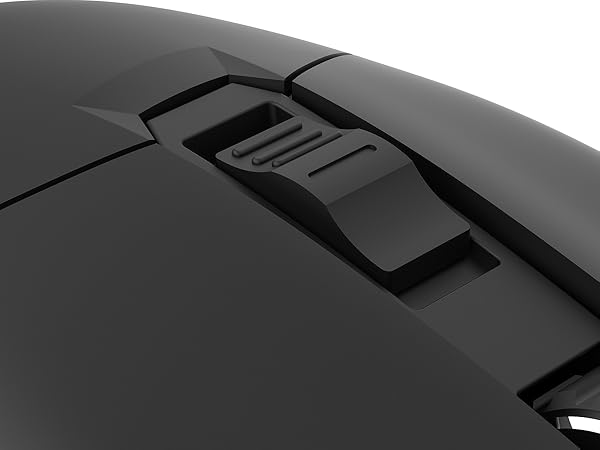
DPI Switch
Adjust your DPI on the go for maximum gaming performance.
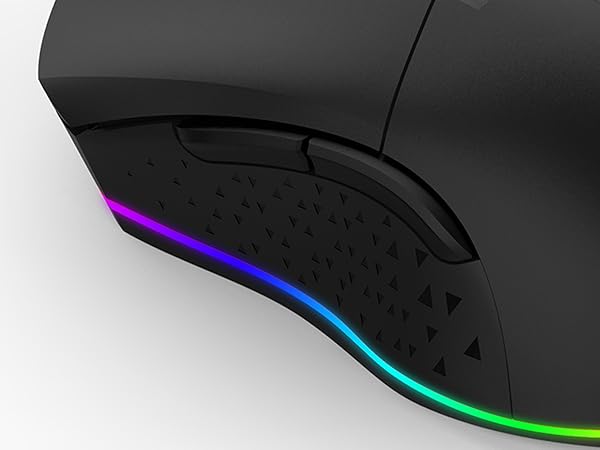
Anti-skid flanks
Always keep a perfect grip on the mouse thanks to its textured flanks.
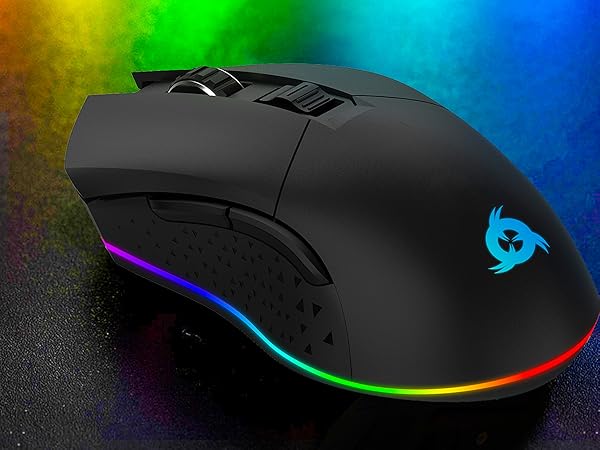
Bright RGB lights
Bring a touch of color to your desktop with the lower RGB rim. You can turn it off by flicking a switch below the mouse.
Features
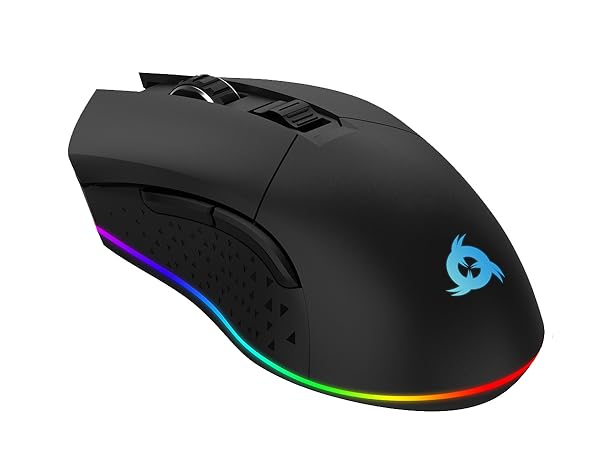
KLIM Blaze
Wireless
Charging dock
Customizable RGB
Buttons
7
DPI
600-6000
Response time
1 ms
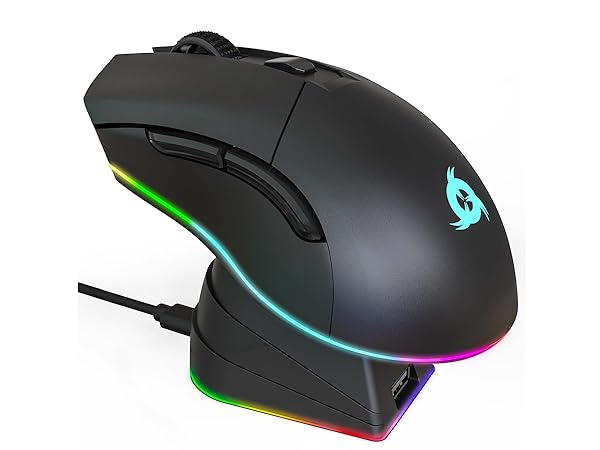
KLIM Blaze Pro
Wireless
Charging dock
Customizable RGB
Buttons
6
DPI
600-6000
Response time
1 ms
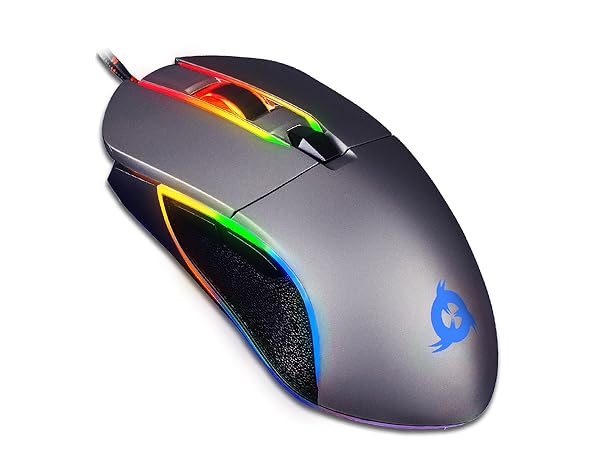
KLIM Aim
Wireless
Charging dock
Customizable RGB
Buttons
6
DPI
500-7000
Response time
1 ms
KLIM Ace
Wireless
Charging dock
Customizable RGB
Buttons
8
DPI
200-10000
Response time
1 ms
How long does the battery last?
It depends on the use intensity and the RGB effect brightness and ranges from 18 hours (about 5 days of normal use) to 150 hours (about 28 days).
Can it be used while charging?
Yes, just connect the charging cable to your computer and continue using the mouse. While on wired mode, you may unplug the wireless USB receiver.
Can the RGB / buttons be customized?
Yes, you can download a customization software (Windows only) to rebind the buttons, change the mouse settings, customize the RGB colors and effects, and set up useful macros.
The mouse switches off automatically, is that normal?
Yes, the mouse enters sleep mode after a short period of inactivity to save battery. To reactivate it, simply press any button.
The cursor does not move smoothly, jumps or works randomly. What's wrong?
Make sure the USB dongle is directly connected to a USB 2.0 port (not 3.0) and that you are not using a HUB or similar device.
Using a mousepad is preferable too, otherwise it can affect the glide of the mouse.
KLIM Blaze Technical Specifications
| Weight | 0.35 oz / 110 g |
|---|---|
| Dimensions | 4.9 x 2.65 x 1.55 in / 12.5 x 6.75 x 3.95 cm |
| Battery duration | 18 hours at 100% brightness, 150 hours with lights off |
| Sensor | PMW 3325 |
| DPI | 600 to 6000 (default), 200 to 10000 (via software) |
| Response time | 1 ms |
| Number of buttons | 7 |
| Connection modes | Wireless USB receiver, USB cable |