ROG Swift OLED PG27UCDM
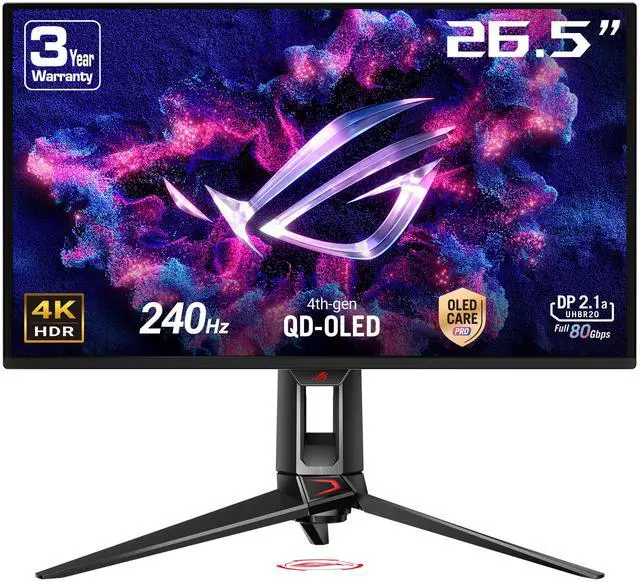
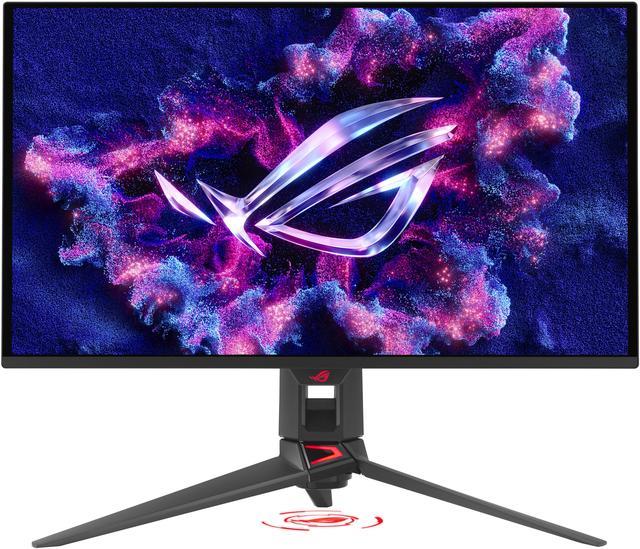
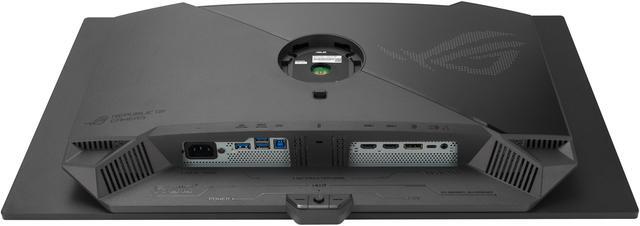
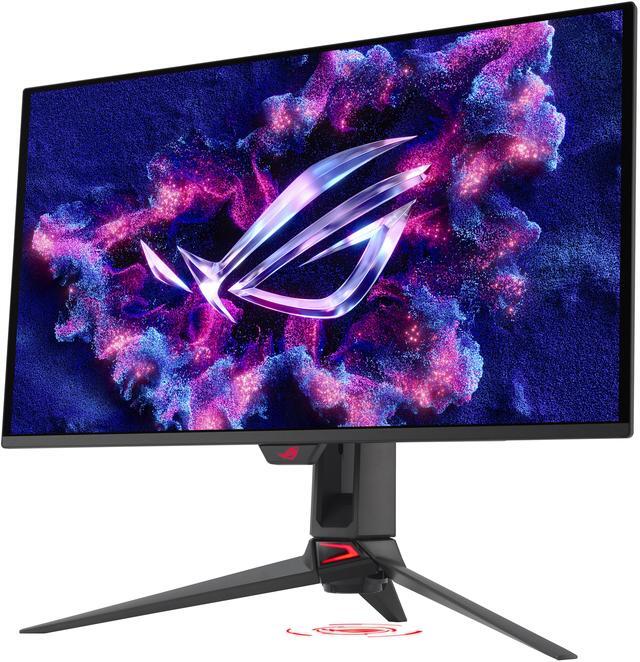
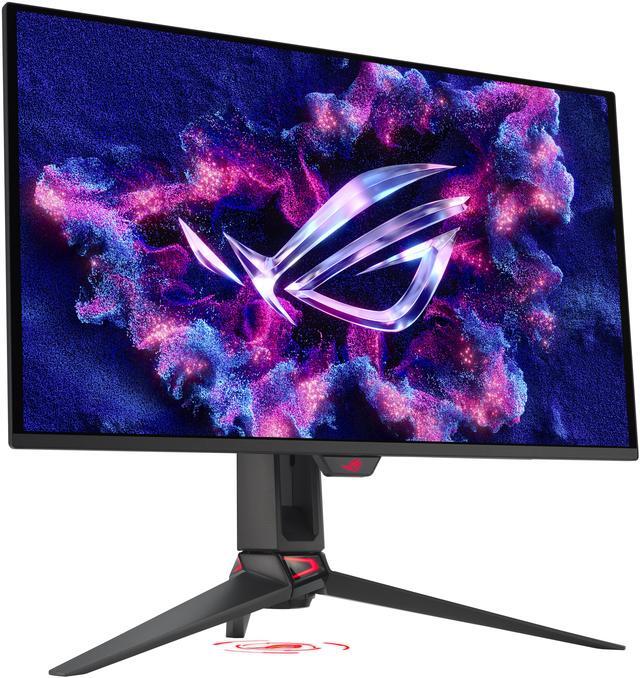
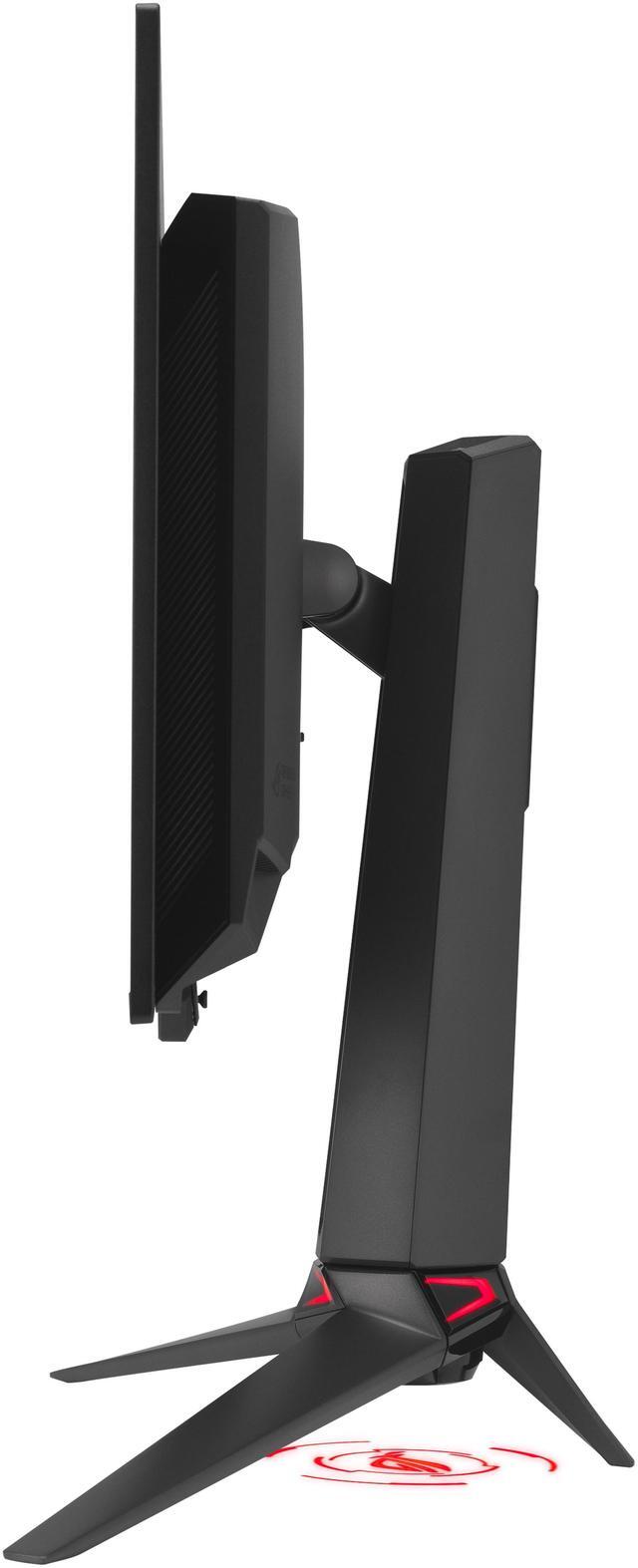
The ROG Swift OLED PG27UCDM is a 27-inch, 240Hz 4K gaming monitor that boasts the latest fourth-generation QD-OLED technology to deliver supersharp visuals and crisp text. The cutting-edge QD-OLED panel offers greater longevity compared to previous OLED technologies and minimal flicker-even when frame rates fluctuate.
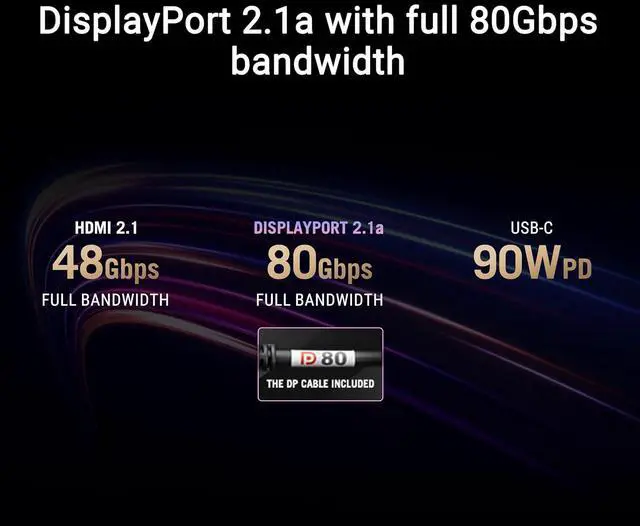
With the addition of the Neo Proximity Sensor in the new ROG OLED Care Pro suite, the monitor transitions to a black screen when no user is detected, guarding against burn-in. Built-in DisplayPort 2.1a UHBR20 provides a full 80Gbps bandwidth to support uncompressed 4K visuals at a stunning 240Hz to elevate viewing experiences to the next level.
Supersmooth Visuals
The ROG Swift OLED PG27UCDM is the first 27-inch 4K OLED gaming monitor from ROG. Designed for discerning gamers and professional creators, it offers a refresh rate of 240Hz and 0.03ms gray-to-gray (GTG) response time for supersharp and fluid visuals.
4th Gen QD-OLED Technology
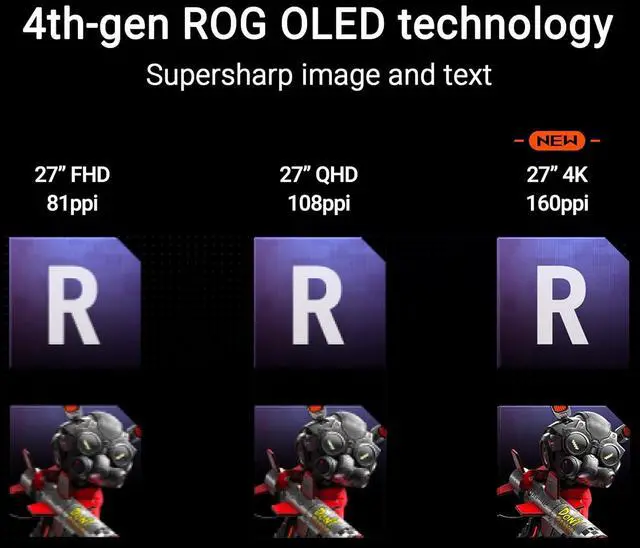
Supersharp Imagery & Text
The latest-generation QD-OLED panel boasts an amazing 166ppi pixel density to deliver optimal visuals and incredibly-clear text for viewing experiences that are second to none.
Incredible Motion Clarity
Exclusive ASUS Extreme Low Motion Blur technology reduces ghosting and motion blur.Advantages of OLED technologyThe latest ASUS OLED panels offer extremely high contrast ratios to deliver the darkest black hues as well as the most vivid colors, helping create immersive visuals for gaming and for creative endeavors. Plus, an astounding 0.03 ms gray-to-gray response time ensures supersmooth, low-latency visuals.
1.5M:1 contrast ratio
0.03 ms response time
99% DCI-P3 gamut
Delta E < 2
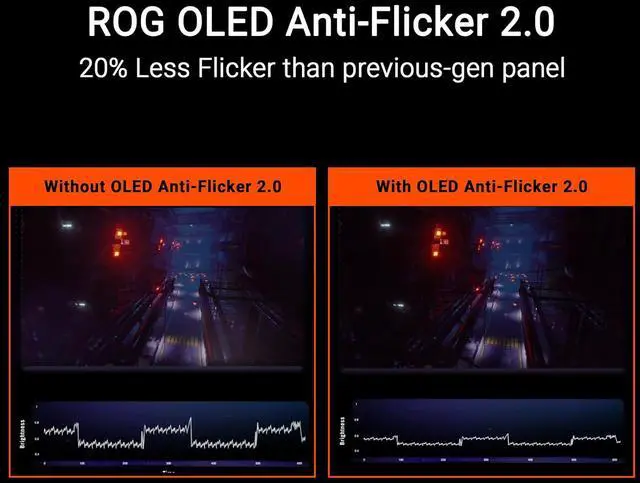
ROG OLED Anti-Flicker 2.0
New ROG OLED Anti-Flicker 2.0 technology minimizes onscreen flicker by up to 20% compared to previous-generation panels, enabling comfortable gaming experiences.
Luminance Compensation Algorithm
The advanced luminance compensation algorithm dynamically boosts pixel brightness during refresh rate fluctuations to ensure more consistent visuals without increasing input lag or compromising refresh rates.
Refresh Rate Cap
This feature caps the monitor refresh rate to reduce onscreen flicker. The three presets (High / Mid / Off) have been upgraded, enabling each to cover a wider refresh rate range to suit individual preferences.
Screen Protection ASUS OLED CARE PRO
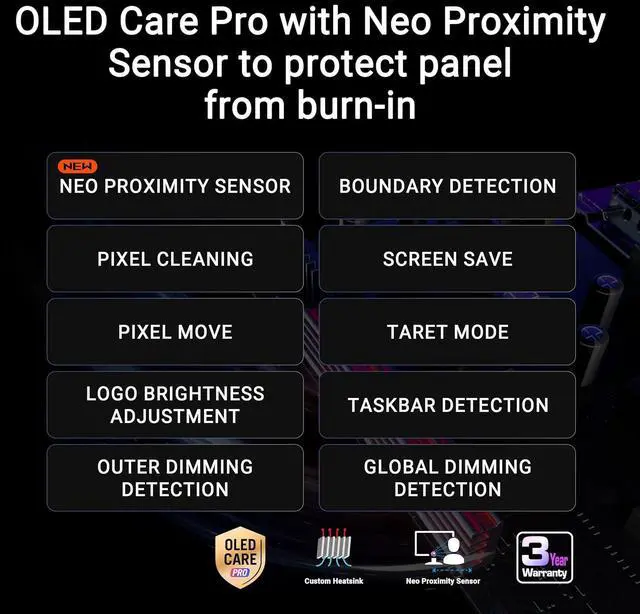
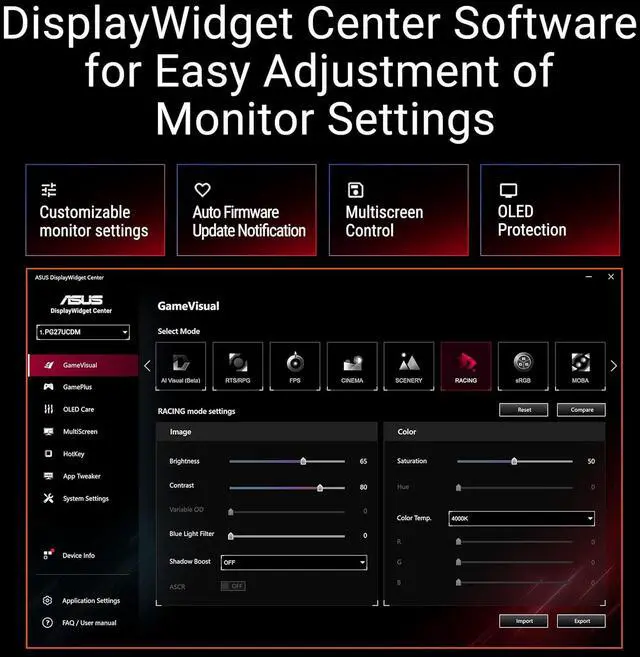
New ASUS OLED Care Pro technology provides a full set of customizable monitor settings to protect the OLED panel and ensure longevity. Plus, it includes the new Neo Proximity Sensor that detects your distance from the monitor and transitions to a black image when you're away to safeguard the panel from burn-in. All settings can be easily managed via DisplayWidget Center.
Neo Proximity Sensor
The built-in Neo Proximity Sensor precisely detects your distance from the monitor. When you step away, the monitor transitions to a black image to protect against panel burn-in, and instantly restores onscreen content when you return. Detection distance can be customized to suit personal preference, ensuring maximum convenience and protection.
Pixel cleaning
Recalibrates the screen when the monitor has been active for several hours-a process that takes just a few minutes and activates automatically when the monitor is turned off.
Screen Move
Pixel locations are slightly shifted periodically to help prevent burn-in, and users can choose between several movement levels





 here!
here!