


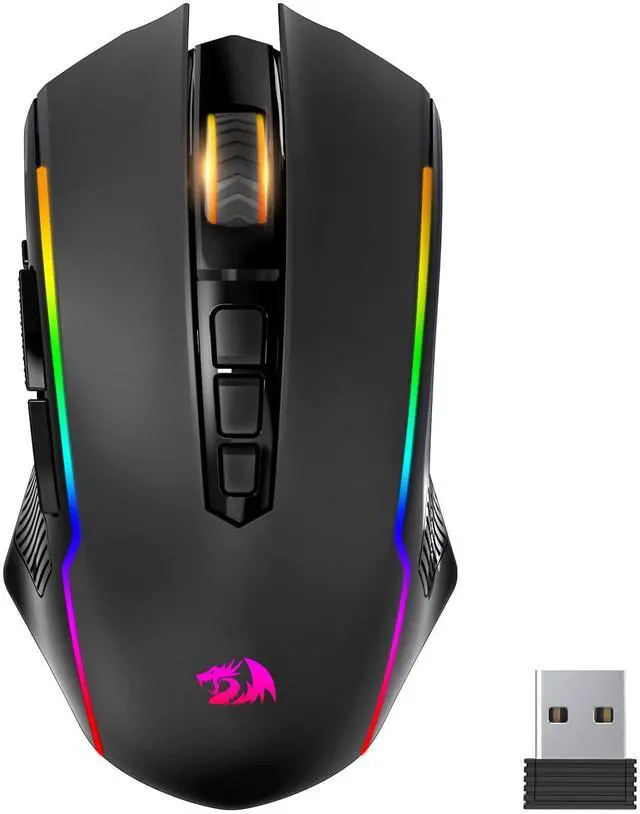
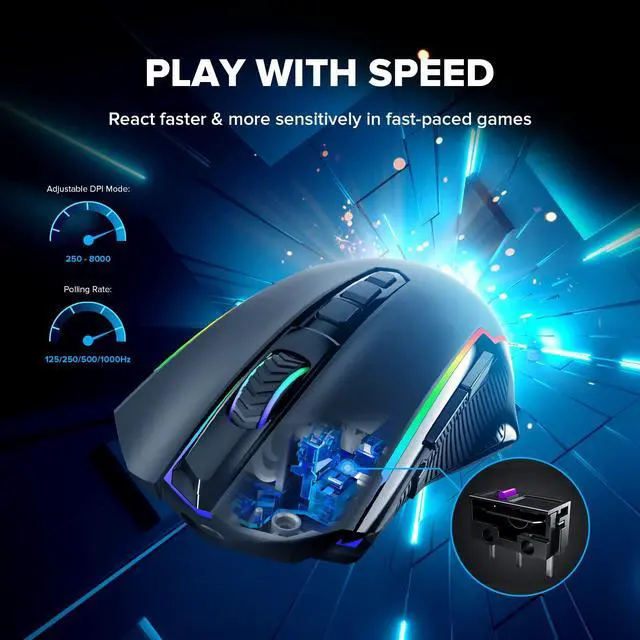
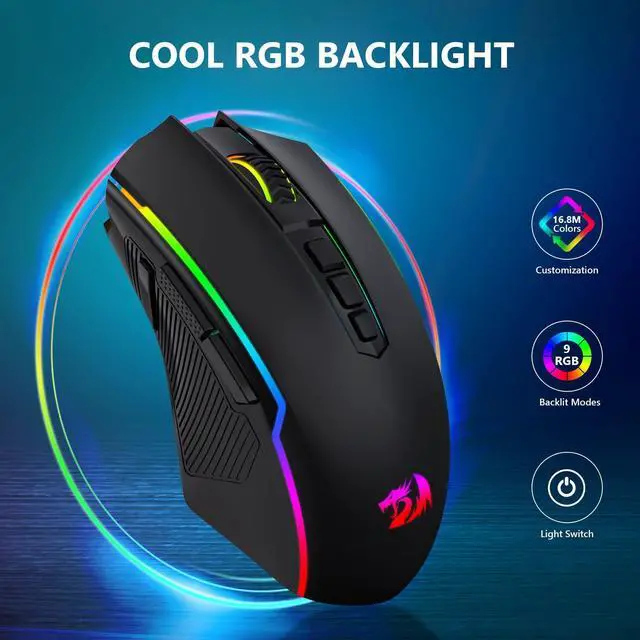



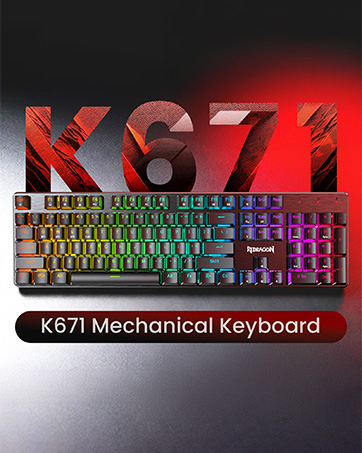

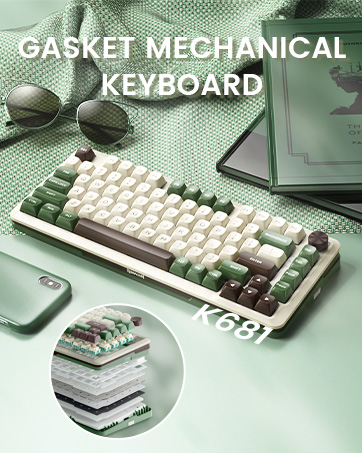
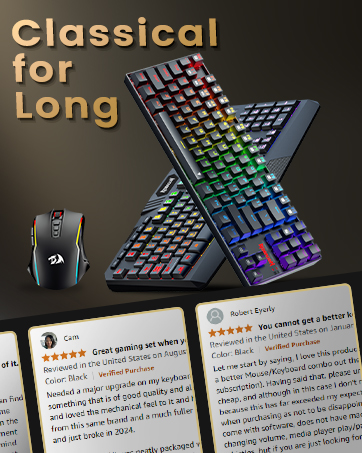
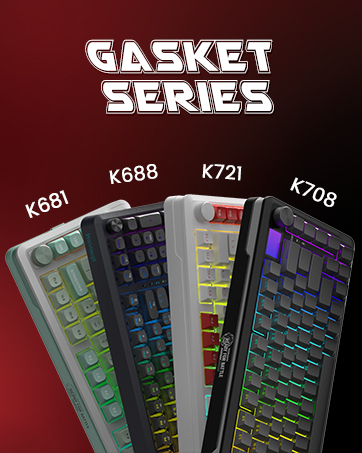
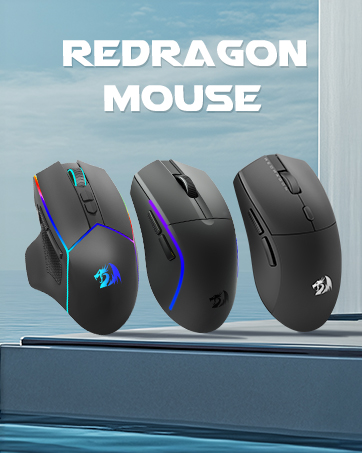


Light UP Your Gaming World! ! !

Secret Weapon For Your Gaming ! ! !

More Details For This Product

PLAY WITHOUT LIMITS
The 2.4GHZ wireless technology makes it possible to connect your computer without wires. And it can be used with the diatance up to 10m.

WIDE COMPATIBILITY
Perfectly compatible with Windows 7/8/10/11?XP/Vista/Mac OS. Please note that the gaming driver is compatible with Windows only.

ULTRA LONG BATTERY LIFE
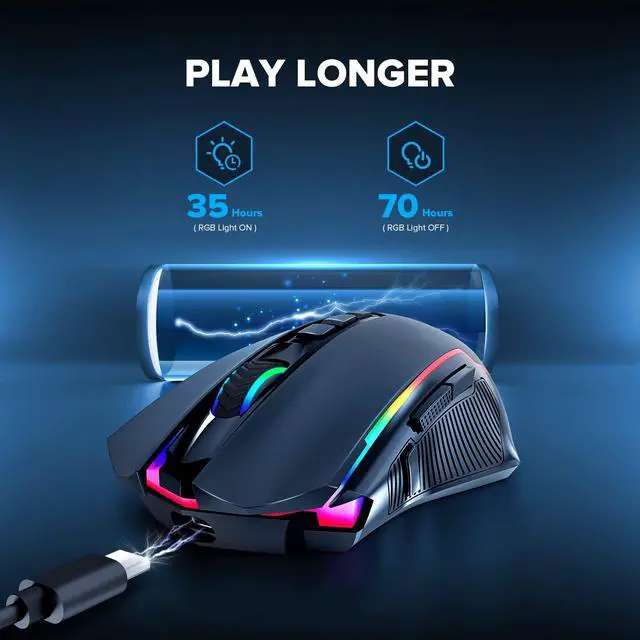
The wireless gaming mouse has a battery life between 35 hours (RGB on) and 70 hours (RGB off) on a single charge, provide you with nonstopping using.

SUPER DURABILITY & RELIABILITY
With durable material made and 20 million clicks supports, Redragon M910-KS gaming mouse is really suit for your daliy gaming use.
How to Download the Driver?
Download Steps
1. Visit the Redragon website;
2. Click the “Download” button, then enter the model number in the search box: M910-KS;
3. Find “M910-KS” and click “Download” to jump to the driver download path.
Note: The gaming driver is only compatible with Windows operating systems.
How to Download the Driver?
Merchant VideoExplore More Redragon Gaming Mouse
 Wireless Gaming Mouse |  3 Mode Ergonomic Mouse |  Wireless Ergonomic Mouse |  Tri-mode Gaming Mouse |  White Wireless Mouse |  2.4G Gaming Mouse | |
|---|---|---|---|---|---|---|
Customer Reviews | — | — | — | — | — | — |
Price | — | — | — | — | — | — |
Model Number | M910-KS | M814 | M915WL | M914 | M910-WS | M602U-KS |
Connectivity Technology | 2.4G/Wired | Bluetooth/2.4G/Wired | 2.4G/Wired | Bluetooth/2.4G/Wired | 2.4G/Wired | 2.4G/Wired |
DPI | 250-8000 | 800-8000 | 1000-16000 | 250-10000 | 250-8000 | 250-8000 |
Customize Buttons | 9 | 11 | 10 | 9 | 9 | 7 |
RGB | ? | ? | ? | ? | ? | ? |
Programmable | ? | ? | ? | ? | ? | ? |
Rechargeable | ? | ? | ? | ? | ? | ? |

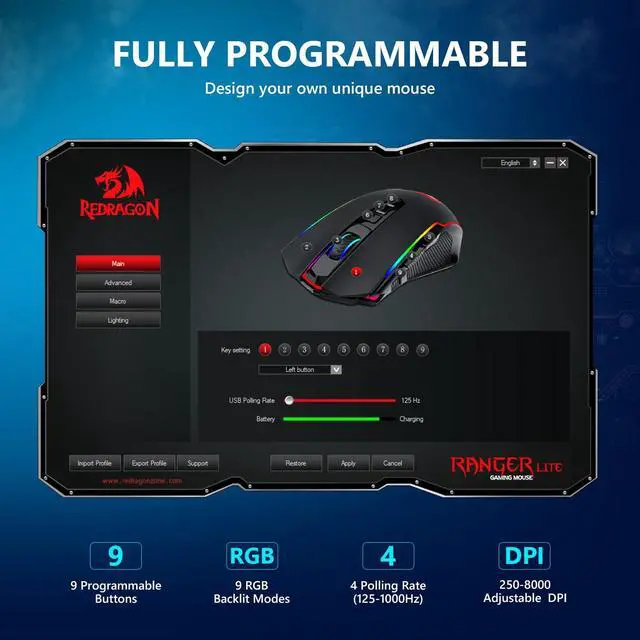
9 Programmable Buttons
All buttons can be programmable to fit your customizable needs
Enhance Your Gaming Immersion
Adjust backlit modes, effects and speed via driver to create you fancy gaming environment
Macro Editing
Combine multiple keys in one button, making work and gaming more efficient


Light UP Your Gaming World! ! !

Secret Weapon For Your Gaming ! ! !

More Details For This Product
PLAY WITHOUT LIMITS
The 2.4GHZ wireless technology makes it possible to connect your computer without wires. And it can be used with the diatance up to 10m.
WIDE COMPATIBILITY
Perfectly compatible with Windows 7/8/10/11?XP/Vista/Mac OS. Please note that the gaming driver is compatible with Windows only.
ULTRA LONG BATTERY LIFE
The wireless gaming mouse has a battery life between 35 hours (RGB on) and 70 hours (RGB off) on a single charge, provide you with nonstopping using.
SUPER DURABILITY & RELIABILITY
With durable material made and 20 million clicks supports, Redragon M910-KS gaming mouse is really suit for your daliy gaming use.
How to Download the Driver?
Merchant VideoHow to Download the Driver?
Download Steps
1. Visit the Redragon website;
2. Click the “Download” button, then enter the model number in the search box: M910-KS;
3. Find “M910-KS” and click “Download” to jump to the driver download path.
Note: The gaming driver is only compatible with Windows operating systems.
Explore More Redragon Gaming Mouse
Wireless Gaming Mouse | 3 Mode Ergonomic Mouse | Wireless Ergonomic Mouse | Tri-mode Gaming Mouse | White Wireless Mouse | 2.4G Gaming Mouse |
|---|---|---|---|---|---|
| Customer Reviews | |||||
| — | — | — | — | — | — |
| Price | |||||
| — | — | — | — | — | — |
| Model Number | |||||
| M910-KS | M814 | M915WL | M914 | M910-WS | M602U-KS |
| Connectivity Technology | |||||
| 2.4G/Wired | Bluetooth/2.4G/Wired | 2.4G/Wired | Bluetooth/2.4G/Wired | 2.4G/Wired | 2.4G/Wired |
| DPI | |||||
| 250-8000 | 800-8000 | 1000-16000 | 250-10000 | 250-8000 | 250-8000 |
| Customize Buttons | |||||
| 9 | 11 | 10 | 9 | 9 | 7 |
| RGB | |||||
| ? | ? | ? | ? | ? | ? |
| Programmable | |||||
| ? | ? | ? | ? | ? | ? |
| Rechargeable | |||||
| ? | ? | ? | ? | ? | ? |