here!
I’m your shopping assistant for PC builds, upgrades, and everything tech.
Got questions? Ask away!
Start a conversation
here!
I’m your shopping assistant for PC builds, upgrades, and everything tech.
Got questions? Ask away!
Start a conversation


Any questions? Ask CelesteSM will help you find out quickly.
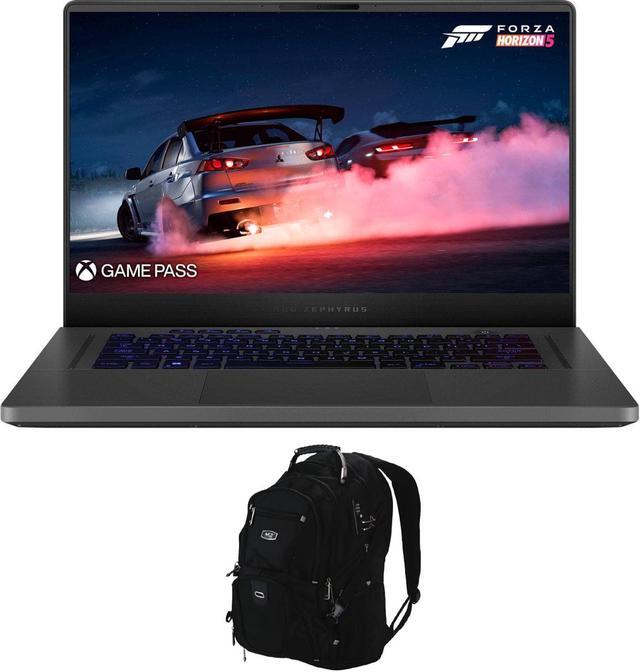
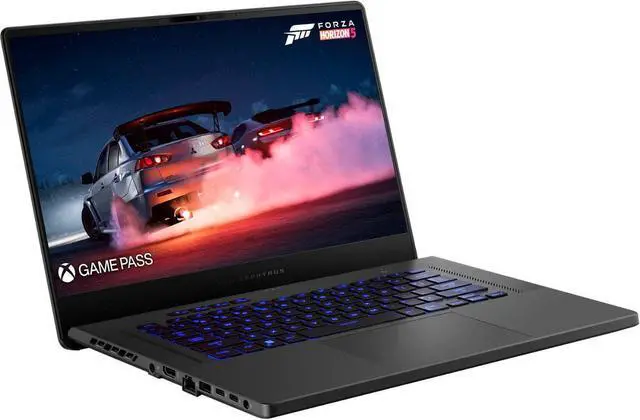
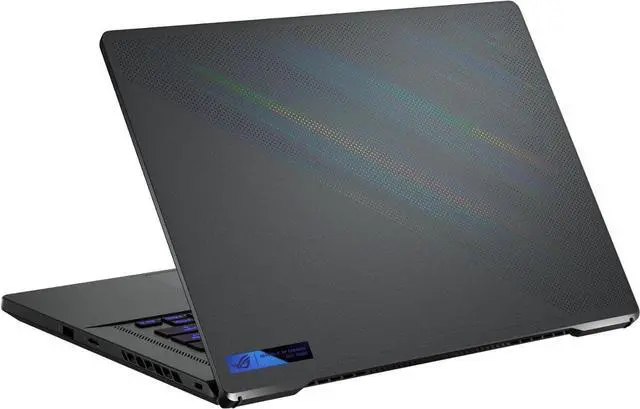
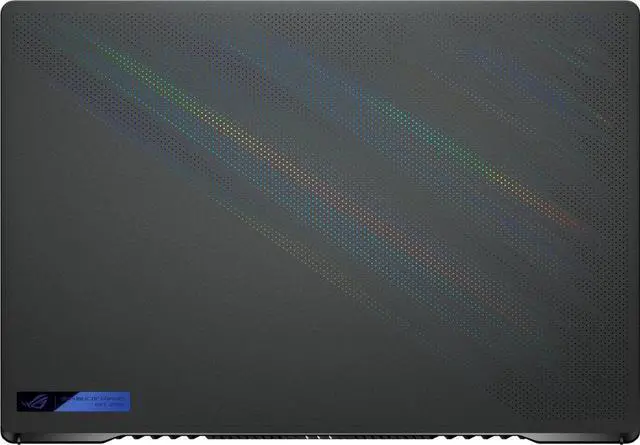
The ASUS ROG Zephyrus is a 15.6-inch gaming laptop with a Ryzen 9 6900HS processor, GeForce RTX 3060 graphics, 24GB of DDR5 memory, and a 165Hz QHD display, suited to gamers who want high-refresh-rate play and capable performance for everyday multitasking.
| Attribute | Value |
|---|---|
| Best For | Gaming on a 15.6-inch QHD display with a 165Hz refresh rate and dedicated GeForce RTX graphics |
| Processor And Core Count | AMD Ryzen 9 6000 Series, 8 cores, up to 4.9 GHz with 16MB L3 cache |
| GPU And VRAM | Dedicated GeForce RTX 3060 Laptop GPU |
| Display Spec | 15.6-inch, 2560 × 1440 non-touch display with a 165Hz refresh rate |
| Memory Configuration | 24GB DDR5 SO-DIMM memory |
| Storage And Expansion | 2TB SSD storage across two 1TB PCIe SSDs in RAID 0; no HDD |
| Wired And Wireless Networking | Wi-Fi 6E MT7922 and Bluetooth 5.2 |
| Webcam And Privacy | Integrated webcam |
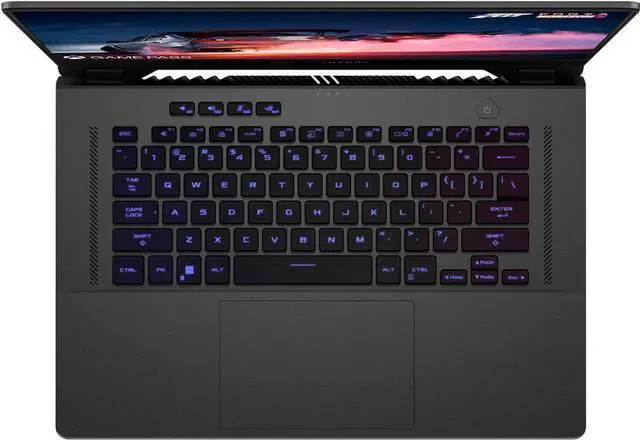
| Keyboard And Control | Backlit standard keyboard |
| High Speed I O | HDMI, Micro SD card reader, headphone/microphone combo jack, and no optical drive |
| Operating System | Windows 11 Home |
| Model Identifiers | ASUS ROG Zephyrus |
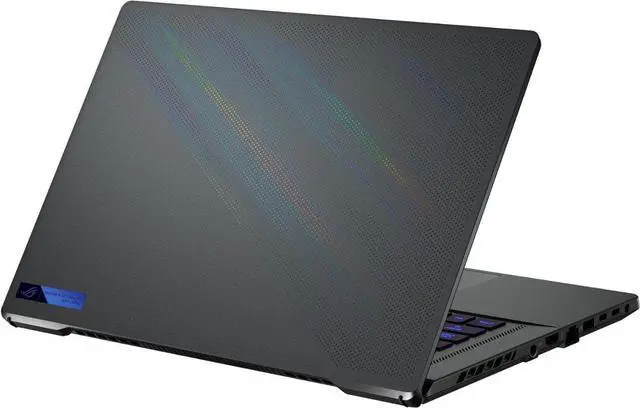
| Color And Style | Gray, standard style |
Q: Should I get this Zephyrus G15 or the RTX 3070 Ti version?
A: Choose this listing if 24GB of RAM and 2TB of storage are priorities alongside the Ryzen 9 6900HS and RTX 3060. Choose the G15 RTX 3070 Ti configuration if you prefer its higher-tier graphics card and 8GB of graphics memory; ASUS lists that configuration with the same Ryzen 9 processor and a 15.6-inch WQHD display.
Q: How does this compare with the standard Zephyrus G15 RTX 3060 configuration?
A: Both are 2022 Zephyrus G15 configurations with an RTX 3060. This listing pairs it with a Ryzen 9 6900HS, 24GB of RAM, and 2TB of storage, making it the fit for shoppers prioritizing the higher-tier listed processor and expanded memory and storage. ASUS’s product guide also lists a G15 RTX 3060 configuration with a Ryzen 7 6800HS, 16GB of RAM, and 1TB of storage.
Q: Should I choose this G15 or the smaller Zephyrus G14 (2022)?
A: Choose the G14 if a 14-inch form factor and 16:10 display are your priorities. Choose this G15 if you want a 15.6-inch WQHD, 165Hz display and the listed Ryzen 9 6900HS and RTX 3060 configuration. ASUS lists the G14 with a 14-inch WQXGA 120Hz display and Radeon RX 6700S graphics.
Q: Is this laptop suitable for both gaming and everyday work or school?
A: Yes. Its Ryzen 9 processor, 24GB of RAM, 2TB of SSD storage, webcam, and Windows 11 Home suit everyday productivity, online meetings, and multitasking, while its RTX 3060 graphics and 165Hz display support gaming. Its gaming-focused hardware may be more than needed for basic office or school tasks.
Q: Is it a good choice for travel or working away from an outlet?
A: It can be carried for work or travel, but the listing does not give an estimated runtime or laptop weight. It has a 90Wh battery and includes a 200W power supply; battery life away from an outlet will depend on workload and settings, so check independent runtime testing if all-day unplugged use is essential.
Q: Can it handle demanding games and creative applications?
A: Its Ryzen 9 6900HS, laptop GeForce RTX 3060 with 6GB of graphics memory, 24GB of RAM, and 165Hz QHD display make it suitable for gaming and many GPU-accelerated creative tasks. Performance and visual settings vary by game or application; check the software’s requirements, especially for demanding workloads at the display’s native resolution.
Q: Can the memory or storage be upgraded later?
A: The listed 24GB of RAM consists of 8GB onboard and a 16GB SODIMM, and the listing specifies two 1TB PCIe SSDs in RAID 0. It does not state the maximum supported RAM, the exact upgrade procedure, or whether the SSDs can be changed independently. Confirm those details with the seller or service documentation before planning upgrades; the listing identifies Velztorm as the warranty provider.
Q: Is this a good laptop for college work and casual gaming?
A: It can suit someone who wants one laptop for everyday schoolwork and gaming. A Reddit owner of the matching Ryzen 9 6900HS/RTX 3060 configuration reported using it for college and casual gaming; gaming can make the fans louder. Battery life for unplugged use varies, so it may not suit someone who needs predictable all-day runtime.
Q: Can the RTX 3060 handle games at the laptop’s 1440p resolution?
A: It can run lighter games at good settings at 1440p, but the RTX 3060’s 6GB of video memory can constrain demanding games. Expect to adjust graphics settings in some titles rather than assuming every game will use the display’s full resolution and refresh rate smoothly.
Q: How long does the battery last for everyday use?
A: Battery life is variable, not a guaranteed all-day figure. Owners of the matching 2022 G15 configuration report different results, from roughly 4–8 hours in light use to longer estimates with power-saving settings; disabling the dedicated GPU and reducing screen refresh rate can help. Gaming on battery will reduce runtime.
Q: Are the fans loud while gaming?
A: They can be. Owner reports describe louder fans under demanding gaming or Turbo settings, while Silent mode is quieter for light tasks. If low noise during gaming is important, expect a trade-off between quieter operation and performance.