





Strikonx keyboards and mice are beloved by remote workers and casual gamers alike—those who seamlessly switch between spreadsheets and battlefields, never compromising on speed or comfort. We firmly believe: great gear amplifies passion and unlocks limitless efficiency. The Strikonx brand draws inspiration from the X-shaped structure, symbolizing a steadfast promise: lightning-fast response when it matters most, with reliability you can count on.
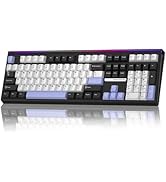
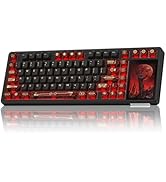
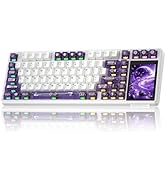
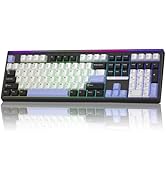
H108 Silent & L99 Keyboard
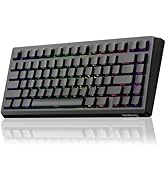
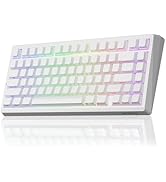
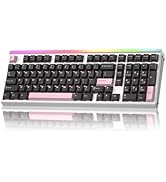
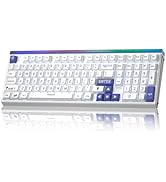
A80 & Hero99 Magnetic Keyboard
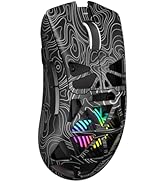
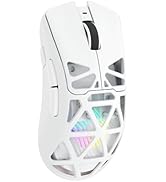
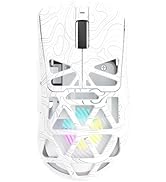
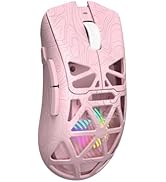
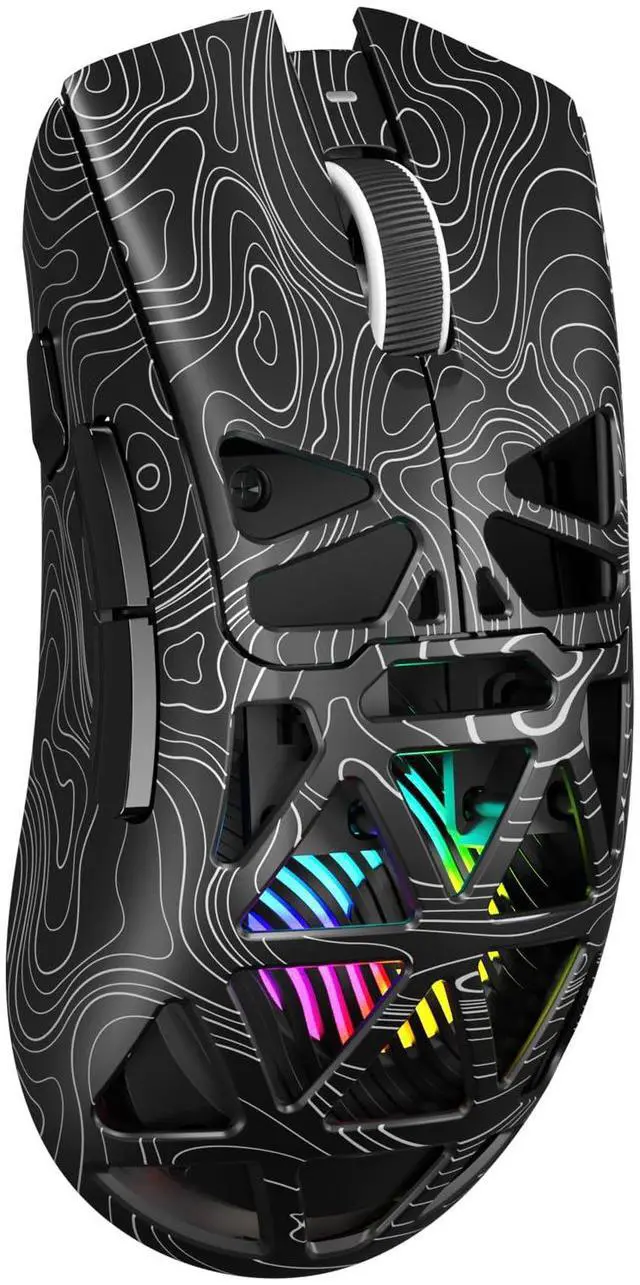
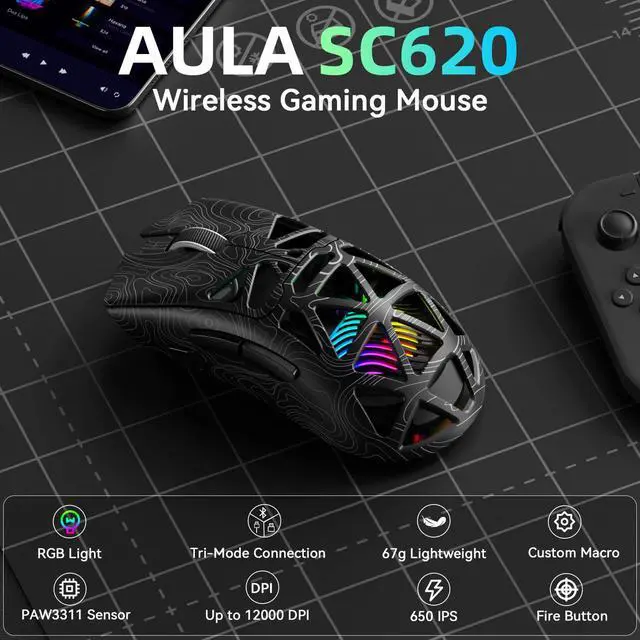
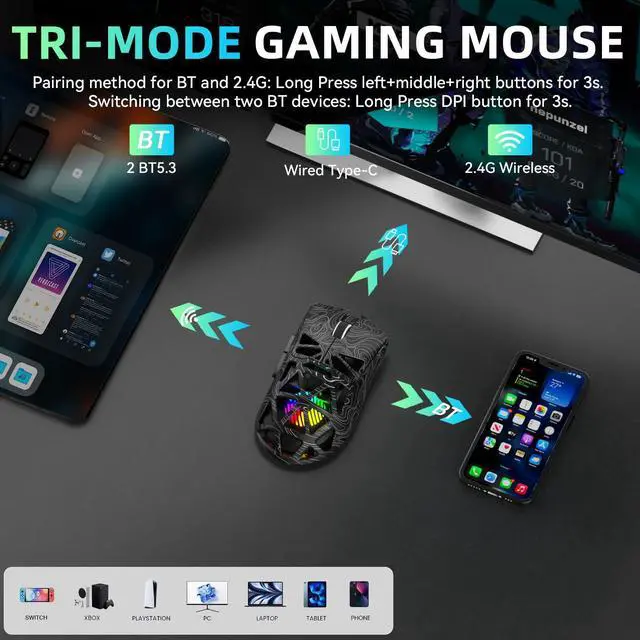
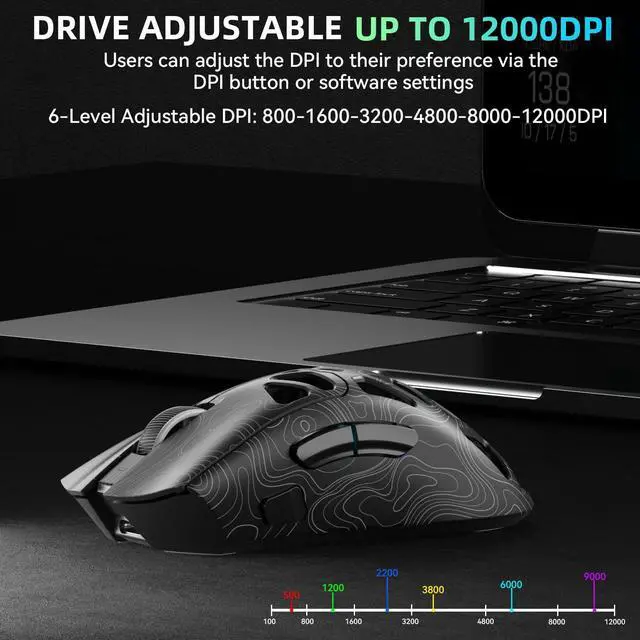
SC620 Wireless Gaming Mouse


Is this mouse suitable for users with large hands?
This mouse is designed specifically for users with medium-sized hands and those who use a claw or fingertip grip. Users with large hands or those who prefer a palm grip may find it relatively small.
The mouse size 122 × 64 × 40 mm
How do I adjust the RGB backlight?
Use the middle button + forward button combination to adjust it.
Short press: Cycle through lighting effects
Long press (3 seconds): Turn the backlight on/off
The driver supports 7 lighting effects
How do I use the fire button on this mouse?
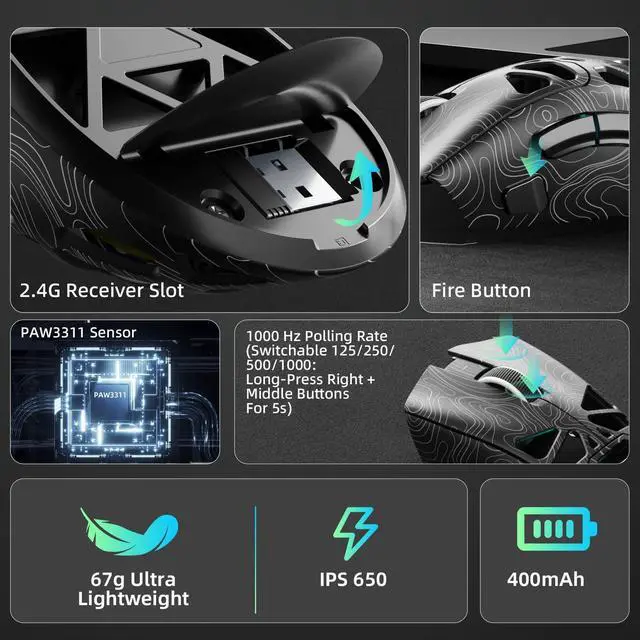
This SC620 wireless gaming mouse, holding down the fire button triggers automatic rapid-fire of the left button. You can also use the driver to customize the firing speed, number of shots, or assign other functions to the button.
Does it support driver programming?
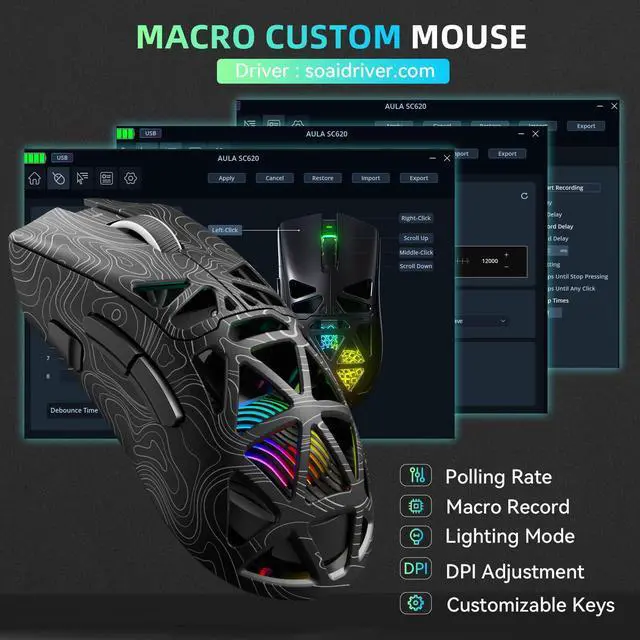
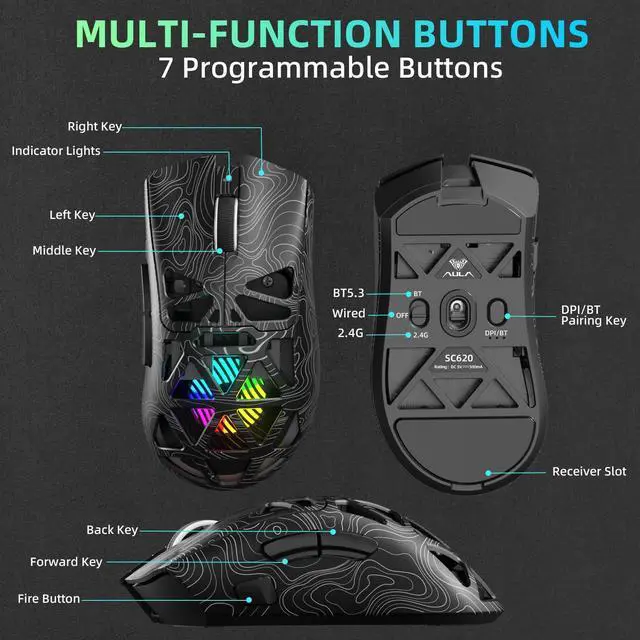
Yes, this mouse supports customizable macros. It has 7 programmable buttons. Driver download : soaidriver.com


Is this mouse suitable for users with large hands?
This mouse is designed specifically for users with medium-sized hands and those who use a claw or fingertip grip. Users with large hands or those who prefer a palm grip may find it relatively small.
The mouse size 122 × 64 × 40 mm
How do I adjust the RGB backlight?
Use the middle button + forward button combination to adjust it.
Short press: Cycle through lighting effects
Long press (3 seconds): Turn the backlight on/off
The driver supports 7 lighting effects
How do I use the fire button on this mouse?
This SC620 wireless gaming mouse, holding down the fire button triggers automatic rapid-fire of the left button. You can also use the driver to customize the firing speed, number of shots, or assign other functions to the button.
Does it support driver programming?
Yes, this mouse supports customizable macros. It has 7 programmable buttons. Driver download : soaidriver.com
Strikonx keyboards and mice are beloved by remote workers and casual gamers alike—those who seamlessly switch between spreadsheets and battlefields, never compromising on speed or comfort. We firmly believe: great gear amplifies passion and unlocks limitless efficiency. The Strikonx brand draws inspiration from the X-shaped structure, symbolizing a steadfast promise: lightning-fast response when it matters most, with reliability you can count on.
H108 Silent & L99 Keyboard
A80 & Hero99 Magnetic Keyboard
SC620 Wireless Gaming Mouse