


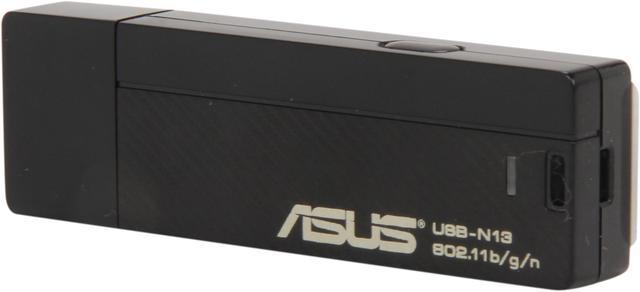
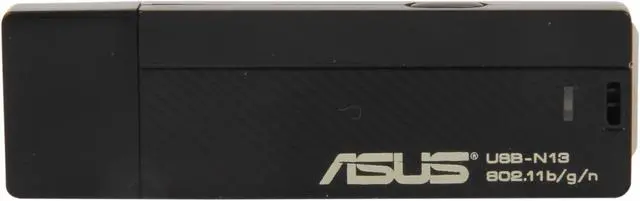
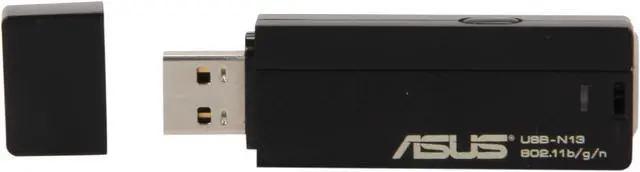
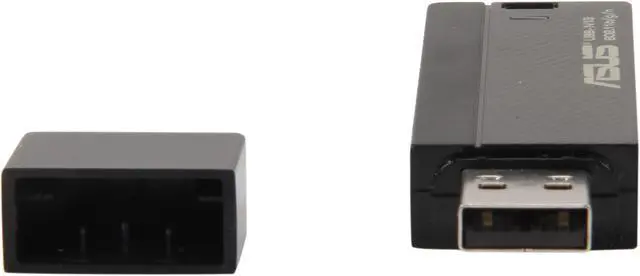
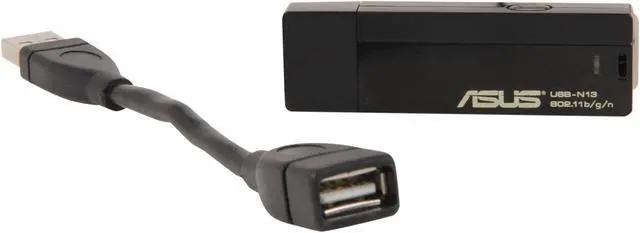
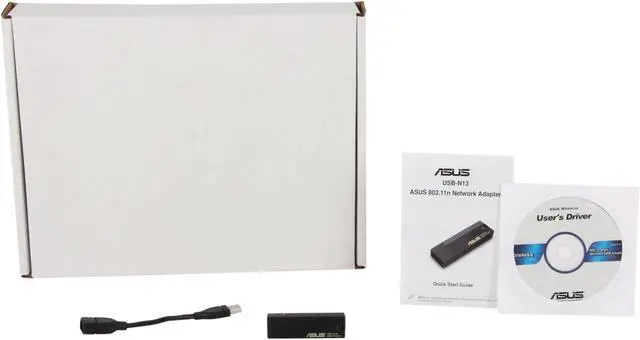


ASUS USB-N13
The ASUS USB-N13 is designed for fast and safe download, file transfer and media streaming with specially-designed internal antenna and WPA/WPA2 enterprise encryption. Configure Wi-Fi setting in steps with WPS hardware push button. With PSP XLink Kai Support, you can not only play games over your LAN but also over the internet. The built-in software also enables your WLAN adapter to be easily turned into a wireless AP for sharing. Compatible with common operating system such as Windows, Mac and Linux, you can plug it into almost any USB enabled computer.
300 Mbps Wireless-N
With MIMO (Multiple Input, Multiple Output) technology, USB-N13 provides you up to 300Mbps high speed transmission and wider coverage.

EZ WPS Wi-Fi Setup-Simply Insert, Simply Connect
Simply insert USB-N13 into your computer's USB port and hit on the WPS button on both your USB-N13 and router. In just two steps, a secure and protected wireless connection setting is done!

Software AP for Wireless Connection Sharing
When you are in business trip and would like to share your Internet access, the USB-N13 built-in software AP enables you to create a small WLAN environment and connect to the Internet via ICS (Internet Connection Sharing). Its ACL (Access Control List) and ICS (Internet Connection Sharing) let you easily manage your access authority and quickly enable your PC into a wireless access point.

PSP Xlink Kai Support
Xlink Kai is free software that enables PSP gamers to play system-link games via the Internet instead of via the LAN (Local Area Network. You only need to enable "PSP Xlink Mode" on ASUS utility, and then you can enjoy the games wirelessly with worldwide games through Xlink server.
*Team XLink is a collaborate project of gaming enthusiasts that offers software and services free of charge for console gameplay over the Internet.
