here!
I’m your shopping assistant for PC builds, upgrades, and everything tech.
Got questions? Ask away!
Start a conversation
here!
I’m your shopping assistant for PC builds, upgrades, and everything tech.
Got questions? Ask away!
Start a conversation





Any questions? Ask CelesteSM will help you find out quickly.

Is the cable bidirectional?
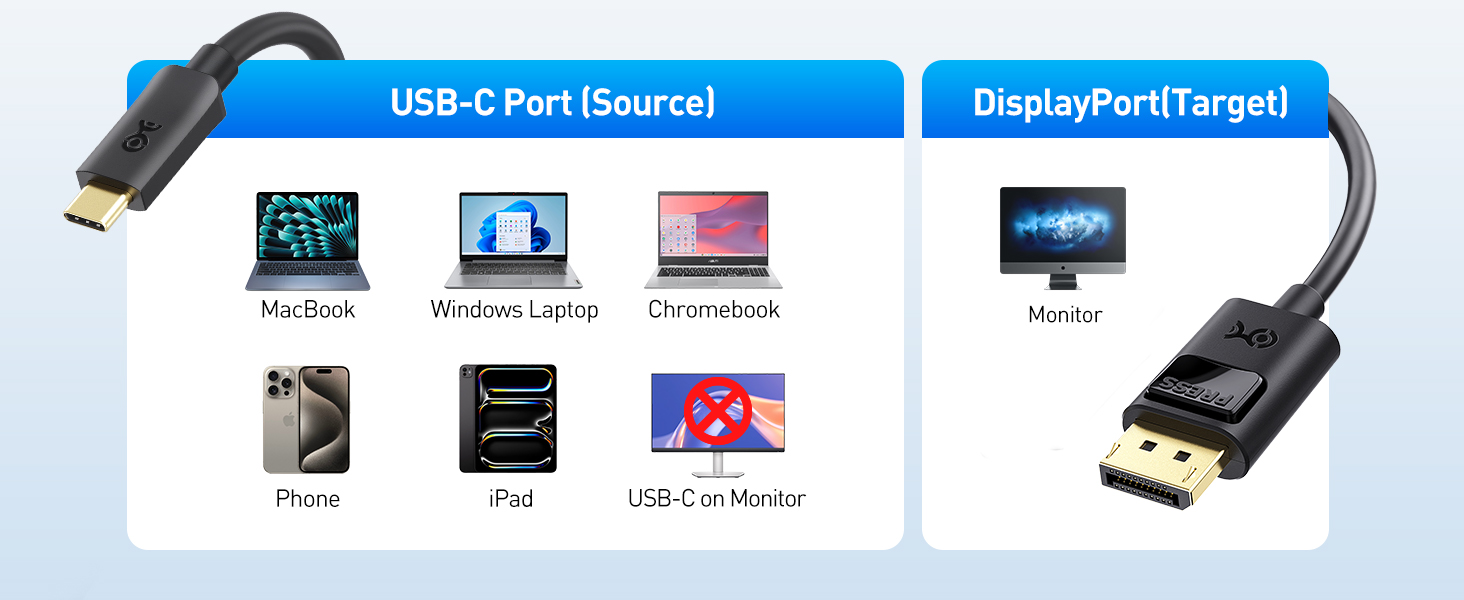
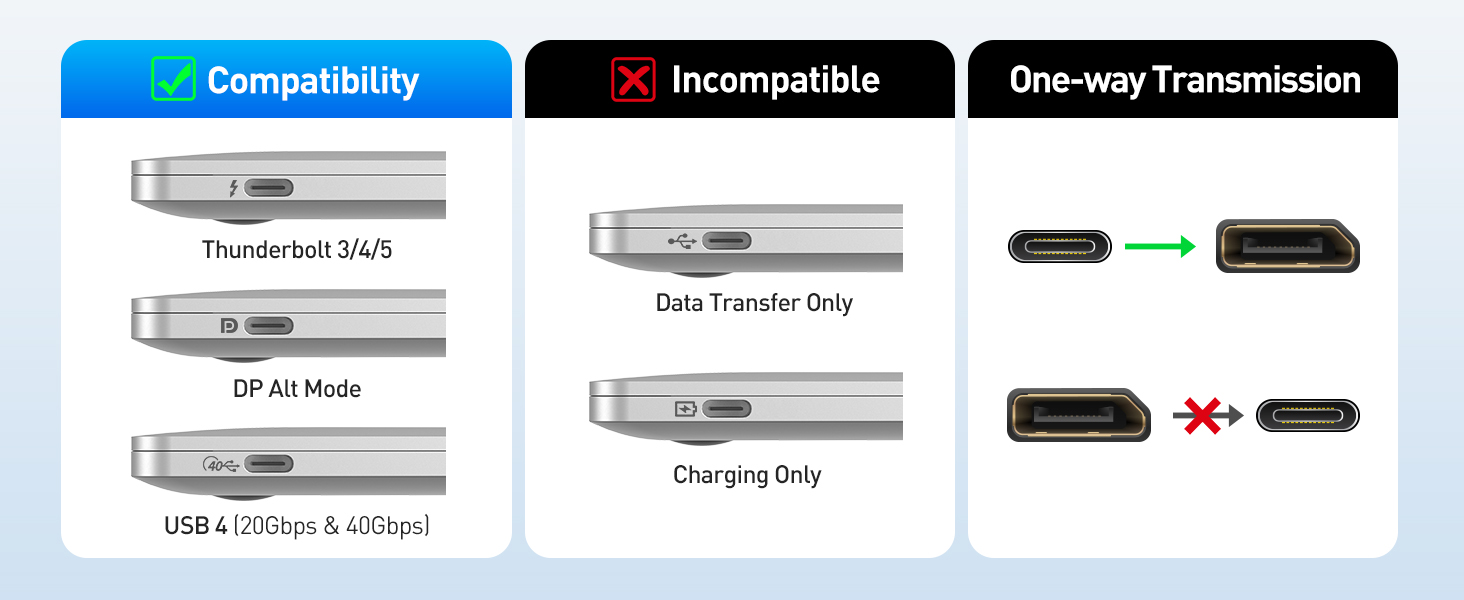
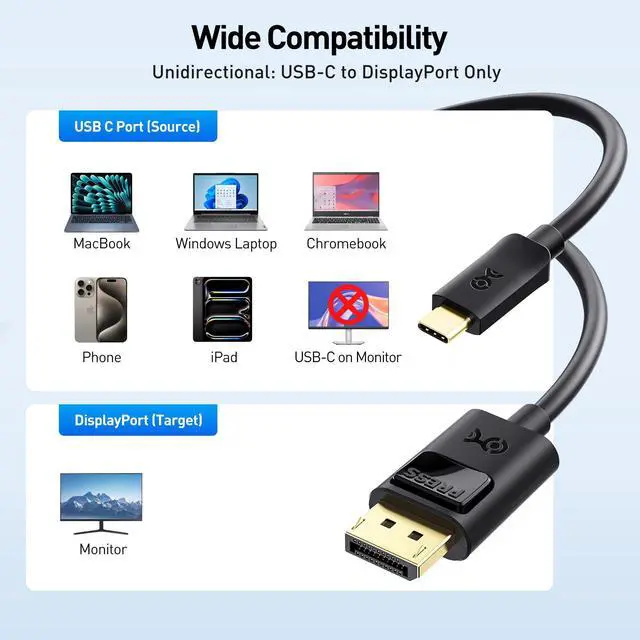
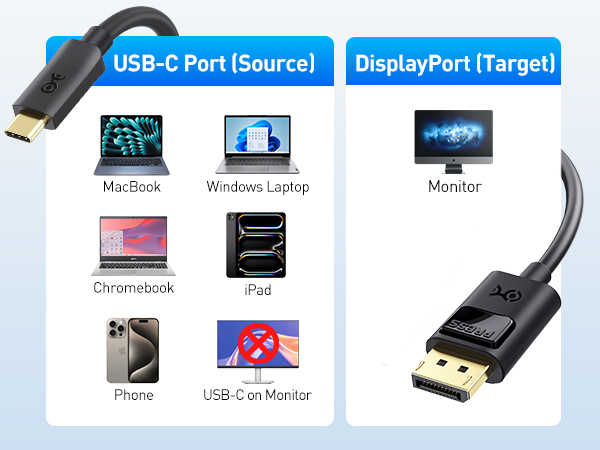
No. This cable is unidirectional. It only works from a USB-C or Thunderbolt 3/4/5 port (source) to a DisplayPort monitor (display). It does not work in reverse or with USB-C monitors.
Will this work with Apple Studio Display or a portable USB-C monitor?
No. These displays use USB-C/Thunderbolt input, not DisplayPort. This cable only works from a USB-C source to a DisplayPort monitor.
Why am I not getting 8K@60Hz, 4K@240Hz, or HDR?
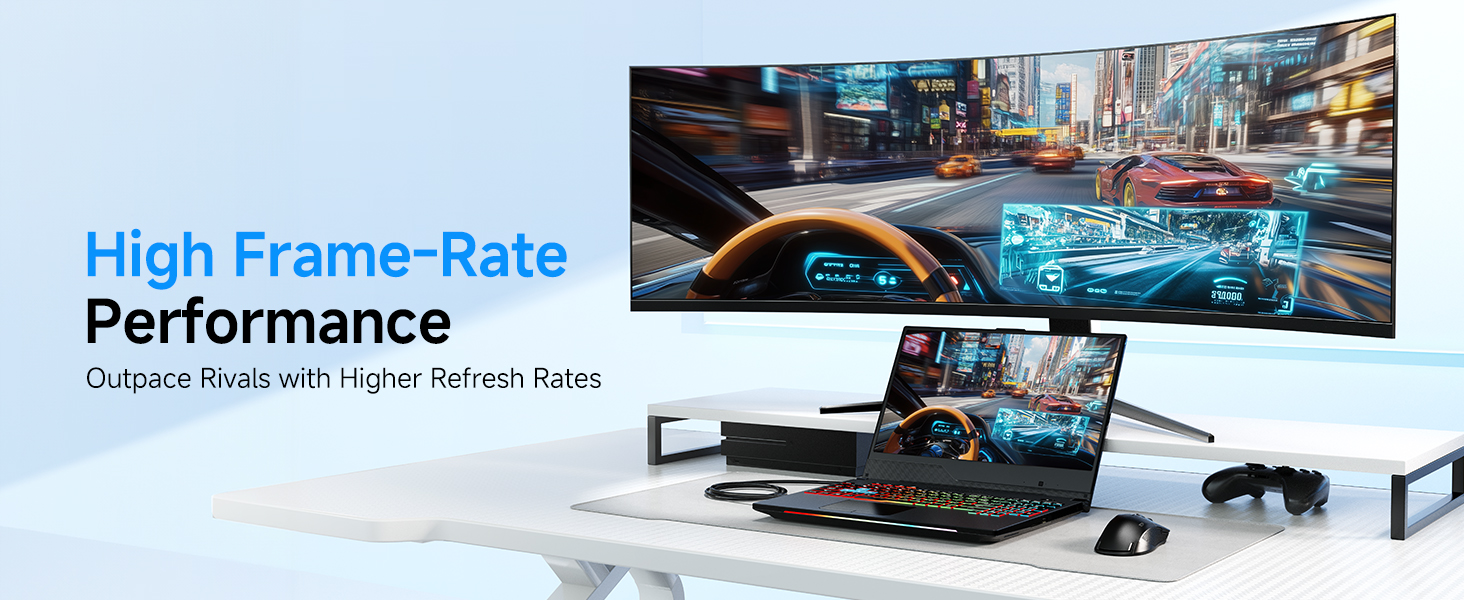
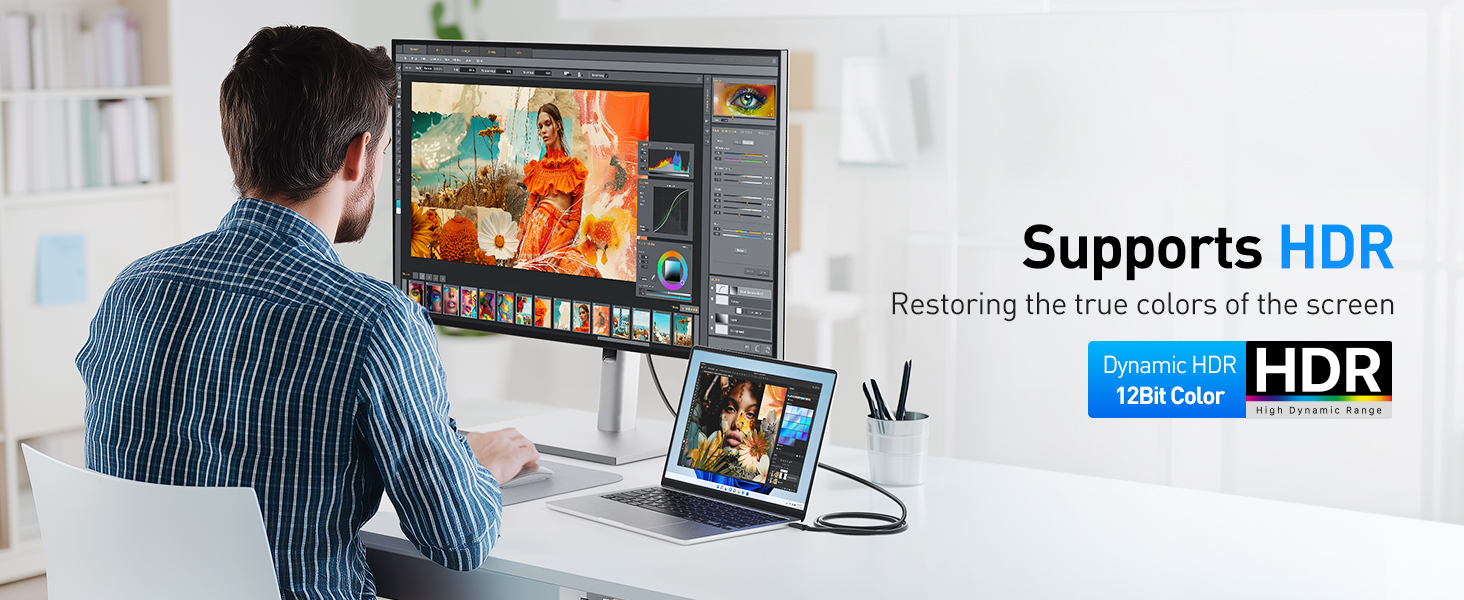
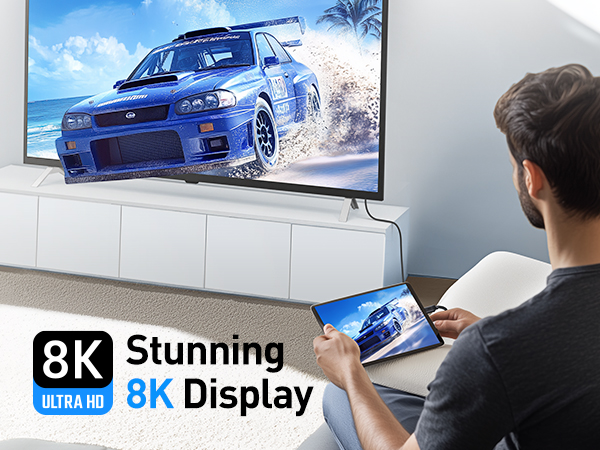
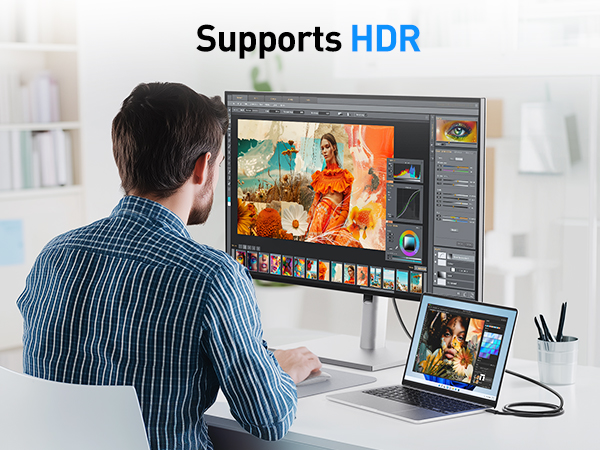
Ensure your device supports DP 1.4 HBR3 + DSC, your monitor supports the target mode, and you’re using a direct connection. Update drivers and firmware if needed.
The cable flickers or shows no video on Thunderbolt 3 laptops.
Update your BIOS, Thunderbolt firmware, Thunderbolt driver, and graphics driver from the laptop manufacturer’s support site to restore proper video output.
Can I use this cable with a USB-C hub or docking station?
Yes, if the hub or dock’s USB-C/Thunderbolt port supports video output (DP Alt Mode). Power-only or data-only ports do not support video.
 USB-C to DP 1.4 Cable |  USB-C to DP 2.1 Cable |  USB-C to DP 2.1 Cable |  USB-C to DP 2.1 Cable |  USB C to DP 2.1 Adapter | 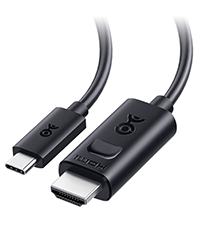 USB-C to HDMI 2.1 Cable |  USB-C to HDMI 2.1 Cable | |
|---|---|---|---|---|---|---|---|
Customer Reviews | — | — | — | — | — | — | — |
Price | — | — | — | — | — | — | — |
TB5/TB4 Compatible | ? | ? | ? | ? | ? | ? | ? |
Max Video Resolution | 8K@60Hz / 4K@240Hz (32.4Gbps) | 8K@120Hz / 4K@480Hz (40Gbps) | 8K@165Hz / 4K@480Hz (54 Gbps) | 8K@120Hz / 4K@480Hz (40Gbps) | 16K@60Hz, 8K@240Hz (80Gbps) | 8K@60Hz / 4K@240Hz | 8K@60Hz / 4K@240Hz |
Video Ports | DisplayPort | DisplayPort | DisplayPort | DisplayPort | DisplayPort | HDMI | HDMI |
Computer Systems | All OS | All OS | All OS | All OS | All OS | All OS | Built-in Firmware for macOS |
Bidirectional Support | ? | ? | ? | ? | ? | ? | ? |
Model No | 201036 | 201436 | 201456 | 201346 | 201386 | 201392 | 201462 |


Cable Matters, with headquarters in Ocoee, Florida, offers a complete line of cables, adapters, docking stations, and networking products for the home, office, and data center. Cable Matters offers first-class, quality, and affordable products backed by an exceptional customer experience.
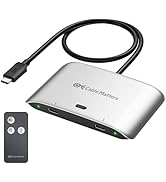


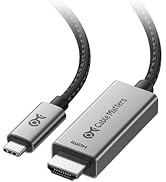

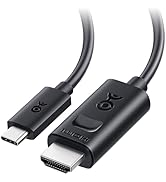



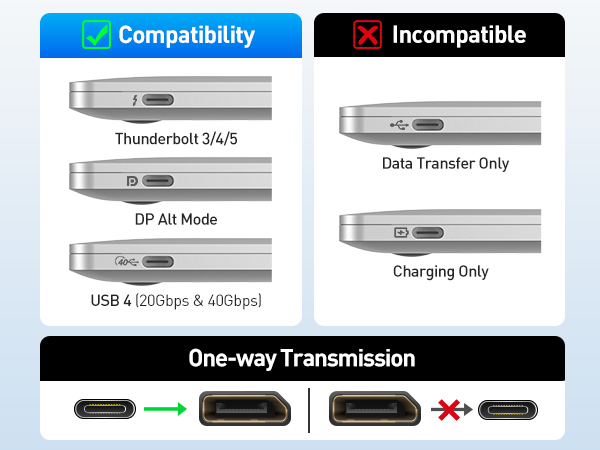
Is the cable bidirectional?
No. This cable is unidirectional. It only works from a USB-C or Thunderbolt 3/4/5 port (source) to a DisplayPort monitor (display). It does not work in reverse or with USB-C monitors.
Will this work with Apple Studio Display or a portable USB-C monitor?
No. These displays use USB-C/Thunderbolt input, not DisplayPort. This cable only works from a USB-C source to a DisplayPort monitor.
Why am I not getting 8K@60Hz, 4K@240Hz, or HDR?
Ensure your device supports DP 1.4 HBR3 + DSC, your monitor supports the target mode, and you’re using a direct connection. Update drivers and firmware if needed.
The cable flickers or shows no video on Thunderbolt 3 laptops.
Update your BIOS, Thunderbolt firmware, Thunderbolt driver, and graphics driver from the laptop manufacturer’s support site to restore proper video output.
Can I use this cable with a USB-C hub or docking station?
Yes, if the hub or dock’s USB-C/Thunderbolt port supports video output (DP Alt Mode). Power-only or data-only ports do not support video.
USB-C to DP 1.4 Cable | USB-C to DP 2.1 Cable | USB-C to DP 2.1 Cable | USB-C to DP 2.1 Cable | USB C to DP 2.1 Adapter | USB-C to HDMI 2.1 Cable | USB-C to HDMI 2.1 Cable |
|---|---|---|---|---|---|---|
| Customer Reviews | ||||||
| — | — | — | — | — | — | — |
| Price | ||||||
| — | — | — | — | — | — | — |
| TB5/TB4 Compatible | ||||||
| ? | ? | ? | ? | ? | ? | ? |
| Max Video Resolution | ||||||
| 8K@60Hz / 4K@240Hz (32.4Gbps) | 8K@120Hz / 4K@480Hz (40Gbps) | 8K@165Hz / 4K@480Hz (54 Gbps) | 8K@120Hz / 4K@480Hz (40Gbps) | 16K@60Hz, 8K@240Hz (80Gbps) | 8K@60Hz / 4K@240Hz | 8K@60Hz / 4K@240Hz |
| Video Ports | ||||||
| DisplayPort | DisplayPort | DisplayPort | DisplayPort | DisplayPort | HDMI | HDMI |
| Computer Systems | ||||||
| All OS | All OS | All OS | All OS | All OS | All OS | Built-in Firmware for macOS |
| Bidirectional Support | ||||||
| ? | ? | ? | ? | ? | ? | ? |
| Model No | ||||||
| 201036 | 201436 | 201456 | 201346 | 201386 | 201392 | 201462 |
Cable Matters, with headquarters in Ocoee, Florida, offers a complete line of cables, adapters, docking stations, and networking products for the home, office, and data center. Cable Matters offers first-class, quality, and affordable products backed by an exceptional customer experience.
| Brand | Cable Matters |
| Connector Type | Usb Type C, Displayport |
| Cable Type | USB |
| Compatible Devices | Laptop |
| Special Feature | Data Transfer, High Speed |
| Other Special Features of the Product | Data Transfer, High Speed |
| Compatible Phone Models | Iphone |
| Ethernet Cable Category | Cat 5 |
| Connector Gender | Male-to-Male |
| Data Transfer Rate | 1.5 gigabits_per_second |
| Number of Pins | 44 |
| Frequency | 60 hertz |
| Wattage | 20 watts |
| Connectivity Technology | USB |
| Recommended Uses For Product | Connecting computers to monitors or projectors, high-resolution video output, audio output, daisy-chaining multiple monitors |
| Specification Met | Industry Standards |
| Indoor Outdoor Usage | Indoor, Outdoor |
| Color | Black |
| Item Shape | Round |
| Brand Name | Cable Matters |
| Model Name | USB-C to DisplayPort Cable |
| Customer Package Type | FFP |
| Model | 201036-BLK-1.8m |
| Item Length | 6 feet |
| Manufacturer | Cable Matters |
| UPC | 682017352923 |
| Global Trade Identification Number | 00682017352923 |
| Part Number | 201036-BLK-1.8m |
| Unit Count | 6 Feet |
| Item Weight | 1.6 ounces |
| Number of Items | 1 |
| Outer Material | Rubber or Plastic |