Your Browsing History
Best Sellers
- $32.77
- + FREE SHIPPING
- $37.27
- + FREE SHIPPING
More Resources
+
+
Overview
Specs
Reviews (1)
See all Q & A
Any questions? Ask CelesteSM will help you find out quickly.
Try me now
MAIN OVERVIEW FEATURES: Host Interface: USBTotal Number of USB Ports: 3Number of USB 2.0 Ports: 3Form Factor: ExternalHeight: 1"Width: 2.6"Depth: 2.8"Platform Supported: PC,Mac
Warranty & Returns
Warranty, Returns, And Additional Information
Warranty
- Limited Warranty period (parts): 3 years
- Limited Warranty period (labor): 3 years
- Read full details
Return Policies
- Return for refund within: 30 days
- Return for replacement within: 30 days
- This item is covered by Newegg.com's 30-Day Return Policy.
- Read full return policy for details.
Manufacturer Contact Info
- Manufacturer Product Page
- Manufacturer Website
- Support Phone: 1-888-999-2836
- Support Website
- View other products from ATEN
LOADING...
LOADING...
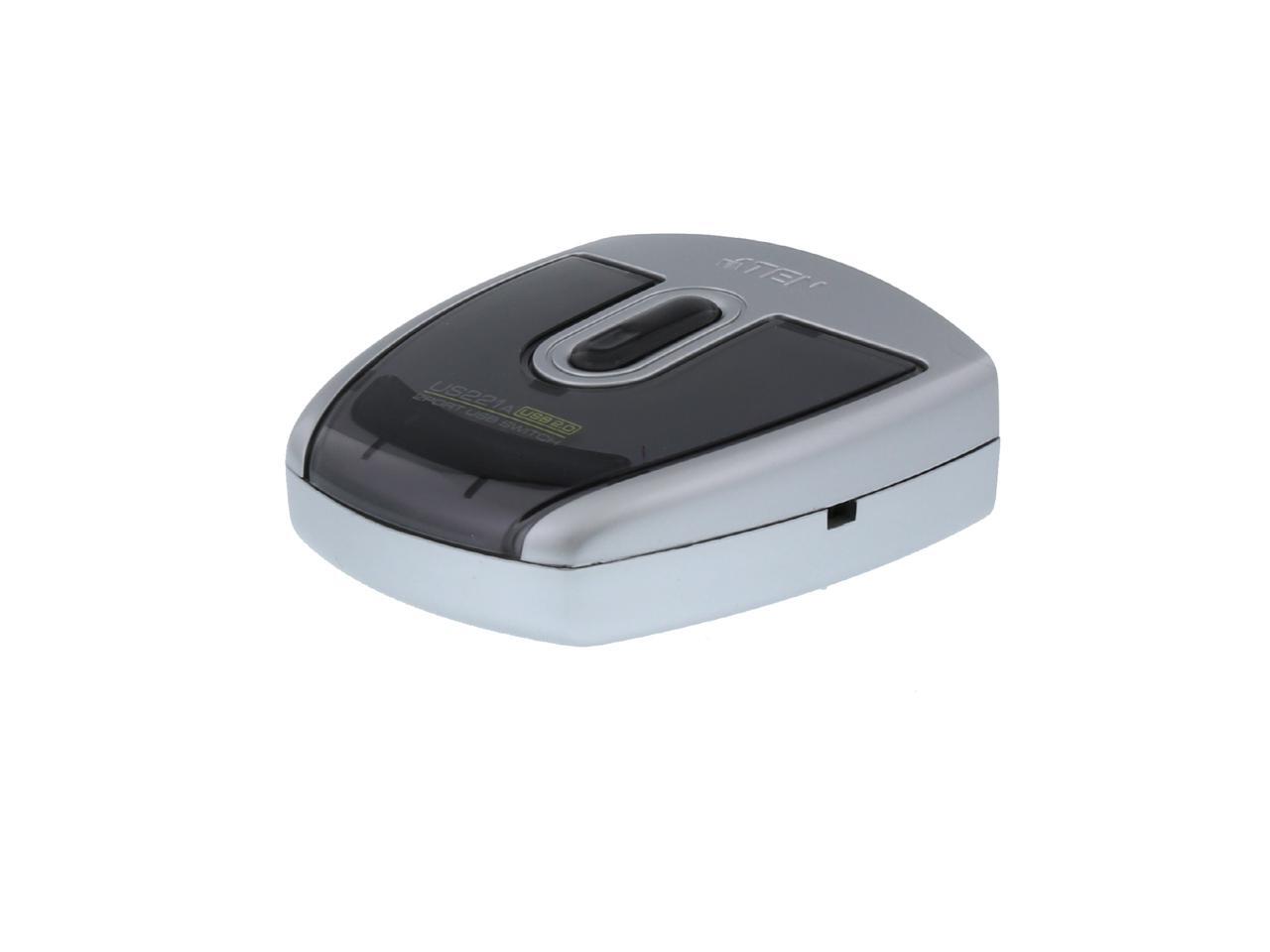
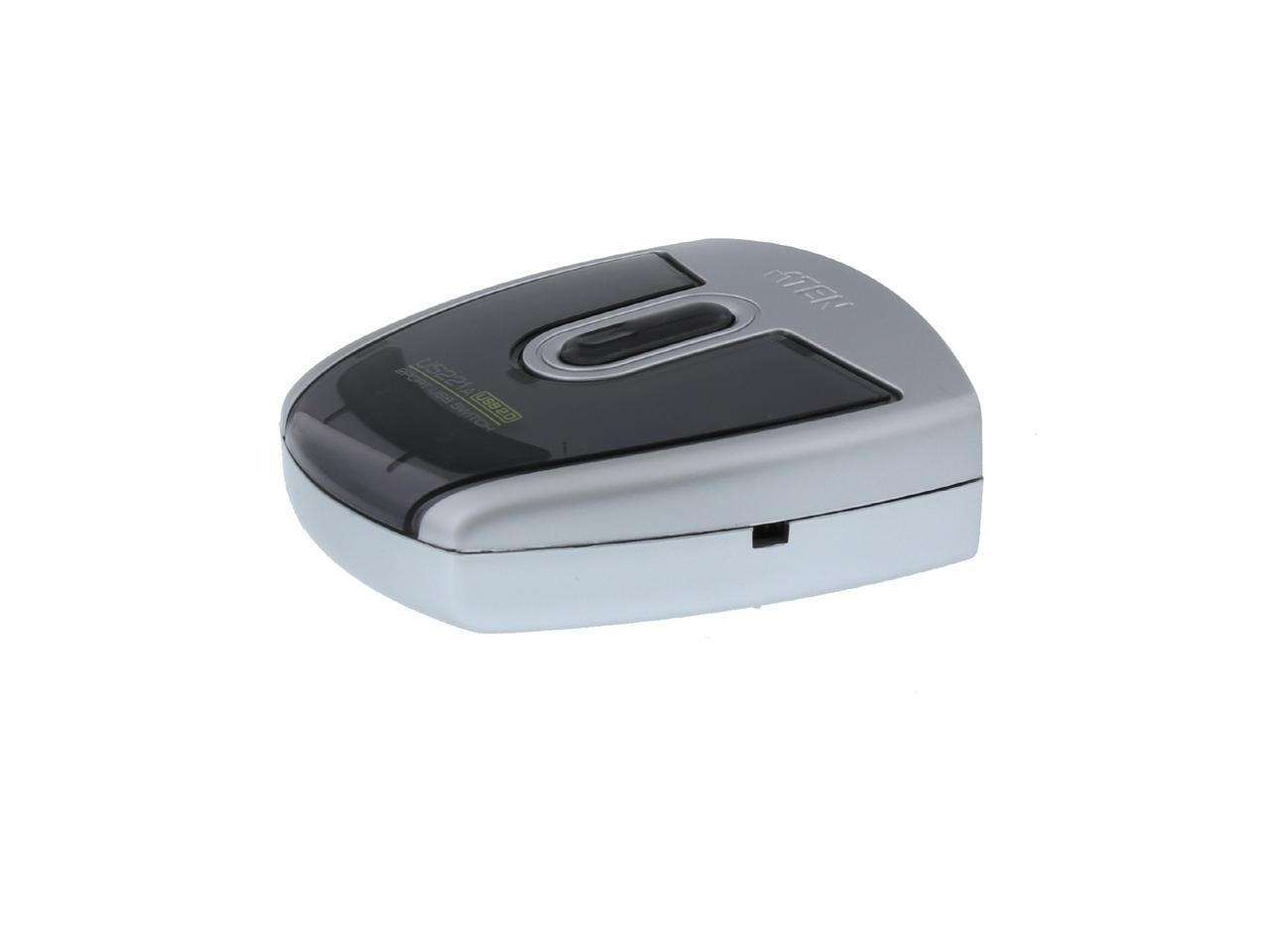
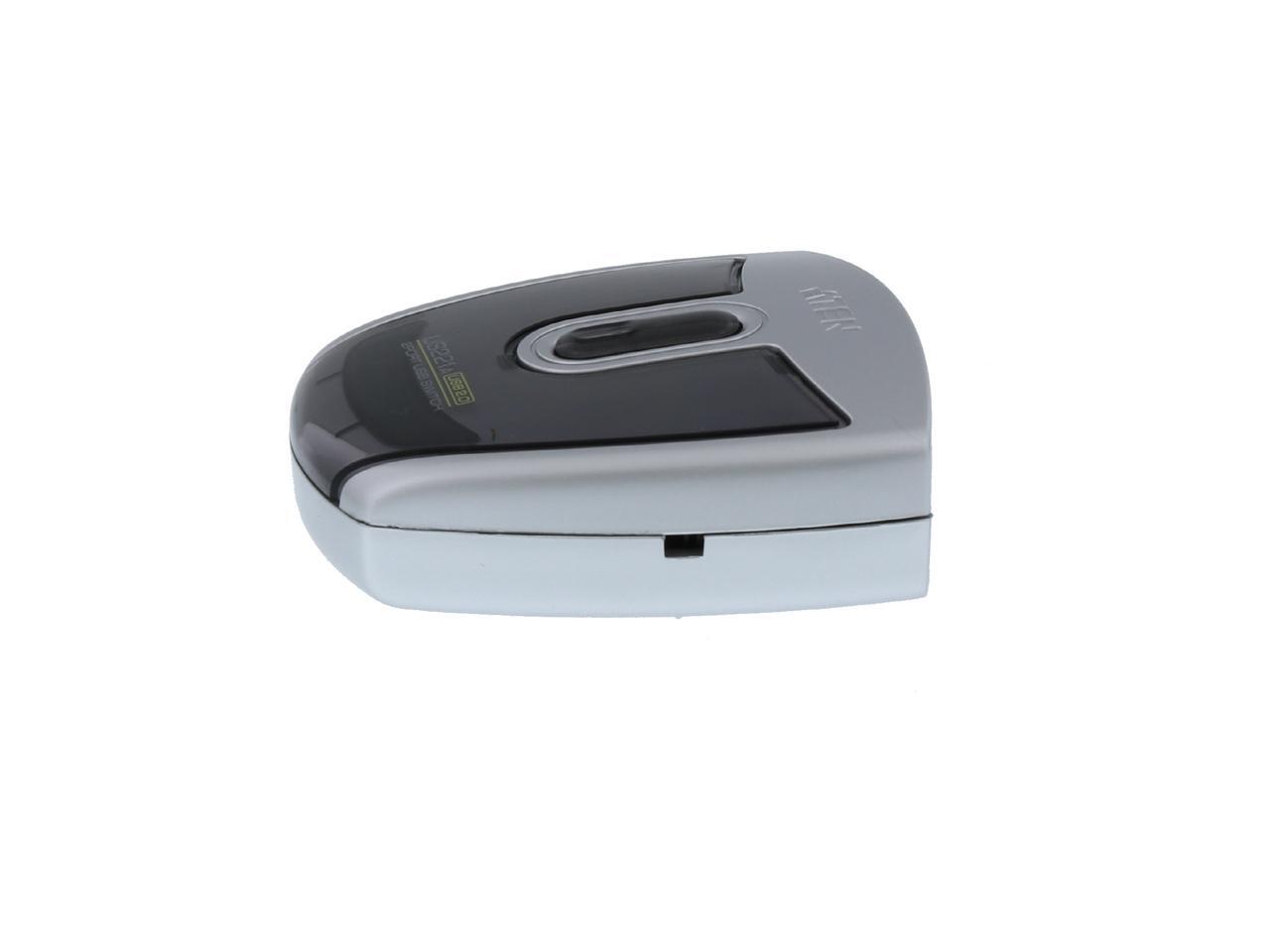
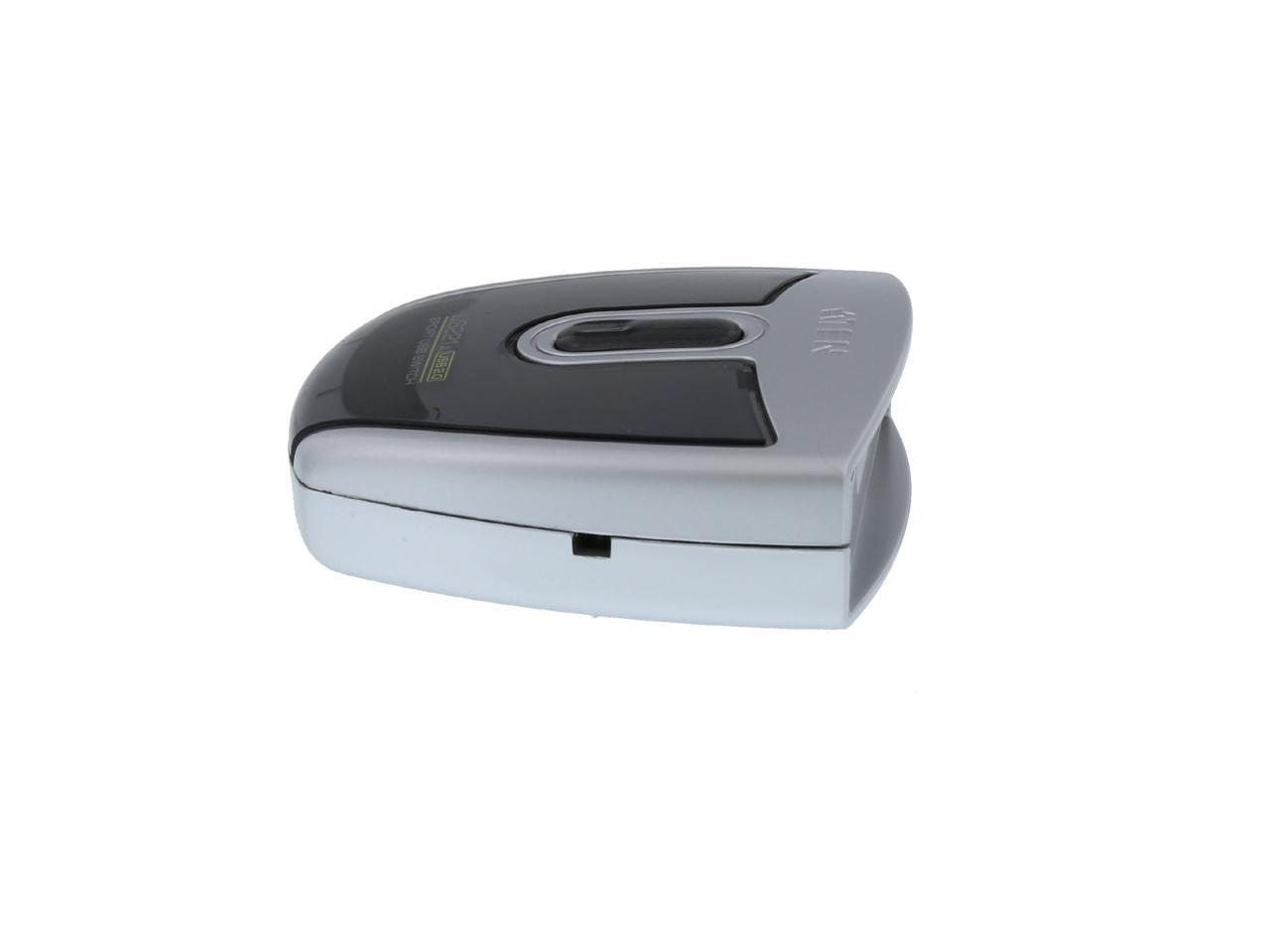
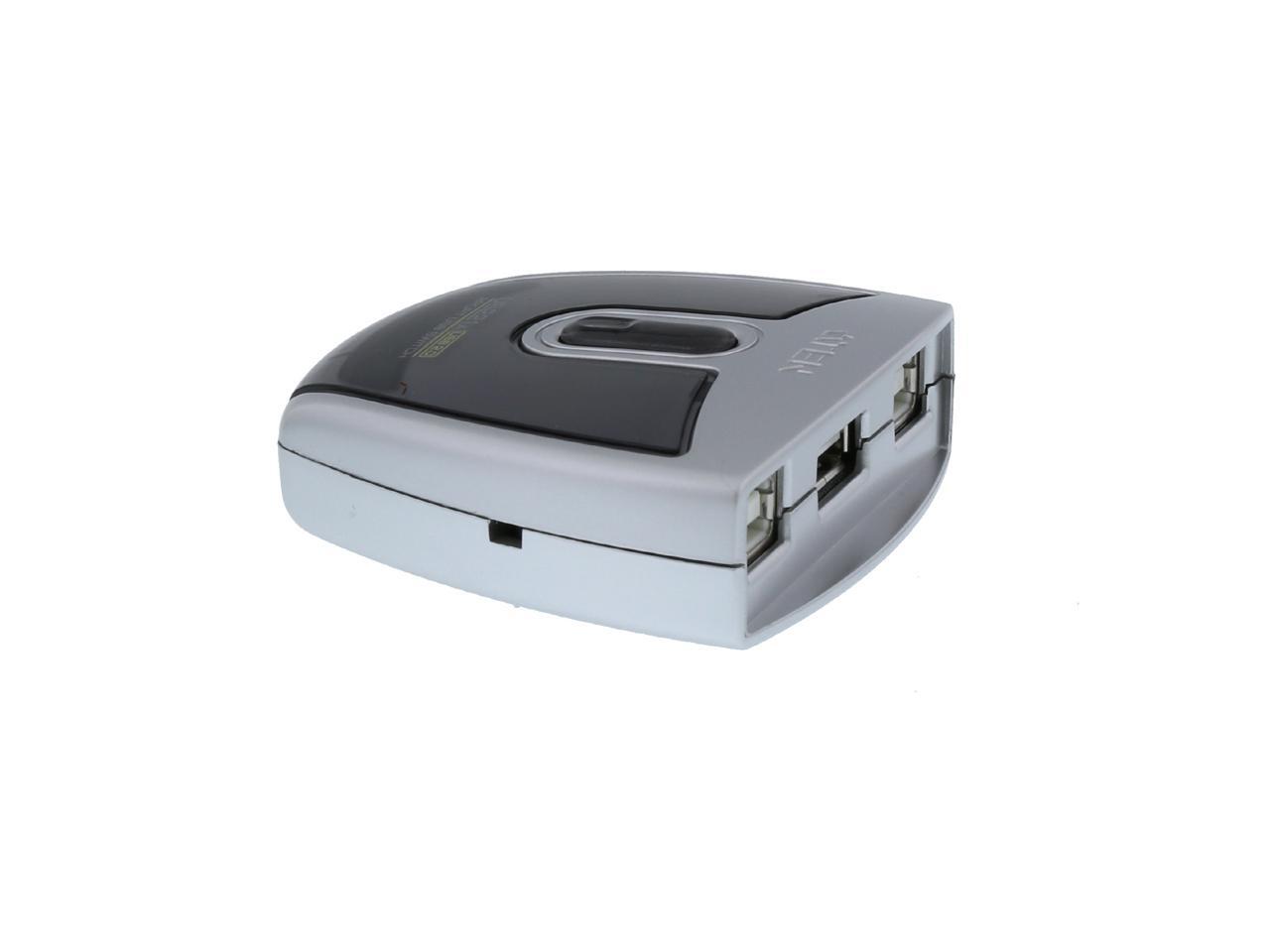
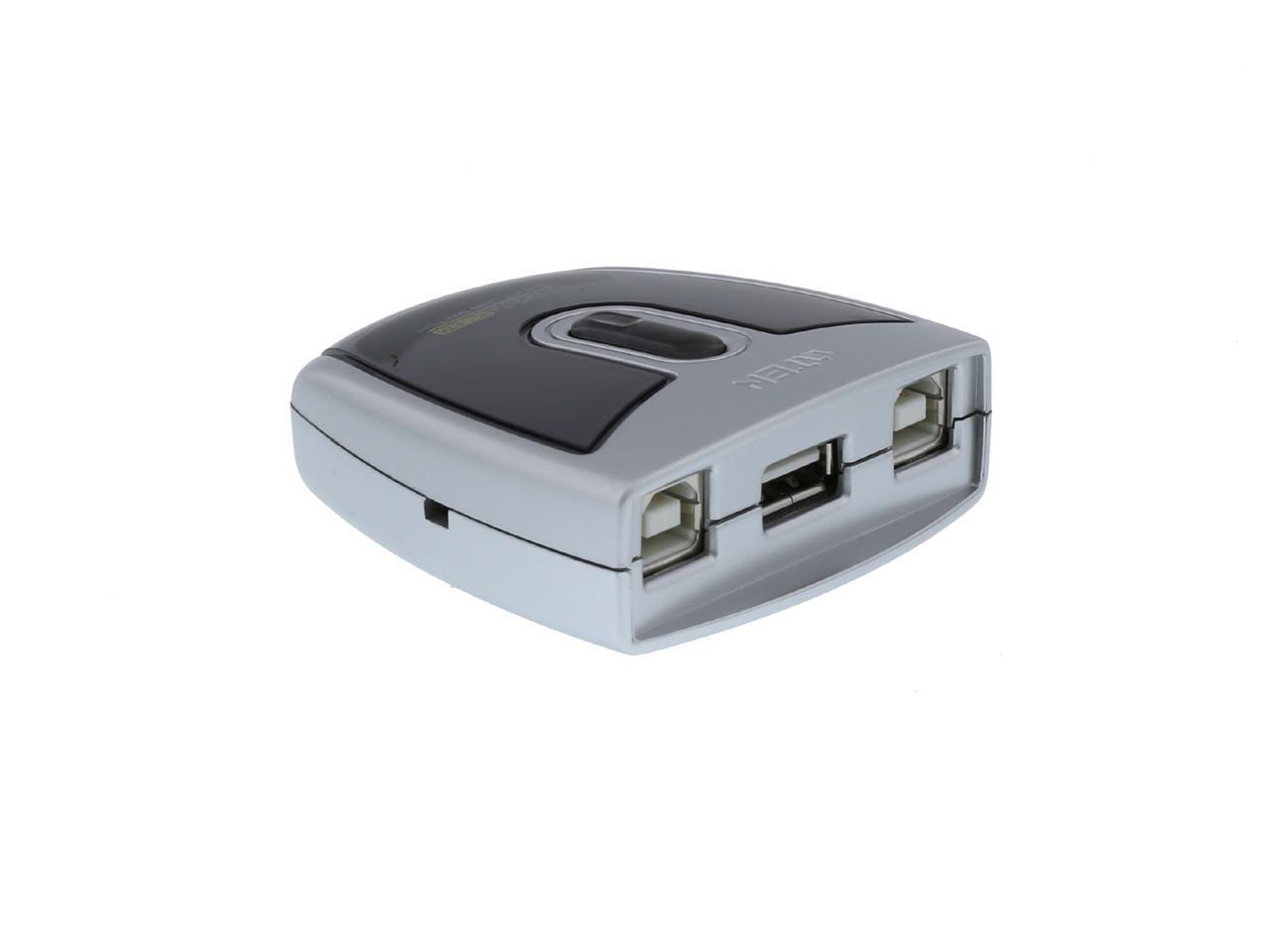
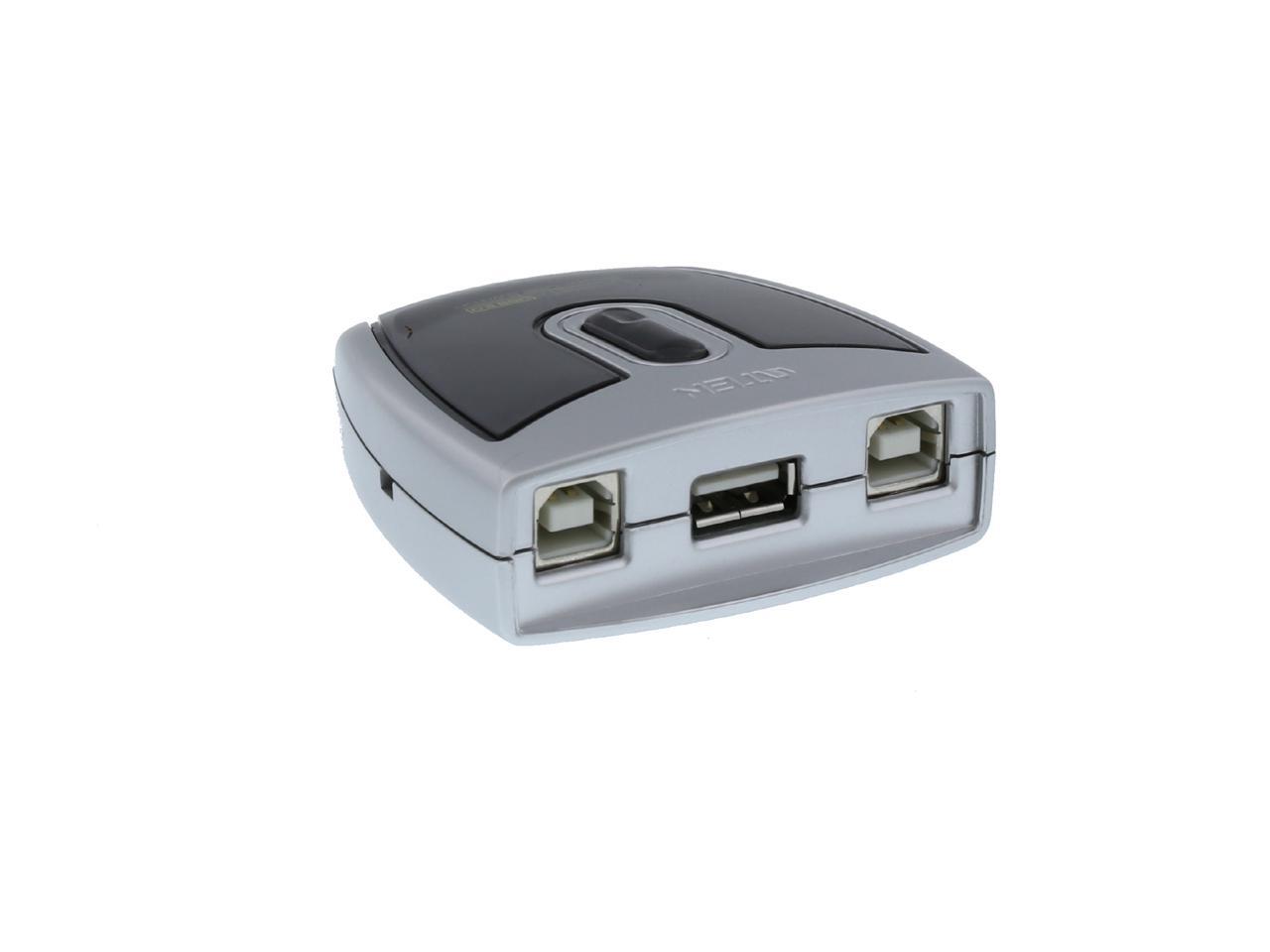
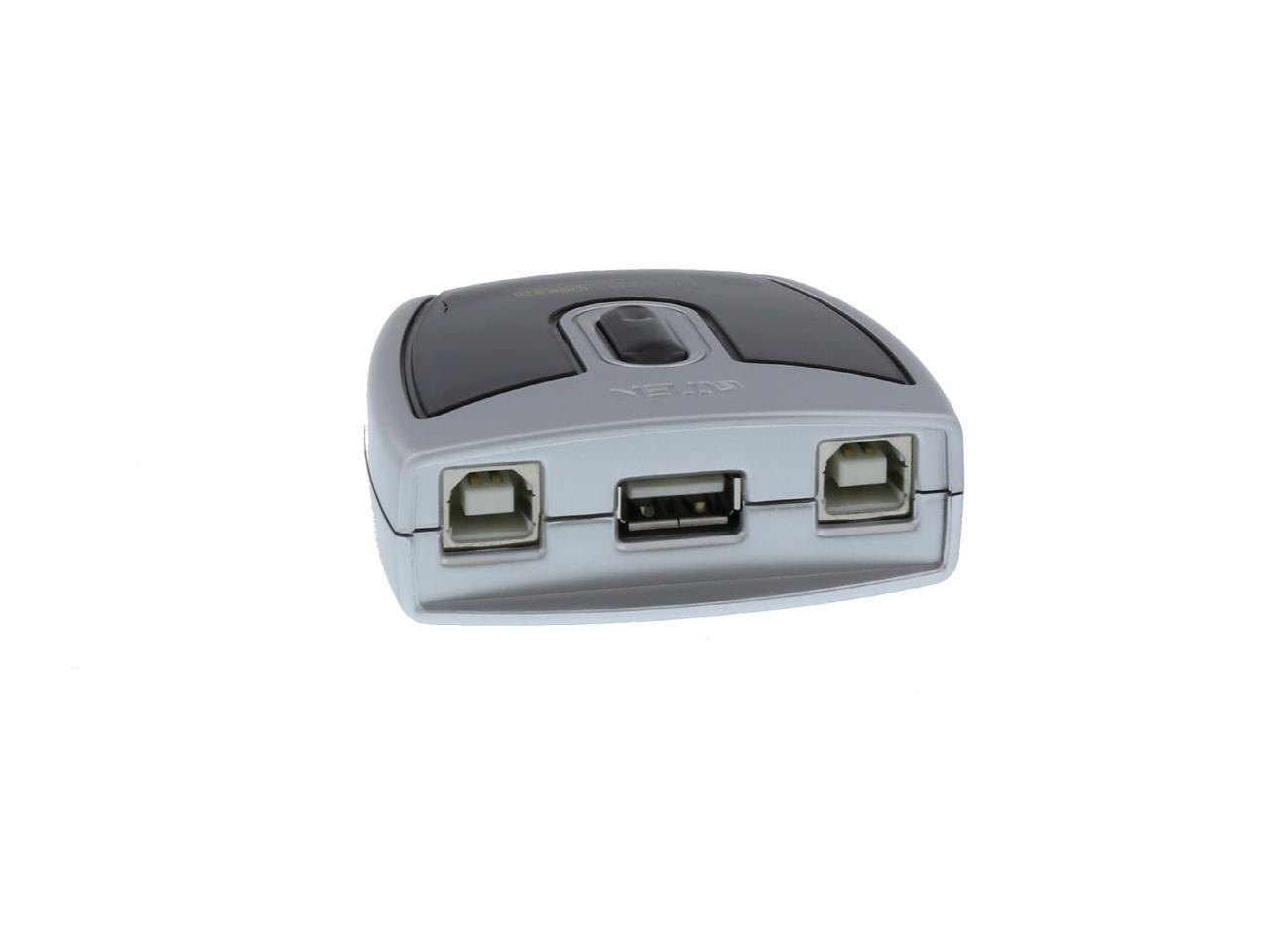
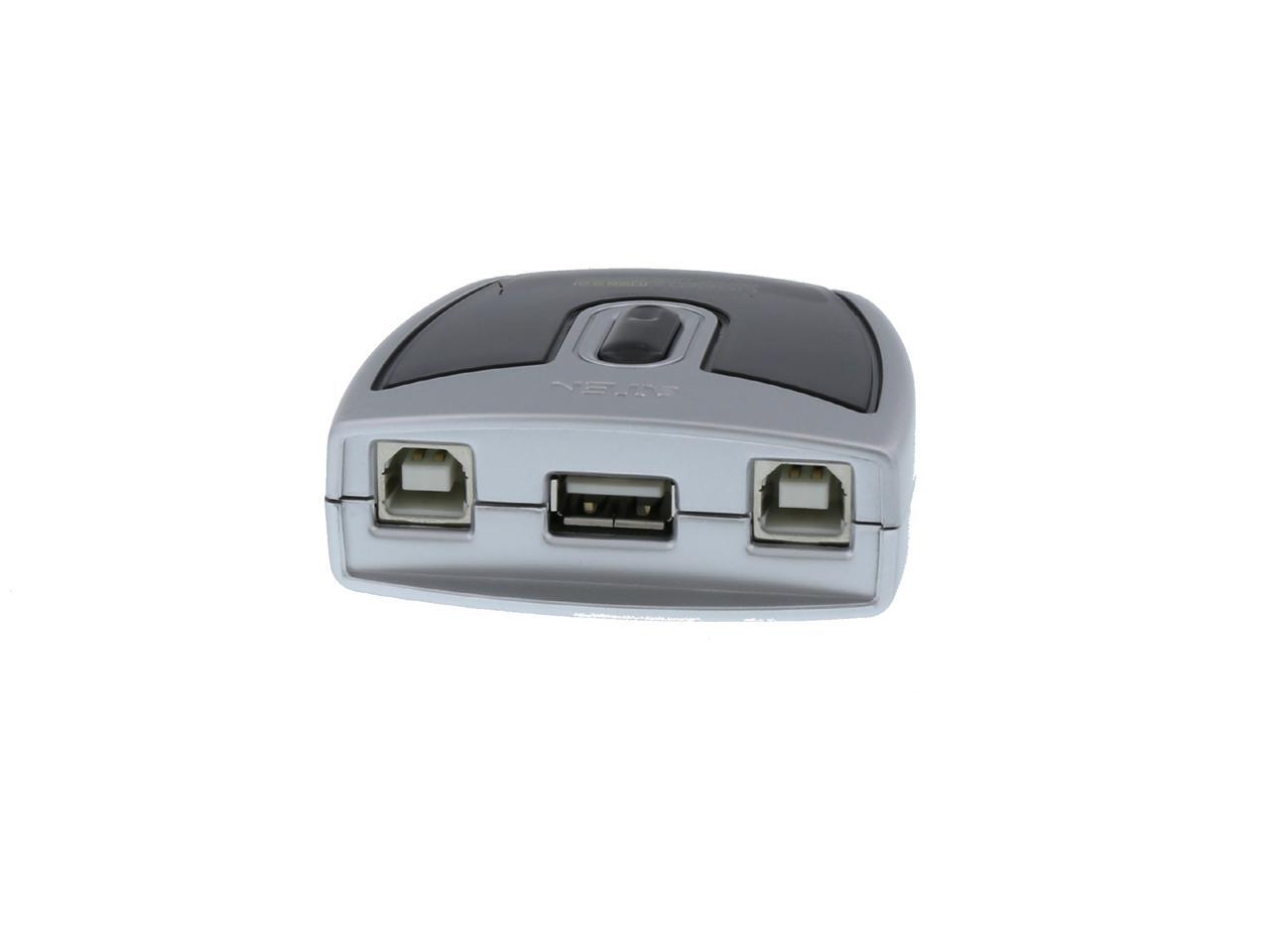
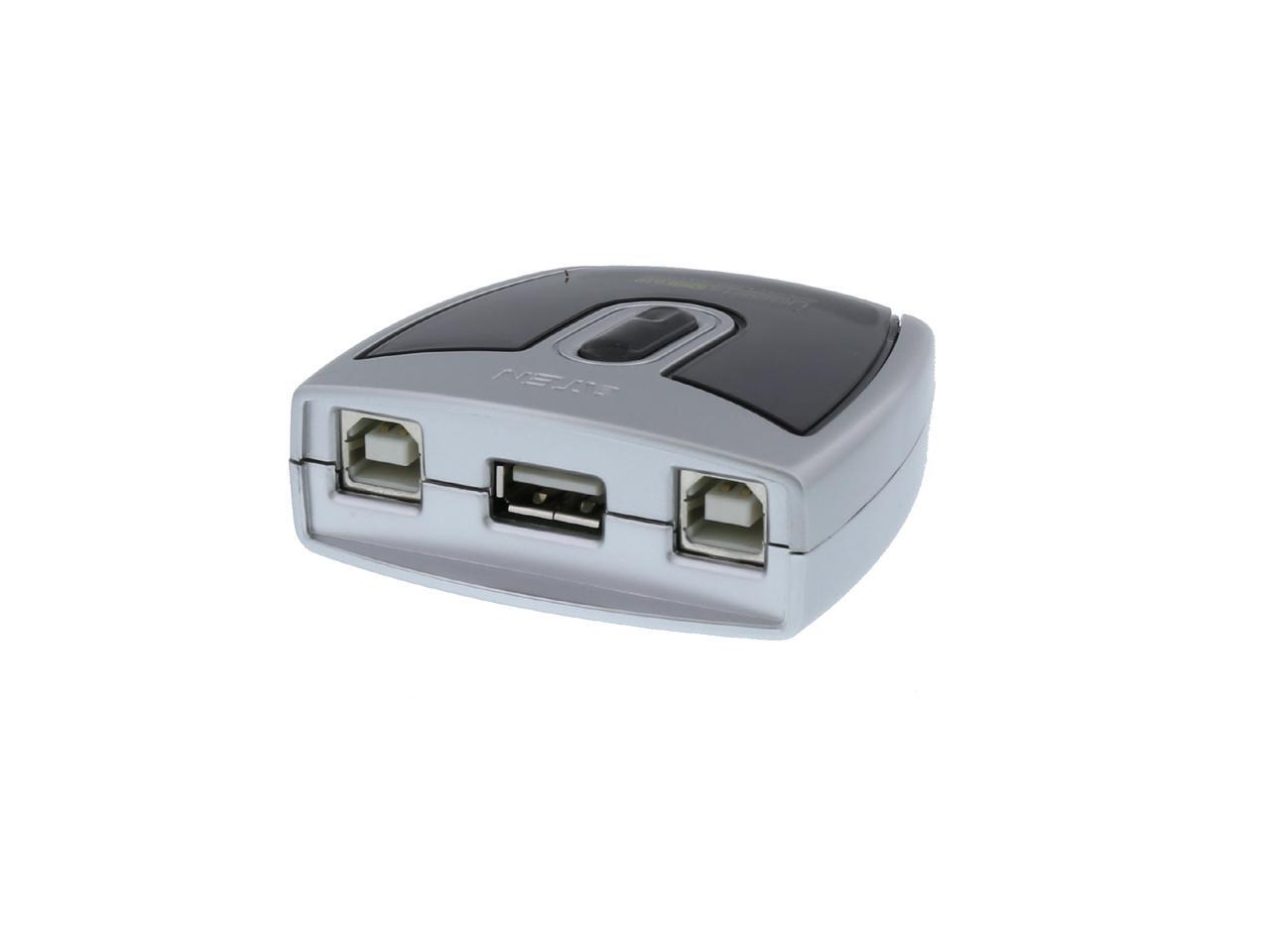
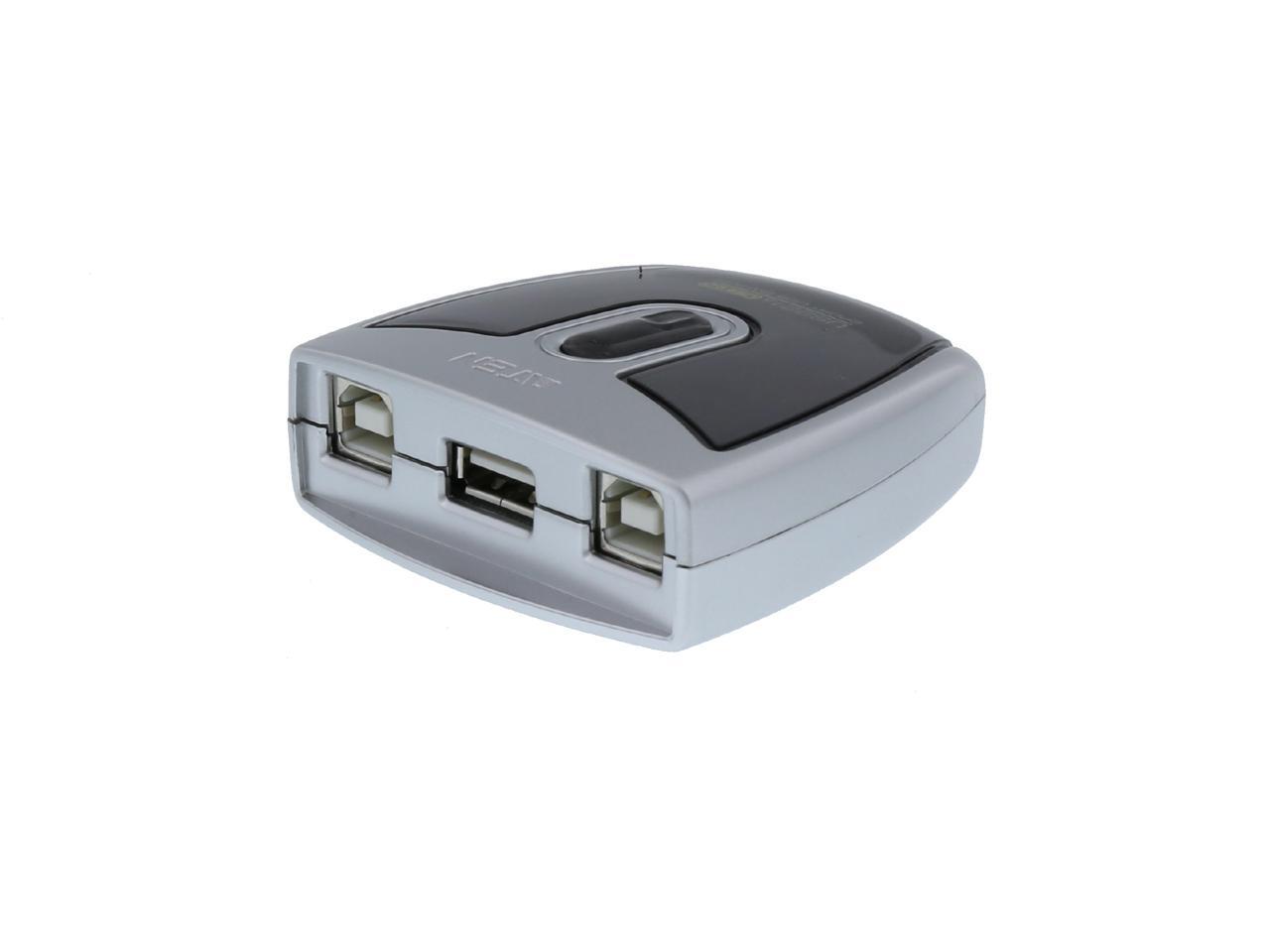
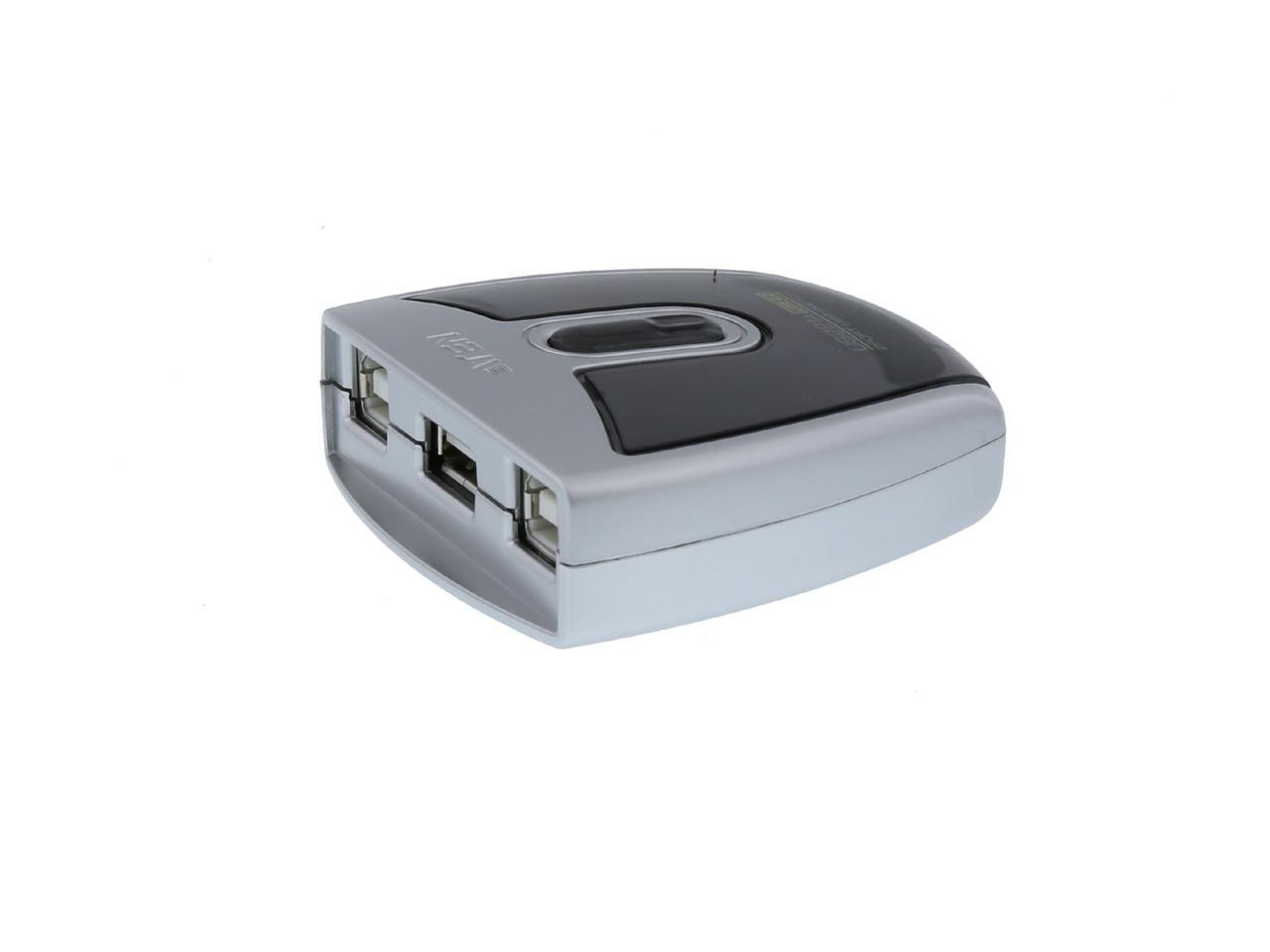
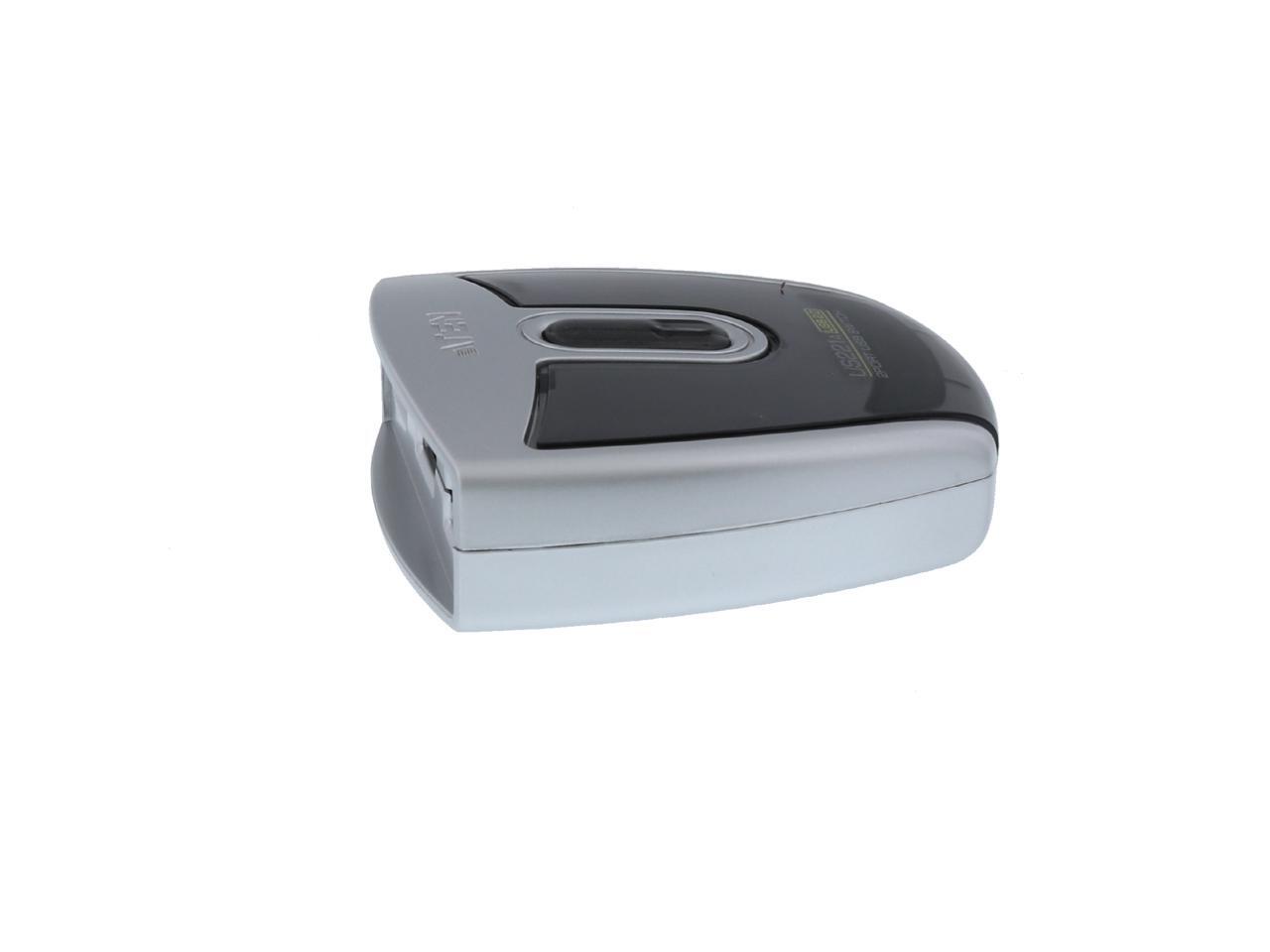
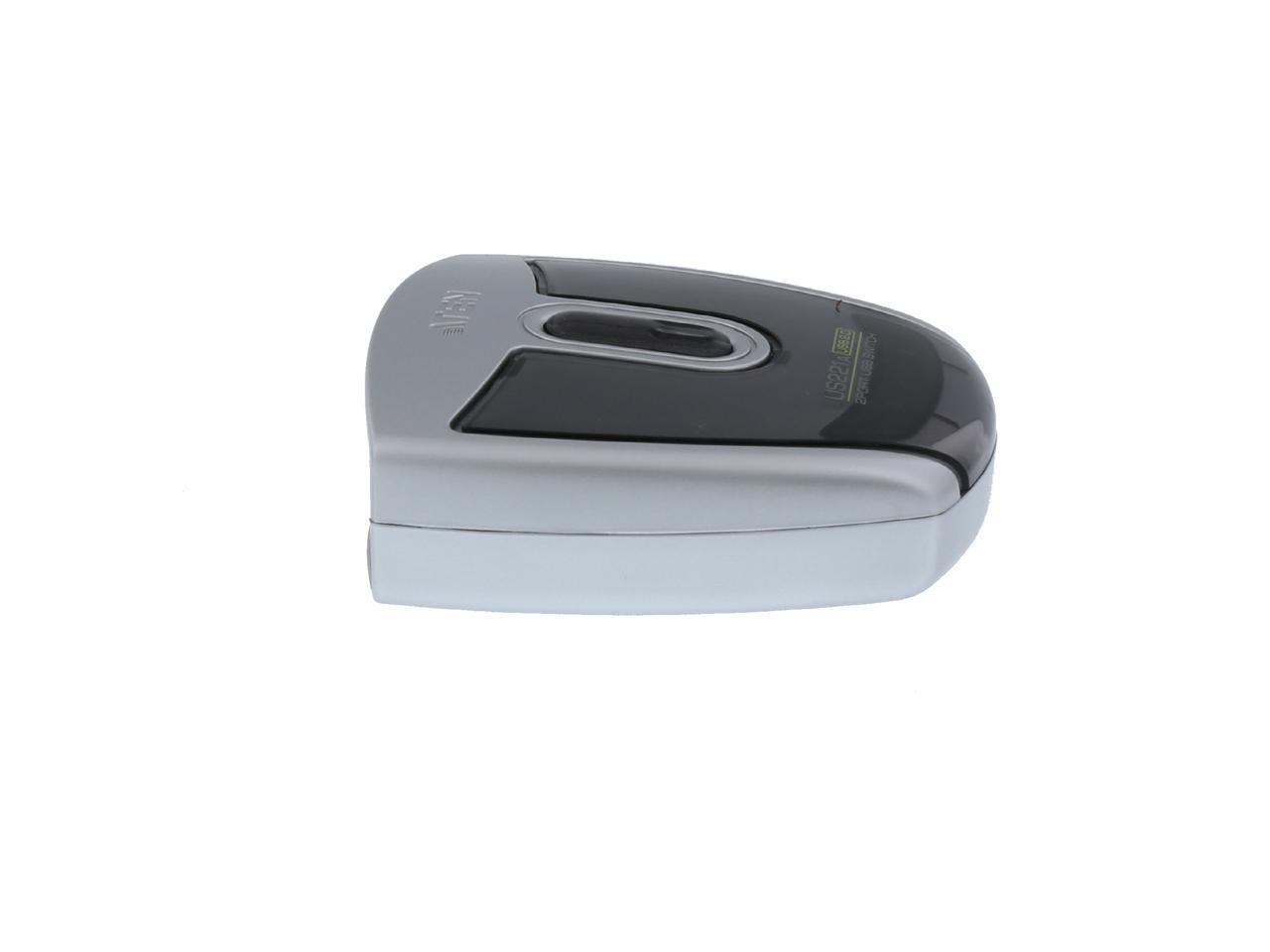
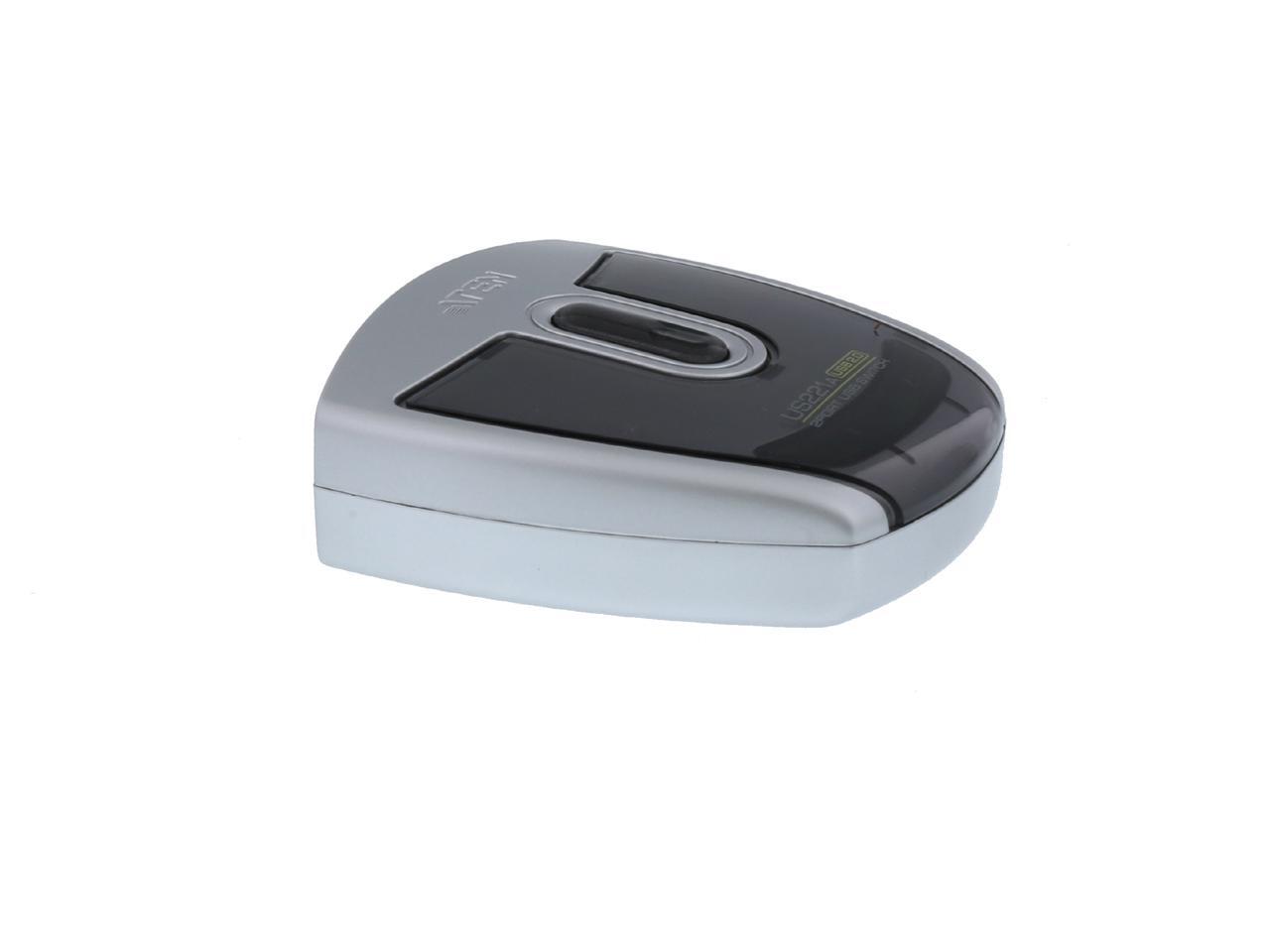
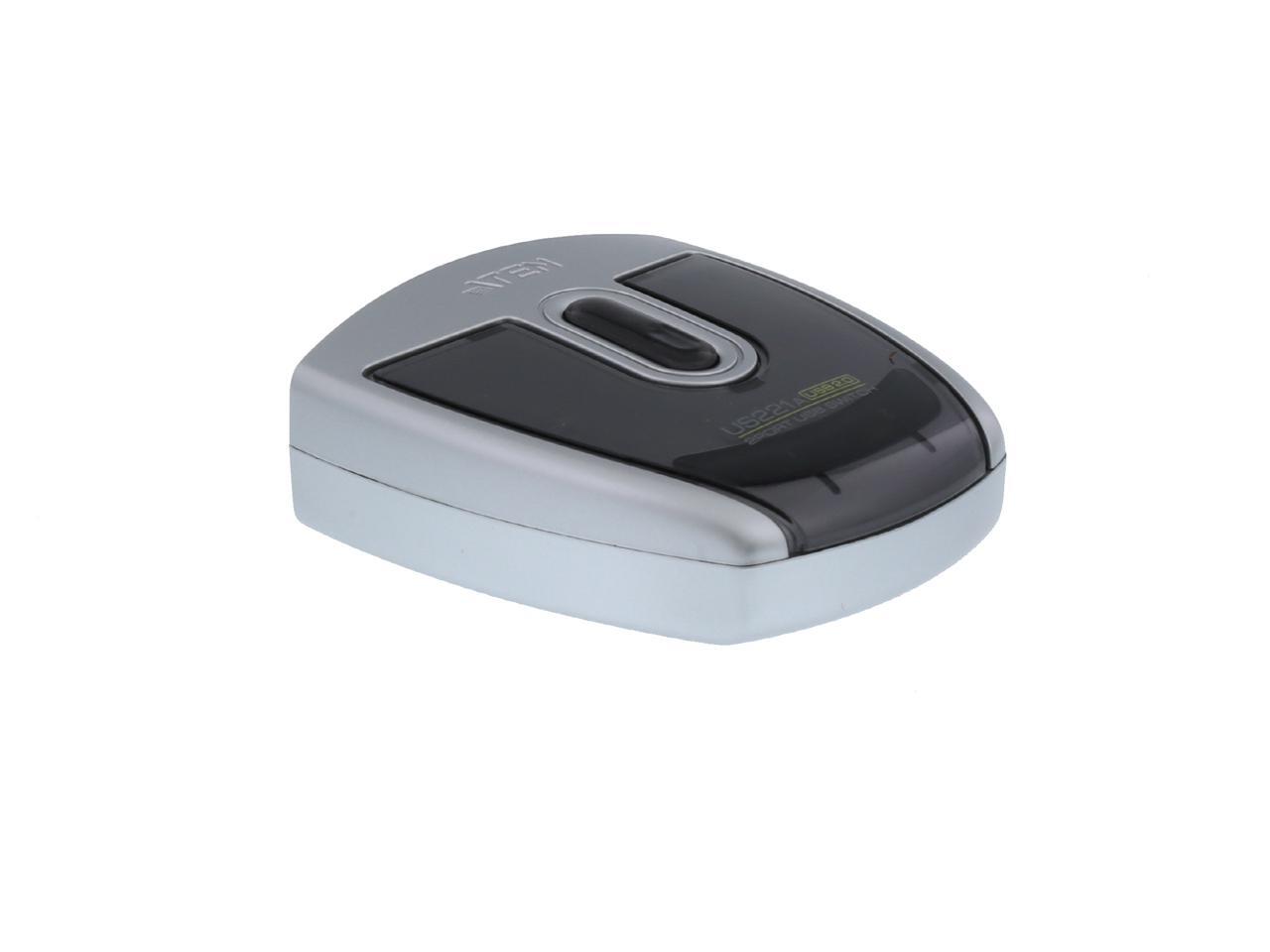
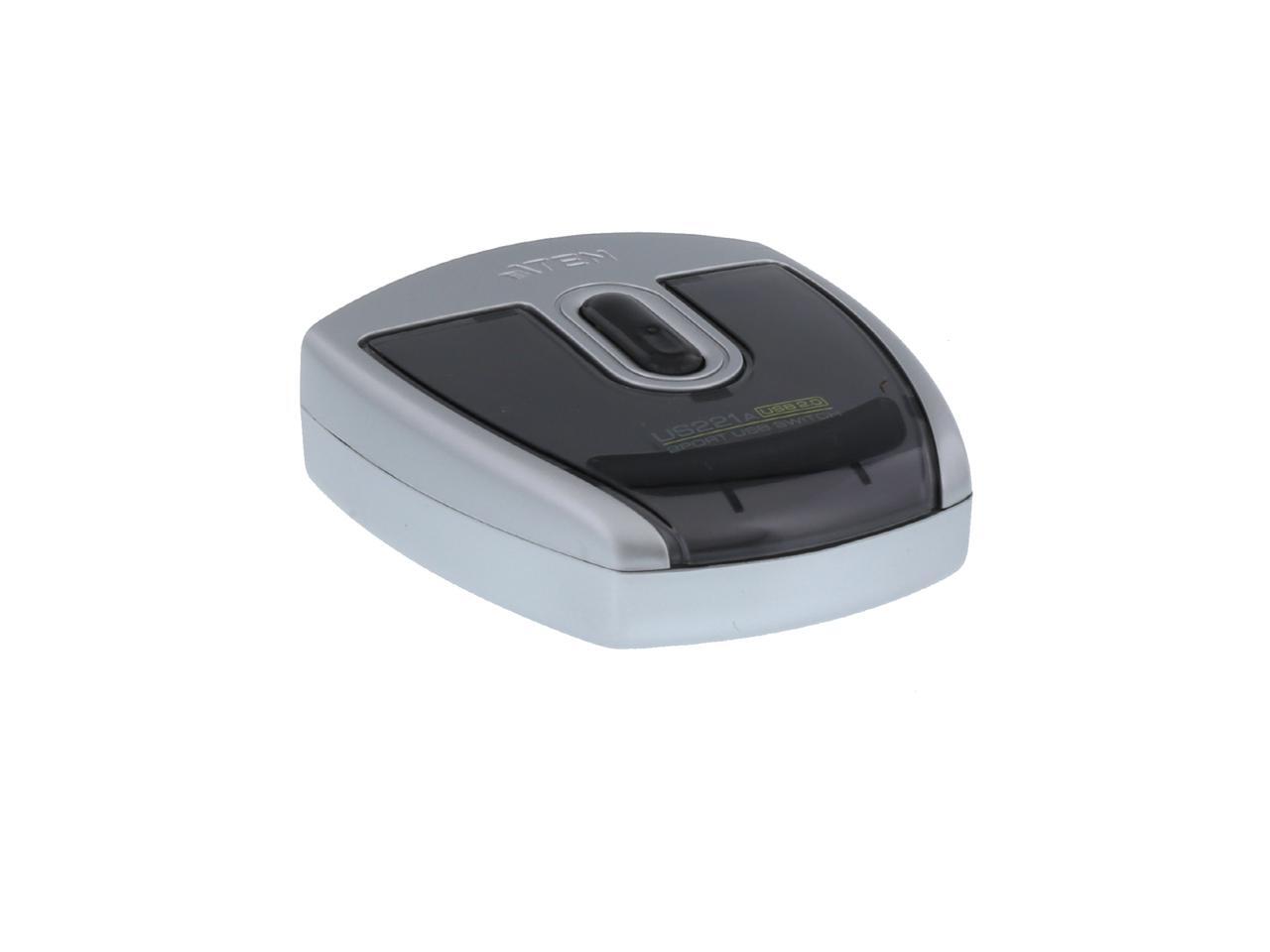
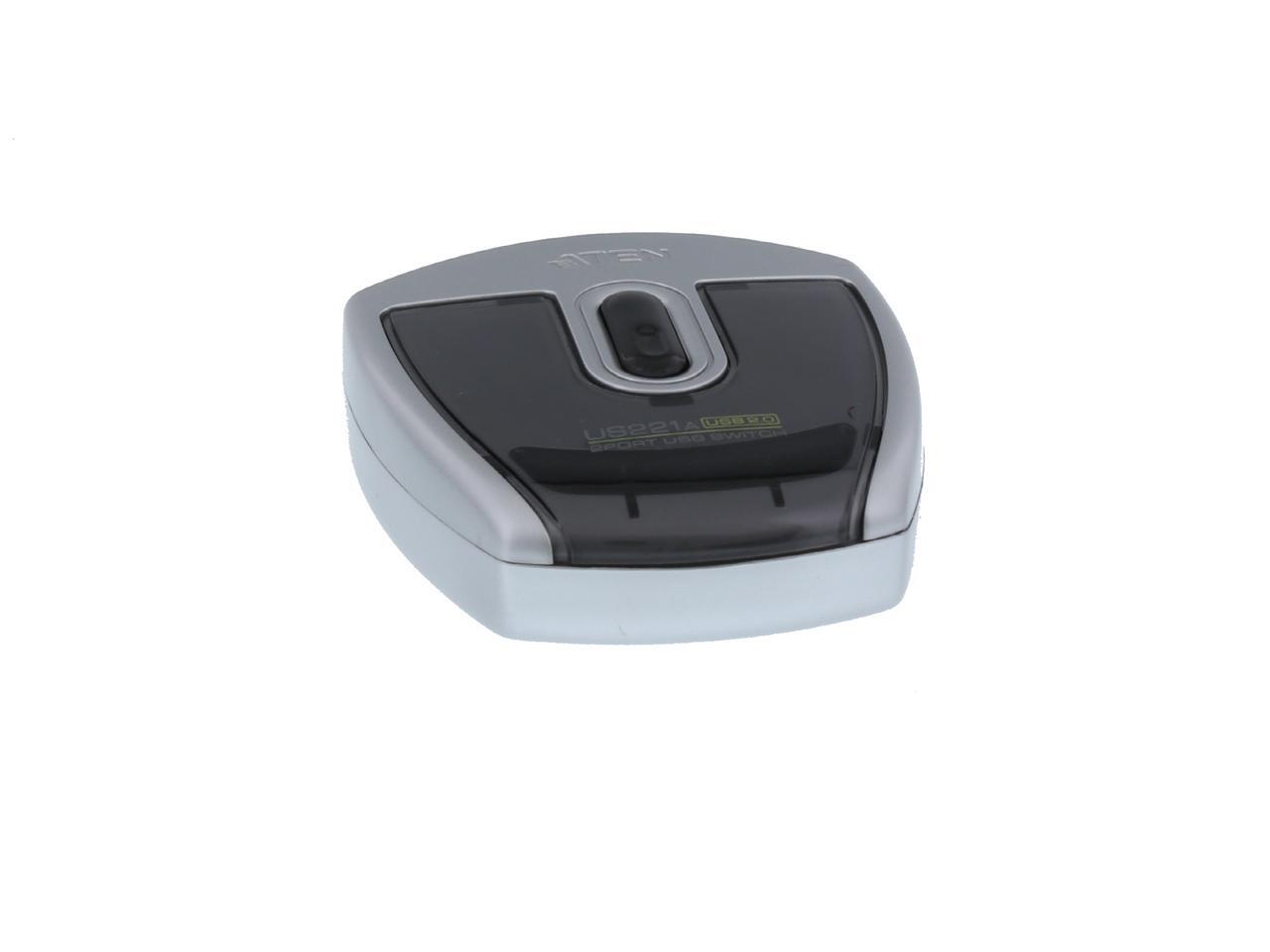
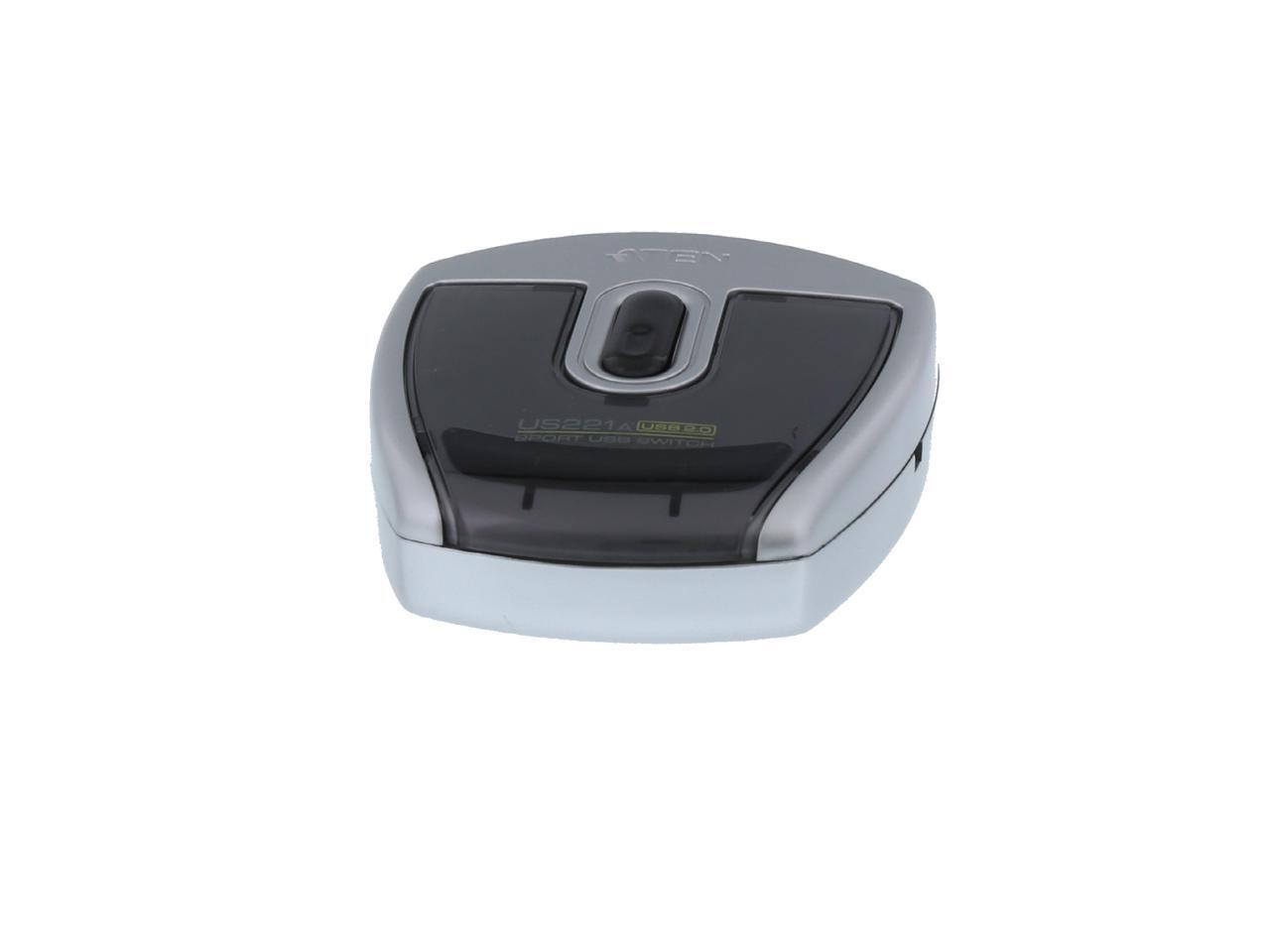
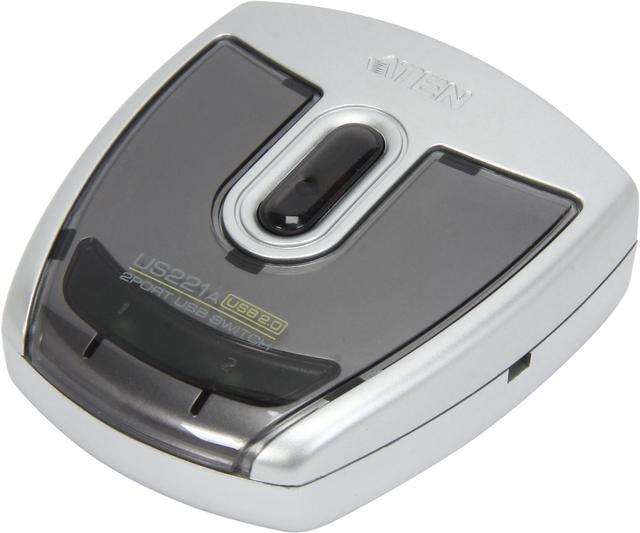
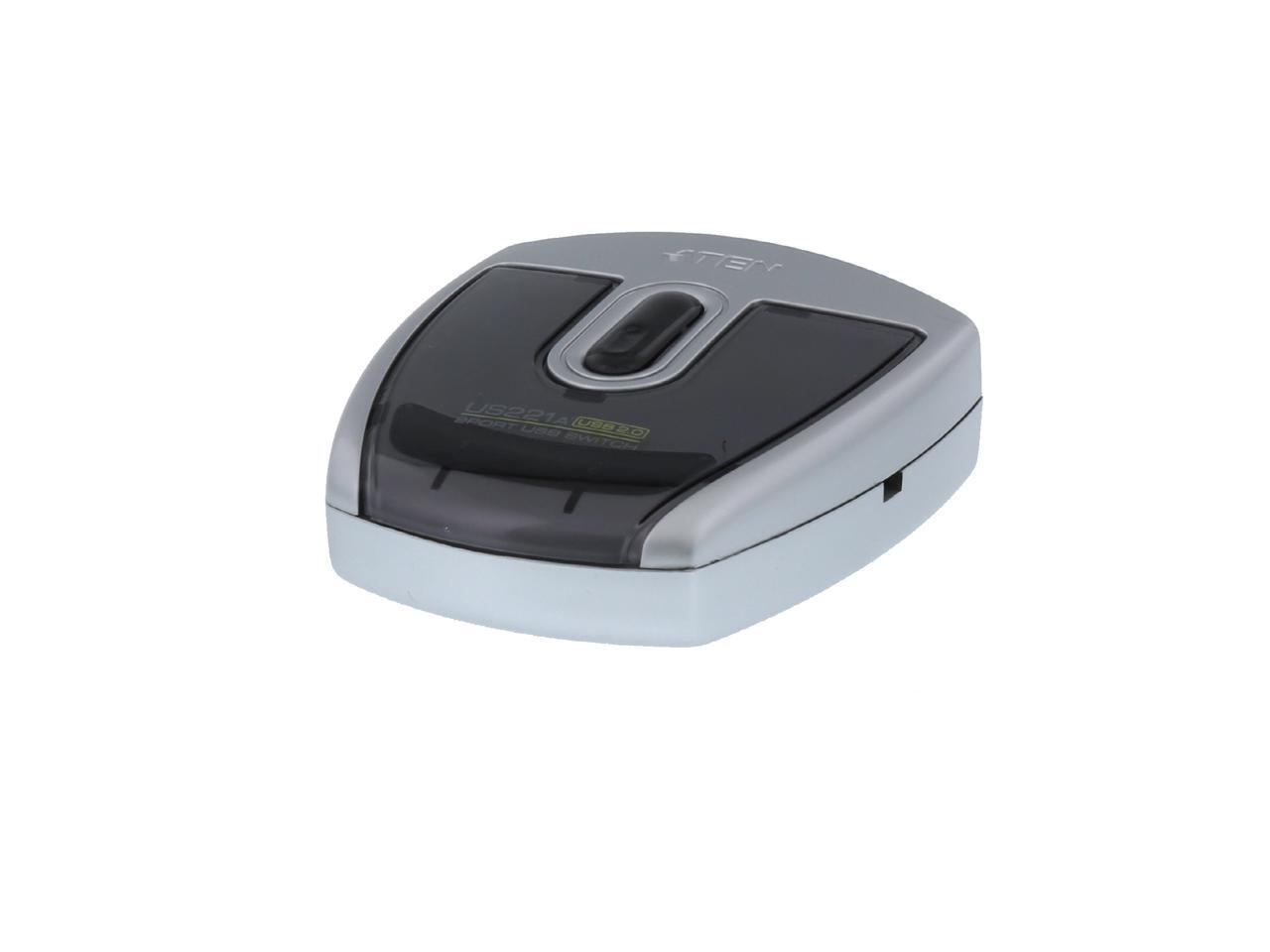
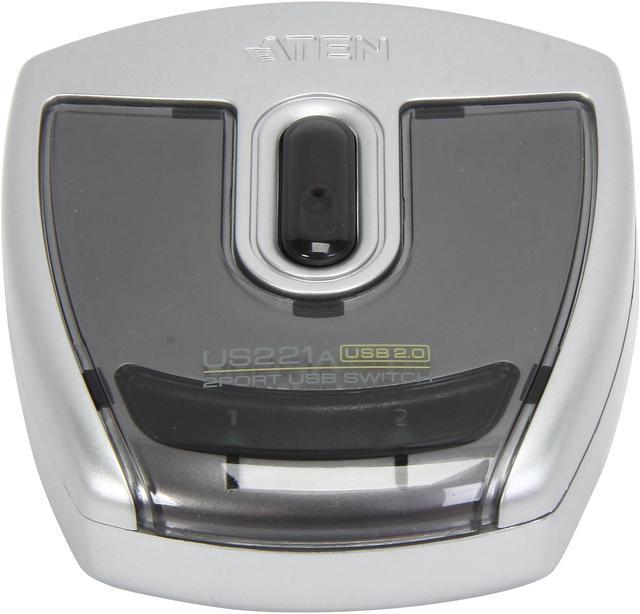
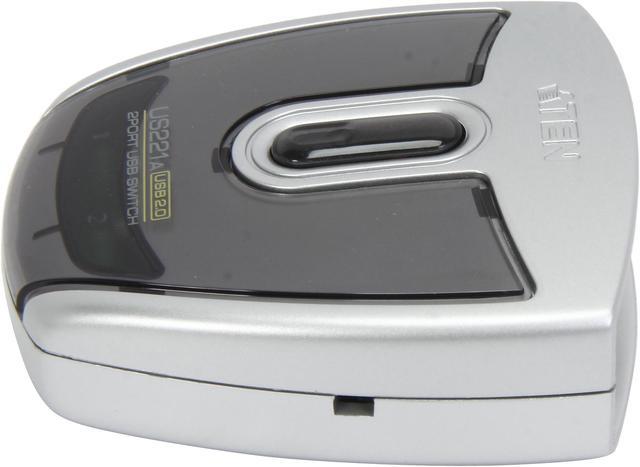
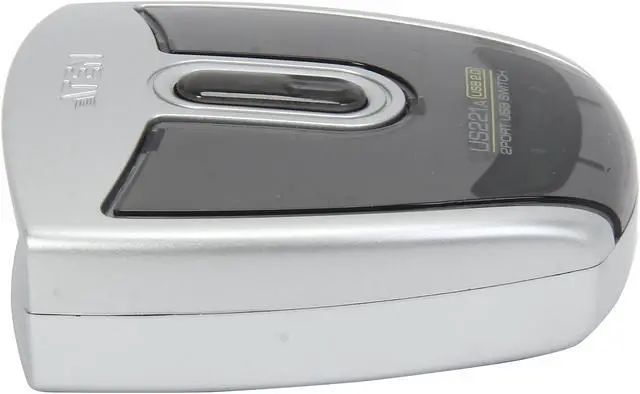
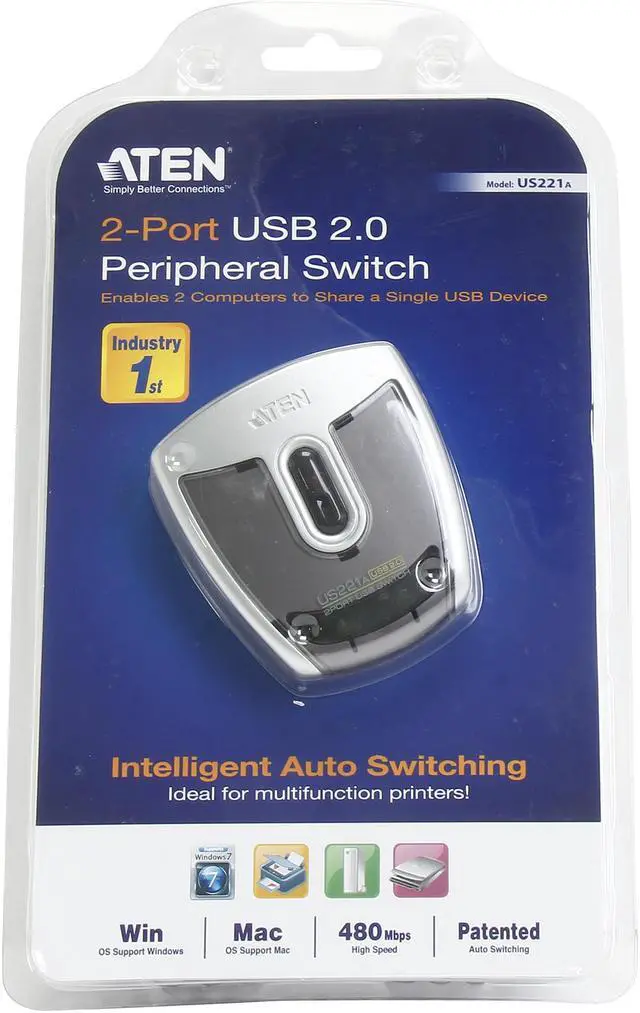
The ATEN US221A is a USB 2.0 peripheral switch that lets two Windows or Mac computers share one USB device, making it suitable for home offices and desks where a printer or other peripheral needs to serve two computers.
Recommended For
- Home-office users with two computers and one USB printer who want to share the printer without moving its cable; the switch can also automatically transfer printer access.
- People who alternate between two computers and need to share one USB scanner or other single USB peripheral, switching control between computers as needed.
- Users who want to share a USB keyboard between two computers while keeping their monitors separate; a customer report describes using the switch this way.
- Windows and Mac users who are comfortable selecting which computer gets the peripheral using the switch’s physical button; ATEN lists both platforms as compatible.
Real-World Use Scenarios
- At a home or small office where two computers use one USB printer, switch the printer connection to the computer that needs to print instead of reconnecting its cable or setting up a separate print server.
- When two computers share a multifunction printer, use the switch for printing and, with the relevant application configured, hand the USB connection to the computer that needs to scan.
- If two computers need access to one USB scanner, switch the scanner between them so each can scan from its own computer; only one computer has control of the peripheral at a time.
- For moving files with one USB mass-storage device between two computers, switch the device connection to the computer you want to use; the computers take turns rather than accessing the device simultaneously.
Spec Summary
| Attribute | Value |
|---|---|
| Best For | Sharing one USB printer or other USB peripheral between two computers |
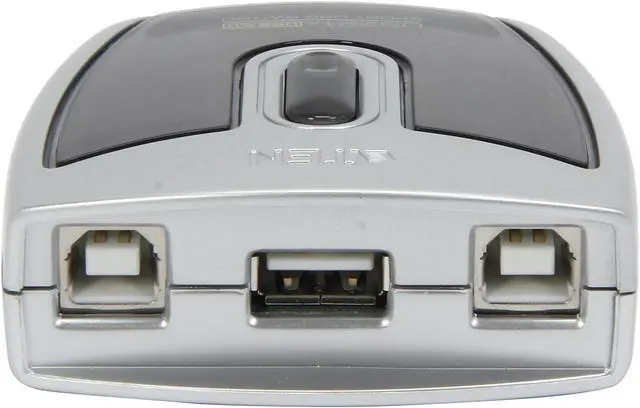
| USB Connectivity And Switching | USB 2.0 switch with two USB Type-B PC connections; select a computer with the pushbutton, configuration utility, or Auto Switch function, with transfer rates up to 480 Mbps |
| Peripheral Compatibility | Supports Windows and Mac and multifunction printers; hot-pluggable |
| Power And Protection | Powered through USB, with overcurrent protection |
| Status Indicators And Feedback | Orange device indicator and two green selected-port indicators show port focus; buzzer signals switching |
| Operating Environment | Operating temperature: 0–40°C (32–104°F); humidity: 0–80%, non-condensing |
| Physical Specifications | 0.96 × 2.59 × 2.83 in; 0.13 lb |
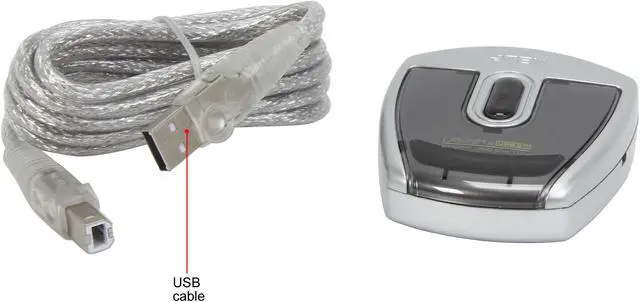
| Package Contents | 2-port USB 2.0 peripheral switch, 1.8 m USB Type-A-to-Type-B cable, installation disk, and user instructions |
| Model Identifiers | ATEN US221A |