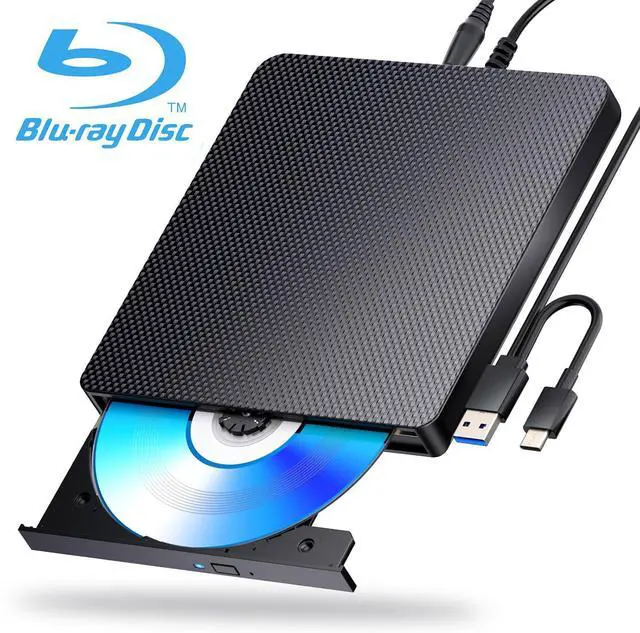
AUBEAMTO External Blu Ray Drive, External Bluray Burner with USB 3.0 & Type-C, External Bluray CD DVD Reader, Bluray Writer for PC, USB External Blu-ray Drives for Windows XP/7/8/10/11 MacOS
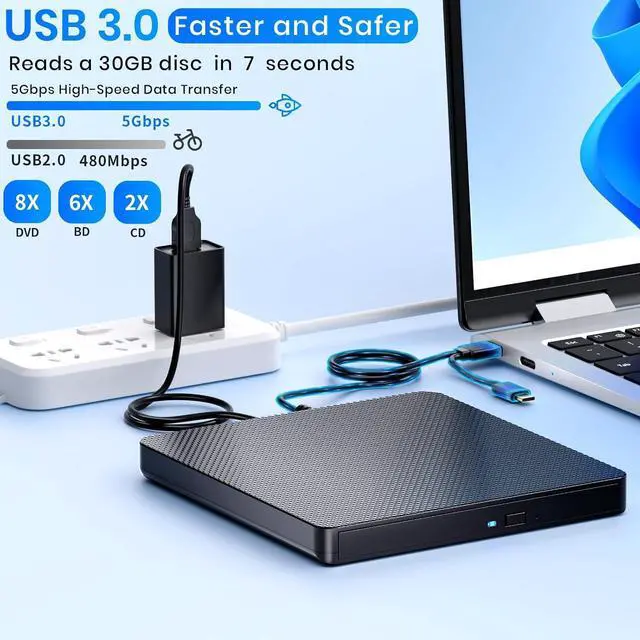
High-speed transfer saves time and effort:This External Blu Ray Drive offers several times the data transfer speed of traditional optical drives, you can enjoy 6x Blu-ray reading speed, 8x DVD reading speed and 24x CD reading speed, whether you are reading Blu-ray movies, burning DVD/CD or backing up large files, it is much faster and more efficient, which greatly saves your precious time.
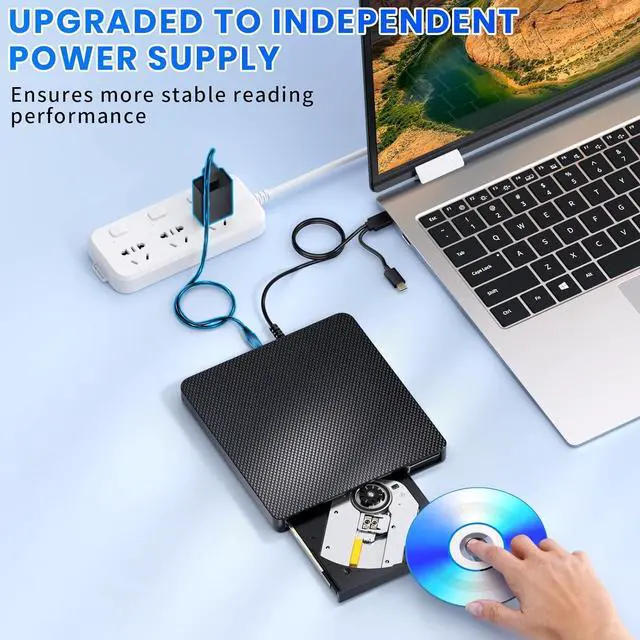
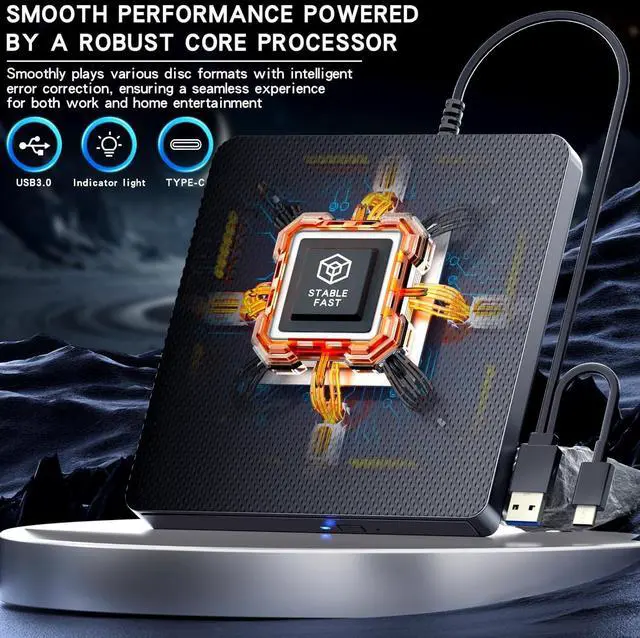
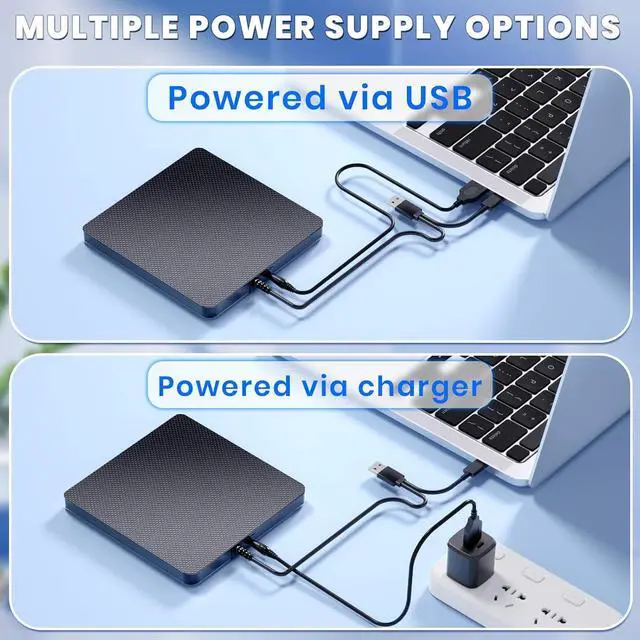
Plug and play, easy to operate: This external blueray/dvd drive for pc supports Plug & Play function, both USB 3.0 and type-c ports, you just need to plug it into your computer port, it can be recognized and used immediately, the old people and children can easily get started, easy to operate. (Note: You need to download the Blu-ray playback software by yourself,We recommend downloading PowerDVD, Leawo, Macgo, or VLC.)
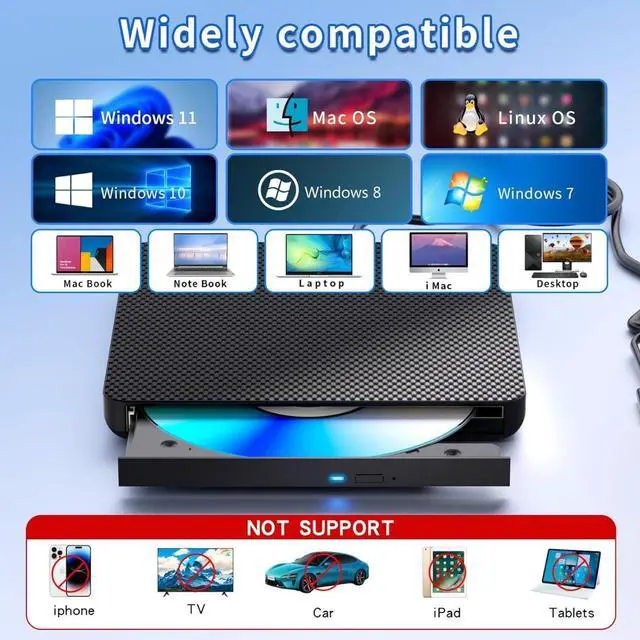
Wide compatibility,suitable for multiple systems:This dvd burner external is perfectly compatible with Windows XP/Vista/7/8/10/11, macOS, and Linux; suitable for laptops and desktops, this External Blue Ray CD DVD Player is a comprehensive solution for your multi-device audio and video entertainment.
Multi-purpose: one machine for multiple uses! This external blu-ray drives can easily play Blu-ray movies, DVD disks, music CDs; burn backups of precious photos, videos, music and data; install old software or games. It is an all-around assistant for you to enjoy high-definition video and audio, data backup, and meet the diverse needs of work, study and entertainment.
+
+
Overview
Specs
Reviews
Any questions? Our AI mode will help you find out quickly.
Try me now
High-speed transfer saves time and effort:This External Blu Ray Drive offers several times the data transfer speed of traditional optical drives, you can enjoy 6x Blu-ray reading speed, 8x DVD reading speed and 24x CD reading speed, whether you are reading Blu-ray movies, burning DVD/CD or backing up large files, it is much faster and more efficient, which greatly saves your precious time.
Plug and play, easy to operate: This external blueray/dvd drive for pc supports Plug & Play function, both USB 3.0 and type-c ports, you just need to plug it into your computer port, it can be recognized and used immediately, the old people and children can easily get started, easy to operate. (Note: You need to download the Blu-ray playback software by yourself,We recommend downloading PowerDVD, Leawo, Macgo, or VLC.)
Wide compatibility,suitable for multiple systems:This dvd burner external is perfectly compatible with Windows XP/Vista/7/8/10/11, macOS, and Linux; suitable for laptops and desktops, this External Blue Ray CD DVD Player is a comprehensive solution for your multi-device audio and video entertainment.
Multi-purpose: one machine for multiple uses! This external blu-ray drives can easily play Blu-ray movies, DVD disks, music CDs; burn backups of precious photos, videos, music and data; install old software or games. It is an all-around assistant for you to enjoy high-definition video and audio, data backup, and meet the diverse needs of work, study and entertainment.
Ultra-light weight, easy to carry: The Bluray Reader Writer for PC has Extremely thin and lightweight design, weighing only 0.9lb, it is compact and portable, easy to put into bags or even pockets. Whether you are working at home, traveling or studying in the classroom, this portable external blueray/dvd drive for pc is the ideal companion for you to access your CD content anytime and anywhere.