





Product Introduction
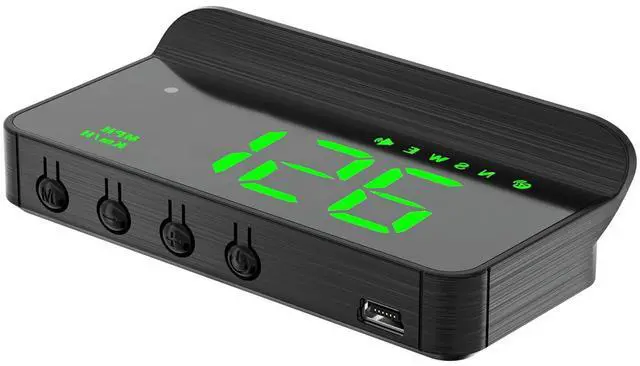
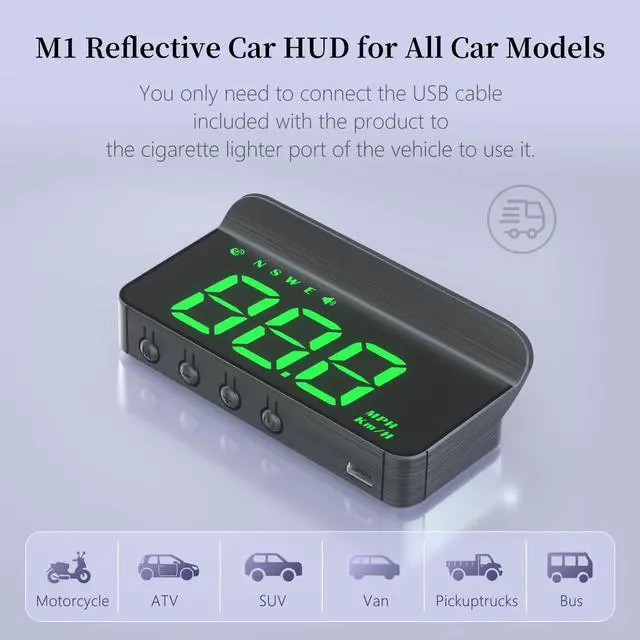
M1 is a GPS mode head up display. Unlike most head up displays on the market, our designers have fully utilized the characteristics of the windshield to create a simple white windshield HUD, which is easy to install and plug and play.
M1 function display

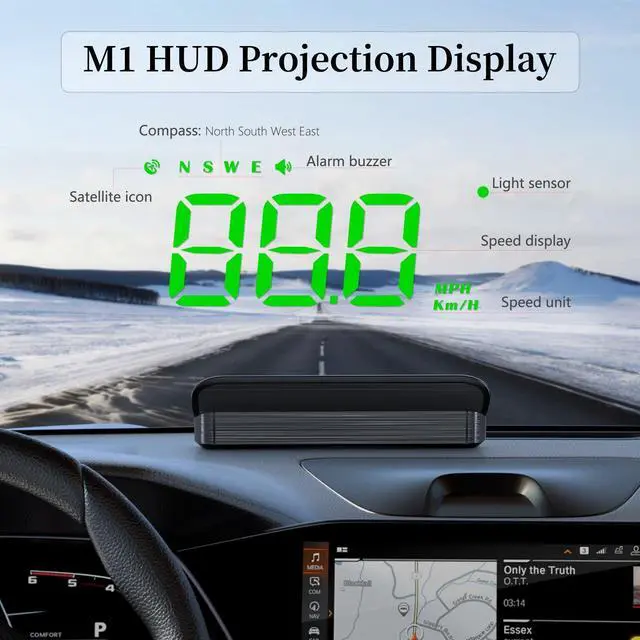
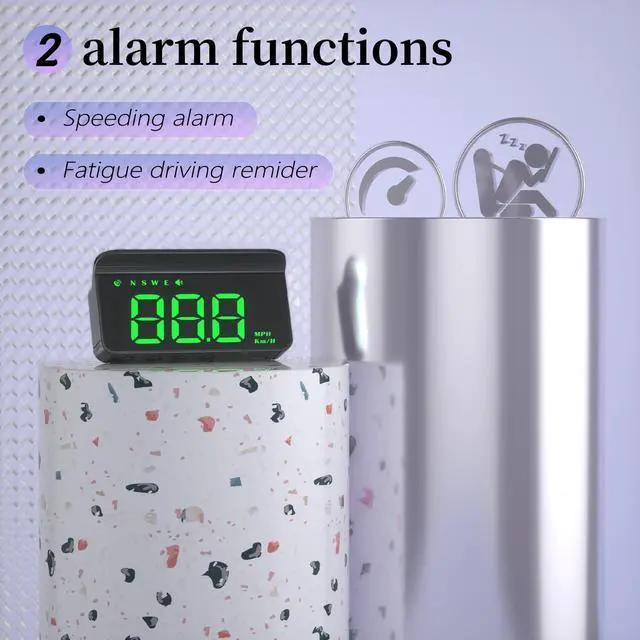
M1 is a new multifunctional head up display that displays vehicle speed, driving direction, overspeed warning, fatigue driving reminder, and automatic light sensing.
Automatic photosensitive adjustment

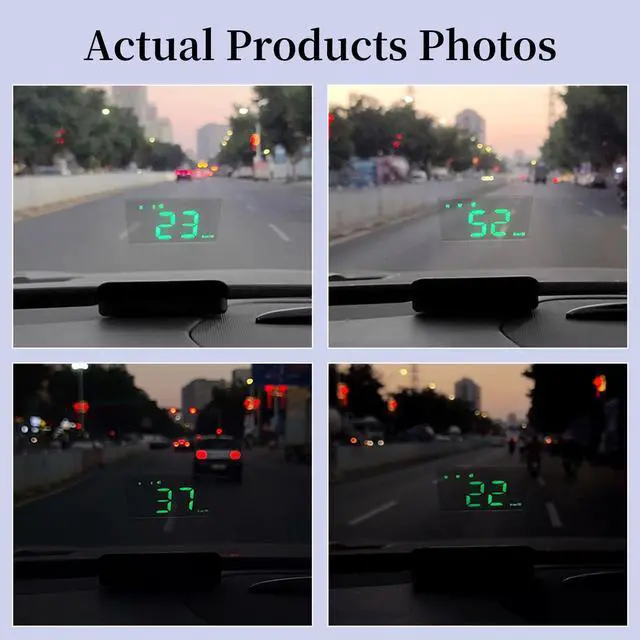
M1 brightness upgrade, built-in photosensitive system, fully automatic photosensitive, can adapt to ambient light and automatically adjust brightness, clear enough during the day and not dazzling at night. Of course, you can also manually adjust the brightness to your liking.


Automatic switch
plug and play
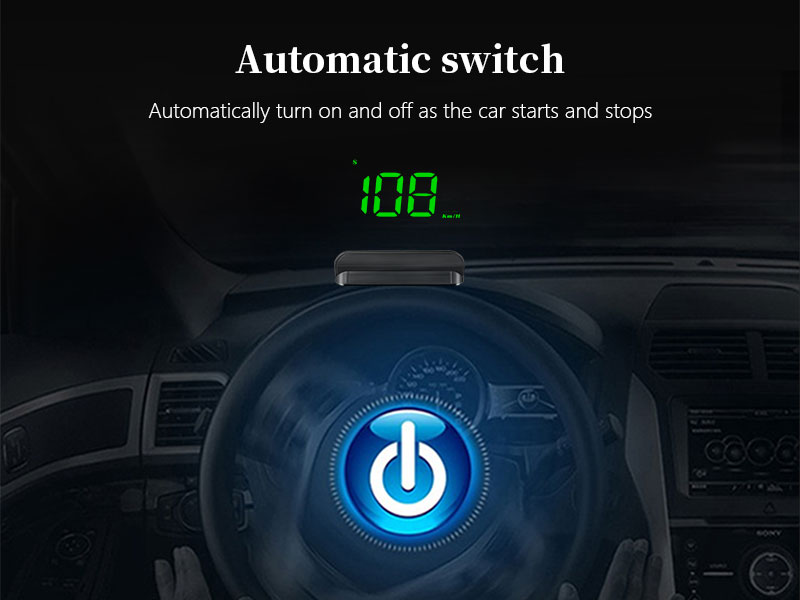
M1 is easy to install, plug and play, automatically opens and closes when the car starts and stops, and there is no theft of electricity, making it safe and reliable.
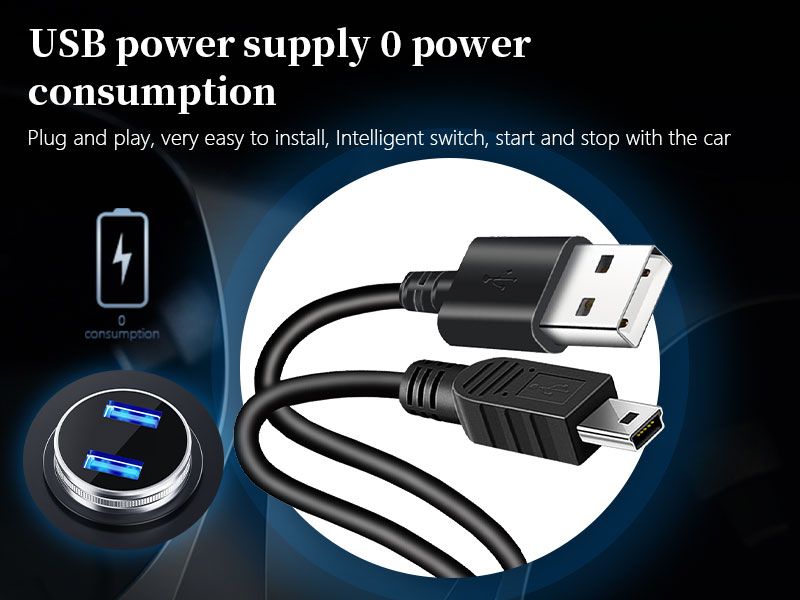
USB power supply
0 power consumption
Using car USB (5V) or cigarette lighter to USB power supply, truly zero power consumption.USB or cigarette lighter is a short power, the car is turned off and the power is cut off,there is no the phenomenon of power stealing, and OBD is a long power.
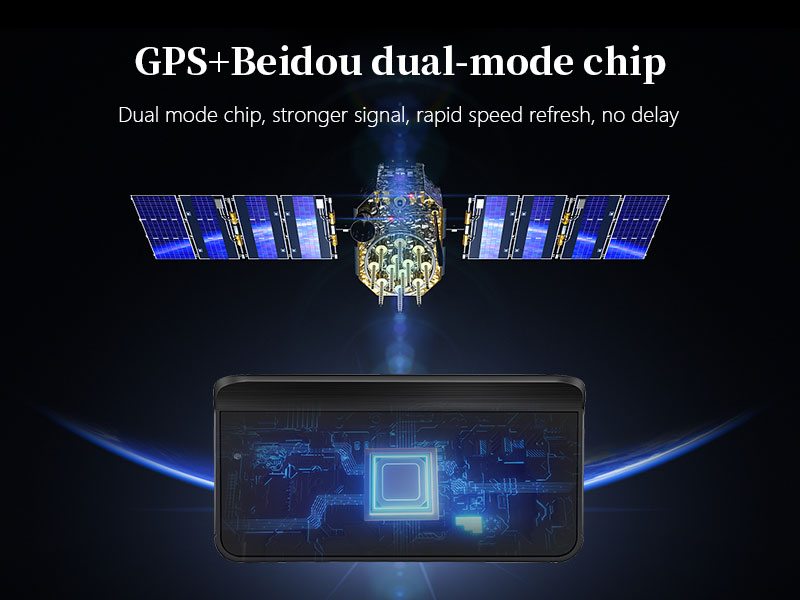
GPS+Beidou
Dual mode chip, stronger signal
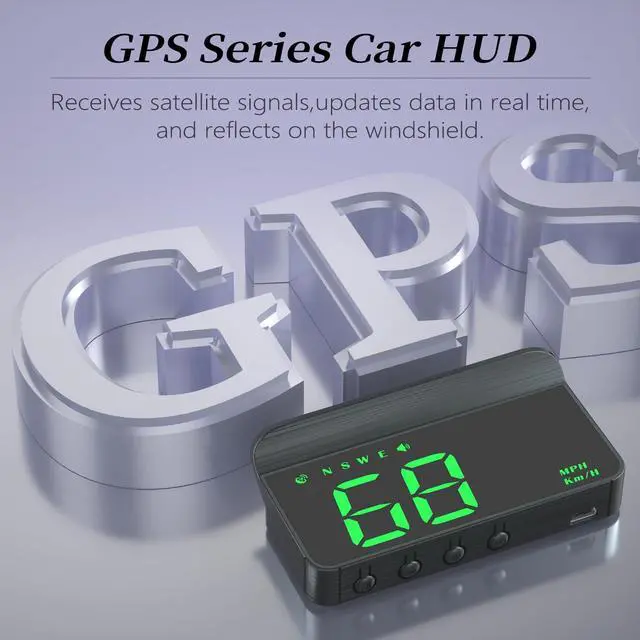
Using 10 Hz high refresh rate GPS + Beidou dual-mode chip
The refresh rate is 10 frames per second,and the vehicle speed is refreshed quickly without delay

Hardware upgrade
Using Taiwan's Lianyong technology solutions, brand new imported low-power chips, lossless standby completely solve the problem of high power consumption!
Smart switch, start and close with the car.
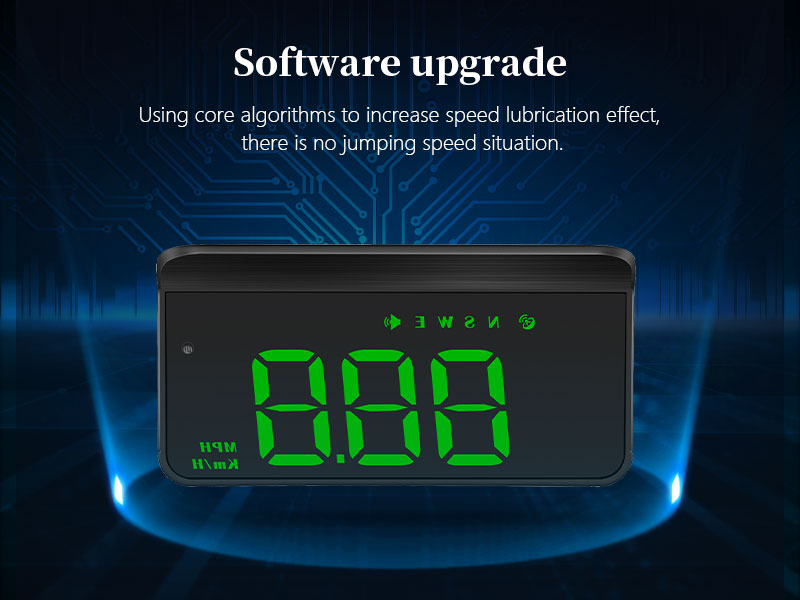
Software upgrade
Introduce the Taiwan Lianyong technology solution to use the core algorithm,add the speed lubrication effect, do not jump speed, the display is more consistent and smooth, and increase the compatibility of starting and stopping, hybrid vehicles,and gasoline vehicles.
How to stick plastic flm?
High definition film pasting method
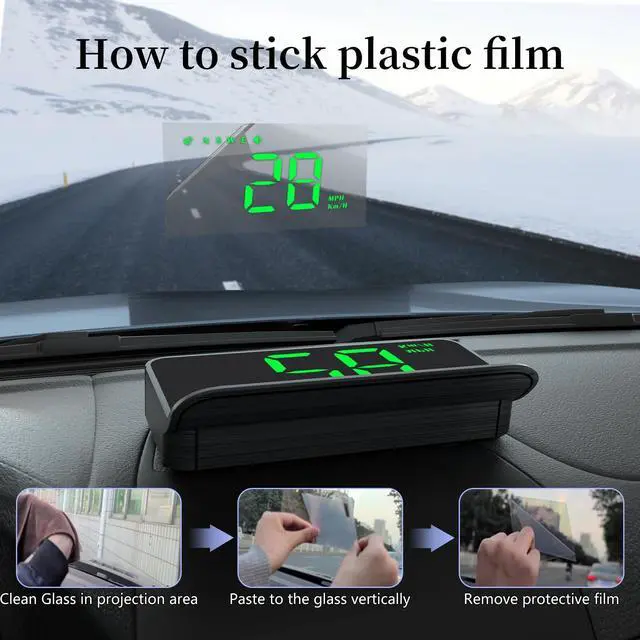
- Clean the glass in the projection area.
- Remove protective film 1.
- Paste vertically on the glass.
- Remove bubbles.
- Remove the protective film 2.
Do you know how to install it?
1.Plug the USB cable into the cigarette lighter socket. 2.Wire tucked into A-pillar seal. 3.Connect the USB port end to the HUD. 4.Place the HUD in a suitable position. You can carefully watch the video we uploaded to know the installation method.
Do you know what to do when the speed is inaccurate?
First,press and hold the 'M' key for 2 seconds to enter the settings option.Short press the '-' key to select menu option 1. Press and hold the 'M' key vertically to confirm. After adjusting, press and hold the 'M' key for 2 seconds to save and exit.
Do you know how to install reflective film?
1.Clean the glass in the projection area. 2.Remove protective film 1. 3.Paste vertically on the glass. 4.Remove bubbles. 5.Remove the protective film 2.
What do you need to do when you feel the brightness is not enough?
Long press the "M" key to enter option 4 of the settings selection menu. Press the "M" key vertically to confirm. 0 is the automatic light sensing mode, and 1-11 is the manual adjustment mode. After adjustment, long press the M key to save and exit.
Product Introduction
M1 is a GPS mode head up display. Unlike most head up displays on the market, our designers have fully utilized the characteristics of the windshield to create a simple white windshield HUD, which is easy to install and plug and play.
M1 function display

M1 is a new multifunctional head up display that displays vehicle speed, driving direction, overspeed warning, fatigue driving reminder, and automatic light sensing.
Automatic photosensitive adjustment

M1 brightness upgrade, built-in photosensitive system, fully automatic photosensitive, can adapt to ambient light and automatically adjust brightness, clear enough during the day and not dazzling at night. Of course, you can also manually adjust the brightness to your liking.
Product Features


M1 displays speed, with speeding alarm and fatigue warning function, GPS compass shows direction.


Automatic switch
plug and play
M1 is easy to install, plug and play, automatically opens and closes when the car starts and stops, and there is no theft of electricity, making it safe and reliable.
USB power supply
0 power consumption
Using car USB (5V) or cigarette lighter to USB power supply, truly zero power consumption.USB or cigarette lighter is a short power, the car is turned off and the power is cut off,there is no the phenomenon of power stealing, and OBD is a long power.
GPS+Beidou
Dual mode chip, stronger signal
Using 10 Hz high refresh rate GPS + Beidou dual-mode chip
The refresh rate is 10 frames per second,and the vehicle speed is refreshed quickly without delay
Hardware upgrade
Using Taiwan's Lianyong technology solutions, brand new imported low-power chips, lossless standby completely solve the problem of high power consumption!
Smart switch, start and close with the car.
Software upgrade
Introduce the Taiwan Lianyong technology solution to use the core algorithm,add the speed lubrication effect, do not jump speed, the display is more consistent and smooth, and increase the compatibility of starting and stopping, hybrid vehicles,and gasoline vehicles.
How to stick plastic flm?
High definition film pasting method
- Clean the glass in the projection area.
- Remove protective film 1.
- Paste vertically on the glass.
- Remove bubbles.
- Remove the protective film 2.
Do you know how to install it?
1.Plug the USB cable into the cigarette lighter socket. 2.Wire tucked into A-pillar seal. 3.Connect the USB port end to the HUD. 4.Place the HUD in a suitable position. You can carefully watch the video we uploaded to know the installation method.
Do you know what to do when the speed is inaccurate?
First,press and hold the 'M' key for 2 seconds to enter the settings option.Short press the '-' key to select menu option 1. Press and hold the 'M' key vertically to confirm. After adjusting, press and hold the 'M' key for 2 seconds to save and exit.
Do you know how to install reflective film?
1.Clean the glass in the projection area. 2.Remove protective film 1. 3.Paste vertically on the glass. 4.Remove bubbles. 5.Remove the protective film 2.
What do you need to do when you feel the brightness is not enough?
Long press the "M" key to enter option 4 of the settings selection menu. Press the "M" key vertically to confirm. 0 is the automatic light sensing mode, and 1-11 is the manual adjustment mode. After adjustment, long press the M key to save and exit.