


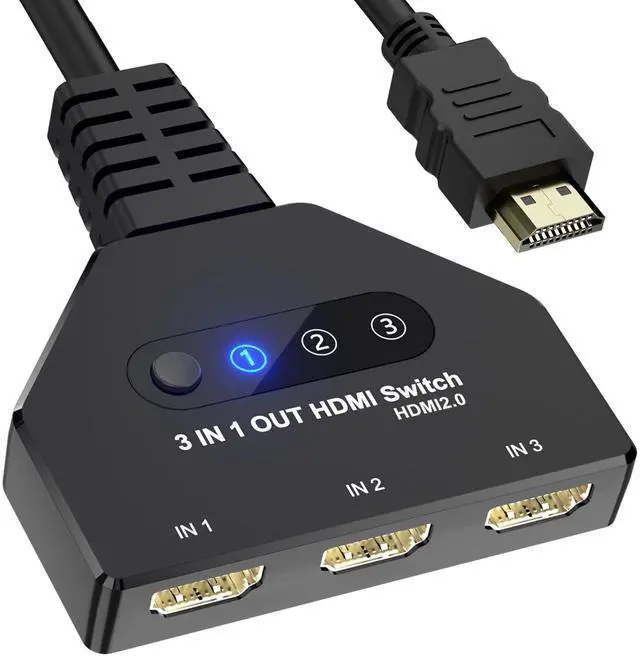
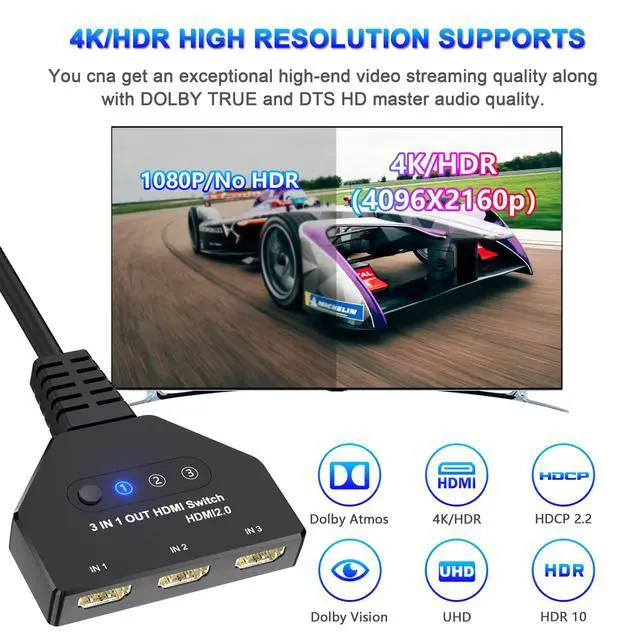


HDMI splitter supports resolutions up to 4K@60HZ and is backward compatible with lower resolutions, supports 3D, UHD, 1080P, supports compressed audio such as DTS digital, and Dolby Digital, supports 12-bit deep color per channel, and supports HDMI 2.0.

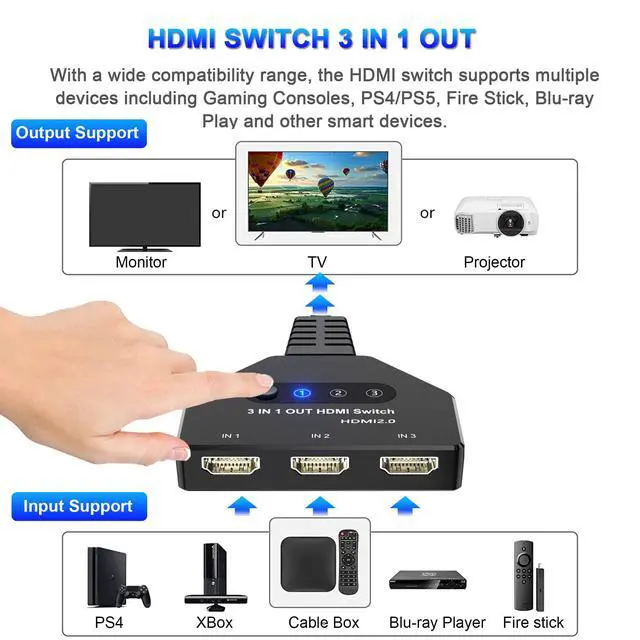
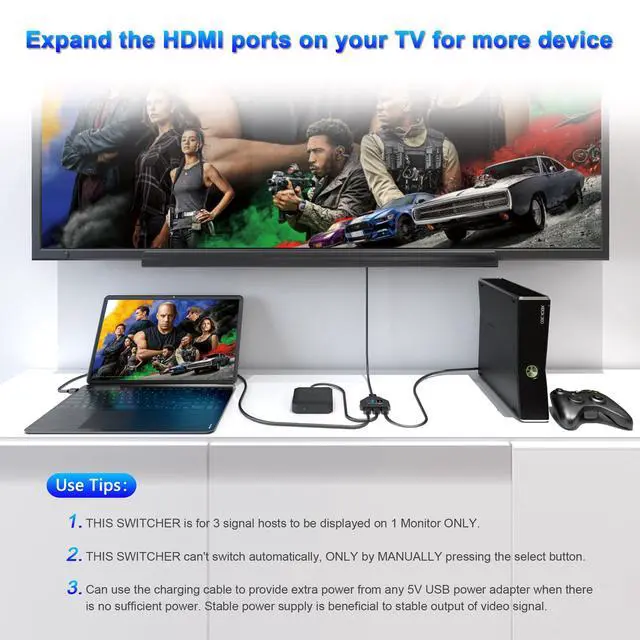
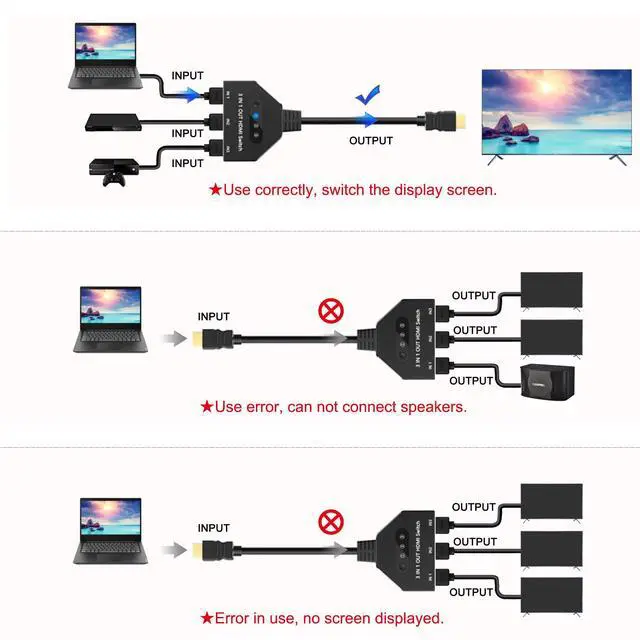
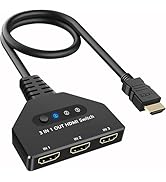
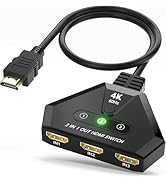
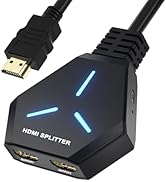
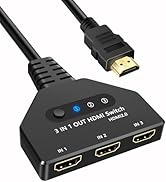
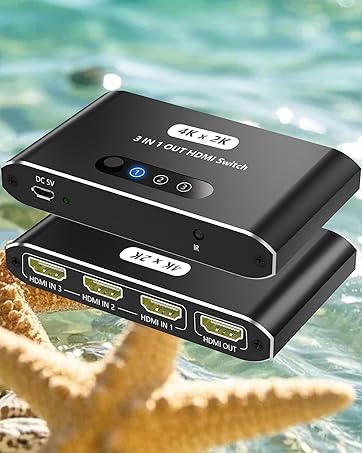
You can easily switch from 3 HDMI sources (e.g. PS5, PS4, TV Box, Xbox One) to 1 HDMI display (e.g. Monitor or TV), avoiding frequent plugging and unplugging of HDMI cables.

Input: PC, Laptops, PS3/PS4/PS5, Xbox 360, Roku Express, Fire TV Stick, Blu-ray DVD, etc;
Output: Full HD TV, monitors, projectors, and more.

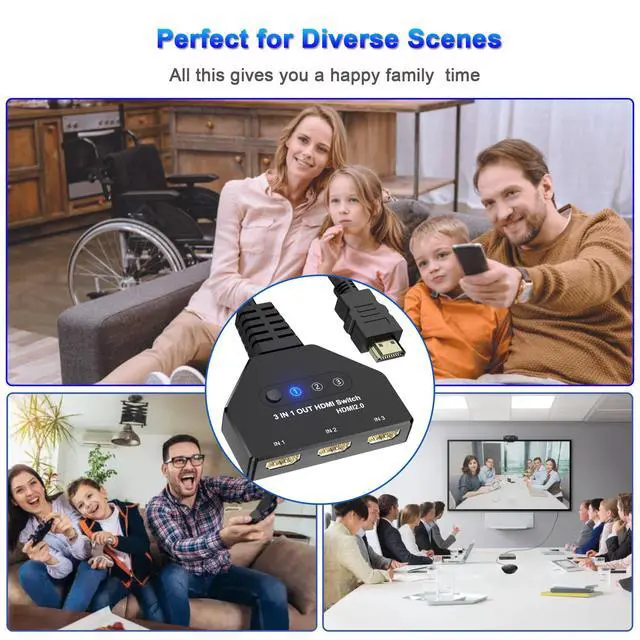
Bringing convenience to your life, you can use it for home, office, and entertainment.

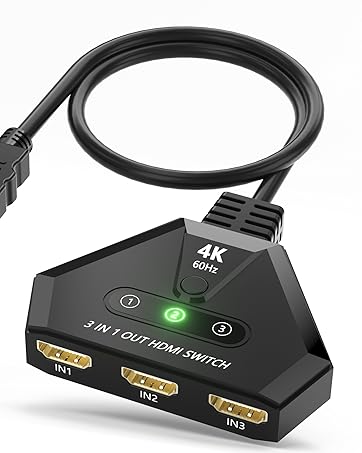
Easy to use it buy just connecting your HDMI devices and pressing the button of HDMI hub to quickly switch to another device, where the LED indicators which port is active.

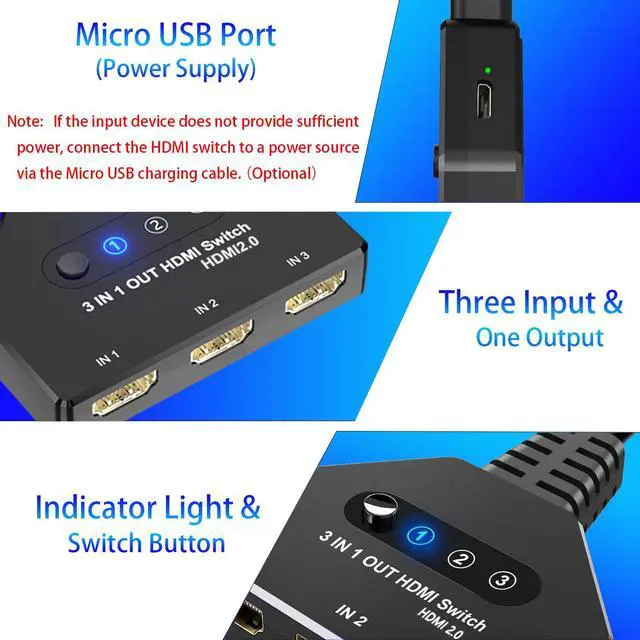
HDMI 3 Port switch have an LED indicator for each port. It reminds you of which port is currently atcive.

This HDMI Switch 4K is easy to set up and operate. It’s portable design saves space and time for your entertainment.

The thickened gold-plated interface is used to prevent corrosion and abrasion while improving the transmission performance.

With true 4K@60Hz 3D streaming it is a great deal for you especially if you wish to stream playstations3,4 and Blu-ray players with 4K supporting discs. It supports 3D streaming to bring great experiences in front of your eyes.

1 x HDMI2.0 Switch;
1 x USB Power Cable;
1 x User Manual.

1. What should I do if the picture signal is poor and the resolution is low?
?1. Please ensure the usb power is connected to the HDMI switch.
?2. To achieve different resolutions, ensure the cable's AWG and length can meet the requirements.
?3. The actual resolution depends on your device and cables. Please make sure all HDMI cables support 4K@60Hz.
2. How can I troubleshoot it if the monitor keeps flickering?
?1. Re-plug the devices to ensure every part is connected properly.
?2. Offer extra power supply.
?4. Lower the resolution for a try.
3. How can I troubleshoot when the HDMI port or TV does not work?
?1. Check if the 4K HDMI switch is connected to power.
?2. Check if the monitor cannot get any signal no matter which port you switch to.
?3. Please ensure the HDMI devices work well when connected directly to the monitor.
?4. Set HDMI as the signal input source for your monitor and lower the resolution for a try.
4. Why will it take about 12-15 s to display the image on the screen once a switch is done on PS5?
This is due to the adjustment of the EDID's recognition when a switch is made on PS5. For other devices, generally, it will only take 6-7s.


Since our foundation in 2009,We are committed to creating leading-edge innovative consumer electronic devices and accessories.
We focus on HD Video& Audio accessories, Hub,HDMI Splitter,HDMI Switch and Ethernet connection.
AUKOKIOULA is committed to providing high-quality!products, friendly design and premium service toour customers
HDMI 4K@60hz
HDMI 3 IN 1 OUT
HDMI 4K@30hz
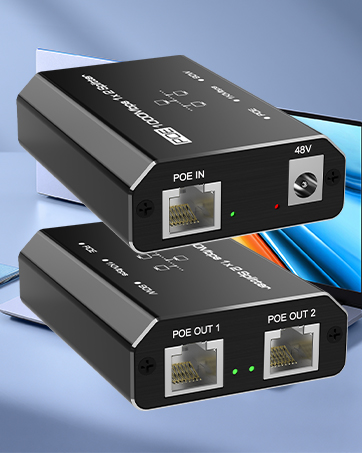
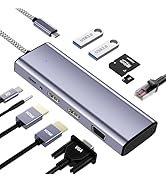
Splitter Adapter
![USB C to HDMI Adapter, 4K USB Type-C to HDMI Adapter [Thunderbolt 4/3Compatible] with iPhone 15/1...](//c1.neweggimages.com/sellingpilot/modules/product/a-plus/a383a198f816a6b0d7992037934c94fde88a91315430974c4a23e9a2efdb09e5.jpg)
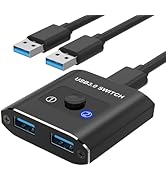
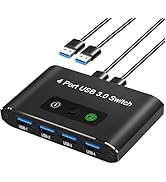
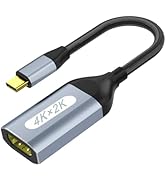
USB Switch
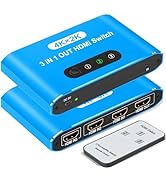
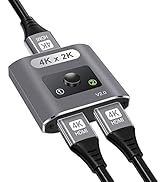
HDMI Switch
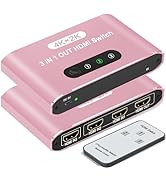
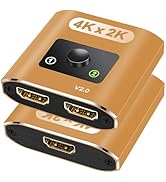
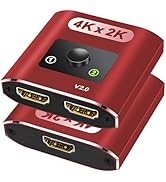
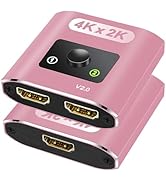
HDMI Switch 2 In 1 Out
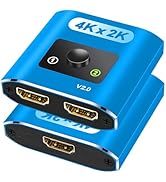
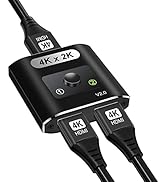
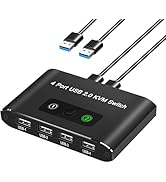
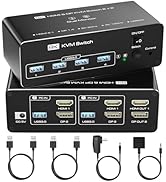
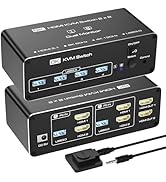
HDMI / USB Switch
KVM
![USB C to HDMI Adapter, 4K USB Type-C to HDMI Adapter [Thunderbolt 4/3Compatible] with iPhone 15/1...](http://c1.neweggimages.com/sellingpilot/modules/product/a-plus/a383a198f816a6b0d7992037934c94fde88a91315430974c4a23e9a2efdb09e5.jpg)
HDMI splitter supports resolutions up to 4K@60HZ and is backward compatible with lower resolutions, supports 3D, UHD, 1080P, supports compressed audio such as DTS digital, and Dolby Digital, supports 12-bit deep color per channel, and supports HDMI 2.0.
You can easily switch from 3 HDMI sources (e.g. PS5, PS4, TV Box, Xbox One) to 1 HDMI display (e.g. Monitor or TV), avoiding frequent plugging and unplugging of HDMI cables.
Input: PC, Laptops, PS3/PS4/PS5, Xbox 360, Roku Express, Fire TV Stick, Blu-ray DVD, etc;
Output: Full HD TV, monitors, projectors, and more.
Bringing convenience to your life, you can use it for home, office, and entertainment.
Easy to use it buy just connecting your HDMI devices and pressing the button of HDMI hub to quickly switch to another device, where the LED indicators which port is active.
HDMI 3 Port switch have an LED indicator for each port. It reminds you of which port is currently atcive.
This HDMI Switch 4K is easy to set up and operate. It’s portable design saves space and time for your entertainment.
The thickened gold-plated interface is used to prevent corrosion and abrasion while improving the transmission performance.
With true 4K@60Hz 3D streaming it is a great deal for you especially if you wish to stream playstations3,4 and Blu-ray players with 4K supporting discs. It supports 3D streaming to bring great experiences in front of your eyes.
1 x HDMI2.0 Switch;
1 x USB Power Cable;
1 x User Manual.
1. What should I do if the picture signal is poor and the resolution is low?
?1. Please ensure the usb power is connected to the HDMI switch.
?2. To achieve different resolutions, ensure the cable's AWG and length can meet the requirements.
?3. The actual resolution depends on your device and cables. Please make sure all HDMI cables support 4K@60Hz.
2. How can I troubleshoot it if the monitor keeps flickering?
?1. Re-plug the devices to ensure every part is connected properly.
?2. Offer extra power supply.
?4. Lower the resolution for a try.
3. How can I troubleshoot when the HDMI port or TV does not work?
?1. Check if the 4K HDMI switch is connected to power.
?2. Check if the monitor cannot get any signal no matter which port you switch to.
?3. Please ensure the HDMI devices work well when connected directly to the monitor.
?4. Set HDMI as the signal input source for your monitor and lower the resolution for a try.
4. Why will it take about 12-15 s to display the image on the screen once a switch is done on PS5?
This is due to the adjustment of the EDID's recognition when a switch is made on PS5. For other devices, generally, it will only take 6-7s.
Since our foundation in 2009,We are committed to creating leading-edge innovative consumer electronic devices and accessories.
We focus on HD Video& Audio accessories, Hub,HDMI Splitter,HDMI Switch and Ethernet connection.
AUKOKIOULA is committed to providing high-quality!products, friendly design and premium service toour customers
HDMI 4K@60hz
HDMI 3 IN 1 OUT
HDMI 4K@30hz
Splitter Adapter
USB Switch
HDMI Switch
HDMI Switch 2 In 1 Out
HDMI / USB Switch
KVM