




 here!
here!
I’m your shopping assistant for PC builds, upgrades, and everything tech.
Got questions? Ask away!
Start a conversation
here!
I’m your shopping assistant for PC builds, upgrades, and everything tech.
Got questions? Ask away!
Start a conversation



Any questions? Ask CelesteSM will help you find out quickly.

AUSDOM is an international brand specializing in workflow solutions with a mission to provide innovative, high quality and reliable products for more efficient work and comfortable workspace.
With the trend of working from home becoming a big hit, we are committed to providing easy-to-use, durable and affordable products that allow customers with different lifestyles to work efficiently and play comfortably.

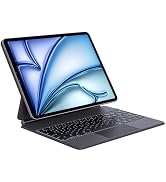
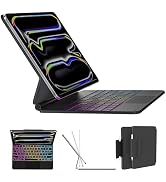
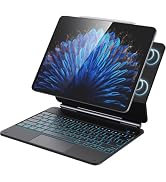
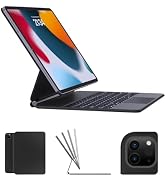
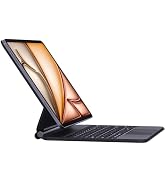
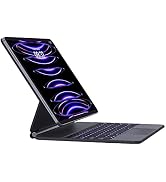
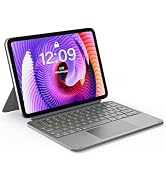
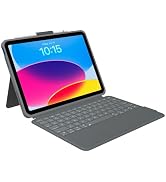
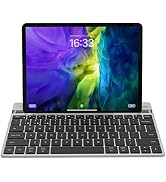
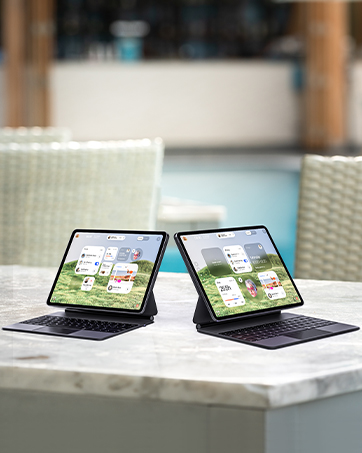
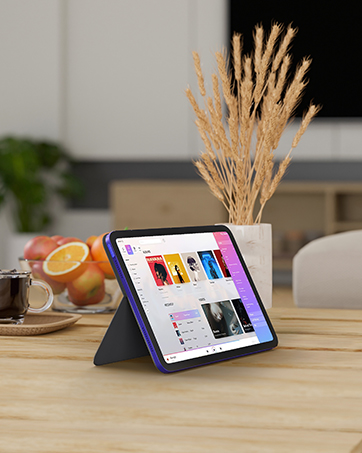
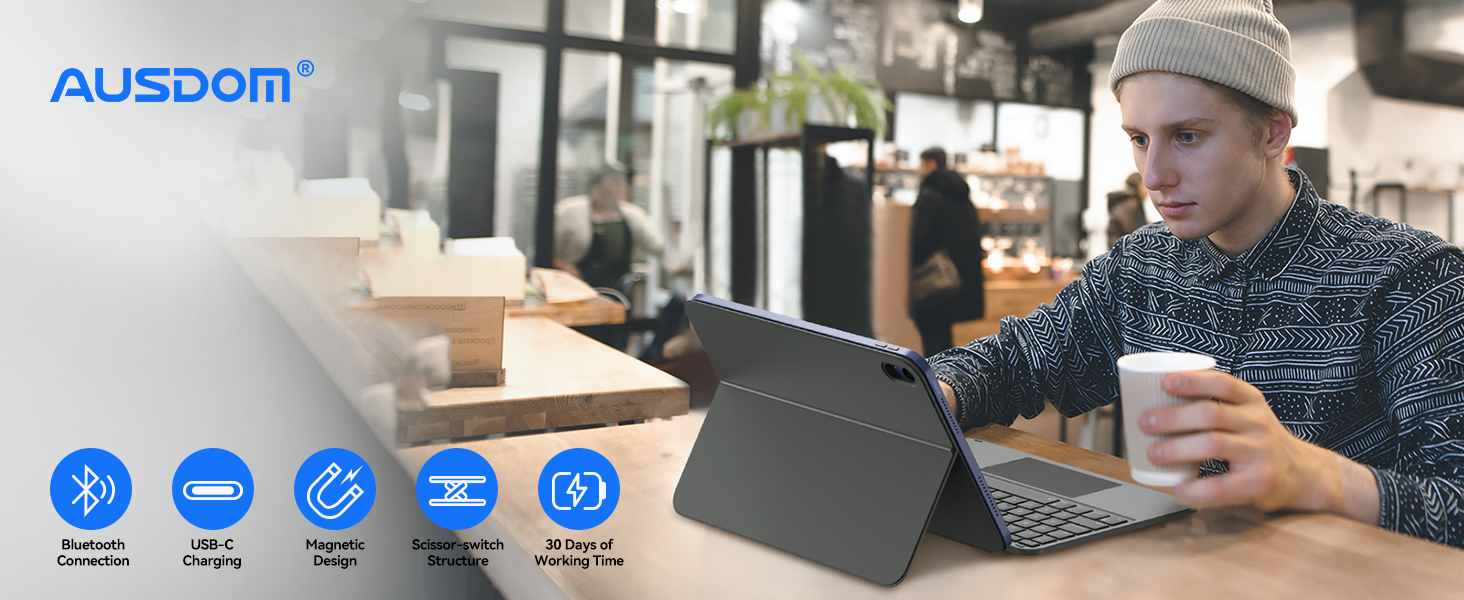
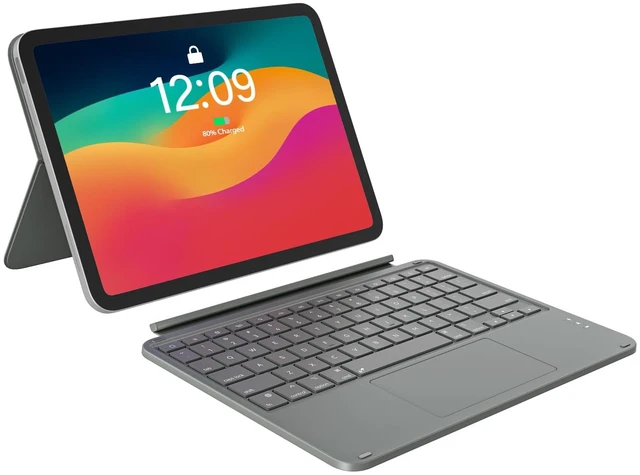
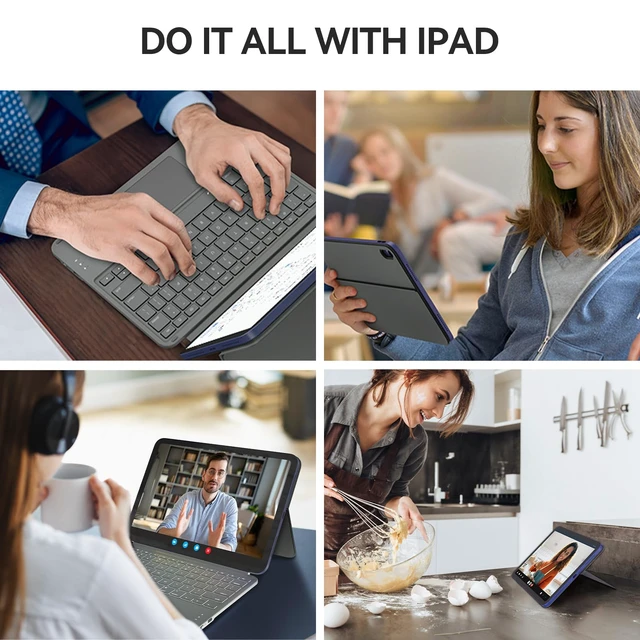
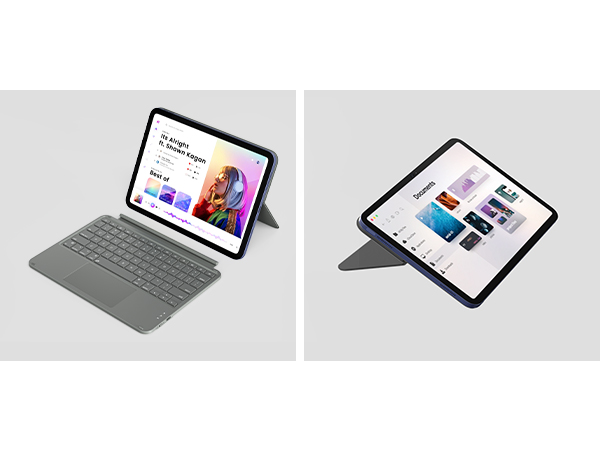
The flexible design with detachable keyboard and adjustable kickstand supports multiple modes of use for extra versatility - work in a coffee, type in the office, sketch on the desk, view document at home, read in the living room, etc.
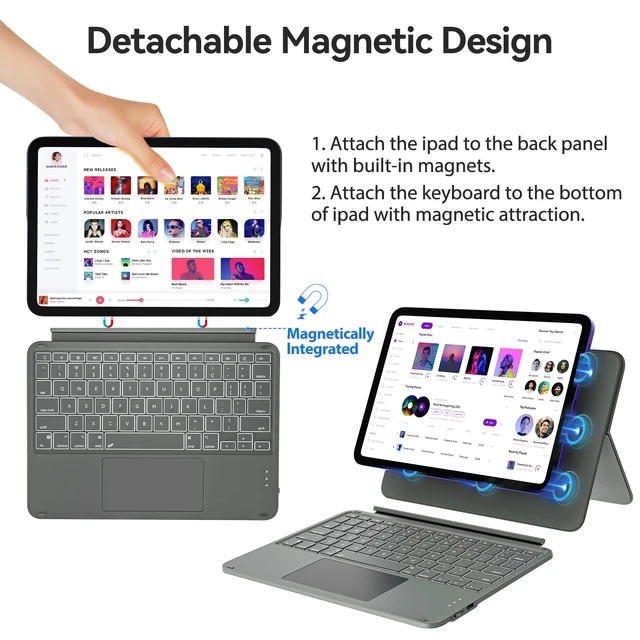
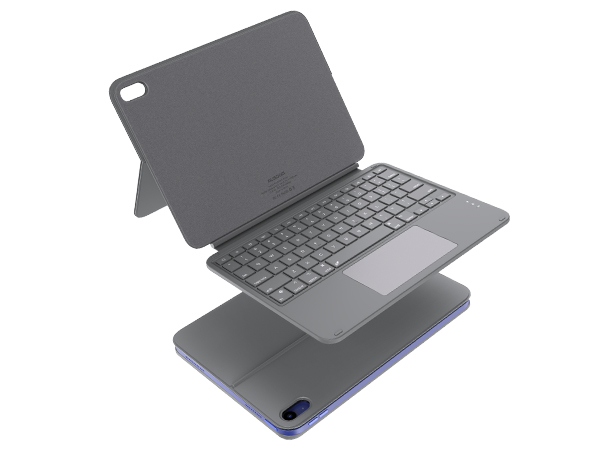
Note: The keyboard attaches magnetically directly to the iPad rather than to a case.
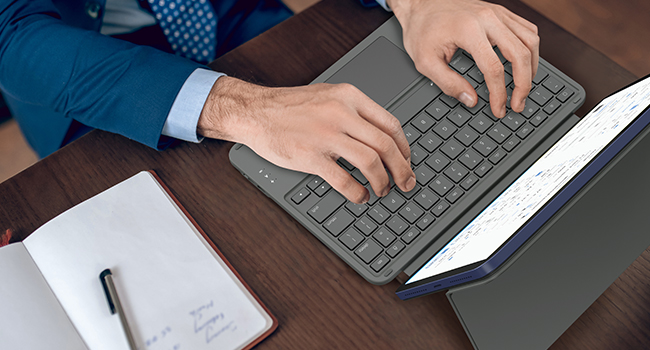
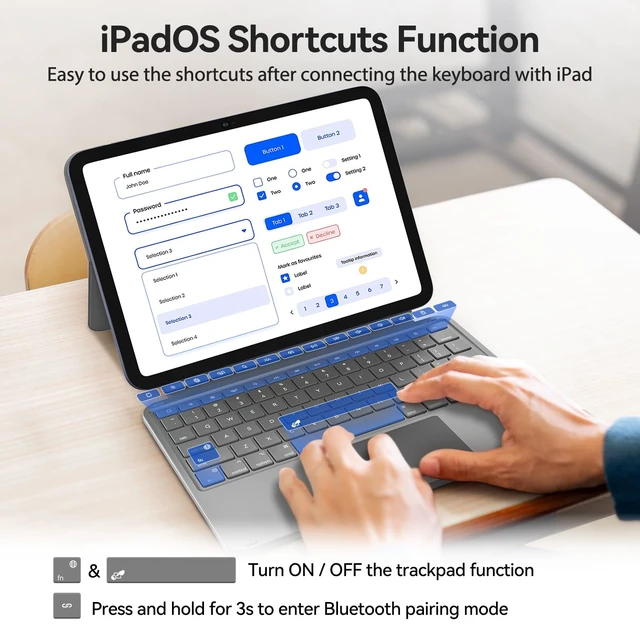
The typing mode is very convenient, which improves our work efficiency substantively. Using the keyboard not only allows us to type faster and with fewer errors, but also to use the clipboard, shortcuts and more. We can easily use the shortcut keys to copy, paste, cut, auto-save, undo, redo, etc.

With the development of electronic technology, nowadays e-reading is more popular among young people. The reading mode greatly improves our learning efficiency as the ipad with protective case is really portable, we can remove the keyboard at any time and enjoy reading an e-book, articles, and more.
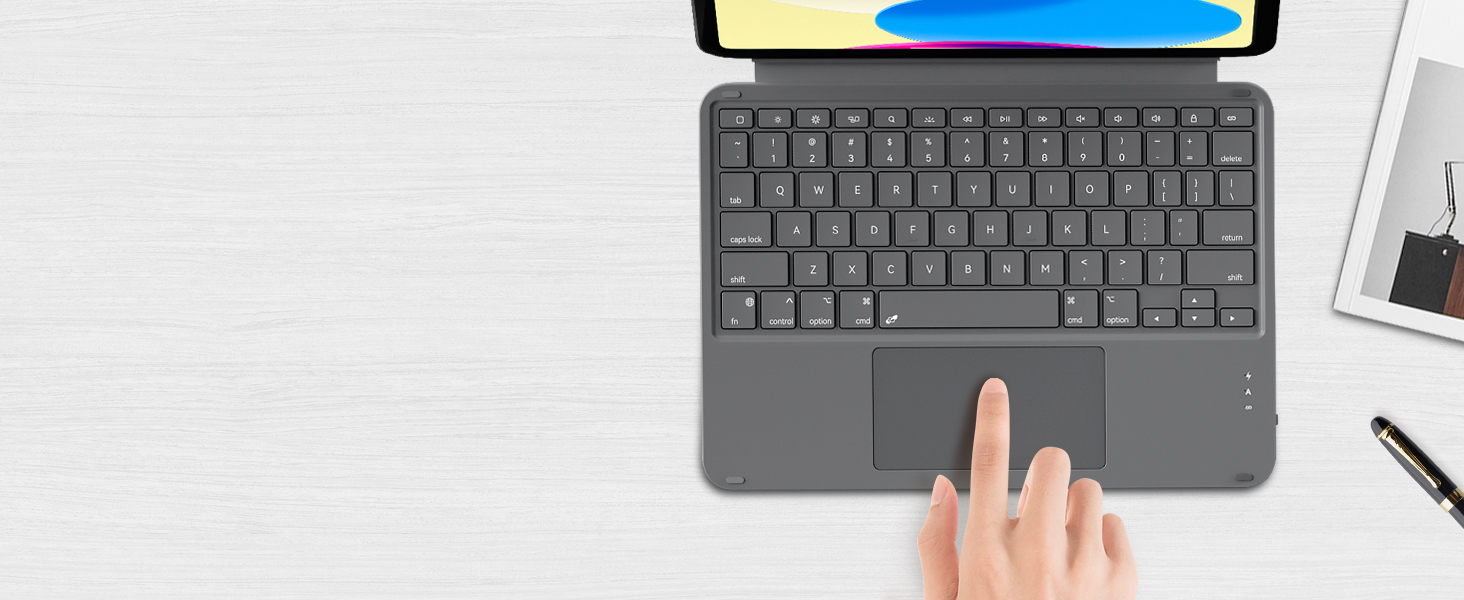
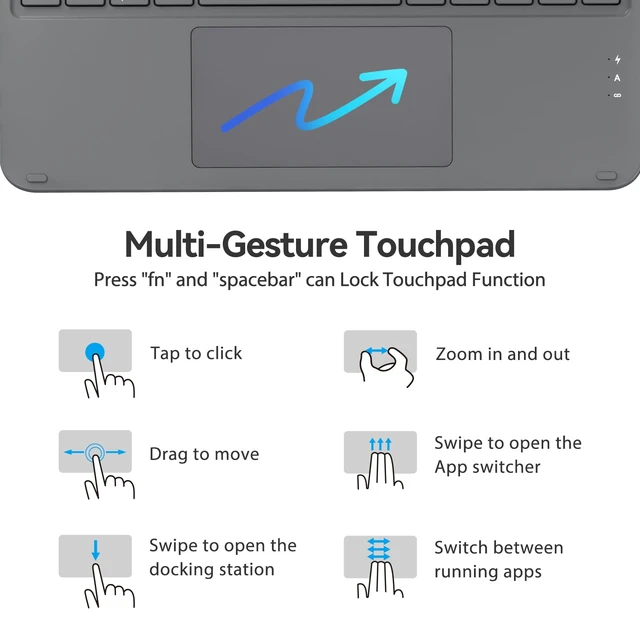
Set "tap to click" to improve touchpad sensitivity: Settings -> General -> Trackpad -> Tap to click.
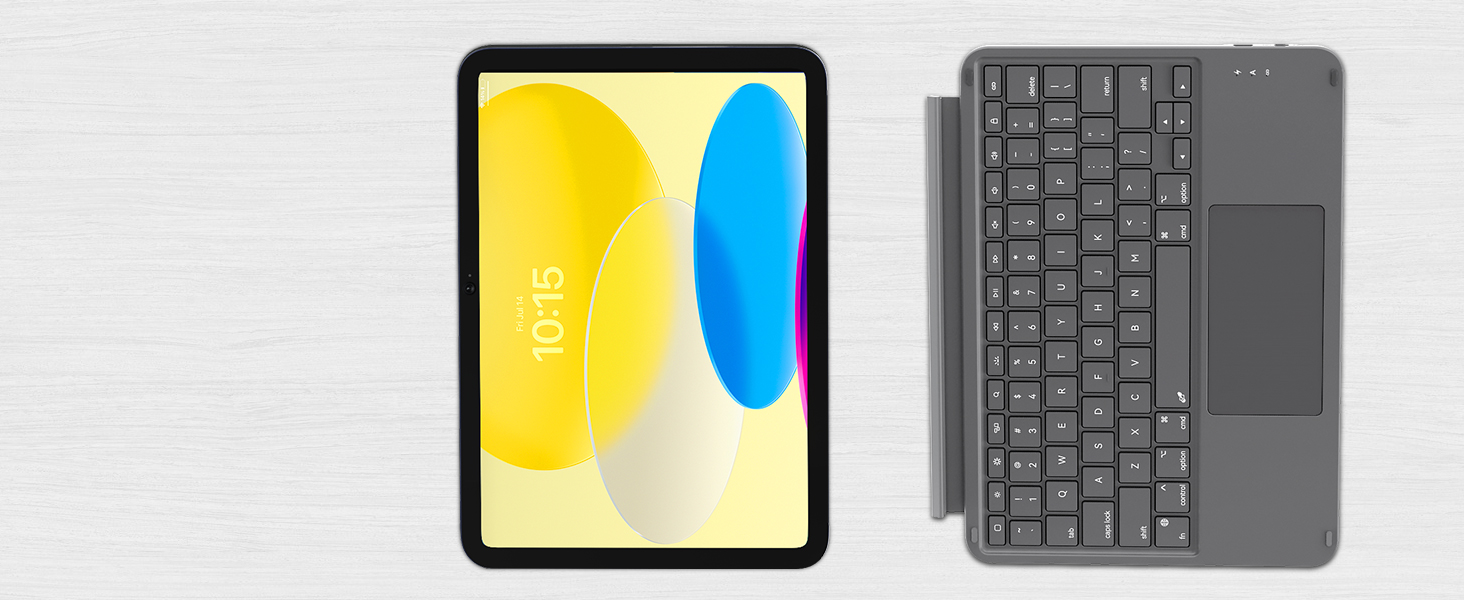
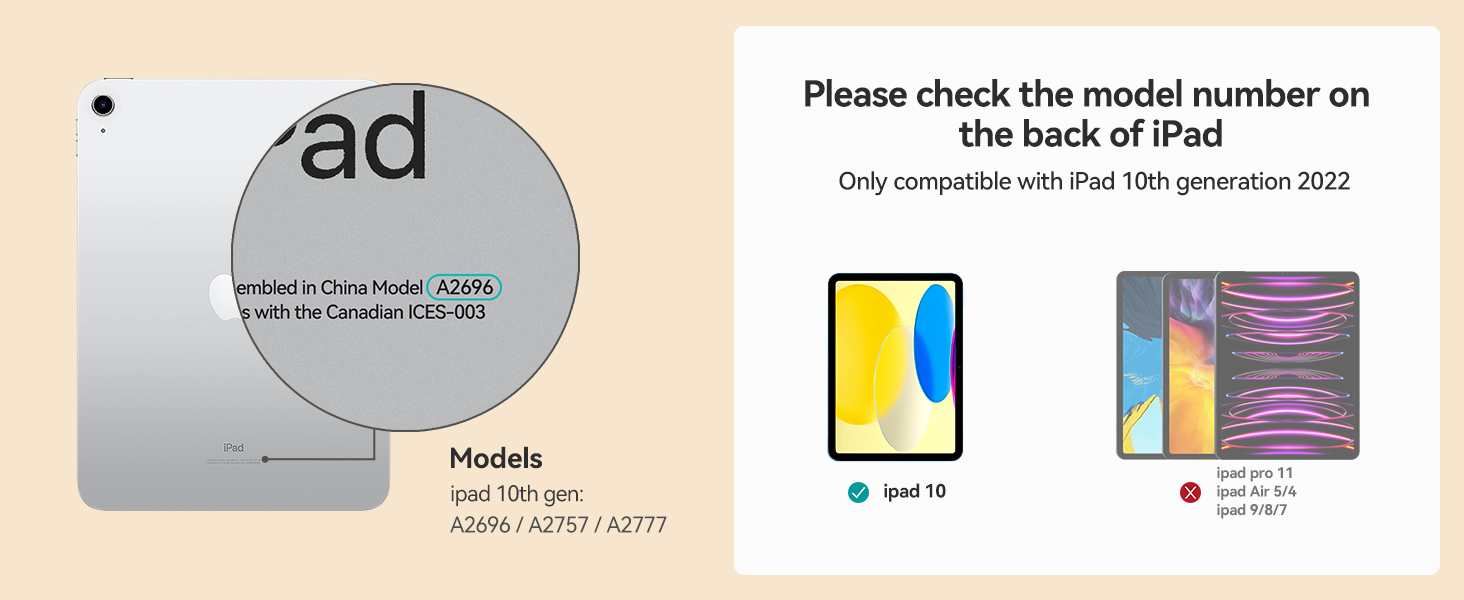
Customized for iPad 10th generation, it provides front, back protection and a detachable keyboard.
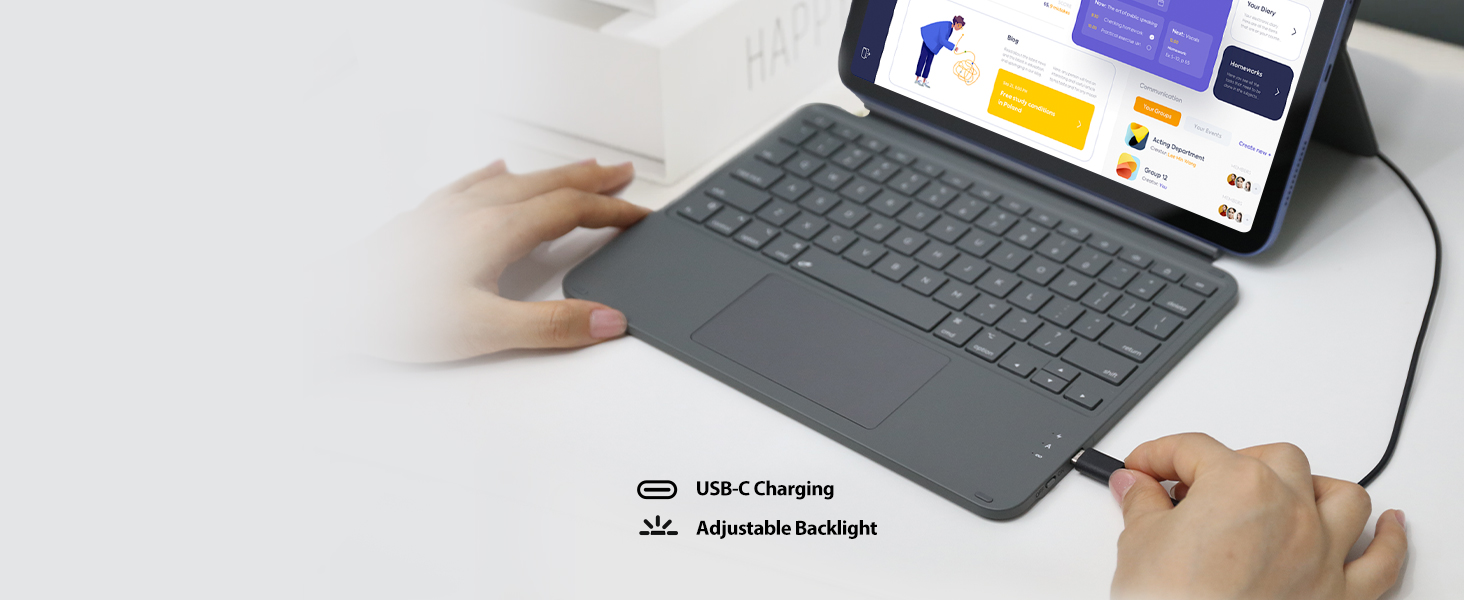
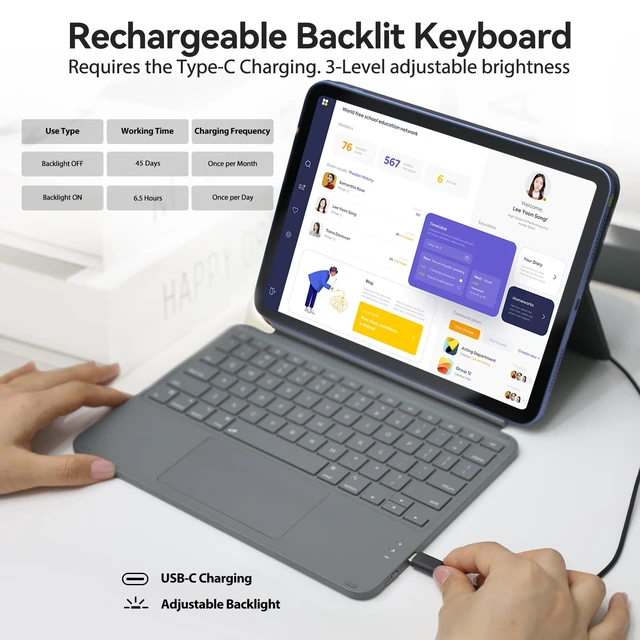
The keyboard requires additional charging for use. Please make sure it is fully charged before use.
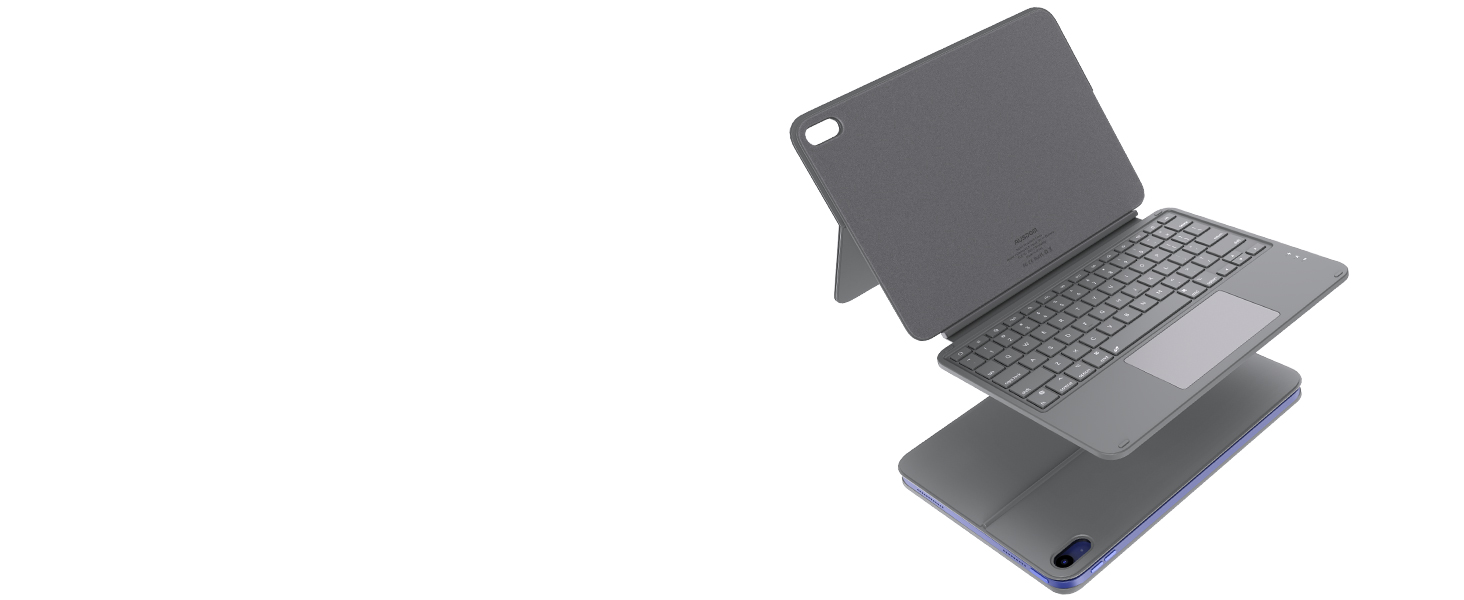
The lightweight and sleek materials have excellent abrasion resistance, easy to clean and maintain.
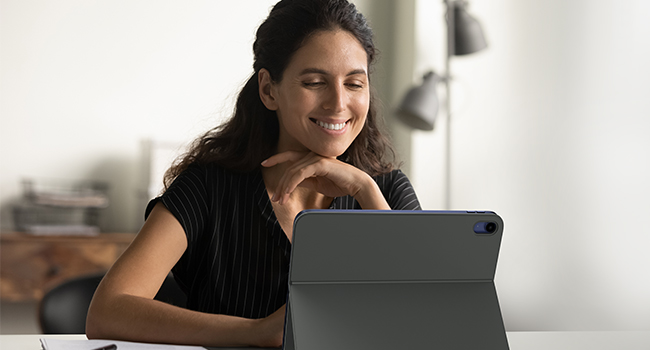
Equipped with this iPad 10th generation keyboard, we can use our iPad to browse the web, view documentions, watch videos or movies, deal with emails after we pull out the kickstand and adjust it to the perfect angle. The adjustable stand offers smooth, continuous viewing experience like a laptop.
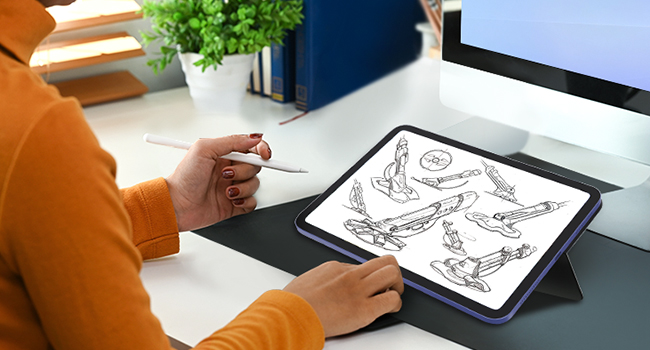
With the iPad screen pushed all the way down into sketch mode, the maximum angle between the stand and the panel is 130 degrees, at which point the angle between iPad and the flat surface is 155 degrees - perfect for drawing and taking notes with a digital pen.
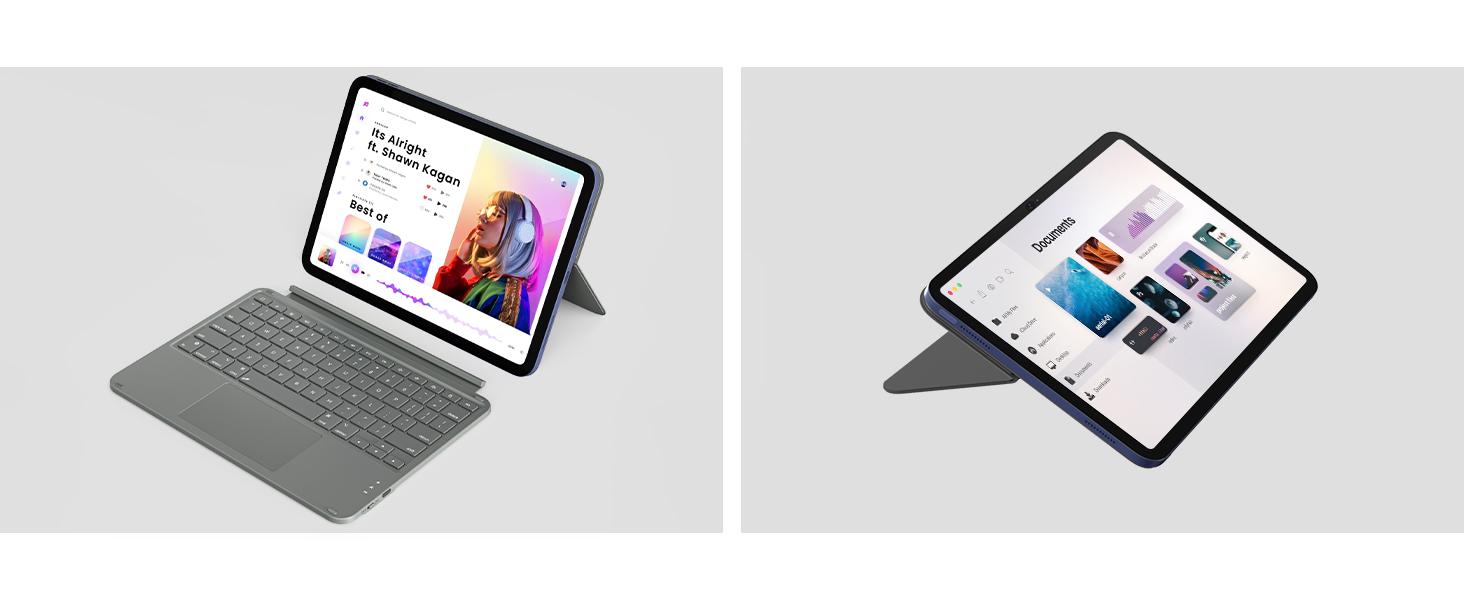
We can adjust the stand to find the ideal viewing angle (max. 155°) for reading, watching, working.
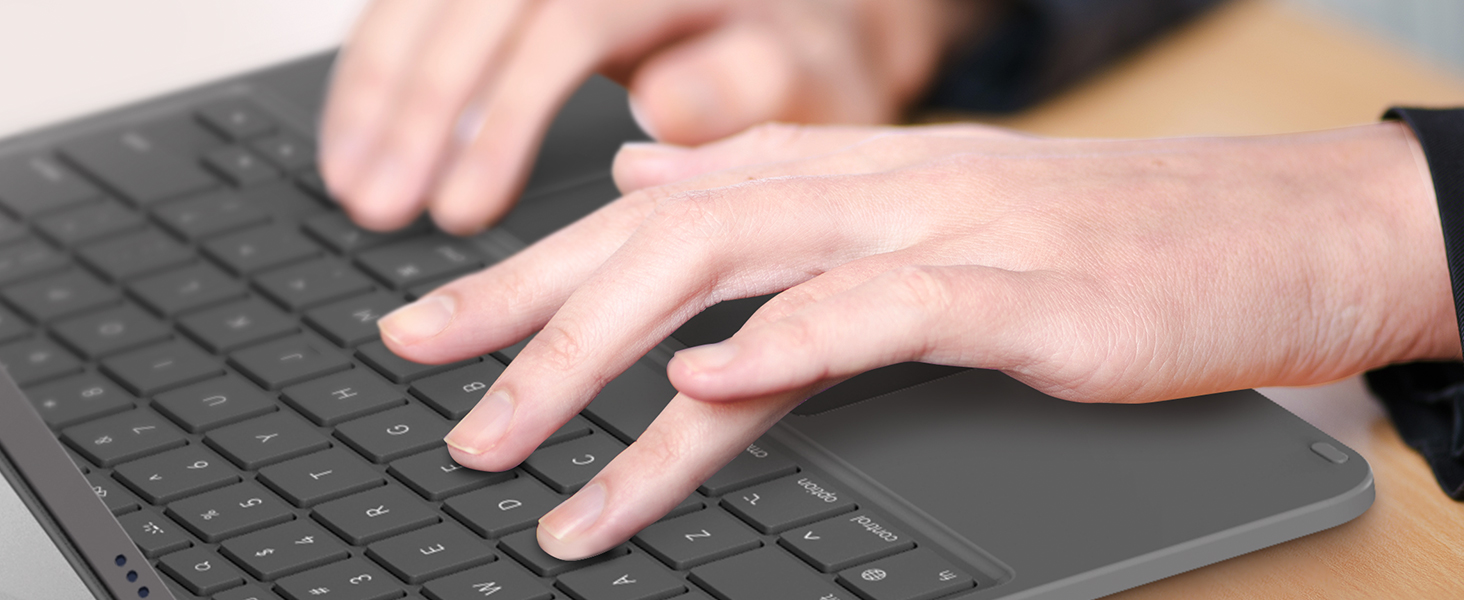
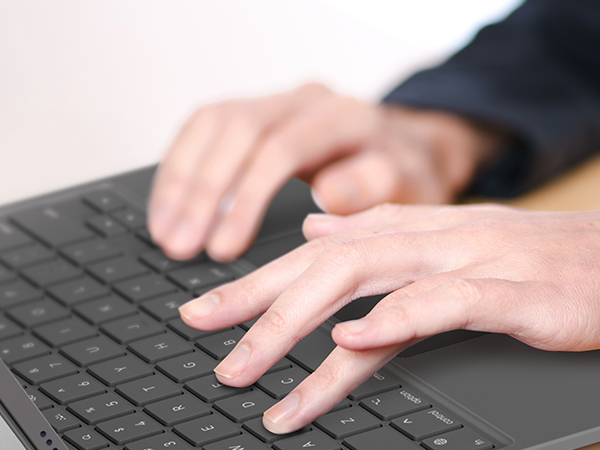
Well-spaced layout and responsive keys offer us a smooth, natural and accurate typing experience.
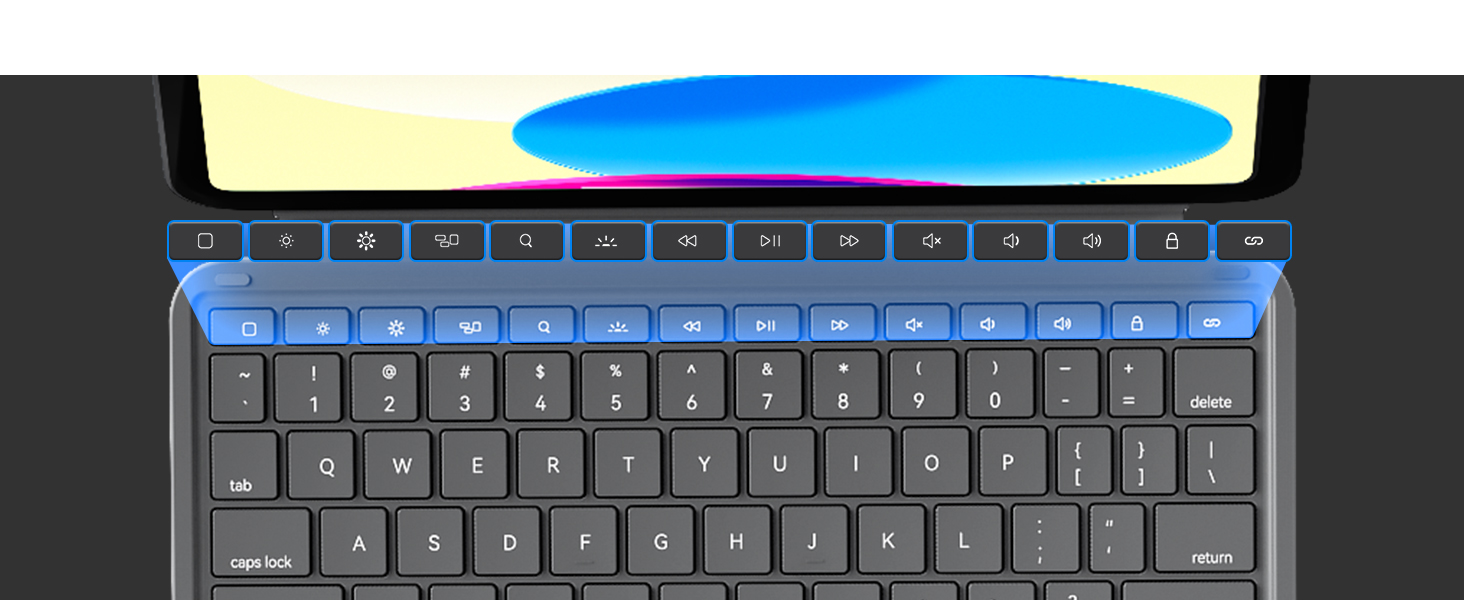
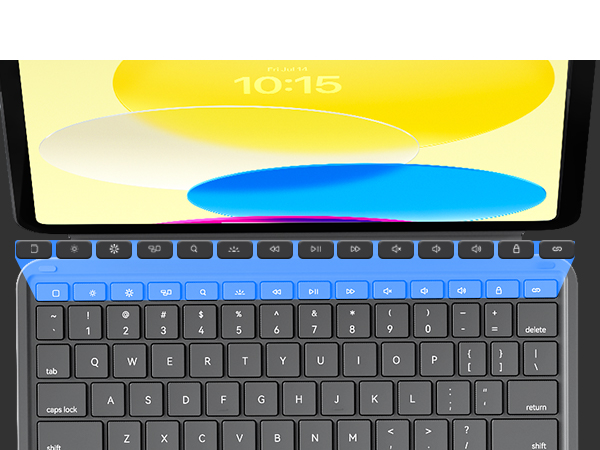
Easily access media controls, brightness levels, screenshots and more, combining with the "fn" key.
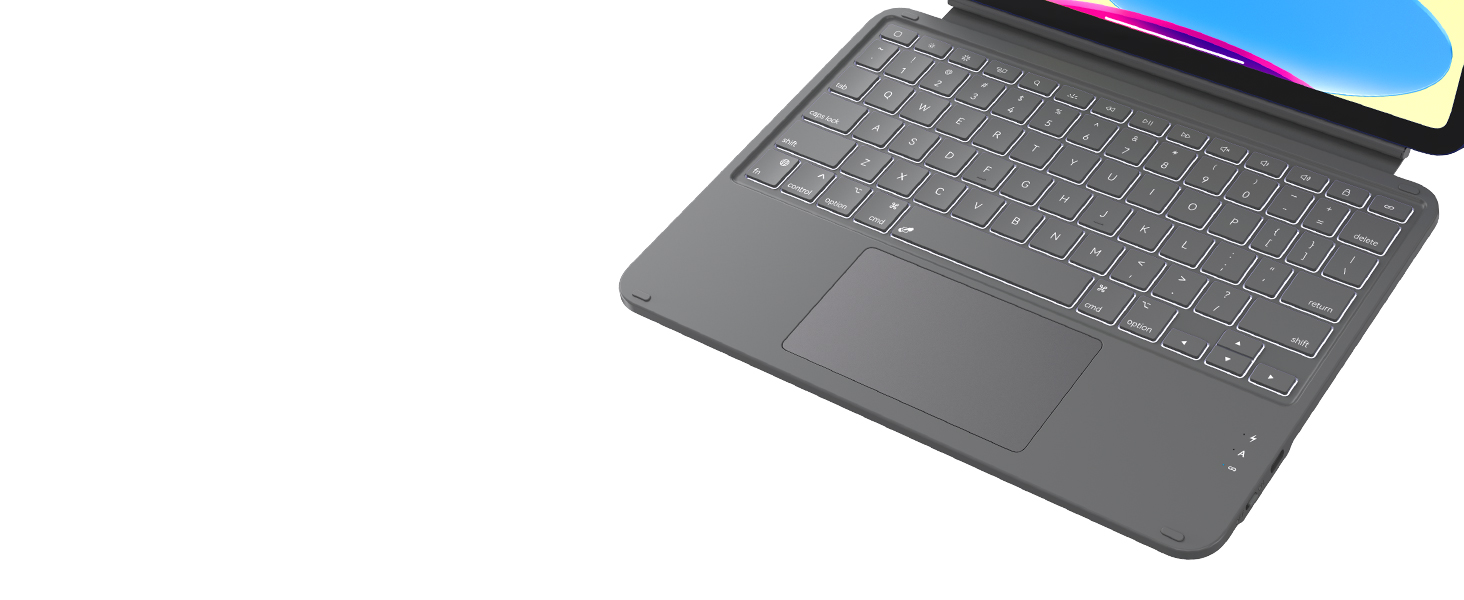
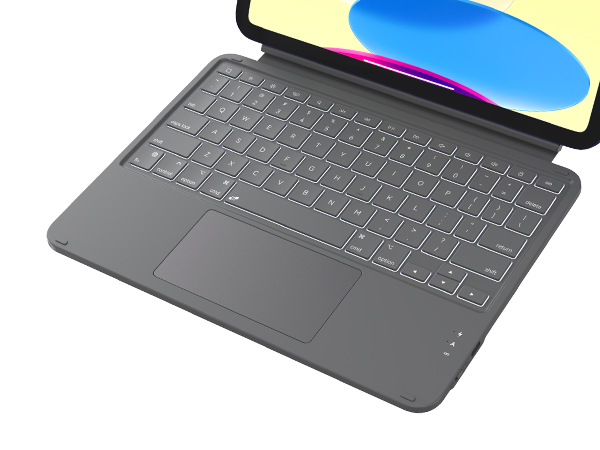
The brightness of backlit keys can be adjusted manually, allowing us to stay focused day and night.
How lightweight is this keyboard case?
The keyboard case weighs 604g / 21.3oz.
What model of iPad does this keyboard cover fit?
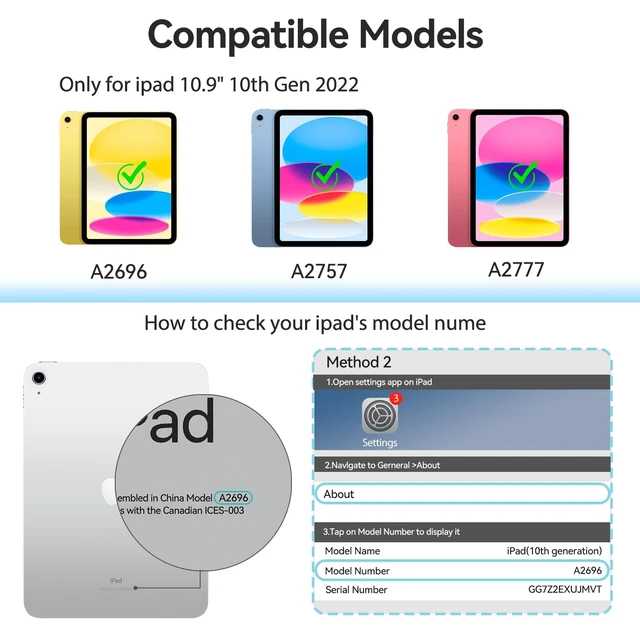
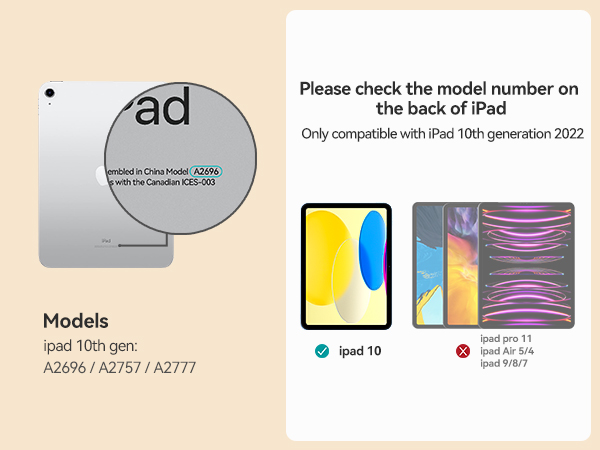
The keyboard case fits the 10th generation ipad (model - A2696 / A2757 / A2777).
How does this keyboard connect to the iPad?
The wireless keyboard connects to our iPad via Bluetooth technology.
Does this keyboard have backlit keys?
Yes, the backlit keys offer 3 levels of brightness and can be adjusted manually.
How to restore the factory settings?
Press and hold the "fn" and "delete" keys for 3 seconds simultaneously to restore the factory settings.
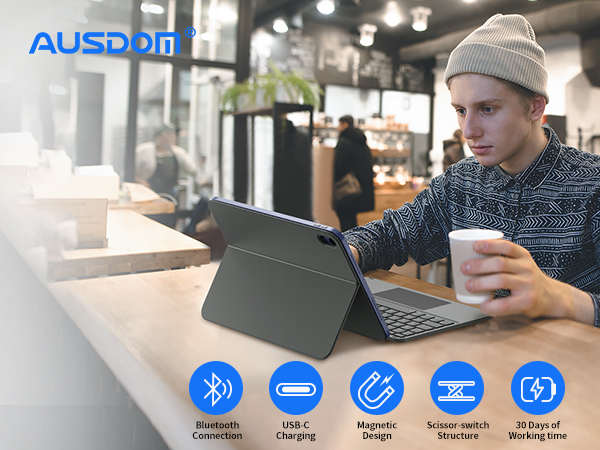
The flexible design with detachable keyboard and adjustable kickstand supports multiple modes of use for extra versatility - work in a coffee, type in the office, sketch on the desk, view document at home, read in the living room, etc.
Note: The keyboard attaches magnetically directly to the iPad rather than to a case.
The typing mode is very convenient, which improves our work efficiency substantively. Using the keyboard not only allows us to type faster and with fewer errors, but also to use the clipboard, shortcuts and more. We can easily use the shortcut keys to copy, paste, cut, auto-save, undo, redo, etc.
With the development of electronic technology, nowadays e-reading is more popular among young people. The reading mode greatly improves our learning efficiency as the ipad with protective case is really portable, we can remove the keyboard at any time and enjoy reading an e-book, articles, and more.
Set "tap to click" to improve touchpad sensitivity: Settings -> General -> Trackpad -> Tap to click.
Customized for iPad 10th generation, it provides front, back protection and a detachable keyboard.
The keyboard requires additional charging for use. Please make sure it is fully charged before use.
The lightweight and sleek materials have excellent abrasion resistance, easy to clean and maintain.
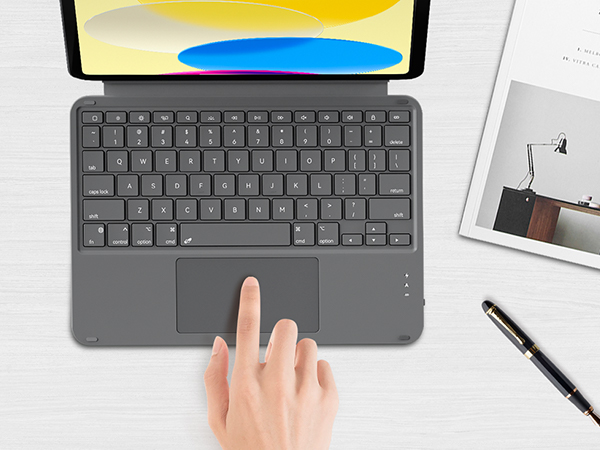
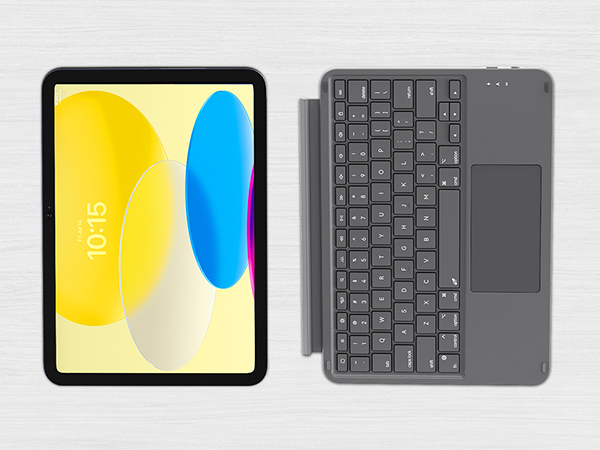
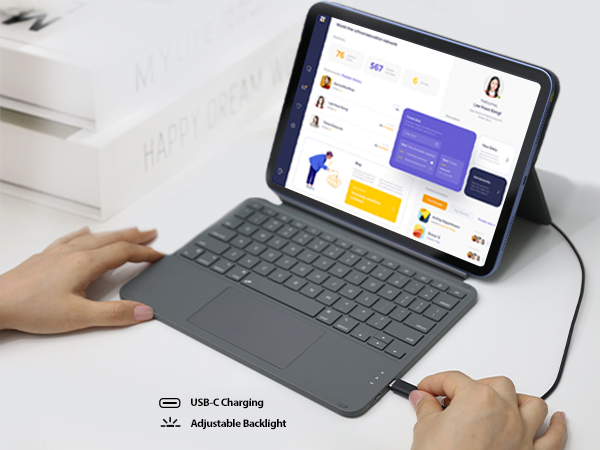
Equipped with this iPad 10th generation keyboard, we can use our iPad to browse the web, view documentions, watch videos or movies, deal with emails after we pull out the kickstand and adjust it to the perfect angle. The adjustable stand offers smooth, continuous viewing experience like a laptop.
With the iPad screen pushed all the way down into sketch mode, the maximum angle between the stand and the panel is 130 degrees, at which point the angle between iPad and the flat surface is 155 degrees - perfect for drawing and taking notes with a digital pen.
We can adjust the stand to find the ideal viewing angle (max. 155°) for reading, watching, working.
Well-spaced layout and responsive keys offer us a smooth, natural and accurate typing experience.
Easily access media controls, brightness levels, screenshots and more, combining with the "fn" key.
The brightness of backlit keys can be adjusted manually, allowing us to stay focused day and night.
How lightweight is this keyboard case?
The keyboard case weighs 604g / 21.3oz.
What model of iPad does this keyboard cover fit?
The keyboard case fits the 10th generation ipad (model - A2696 / A2757 / A2777).
How does this keyboard connect to the iPad?
The wireless keyboard connects to our iPad via Bluetooth technology.
Does this keyboard have backlit keys?
Yes, the backlit keys offer 3 levels of brightness and can be adjusted manually.
How to restore the factory settings?
Press and hold the "fn" and "delete" keys for 3 seconds simultaneously to restore the factory settings.
AUSDOM is an international brand specializing in workflow solutions with a mission to provide innovative, high quality and reliable products for more efficient work and comfortable workspace.
With the trend of working from home becoming a big hit, we are committed to providing easy-to-use, durable and affordable products that allow customers with different lifestyles to work efficiently and play comfortably.
Our AUSDOM brand has developed and produced the Foliokey10.9 keyboard for the iPad (10th generation), which is a tablet case that includes a wireless keyboard. The back cover has a built-in kickstand stopper that allows it to be stood up. The keyboard uses a scissor structure with 1.2mm of travel, a row containing 14 function keys at the top, and a large trackpad at the bottom that supports multi-touch gestures. With full multi-touch gesture support, turn our iPad into a highly efficient device for working with spreadsheets and documents, editing photos and videos, remotely controlling a classroom, and so much more - the possibilities are endless. The iPad keyboard case that gives a new level of versatility. Use our iPad to type, sketch, view and read - always keep the front, back, and corners covered and protected. Its secure form-fit case protects iPad from bumps, scratches, and drops. The flexible design with detachable keyboard and adjustable kickstand supports 4 modes of use for extra versatility anywhere - in the coffee, on the desk, or even in the backyard, making it easy to accomplish a variety of tasks from any location. Type mode - Dock the keyboard vertically and pull out the stand to enter notes or e-mail, etc. Sketch mode - Fully extend the stand to the right angle for handwritten notes and scribbles using the Crayon or Pencil.View mode - Remove the keyboard and pull out the stand to watch movies and videos. Read mode - Remove keyboard to read books articles etc. It features an incredible typing experience, a built-in trackpad to handle tasks with convenient, and a 14-key function row. The versatile 2-piece design includes a detachable keyboard and a protective back panel that both attach magnetically to iPad. An adjustable stand offers smooth, continuous viewing. And the keyboard case helps iPad stay protected wherever we go.


