


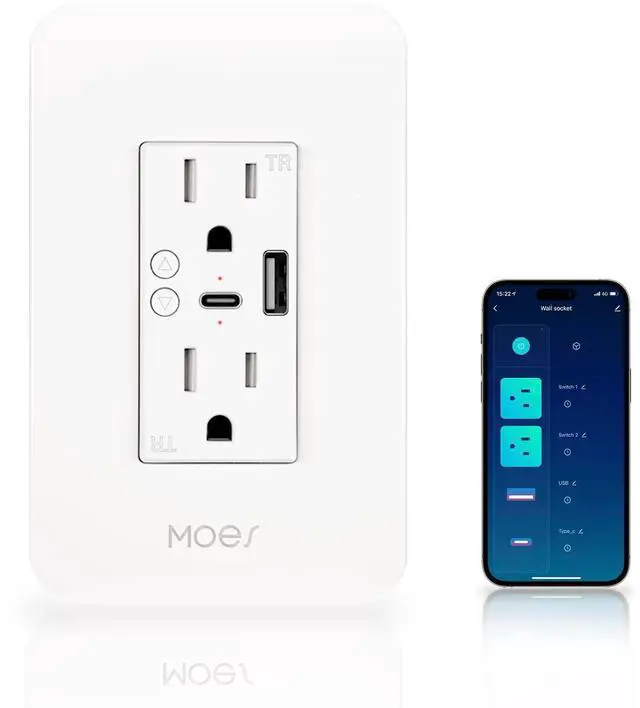
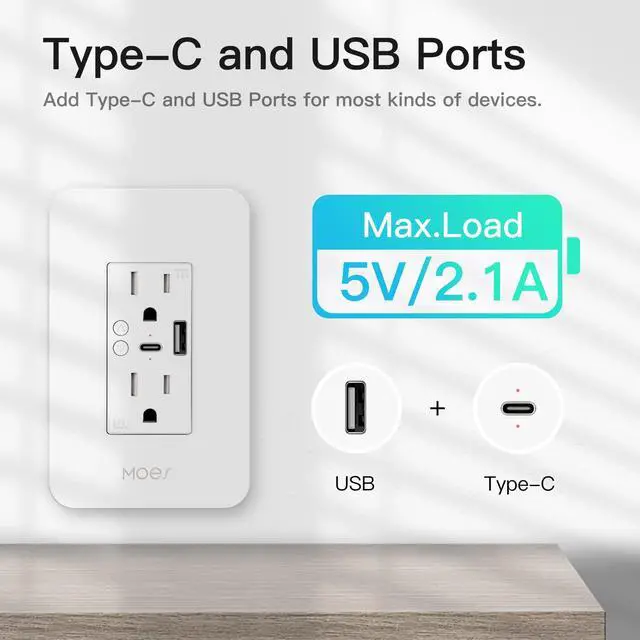


Compared to traditional wall plugs, the MOES Wi-Fi Wall Outlet adds USB and Type-C ports for greater versatility.
Once connected to a 2.4 GHz Wi-Fi network, there's no need for a hub,
and this smart usb wall outlet enables voice control, remote control, divided control, timer & countdown functions.

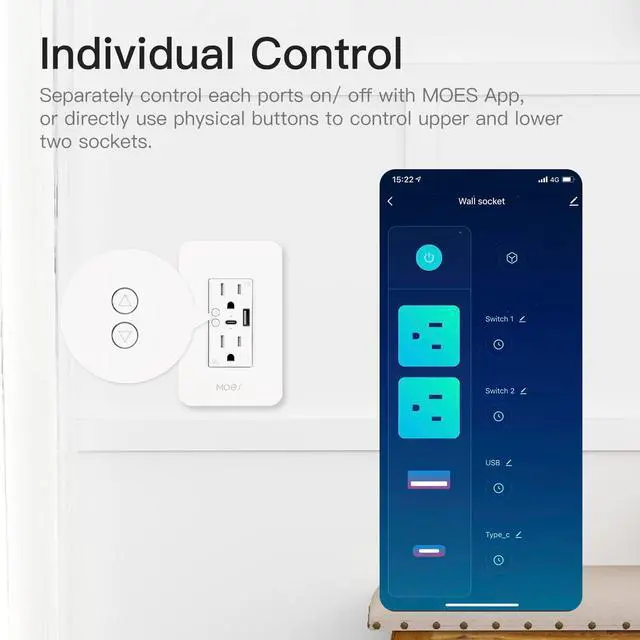
Divided control allows you to individually control outlets, USB, and type-c ports with MOES App.
This feature is useful if some devices need to be charged or powered at the same time, but you want to control each separately.
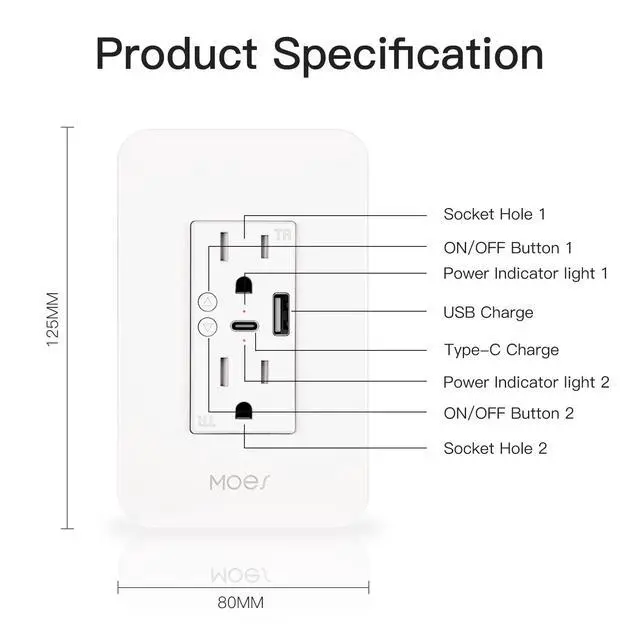
Note: The physical ON/OFF buttons only control the upper and lower sockets.


Power Memory
Like other devices with power memory, in-wall outlet receptacles with this feature can store their previous status before a power outage occurred, allowing them to automatically restore their previous settings when the power is restored.
This feature can be particularly useful if you have some devices connected to the wifi wall outlet, such as lights, fans, or appliances. With power memory, you won't have to worry about resetting all of your devices after a power outage.
Variety of Control Methods

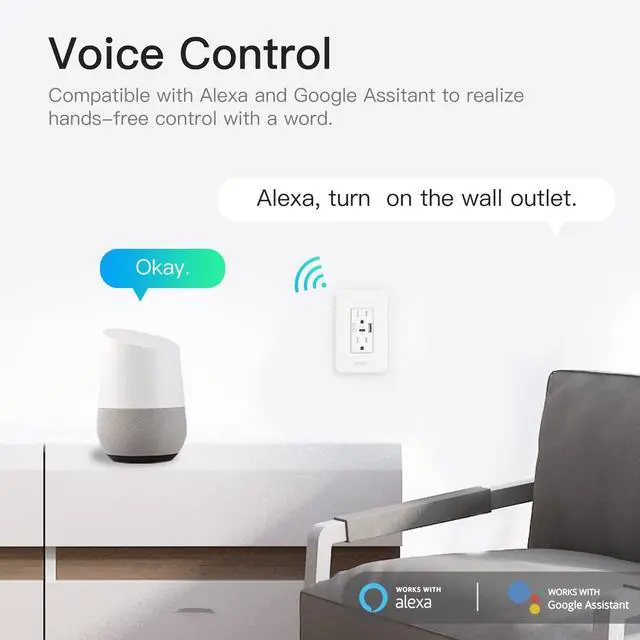
With voice control, you can simply speak a command to turn on/off outlets, so as to control lights or other devices and free your hands.
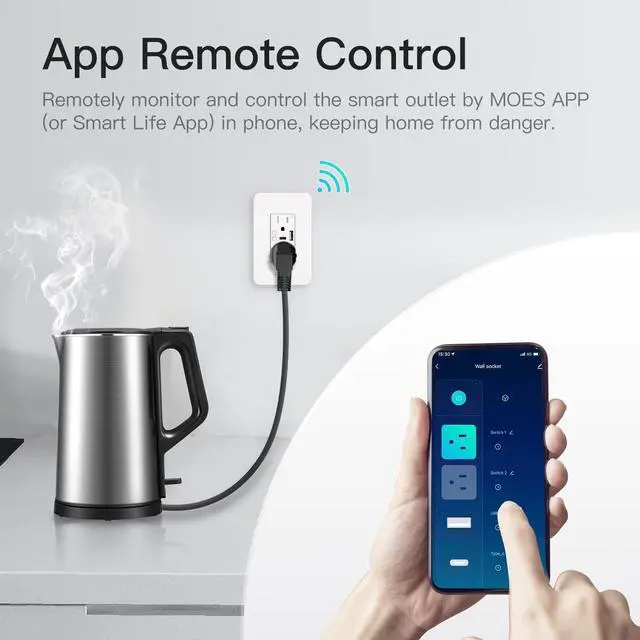
With remote control, you can flexibly check on your home devices or make adjustments from anywhere, at any time.
Using this wifi outlet plug to start a smart life.

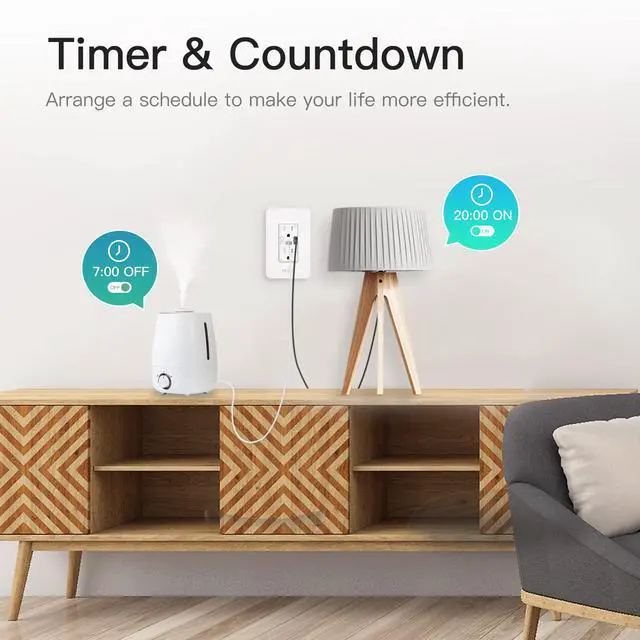
With timer & countdown, you can schedule when home devices turn on/off, saving energy and managing time more efficiently.
Activating the child lock function to prevent kids from danger of electrical hazards.
With family share, you can share access to smart home devices with other family members.
.


Compared to traditional wall plugs, the MOES Wi-Fi Wall Outlet adds USB and Type-C ports for greater versatility.
Once connected to a 2.4 GHz Wi-Fi network, there's no need for a hub,
and this smart usb wall outlet enables voice control, remote control, divided control, timer & countdown functions.

Divided control allows you to individually control outlets, USB, and type-c ports with MOES App.
This feature is useful if some devices need to be charged or powered at the same time, but you want to control each separately.
Note: The physical ON/OFF buttons only control the upper and lower sockets.


Power Memory
Like other devices with power memory, in-wall outlet receptacles with this feature can store their previous status before a power outage occurred, allowing them to automatically restore their previous settings when the power is restored.
This feature can be particularly useful if you have some devices connected to the wifi wall outlet, such as lights, fans, or appliances. With power memory, you won't have to worry about resetting all of your devices after a power outage.
Variety of Control Methods

With voice control, you can simply speak a command to turn on/off outlets, so as to control lights or other devices and free your hands.
With remote control, you can flexibly check on your home devices or make adjustments from anywhere, at any time.
Using this wifi outlet plug to start a smart life.

With timer & countdown, you can schedule when home devices turn on/off, saving energy and managing time more efficiently.
Activating the child lock function to prevent kids from danger of electrical hazards.
With family share, you can share access to smart home devices with other family members.
.
