• $57.99
  • Shipped by BestGifts Store

    Price alert
    Shop it at NeweggBusiness.

    Meet Your Seller

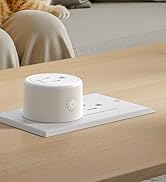
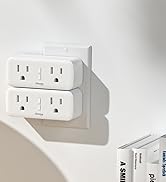
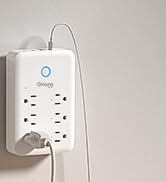
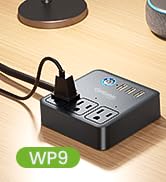
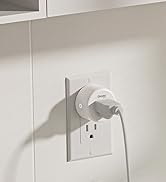
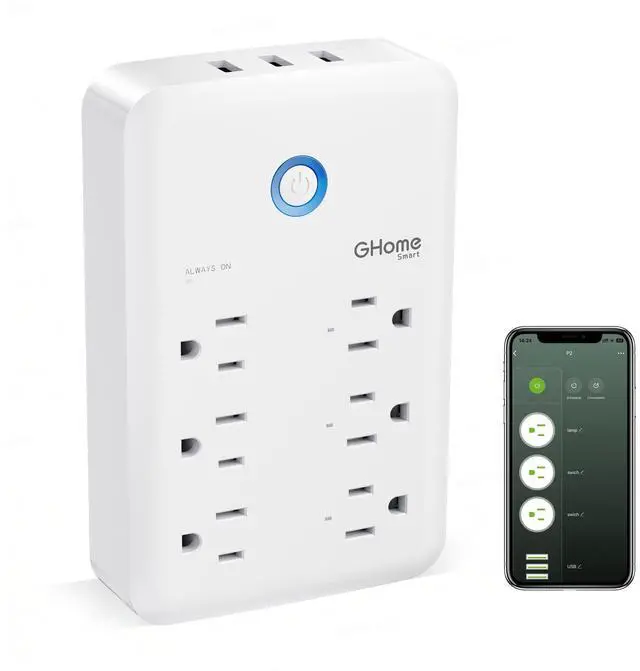
    Plug Outlet Extender, USB Wall Charger with 3 Individual Smart Outlets and 3 Smart USB Ports, Works with Alexa Google Home, Surge Protector Plug Extender for APP Control,15A/1800W

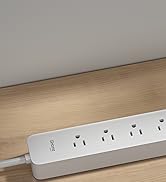
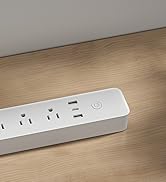
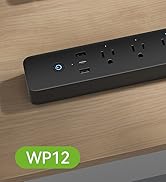
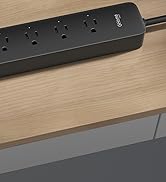
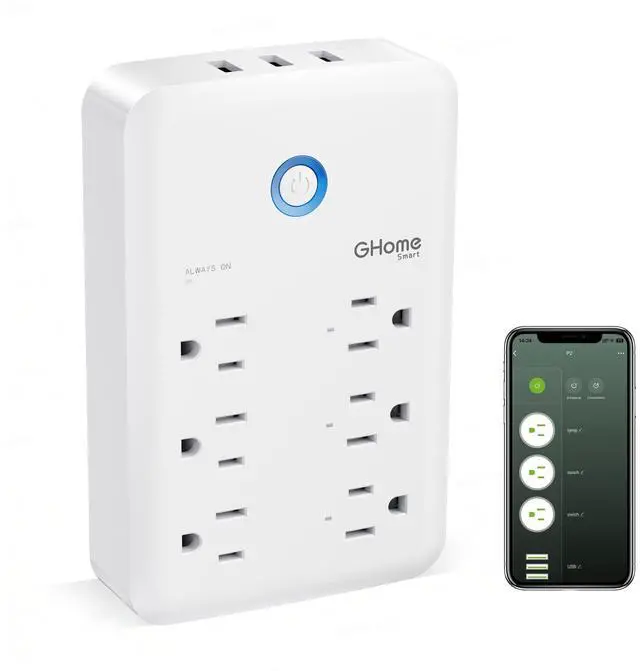
    • 9 In 1 Smart Power Strip: 3 smart outlets (individual control), 3 smart USB ports (group control) & 3 always on regular outlets. Combines smart APP/voice/remote control with surge protection, all in a compact design. Rated 3450W 15A, ideal for high wattage devices like air conditioners and fridges.
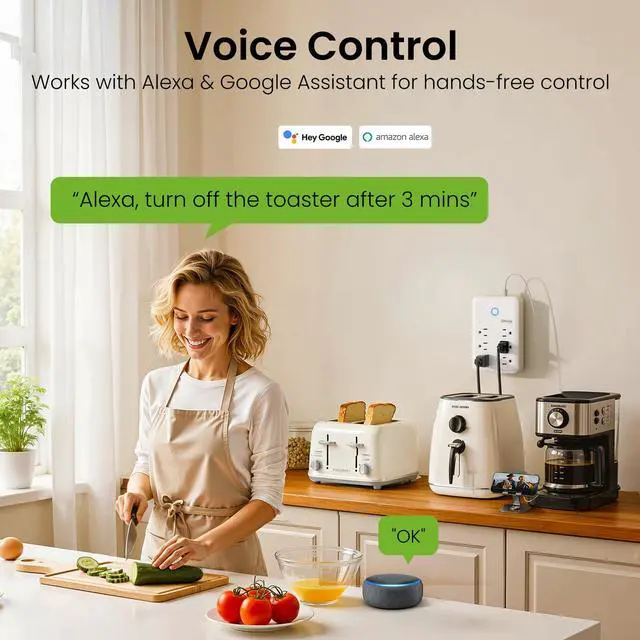
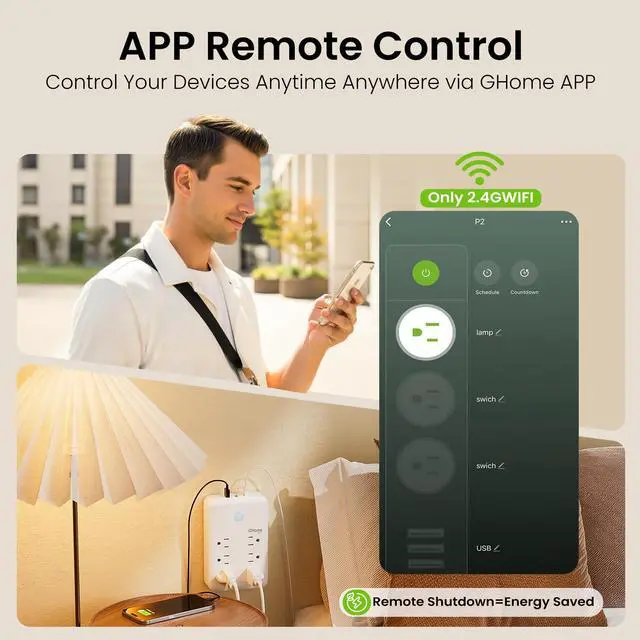
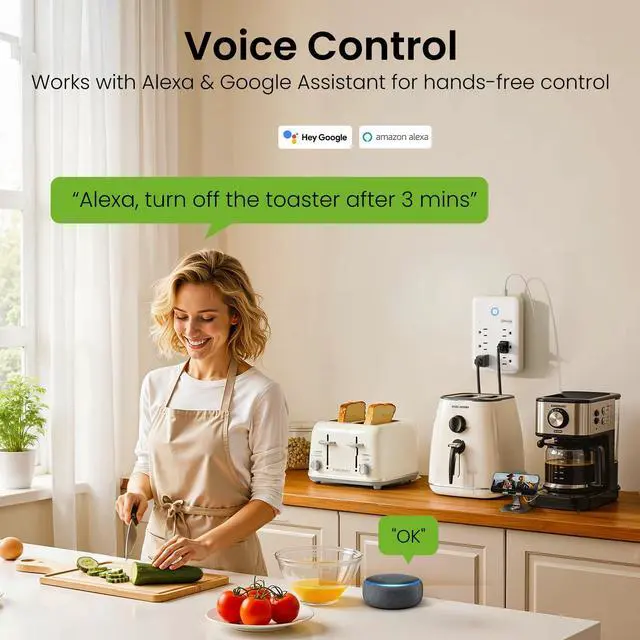
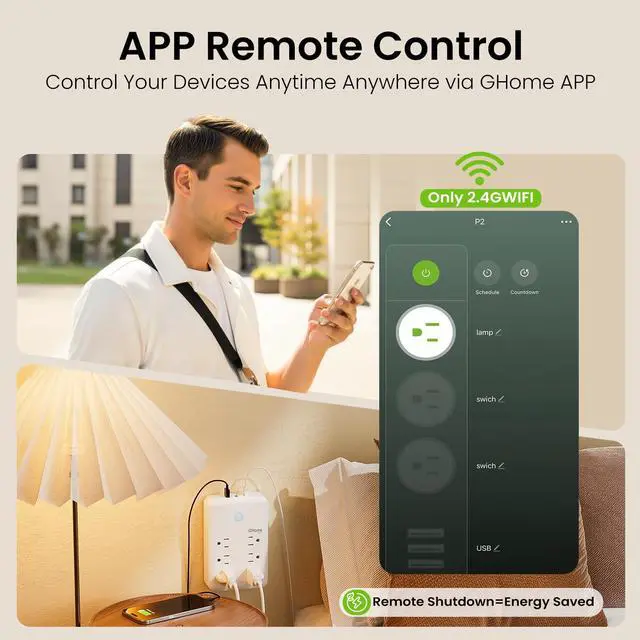
    • Voice & Remote Control: This smart surge protector supports hands free voice control via Alexa & Google Home. Remotely manage devices anytime anywhere with GHome APP, stable smart control for all gadgets. Note: Only supports 2.4GHz WiFi, not 5G.
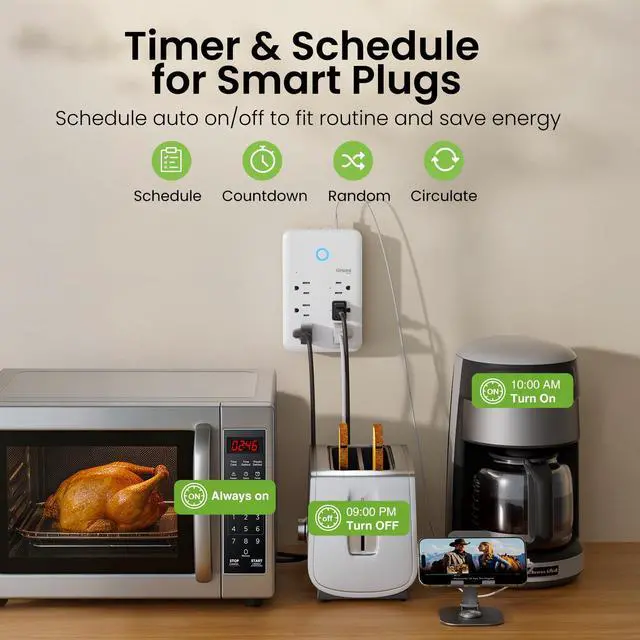
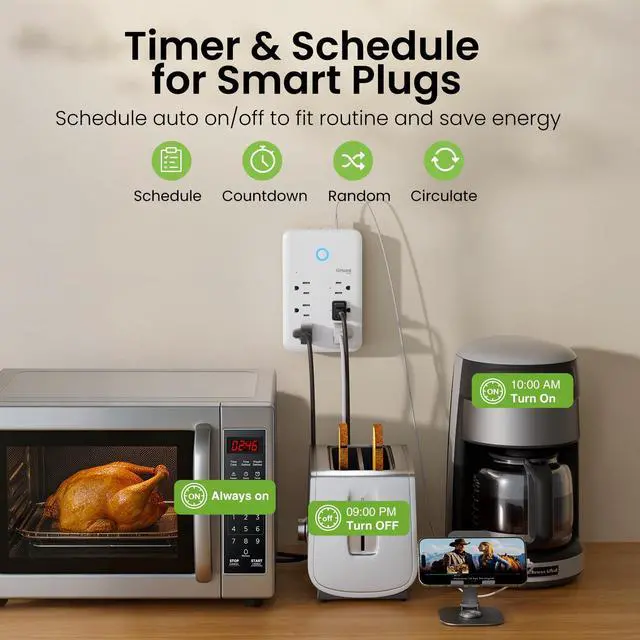
    • Timer & Schedule: Set timers, countdowns, recurring cycles & random modes via GHome APP for your smart plug extender. Automatically turn on/off lamps, fans, humidifiers and more. Align with daily routines to save energy and lower electricity bills.
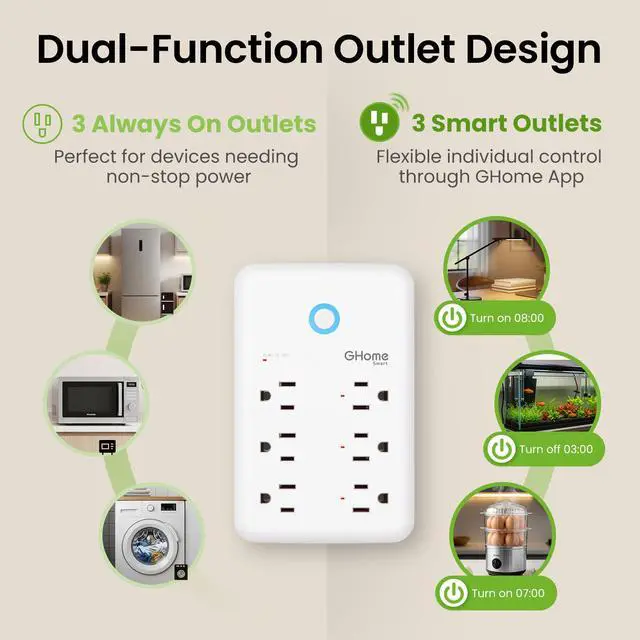
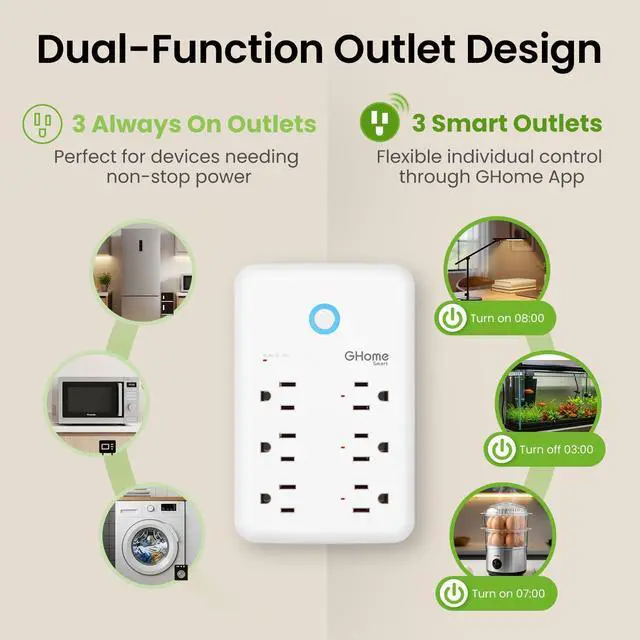
    • Individual & Group Control: This smart plug outlet extender has 9 outlets with flexible control. 3 right smart outlets (works with Alexa Google) support individual/group control via GHome APP, like standalone smart outlet. 3 top USB ports only offer group control for unified on/off. 3 left standard non smart plugs for constant power.
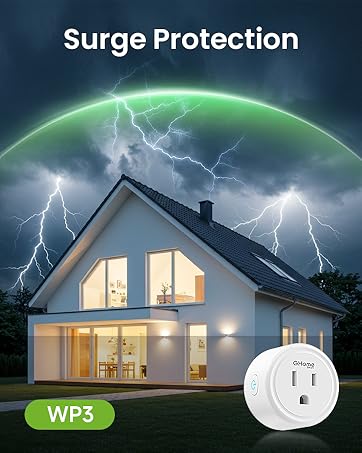
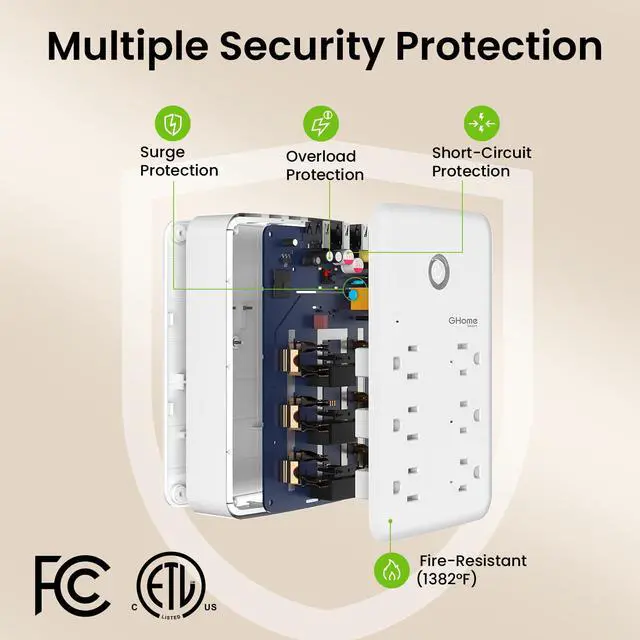
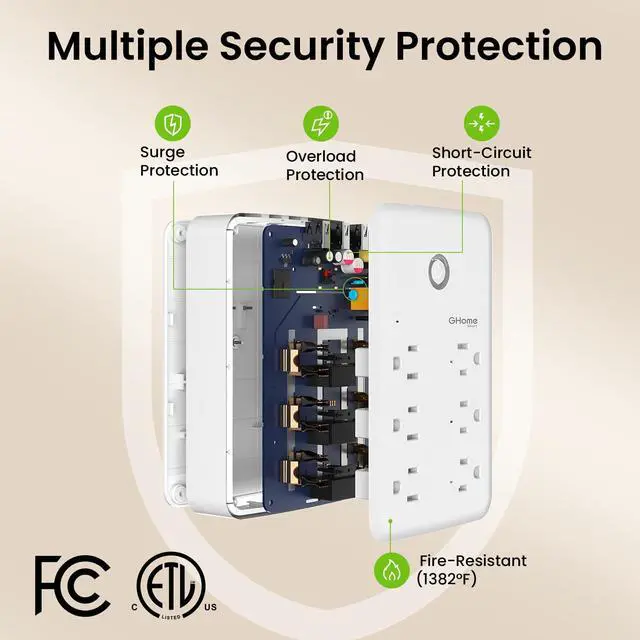
    • Multiple Safety Protections: FCC & ETL Certified. Our smart power strip surge protector features overload, overcurrent, fuse & surge protection, plus a V0 fire retardant shell. 15A rated power handles high wattage devices, with a -20° to 40° wide working temperature range for stable secure use in home and office.
    +
    +
    Overview
    Specs
    Reviews
    avatar

    Any questions? Our AI beta will help you find out quickly.

    smart multi plug
    bluetooth power strip

    How to connect to GHome APP

    1. Download the APP by scanning QR or searching. (Android5.0 or iOS 13.0 or above)
    2. Turn on the plug and put it close to the router when start pairing with APP.(Set your WiFi as 2.4G WiFi for successful pairing)
    3. Press and hold the power button for 5-10 seconds until the indicator light will rapidly blink fast, EZ mode is available and wait for connected.

    Or try the second way, re-press and hold the on/off button for 5 seconds when the indicator blinking fast, then indicator light become blinking slow, AP mode is available and wait for connected.

    • Note: When the smart plug changed network environment, you need to restore the factory settings (Remove the socket from outlet and plug in again, press and hold on to the power button for about 5-10 seconds), and then reconnect to the network.
    • Opening BT on your phone makes it easier to connect your device to the app, It's not necessary.
    • Only support 2.4Ghz WiFi while connecting with APP. Apply to home appliances which Max load power1800W,15A, please check the load of your appliance before plugging in.
    • Once connected, you can use your phone via 4G or 5G WiFi to turn on/off the smart life outlet anywhere, Please keep the smart extension stay on 2.4G WiFi range always.

    Compare With Other GHome Smart Power Strip

    https://m.media-amazon.com/images/S/aplus-media-library-service-media/0b114d66-5333-444c-894d-78e86ab5caa4.__CR0,0,200,225_PT0_SX200_V1___.jpg

    P2WH Smart Power Strip

    https://m.media-amazon.com/images/S/aplus-media-library-service-media/7b619926-5bc2-486b-b12f-300286e7ed79.__CR0,0,200,225_PT0_SX200_V1___.jpg

    P2BK Smart Power Strip

    https://m.media-amazon.com/images/S/aplus-media-library-service-media/fecf093d-3b0f-455f-a023-4fe30787b916.__CR0,0,200,225_PT0_SX200_V1___.jpg

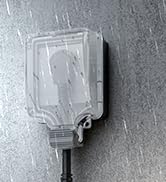
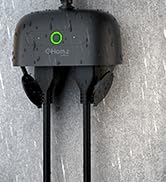
    WP7 Outdoor Smart Plug

    https://m.media-amazon.com/images/S/aplus-media-library-service-media/ba33d11c-a4a5-4e9e-96bf-c3587895b62f.__CR0,0,200,225_PT0_SX200_V1___.jpg

    WP9WH Smart Power Strip

    https://m.media-amazon.com/images/S/aplus-media-library-service-media/5bb19e28-73cb-4c9f-b3df-f6f5133330d0.__CR0,0,200,225_PT0_SX200_V1___.jpg

    WP9BK Smart Power Strip

    https://m.media-amazon.com/images/S/aplus-media-library-service-media/be317315-72cc-4444-810f-5b8cd0c13a76.__CR0,0,200,225_PT0_SX200_V1___.jpg

    WP12WH Smart Power Strip

    https://m.media-amazon.com/images/S/aplus-media-library-service-media/fdec1539-385a-47a6-93c6-f2ad94fca57d.__CR0,0,200,225_PT0_SX200_V1___.jpg

    WP12BK Smart Power Strip

    Customer Reviews
    Price
    Number of Smart Plugs
    3 3 2 3 3 6 6
    USB Charging Ports
    3 3 0 3 3 3 3
    Voice Control
    v v v v v v v
    APP Control
    v v v v v v v
    Max Load
    15A/1800W 15A/1800W 15A/1800W 10A/1200W 10A/1200W 15A/1800W 15A/1800W
    Applicable Scene
    Indoor Indoor Outdoor/Indoor Indoor Indoor Indoor Indoor
    smart multi plug
    bluetooth power strip

    How to connect to GHome APP

    1. Download the APP by scanning QR or searching. (Android5.0 or iOS 13.0 or above)
    2. Turn on the plug and put it close to the router when start pairing with APP.(Set your WiFi as 2.4G WiFi for successful pairing)
    3. Press and hold the power button for 5-10 seconds until the indicator light will rapidly blink fast, EZ mode is available and wait for connected.

    Or try the second way, re-press and hold the on/off button for 5 seconds when the indicator blinking fast, then indicator light become blinking slow, AP mode is available and wait for connected.

    • Note: When the smart plug changed network environment, you need to restore the factory settings (Remove the socket from outlet and plug in again, press and hold on to the power button for about 5-10 seconds), and then reconnect to the network.
    • Opening BT on your phone makes it easier to connect your device to the app, It's not necessary.
    • Only support 2.4Ghz WiFi while connecting with APP. Apply to home appliances which Max load power1800W,15A, please check the load of your appliance before plugging in.
    • Once connected, you can use your phone via 4G or 5G WiFi to turn on/off the smart life outlet anywhere, Please keep the smart extension stay on 2.4G WiFi range always.

    Compare With Other GHome Smart Power Strip

    https://m.media-amazon.com/images/S/aplus-media-library-service-media/0b114d66-5333-444c-894d-78e86ab5caa4.__CR0,0,200,225_PT0_SX200_V1___.jpg

    P2WH Smart Power Strip

    https://m.media-amazon.com/images/S/aplus-media-library-service-media/7b619926-5bc2-486b-b12f-300286e7ed79.__CR0,0,200,225_PT0_SX200_V1___.jpg

    P2BK Smart Power Strip

    https://m.media-amazon.com/images/S/aplus-media-library-service-media/fecf093d-3b0f-455f-a023-4fe30787b916.__CR0,0,200,225_PT0_SX200_V1___.jpg

    WP7 Outdoor Smart Plug

    https://m.media-amazon.com/images/S/aplus-media-library-service-media/ba33d11c-a4a5-4e9e-96bf-c3587895b62f.__CR0,0,200,225_PT0_SX200_V1___.jpg

    WP9WH Smart Power Strip

    https://m.media-amazon.com/images/S/aplus-media-library-service-media/5bb19e28-73cb-4c9f-b3df-f6f5133330d0.__CR0,0,200,225_PT0_SX200_V1___.jpg

    WP9BK Smart Power Strip

    https://m.media-amazon.com/images/S/aplus-media-library-service-media/be317315-72cc-4444-810f-5b8cd0c13a76.__CR0,0,200,225_PT0_SX200_V1___.jpg

    WP12WH Smart Power Strip

    https://m.media-amazon.com/images/S/aplus-media-library-service-media/fdec1539-385a-47a6-93c6-f2ad94fca57d.__CR0,0,200,225_PT0_SX200_V1___.jpg

    WP12BK Smart Power Strip

    Customer Reviews
    Price
    Number of Smart Plugs
    3 3 2 3 3 6 6
    USB Charging Ports
    3 3 0 3 3 3 3
    Voice Control
    v v v v v v v
    APP Control
    v v v v v v v
    Max Load
    15A/1800W 15A/1800W 15A/1800W 10A/1200W 10A/1200W 15A/1800W 15A/1800W
    Applicable Scene
    Indoor Indoor Outdoor/Indoor Indoor Indoor Indoor Indoor

    Product information

    Operation Mode ON-OFF
    Current Rating 15 Amps
    Operating Voltage 120 Volts
    Contact Type Normally Open
    Connector Type Plug In
    Brand GHome Smart
    Switch Type Push Button
    Terminal Screw
    Material Plastic
    Item dimensions L x W x H 3.95 x 1.18 x 6.93 inches
    Circuit Type 3-way
    Mounting Type Plug-in
    Number of Positions 9
    Control Method App, Push Button, Remote, Voice
    Connectivity Protocol Wi-Fi
    Wattage 1800 watts
    Control Type multi-level
    Compatible Devices lights
    Smart Home Compatibility Smart Home Compatible
    Color White
    Item Dimensions 3.95 x 1.18 x 6.93 inches
    Unit Count 1.0 Count
    Number of Items 1
    Material Type Plastic
    Contact Material Copper
    Specification Met ETL, FCC
    Brand Name GHome Smart
    Model P2
    Global Trade Identification Number 00607469642590
    Manufacturer GHome Smart
    Warranty Description 2 year manufacturer
    UPC 602581571254 607469642590
    Part Number P2
    Item Type Name Smart Outlet
    Included Components Smart wall outlets

    Additional Features

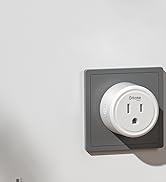
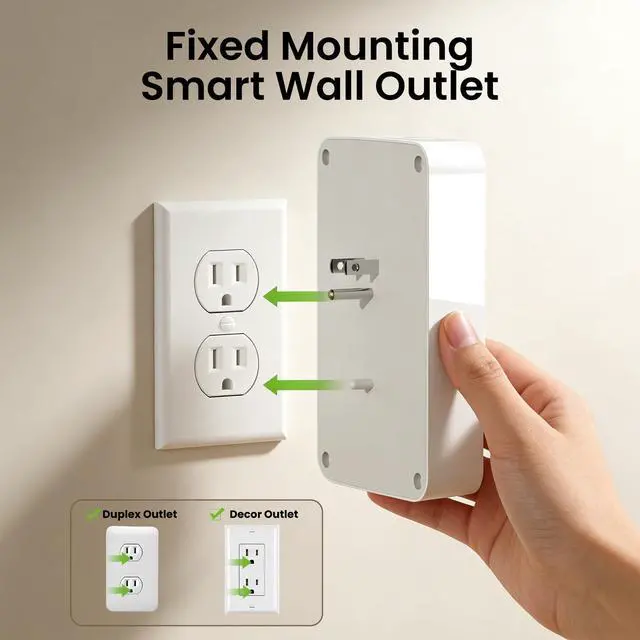
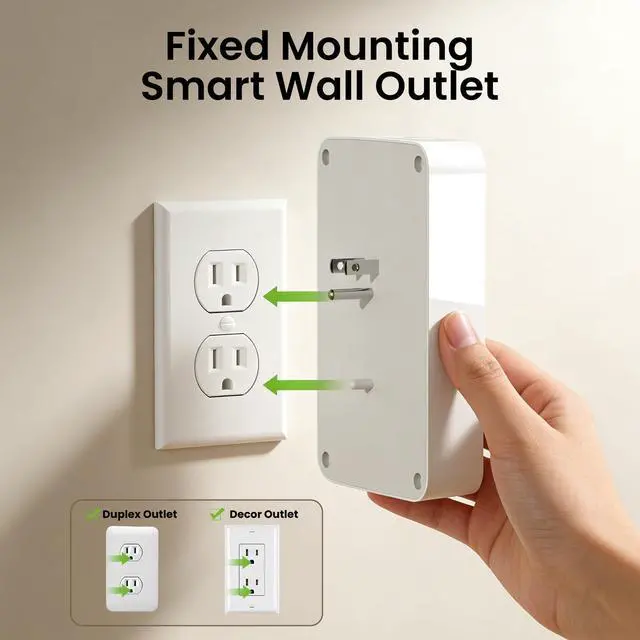
    • Easy Set Up & Use: Our smart plug power strip has built-in prongsplug directly into wall outlets, no complicated wiring or extra tools needed. Connect to 2.4GHz WiFi (not 5GHz), follow simple GHome APP steps to set up in minutes.

    Warranty & Returns

    Warranty, Returns, And Additional Information

    Warranty

    • Please contact the Seller directly for warranty information. Warranty information may also be found on the Manufacturer's website.
    • CONTACT

    Return Policies

    Manufacturer Contact Info

    LOADING...