• $53.99
  • Shipped by YouZiXingBaiHuo

    Price alert
    Shop it at NeweggBusiness.

    Meet Your Seller

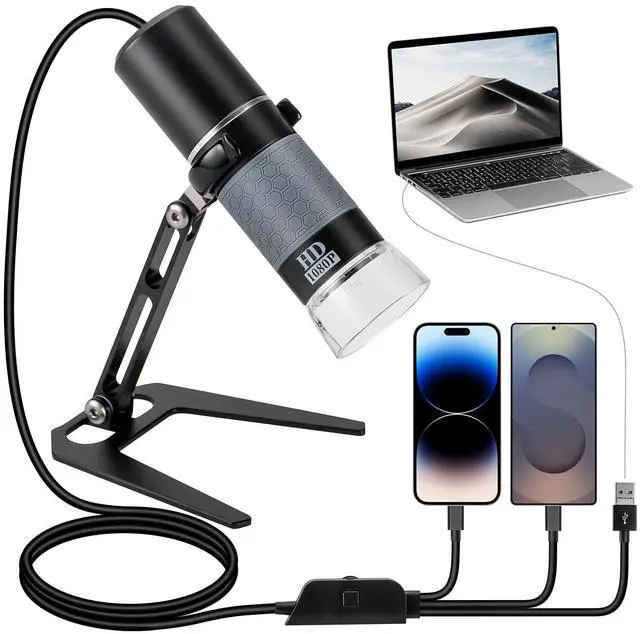
    1080P USB Digital Microscope with Metal Stand, 50X-1000X Handheld Microscope Camera with 8 LED Lights Compatible with iPhone/Android/Windows/Mac

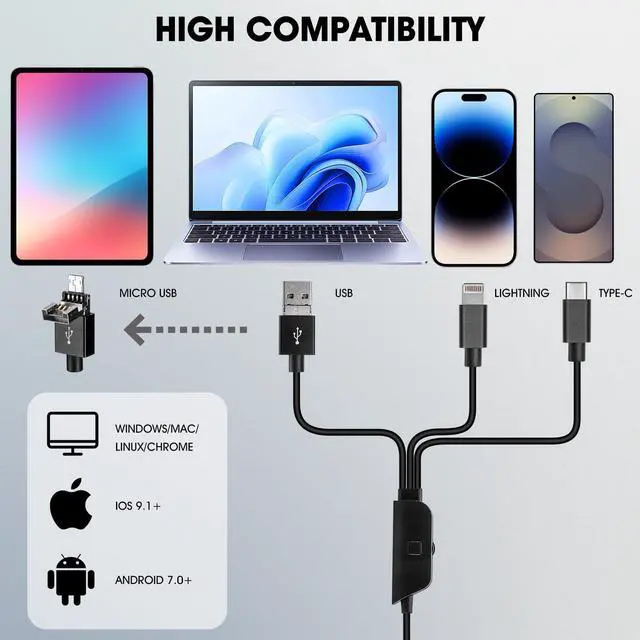
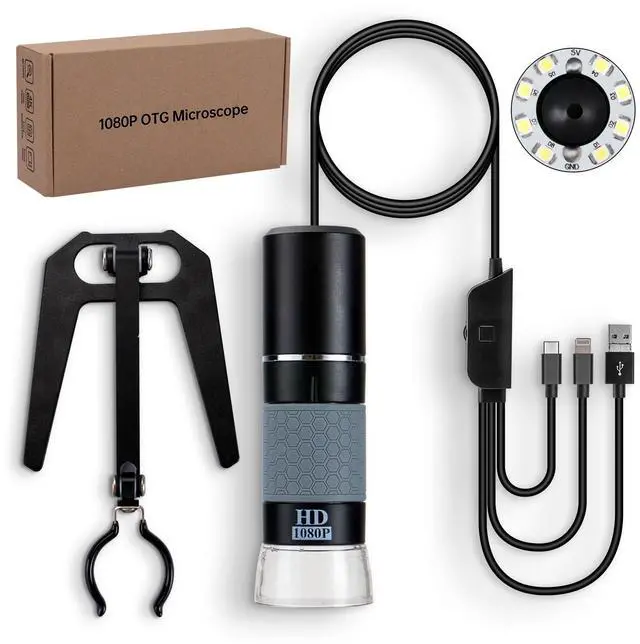
    • 4-IN-1 Universal Compatibility: Newest designed 4-in-1 USB cable, compatible with USB Type-C, Lightning, Micro-USB, and USB-A. That means the microscope works with almost all device (with OTG function). Please ensure the OTG function is activated before using the OTG microscope
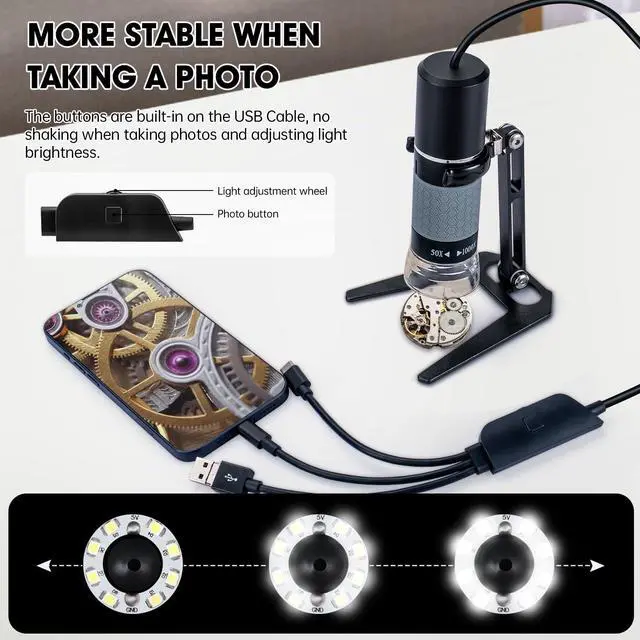
    • Simple, Efficient, and Highly Stable Design: There's no button on the microscope machine itself, all buttons (camera & brightness control) are built-in the USB cable. No worry about blurry image when using the button to capture a picture or adjusting the light brightness
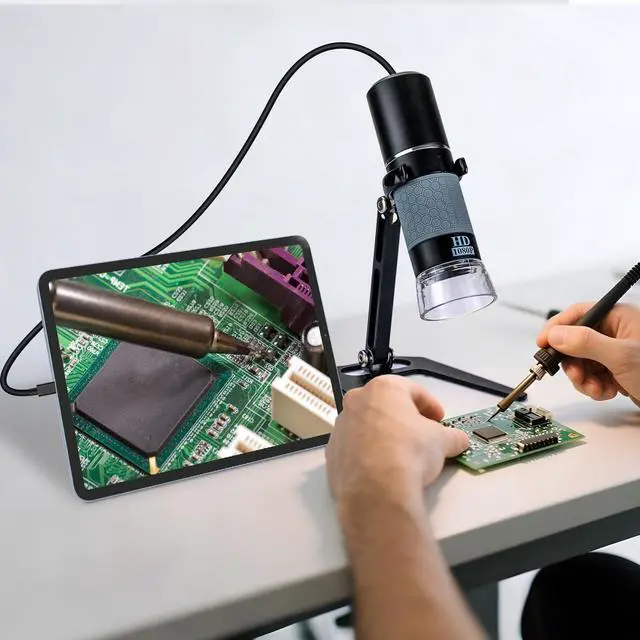
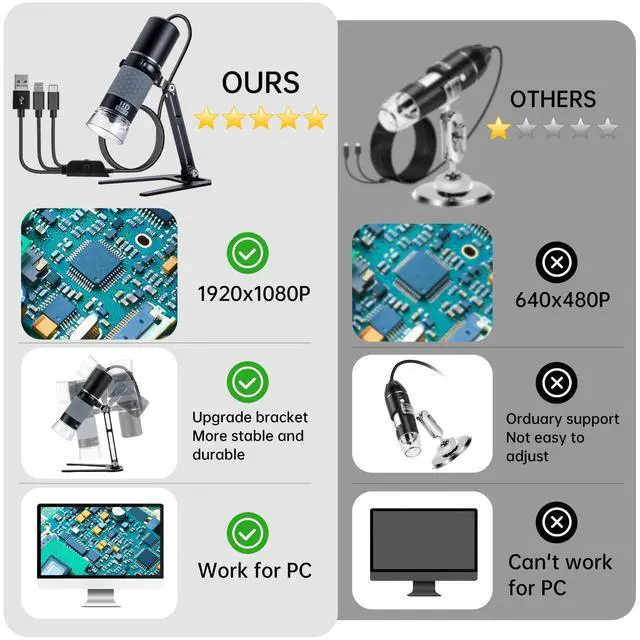
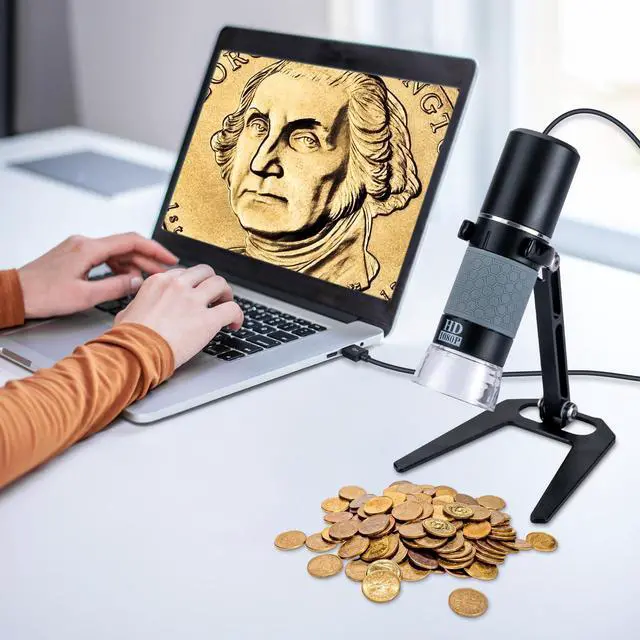
    • HD 1080P Microscopic World: With its high-resolution sensor, the microscope ensures sharp, smooth, and true-to-color imaging, eliminating blur and noise. It supports real-time viewing and recording for teaching, research, or industrial inspection. Discover the unseen in breathtaking 1080P clarity and experience the microscopic world like never before
    • Built-in 8 LED Lights: The built-in LED cold light source provides adjustable, even illumination for clear sample visibility without eye strain, even during prolonged use. The light brightness can be easily adjusted by the brightness control wheel on the USB cable
    +
    +
    Overview
    Specs
    Reviews
    avatar

    Any questions? Our AI beta will help you find out quickly.

    Digital Microscope 1080P

    PACKAGE

    1. USB MICROSCOPE 4-IN-1

    2. Metal Stand

    3. User Manual

    FAQ

    Q1: Why doesnt the App display images?

    A1: Please check the LED light, if its not on, try to reconnect the device. Make sure the OTG function is enabled on your device.

    Q2: Why is the image very blurry when viewing?

    A2: 1, make sure the dust cover is removed; 2, adjust the microscope to the best viewing distance by rotating the focus wheel.

    Q3: What causes the black spots on the screen and how to remove it?

    A3: It could be dust contaminating the lens. Try tapping the microscope lightly to remove the dust.

    Q4: Why is the microscope displaying images with lag?

    A4: Please ensure your phone battery is above 30% when using the microscope.

    Warranty & Returns

    Warranty, Returns, And Additional Information

    Warranty

    • Please contact the Seller directly for warranty information. Warranty information may also be found on the Manufacturer's website.
    • CONTACT

    Return Policies

    Manufacturer Contact Info

    LOADING...