


Out of stock
This item is currently out of stock and it may or may not be restocked.
Ships from China.
Most customers receive within 7-17 days.
Shop it at NeweggBusiness.

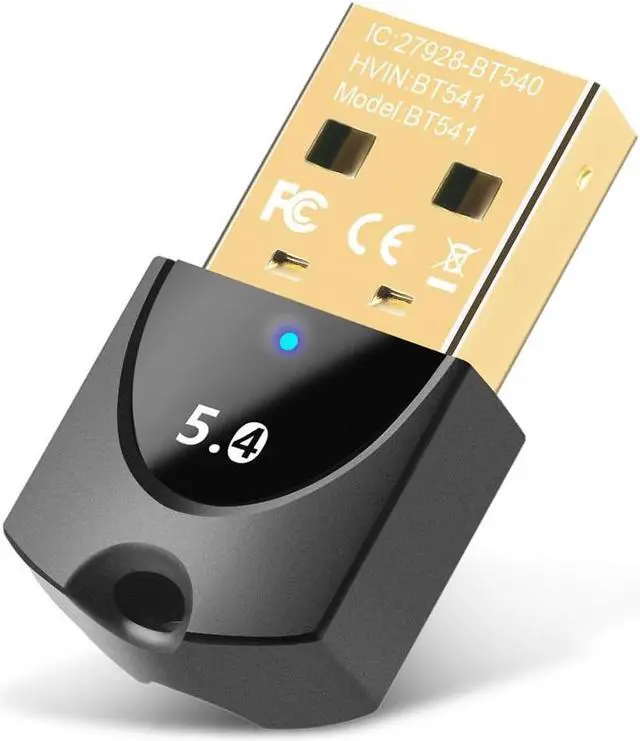
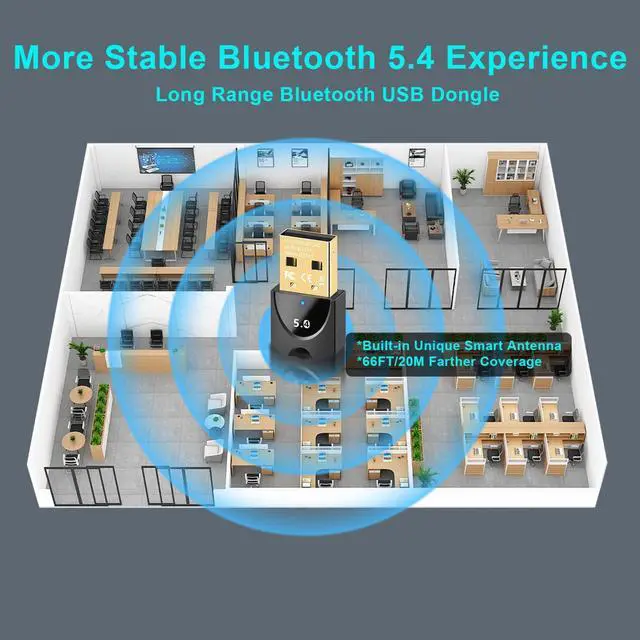
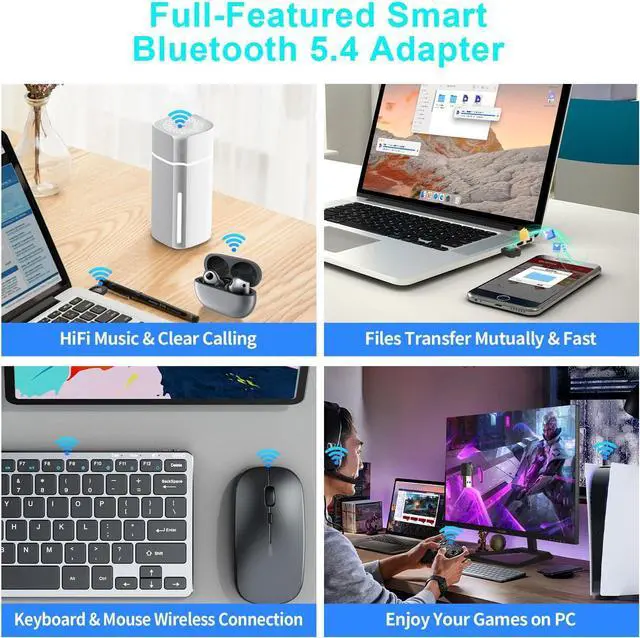
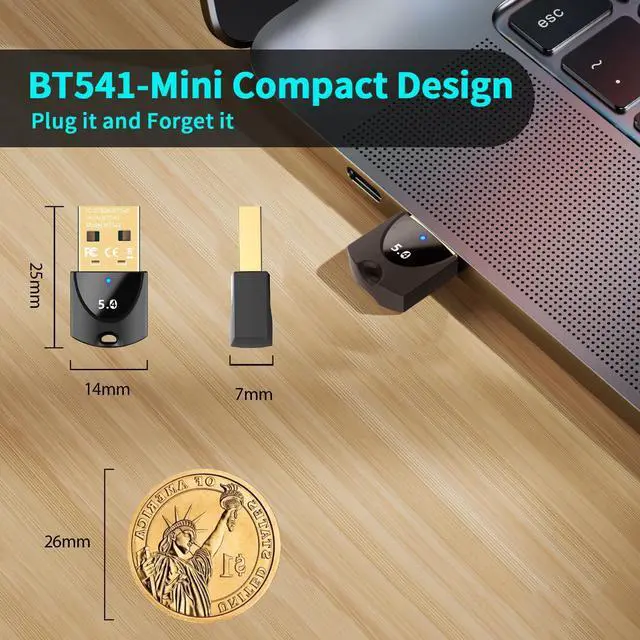
AUTYUE Upgraded Bluetooth 5.4 Adapter for PC Laptop, Wireless USB Bluetooth Dongle for Desktop Windows 11/10/8.1/7, Plug n Play for Bluetooth Headphones Headset Speaker Mouse Keyboard Game Controller

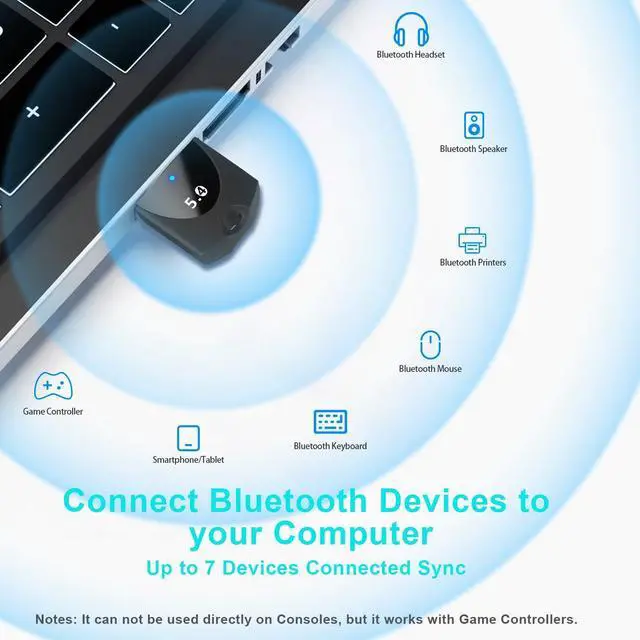
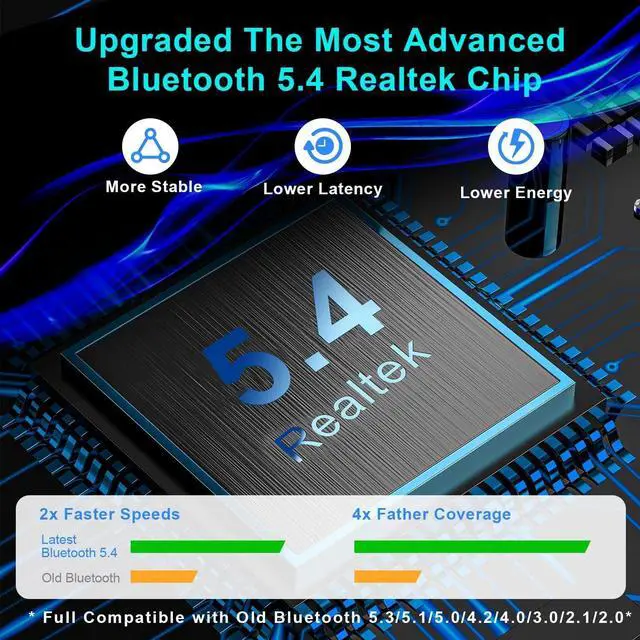
  • Bluetooth 5.4 Adapter: The Bluetooth dongle can allow your Non-Bluetooth PC Laptop Desktop Computer to feature latest Bluetooth 5.4 function at once. Then you can enable your PC to pair&connect with Bluetooth headphones/headset/mouse/keyboard to enjoy st
Overview
Specs
Reviews
avatar

Any questions? Our AI mode will help you find out quickly.

AUTYUE Upgraded Bluetooth 5.4 Adapter for PC Laptop, Wireless USB Bluetooth Dongle for Desktop
Bluetooth 5.4 Adapter for PC Laptop, Wireless USB Bluetooth Dongle for Desktop

Q & A: 


Q: What can I do if the adapter doesn't work properly or Is your Bluetooth driver displaying an error with a yellow mark?

A: 1.Please disable the PC/Laptop itself built-in Bluetooth devices, If don't know what devices that you should disable, please take one screenshot for us and we will help you.

2.If driver error, right click and then click on 'Update Driver' .


Q: Can the BT541 support more than one device at the same?

A: Yes and the Bluetooth adapter can support up to 7 devices to work together at a time.

Another, the two of BT541 adapter can be paired and connected by each other.


Q: What OS are compatible with the USB Bluetooth dongle?

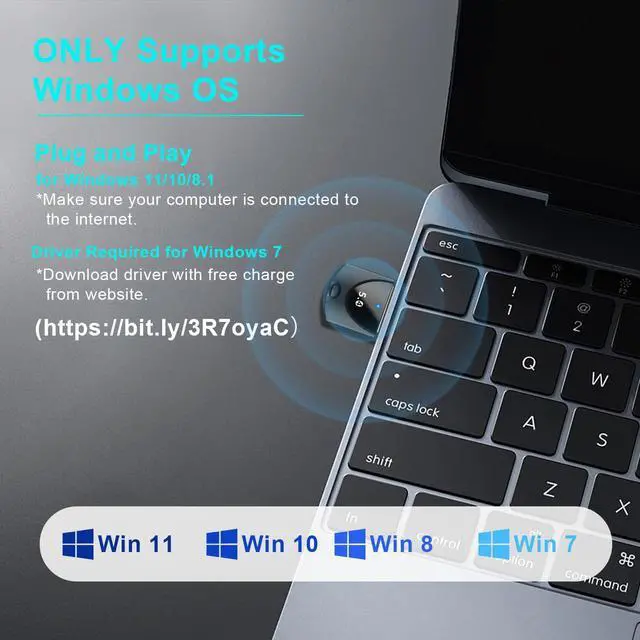
A: 1.Current supports OS including Windows 11/10/8.1/7, driver required for Windows 7.

2.Doesn't work with any Mac OS, Linux, Windows 8/XP/Vista.

3.Doesn't work with any TV and game console kit or Car Stereo.

Q: How do I connect to PS4/PS5/Xbox controller?

A: 1.Unpair the controller from your PlayStation/Xbox.

2.Hook the controller to your PC via the USB cable and then hit the PS button. Once the controller is detected you can disconnect the USB cable.

3.NOT compatible with Nintendo-controller.


Q: Why don't the BT541 Bluetooth USB dongle pair with my Headset or earbuds?

A: Please turn off Bluetooth function of your other devices, such as your cellphone to avoid your Bluetooth headset or earbuds wrong reconnection with your cellphone and don't enter into pairing status. This is very important.

AUTYUE Upgraded Bluetooth 5.4 Adapter for PC Laptop, Wireless USB Bluetooth Dongle for Desktop Windows 11/10/ 8.1 /7, Plug n Play for Bluetooth Headphones Headset Speaker Mouse Keyboard Game Controller

Warranty & Returns

Warranty, Returns, And Additional Information

Warranty

  • Please contact the Seller directly for warranty information. Warranty information may also be found on the Manufacturer's website.
  • CONTACT

Return Policies

Manufacturer Contact Info

LOADING...