




Cable Information

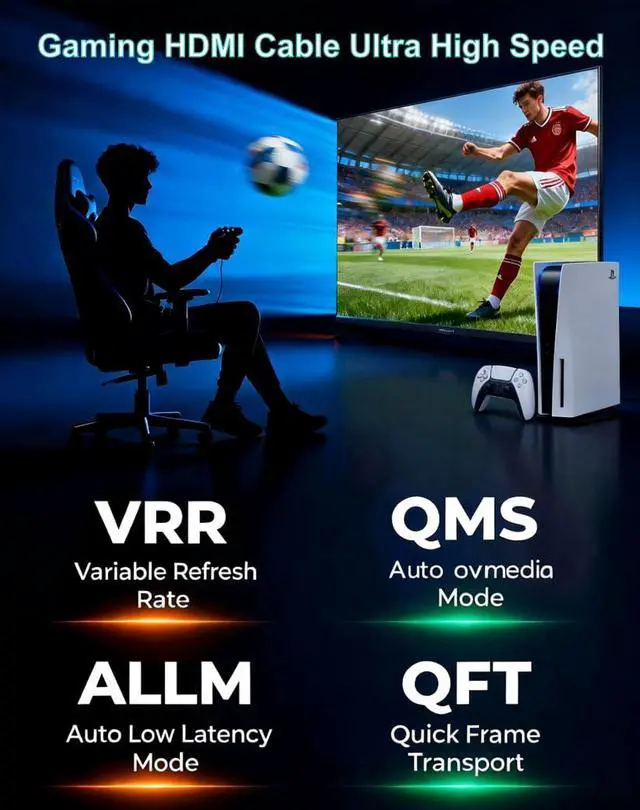
HDMl Cable for competitive gaming

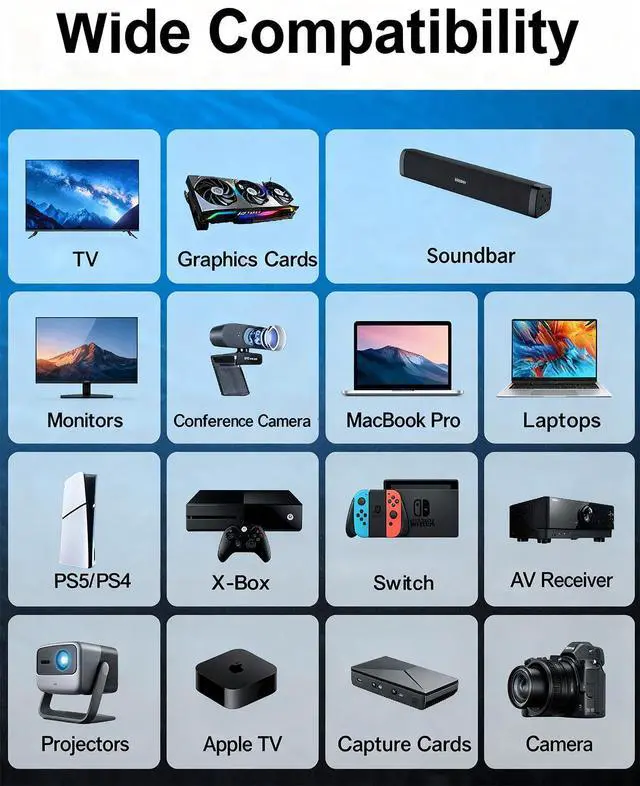
Supported Use Cases
- HDMl Cable for Gaming Monitor
- HDMl Cable for DVD Player to TV
- HDMl Cable for Soundbar to TV
- HDMl Cable for Laptop to Monitor
- HDMl Cable for Monitor to PC
- HDMl Cable for Projector
- HDMI Cable for Gaming/PC to tv
- HDMI Cable for TV Box
- HDMI Cable for Mac
- HDMl Cable for Camera
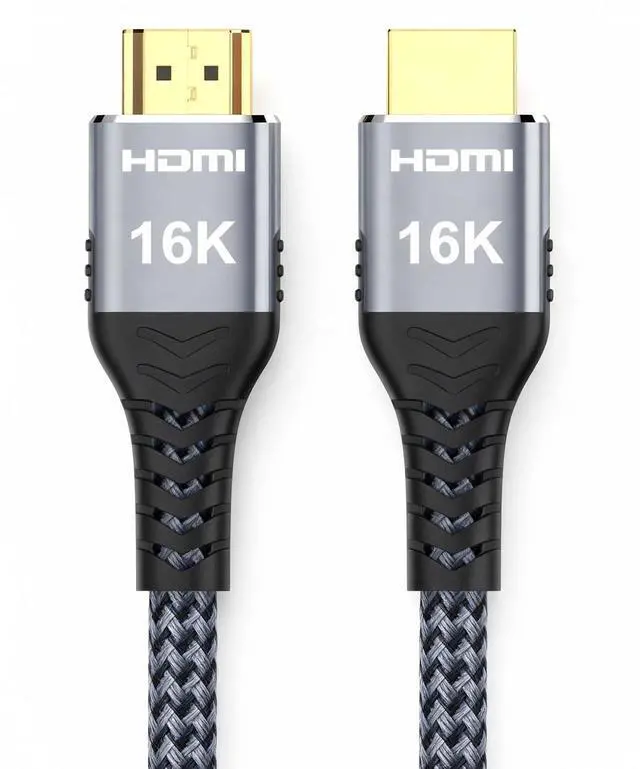
96Gbps HDM Cable 2.2

Frequently Asked Questions
My new cable is HDMI 2.2, so why isn't there a 4K@120Hz option in my computer's display settings?
- Reason: Your graphics card or graphics card driver may not support outputting this format.
I'm using an HDMI 2.2 cable, so why can't I still watch Dolby Vision?
- Misconception: The cable should “provide” the feature. Reality: The cable only transmits data. Dolby Vision requires support and activation from all three components: the content source, playback device, and display device.
My cable supports 8K, but why can't my TV display 8K?
- Reason: The TV panel's physical resolution or the HDMI port's bandwidth may only support 4K.
Cables are “channels,” not “feature sources”: Cables faithfully transmit signals, but whether advanced signals (e.g., 4K@120Hz, Dolby Atmos) can be generated or processed depends on the devices at both ends (graphics card, monitor, TV, audio system).

Cable Information
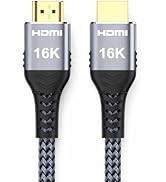
| Version | HDMI 2.2 |
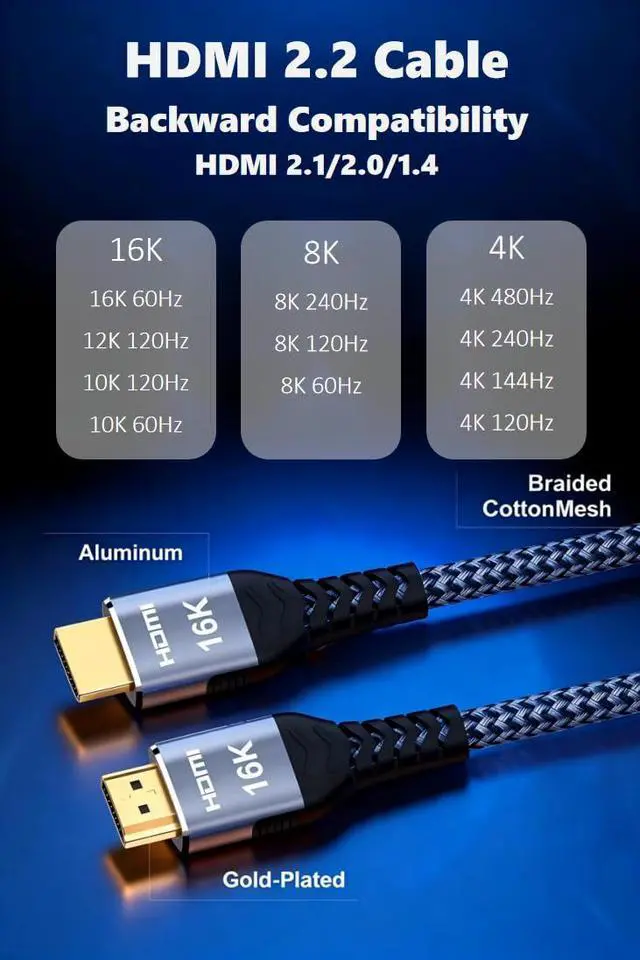
| Supported Resolutions | 16K@60Hz, 12K@60Hz, 10K@120Hz/60Hz, 8K@240Hz/120Hz/160Hz, 4K@480Hz/240Hz/144Hz/120Hz |
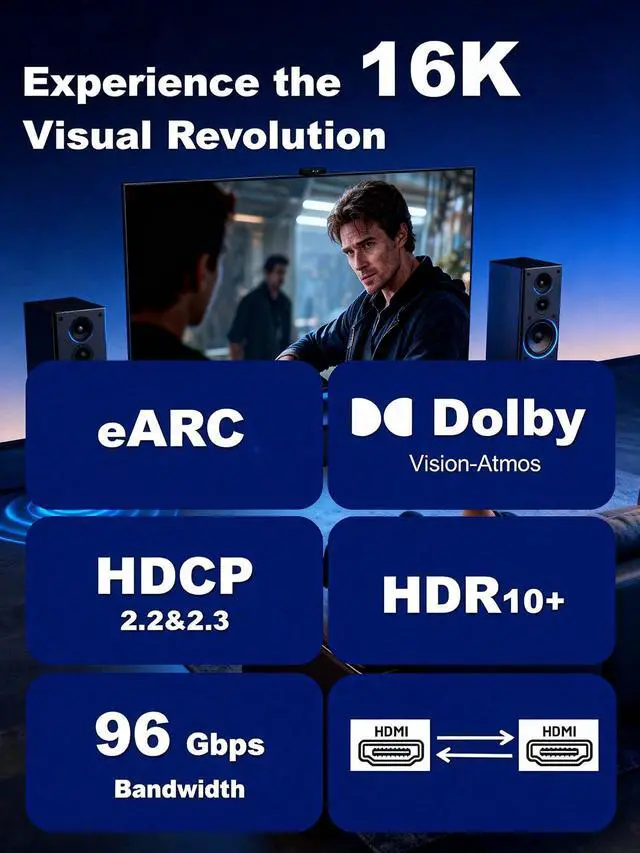
| Bandwidth | 96Gbps |
| Compatible Versions | HDMI 2.1/2.0/1.4 |
| Wire diameter | 7.5MM |
HDMl Cable for competitive gaming
Supported Use Cases
- HDMl Cable for Gaming Monitor
- HDMl Cable for DVD Player to TV
- HDMl Cable for Soundbar to TV
- HDMl Cable for Laptop to Monitor
- HDMl Cable for Monitor to PC
- HDMl Cable for Projector
- HDMI Cable for Gaming/PC to tv
- HDMI Cable for TV Box
- HDMI Cable for Mac
- HDMl Cable for Camera
96Gbps HDM Cable 2.2
Frequently Asked Questions
My new cable is HDMI 2.2, so why isn't there a 4K@120Hz option in my computer's display settings?
- Reason: Your graphics card or graphics card driver may not support outputting this format.
I'm using an HDMI 2.2 cable, so why can't I still watch Dolby Vision?
- Misconception: The cable should “provide” the feature. Reality: The cable only transmits data. Dolby Vision requires support and activation from all three components: the content source, playback device, and display device.
My cable supports 8K, but why can't my TV display 8K?
- Reason: The TV panel's physical resolution or the HDMI port's bandwidth may only support 4K.
Cables are “channels,” not “feature sources”: Cables faithfully transmit signals, but whether advanced signals (e.g., 4K@120Hz, Dolby Atmos) can be generated or processed depends on the devices at both ends (graphics card, monitor, TV, audio system).
HDMI 2.2 Cable