



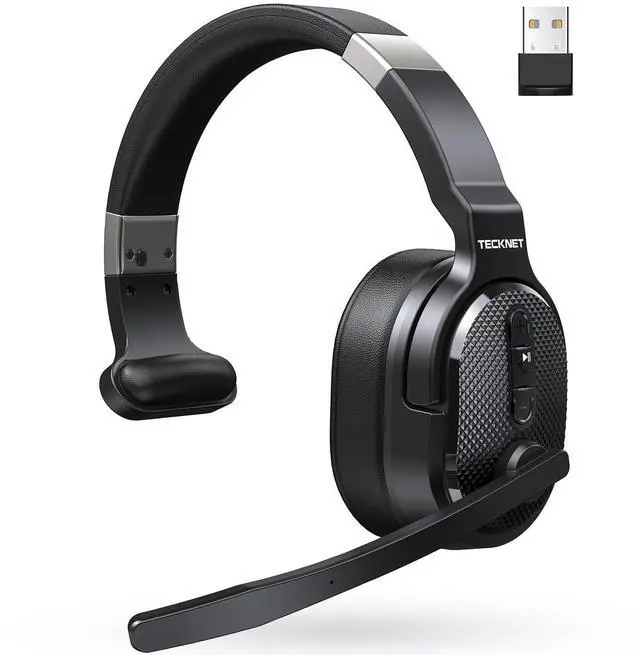



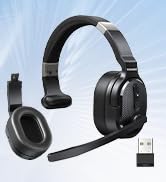
TECKNET Over-ear Bluetooth Headset with Noise Canceling Mic
Trucker Bluetooth Headset
Merchant Video
Built for your comfort
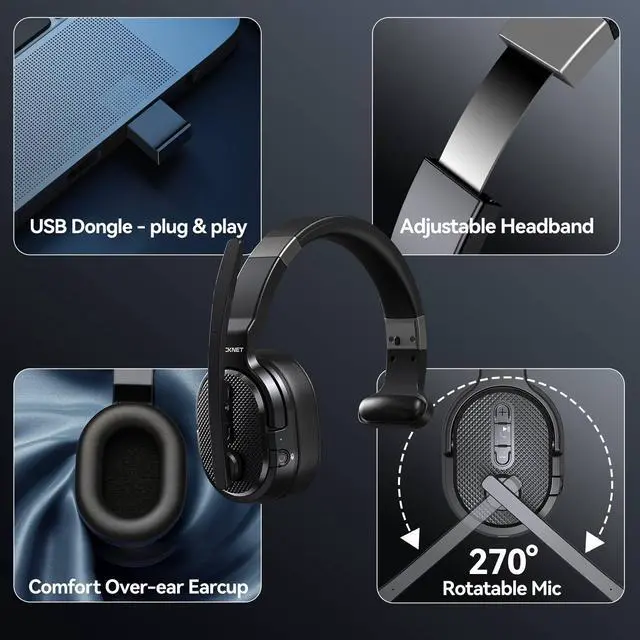
Zero Pressure, Soft Big Earmuffs
Gently envelop your ears, eliminating discomfort of ear compression, making long workdays a breeze
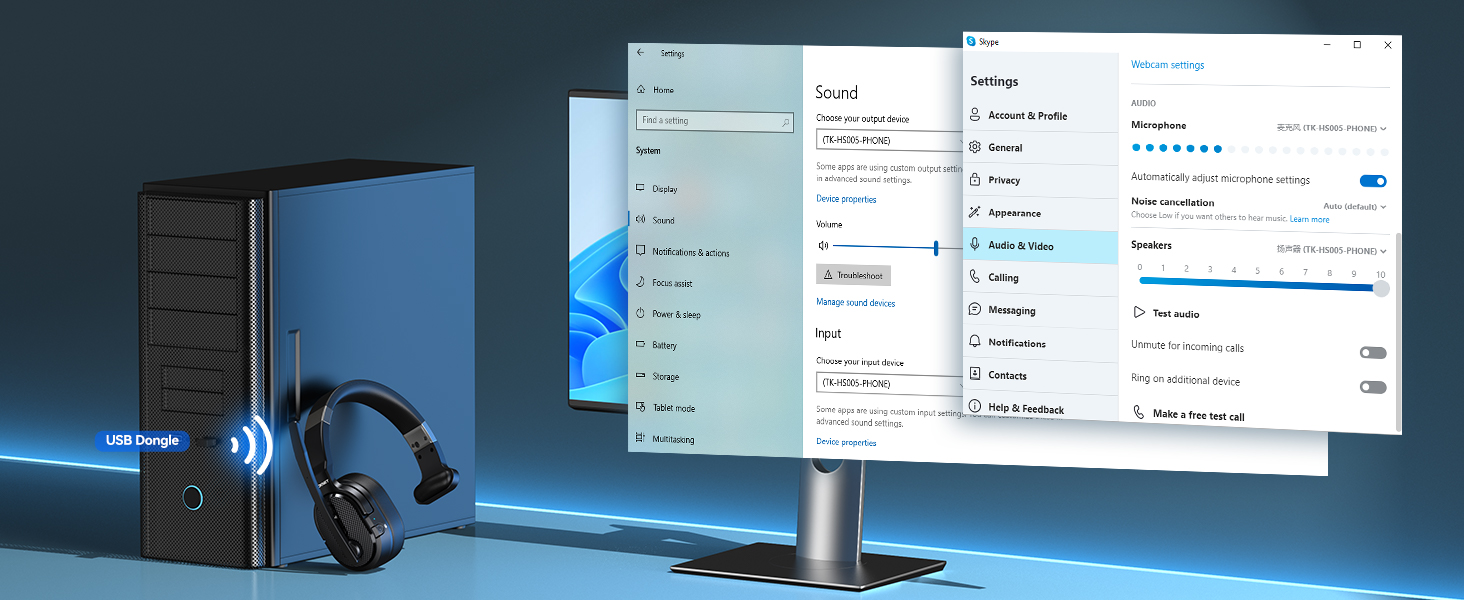
Improve signal stability
No Need for Bluetooth Pairing
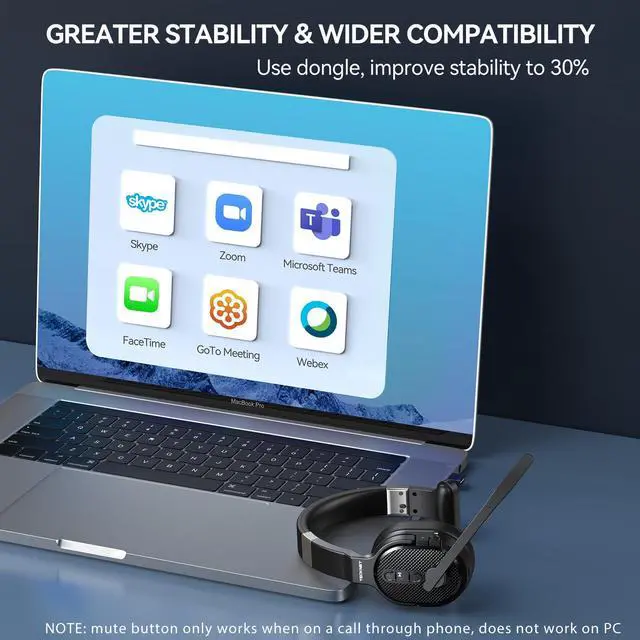
Combines high-performance plug-and-play USB technology; Non-Bluetooth devices connect with Dongle

Set output & input device
Stable & Fast Connect
Bluetooth headset with microphone combines usb wireless tech, compatible with PC/laptop/tablet/phone
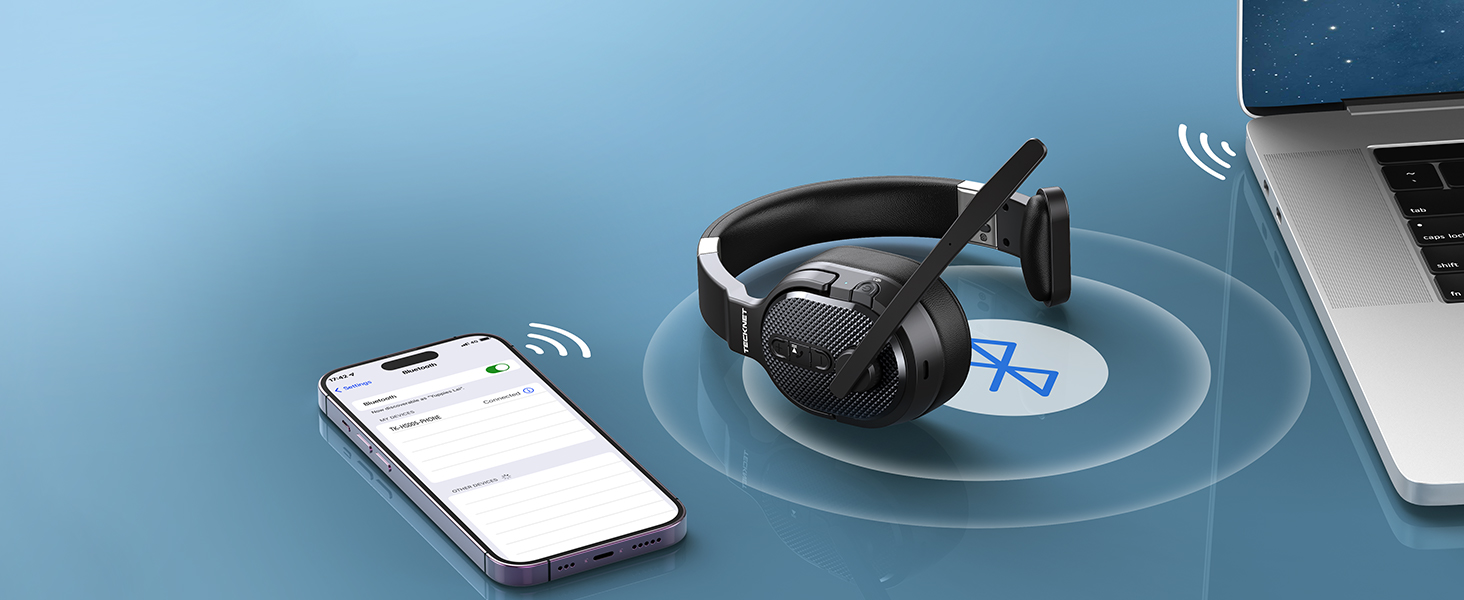
Efficient productivity
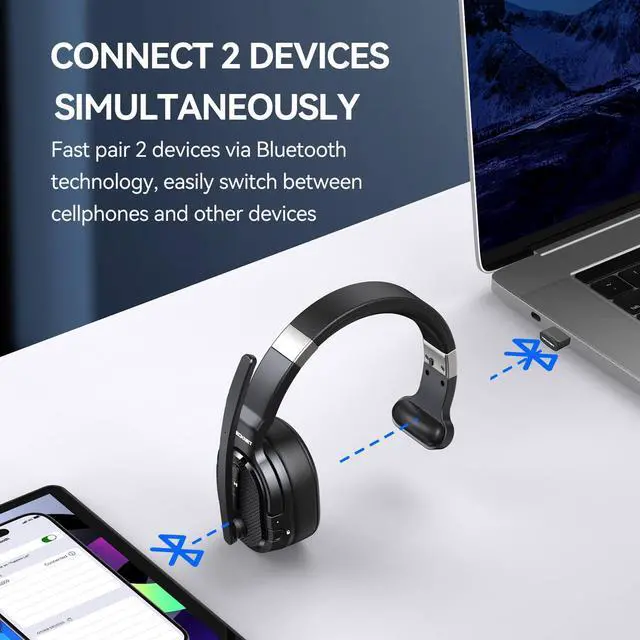
Switch Phone to PC
Noise cancelling headphones can pair 2 devices at the same time via BT 5.2 without delay switching
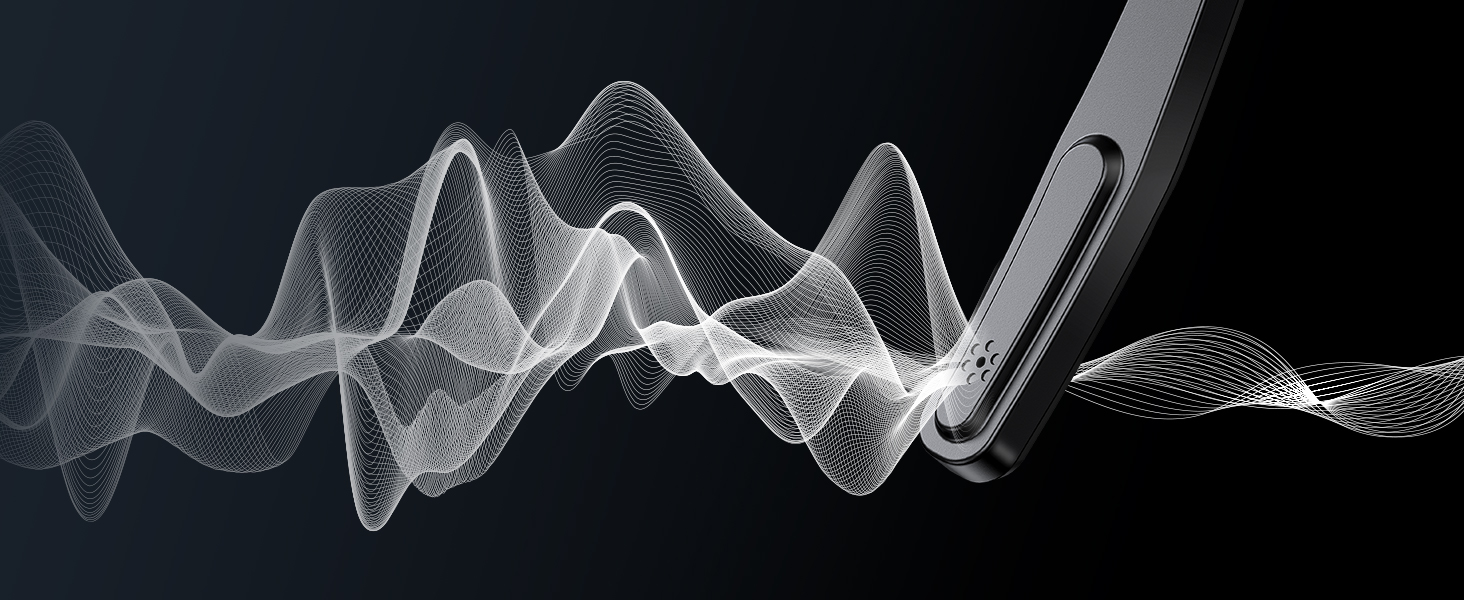
Environmental Noise Canceling Technology
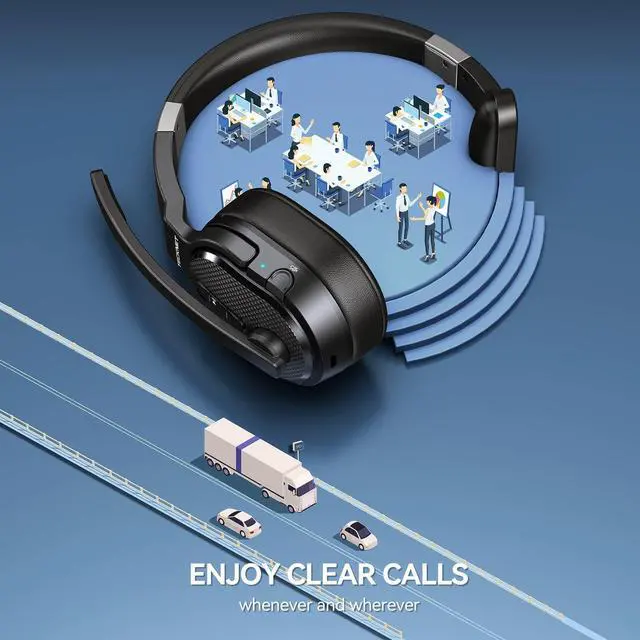
Wireless headsets with mic for work can filter out continuous background noise, providing clear voice communication
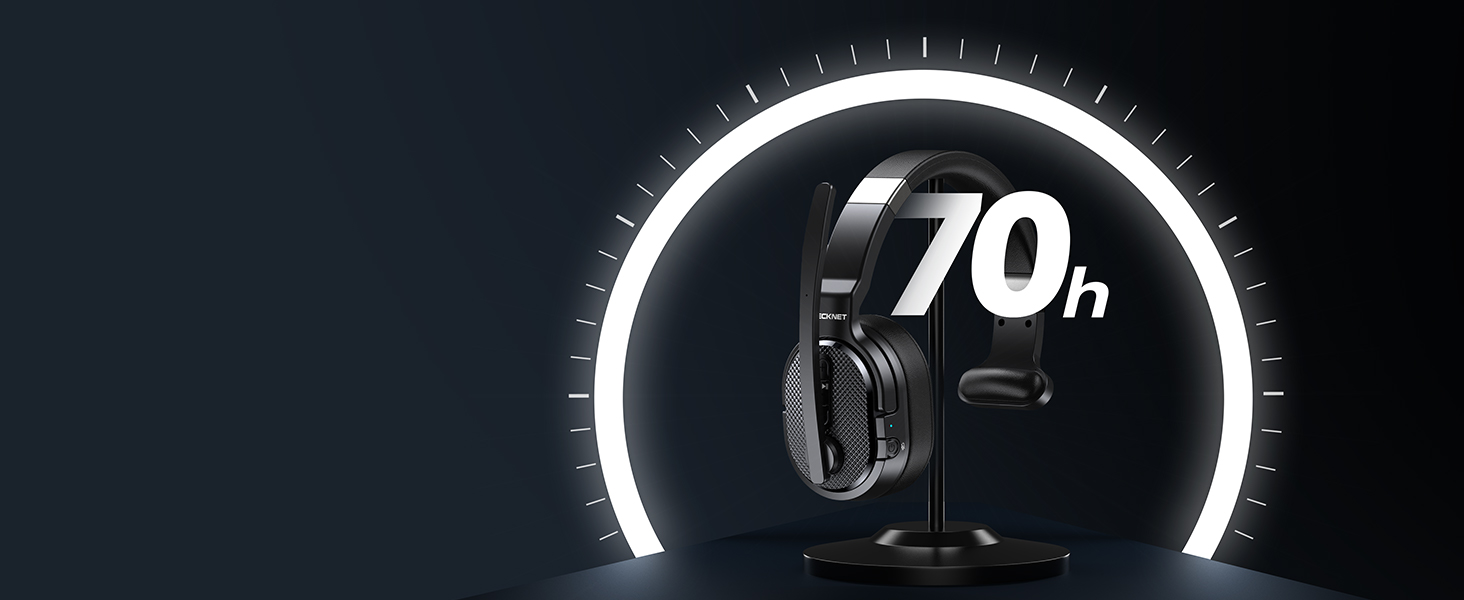
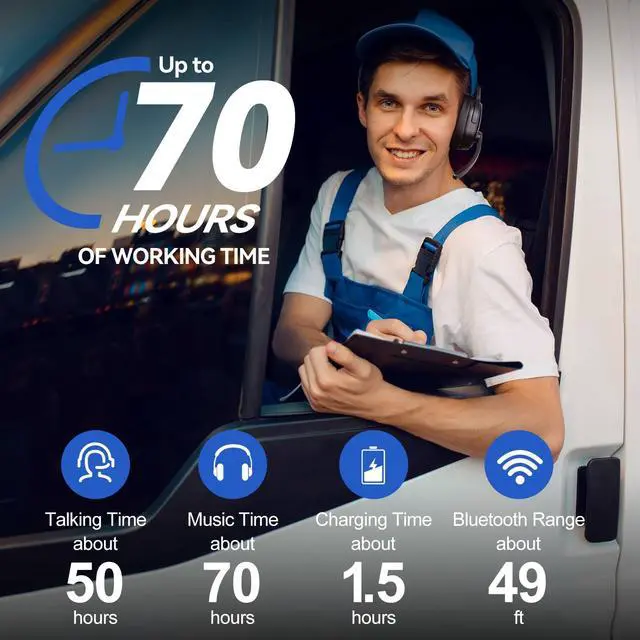
All Day Talktime
Wireless headphones bluetooth for computer pc cellphone with large capacity battery, low power consumption keep pace with your busy schedule
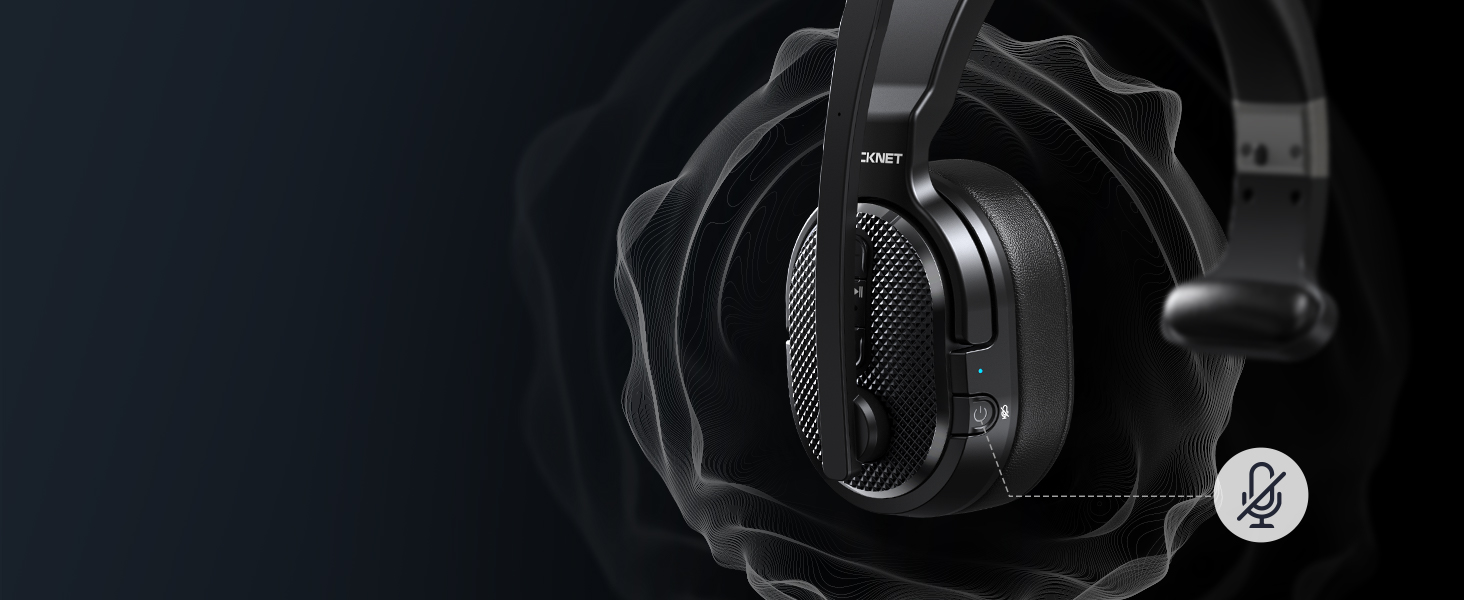
Mute Button, Mute Your Sound
Noise cancelling headphones with mute button, mute voice around you freely on a call, protecting your privacy

How to Connect 2 Devices at the Same Time
Work From Home Headset
Merchant VideoNote: In Bluetooth mode, the headset can connect to two devices at once. However, USB and Bluetooth connections cannot be used simultaneously—the USB connection takes priority. If both are active, the headset will automatically switch to the USB-connected device
Question & Answer
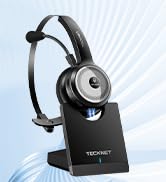
TECKNET BLUETOOTH HEADSET
 Single/Dual Wireless Headset |  Bluetooth Headset |  On-ear Headset |
|---|---|---|
Noise Cancecling Technology ENC Noise Reduction,99.6% Noise Reduction Rate | Noise Cancecling Technology ENC Noise Reduction,99.6% Noise Reduction Rate | Noise Cancecling Technology ENC Noise Reduction,99.6% Noise Reduction Rate |
Connectivity BT 5.0/USB Adapter | Connectivity BT 5.02 | Connectivity BT 5.0/USB Adapter/Charging Station |
Working Time Up to 50 hours | Working Time Up to 20 hours | Working Time Up to 40 hours |
Earcup Size Over-ear | Earcup Size On-ear | Earcup Size On-ear |
Charging Method USB C Cable | Charging Method USB C Cable | Charging Method Base or USB C Cable |





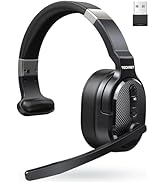
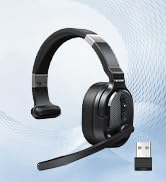
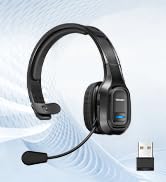



TECKNET Over-ear Bluetooth Headset with Noise Canceling Mic
Trucker Bluetooth Headset
Merchant VideoBuilt for your comfort
Zero Pressure, Soft Big Earmuffs
Gently envelop your ears, eliminating discomfort of ear compression, making long workdays a breeze
Improve signal stability
No Need for Bluetooth Pairing
Combines high-performance plug-and-play USB technology; Non-Bluetooth devices connect with Dongle
Set output & input device
Stable & Fast Connect
Bluetooth headset with microphone combines usb wireless tech, compatible with PC/laptop/tablet/phone
Efficient productivity
Switch Phone to PC
Noise cancelling headphones can pair 2 devices at the same time via BT 5.2 without delay switching


Environmental Noise Canceling Technology
All Day Talktime
Mute Button, Mute Your Sound


Wireless headsets with mic for work can filter out continuous background noise, providing clear voice communication
Wireless headphones bluetooth for computer pc cellphone with large capacity battery, low power consumption keep pace with your busy schedule
Noise cancelling headphones with mute button, mute voice around you freely on a call, protecting your privacy

How to Connect 2 Devices at the Same Time
Work From Home Headset
Merchant VideoNote: In Bluetooth mode, the headset can connect to two devices at once. However, USB and Bluetooth connections cannot be used simultaneously—the USB connection takes priority. If both are active, the headset will automatically switch to the USB-connected device
Question & Answer
| Q 1 | How to pair TK-HS005 PHONE bluetooth headset to phone/computer via blueooth? |
|---|---|
| Answer | 1: Long press MFB 2s to turn on the headset and enter pairing mode. 2: PHONE: search and click to connect [TK-HS005-PHONE] in the Bluetooth list of the phone; COMPUTER: select Start > Settings > Bluetooth & other devices > Add Bluetooth or other device > Bluetooth > Click on the model number [TK-HS005-PHONE] of your device > Connect Success |
| Q 2 | Is the bluetooth headset able to connect to PC without Bluetooth function? |
| Answer | Sure, use included USB dongle; When the Bluetooth connection is unstable, it is recommended to connect the device with a USB adapter.Method: First, plug the dongle into the USB-A port and wait to recognize it; then, power on your headset and wait connect automatically ; Finally, you will hear "Your headset is connected" |
| Q 3 | What is the meaning of ENC(environmental noise canceling) adopted by over-ear bluetooth headphones |
| Answer | The bluetooth headset can effectively eliminate unwanted background noise (keyboard tapping, children crying, tv background sound...) however, the voice of people around you speaking at a normal volume is not environmental noise and cannot be filtered out |
| Q 4 | What should I do if there is no sound from the microphone when I am connected to pc? |
| Answer | When making a call with conference software, please check the sound settings of both the pc and the software to make sure [TK-HS005-PHONE] is selected as the default output and input device (speaker/microphone) |
| Q 5 | Can I use the headset to answer or hang up the call? |
| Answer | When connected to a mobile phone, you can click the Phone Button to answer/hang up calls on the headset; connected to a laptop, you need to answer calls on the laptop. Reminder: wireless headset with microphone for pc does not work with desk phones/landlines/Cisco IP Phone/Voip Telephone |
| Q 6 | How to troubleshoot the headset can not be turned on |
| Answer | Please try charge reset to confirm whether the battery is exhausted; The steady red light means it is charging, and the indicator light turns green to prove that it is fully charged |
| Q 7 | How to deal with the sudden failure of the Bluetooth headset to connect to the phone/computer |
| Answer | In power-on status, long press Volume"-" and MFB for 5 seconds to clear the pair record. Press and hold the multi-function button for 2s to reconnect |
| Q 8 | Why can't the other party hear me or hear me clearly? |
| Answer | The other party can't hear you: mute button is turned on during the call; can't hear you clearly: microphone is far away from your mouth, the reception effect is poor or the other party’s environment is noisy. Reminder: wireless distance is 49ft in an open environment, and it will be shortened to 33ft if there are obstacles |
TECKNET BLUETOOTH HEADSET
Trucker Bluetooth Headset
Work from Home Headset
Call Center Headset
Truck driver value kit
TECKNET Others
More Headsets in TECKNET Store
Bluetooth Headset by TECKNET
