




 here!
I’m your shopping assistant for PC builds, upgrades, and everything tech.
Got questions? Ask away!
Start a conversation
here!
I’m your shopping assistant for PC builds, upgrades, and everything tech.
Got questions? Ask away!
Start a conversation



Any questions? Ask CelesteSM will help you find out quickly.

Provide everything you want!
Choose us, choose the world!

About Links Technologies:
We are market leader for providing technological supplies and solutions.
For many years of experience, we completely understand what technology is our customers demand.
Links Technologies not only provides a wide range of innovative accessories, we also introduce the ideal products to consumers.
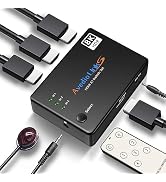
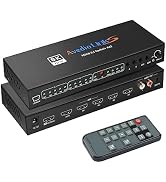
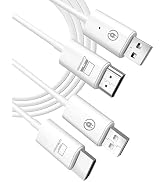
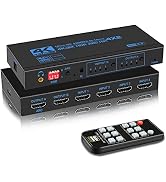
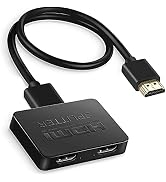
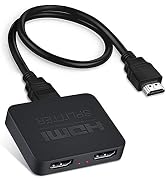
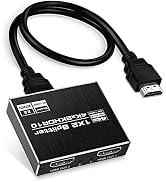
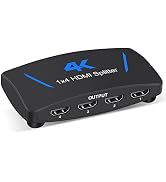
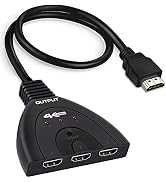
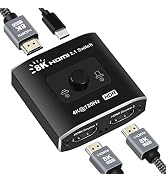
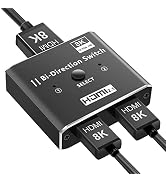
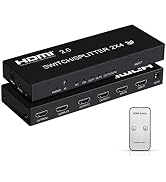
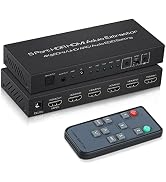
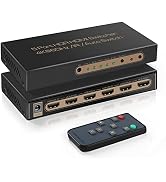
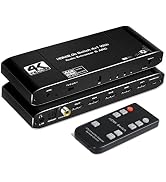
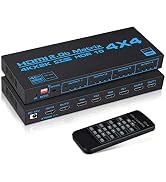
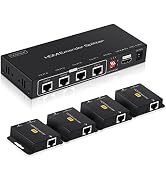
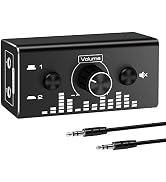
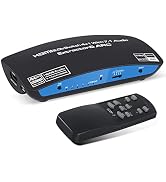
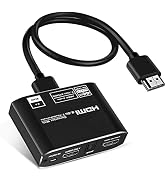
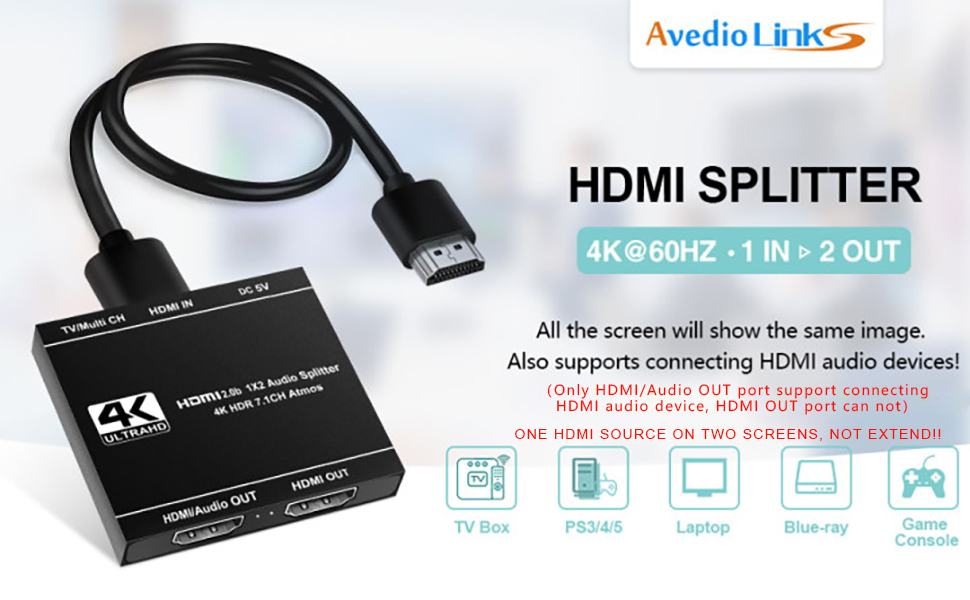
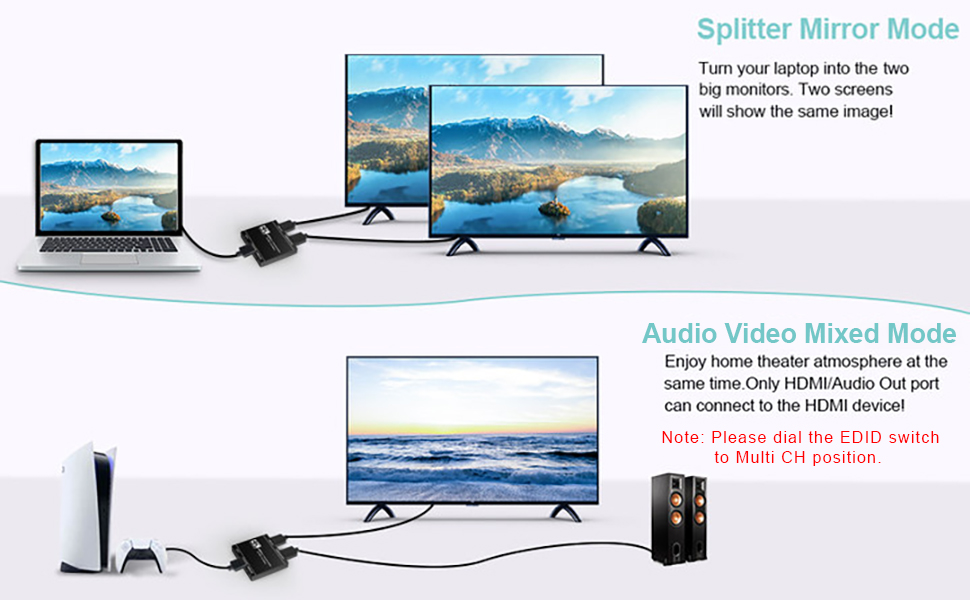
A. Splitter Mirror Mode
Display two large screens more easily by simply connecting one HDMI input source and two HDMI output monitors.
1. The resolution of two HDMI output displays are the same.
2. Support mixed 4K@60Hz & 1080p display outputs (only fit for this situation). Auto video scaling/ downscaling function
WHEN YOU USE THE FUNCTION OF AUTO VIDEO SCALING / DOWNSCALING, PLEASE NOTE:
B. Audio Mixed Mode
Enjoy home theater atmosphere at the same time by connecting the HDMI audio device only on the HDMI/Audio output port. When you connect HDMI audio device, please dial the EDID on to "Multi CH" mode. (Don’t connect with the HDMI ARC port of the soundbar)
Trouble Shooting
Q: Does not transmit audio through HDMI connection
A: This HDMI splitter has 2 HDMI output port, 2 HDMI output port both can support connecting HDMI display device,
If need connect audio device by HDMI output port, please connect the audio device on HDMI/Audio out port. If used audio video mixed mode, please kindly dial the EDID to Multi CH mode position.
This product does not support ARC function, please turn off ARC function of connected device.
Q: Only audio, no video
A: The input source resolution may be too high and the monitor does not support it. It is recommended to set the input source to 1080P resolution. If the 2 output both connect the display devices, please dial the EDID to TV position.
Q: Not work or even not turning on.
A: 1. Check if each HDMI cable is connected to this product correctly, the input source device is connected to the input port, and the TV or other display device is connected to the output port.
2.Please check that the HDMI cable of the TV or monitor and the signal source of this product are selected correctly. For example, the HDMI cable is connected to the TV HDMI 3 channel, then the TV signal reception channel needs to be adjusted to HDMI 3.
3.Check if the HDMI cable supports the current resolution
4.Please plug the input source signal directly into your TV or display device to see if it can be displayed normally. If it can not be displayed, it means that the input source device is faulty.
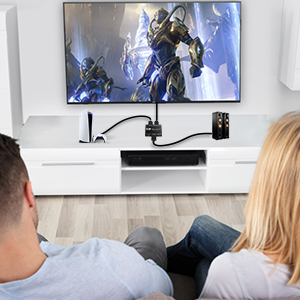
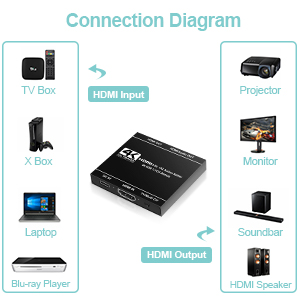
With y HDMI splitter, just connect one HDMI input source, one HDMI audio output device and HDMI monitor output, then you can enjoy the feel of home theater with your family at home!
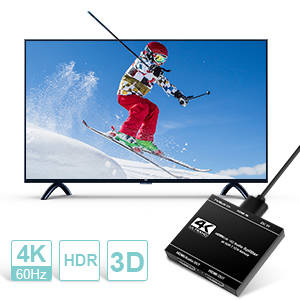
This HDMI splitter for dual monitors support 3D and high resolution up to 4K@60Hz, which will bring you the crystal clear picture, enjoy impressive high-definition without loss of signal or delay.
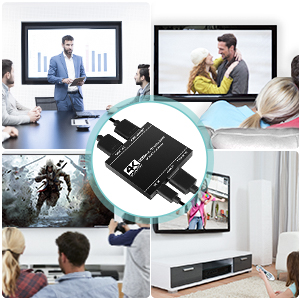
With this 2 port HDMI splitter, can enjoy the same video in different rooms, which is suitable for conference room presentation, school and corporate training environments.
 1 in 2 out HDMI Splitter | 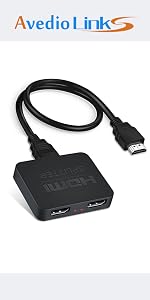 1 in 2 out HDMI Splitter | 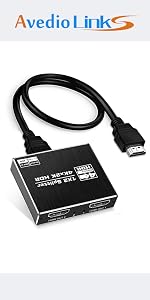 HDMI Splitter 1 in 2 out 4K@60hz | 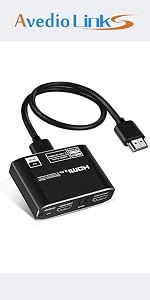 HDMI Audio Extractor with 7.1CH Atmos | 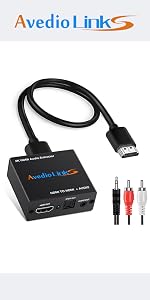 4K HDMI Audio Splitter Converter | 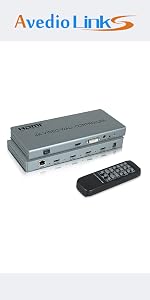 2x2 HDMI Video Wall Controller | |
|---|---|---|---|---|---|---|
| Customer Reviews | — | — | — | — | — | — |
| Price | — | — | — no data | — no data | — no data | — no data |
| Resolution | 4K | 4K | 4K | 4K | 4K | 1080P |
| Refresh Rate | 30HZ | 60Hz | 60Hz | 60Hz | 30Hz | 60Hz |
| HDMI Version | HDMI 1.4 | HDMI 2.0b | HDMI 2.0b | HDMI 2.0b | HDMI 1.4b | HDMI 1.4 |
| HDCP Version | HDCP 1.2 | HDCP 2.2 | HDCP 2.2 | HDCP 2.2 | HDCP1.4 | HDCP1.4 |
| Audio output | NO | NO | NO | HDMI+Optical+3.5MM | Optical+3.5MM | 3.5MM |
| Material | Plastic | Plastic | Aluminum Alloy | Aluminum Alloy | Aluminum Alloy | Iron |
A. Splitter Mirror Mode
Display two large screens more easily by simply connecting one HDMI input source and two HDMI output monitors.
1. The resolution of two HDMI output displays are the same.
2. Support mixed 4K@60Hz & 1080p display outputs (only fit for this situation). Auto video scaling/ downscaling function
WHEN YOU USE THE FUNCTION OF AUTO VIDEO SCALING / DOWNSCALING, PLEASE NOTE:
B. Audio Mixed Mode
Enjoy home theater atmosphere at the same time by connecting the HDMI audio device only on the HDMI/Audio output port. When you connect HDMI audio device, please dial the EDID on to "Multi CH" mode. (Don’t connect with the HDMI ARC port of the soundbar)
Trouble Shooting
Q: Does not transmit audio through HDMI connection
A: This HDMI splitter has 2 HDMI output port, 2 HDMI output port both can support connecting HDMI display device,
If need connect audio device by HDMI output port, please connect the audio device on HDMI/Audio out port. If used audio video mixed mode, please kindly dial the EDID to Multi CH mode position.
This product does not support ARC function, please turn off ARC function of connected device.
Q: Only audio, no video
A: The input source resolution may be too high and the monitor does not support it. It is recommended to set the input source to 1080P resolution. If the 2 output both connect the display devices, please dial the EDID to TV position.
Q: Not work or even not turning on.
A: 1. Check if each HDMI cable is connected to this product correctly, the input source device is connected to the input port, and the TV or other display device is connected to the output port.
2.Please check that the HDMI cable of the TV or monitor and the signal source of this product are selected correctly. For example, the HDMI cable is connected to the TV HDMI 3 channel, then the TV signal reception channel needs to be adjusted to HDMI 3.
3.Check if the HDMI cable supports the current resolution
4.Please plug the input source signal directly into your TV or display device to see if it can be displayed normally. If it can not be displayed, it means that the input source device is faulty.
With y HDMI splitter, just connect one HDMI input source, one HDMI audio output device and HDMI monitor output, then you can enjoy the feel of home theater with your family at home!
This HDMI splitter for dual monitors support 3D and high resolution up to 4K@60Hz, which will bring you the crystal clear picture, enjoy impressive high-definition without loss of signal or delay.
With this 2 port HDMI splitter, can enjoy the same video in different rooms, which is suitable for conference room presentation, school and corporate training environments.
1 in 2 out HDMI Splitter | 1 in 2 out HDMI Splitter | HDMI Splitter 1 in 2 out 4K@60hz | HDMI Audio Extractor with 7.1CH Atmos | 4K HDMI Audio Splitter Converter | 2x2 HDMI Video Wall Controller | |
|---|---|---|---|---|---|---|
| Customer Reviews | — | — | — | — | — | — |
| Price | — | — | — no data | — no data | — no data | — no data |
| Resolution | 4K | 4K | 4K | 4K | 4K | 1080P |
| Refresh Rate | 30HZ | 60Hz | 60Hz | 60Hz | 30Hz | 60Hz |
| HDMI Version | HDMI 1.4 | HDMI 2.0b | HDMI 2.0b | HDMI 2.0b | HDMI 1.4b | HDMI 1.4 |
| HDCP Version | HDCP 1.2 | HDCP 2.2 | HDCP 2.2 | HDCP 2.2 | HDCP1.4 | HDCP1.4 |
| Audio output | NO | NO | NO | HDMI+Optical+3.5MM | Optical+3.5MM | 3.5MM |
| Material | Plastic | Plastic | Aluminum Alloy | Aluminum Alloy | Aluminum Alloy | Iron |
Provide everything you want!
Choose us, choose the world!
About Links Technologies:
We are market leader for providing technological supplies and solutions.
For many years of experience, we completely understand what technology is our customers demand.
Links Technologies not only provides a wide range of innovative accessories, we also introduce the ideal products to consumers.
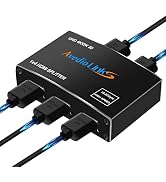
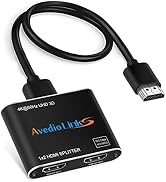
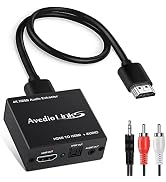
avedio links 4K@60Hz HDMI Splitter 1 in 2 out, audio video distributor duplicate/ mirror screens only This HDMI 2 port splitter allows one HDMI input source to two HDMI monitors simultaneously, duplicating / mirror video and audio without any loss. NOTE: JUST DUPLICATE / MIRROR SCREENS ONLY, NOT SUPPORT EXTEND! -- OPERATION AND FEATURES -- 1.Connect one cable from HDMI source devices into HDMI Splitter input. 2.Connect cable from each display (monitor or projector) into the HDMI Splitter output. 3.In most cases, you can work without a power supply. If it does not work, please connect to a 5V/1A power adapter supply. 4.Support auto video scaling/ downscaling function, can support mixed 4K@60Hz & 1080P@60Hz display outputs. Means a 4K video input source can simultaneously display 4K resolution to 4K monitor(s) and 1080p resolution to 1080p monitor(s) at the same time. 5.Support input up to 8 meters AWG26 HDMI standard cable length, output up to 8 meters AWG26 cable length (1080P resolution). 6.Support input up to 5 meters AWG26 HDMI standard cable length, output up to 5 meters AWG26 cable length (4K resolution). 7. Support auto video scaling/ downscaling function: If one of your display support up to 4K@60Hz, the other display support up to 1080P, the second display will downscale to 1080P automatically. One of the display will shows 4K@60Hz resolution, the other one will shows 1080P resolution. 8.The 2th HDMI output port of this 4K power HDMI splitter 1X2 can support connect HDMI audio device! Just connect one HDMI input source, one HDMI audio output device and HDMI monitor output, then you can enjoy the feel of home theater! (NOT support ARC/eARC) -- SPECIFICATIONS -- HDMI Resolution: 4Kx2K (4K@60Hz / 30Hz) / 3D/ 1080p/ 1080i/ 720p/ 576p/ 576i/ 480p/ 480i Support Audio Format: DTS-HD, Doby Atmos, Doby True HD, Digital 7.1CH, LPCM 7.1, DTS, Doby AC3, DSD, DTS:X. Support Video Color
| Color | Black |
| Connector Type | HDMI |
| Brand | avedio links |
| Compatible Devices | Television |
| Cable Type | HDMI |
| Manufacturer | avedio links |
| Number of Items | 1 |
| Model Number | avedio links |
| Mfr Part Number | avedio links |
| Warranty Description | One Year Manufactory |
| Connector Type Used on Cable | HDMI |
| Number of Ports | 3 |


