here!
here!
I’m your shopping assistant for PC builds, upgrades, and everything tech.
Got questions? Ask away!
Start a conversation
here!
I’m your shopping assistant for PC builds, upgrades, and everything tech.
Got questions? Ask away!
Start a conversation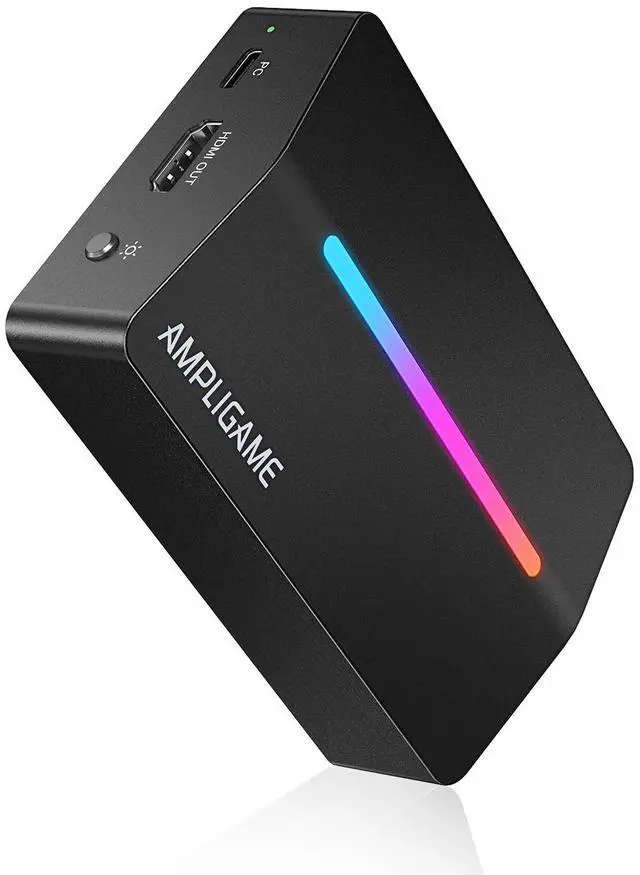



Any questions? Ask CelesteSM will help you find out quickly.
4K USB Gaming Capture Card
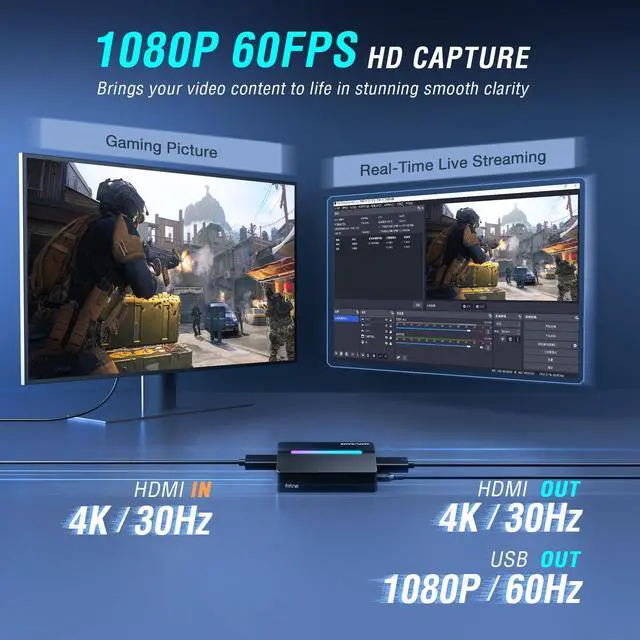
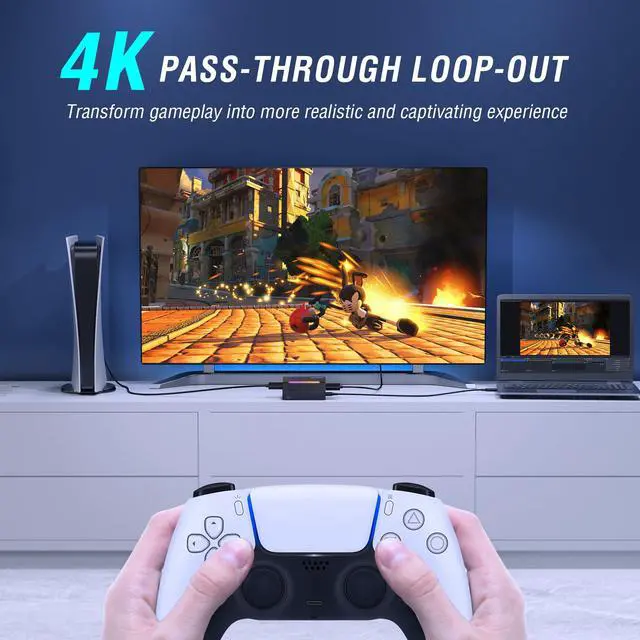
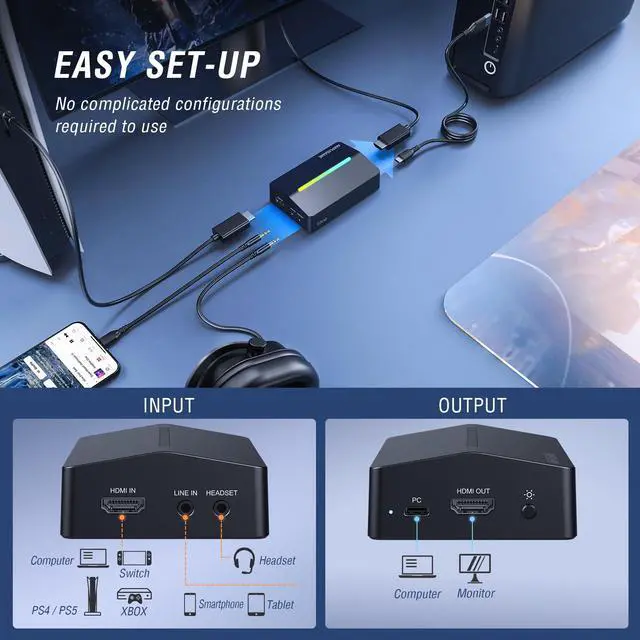
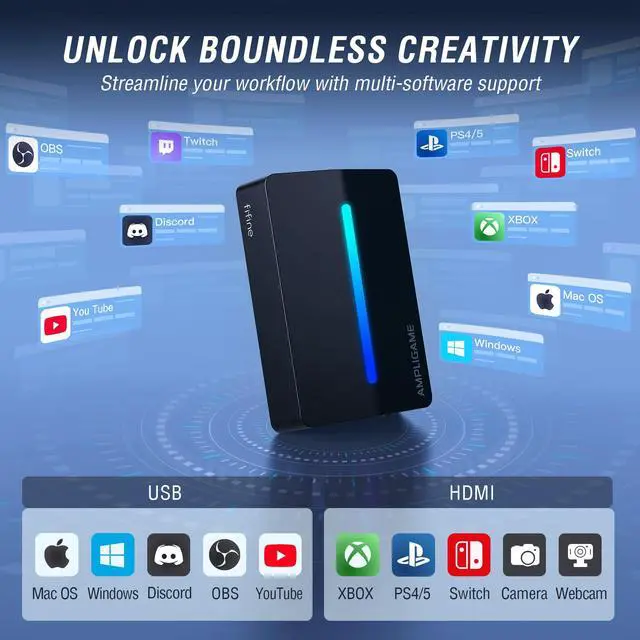
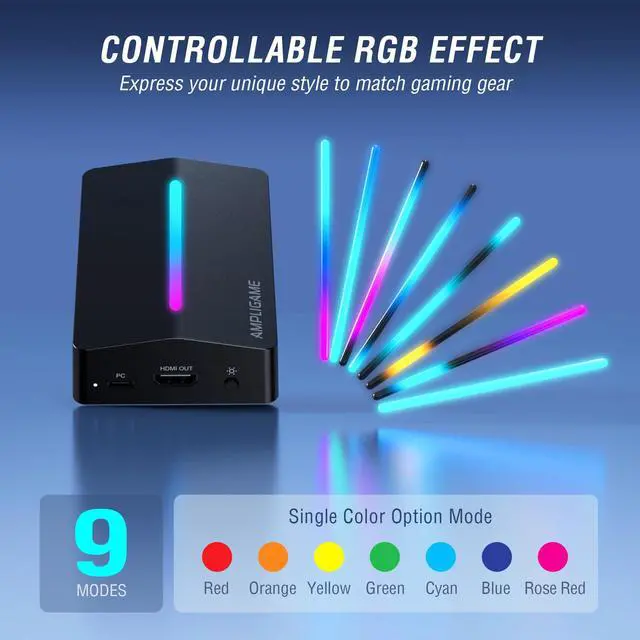
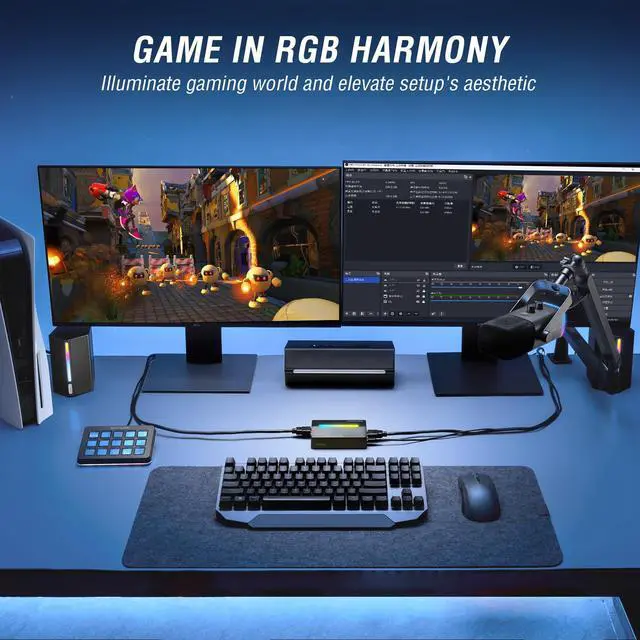
Capture and stream with ease! Our video capture card gaming offers 1080P/60fps video, audio HD recording quality and 4K/30fps pass-through for stunning visuals. Effortless to connect and simple to use via USB Type-C connectivity and featured with stable USB3.0 high speed transmission. With wide compatibility across devices and software, our switch capture card is a versatile choice. The controllable RGB lighting effects adapt to your gaming immersion, enhancing your video streaming experience.
What should I do when there is a flickering green or black screen?
Re-plug the USB and HDMI cables properly.(For PS4/PS5 users: please disable HDCP in your PlayStation settings.) Then restart your console.
How to get 1080P 60FPS video recording with V3?
Make sure your PC has a USB 3.0 port and your software (OBS, Streamlabs) is set to 1080P 60FPS. Connect V3 using the included USB 3.0 cable.
How to fix buzzing or static noise?
Static buzzing is often caused by insufficient USB voltage. Change to another USB port or make sure the port delivers adequate power.
What devices is this capture card compatible with?
The capture card is compatible with PC, Laptops,PS4/5, Xbox and Switch.
Does V3 capture card require an external power supply?
This capture card requires no external power supply. It draws power directly from your computer or device via the USB connection. For optimal performance, please connect it to a USB 3.0 or higher port.


4K USB Gaming Capture Card
Capture and stream with ease! Our video capture card gaming offers 1080P/60fps video, audio HD recording quality and 4K/30fps pass-through for stunning visuals. Effortless to connect and simple to use via USB Type-C connectivity and featured with stable USB3.0 high speed transmission. With wide compatibility across devices and software, our switch capture card is a versatile choice. The controllable RGB lighting effects adapt to your gaming immersion, enhancing your video streaming experience.


What should I do when there is a flickering green or black screen?
Re-plug the USB and HDMI cables properly.(For PS4/PS5 users: please disable HDCP in your PlayStation settings.) Then restart your console.
How to get 1080P 60FPS video recording with V3?
Make sure your PC has a USB 3.0 port and your software (OBS, Streamlabs) is set to 1080P 60FPS. Connect V3 using the included USB 3.0 cable.
How to fix buzzing or static noise?
Static buzzing is often caused by insufficient USB voltage. Change to another USB port or make sure the port delivers adequate power.
What devices is this capture card compatible with?
The capture card is compatible with PC, Laptops,PS4/5, Xbox and Switch.
Does V3 capture card require an external power supply?
This capture card requires no external power supply. It draws power directly from your computer or device via the USB connection. For optimal performance, please connect it to a USB 3.0 or higher port.
Keep Leveling Up for Your Game Victory