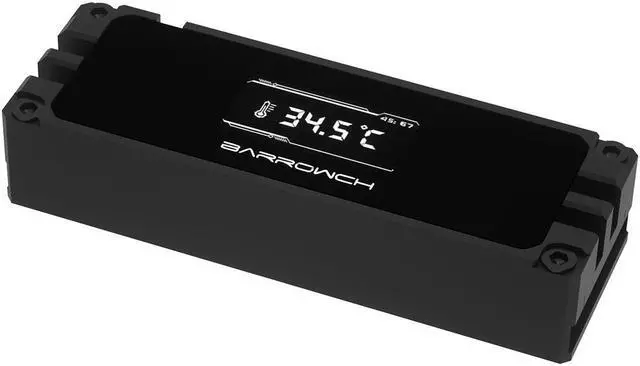
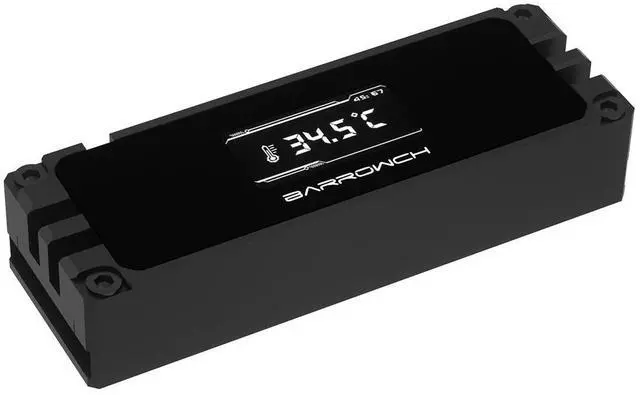
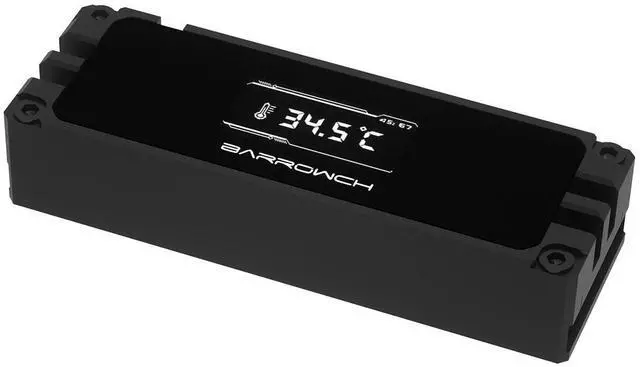
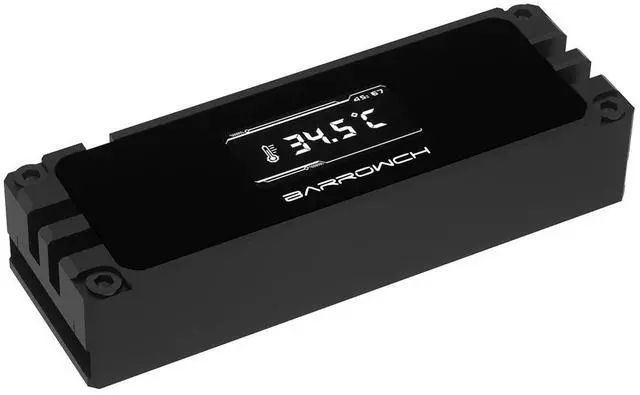
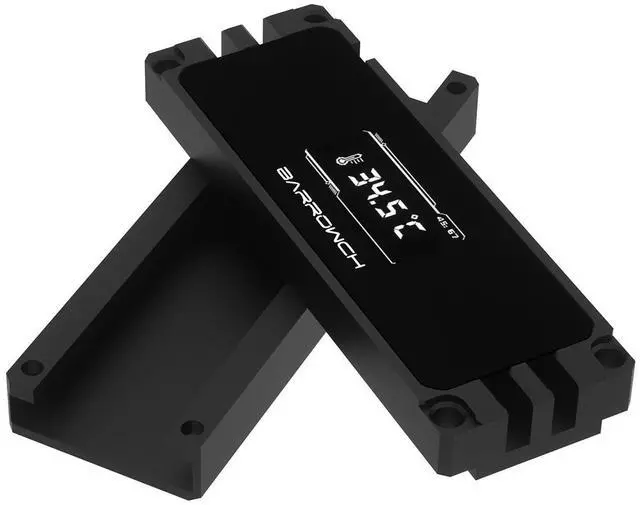
The Barrowch FBM2TZ-02 is an all-aluminum heatsink for M.2 SSDs in the 2280 and 22110 sizes, with a small OLED screen in the top cover that shows a live temperature reading. The heatsink closes around the drive from both sides, so it also cools drives with chips on the back, and it takes its power from a fan header on the motherboard. This listing is the black version.
Properties
- Type: M.2 SSD heatsink with temperature display
- Fits: M.2 2280 and 22110, single- and double-sided
- Display: OLED, temperature to 0.1 °C
- Power: Motherboard fan header, 12 V
- Size (L x W x H): 72 x 23.9 x 14.7 mm
- Material: CNC-machined aluminum
- Color: Black
- Pieces in the pack: 1 set
A temperature display on the drive
The top cover carries an OLED screen that shows the temperature in real time. Barrow says the reading is refreshed continuously with a 1 ms sampling rate and is accurate to 0.1 °C, so you can see at a glance how warm the drive runs under load.
Cooling from both sides
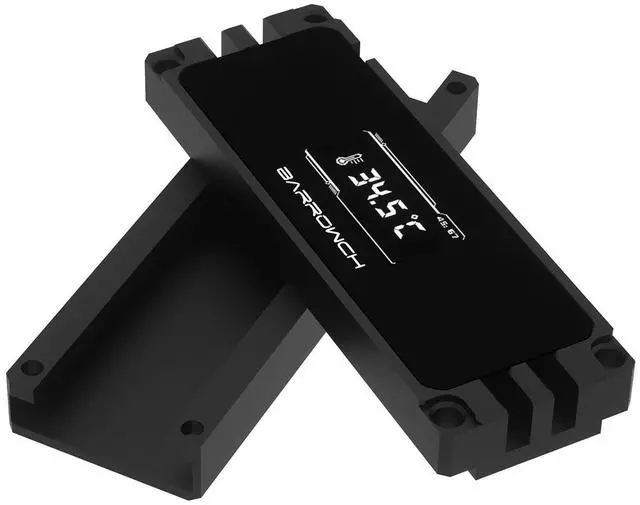
The heatsink is made of two aluminum halves that close around the drive. Barrow says it conducts and dissipates the heat of drives with chips on one side or on both sides, and that it fits 2280 and 22110 drives. The top cover is CNC-machined from aluminum.
Power from a fan header
The display runs from a fan header on your motherboard. Before you switch the PC on for the first time, Barrow asks you to set that fan header to full speed in the BIOS, so it delivers a steady 12 V; a lower voltage can make the display behave abnormally or damage it.
Installation
- Put a thermal pad on the drive: Barrow uses the blue pad when the back of the drive has no chips and the gray pad when it does.
- Slide the drive gently into the heatsink. The connector edge and the notch of the drive must stay outside the heatsink.
- Put the blue silicone strip on the front of the drive, set the top cover in place and tighten the four fixing screws.
- Barrow says the back of the drive must be fully covered by the silicone pad to avoid a short circuit, and that you should use the screws that come with the heatsink.
Technical data
- Model: FBM2TZ-02
- Type: M.2 heatsink with OLED temperature display
- Drive sizes: 2280, 22110
- Drive types: PCIe and SATA M.2, single- and double-sided
- Dimensions (L x W x H): 72 x 23.9 x 14.7 mm
- Display accuracy: 0.1 °C
- Sampling rate: 1 ms
- Power: Motherboard fan header, 12 V (set to full speed)
- Material: Aluminum
- Color: Black
Notes
- The display screen is fragile; Barrow asks you not to press hard on it.
- The FBM2TZ-02 has a slightly different display layout from the FBM2TZ-01 that Barrow shows on its page.
- Barrow made this heatsink in black and silver. This listing is the black version, and it is no longer made.
- Barrow notes that it may update the look or construction of the product without notice; the product you receive is the current version.
In the box
- 1x Barrowch M.2 2280/22110 Full Aluminum Heatsink with Digital Display - Black
- 1x Mounting hardware
- 1x Set of thermal pads




 here!