





Wireless Mode
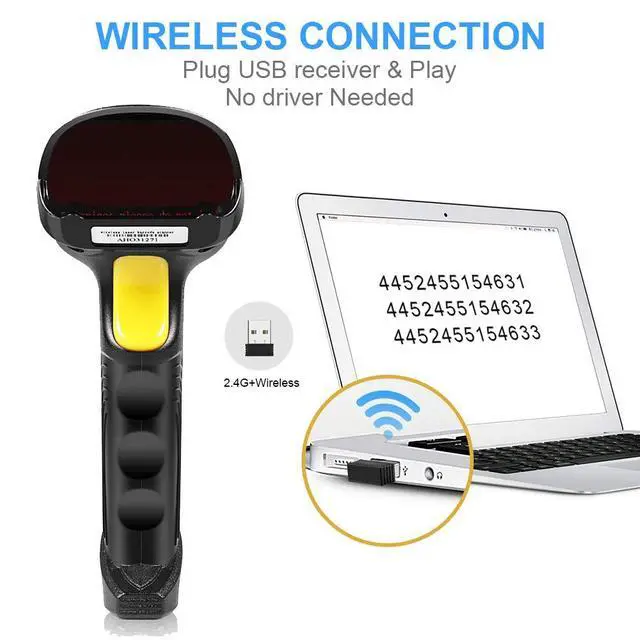
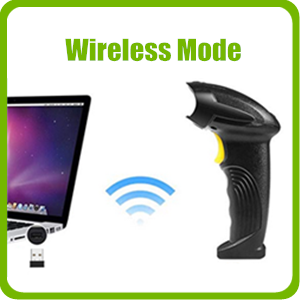
- One-to-One: The scanner will only send barcodes to it own USB receiver. Several sets of scanner and receiver can work independently with different computers in the same place, which will not interfere each other. No Bluetooth connection function.
- Plug and Play: The scanner is “plug and play”, but for the first time using, it will need a few seconds to indentify the computer system automatically ( may be a minute depending on the speed of your computer). After the first time using, they will not need to wait next time.
Wire Mode
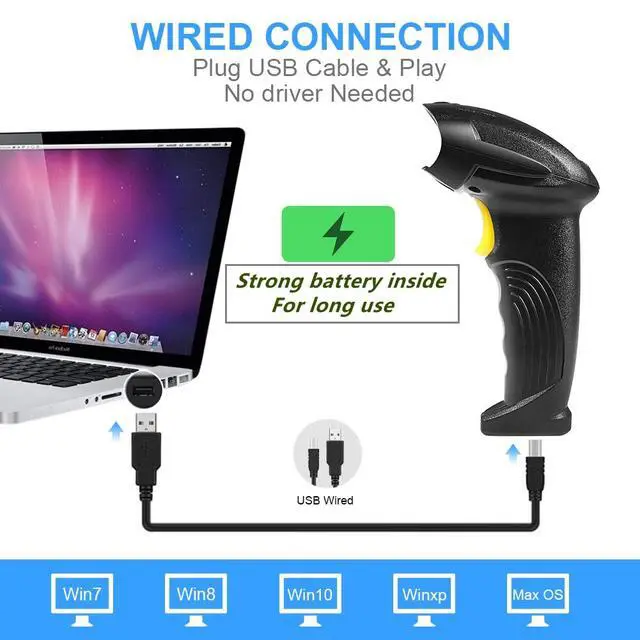
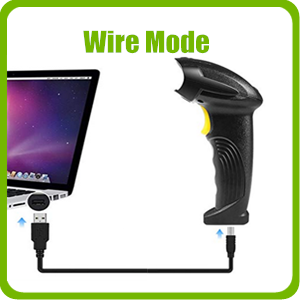
- In case the scanner is out of power, the scanner is able to scan bar codes via the data cable of 150cm/59inch, which will also charge the scanner at the same time.
- Usually, it will take 2 to 4 hours to full charge the scanner. After full charged, it can work wirelessly for about one week, 23000 times scan in daily used.
Two Upload Modes
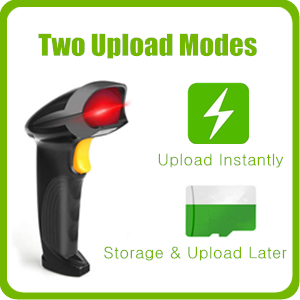
- Upload Instantly: In this mode, the scanner will scan bar codes and upload it instantly to the file/software in computer.
- Storage and Upload Later: If the scanner scans codes outside the wireless signal range, you can set it to inventory mode, which means all barcodes will be stored in the scanner. You can upload the bar codes to your computer when you need to.
Data Conversion
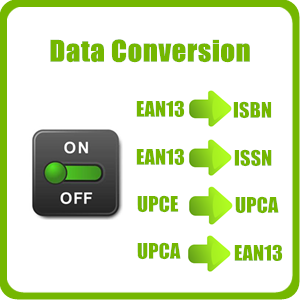
- On/off for converting bar code EAN13 to ISBN
- On/off for converting bar code EAN13 to ISSN
- On/off for converting bar code UPCE to UPCA
- On/off for converting bar code UPCA to EAN13
Four Trigger Modes
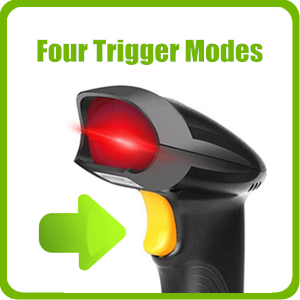
- Single Trigger Mode: Trigger every time you scan a code.
- Key Delay Mode: Hold on the trigger to scan all codes.
- Continuous Mode: Scanning bar codes without triggering. Red laser is always on.
- Flash Mode(Automatic Scintillation): Scanning bar codes without triggering. Red laser keeps flashing.
Compatible Systems and Devices
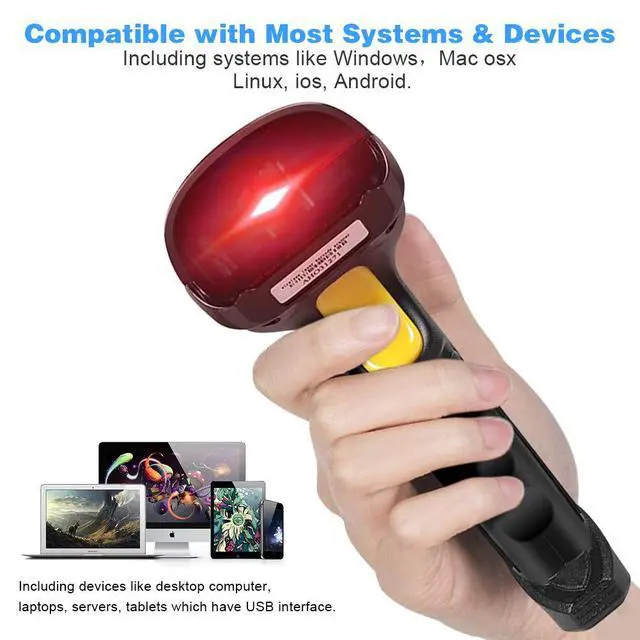
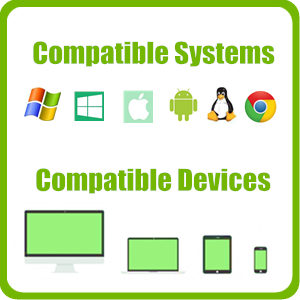
- The scanner is compatible with 5 systems Windows(Including Win XP to Win10, Win11), Mac osx, Linux (including Google Chrome OS, not all linux systems), ios, Android.
- Work with PC, laptop, tablet, cash register, POS system and small devices which have USB ports.
Compatible Barcode Types
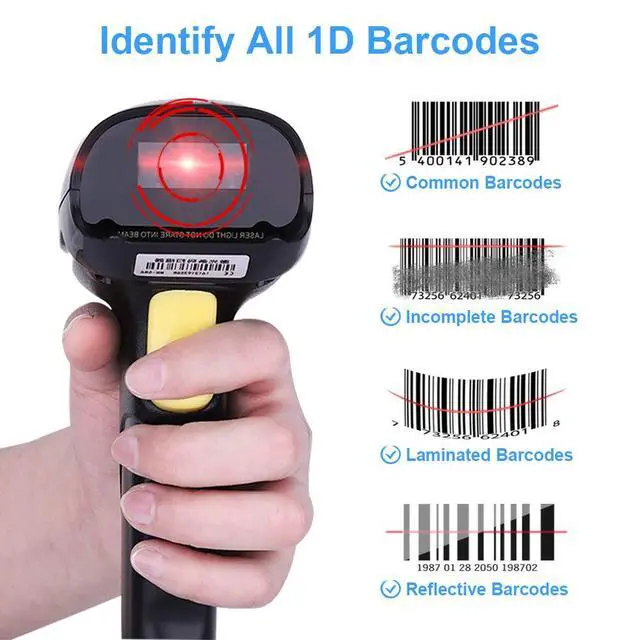
UPC / EAN (include extra Code), ISBN/ISSN, Code11, Code39, Code93, Code128, Full ASCII, Codabar, industrial/Interleaved 2/5, MSI, etc.
NOTE:
- Not for scanning bar codes under plastic bag or on silver foil. As these material cannot reflect laser properly.
- Cannot scan 2D barcode(Square Codes),such as QR code and PDF417.
- Cannot scan codes from screen.
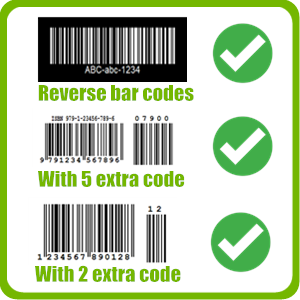
Support Special Bar Codes
- Support scanning reverse bar codes (white bar code in black background).
- Support scanning UPC/EAN and extra code.
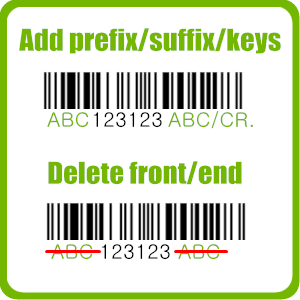
Other Programmable Functions
- Adding keyboard keys (CR/ENTER, Down, Right, TAB, etc.) to the scanning process.
- Turning on or off barcode types.
- Turning on or off buzzer.
- Adding prefix or suffix for the bar codes
- Deleting characters in front and end of the bar codes.
PHYSICAL PARAMETERS
- Material: ABS+PC
- Size: 169 X 67 X 90(mm)
PERFORMANCE PARAMETERS
- Processor: 32-bit MCU
- Interface: USB and wireless 2.4G
- Radio Frequency: 2.4G 60-400 meters
- Battery: 800MAH 3.7v
- Light Source: 650nm (class I)
- Capability: UPC / EAN (include extra code), ISBN/ISSN, Code11, Code39, Code93, Code128, Full ASCII, Codabar, industrial/Interleaved 2/5, MSI, etc.
- Trigger Mode: Manual; Auto; Continuous; Flash
- Resolution: >=0.1mm(4mils)pcs 45%
- Decoding Speed: 300 scans/sec
- Scanning Distance: 5cm-30cm
- Contrast: 30%
- Scan Angles: Roll 30 °, Pitch 75 °, Yaw 65 °
OTHER PARAMETERS
- IP Protection Grade: IP54
- Operating Temp.: 0 to 50 ºC / 32 to 122 ºF
- Storing Temp.: 20 to 70 ºC / 4 to 158 ºF
- Operating Humidity: 20-95% (no condensation)
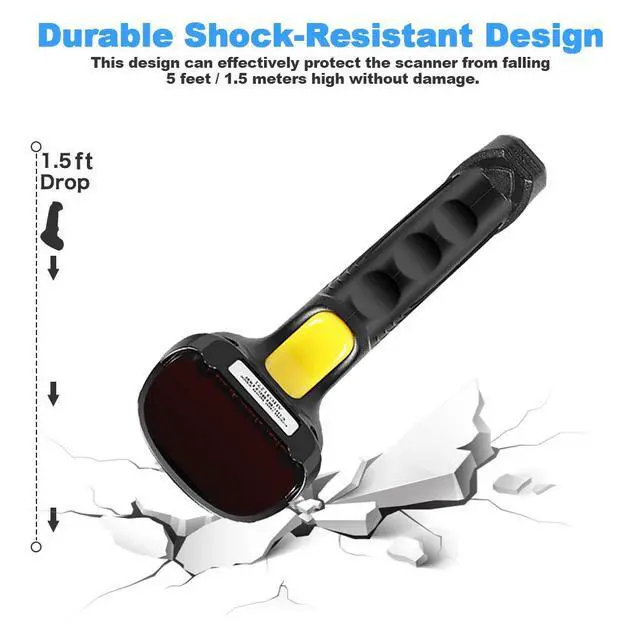
- Shock Resistance: 1.5 meters
Package Contains:
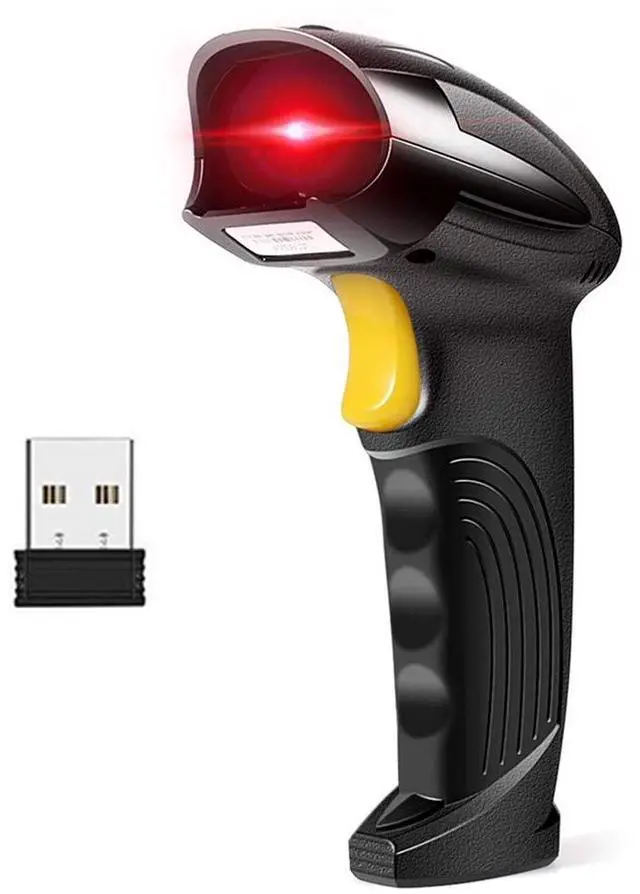
- 1 X Barcode Scanner
- 1 X USB Cable ( for Charging and Data Transmission)
- 1 X User Guide
- 1 X 2.4G Mini Receiver
Wireless Mode
- One-to-One: The scanner will only send barcodes to it own USB receiver. Several sets of scanner and receiver can work independently with different computers in the same place, which will not interfere each other. No Bluetooth connection function.
- Plug and Play: The scanner is “plug and play”, but for the first time using, it will need a few seconds to indentify the computer system automatically ( may be a minute depending on the speed of your computer). After the first time using, they will not need to wait next time.
Wire Mode
- In case the scanner is out of power, the scanner is able to scan bar codes via the data cable of 150cm/59inch, which will also charge the scanner at the same time.
- Usually, it will take 2 to 4 hours to full charge the scanner. After full charged, it can work wirelessly for about one week, 23000 times scan in daily used.
Two Upload Modes
- Upload Instantly: In this mode, the scanner will scan bar codes and upload it instantly to the file/software in computer.
- Storage and Upload Later: If the scanner scans codes outside the wireless signal range, you can set it to inventory mode, which means all barcodes will be stored in the scanner. You can upload the bar codes to your computer when you need to.
Data Conversion
- On/off for converting bar code EAN13 to ISBN
- On/off for converting bar code EAN13 to ISSN
- On/off for converting bar code UPCE to UPCA
- On/off for converting bar code UPCA to EAN13
Four Trigger Modes
- Single Trigger Mode: Trigger every time you scan a code.
- Key Delay Mode: Hold on the trigger to scan all codes.
- Continuous Mode: Scanning bar codes without triggering. Red laser is always on.
- Flash Mode(Automatic Scintillation): Scanning bar codes without triggering. Red laser keeps flashing.
Compatible Systems and Devices
- The scanner is compatible with 5 systems Windows(Including Win XP to Win10, Win11), Mac osx, Linux (including Google Chrome OS, not all linux systems), ios, Android.
- Work with PC, laptop, tablet, cash register, POS system and small devices which have USB ports.
Compatible Barcode Types
UPC / EAN (include extra Code), ISBN/ISSN, Code11, Code39, Code93, Code128, Full ASCII, Codabar, industrial/Interleaved 2/5, MSI, etc.
NOTE:
- Not for scanning bar codes under plastic bag or on silver foil. As these material cannot reflect laser properly.
- Cannot scan 2D barcode(Square Codes),such as QR code and PDF417.
- Cannot scan codes from screen.
Support Special Bar Codes
- Support scanning reverse bar codes (white bar code in black background).
- Support scanning UPC/EAN and extra code.
Other Programmable Functions
- Adding keyboard keys (CR/ENTER, Down, Right, TAB, etc.) to the scanning process.
- Turning on or off barcode types.
- Turning on or off buzzer.
- Adding prefix or suffix for the bar codes
- Deleting characters in front and end of the bar codes.
PHYSICAL PARAMETERS
- Material: ABS+PC
- Size: 169 X 67 X 90(mm)
PERFORMANCE PARAMETERS
- Processor: 32-bit MCU
- Interface: USB and wireless 2.4G
- Radio Frequency: 2.4G 60-400 meters
- Battery: 800MAH 3.7v
- Light Source: 650nm (class I)
- Capability: UPC / EAN (include extra code), ISBN/ISSN, Code11, Code39, Code93, Code128, Full ASCII, Codabar, industrial/Interleaved 2/5, MSI, etc.
- Trigger Mode: Manual; Auto; Continuous; Flash
- Resolution: >=0.1mm(4mils)pcs 45%
- Decoding Speed: 300 scans/sec
- Scanning Distance: 5cm-30cm
- Contrast: 30%
- Scan Angles: Roll 30 °, Pitch 75 °, Yaw 65 °
OTHER PARAMETERS
- IP Protection Grade: IP54
- Operating Temp.: 0 to 50 ºC / 32 to 122 ºF
- Storing Temp.: 20 to 70 ºC / 4 to 158 ºF
- Operating Humidity: 20-95% (no condensation)
- Shock Resistance: 1.5 meters
Package Contains:
- 1 X Barcode Scanner
- 1 X USB Cable ( for Charging and Data Transmission)
- 1 X User Guide
- 1 X 2.4G Mini Receiver