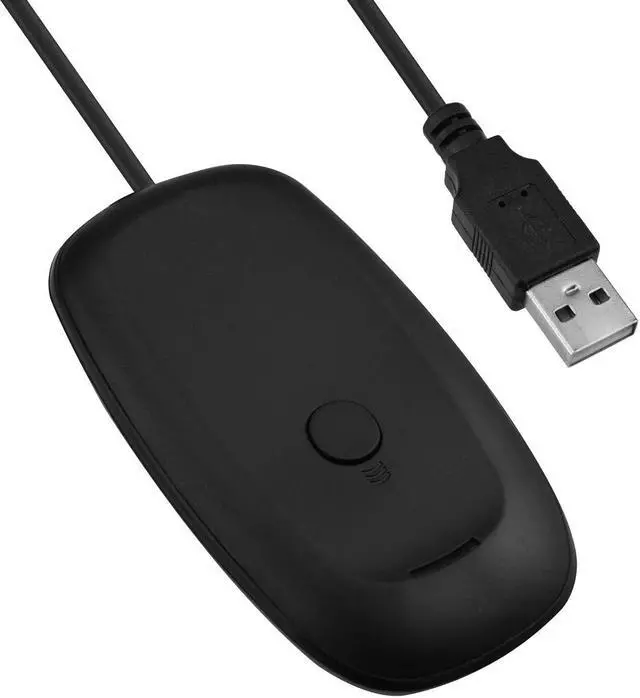
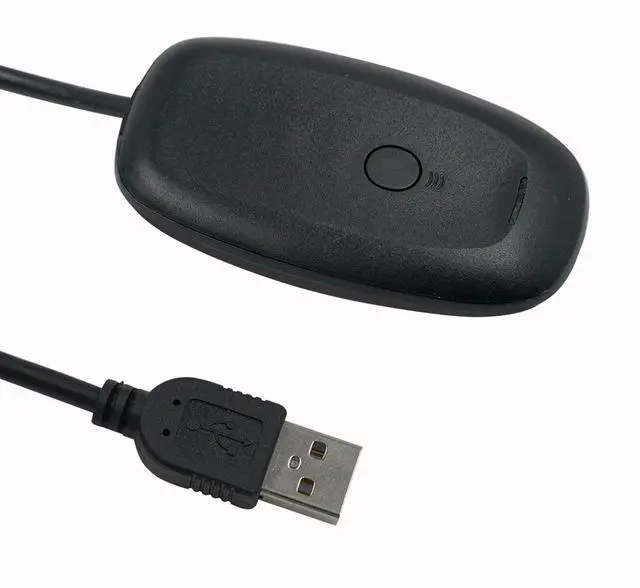
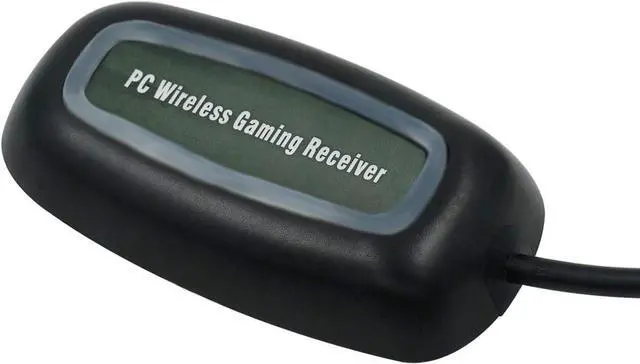
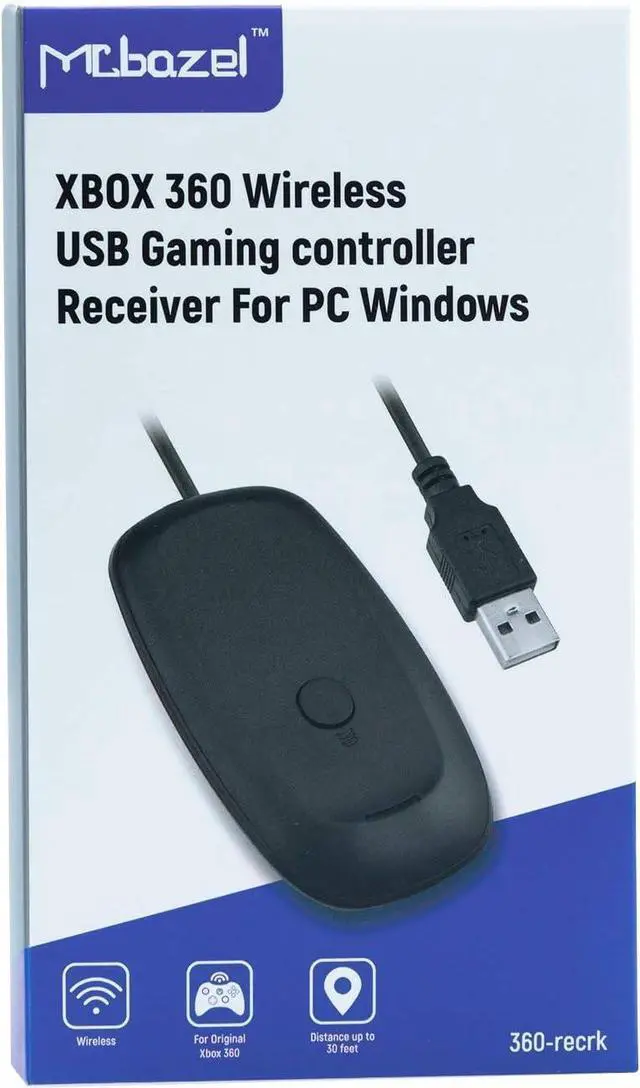
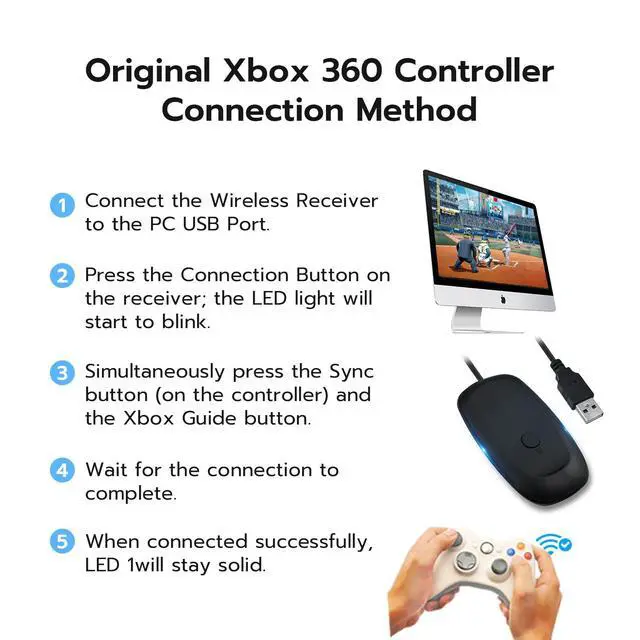
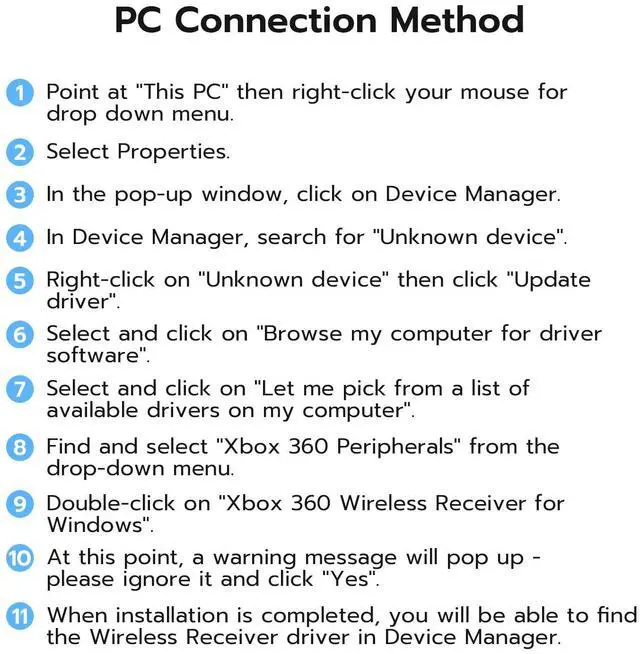
The Xbox 360 Windows receiver supports Windows 11 system. Will work with future Xbox 360 Wireless Accessories. Please scan the QR code on the package, you can find the driver to download ( if it is not found from your PC ), set up video guide and other necessary information for reference.
Easily integrates with PC gaming scenarios and utilizes the same binding technology as Xbox 360.NOTE: If the Scuf controller is designed for other platforms (such as Xbox One or PC-specific versions), it will not be compatible with the original 360 receiver due to differences in wireless protocols (such as Bluetooth or proprietary 2.4G).
Usage Method: When connecting to the computer for the first time, the computer will detect new hardware and prompt you to install the driver. After the driver is successfully installed, press and hold the round button on the receiver for about 1 second. The green light on the receiver will blink continuously, indicating that it has entered pairing mode. Then, press the pairing button on the controller to complete the pairing. Once paired successfully, you can start gaming.
Use up to four Wireless Controllers and four Wireless Headsets simultaneously with one Wireless Gaming Receiver.Provides up to a 30-foot range for complete wireless freedom.
Provides a great value by eliminating the need for additional accessories for Windows-based gaming at an attractive price point.
+
+
Overview
Specs
Reviews
Any questions? Our AI beta will help you find out quickly.
Try me now
Wireless USB 2.0 Gaming Receiver Adapter for Microsoft Xbox 360 Desktop PC Laptop Gaming - Black
Learn more about the Generic Brand 360-recrk
Model
Brand
BELKIN
Model
360-recrk
Part Number
360-recrk
Details
Type
Power Supply
Color
White
Specifications
11.5 L x 9 W x 2.8 H centimeters, Mcbazel, 360-recrk, 75 grams, Black, Micro USB or USB Type B, 1
Features
Features
Micro USB or USB Type B, false
Additional Information
First Listed on Newegg
June 02, 2026
Customer Reviews of the Generic Brand 360-recrk
There are no reviews yet.
Do you own this product?
Warranty & Returns
Warranty, Returns, And Additional Information
Warranty
Please contact the Seller directly for warranty information. Warranty information may also be found on the Manufacturer's website.