


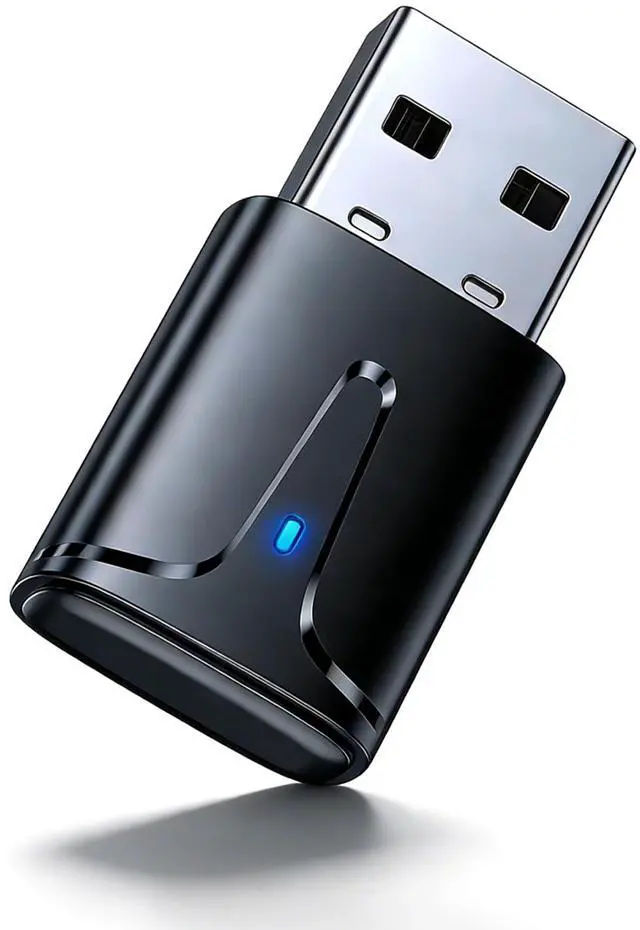


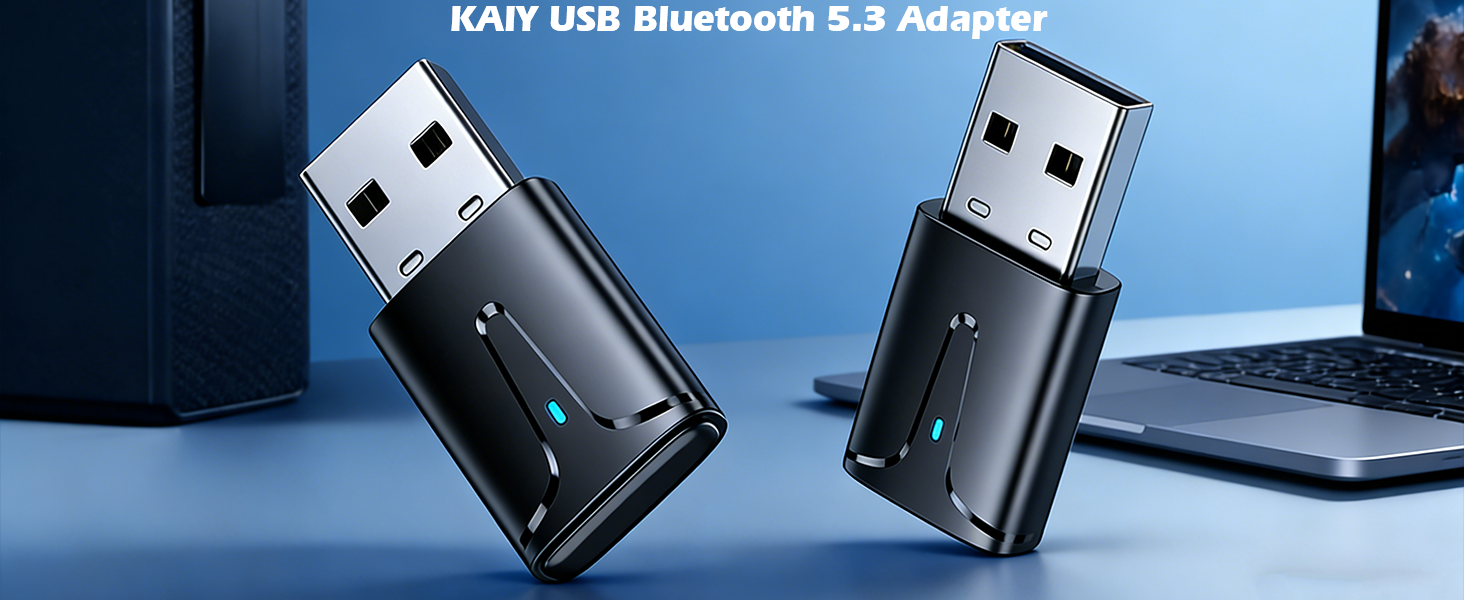
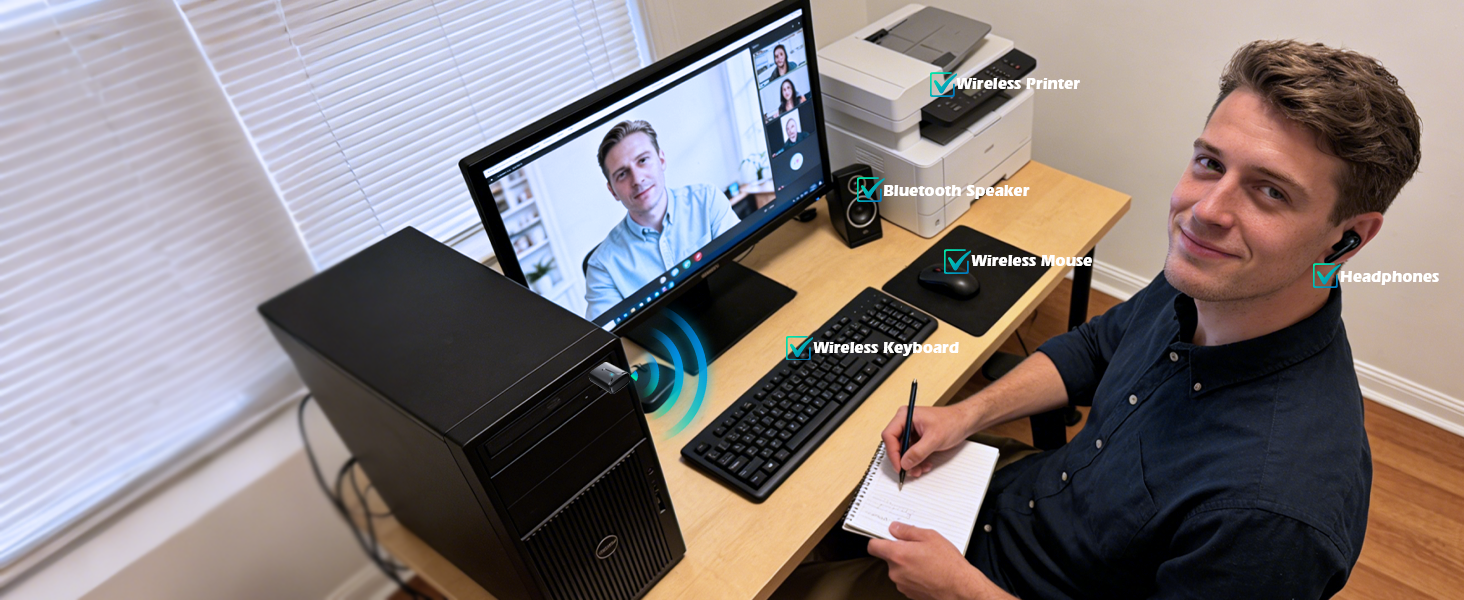
USB Bluetooth Dongle for PC
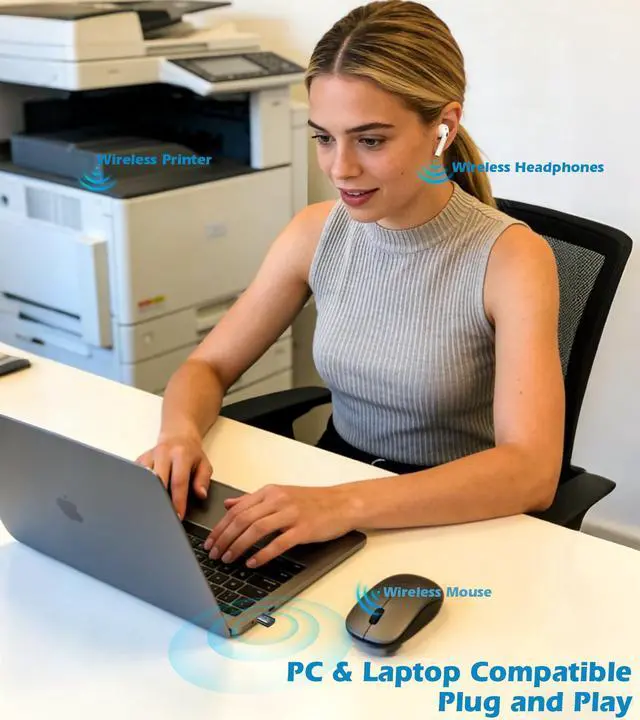
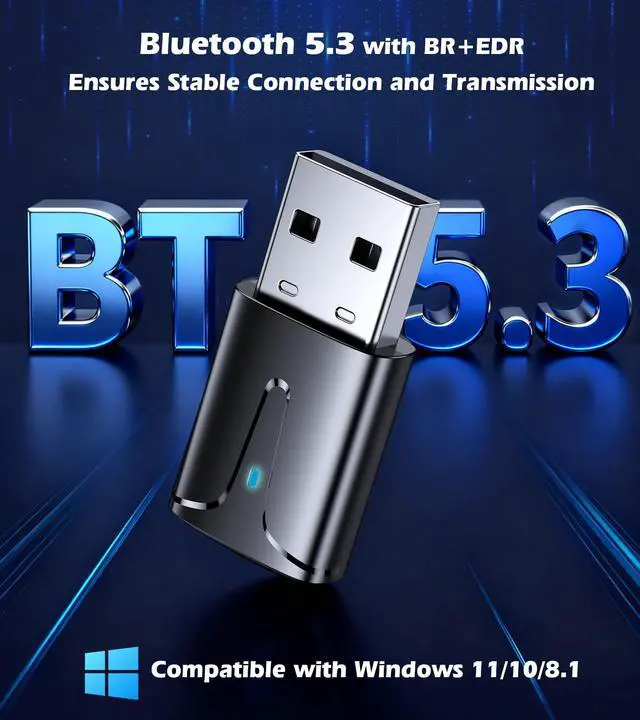
Make Your PC Wireless
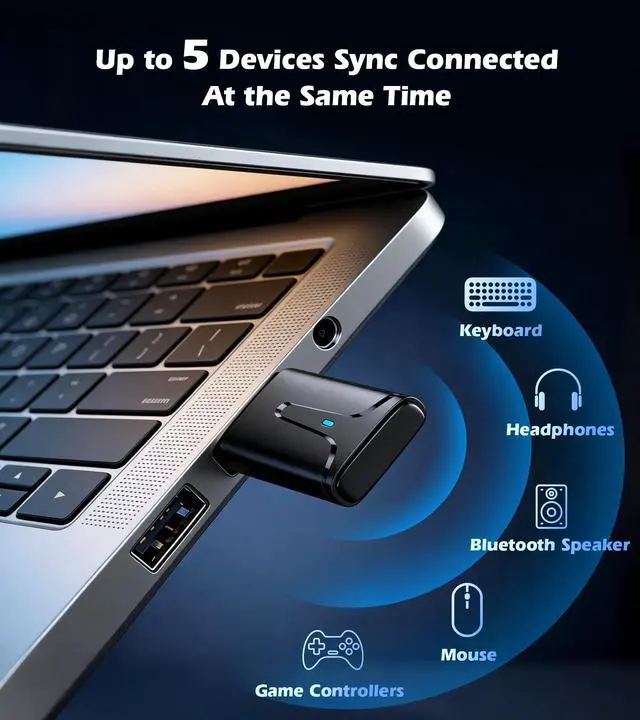
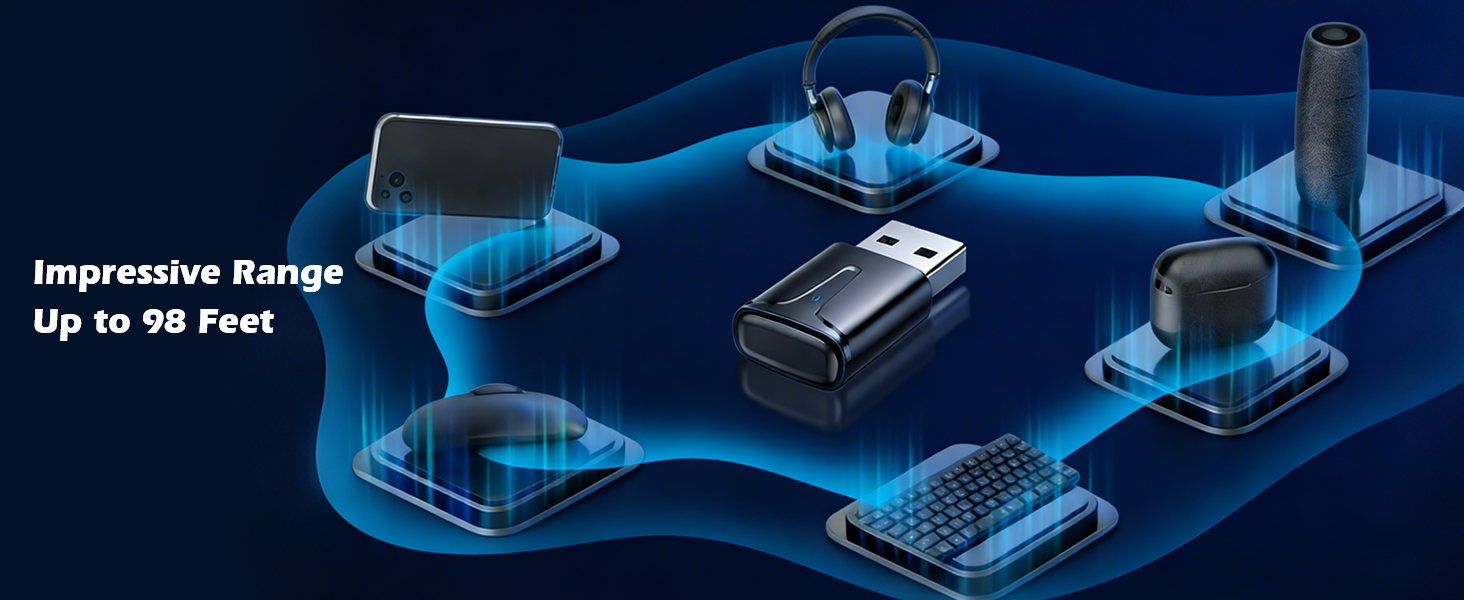
Connects Up to Five Devices Simultaneously
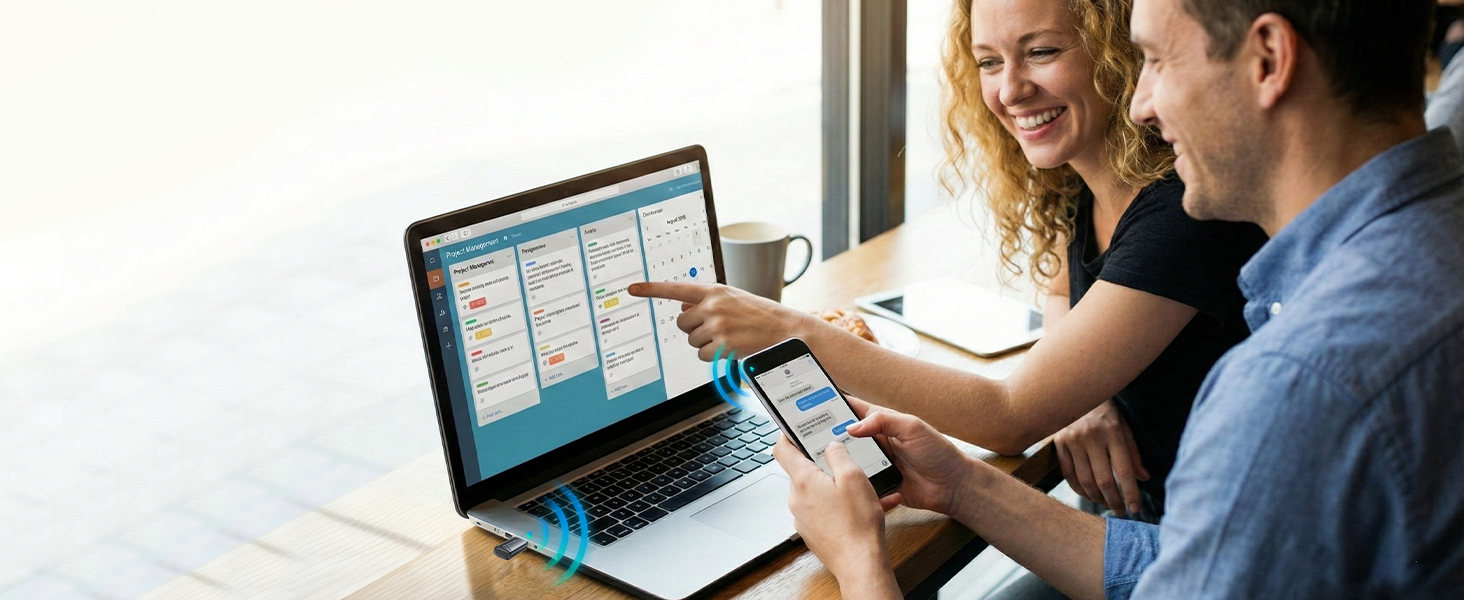
Bluetooth Transmitter
Wireless Data Filer Transmission
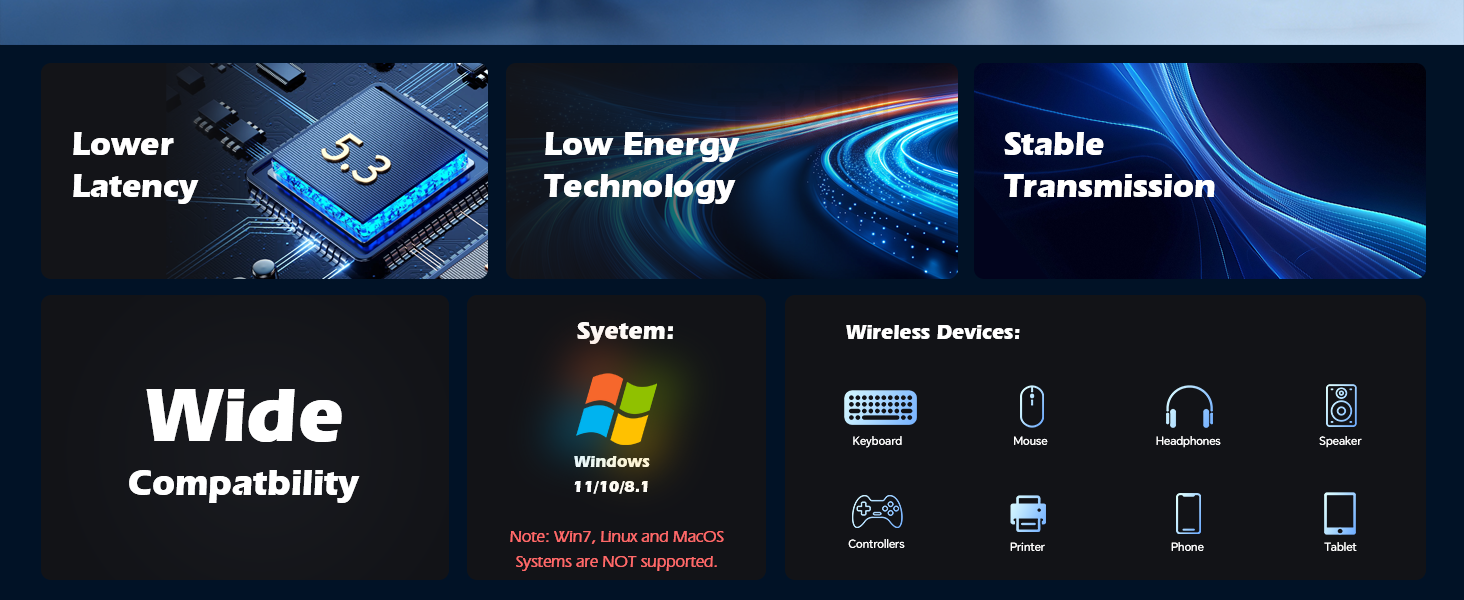
Not Compatible with Apple Devices
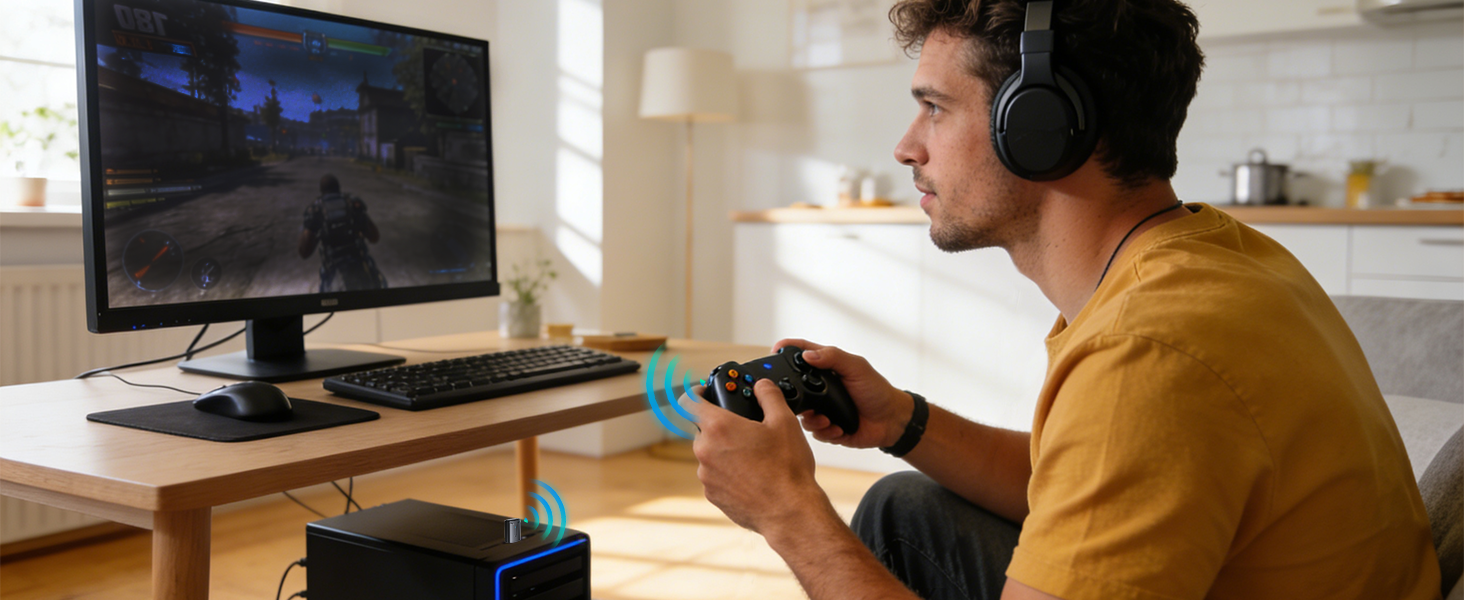
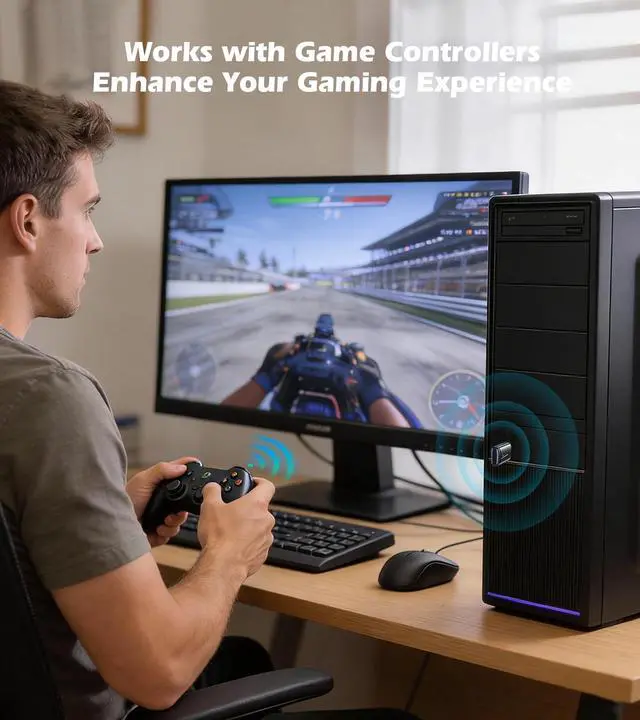
Enhance Your Gaming Experience
Works with Game Controllers
Can this USB Bluetooth adapter be used with a gaming controller?
Yes, the USB Bluetooth 5.3 Adapter works with gaming controllers. However, note that it cannot be used directly with gaming consoles (such as PS3/PS4/PS5, Switch, or Xbox) - it's designed for connecting controllers to PCs only.
How do I pair gaming controllers?
1.Plug the adapter into USB port on your PC
2.Put your game controller into pairing mode
3.Go to Windows Settings > Devices > Bluetooth & devices
4.Look for your controller in the available devices list and select it,click Pair
How do I pair the Bluetooth dongle to my mouse or other devices?
1.Bluetooth mice and keyboards that support pairing mode
2.Plug the adapter into your PC's USB port
3.Put your device into pairing/discovery mode
4.Go to Windows Settings > Devices > Bluetooth & devices
5.Select your device from the list and Pair
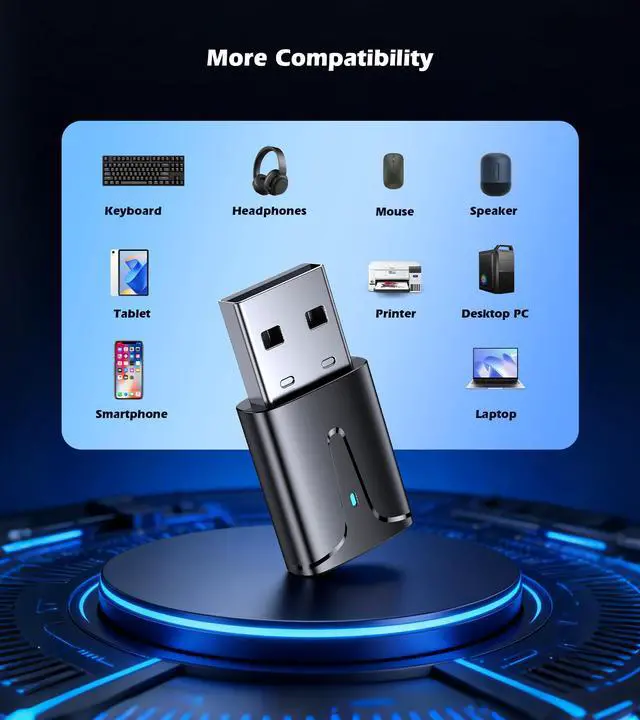
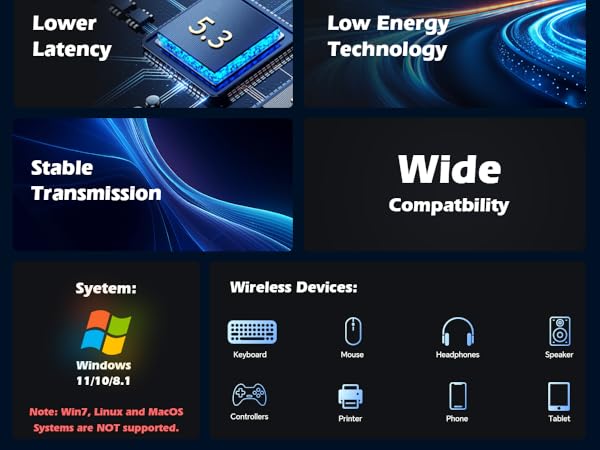
Is my device compatible?
1.Mice & Keyboardscan – enter pairing mode
2.Headphones & Speakers
3.Gaming Controllers
4.Printers – Bluetooth-enabled
5.Hearing aids – Devices with Bluetooth 5.3 or earlier versions
Troubleshooting pairing issues
1.Disable existing Bluetooth: If your PC has built-in Bluetooth, disable it in Device Manager first: Go to Device Manager ? Bluetooth ? Right-click existing adapters ? Disable device
2.Ensure your device can actually enter pairing mode
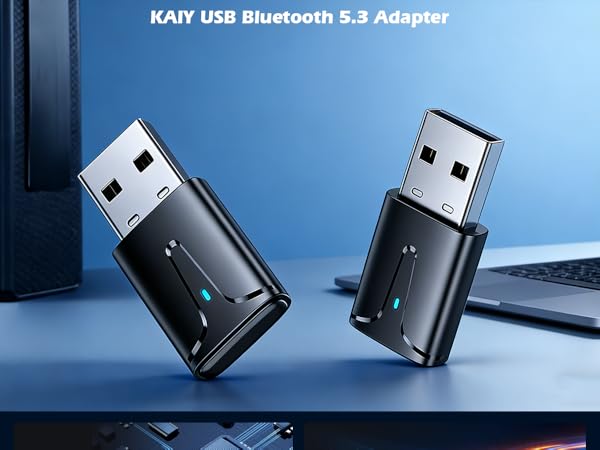
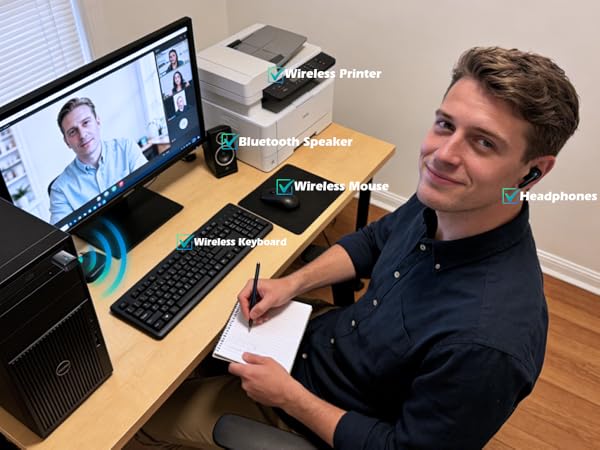
USB Bluetooth Dongle for PC
Make Your PC Wireless
Connects Up to Five Devices Simultaneously
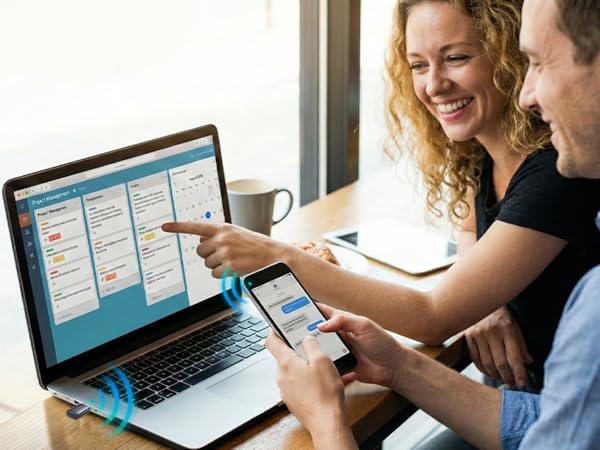
Bluetooth Transmitter
Wireless Data Filer Transmission
Not Compatible with Apple Devices
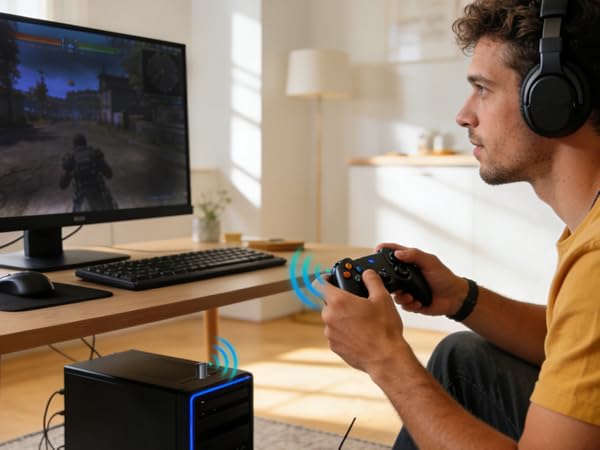
Enhance Your Gaming Experience
Works with Game Controllers
Can this USB Bluetooth adapter be used with a gaming controller?
Yes, the USB Bluetooth 5.3 Adapter works with gaming controllers. However, note that it cannot be used directly with gaming consoles (such as PS3/PS4/PS5, Switch, or Xbox) - it's designed for connecting controllers to PCs only.
How do I pair gaming controllers?
1.Plug the adapter into USB port on your PC
2.Put your game controller into pairing mode
3.Go to Windows Settings > Devices > Bluetooth & devices
4.Look for your controller in the available devices list and select it,click Pair
How do I pair the Bluetooth dongle to my mouse or other devices?
1.Bluetooth mice and keyboards that support pairing mode
2.Plug the adapter into your PC's USB port
3.Put your device into pairing/discovery mode
4.Go to Windows Settings > Devices > Bluetooth & devices
5.Select your device from the list and Pair
Is my device compatible?
1.Mice & Keyboardscan – enter pairing mode
2.Headphones & Speakers
3.Gaming Controllers
4.Printers – Bluetooth-enabled
5.Hearing aids – Devices with Bluetooth 5.3 or earlier versions
Troubleshooting pairing issues
1.Disable existing Bluetooth: If your PC has built-in Bluetooth, disable it in Device Manager first: Go to Device Manager ? Bluetooth ? Right-click existing adapters ? Disable device
2.Ensure your device can actually enter pairing mode