





Acer Computer Accessories
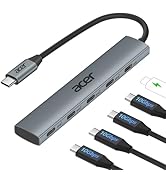
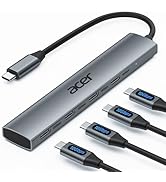
 USB A/C to Ethernet Hub |  6 in 1 HDMI USB C Hub | 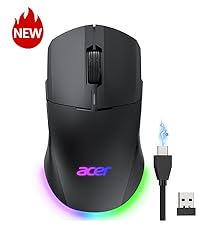 Dual Mode Gaming Mouse |  Wired Gaming Mouse | |
|---|---|---|---|---|
Customer Reviews | — | — | — | — |
Price | — | — | — | — |
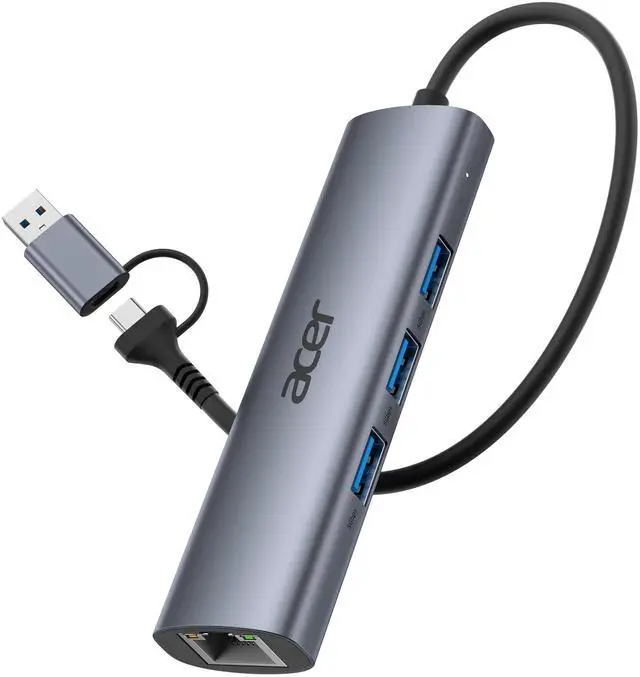
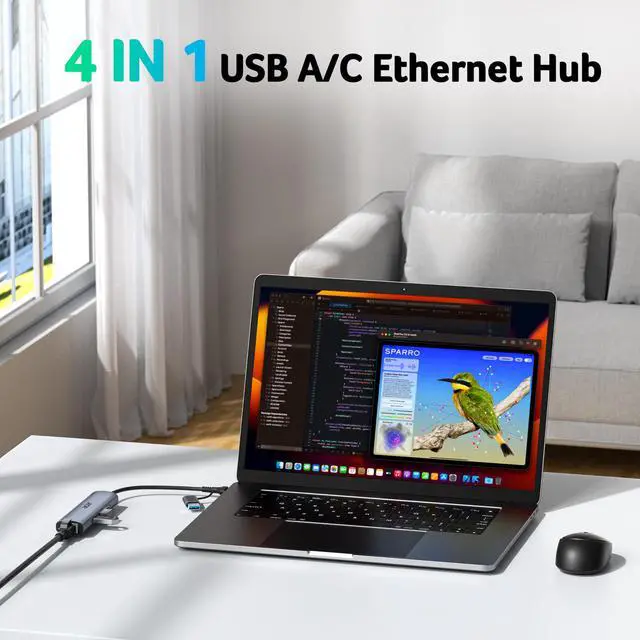
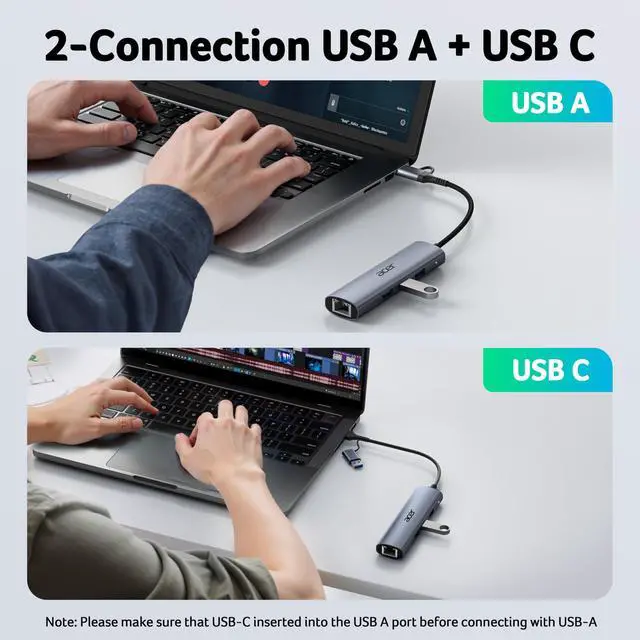
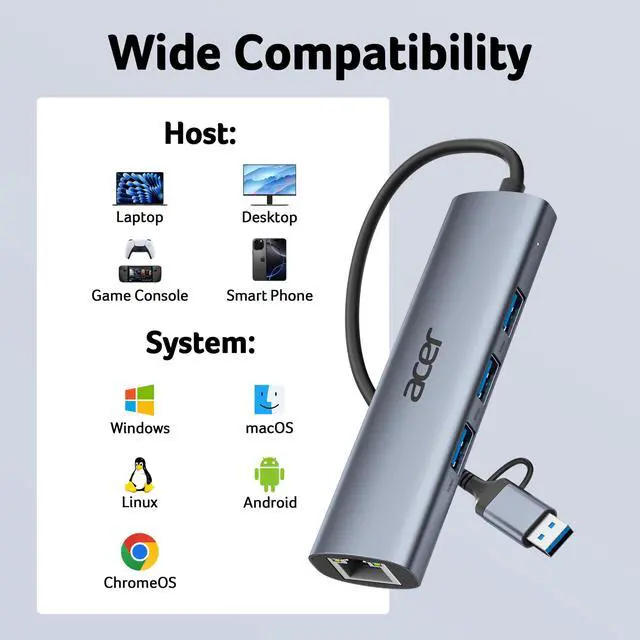
Connection Method | USB A / USB C | USB C | 2.4GHz / USB A | USB A |
Key Features | Ethernet & Data Transfer | HDMI, Ethernet, Data Transfer | Fast, Accurate, Rechargeable | Fast, Accurate Gaming Response |
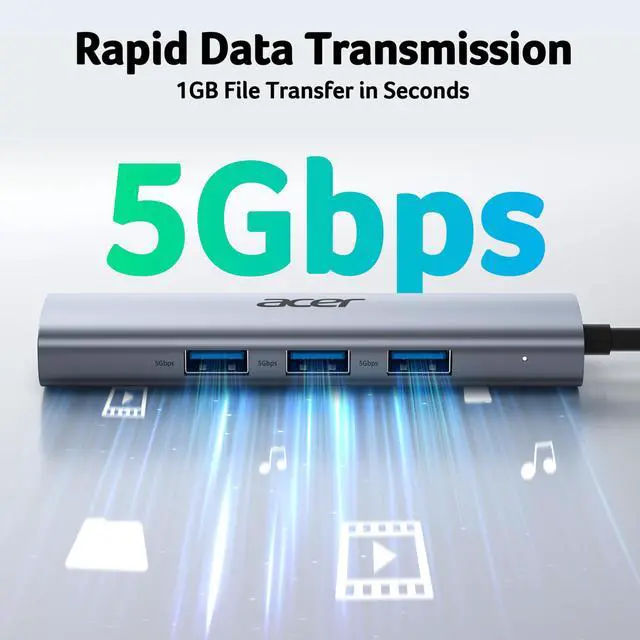
USB-A Data Port | 3 × USB-A 5Gbps | 2 × USB-A 5Gbps | ? | ? |
USB-C Data Port | ? | 1 × USB-C 5Gbps | ? | ? |
HDMI Port | ? | 1 x 4K@60Hz | ? | ? |
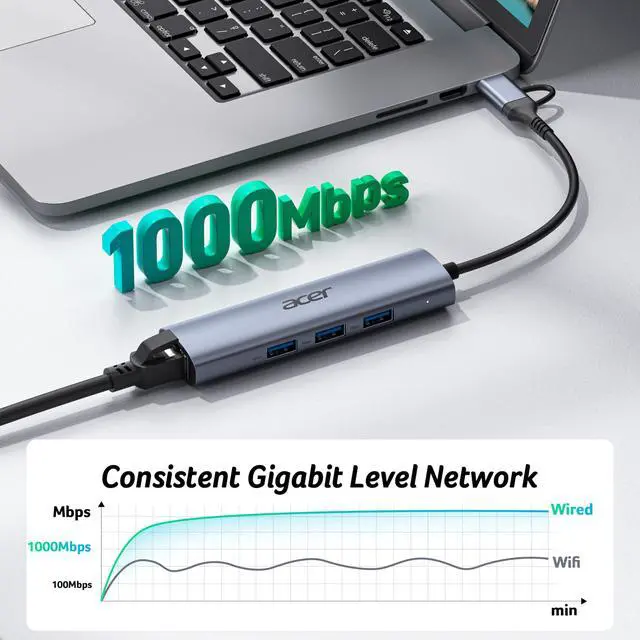
Ethernet Port | 1 × 1000Mbps | 1 × 1000Mbps | ? | ? |
Charging Port | ? | USB-C PD 100W | ? | ? |
DPI | ? | ? | 1200/1600/2400/5000/12K/24K | 1200/2400/3200/6400 max 12800 |
Ergonomic Adjustment | ? | ? | Ambidextrous Design | Ergonomic Right-Handed |


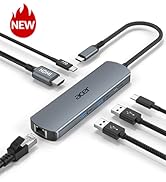
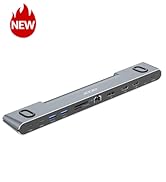
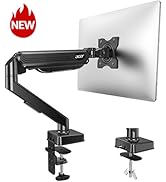
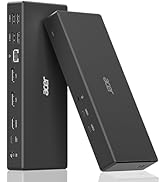
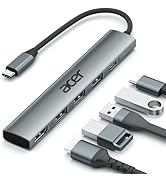
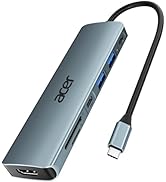
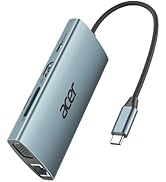
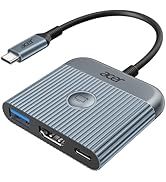
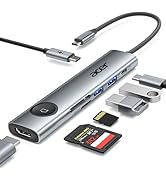
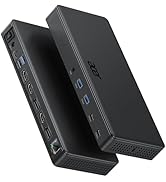
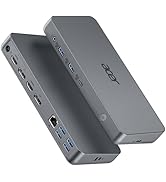


| How to reach 1 Gbps? | Please make sure: 1) Your network service and your device is compatible 1 Gbps. 2) Use CAT6 & up Ethernet cables. 3) The cable is securely plugged into the usb hub. |
|---|---|
| Does it support my device? | Please ensure your device’s USB-C port supports the USB 3.0 protocol (USB 3.1 Gen 1 or Thunderbolt 3). |
| Connect multiple USB devices? | Yes, you can connect up to three USB devices such as a keyboard, mouse, and external drive simultaneously. However, if you connect an external hard drive, it may consume all available bandwidth, thereby affecting the data transfer speeds of the other two devices using the USB-A ports. |
| Can it charge or use HDMI? | No, this adapter does not support PD charging or HDMI video output. |
| Mouse/keyborad stop working? | Wireless devices may experience 2.4?GHz interference from USB hubs. To improve performance, place the receiver closer to your mouse/keyboard or use a short USB extension to position it away from the hub. |
| Use Ethernet and USB at once? | Absolutely. You can use the Gigabit Ethernet port and all three USB 3.0 ports at the same time for stable network access and smooth data transfer. |
Acer Computer Accessories
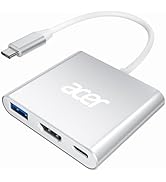
USB A/C to Ethernet Hub | 6 in 1 HDMI USB C Hub | Dual Mode Gaming Mouse | Wired Gaming Mouse |
|---|---|---|---|
| Customer Reviews | |||
| — | — | — | — |
| Price | |||
| — | — | — | — |
| Connection Method | |||
| USB A / USB C | USB C | 2.4GHz / USB A | USB A |
| Key Features | |||
| Ethernet & Data Transfer | HDMI, Ethernet, Data Transfer | Fast, Accurate, Rechargeable | Fast, Accurate Gaming Response |
| USB-A Data Port | |||
| 3 × USB-A 5Gbps | 2 × USB-A 5Gbps | ? | ? |
| USB-C Data Port | |||
| ? | 1 × USB-C 5Gbps | ? | ? |
| HDMI Port | |||
| ? | 1 x 4K@60Hz | ? | ? |
| Ethernet Port | |||
| 1 × 1000Mbps | 1 × 1000Mbps | ? | ? |
| Charging Port | |||
| ? | USB-C PD 100W | ? | ? |
| DPI | |||
| ? | ? | 1200/1600/2400/5000/12K/24K | 1200/2400/3200/6400 max 12800 |
| Ergonomic Adjustment | |||
| ? | ? | Ambidextrous Design | Ergonomic Right-Handed |
New Product Display
USB Hub--High Parameters
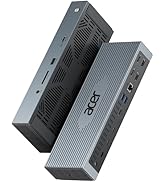
USB C Multiport HUB
USB Hubs