








CREATIVE DESIGN
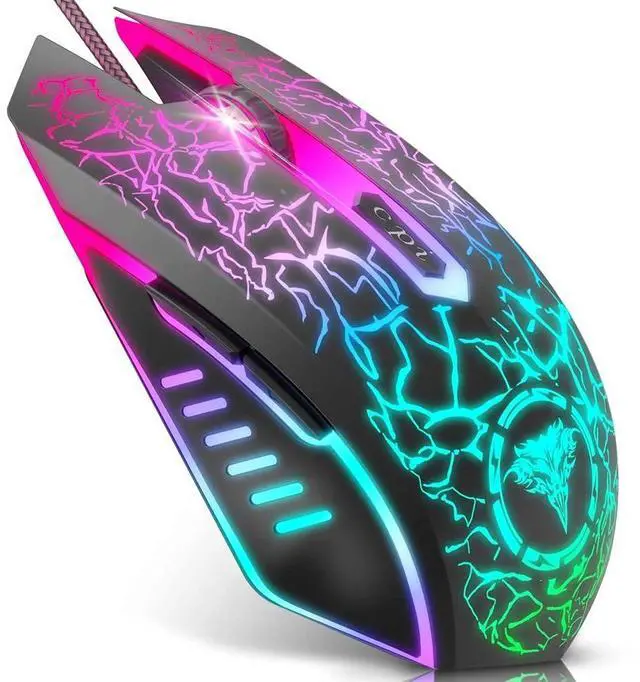
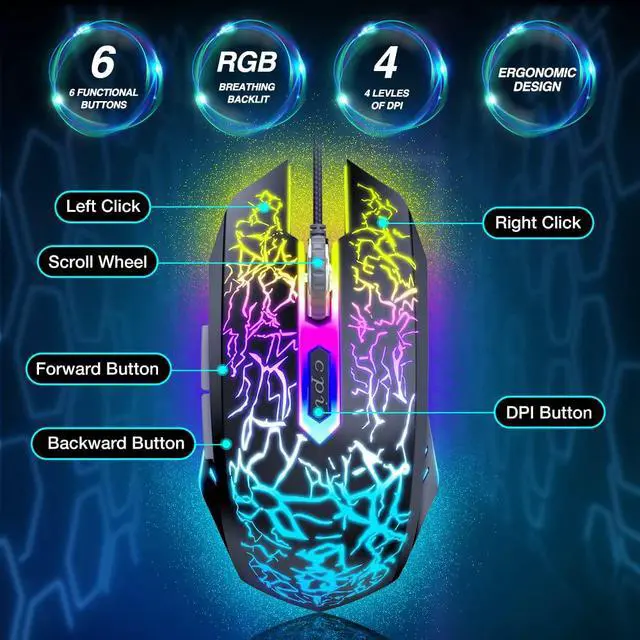
The LED light can be changed from multi colors to suit your games, style and different environment.
REDUCES FRICTION FOOTPAD
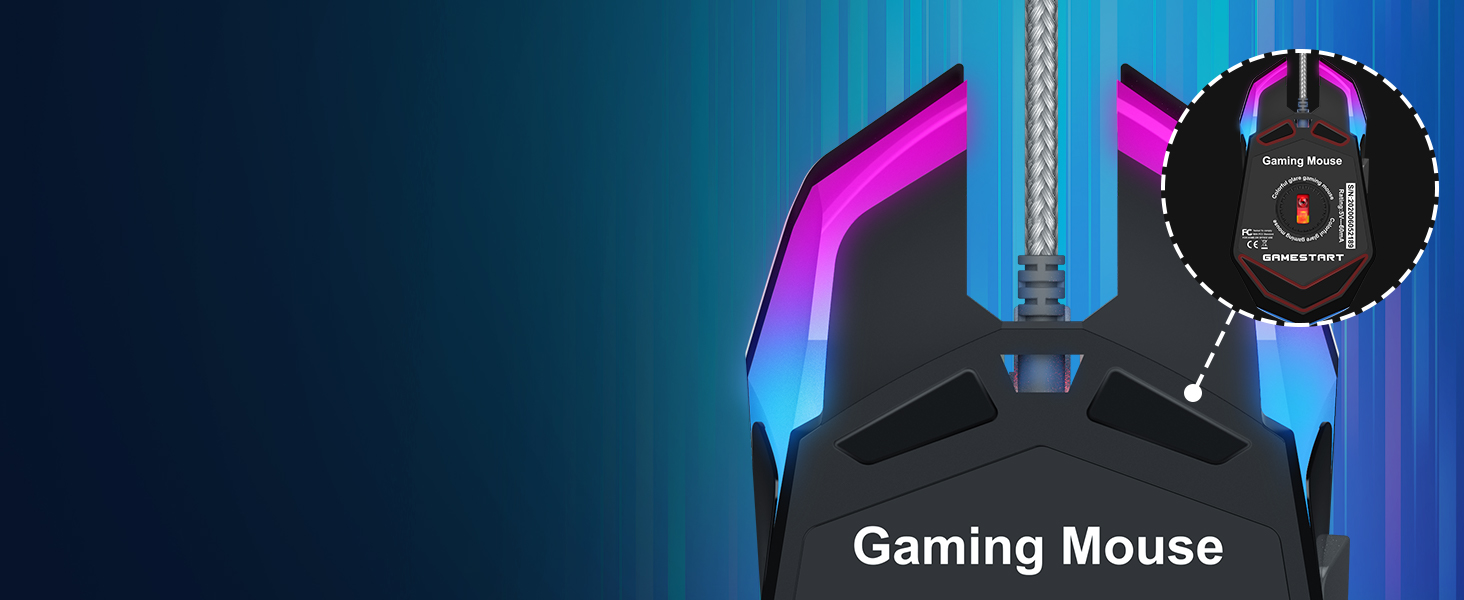
Offers you more smooth moving with low friction, promise your best and convenient using feeling.
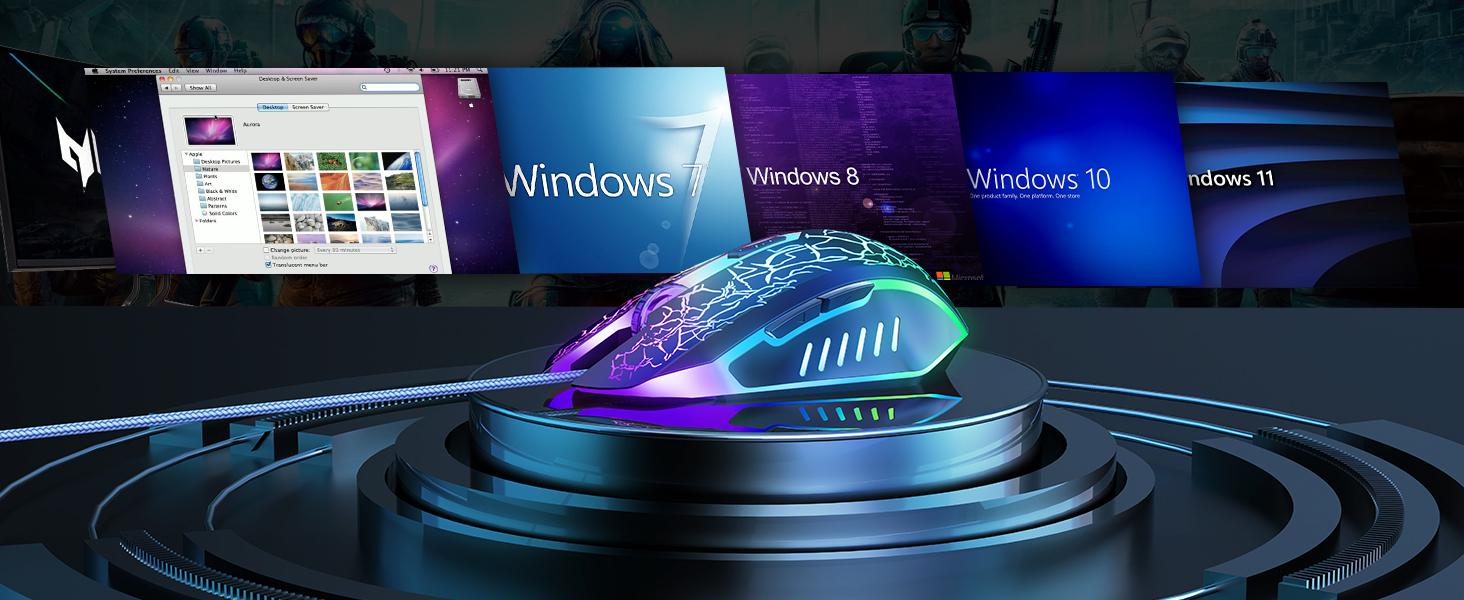
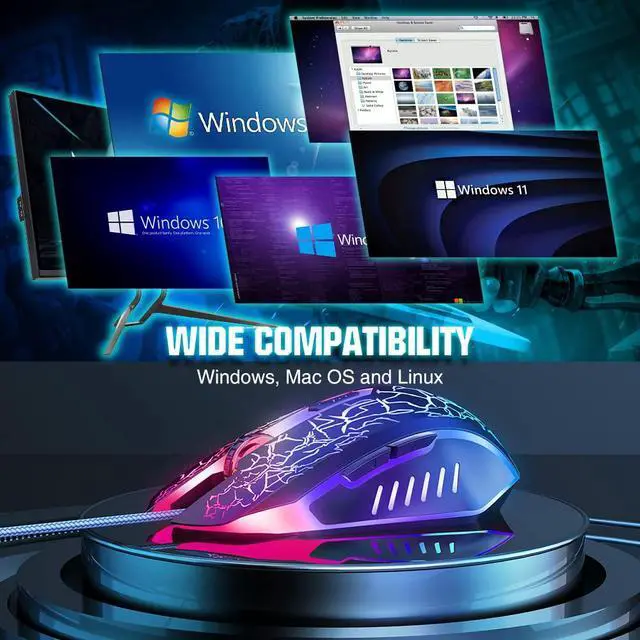
Compatible with WinXP/7/8/10. Adaptable for Notebook, PC, laptop, Computer, Macbook and so on.


Bengoo Mouse
 M1 Gaming Mouse |  M4 Gaming Mouse |  KM1 Wireless Gaming Mouse |  KM2 Wireless Gaming Mouse | |
|---|---|---|---|---|
Customer Reviews | — | — | — | — |
Price | — | — | — | — |
Connection | Wired | Wired | Wireless | Wireless |
Mouse Shape | Ambidextrous | Right-Handed | Right-Handed | Right-Handed |
Buttons | 6 | 7 | 6 | 7 |
Light Modes | 7 Breathing Lights | RGB | RGB | RGB |
DPI Levels | 1200-1600-2400-3600 | 800-1600-2400-3200-4800-8000 | 800-1200-1600 | 800-1600-3200 |
How do we get it to change colors?
When you plug it on, it starts out a randomly chosen color, then soon after it changes colors.
Can the light of the mouse be turned off?
The light of mouse will light up when it is plugged in. If you want to turn it off, please pull it out from the USB port.
What is the length of the mouse wire?
About 150cm (4.9ft)
Does it need any drivers?
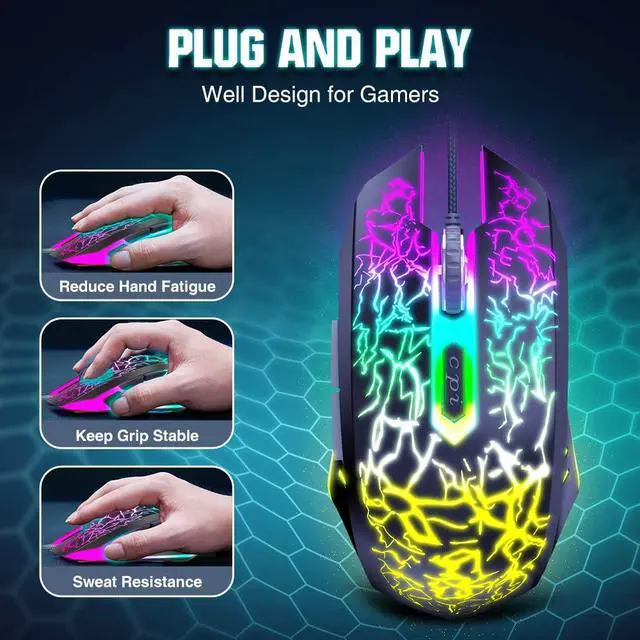
Just Plug and Play. NO additional software or firmware is required.

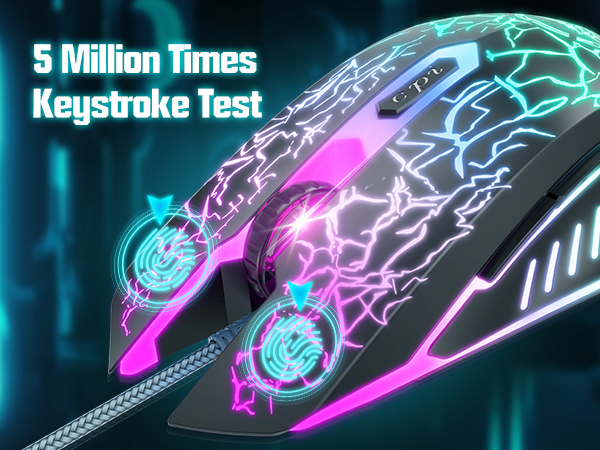
STRONG DURABILITY
5 million times keystroke test, makes sure a long-time using of the mouse, never worried that your mouse button would be broken easily.
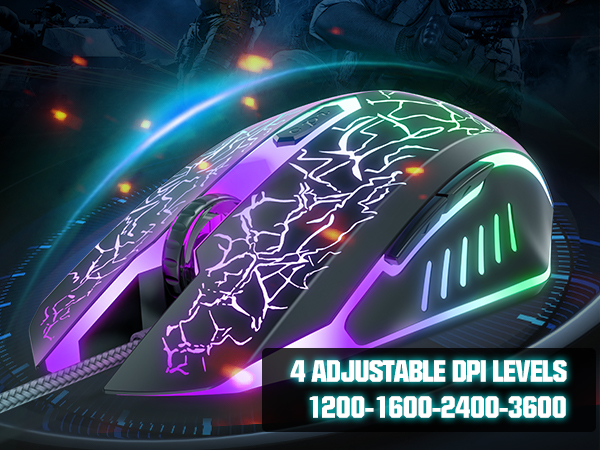
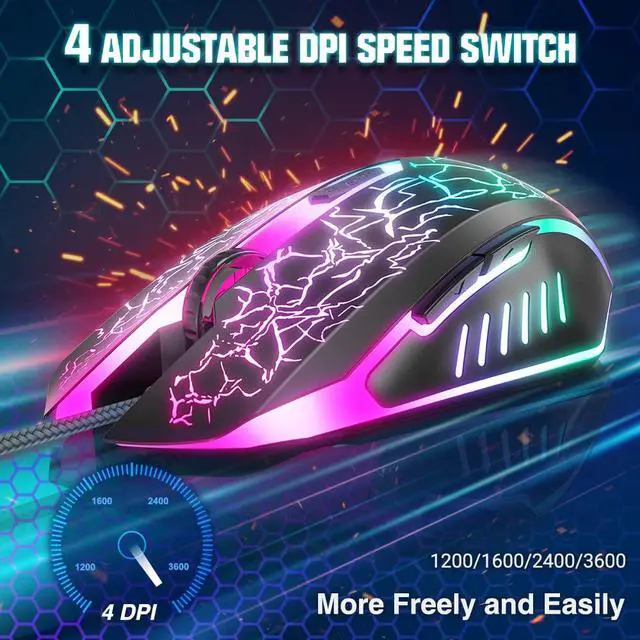
4 Adjustable DPI Levels
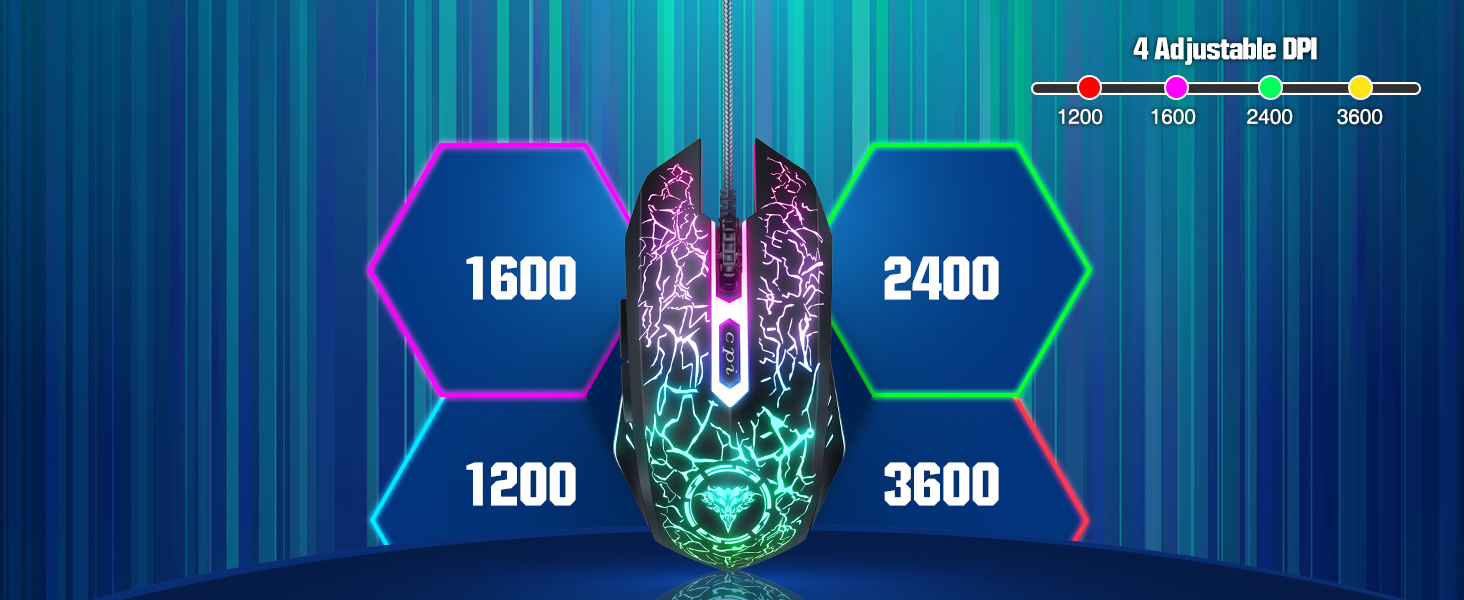
4 adjustable DPI speed Switch: 1200-1600-2400-3600, control the speed more freely and easily, bring you the fantastic gaming experience!!
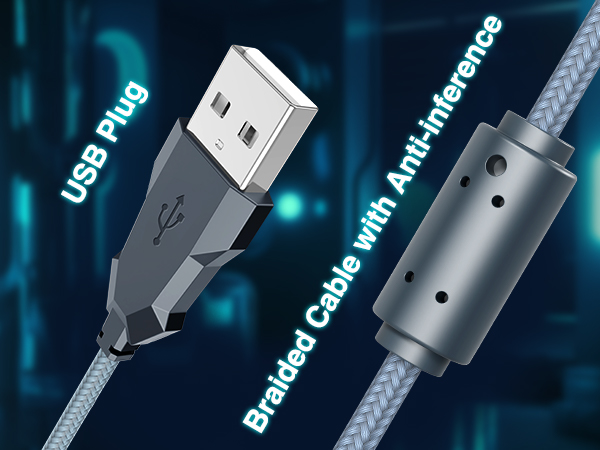
BRAIDED CABLE
Plug and play, durable braided cable with the anti-inference ring assures your better gaming experience.
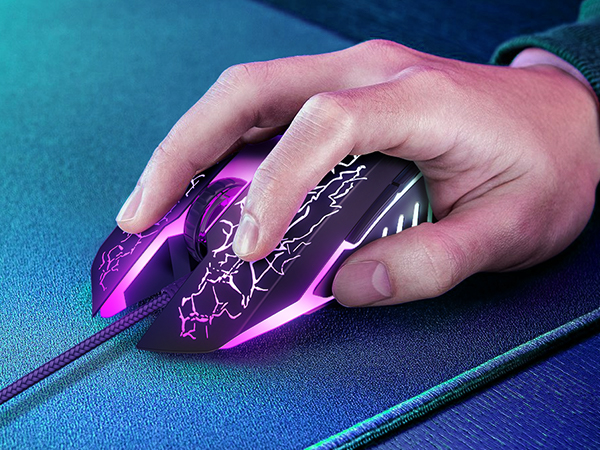
ERGONOMIC DESIGN
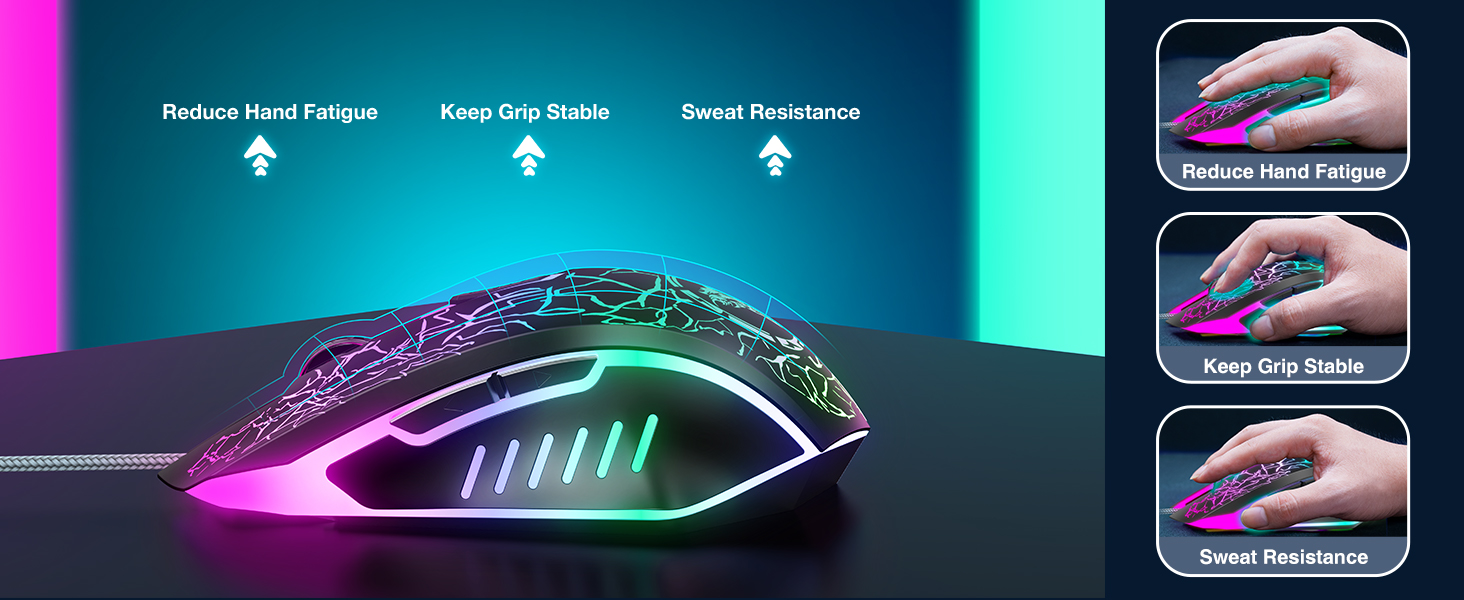
With ergonomic design, this mouse fits your hand perfectly. Never feel sick even in long-time wearing.

Smooth Scroll Wheel
Anti-skip scroll wheel offers you smooth and enjoyable using, enable to switch fast while gaming.
CREATIVE DESIGN
The LED light can be changed from multi colors to suit your games, style and different environment.
REDUCES FRICTION FOOTPAD
Offers you more smooth moving with low friction, promise your best and convenient using feeling.
Compatible with WinXP/7/8/10. Adaptable for Notebook, PC, laptop, Computer, Macbook and so on.


Bengoo Mouse
M1 Gaming Mouse | M4 Gaming Mouse | KM1 Wireless Gaming Mouse | KM2 Wireless Gaming Mouse |
|---|---|---|---|
| Customer Reviews | |||
| — | — | — | — |
| Price | |||
| — | — | — | — |
| Connection | |||
| Wired | Wired | Wireless | Wireless |
| Mouse Shape | |||
| Ambidextrous | Right-Handed | Right-Handed | Right-Handed |
| Buttons | |||
| 6 | 7 | 6 | 7 |
| Light Modes | |||
| 7 Breathing Lights | RGB | RGB | RGB |
| DPI Levels | |||
| 1200-1600-2400-3600 | 800-1600-2400-3200-4800-8000 | 800-1200-1600 | 800-1600-3200 |
How do we get it to change colors?
When you plug it on, it starts out a randomly chosen color, then soon after it changes colors.
Can the light of the mouse be turned off?
The light of mouse will light up when it is plugged in. If you want to turn it off, please pull it out from the USB port.
What is the length of the mouse wire?
About 150cm (4.9ft)
Does it need any drivers?
Just Plug and Play. NO additional software or firmware is required.