




 here!
I’m your shopping assistant for PC builds, upgrades, and everything tech.
Got questions? Ask away!
Start a conversation
here!
I’m your shopping assistant for PC builds, upgrades, and everything tech.
Got questions? Ask away!
Start a conversationShipped by Newegg
 Hot Seller

Make informed decisions with expert advice. Learn More

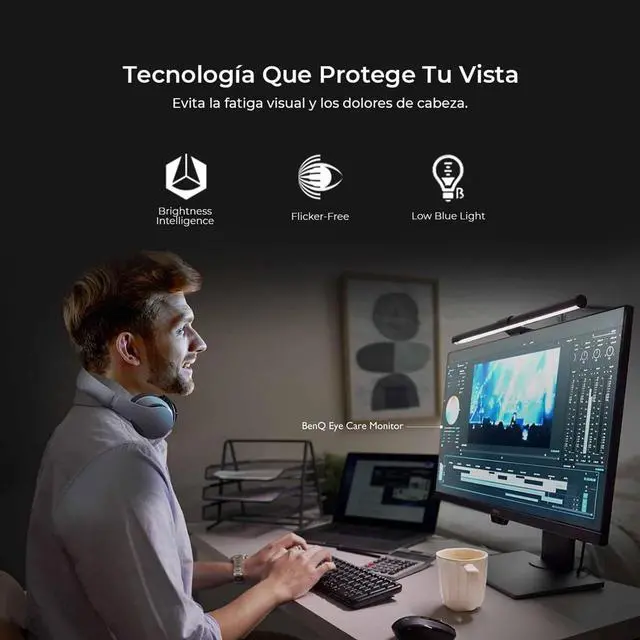



Any questions? Ask CelesteSM will help you find out quickly.
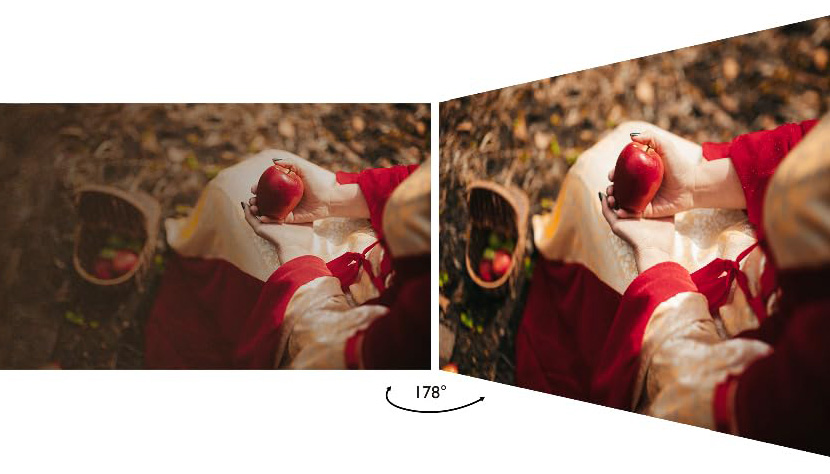
IPS (In-Plane Switching) Technology ensures accurate color and image reproduction from any angle. Expansive 178° horizontal and vertical viewing angles ensure uniform viewing from above, below, and either side.
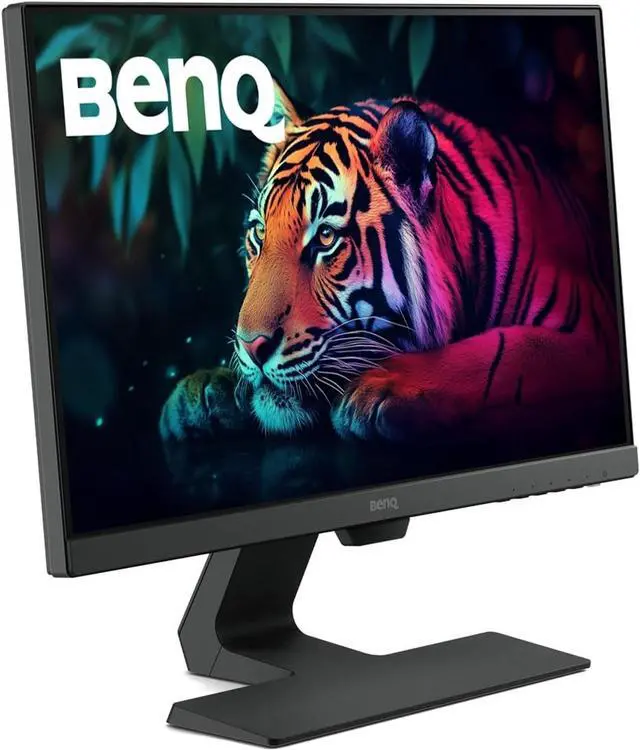
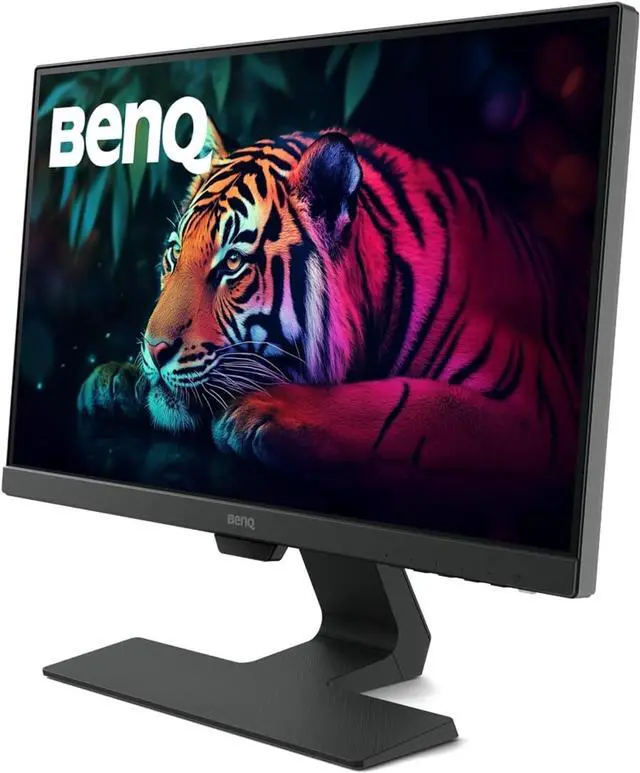
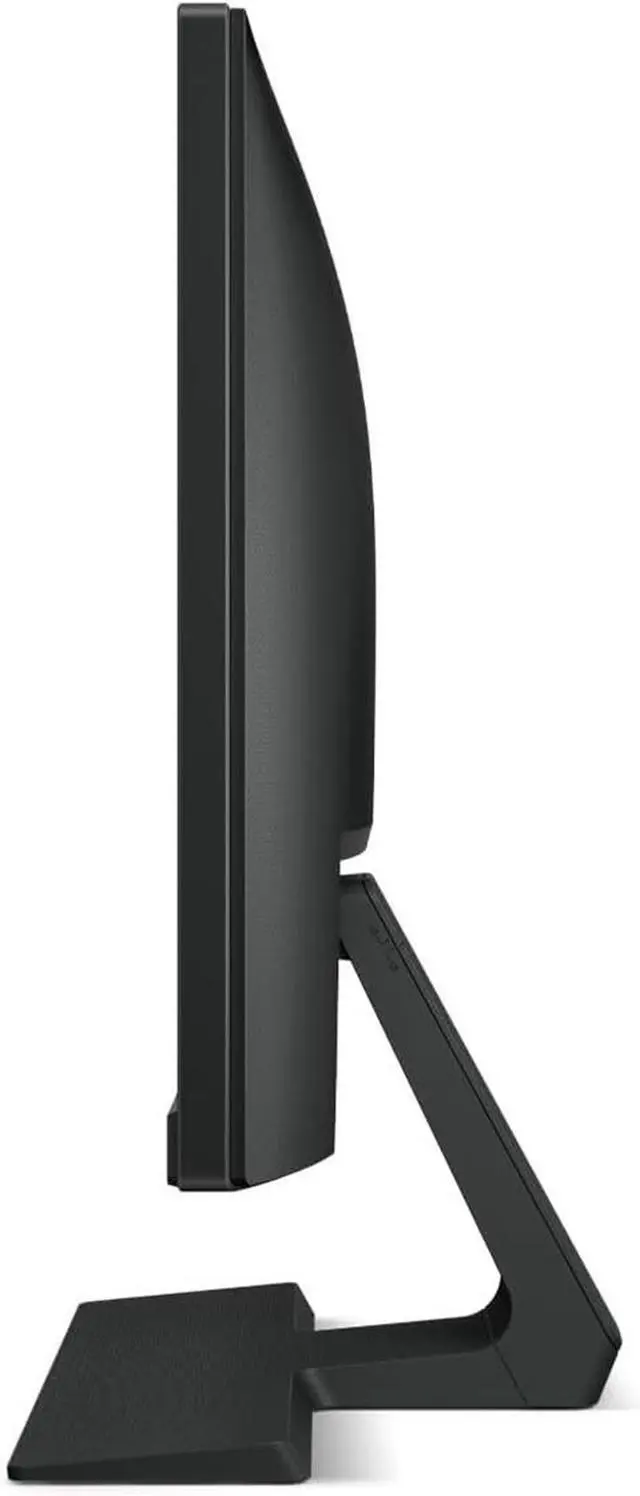
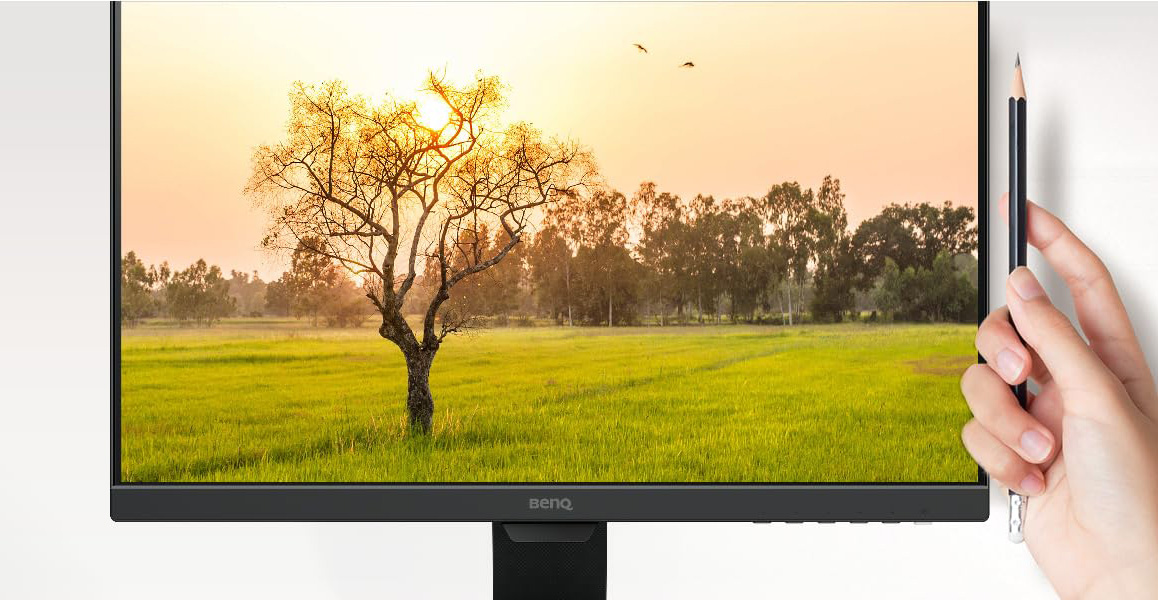
The edge-to-edge panel boasts ultra slim bezels and an elegant profile.
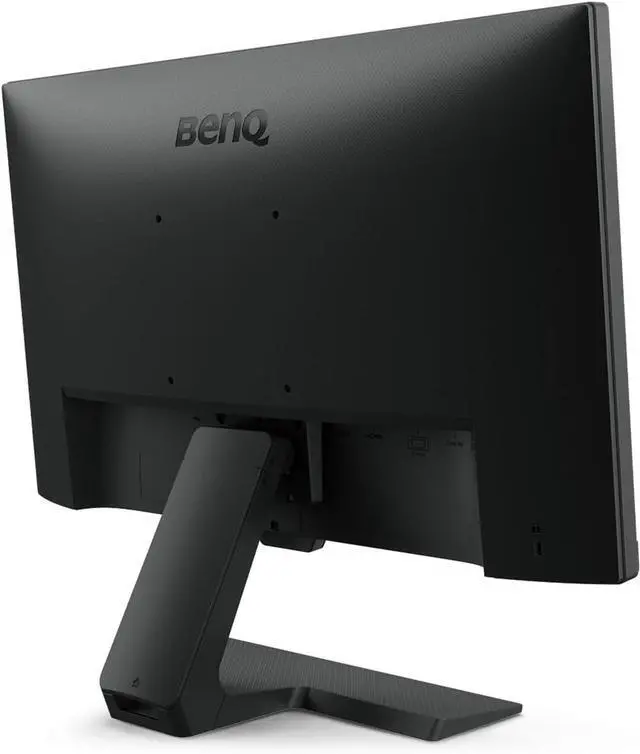
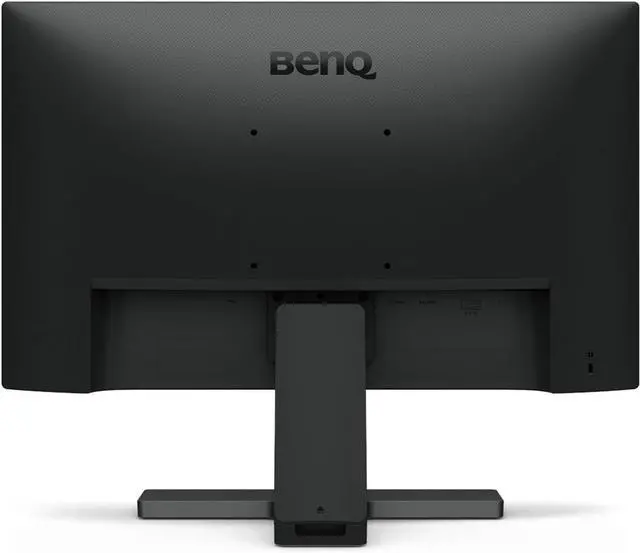
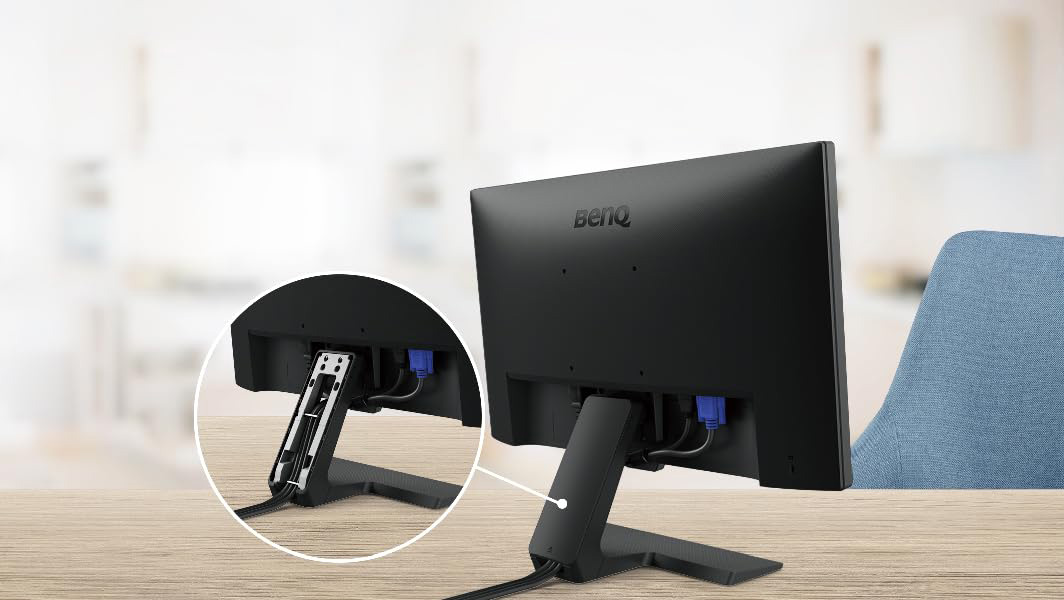
Neatly hide cables inside the stand’s invisible compartment for a clean look.
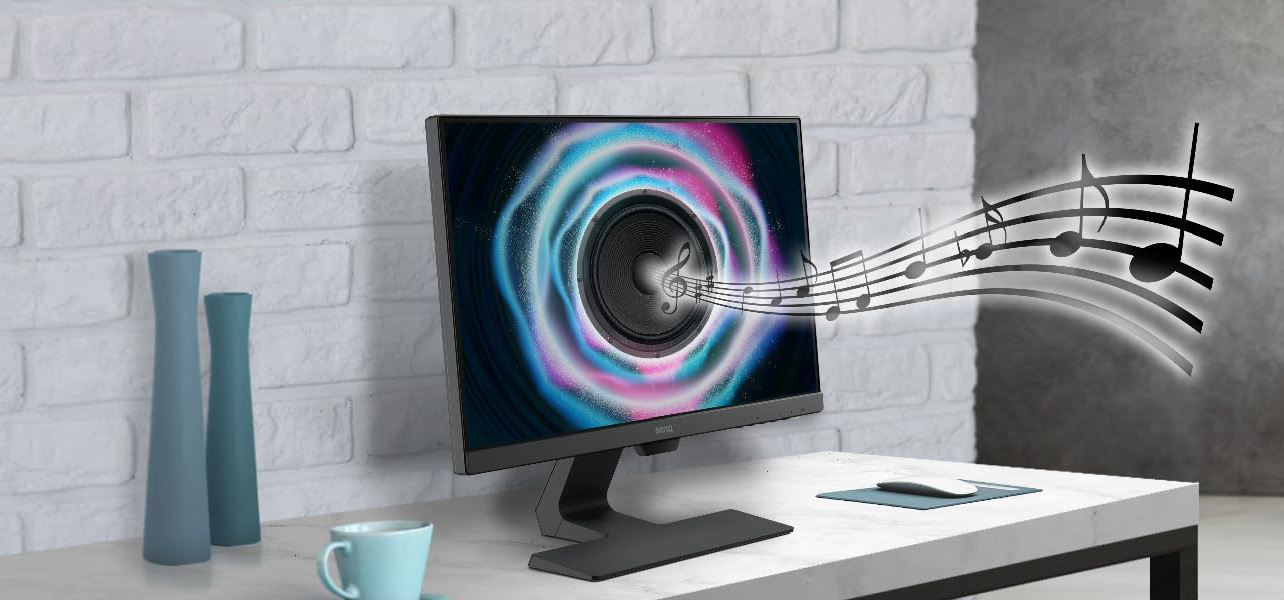
Two built-in speakers deliver audio to enhance your computer experience.
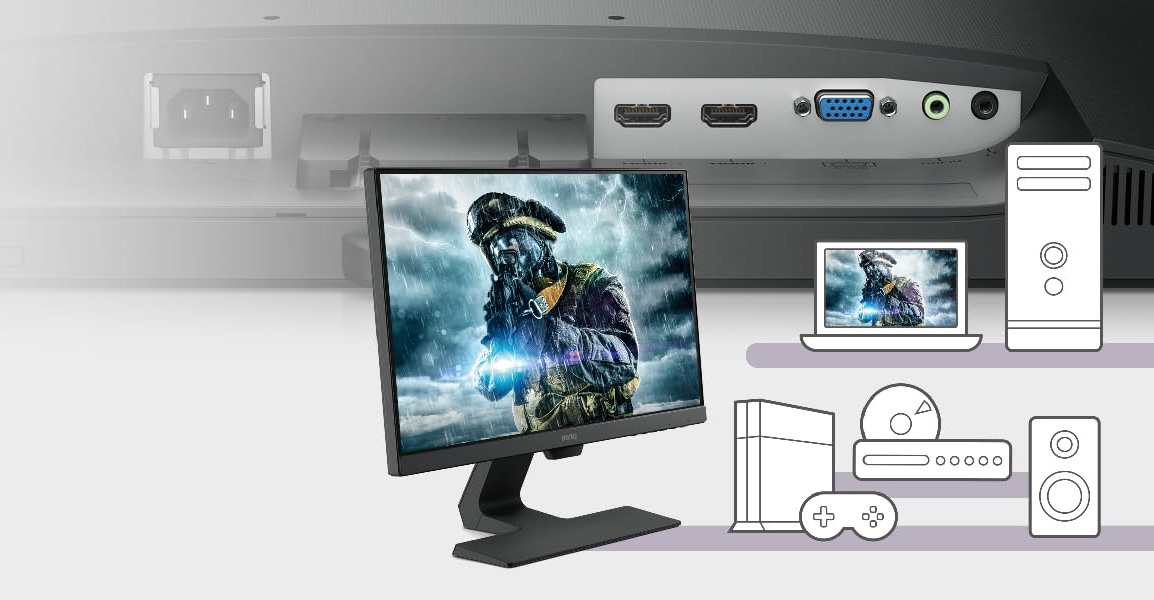
Two HDMI ports make it easy to switch between media sources without troublesome plug in and plug out.
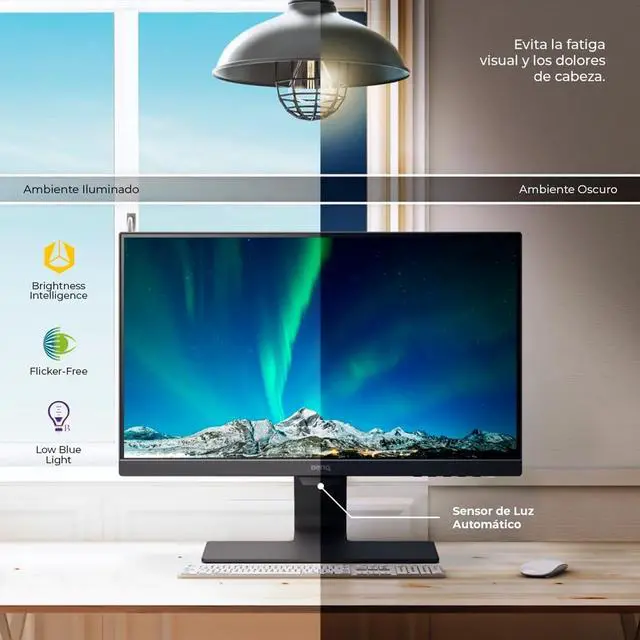
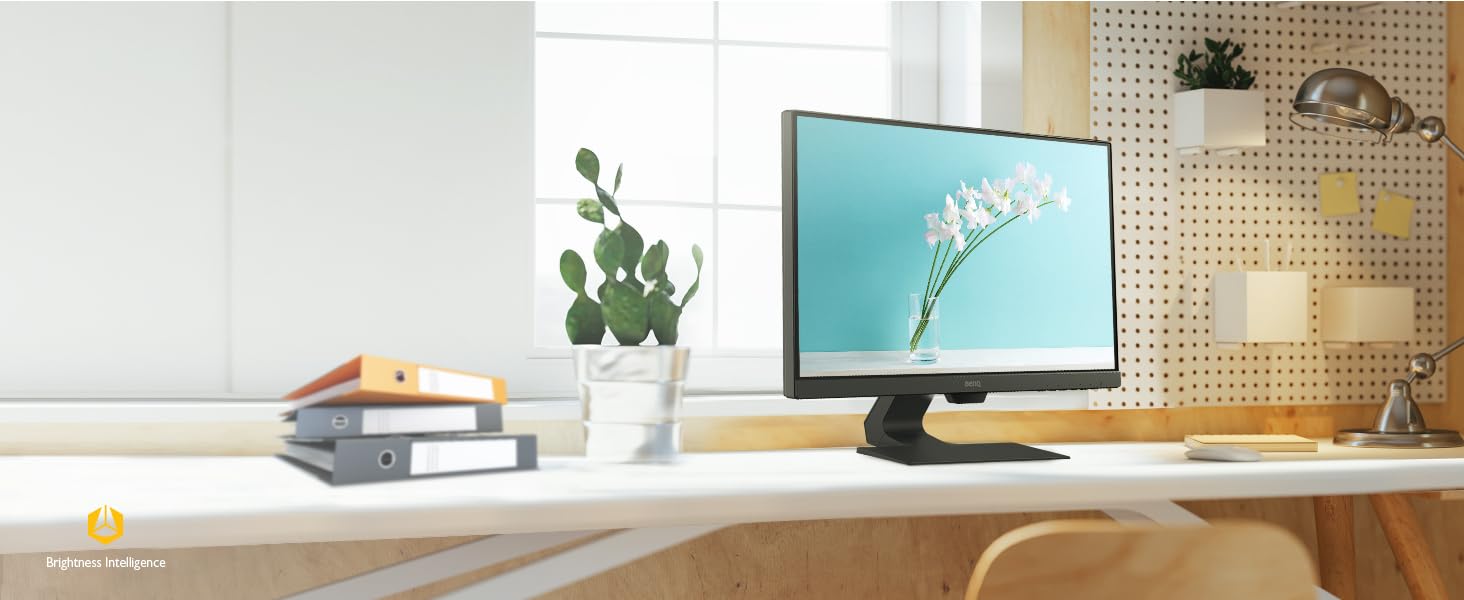
Brightness Intelligence assesses the lighting in your viewing environment and actively adjusts your display for the most comfortable viewing experience possible.
We want to ensure your holiday shopping this year is hassle-free. That’s why we’re automatically extending our return policies on almost every product! For purchases placed between November 1st, 2026 and December 31, 2026 you will have until January 31, 2027 to return your product.
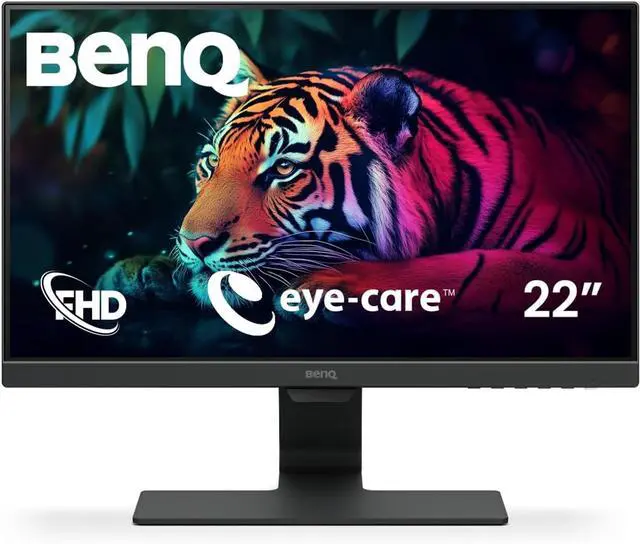
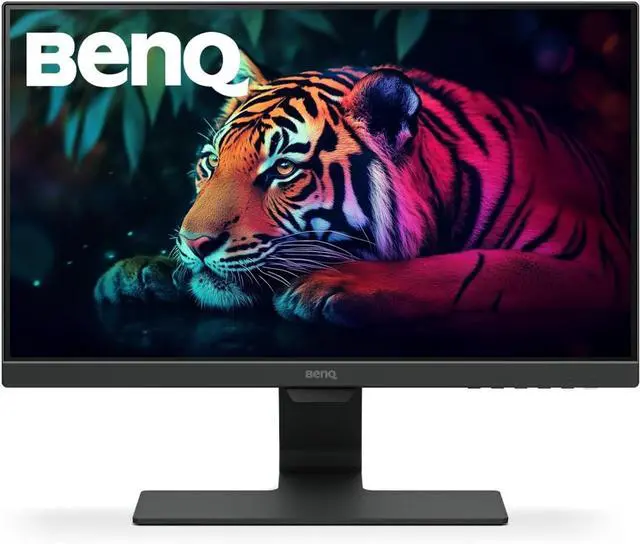
The BenQ GW2283 is a 21.5-inch Full HD IPS monitor for home and office users who want a clear everyday display, wide viewing angles, and eye-care features such as Brightness Intelligence and flicker-free technology.
| Attribute | Value |
|---|---|
| Best For | Personal home or office use, including work, learning, and everyday media viewing, with an IPS Full HD display and built-in speakers |
| Panel And Resolution | 22-inch-class flat IPS LCD with a 21.5-inch actual screen, 1920 × 1080 Full HD resolution, 16:9 aspect ratio, LED backlight, 178° horizontal and vertical viewing angles, 16.7 million colors, 250 cd/m² brightness, and 1,000:1 native contrast ratio |
| Refresh Rate And Response | 60Hz refresh rate with a 5ms gray-to-gray response time; FreeSync adaptive sync is listed |
| Ports And Connectivity | Two HDMI 1.4 ports and one D-Sub (VGA) input; no USB ports |
| Display Features | Brightness Intelligence, Eye-Care, Flicker-Free, and Low Blue Light features; TUV Flicker-free and TUV LBL approvals |
| Audio Setup | Built-in stereo speakers rated at 2 × 1W |
| Stand And Ergonomics | Fixed stand with -5° to 20° tilt adjustment; compatible with 100 × 100mm VESA mounting |
| Power And Efficiency | 100–240 VAC, 50/60Hz power supply; 25W on-mode and 16W Energy Star power consumption; Energy Star 7.0 compliant |
| Physical Dimensions And Weight | 15.42 × 19.27 × 7.20 inches; 8.16 lb |
| Model Identifiers | BenQ GW2283, black |
Q: BenQ GW2283 vs GW2490: which should I choose for everyday work?
A: Choose the GW2283 for a compact 21.5-inch Full HD IPS display with dual HDMI inputs. Choose the GW2490 if you prefer a larger 23.8-inch screen, a 100Hz refresh rate, and 99% sRGB coverage. Both are Full HD IPS monitors with BenQ eye-care features.
Q: BenQ GW2283 vs GW2480: which gives me more screen space?
A: The GW2480 has the larger display at 23.8 inches, compared with the GW2283’s 21.5 inches; both are Full HD IPS monitors with a 60Hz refresh rate. Choose the GW2283 for a more compact screen and dual HDMI inputs, or the GW2480 for its larger viewing area and HDMI, DisplayPort, and VGA connectivity.
Q: BenQ GW2283 vs GW2280: what changed between these 21.5-inch monitors?
A: Both models offer a 21.5-inch Full HD display, 60Hz refresh rate, built-in speakers, and dual HDMI inputs. The GW2283 uses an IPS panel, while the GW2280 uses a VA panel. Choose the GW2283 for its IPS panel and the GW2280 if you prefer a VA-panel display.
Q: Is the BenQ GW2283 suitable for everyday office or school work?
A: Yes. Its 21.5-inch IPS screen, 1920 × 1080 resolution, wide viewing angles, and eye-care features suit everyday documents, browsing, and study. The screen is relatively compact, and the stand tilts but does not offer height adjustment.
Q: Can I use the built-in speakers for video meetings?
A: The monitor has built-in 2 × 1 W speakers for listening to meeting audio. The listed specifications do not include a webcam or microphone, so use separate peripherals if you need them for calls.
Q: Is this monitor suitable for gaming?
A: It can handle casual gaming, but it is not a high-refresh-rate display. The supplied specifications list 60Hz and a 5 ms response time; the product description also mentions 75Hz, so verify the exact listing before buying if refresh rate matters to you.
Q: Is the GW2283 practical to take on work trips?
A: It is better suited to a desk than travel. It weighs about 8.16 lb with a stand and uses AC power; it is not described as a portable, USB-powered monitor.
Q: Is the BenQ GW2283 suitable for office work or online classes?
A: It is a reasonable fit for everyday work, study, browsing, and video viewing: it has a 21.5-inch 1080p IPS display, and users have discussed using it for online classes and home-office tasks. Its 60Hz refresh rate and Full HD resolution are basic rather than aimed at demanding creative or high-performance work.
Q: Can the GW2283 work as a vertical second monitor?
A: Yes, with a VESA-compatible mount that can rotate the display; the monitor supports a 100 × 100 mm VESA mount. Its included stand is tilt-adjustable, so it does not provide vertical rotation by itself. A Reddit user reports using it vertically for chat and documents.
Q: Are the built-in speakers good enough, or will I need external audio?
A: The built-in 2 × 1W speakers can provide basic sound, but a GW2283 reviewer described their audio quality as limited. For clearer or fuller sound, plan to use headphones or external speakers.
Q: Is the GW2283 a good choice for gaming?
A: It can suit casual gaming, but the listed specification is 60Hz, so it is not a high-refresh gaming monitor. Reddit users discuss overclocking this model, but that is not a guaranteed or listed operating specification; choose another monitor if reliably higher refresh rates are important.


